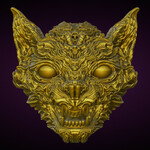
VDM Variety Brush Set
 Mindsigh13
in Sci Fi
Mindsigh13
in Sci Fi


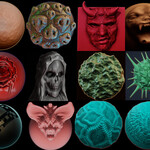
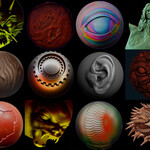
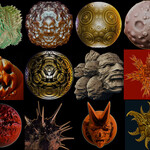
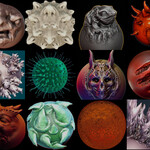
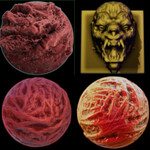
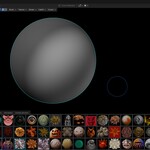
How do I Import Brushes into my Project?
Click on File at the top left of the Blender UI, then Append. Navigate to the Brushes .blend file and click it. Locate the Brush folder. Click it. Now chose which brushes you want to add to your project. (Tip: Hold Control to Append multiple brushes at once.) Click on Append. Now your brushes should show up in the "N" panel under Tool tab/ Brush Asset. Click on the Icon to choose different brushes.
Have questions about this product?
Login to message
Includes an Asset Library
80 drag-and-drop assets for Blender’s Asset Browser.
Browse included assets| Sales | 10+ |
| Dev Fund Contributor | |
| Published | about 1 year ago |
| Blender Version | 4.5 - 5.2 |
| Render Engine Used | Cycles, Eevee |
| License | Royalty Free |