 Domenas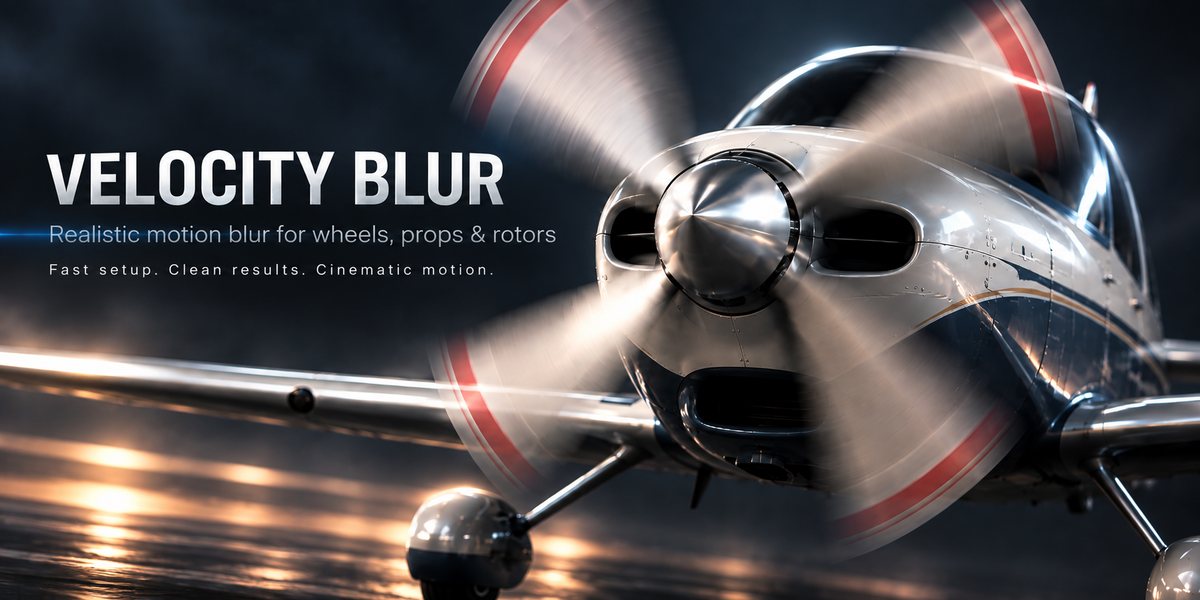
Velocity Blur — Quick Start
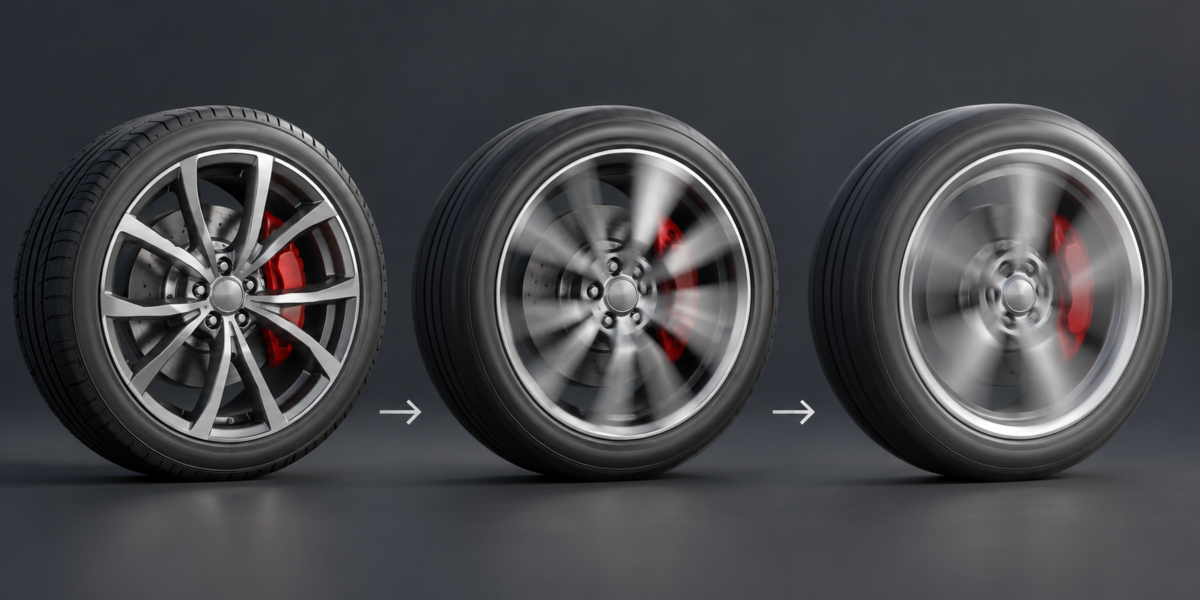
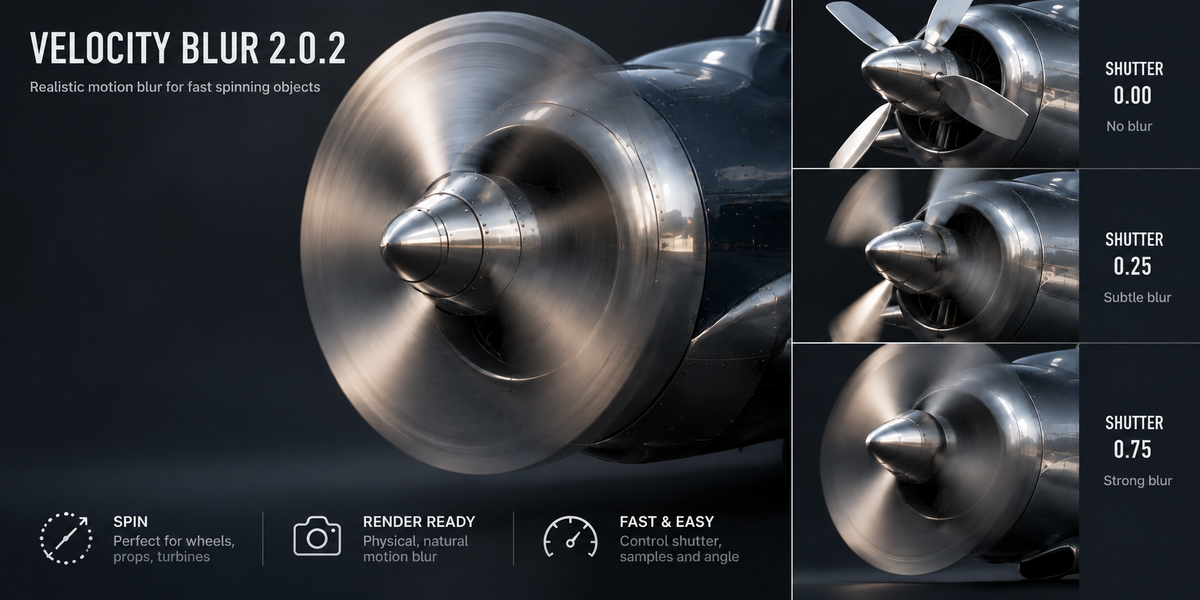
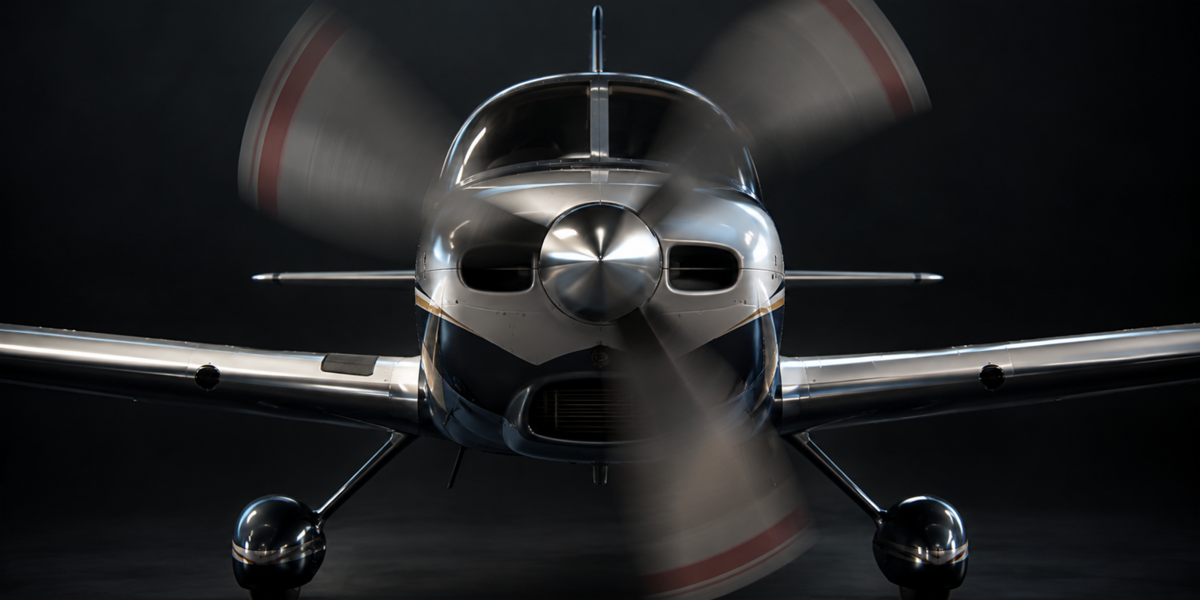
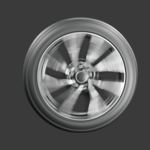
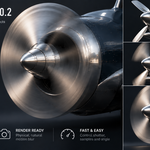
Velocity Blur is designed to create realistic motion blur for fast-moving and spinning objects in Blender.
Requirements
- Blender 4.5+
- Eevee or Cycles
Basic Workflow
- Select the object.
- Open the Velocity Blur panel.
- Choose a motion type or preset.
- Adjust shutter, samples and rotation settings if needed.
- Press APPLY / UPDATE or APPLY & RENDER.
Motion Types
- Linear
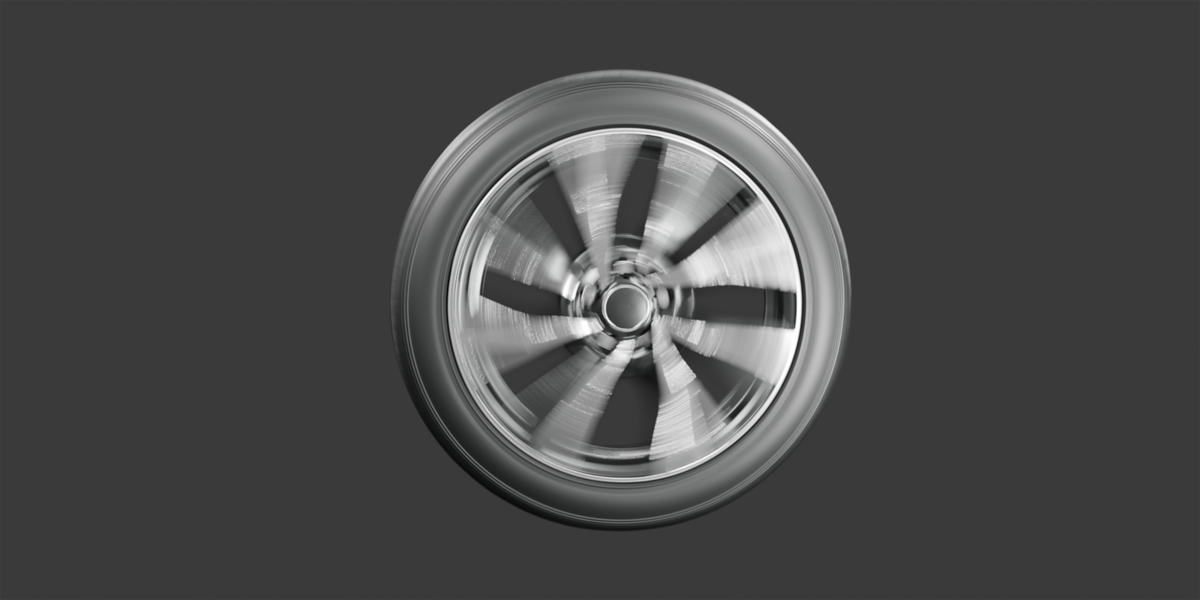
- Spin
- Radial
- Linear + Spin
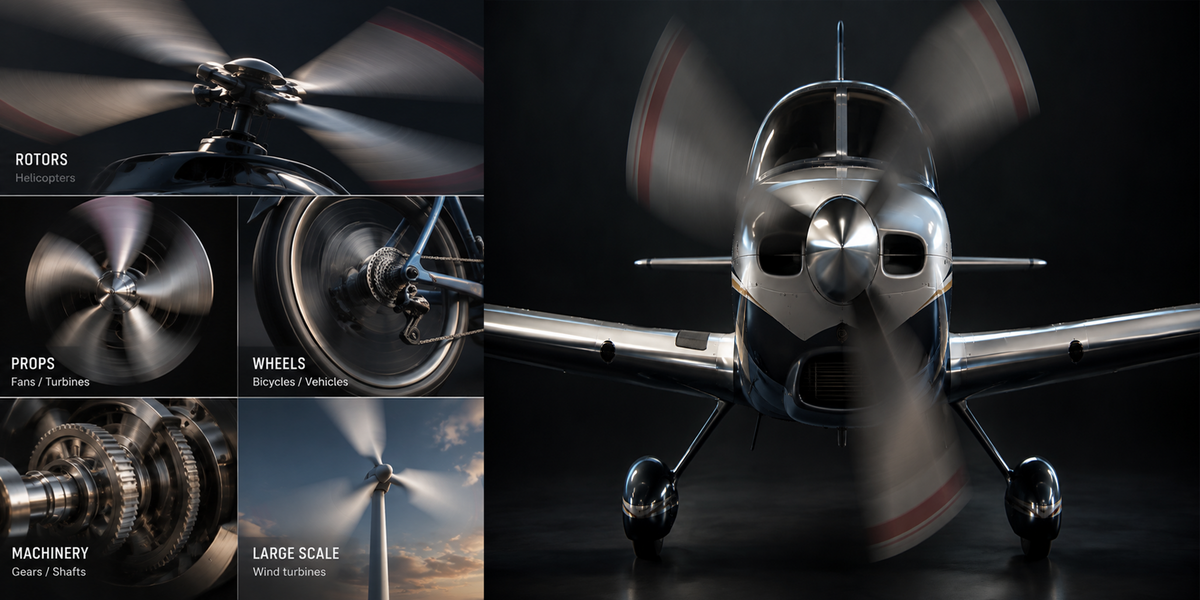
Typical Uses
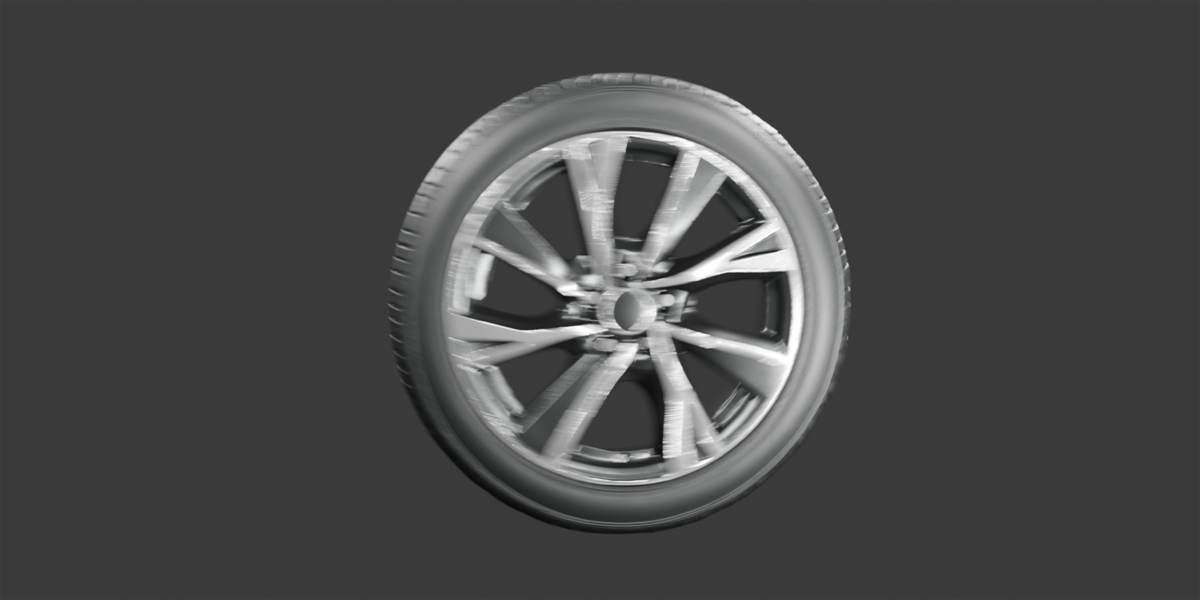
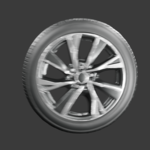
- Wheels
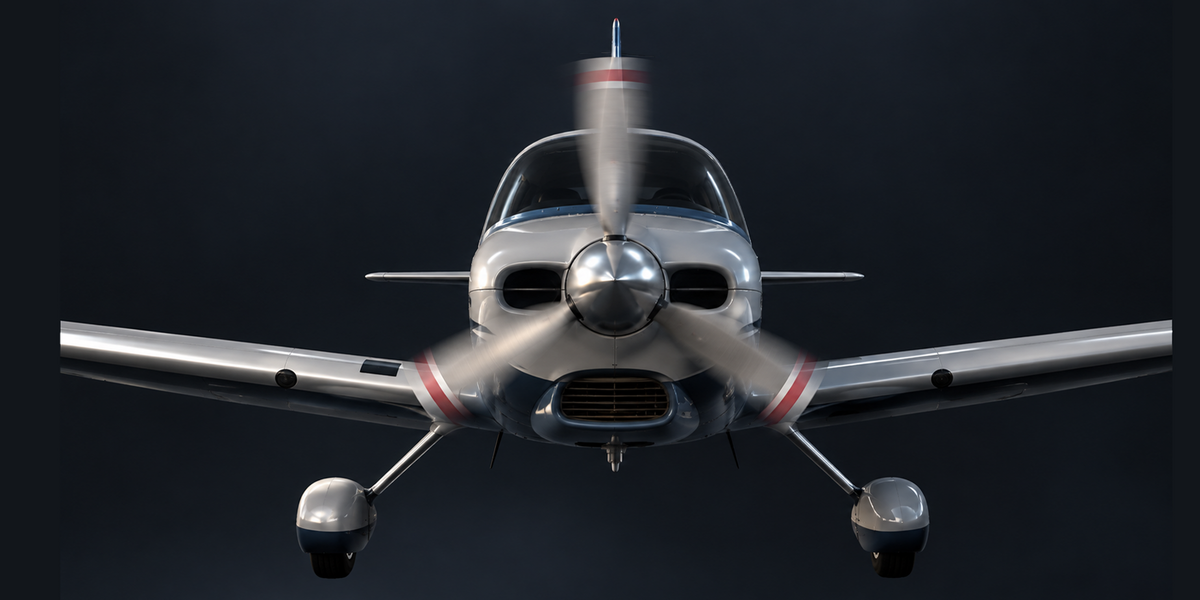
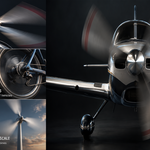
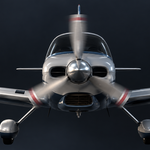
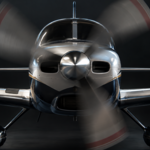
- Propellers
- Rotors
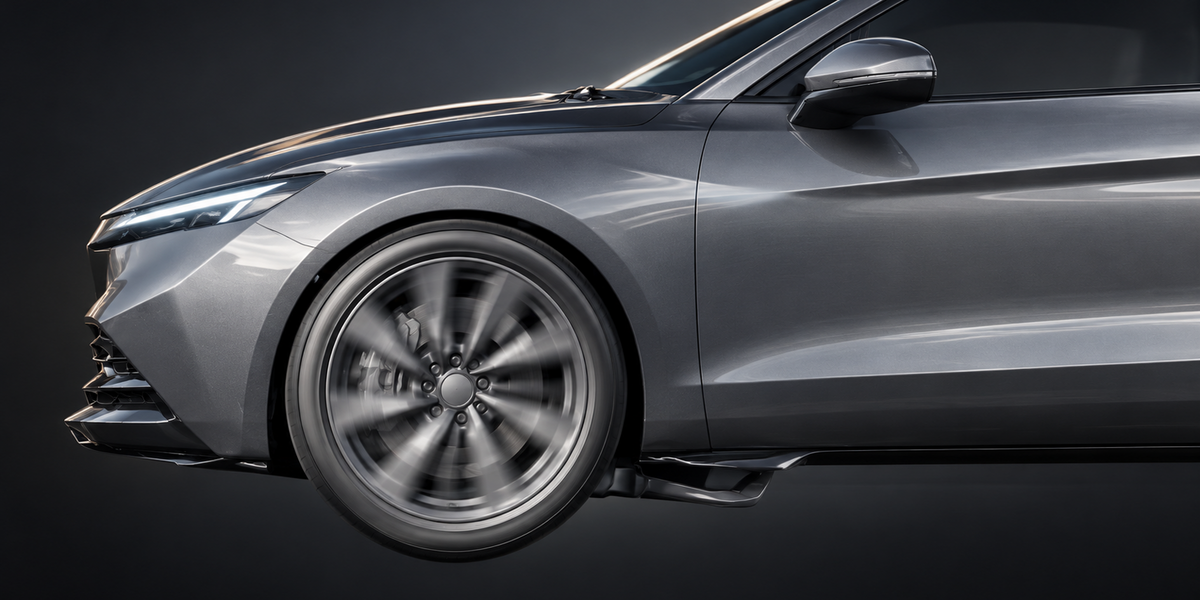
- Vehicles
- Aircraft
- Gears and shafts
- Other mechanical parts
Vehicle + Wheels
Use the Vehicle + Wheels setup when the vehicle body needs linear motion and the wheels need combined linear + spin motion.
For best results, start with moderate blur settings and increase them gradually until the motion looks natural.
Have questions about this product?
Login to message
| Blender Extension Compatible | Yes |
| Published | about 2 months ago |
| Blender Version | 4.5 |
| Extension Type | Add-on |
| Render Engine Used | Cycles, Eevee |
| License | GPL |

Discover more products like this
Motion Blur radial motion vehicles propeller machinery rotors wheels blender addon aircraft animation rendering spin