 GilaDDD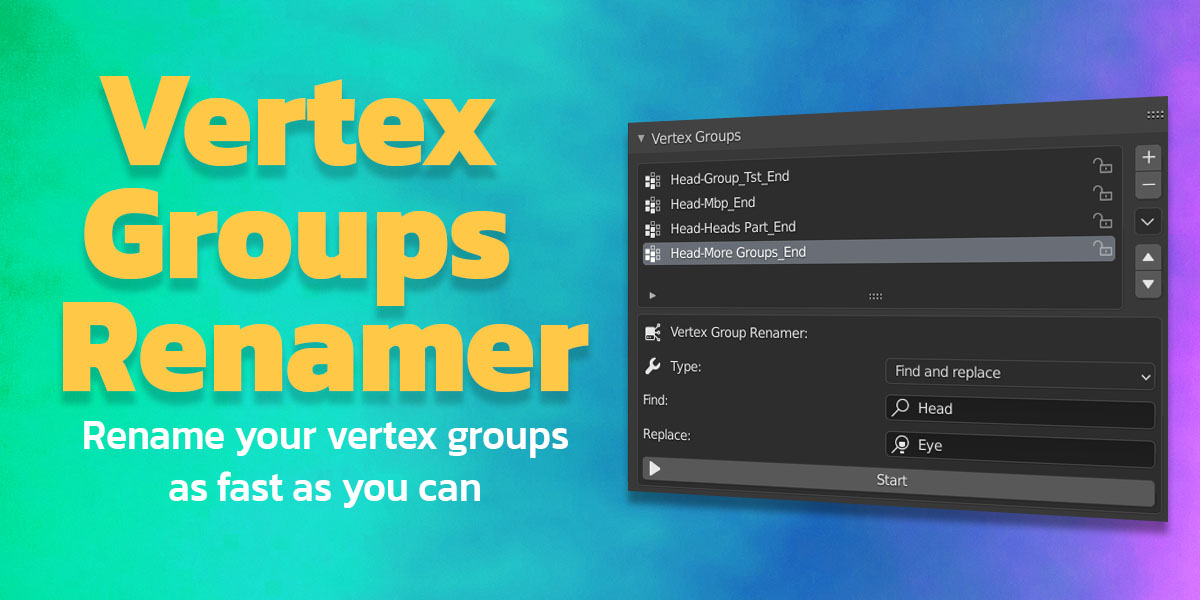
🧭 How to Use Vertex Group Renamer (VGR)
1. Open the Add-on Panel
After installing and enabling Vertex Group Renamer, open the Vertex Group Renamer panel in the Properties > Object Data tab (the one with the green triangle icon).
2. Select the Object
Choose the object that contains the vertex groups you want to rename.
3. Choose Your Operation
You can perform one or more of the following actions:
-
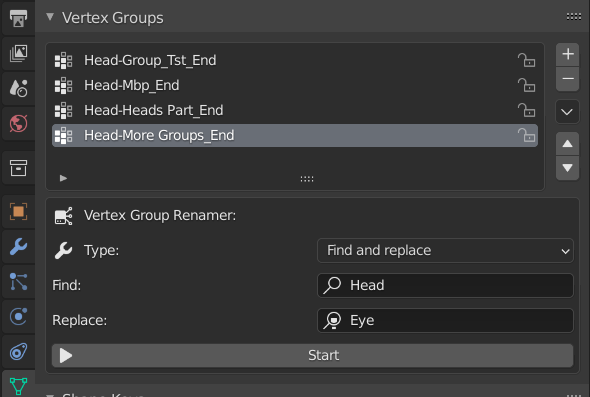
Find and Replace Replace specific text in all vertex group names.
Example: Replace"Left"with"L_"→Left_ArmbecomesL_Arm. -
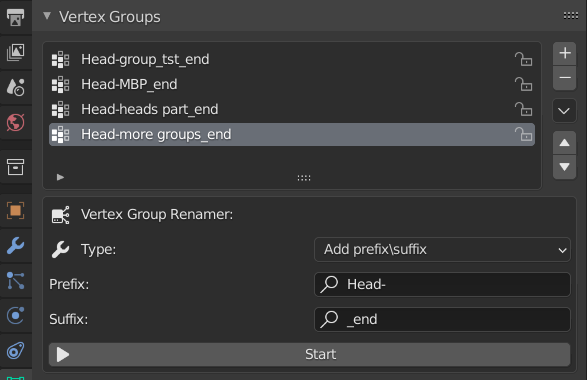
Add Prefix / Suffix Add text before or after all vertex group names.
Example: Prefix"Char_"→HeadbecomesChar_Head. -
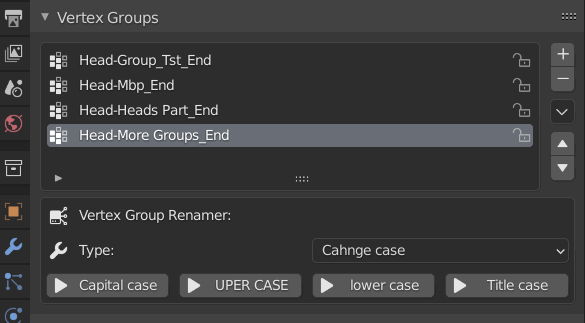
Change Case — Convert names to:
-
UPPERCASE
-
lowercase
-
Title Case (first letter capitalized)
-
Capitalize Each Word
-
4. Apply Changes
After setting your options, click “Rename” (or your button name if it’s different).
The add-on will automatically update all vertex group names for the selected object.
Have questions about this product?
Login to message

Discover more products like this
spring23 batch-rename bfcm23 summer24 renamer spring24 summer23 bcon22 winter24 bfcm22 smart renamer loveblender bfcm21 bfcm24 spring22 vertex group vertex groups summer22