PIXLOR





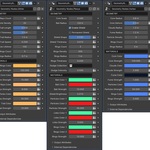
This product currently works correctly up to Blender 4.5.
This is not an add-on to install, but a collection of assets ready to be imported in Blender.
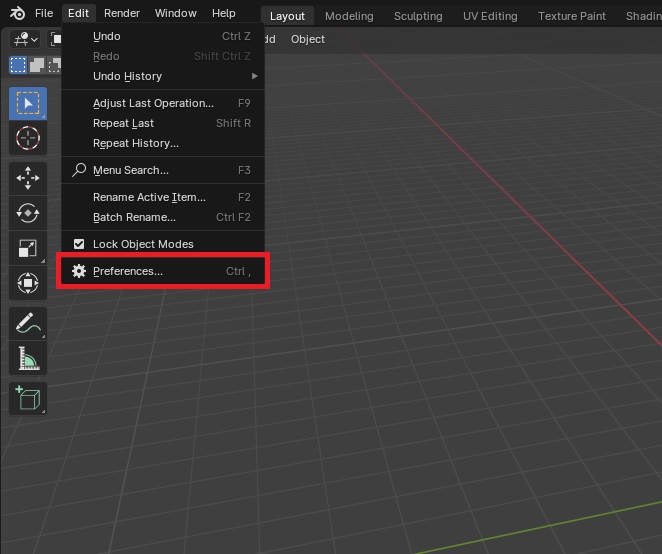
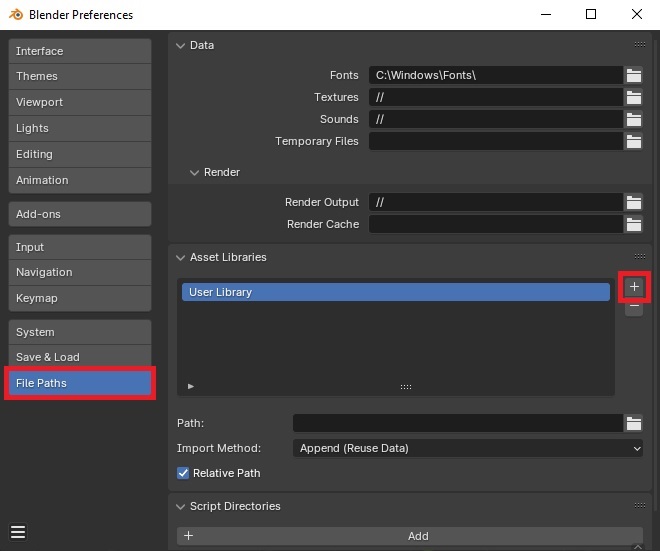
Unzip the downloaded file and add it to Asset Libraries. To do this, open the "Edit" panel and click "Preferences". Next, in the "File Paths" category, press the plus button and search for the unzipped file on your disk.
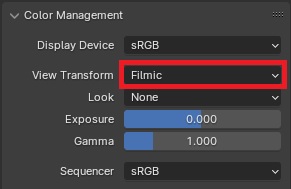
If you want your assets to look identical to the screenshots then set Color Management to “Filmic” and add Bloom effect.
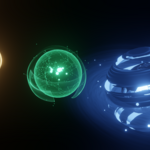
All orbs were created in Geometry Nodes. Each orb has a settings panel that allows you to change the geometry and materials.
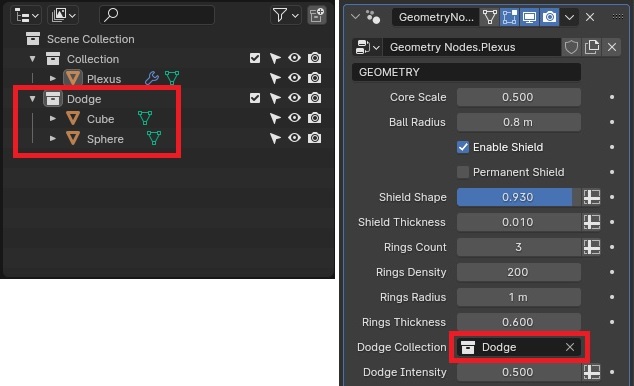
Plexus orb has the ability to avoid other objects. To do this you need to add these objects to a separate collection and then select this collection in the Plexus orb options.
All assets work in both EEVEE and Cycles.
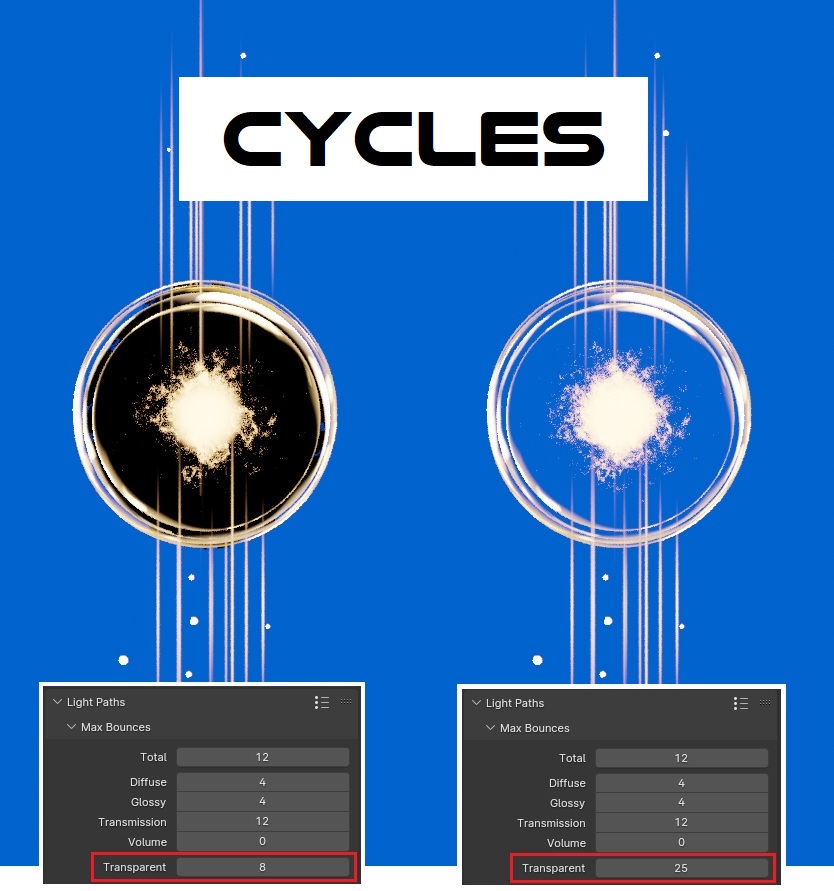
Materials have been adapted to work in both EEVEE and Cycles. However, when using Cycles, you may need to increase the Transparent value in the Light Paths option.