VFX Toolkit - The Ultimate Blender VFX Library
 Casey_Sheep


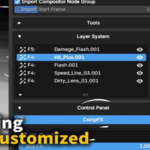
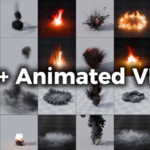

VFX Toolkit: Complete Workflow
Watch the complete workflow, from browsing and importing an effect to organizing layers and adjusting its controls.
LazyVFX VDB Asset Pack — Installation
If you purchased the Bundle, follow this video to install the LazyVFX VDB library and use it inside VFX Toolkit.
Presets Library
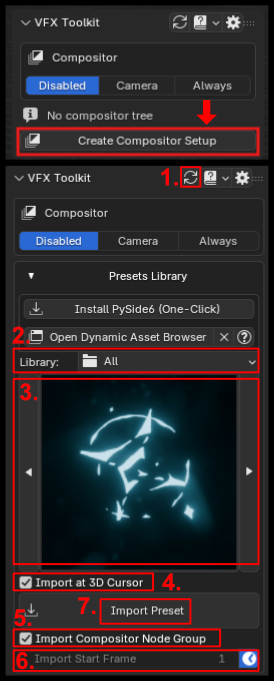
Browse and import the effects included with VFX Toolkit.
1. Reload Presets: Refresh the library after adding or updating preset files.
2. Library: Choose a category, or select All to browse the full built-in collection.
3. Thumbnail: Click the effect you want to import.
4. Import at 3D Cursor: When enabled, the effect is placed at the 3D Cursor. When disabled, it is placed at the scene origin.
5. Import Compositor Node Group: Add the preset's compositor effect when that preset supports it.
6. Start Frame: Choose when animated effects begin.
7. Import Preset: Add the selected effect to the current scene.
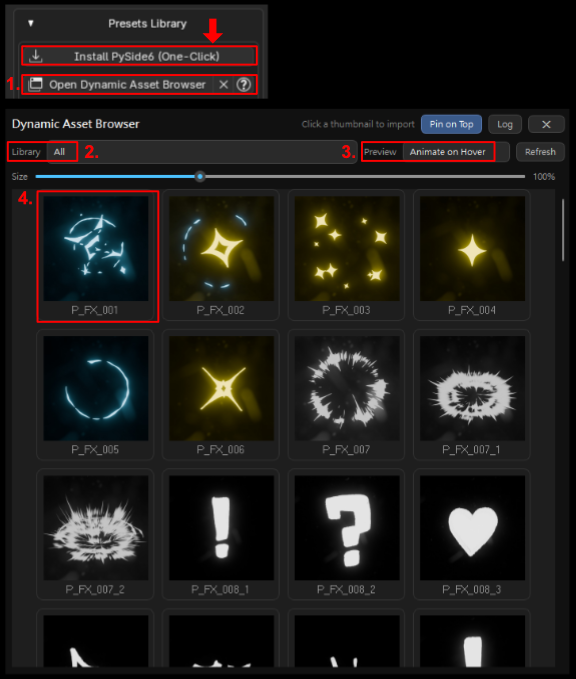
Dynamic Asset Browser
Use the separate browser window when you want larger thumbnails or animated previews.
1. Open Dynamic Asset Browser: Open or focus the preview window.
2. Library Menu: Switch between preset categories.
3. Preview Mode: Choose still previews, continuous animation, or animation on hover.
4. Click a Card: Import that asset through the same workflow as the sidebar.
5. Install Qt: If the browser cannot open, use the offered installation button, then restart Blender.
Layer System
Every imported effect appears as a layer so it can be managed without searching through the Outliner.
Click a layer row to select its main object and show its controls.
Use the visibility button to temporarily hide or show an effect.
Change the layer order, including the compositor stacking order.
Create an independent copy of the selected effect.
Move an animated layer so it begins at the chosen frame.
Delete the selected effect layer and its related scene objects.
Control Panel
Select an FX layer to see only the controls available for that effect.
Shaders: Adjust the look of the effect, such as color, brightness, density, or texture settings.
GNode: Adjust Geometry Nodes controls such as shape, scale, count, target objects, or collections.
CompFX: Adjust the compositor portion of the effect.
Start From Here: Set the selected animated effect to begin at the current timeline frame.
Tools & Pie Menu
Use quick controls for the active effect directly from the sidebar or the configurable pie menu.
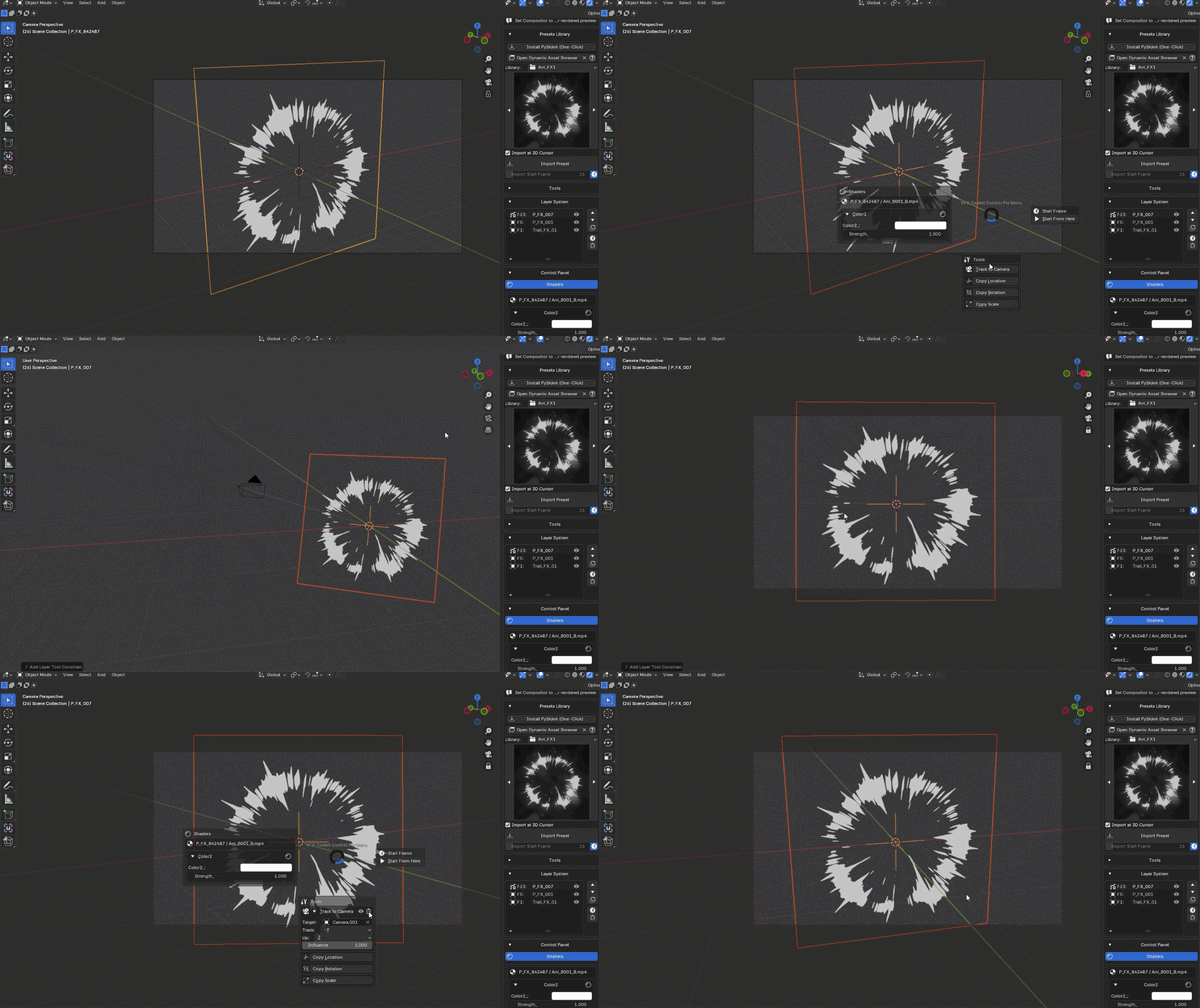
Track to Camera: Make the selected effect face the active camera.
Copy Location / Rotation / Scale: Follow another object's transform.
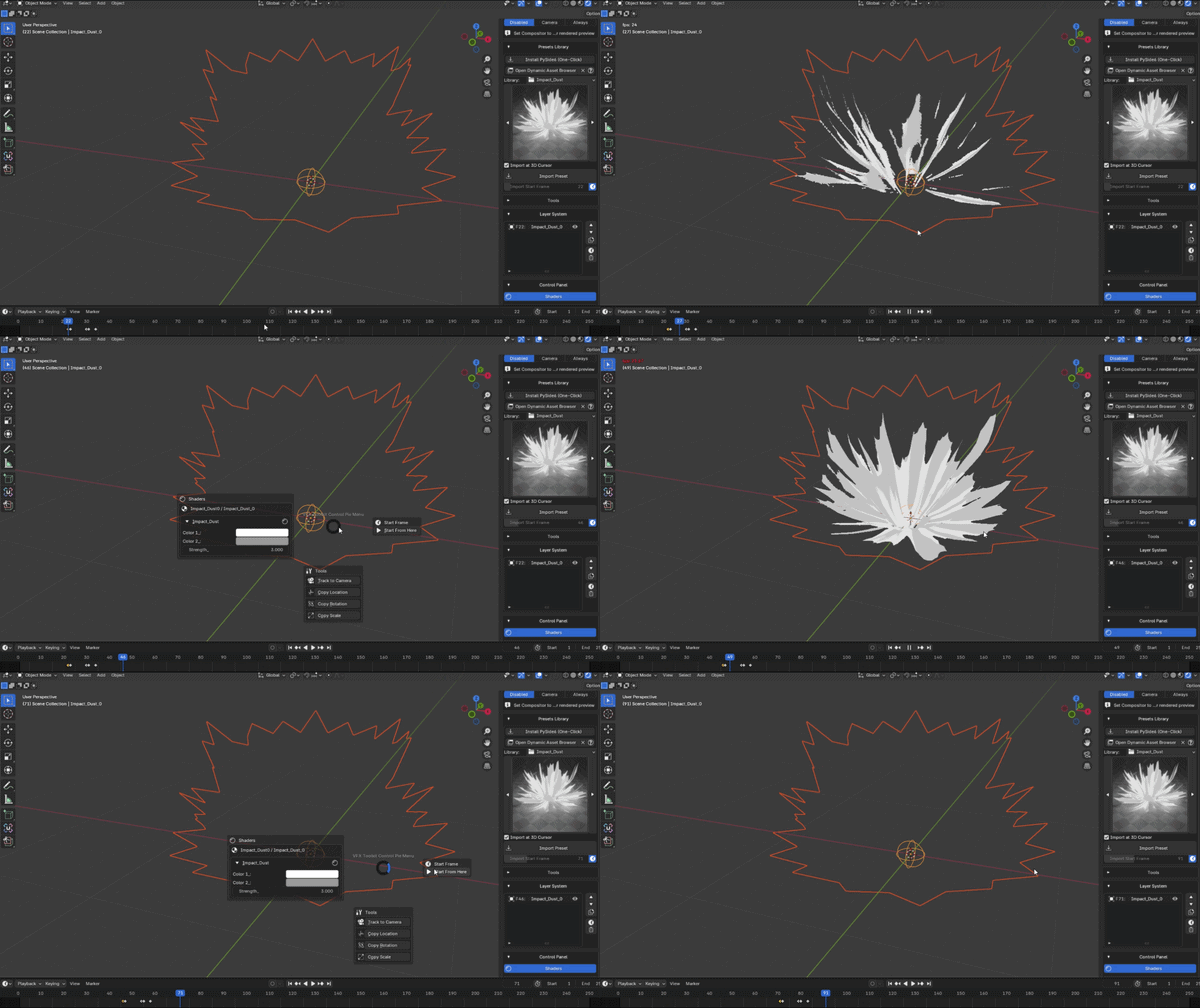
Control Pie Menu: Open fast access to the active layer's Shader, Geometry Nodes, CompFX, Start Frame, and tool controls.
Shortcut: Select a VFX object first, then press Ctrl + Left Click to open the Pie Menu.
Discover more products like this
animated vdb VFX vdb Blender VDB 3d vfx asset 3D Assets Library