Video Instinct
 Vikas Thakur
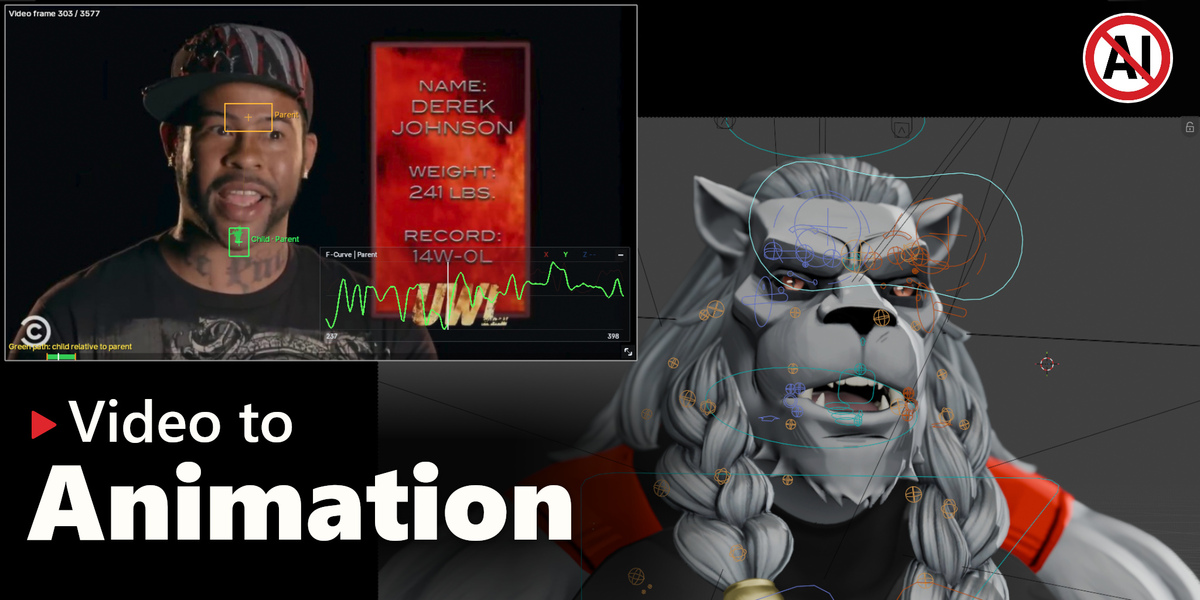
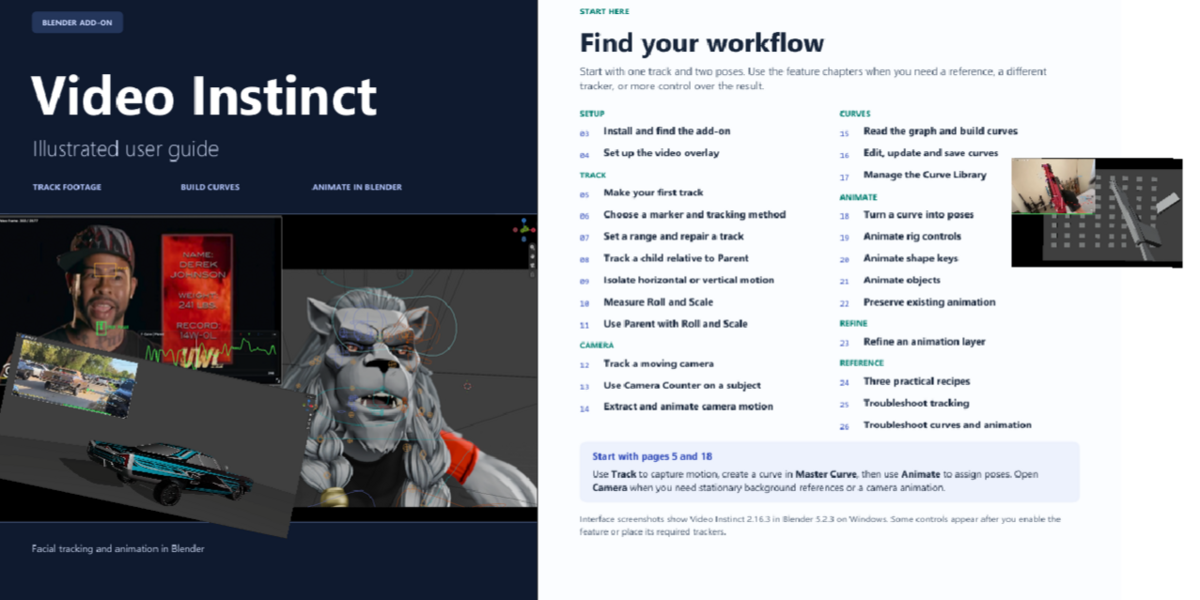
Video Instinct by Vikas Thakur turns movement from reference footage into editable animation in Blender. Load a clip, track the motion you want, and use it to drive your poses. You can animate objects, rig controls, shape keys, and cameras.
Quick start
- In Blender, go to Edit → Preferences → Add-ons → Install from Disk and select the add-on ZIP.
- Press N in the 3D View and open the Instinct tab. Install OpenCV from the add-on if prompted.
- Load a reference clip, track the movement, and apply the result to your poses.
Generated animation goes on separate, editable layers. Adjust, mute, or remove a layer, or animate over it to make the motion your own.
A detailed illustrated PDF guide and video tutorial are included in Downloads.
 Included
Includes 12 months of
- Support from Vikas Thakur
- Product updates
Extend this product’s Support Period +12 months: 50% of product price
Have questions before purchasing?
Login to message
| Published | about 4 hours ago |
| Blender Version | 4.2 - 5.3 |
| Extension Type | N/A |
| Render Engine Used | Arnold, Blender-Internal, Cycles |
| License | GPL |
Discover more products like this
autopose autorigpro animation hair animation addon animation animation layers wiggle bones