 wans7
wans7


══════════════════════════════════════════════════════════════
VIDEO PLAYER - Play Video on your Blender Interface
══════════════════════════════════════════════════════════════
You can also grab the Normal Version for free on my Gumroad store.
══════════════════════════════════════════════════════════════
Please note: This addon is not available in the Video Editing interface.
══════════════════════════════════════════════════════════════
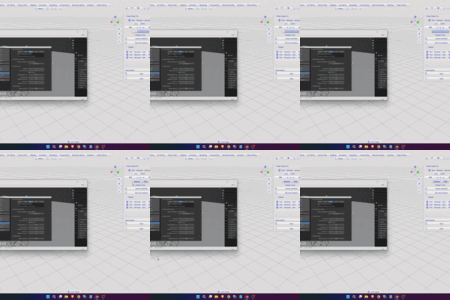
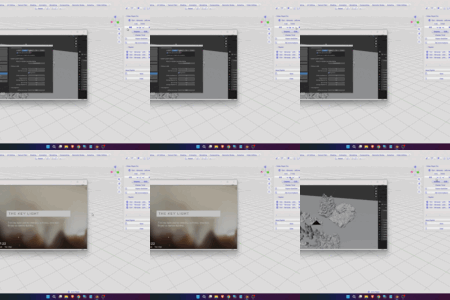
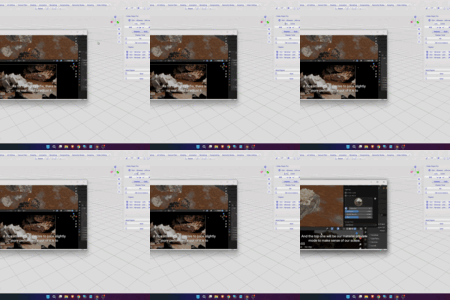
Playing videos directly inside the Blender interface is a useful way to make your workflow easier, especially when watching Blender tutorials. Video Player Addon gives you that experience, allowing you to watch tutorials or your favorite videos inside Blender without needing to leave the application.
Watch video tutorials or your favorite videos while working inside the Blender interface. Video Player Addon gives you that experience.
✓ Easily open your videos from the Playlist Panel. You also have the flexibility to open multiple video files.
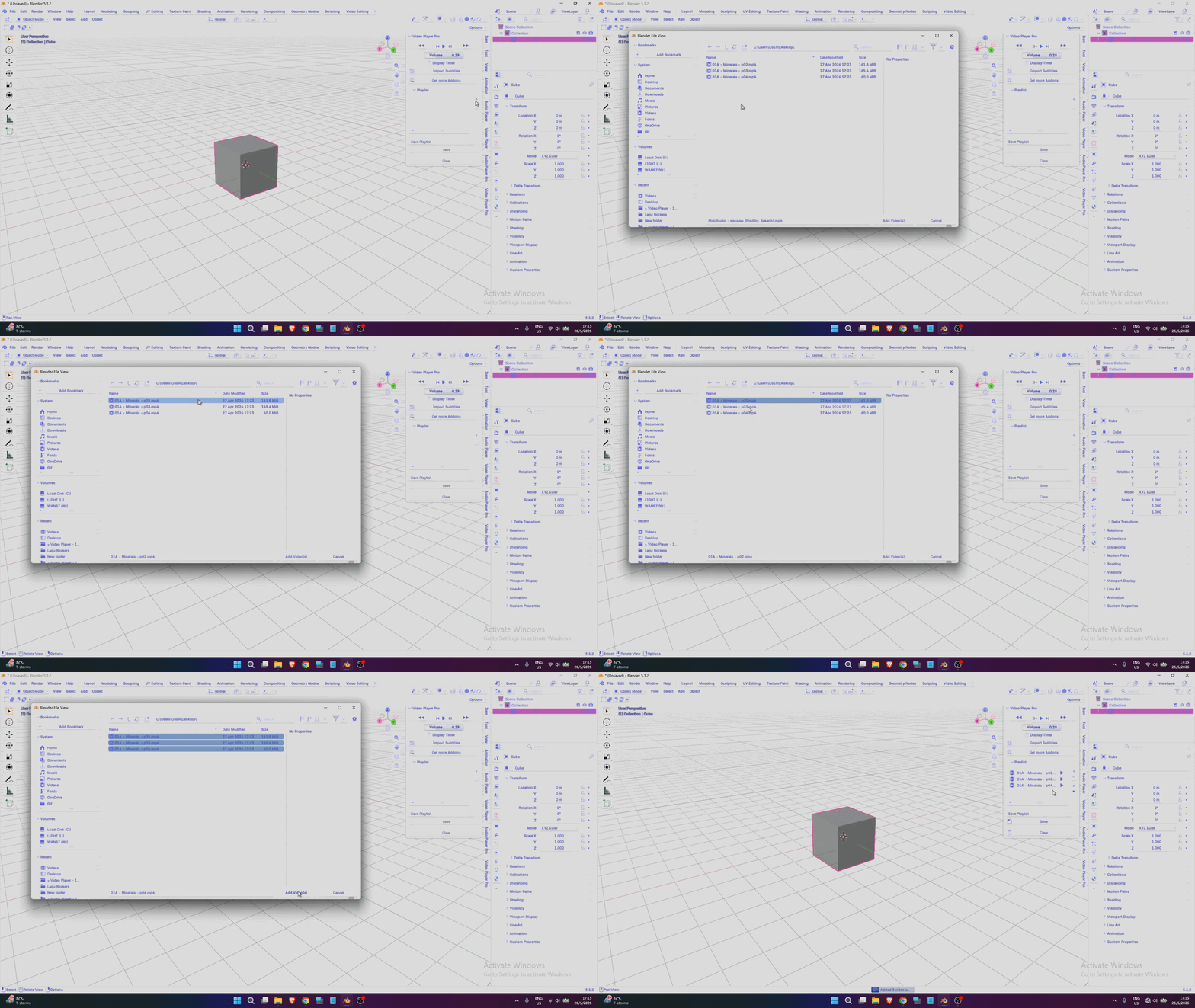
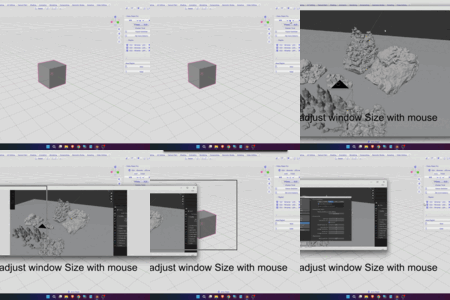
✓ After opening your video, it will appear in a new window, giving you full control to resize it.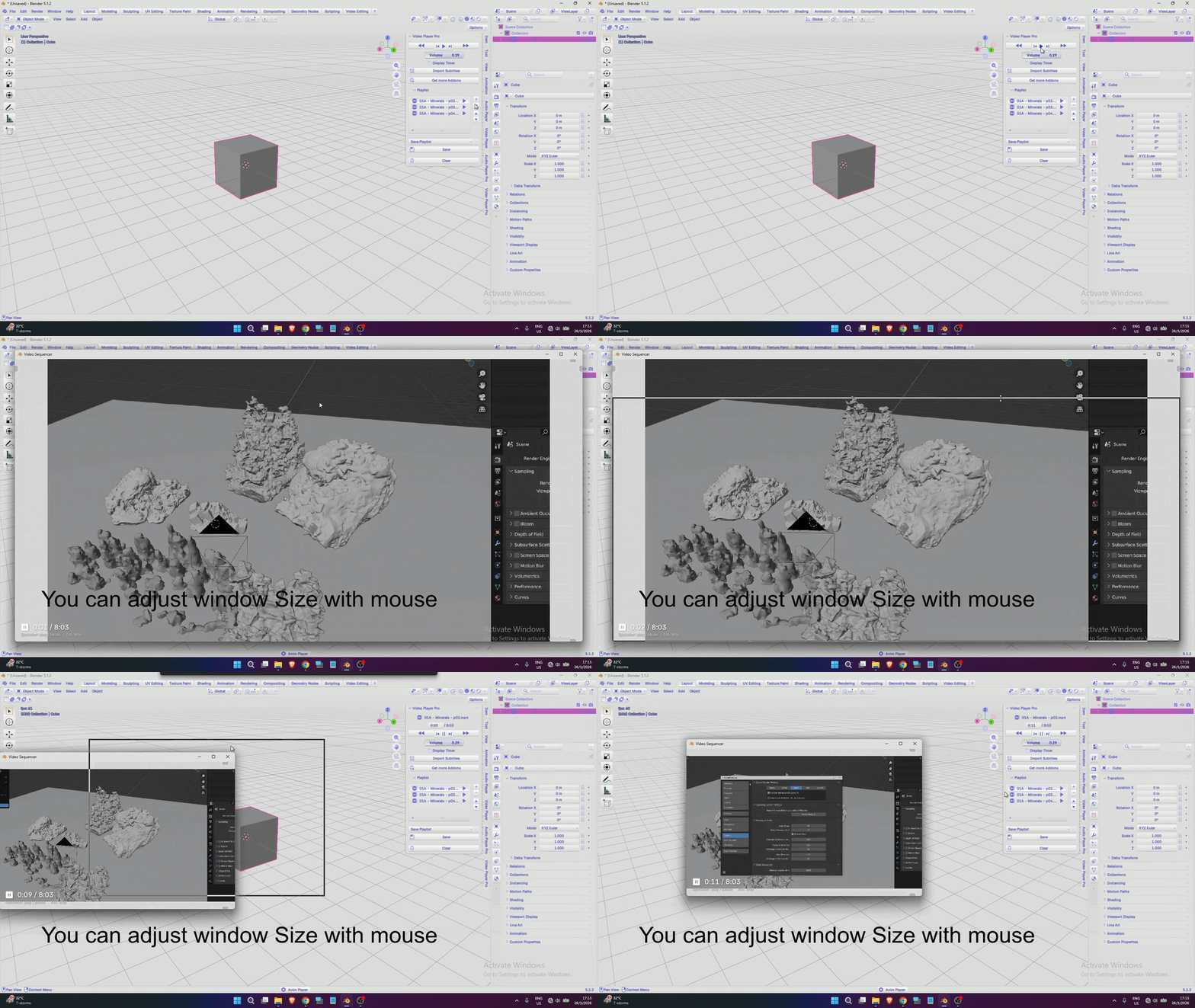
✓ Sometimes the volume may be too loud or too low. You can easily adjust it using the built-in volume controls.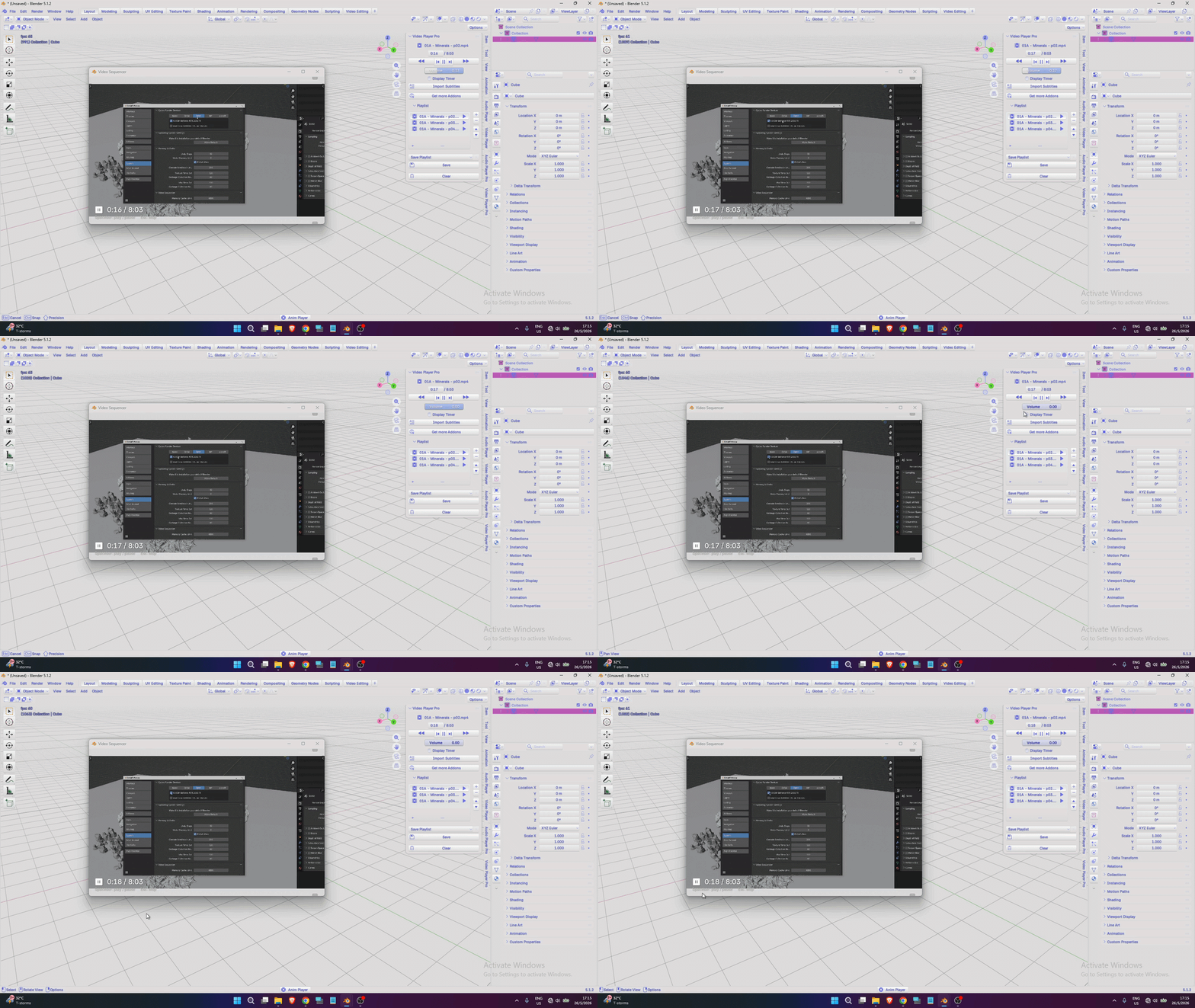
✓ Sometimes you may want to track the video time or check the exact timing of your favorite scene. Other times, you may want to hide it. With this addon, you can easily show or hide the timer using the display toggle control.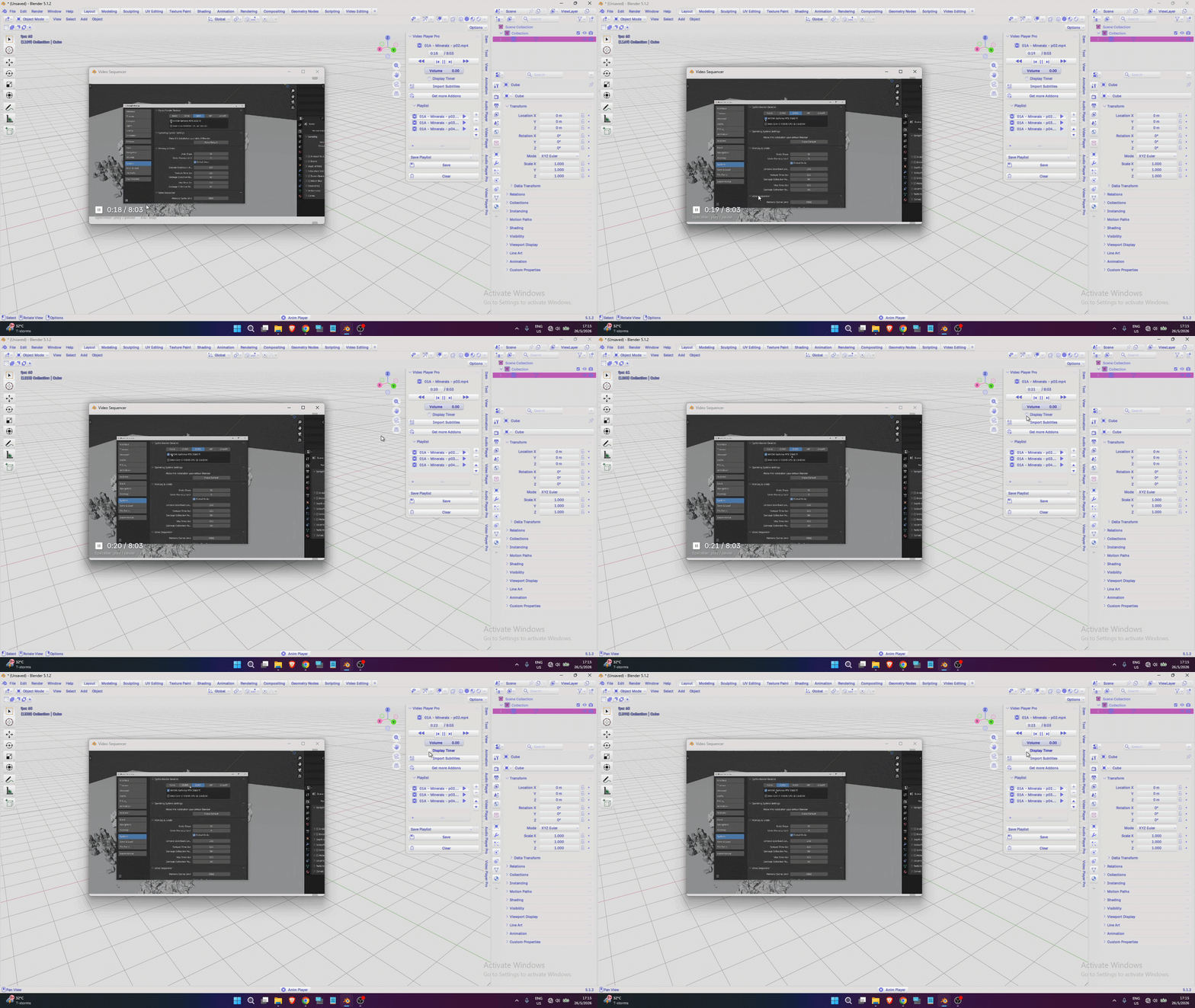
✓ Like a standard media player, this addon gives you full control over your videos with familiar playback controls.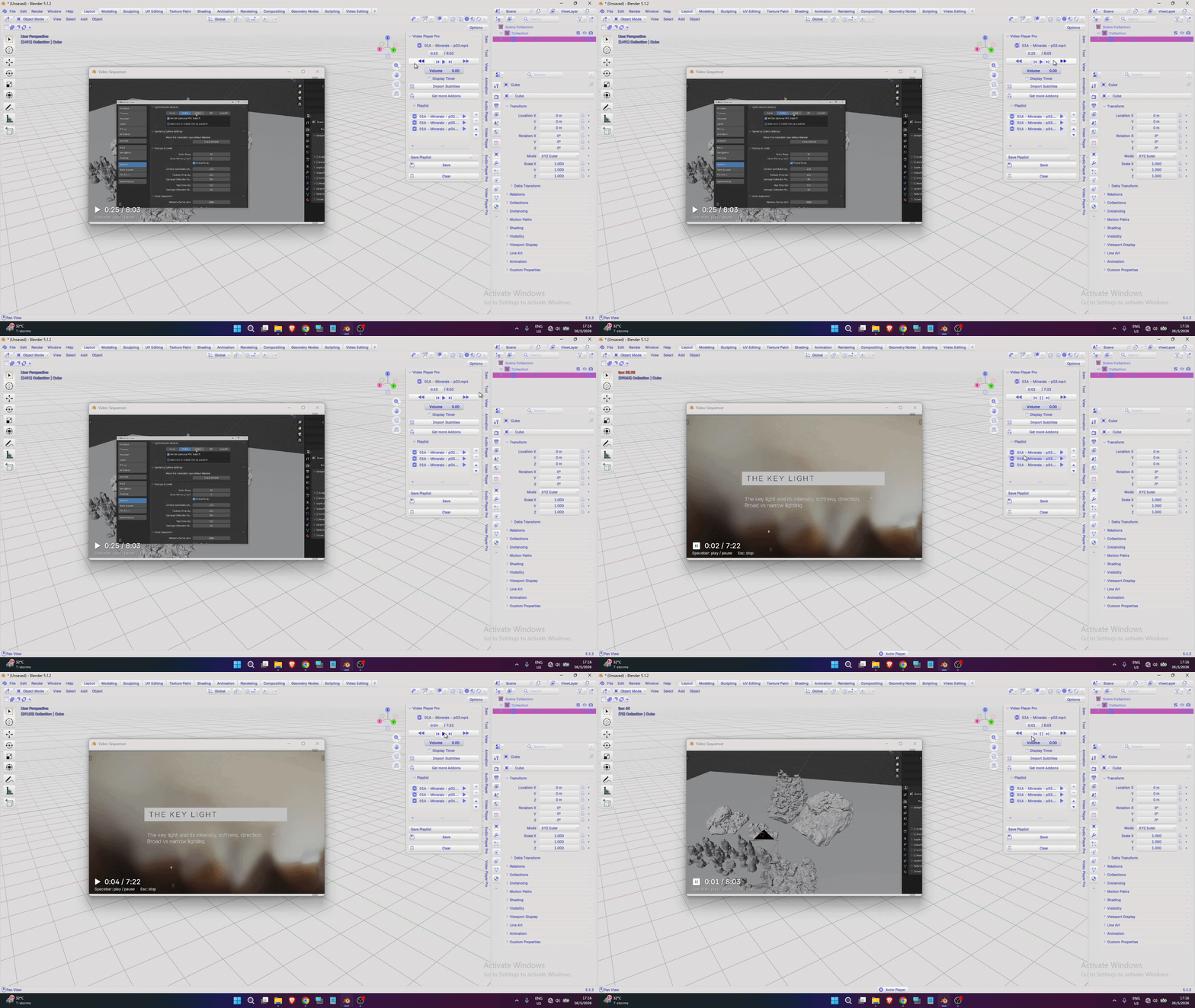
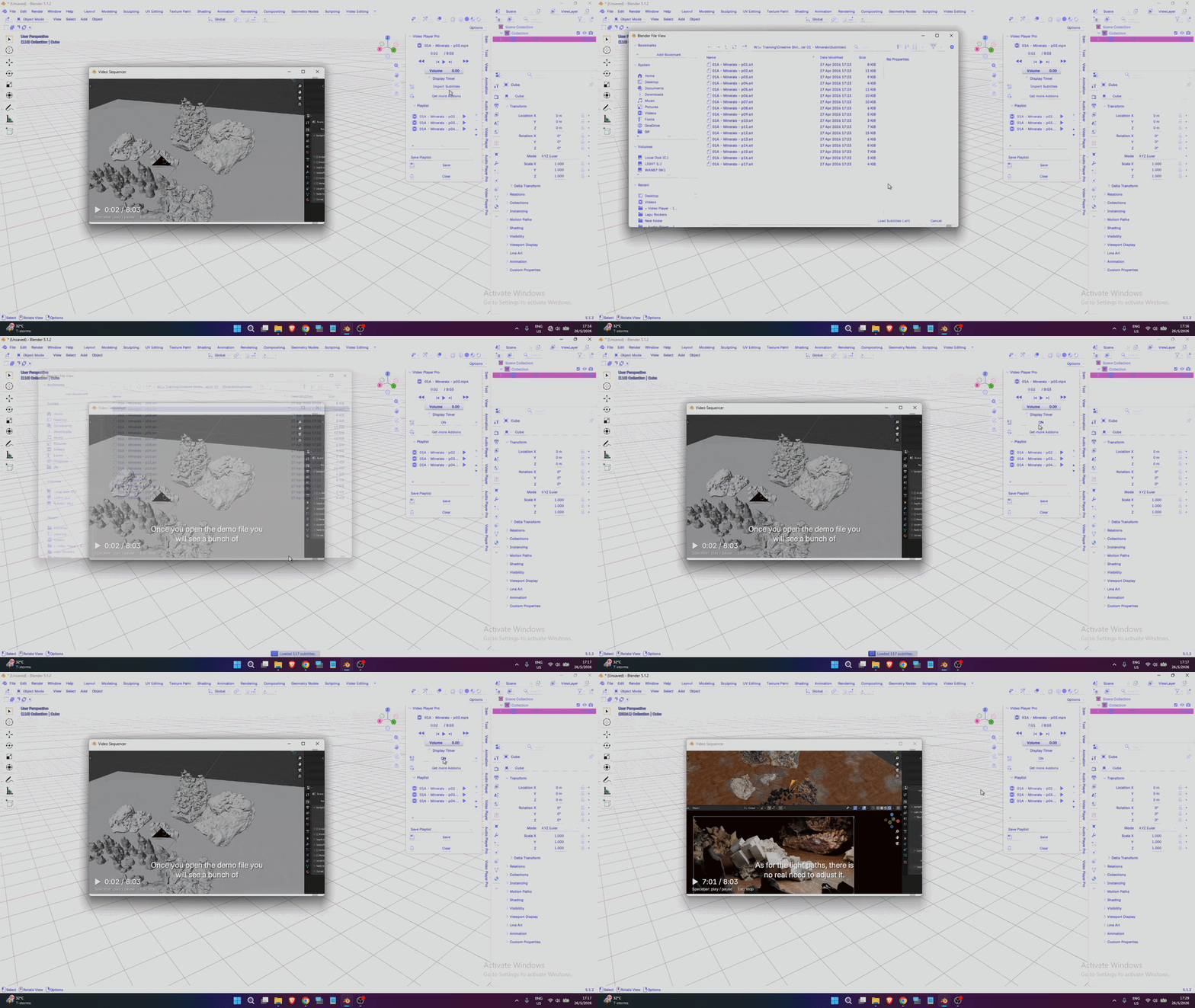
✓ Sometimes you may want to jump to a specific moment in the video. This addon makes it easy — simply enter the time inside the timer box.
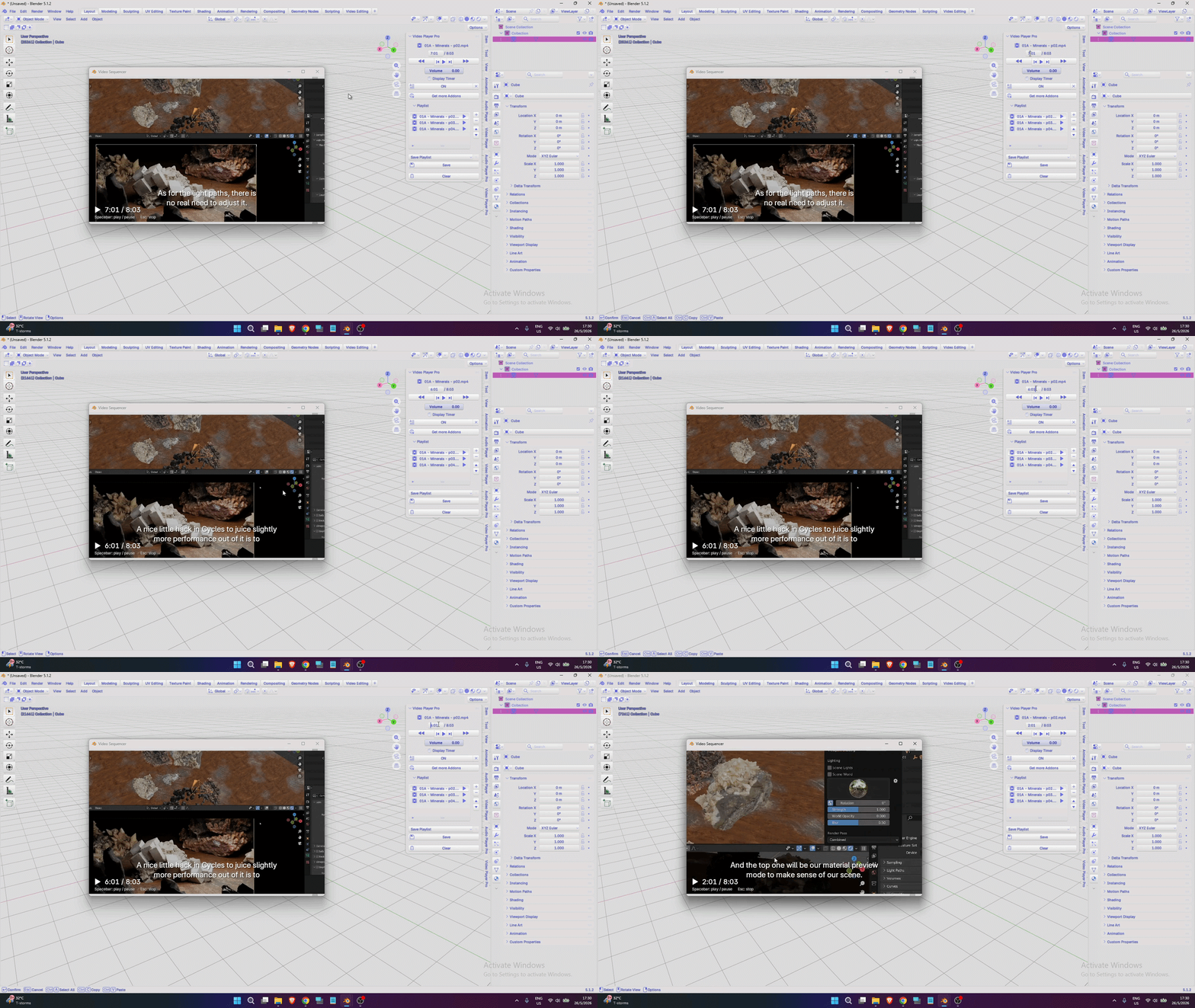
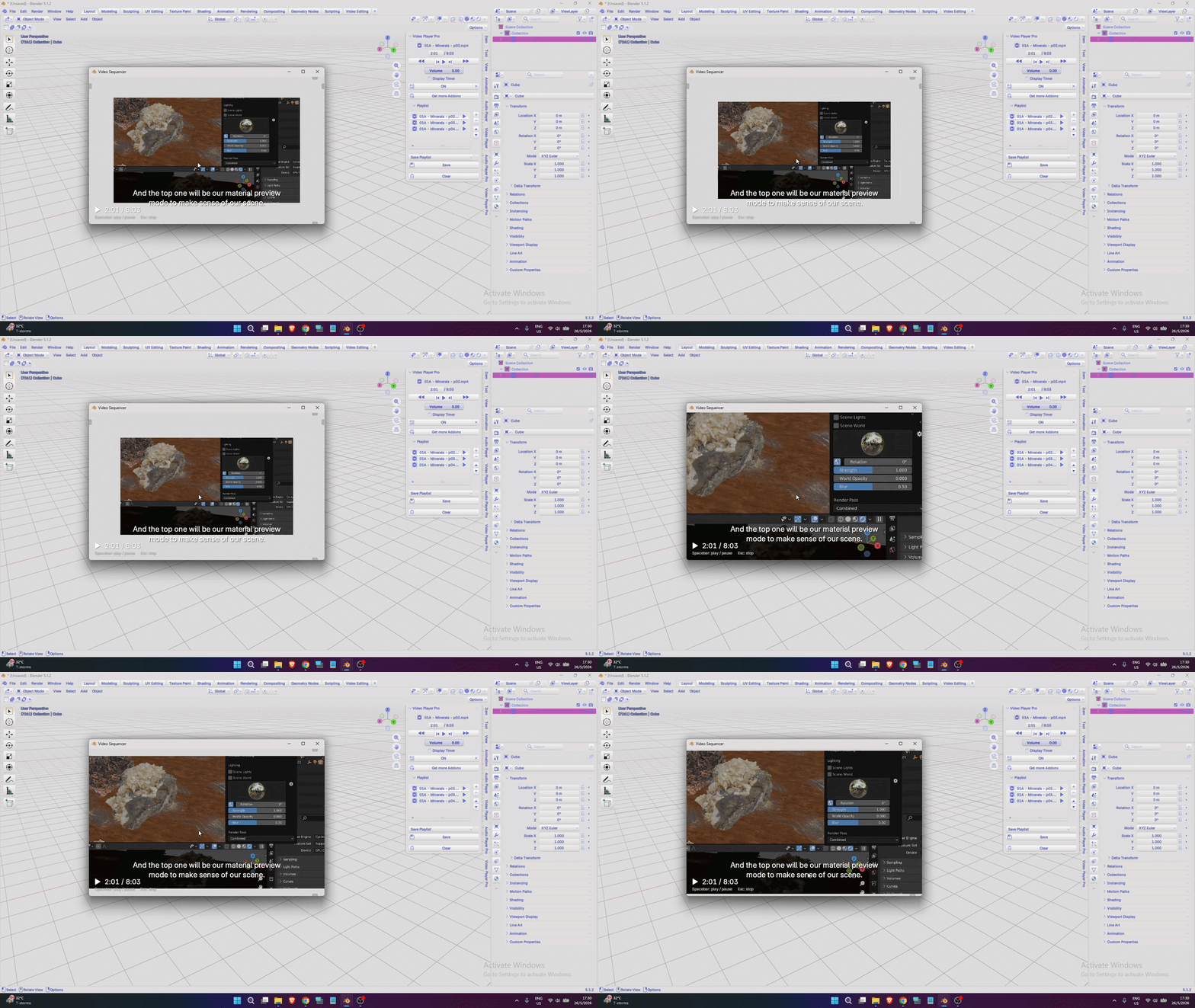
✓ If the video is too small or too large, you can easily resize it by scrolling your middle mouse wheel.
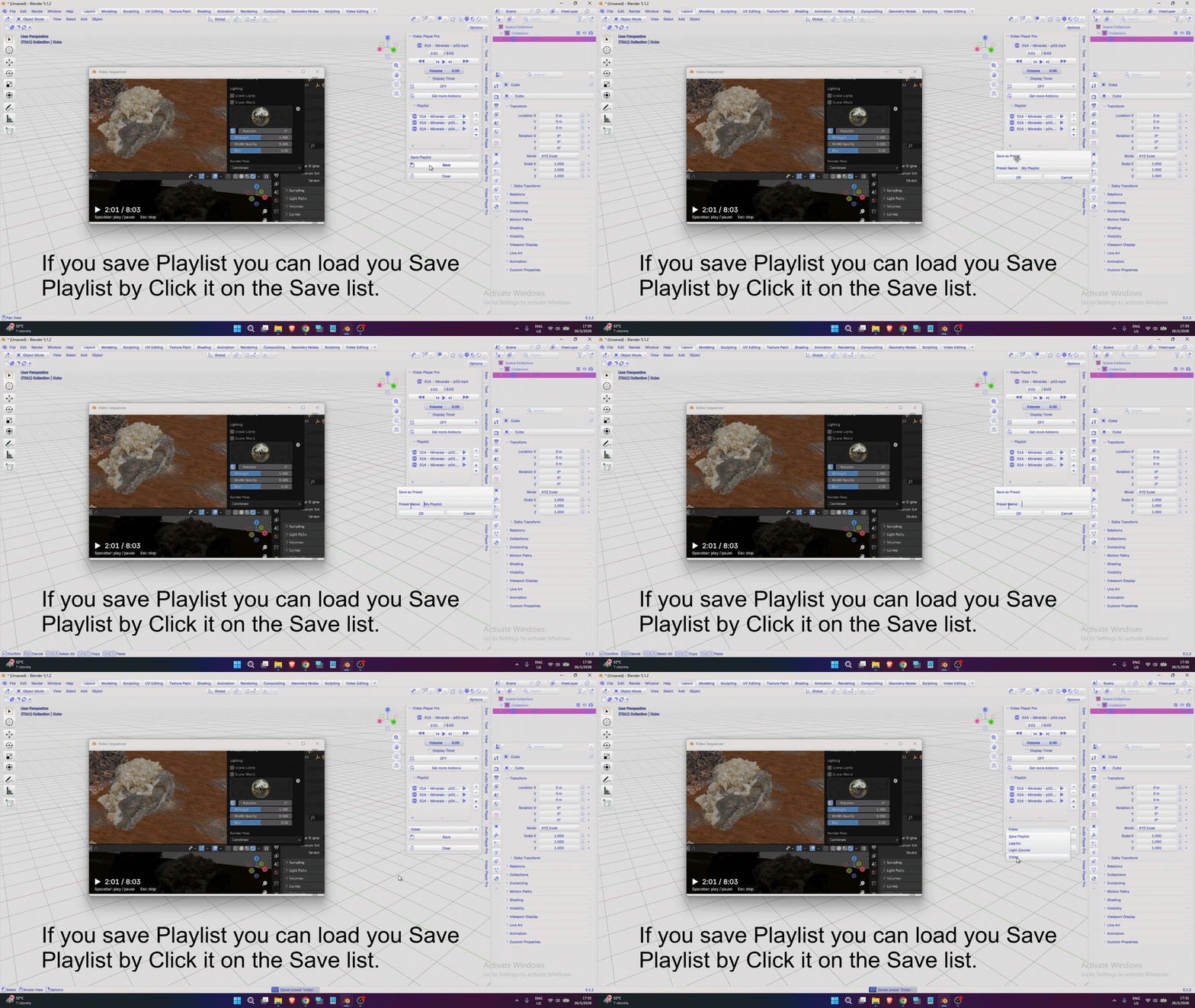
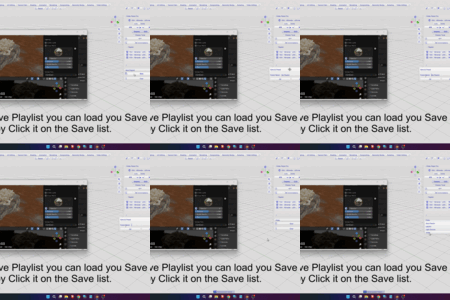
✓ You already have playlists filled with your favorite videos, and I understand how important they are. This addon helps you save them, so when you close and reopen Blender, your playlist will still be there.