 wans7
wans7


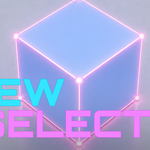

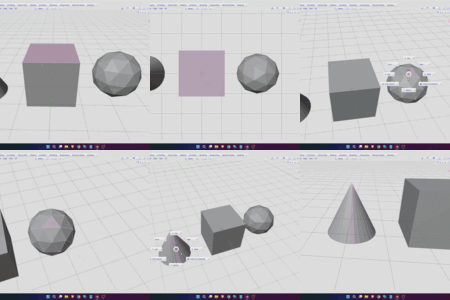
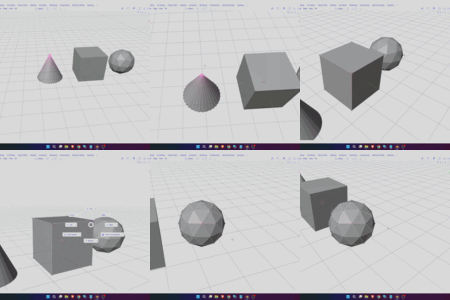
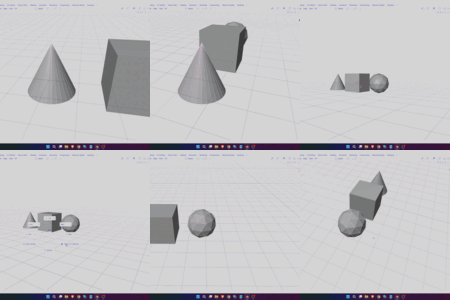
Change your view angle based on the selected mesh element — Face, Vertex, or Edge.
It’s easy — simply switch to Edit Mode, select a mesh element, then press the shortcut key `. You will see the available options; just select the one you want.
To install it, simply set it up in Preferences like any other Blender addon installation.
Face View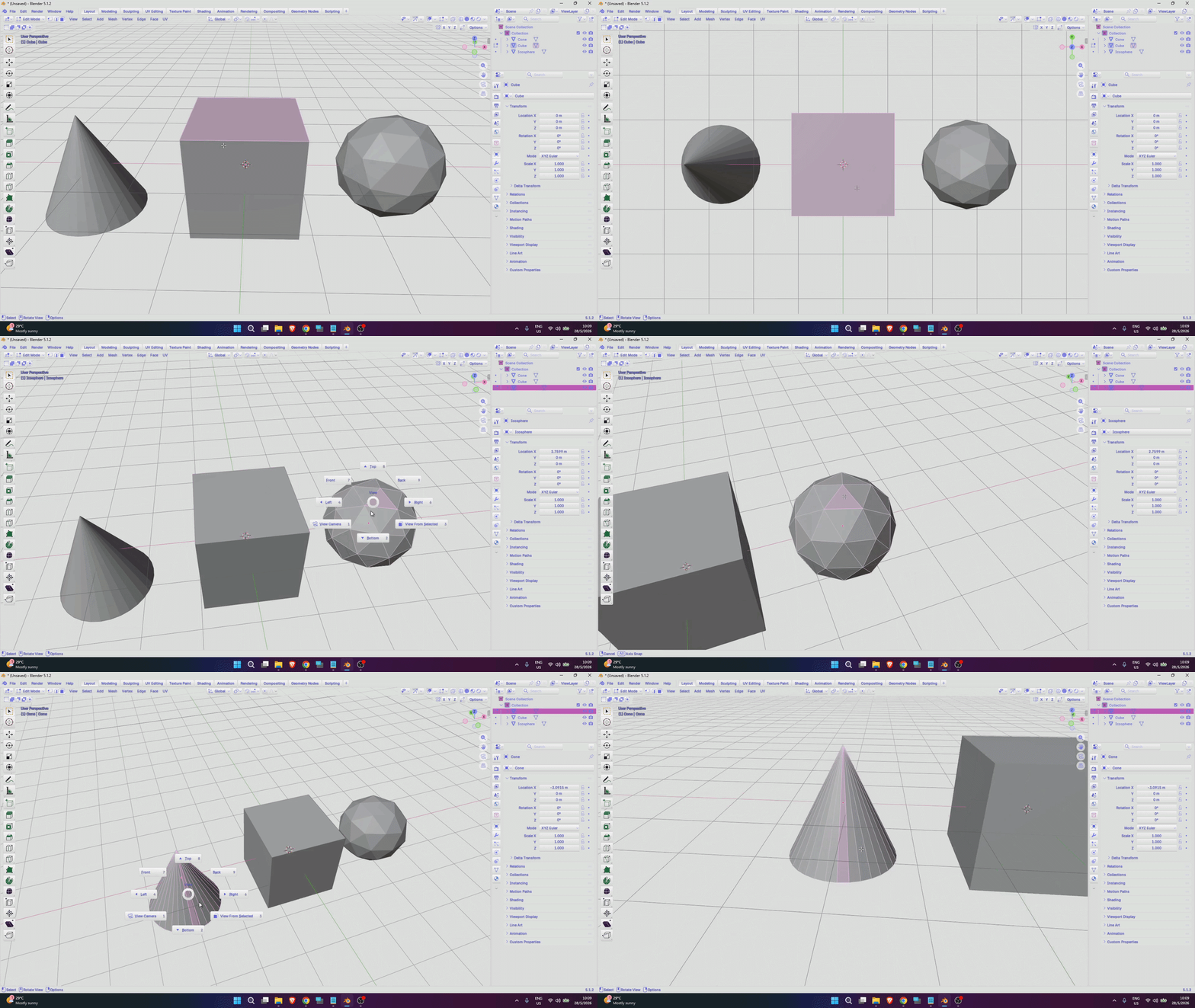
Vert View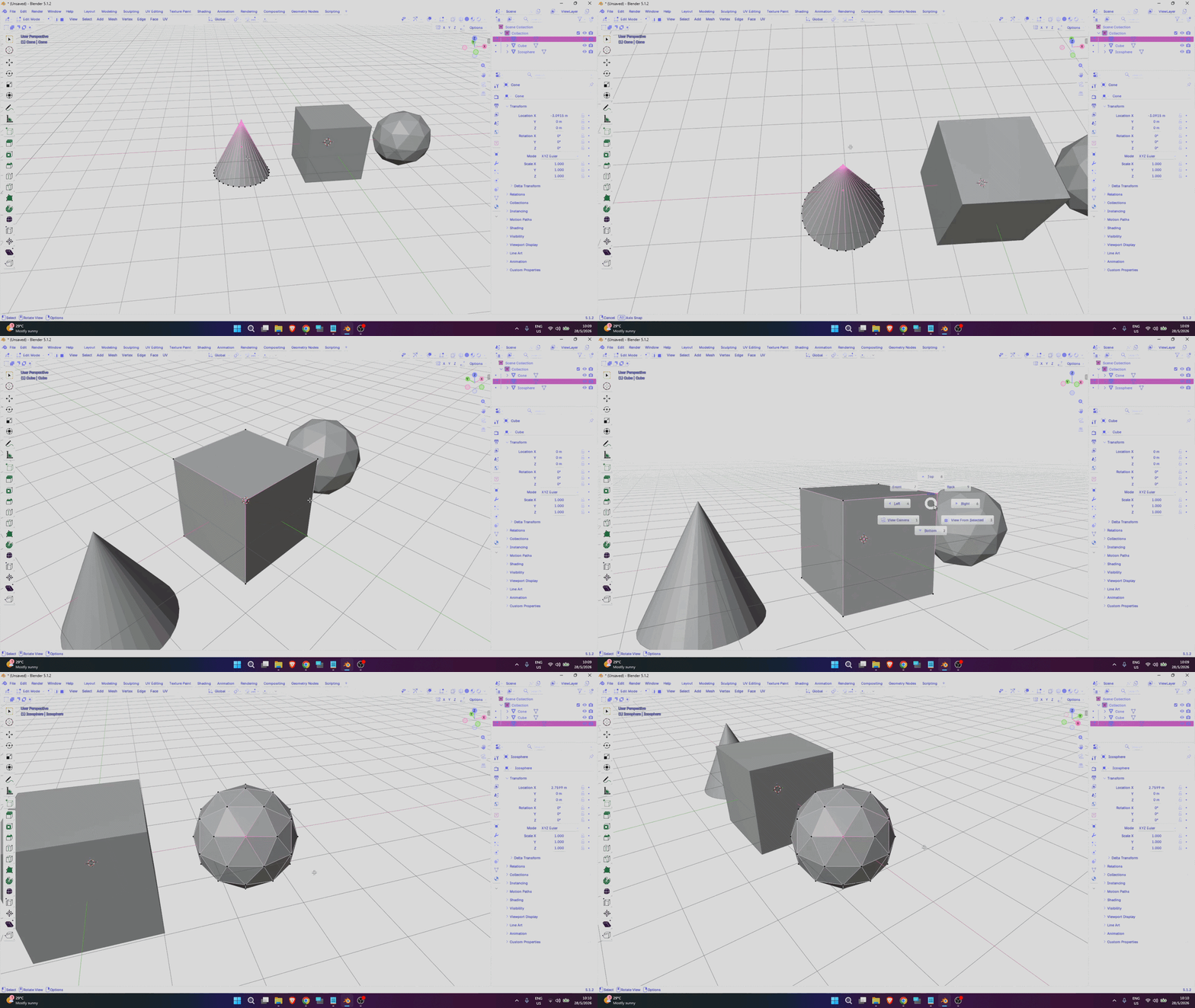
Edge View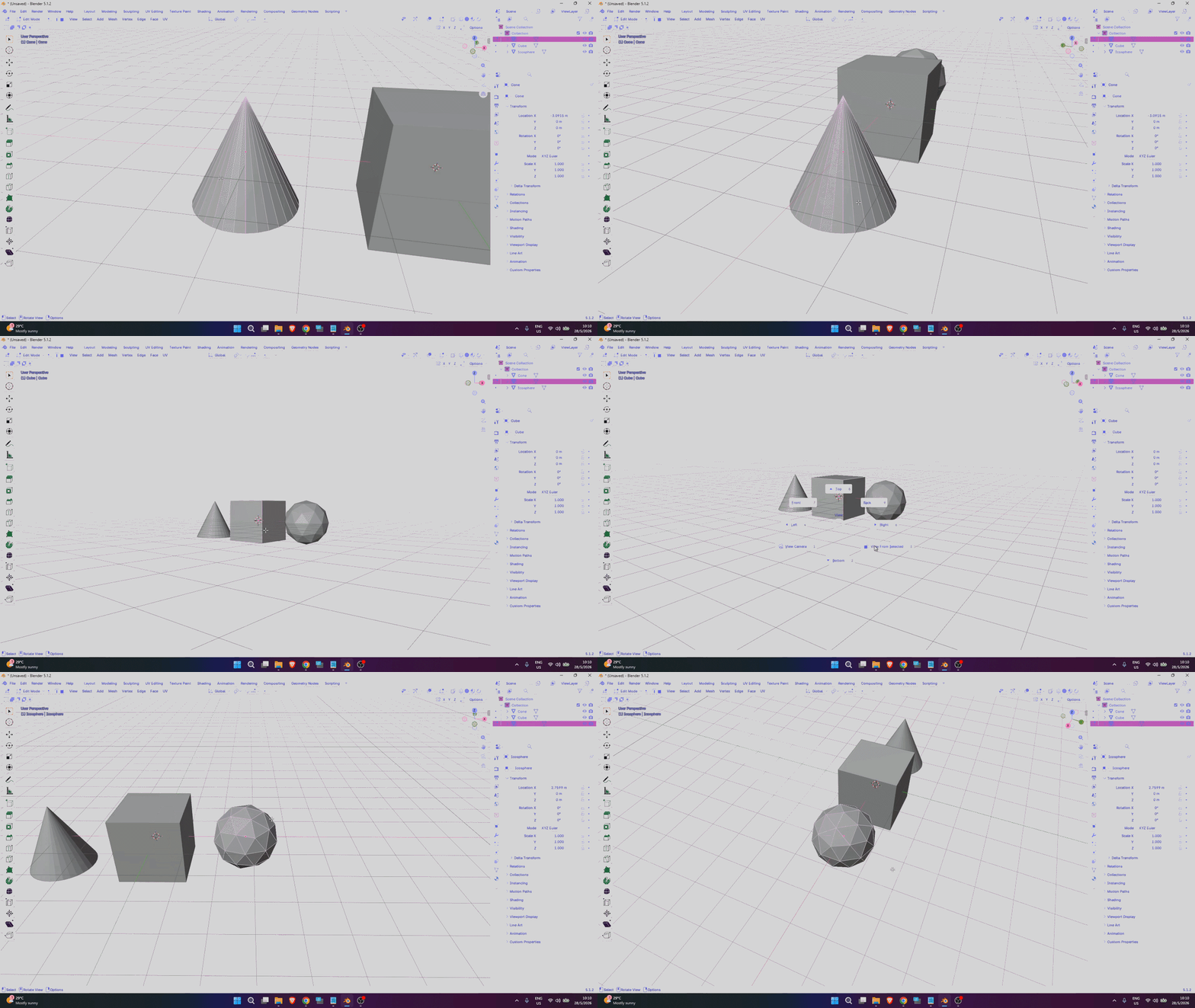
If you’re interested in checking out more addons, you can explore the addon collection at My Product Store HERE