Viewport Presets
 Chris Williamson

Viewport Presets – Documentation
Overview
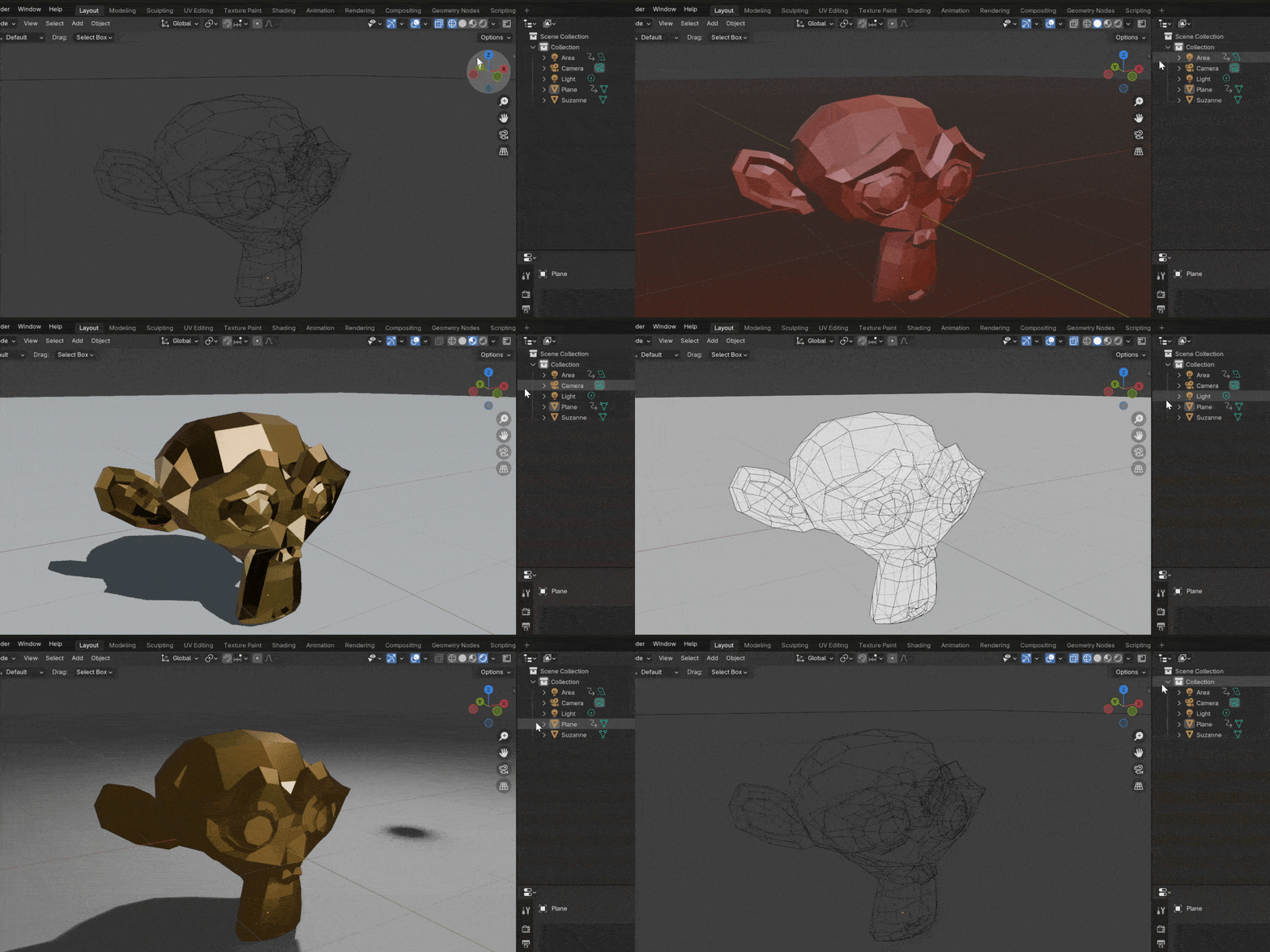
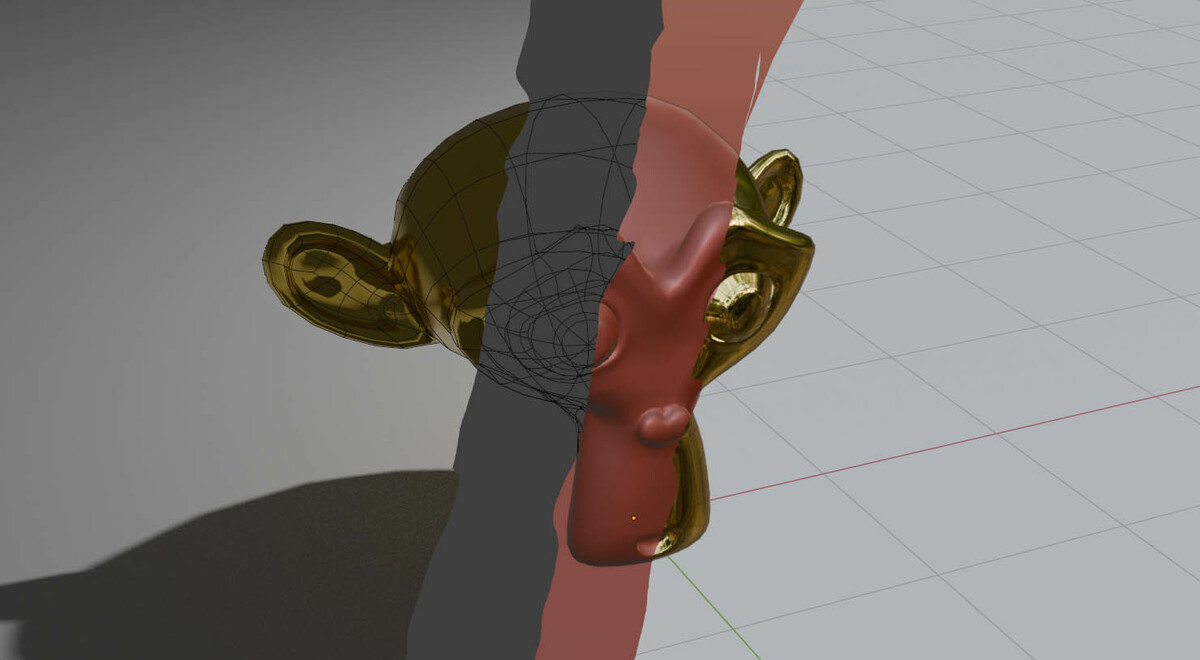
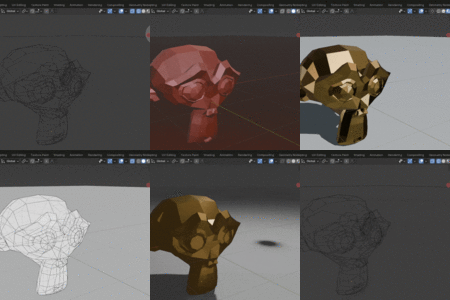
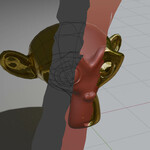
Viewport Presets allows you to save and restore complete viewport configurations with ease. Instead of constantly adjusting settings, you can switch between presets instantly that match your task.
Getting Started
Accessing Viewport Presets
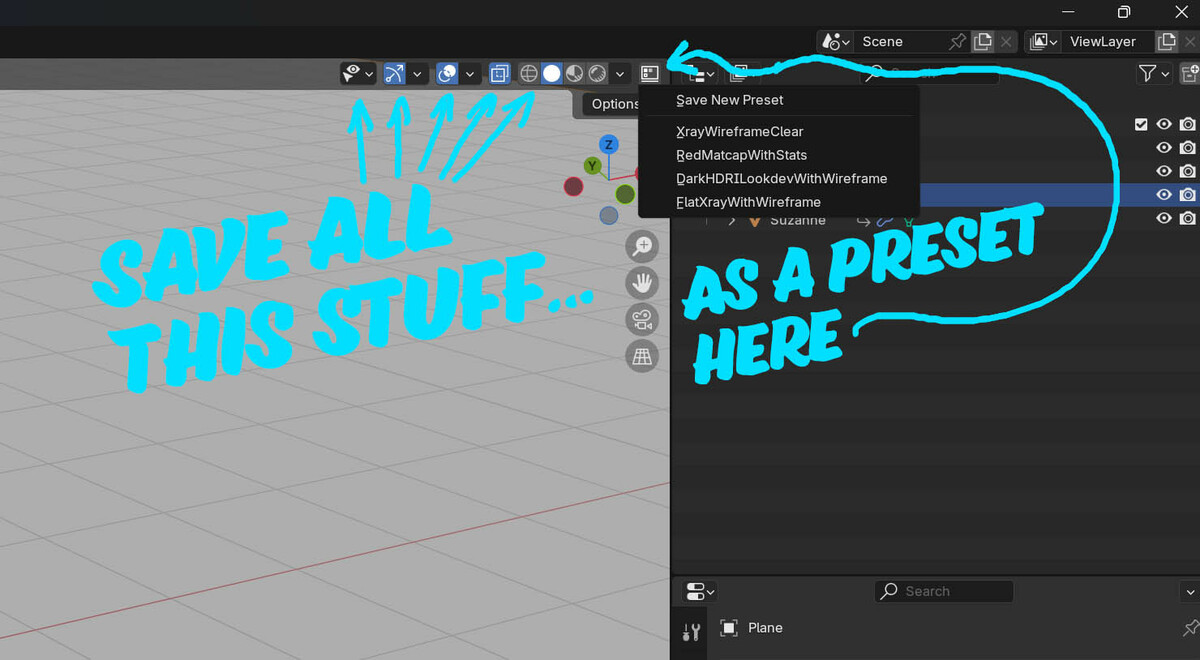
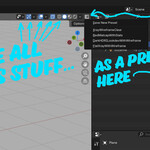
The Viewport Presets panel is located in the top-right corner of the 3D Viewport.
Creating a New Preset
- Click "Save New Preset" in the Viewport Presets menu.
- Enter a name for your preset and confirm.
- Your current viewport settings are now saved under that name.
Applying a Preset
- Click on an existing preset name to instantly apply it.
Deleting a Preset
- Alt + Click on a preset name to delete it.
What Gets Saved?
Each preset stores the following viewport settings:
🔹 Overlays & Shading – Grid, wireframes, x-ray, face orientation, and more.
🔹 Visibility & Selectability – Object visibility toggles, outliner settings, and selection locks.
🔹 Gizmos & Navigation – Transform gizmos, navigation controls, and interaction settings.
Where Are Presets Stored?
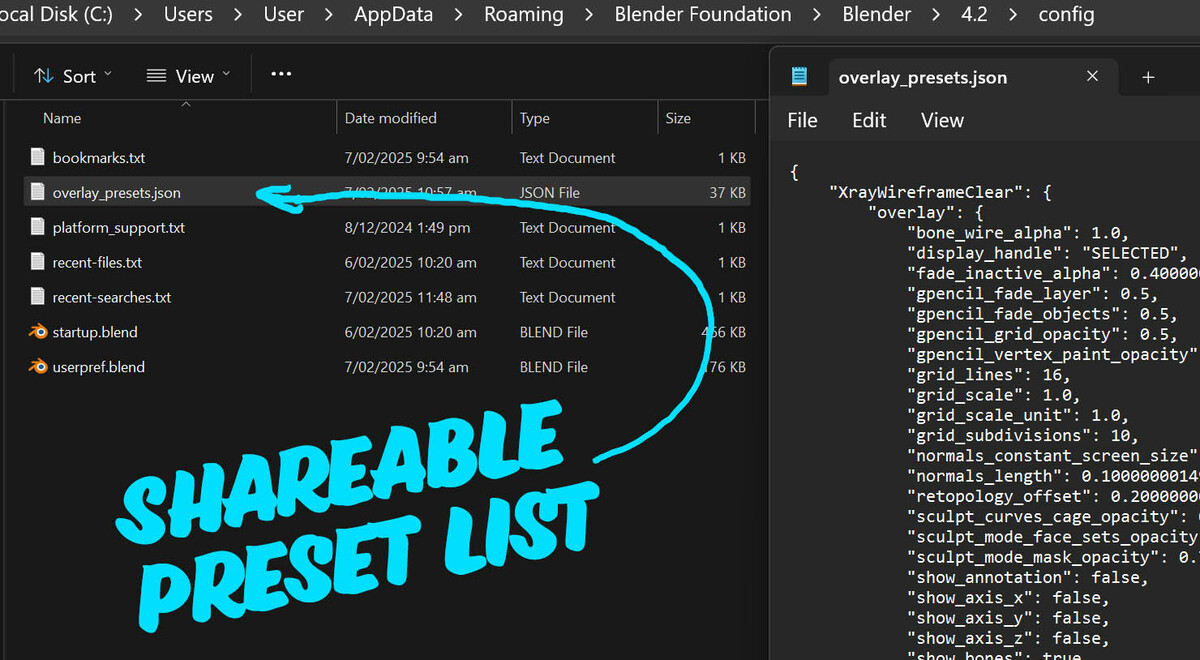
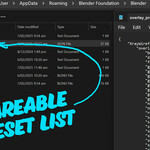
Presets are saved in a JSON file at the following location:
📂 C:\Users\User\AppData\Roaming\Blender Foundation\Blender\4.2\config
This means your presets persist across Blender sessions and can be backed up or transferred if needed.
Have questions about this product?
Login to message
| Blender Extension Compatible | Yes |
| Sales | 20+ |
| Rating | 1 ratings |
| Dev Fund Contributor | |
| Published | over 1 year ago |
| Blender Version | 4.3, 4.2 |
| Extension Type | Add-on |
| License | Royalty Free |
