 3D Nation
Opening the file
- Unzip Vintage_Subway_Train_Blender.zip and open Vintage_Subway_Train.blend in Blender 5.1 or newer.
- All textures are packed. To get them as files: File > External Data > Unpack Resources.
- Press F12 to render the default studio shot in Cycles.
Using it in your own scene
- File > Append > Collection > Subway Train (append Interior Lights too if you want the interior lit).
- Move or rotate the Subway_Train_Root empty to place the whole train.
Animating the wheels
- Keyframe the location of Subway_Train_Root along its own Y axis. It also works after you rotate the root.
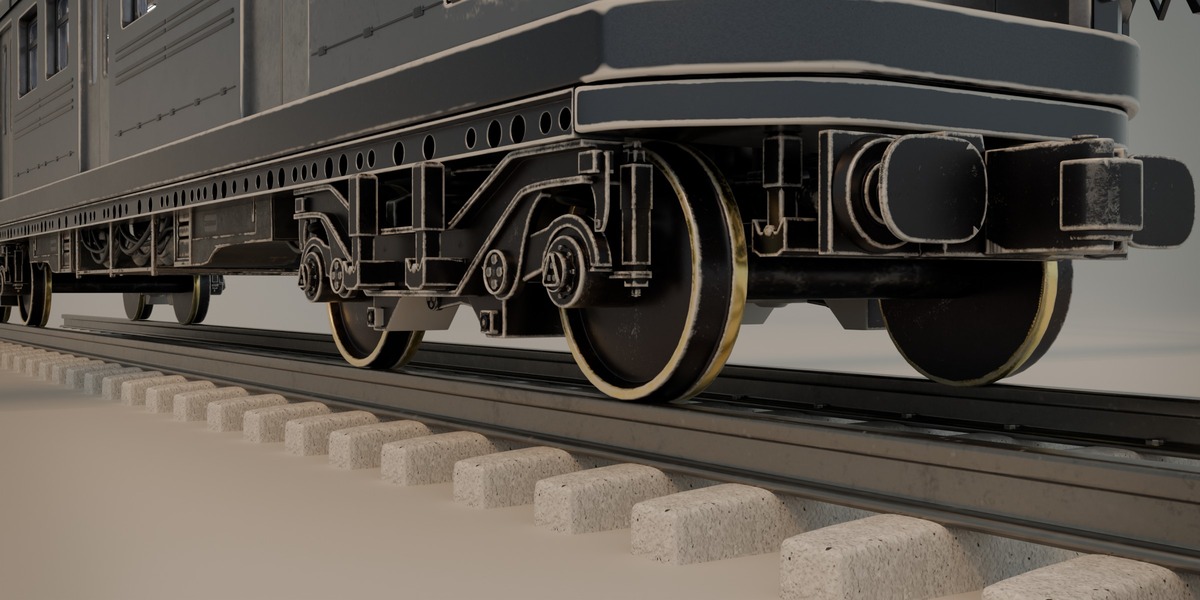
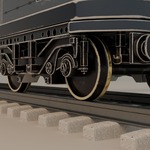
- The 4 Subway_Axle objects spin automatically at the correct speed (rolling radius 0.5354 m).
- Moving the train along a curve (Follow Path)? Animate the custom property Wheel_Offset on Subway_Train_Root (Object Properties > Custom Properties) with the distance travelled in metres.
- The drivers are simple expressions, so they work even when "Auto Run Python Scripts" is off.
- Keep the root at scale 1 for correct wheel speed.
Scene contents
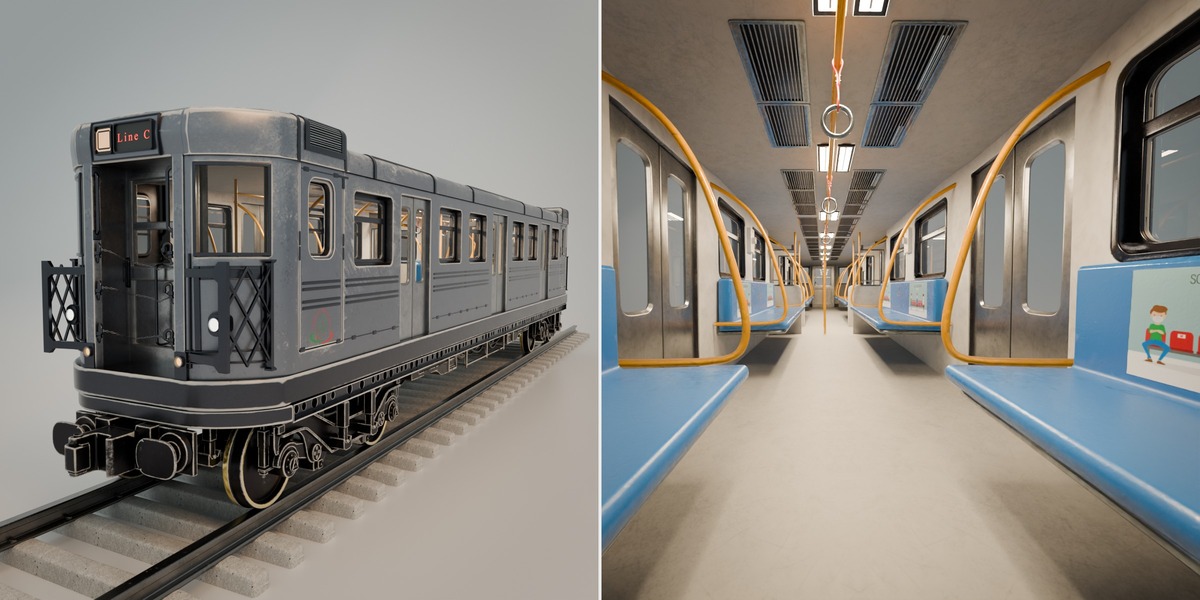
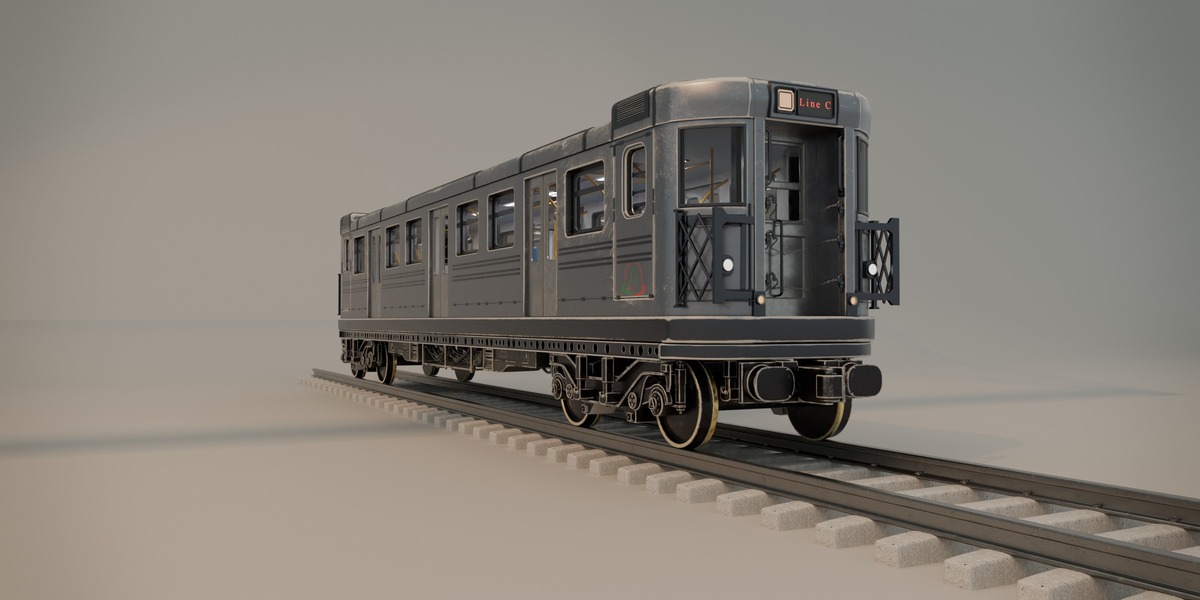
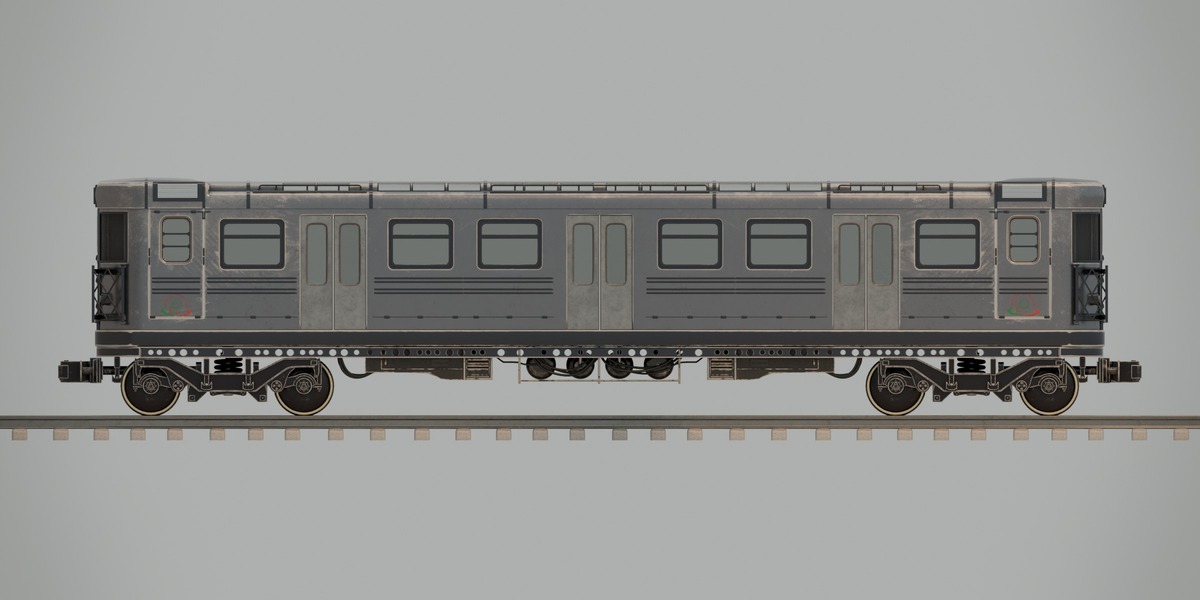
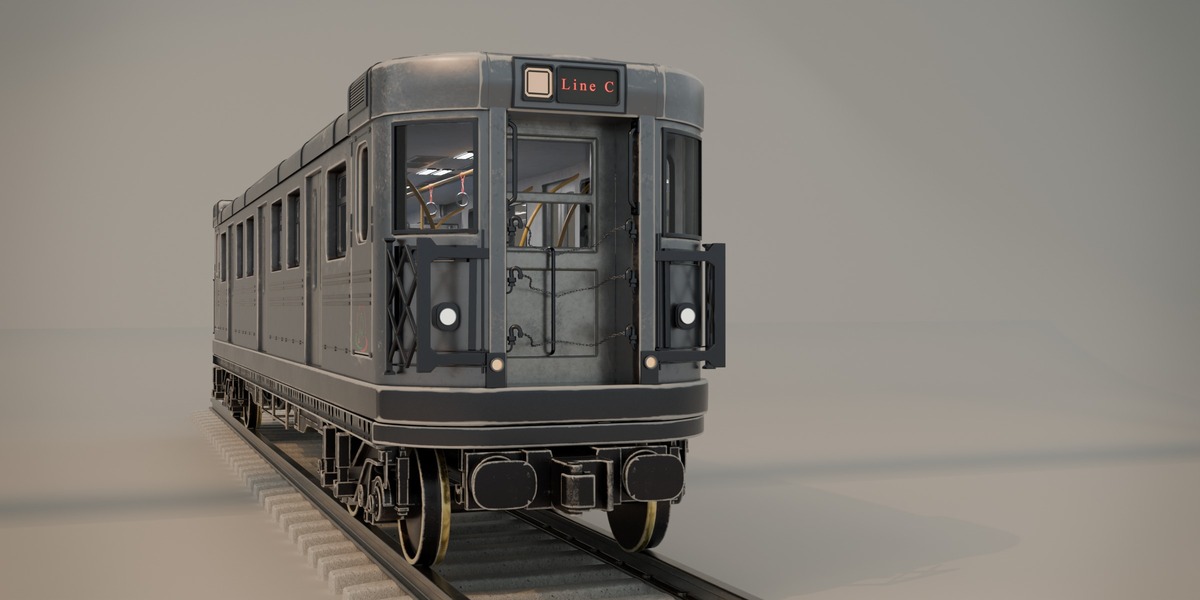
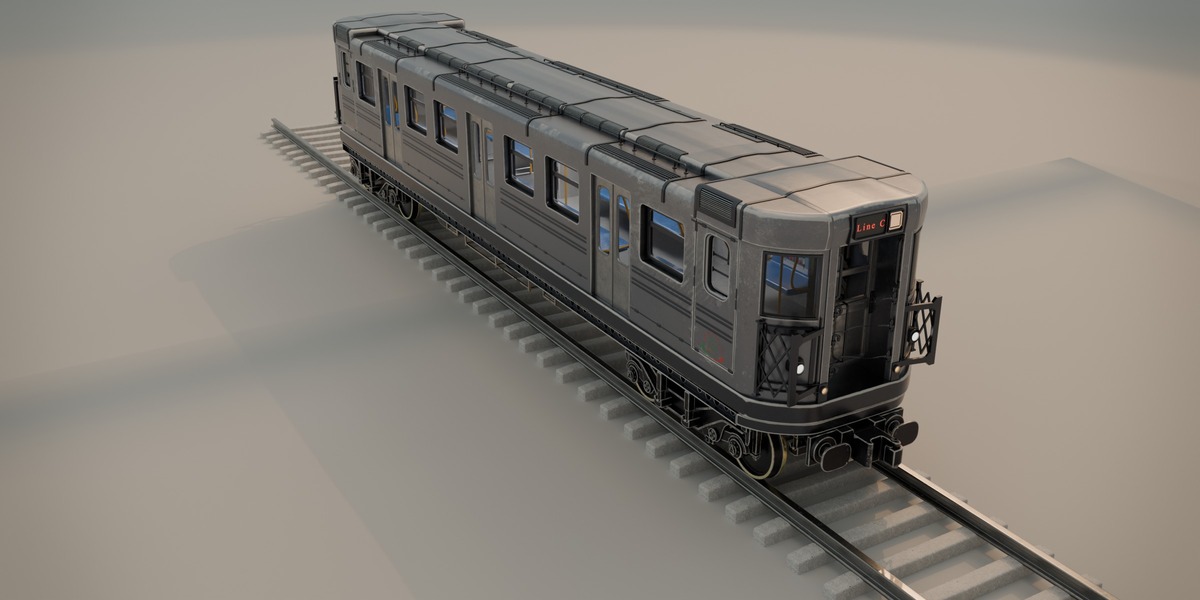
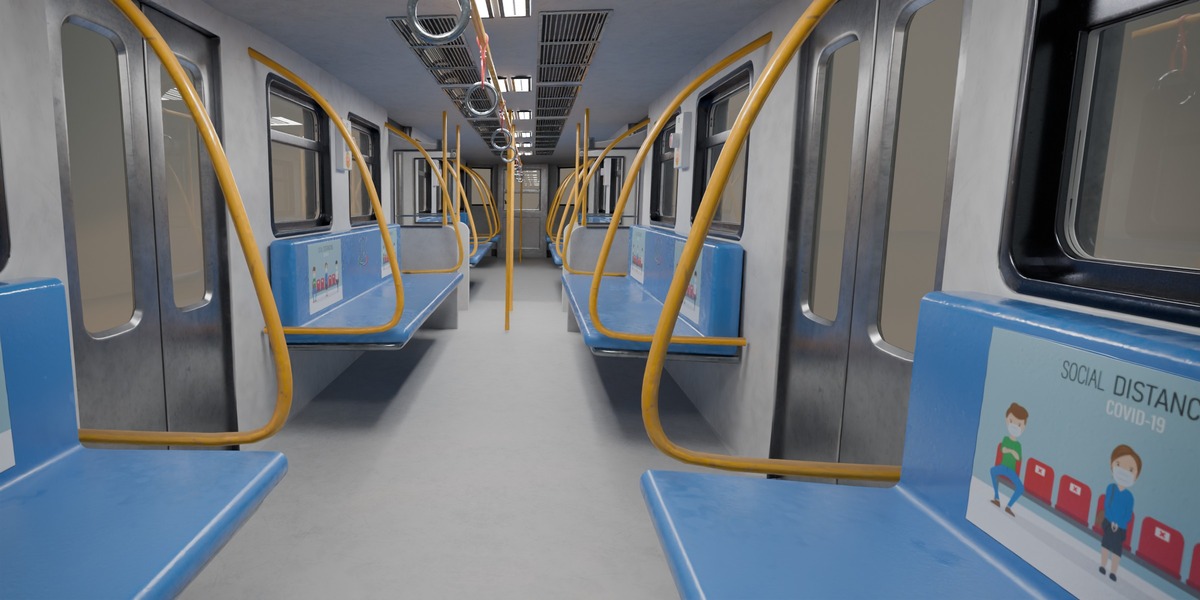
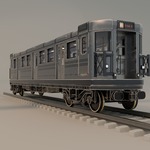
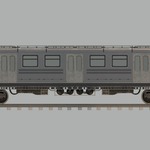
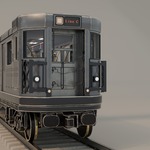
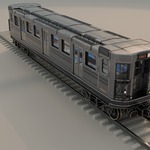
- Subway Train collection: Subway_Train_Root, body, doors, windows, front board, bogies, 4 wheel axles, details, interior, and Rail_Track (not parented, stays in place).
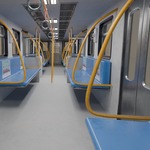
- Interior Lights collection: 8 area lights inside the car.
- Studio Setup collection: camera, studio lights and backdrop.
FBX / OBJ users
- Unzip Vintage_Subway_Train_FBX_OBJ.zip and keep the PNG textures in the same folder as the FBX/OBJ.
- Textures use UDIM tiles (Name.1001.png, Name.1002.png ...). Load them as a UDIM sequence.
- Base Color = base color, Normal = normal map (OpenGL, Y+), RMA = R Roughness / G Metallic / B Ambient Occlusion, Emissive = lit signs and lamps.
- The axle objects keep their pivots in the FBX; rotate them around local X.
Have questions about this product?
Login to message
| Published | about 9 hours ago |
| Blender Version | 5.1 - 5.3 |
| Render Engine Used | Cycles |
| Misc Data | Uvs-Unwrapped, Normal-Mapped, Textured |
| License | Royalty Free |
Discover more products like this
animated wheels vehicle metro Cycles train interior PBR train railway vintage train subway udim public transport