Virtual Layer Displacement 2.2
 CG-Mechanics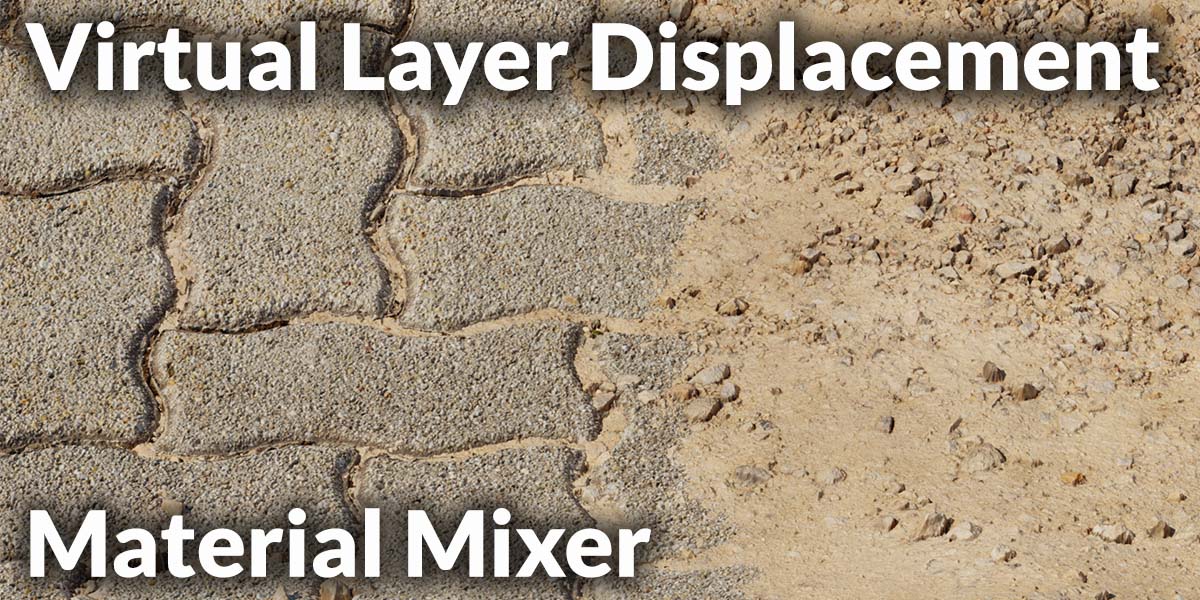
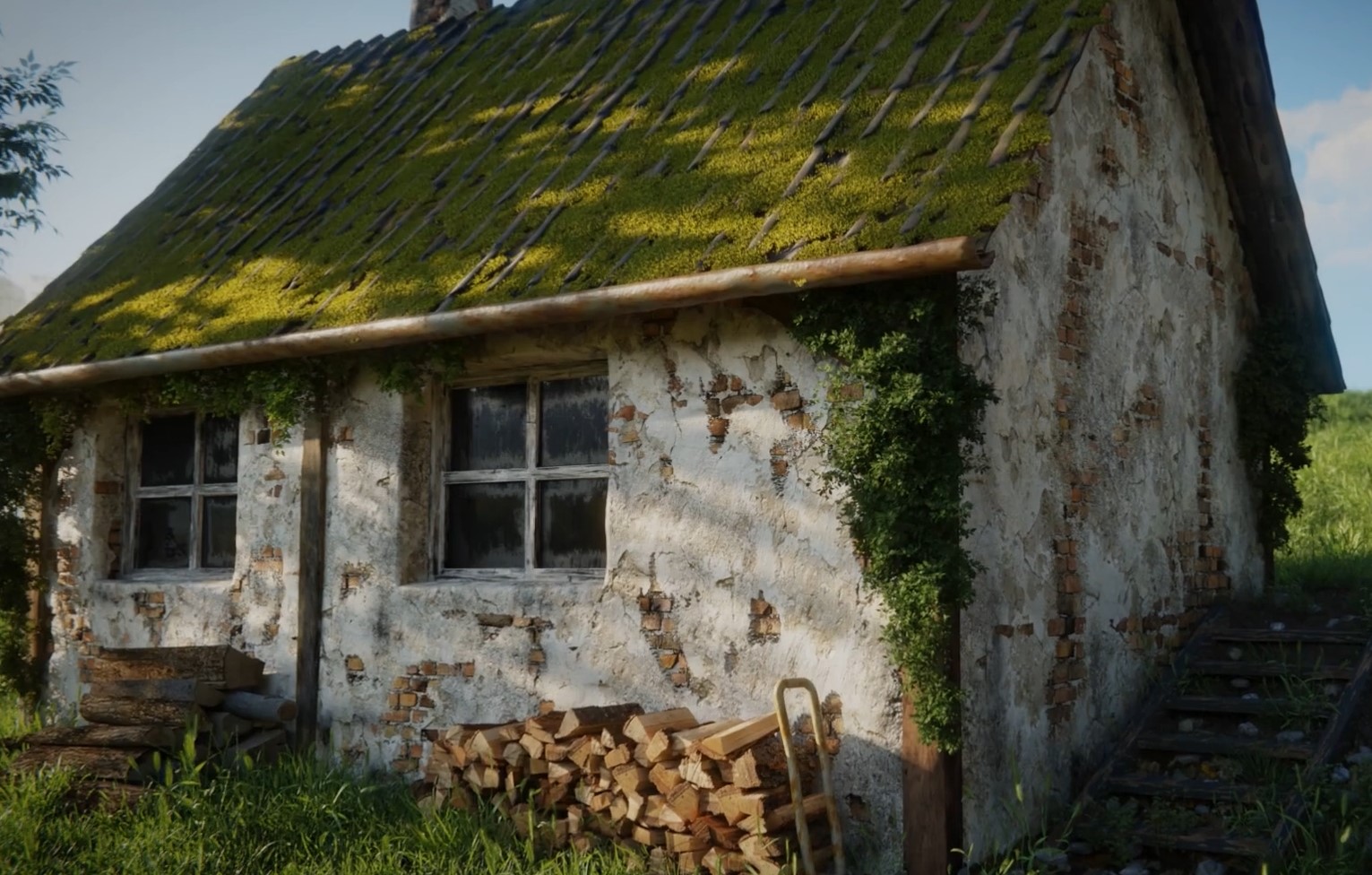
🧱 Virtual Layer Displacement 2.2



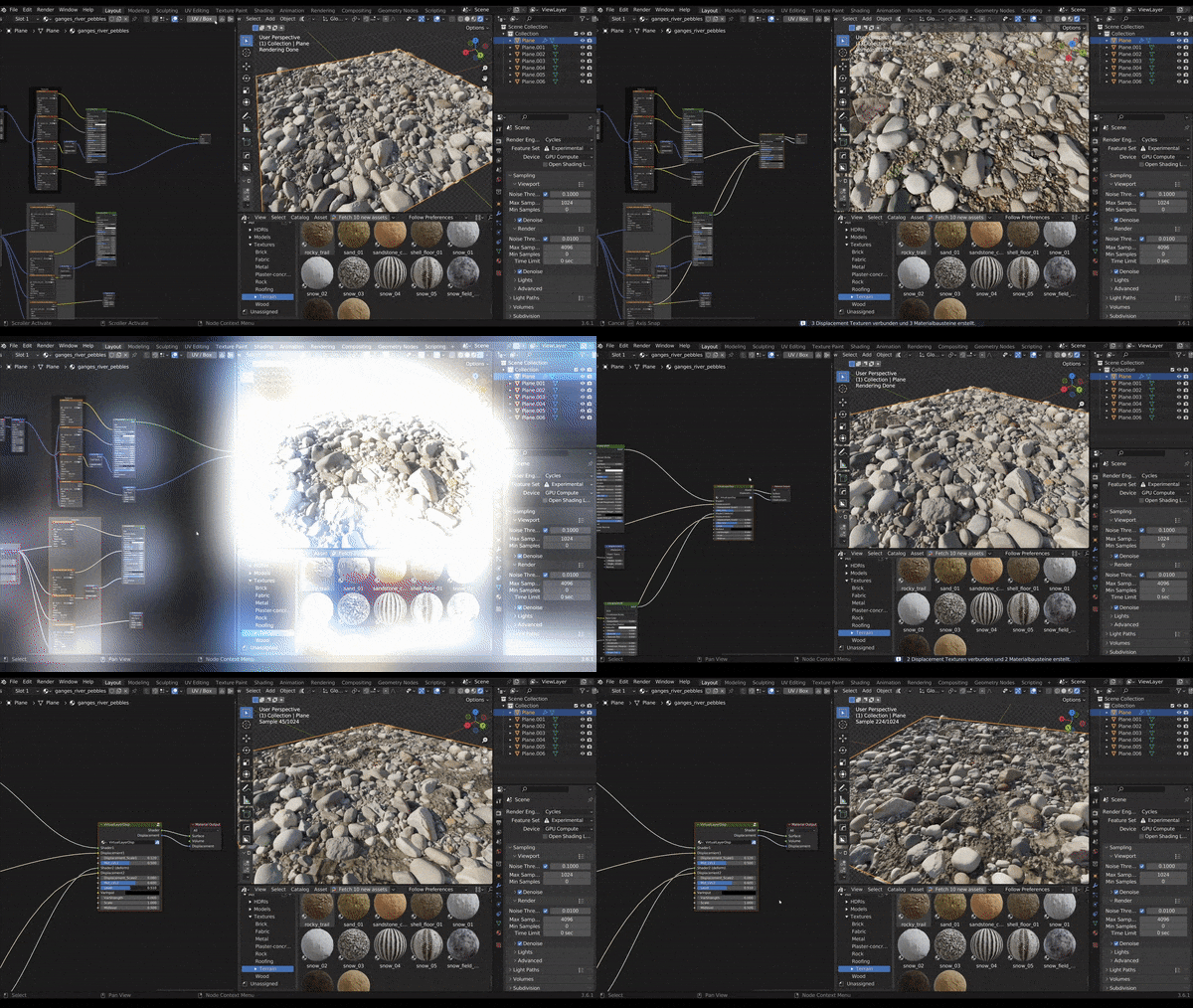
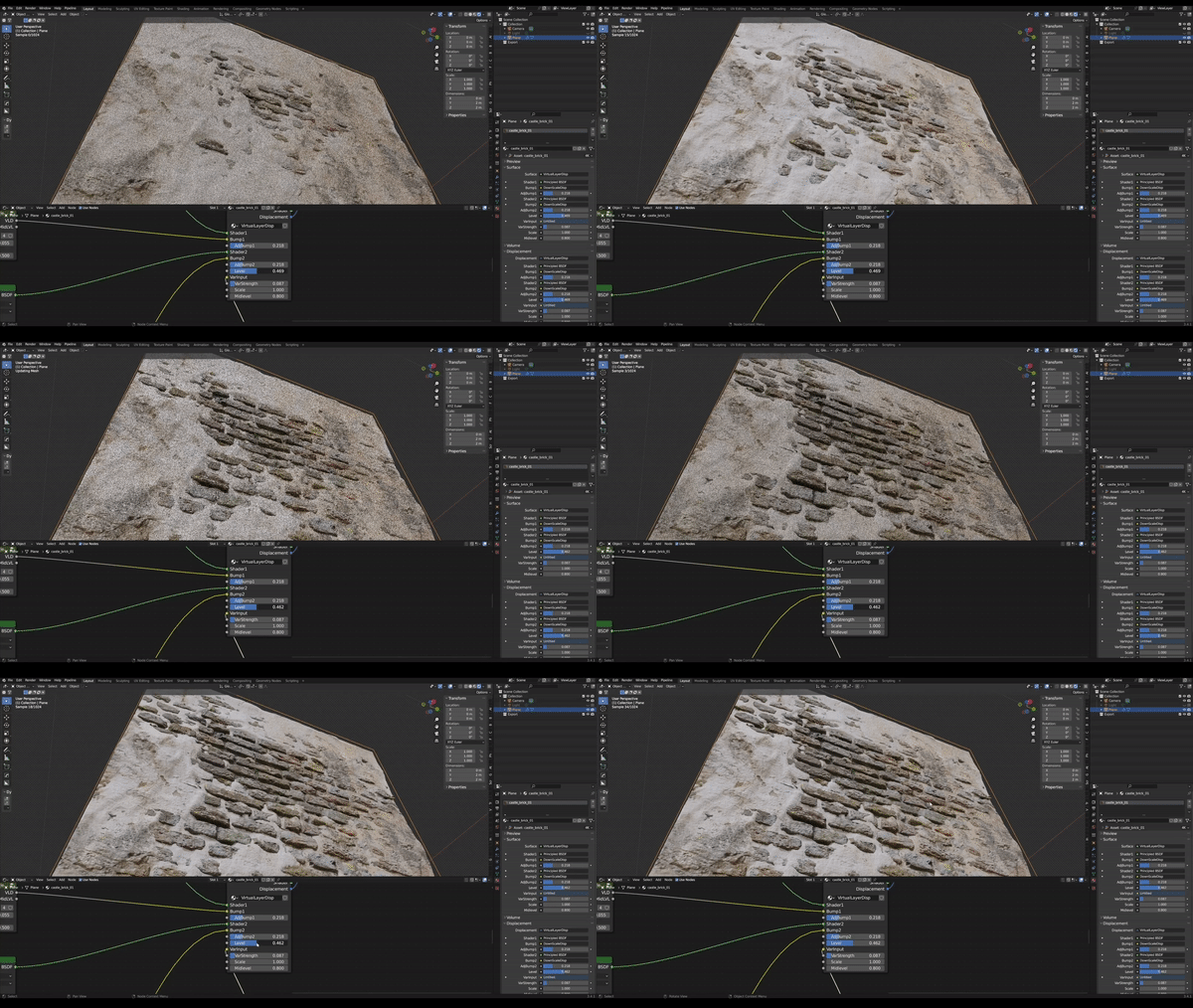
Seamlessly blend two PBR materials using their displacement maps.
Create physically accurate, multi-layered materials with just one click in Blender’s Shader Editor.
🌟 Key Features
✅ Automatic Material Detection – Finds and connects BSDF + displacement nodes automatically
✅ Height-Based Blending – Mix materials according to true displacement depth
✅ Scan50 Ready – 100% compatible with Scan50 material packages
✅ Smart Connection – Keeps Scale & Midlevel values from your existing setup
✅ One-Click Setup – Instantly adds a ready-to-use VLD node group
✅ Dual Material Support – Blend two different shaders or node groups
✅ PBR-Optimized – Works with standard texture sets (Albedo, Roughness, Normal, Displacement)
💻 Requirements
Blender 4.5+ (fully compatible with Blender 5.0)
Works with both Eevee Next and Cycles
📦 Installation
🧩 Method 1 — Blender Extensions (Recommended)
Download the
.zipfrom Superhive MarketOpen Blender → Edit → Preferences → Extensions
Click the ▼ menu → Install from Disk...
Select the downloaded
.zipThe addon installs and enables automatically
📁 Method 2 — Manual
Extract the
.zip-
Copy
virtual_layer_displacementto your user extension folder:Windows:
C:\Users\<Name>\AppData\Roaming\Blender Foundation\Blender\4.5\extensions\user_default\macOS:
/Users/<Name>/Library/Application Support/Blender/4.5/extensions/user_default/Linux:
~/.config/blender/4.5/extensions/user_default/
Restart Blender – done.
⚙️ Quick Start
🪄 Basic Workflow
-
Prepare your materials
Two BSDF materials or Scan50 groups, each with full PBR textures
Optional displacement textures connected
-
Add the VLD Node
Open the Shader Editor
Click the VLD icon in the top bar
-
The addon will:
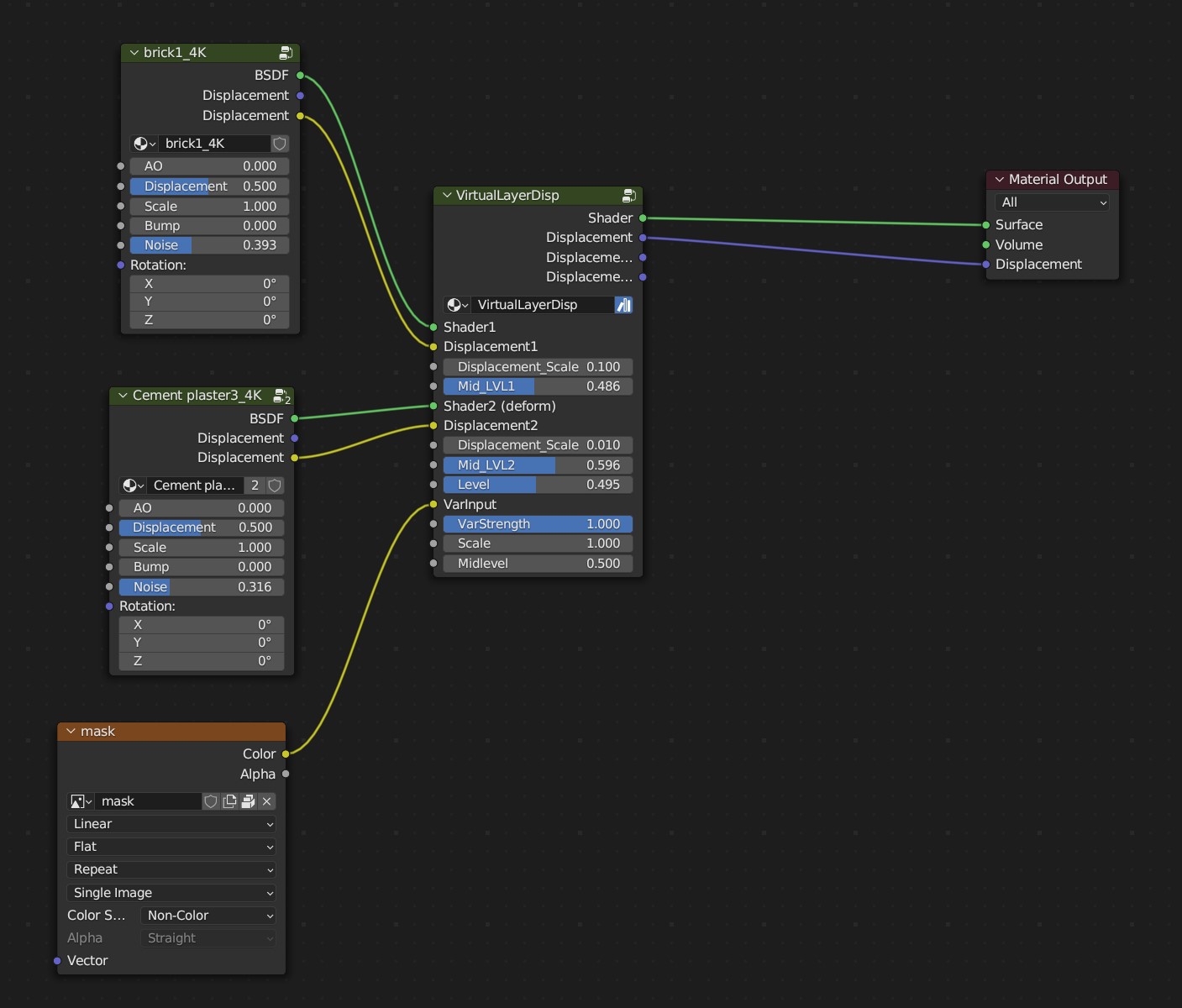
Detect both materials
Insert the Virtual Layer Displacement node group
Wire everything automatically
-
Adjust the Blend
Level: controls overall blending
Displacement_Scale1 / 2: sets displacement strength
Mid_LVL1 / 2: shifts the midpoint
For best results → ensure your mesh has subdivisions
-
Render
Activate Rendered View
Use Subdivision Surface or Adaptive Subdivision (Cycles)
🧠 Node Reference
Inputs
Shader1,Shader2– Base materialsDisplacement1,Displacement2– Height mapsScale1/2,Mid_LVL1/2– Controls for displacement depthFactor– Blend strength (0 = Material 1, 1 = Material 2)
Outputs
Shader→ connect to Material Output → SurfaceDisplacement→ connect to Material Output → Displacement
🎨 Supported Material Types
| Material Type | Supported |
|---|---|
| Standard Principled BSDF | ✅ |
| Scan50 Material Packages | ✅ |
| Custom Node Groups | ✅ |
| Mixed BSDF + Scan50 setups | ✅ |
Works with any properly structured PBR material (Albedo, Roughness, Normal, Displacement).
💡 Tips & Tricks
🧩 Subdivision is Key
Use at least 4–6 levels or Adaptive Subdivision for realistic displacement.
⚖️ Start Small
Set displacement scale between 0.1 – 0.5, adjust gradually.
🎚️ Perfect Blends
Animate the Factor value for dynamic transitions between materials.
🚀 Performance Tip
Use lower subdivisions in the viewport; full detail only at render time.
🔍 Scan50 Integration
Detects internal node groups and preserves all displacement parameters automatically.
🧰 Troubleshooting
If nodes don’t connect correctly:
Ensure both materials contain valid BSDF and (optional) displacement nodes
Disable conflicting node groups before applying VLD
Restart Blender after installation if it doesn’t appear in the menu
📞 Support
For questions or feature requests:
Email: [email protected]
Website: https://cg-mechanics.de