 maciejgliwa
in
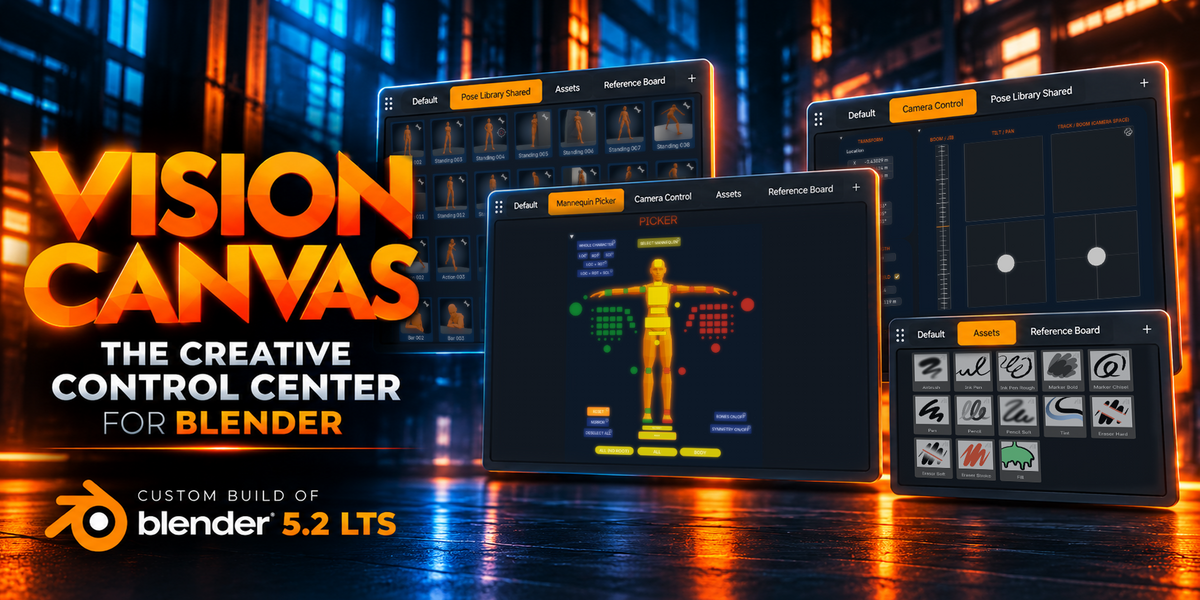
"ONE EDITOR TO RULE THEM ALL"
The Creative Control Center for Blender
Create your own Canvas to access and control anything you need in Blender with ease
Blender is incredibly powerful. But getting to that power shouldn't slow you down.
Hunting through menus. Searching the Outliner. Switching between editors. Memorizing dozens of shortcuts just to get to the tools you use every day.
What if you could design and control your own space with everything you need in one place?
That's why I created Vision Canvas.
WHAT'S NEW
Latest Vision Canvas Update
All Updates in the Documentation Tab
INTRODUCING
What is Vision Canvas?
Vision Canvas is a custom build of Blender 5.2 LTS featuring a brand-new Canvas Editor that lets you create your own interfaces and workspaces.
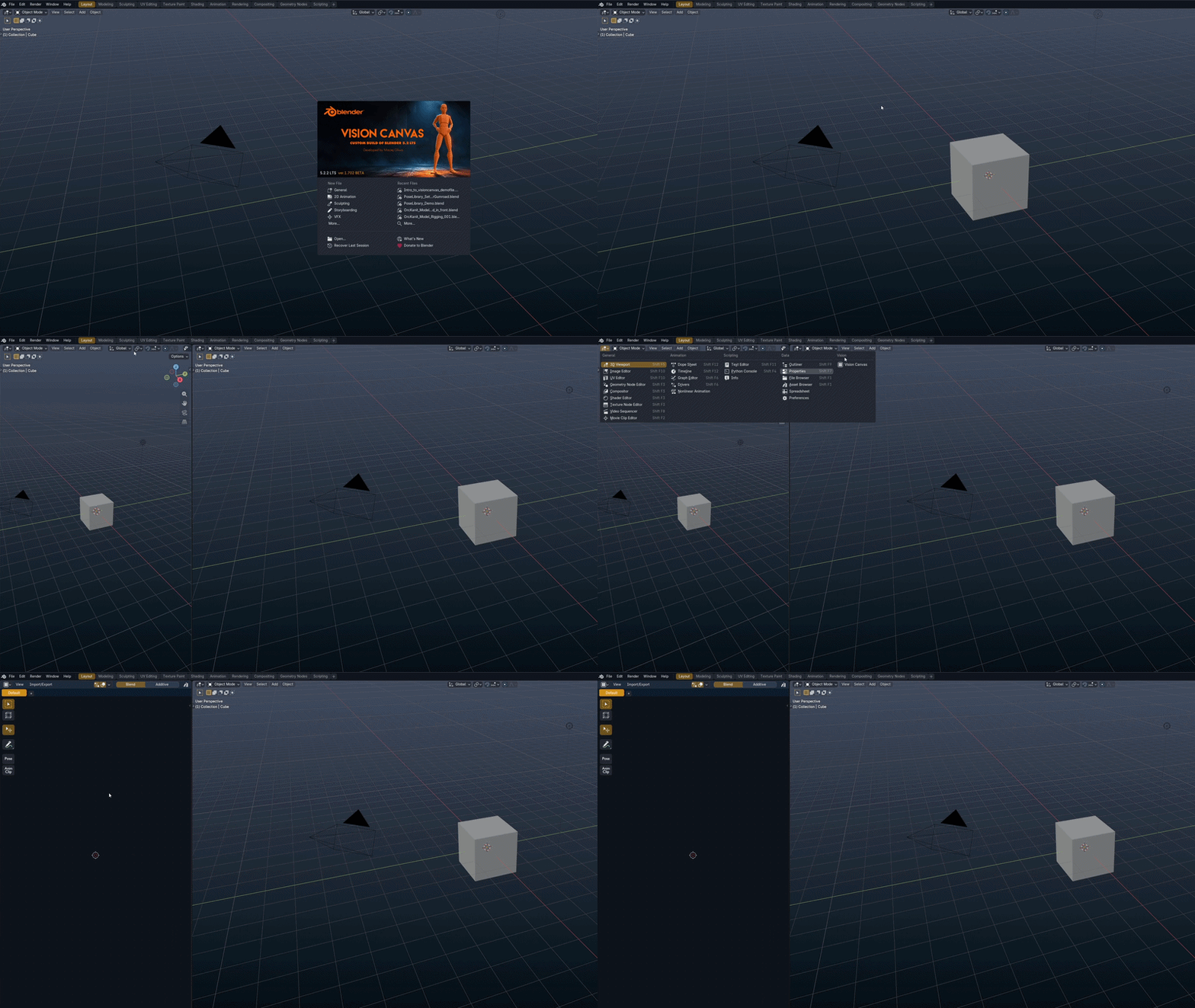
Here are some examples of what you can use it for:
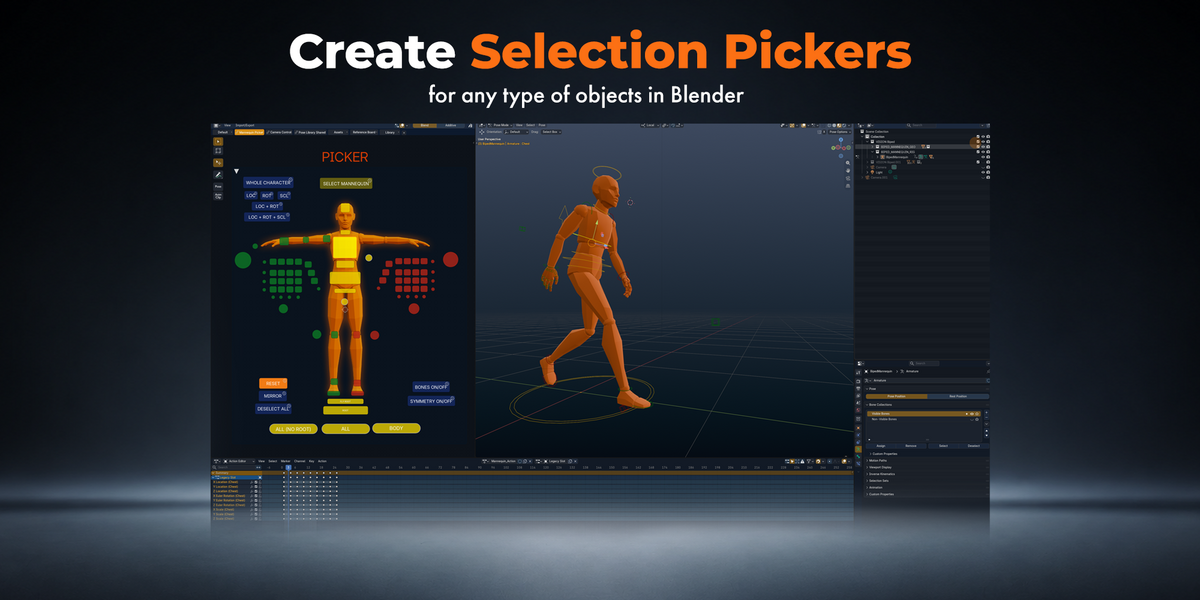
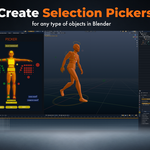
Build your own Selection Pickers
Create custom selection pickers for characters, objects, and anything else in your Blender scenes.
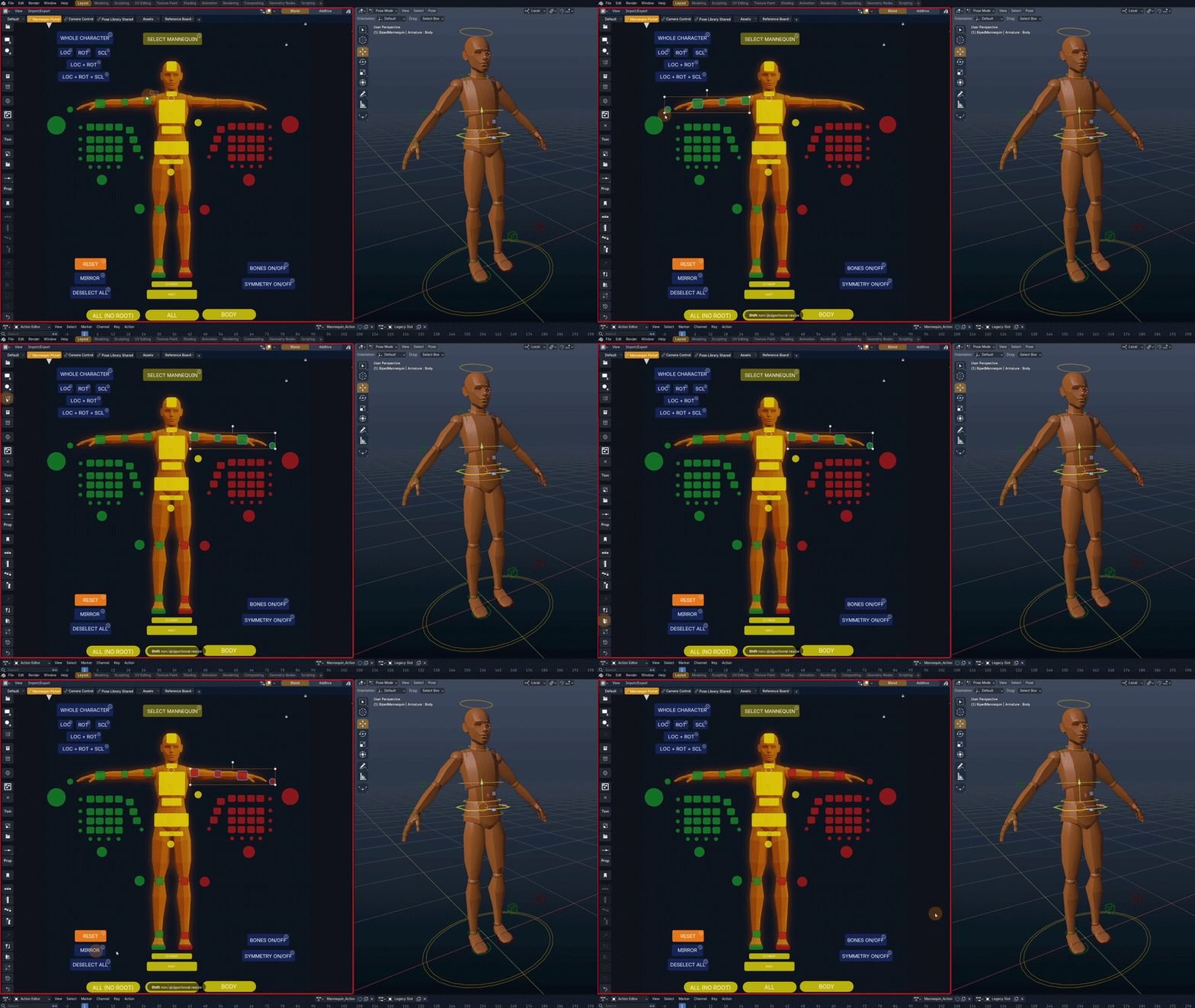
Your selection controls, all in one place.
Select what you need instantly, without hunting through the Outliner or navigating complex hierarchies.
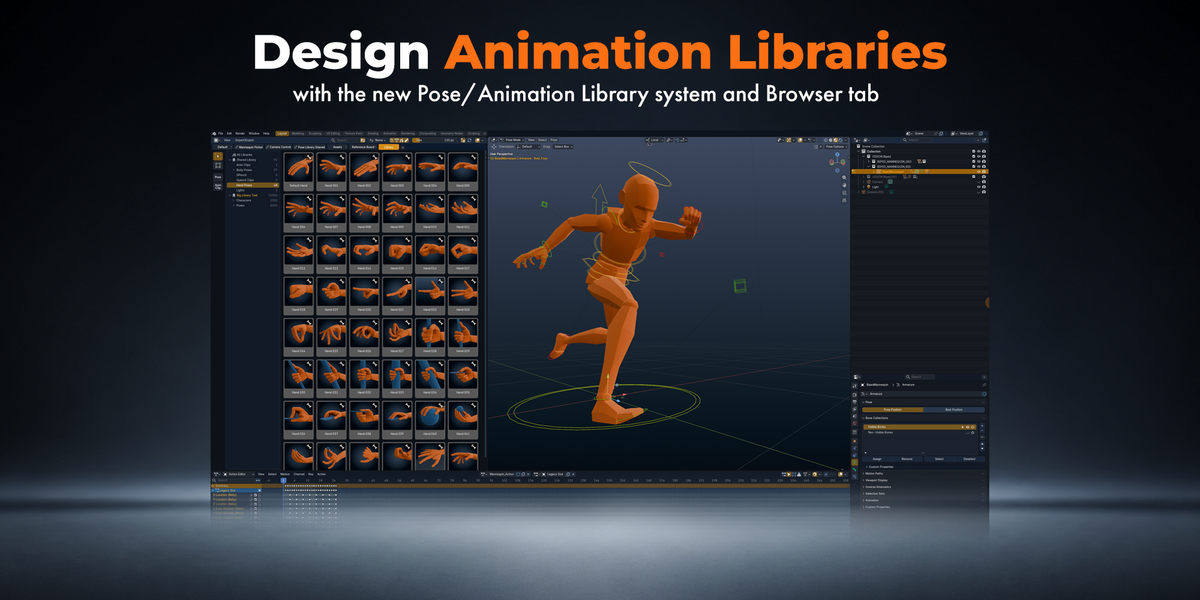
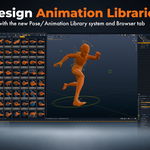
Built-In Pose and Animation Library
Save, organize, and reuse your favorite character poses and animations across your projects.
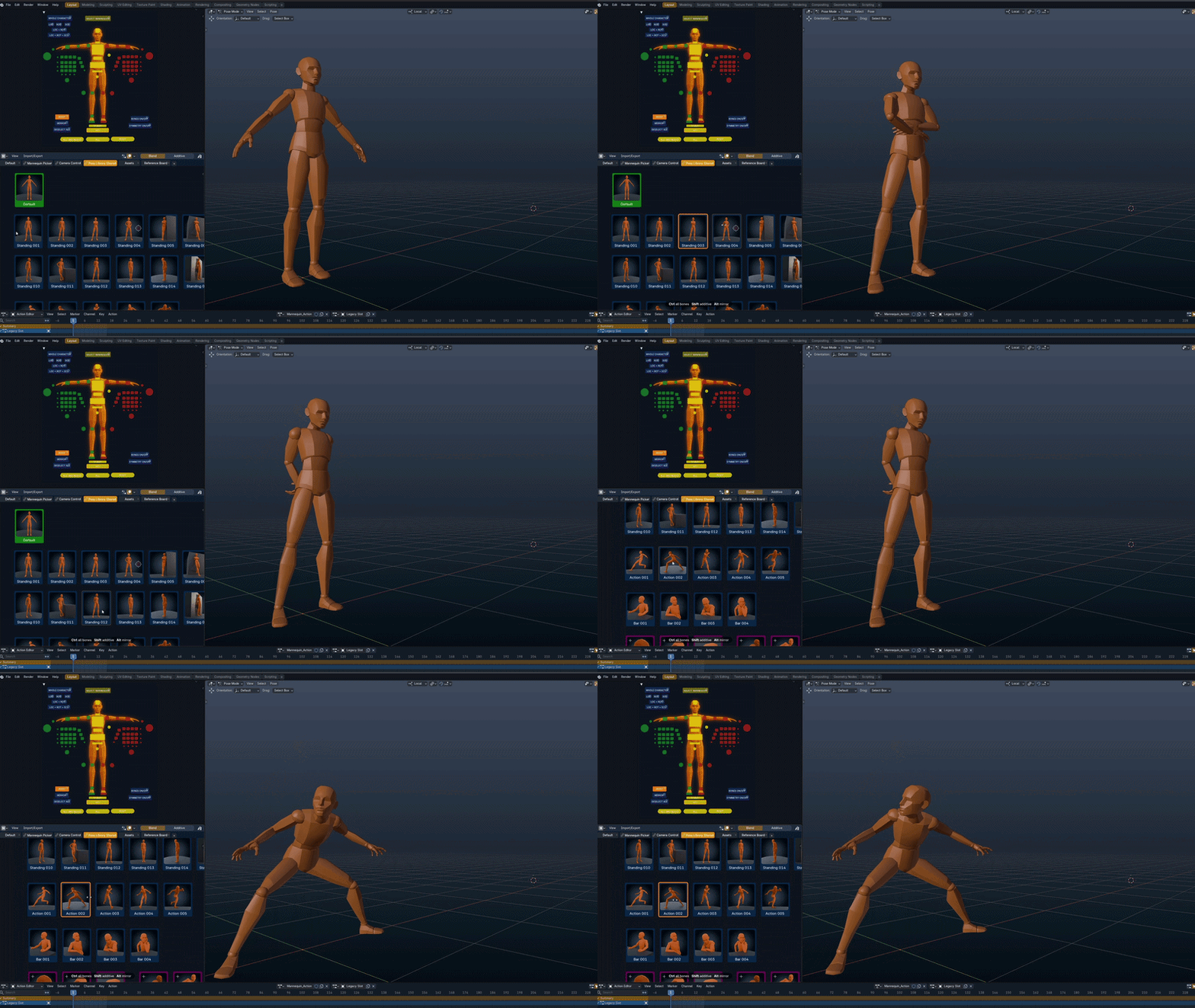
Create once. Animate faster.
Vision Canvas includes its own dedicated Pose and Animation Library, an additional system separate from Blender's Asset Browser. Build collections of reusable poses and animation clips, access them directly from your Canvas, and spend less time recreating work you've already done.
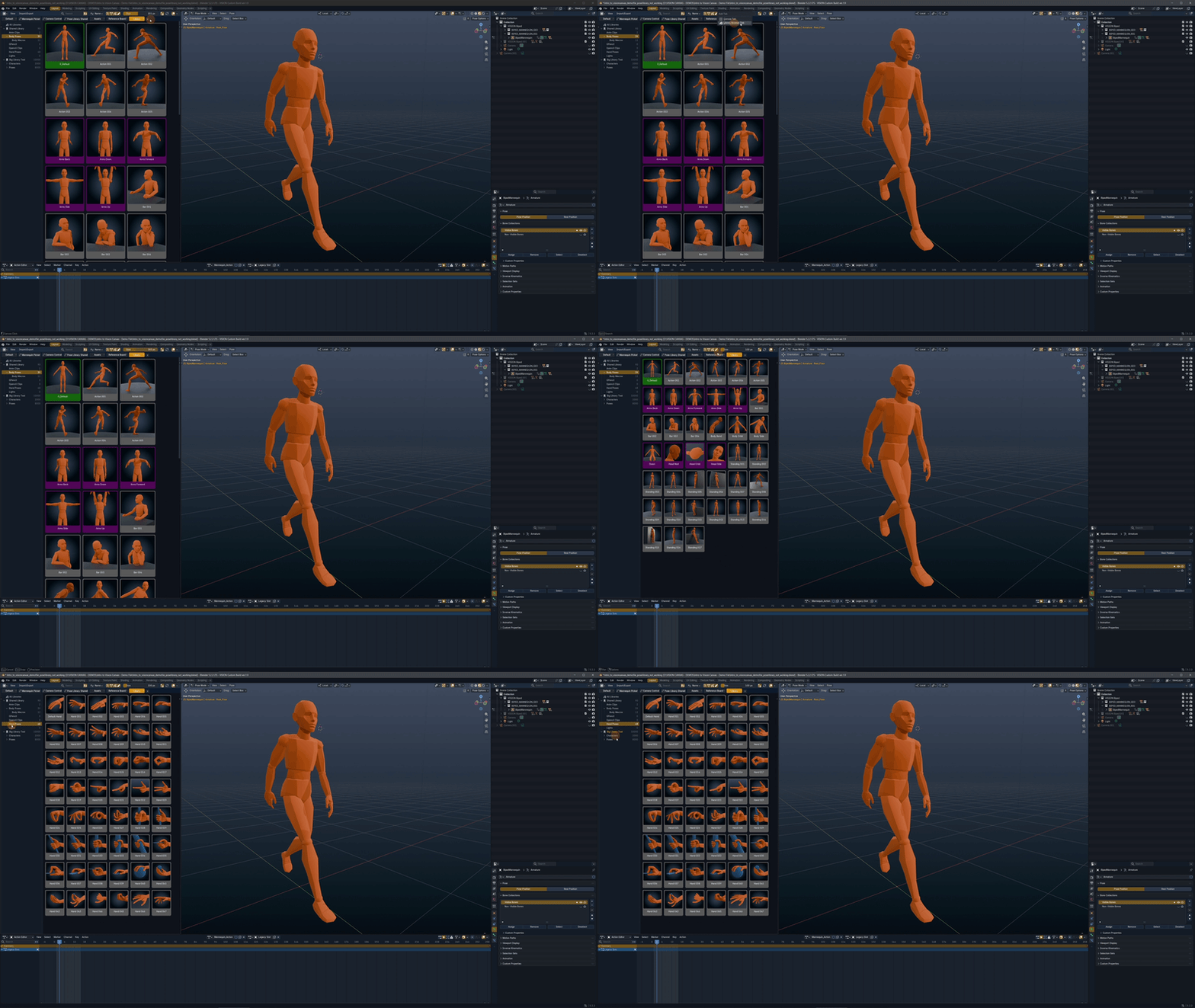
Built-In Animation Library Browser.
Familiar UI to browse and navigate through your Animation Library. And it works with Big Libraries too. 10.000 Poses/Clips? No problem.
Preview, Scrub & Reuse Your Animations
Preview animation clips directly on Canvas, scrub through them, and paste exactly the poses or animation ranges you need.
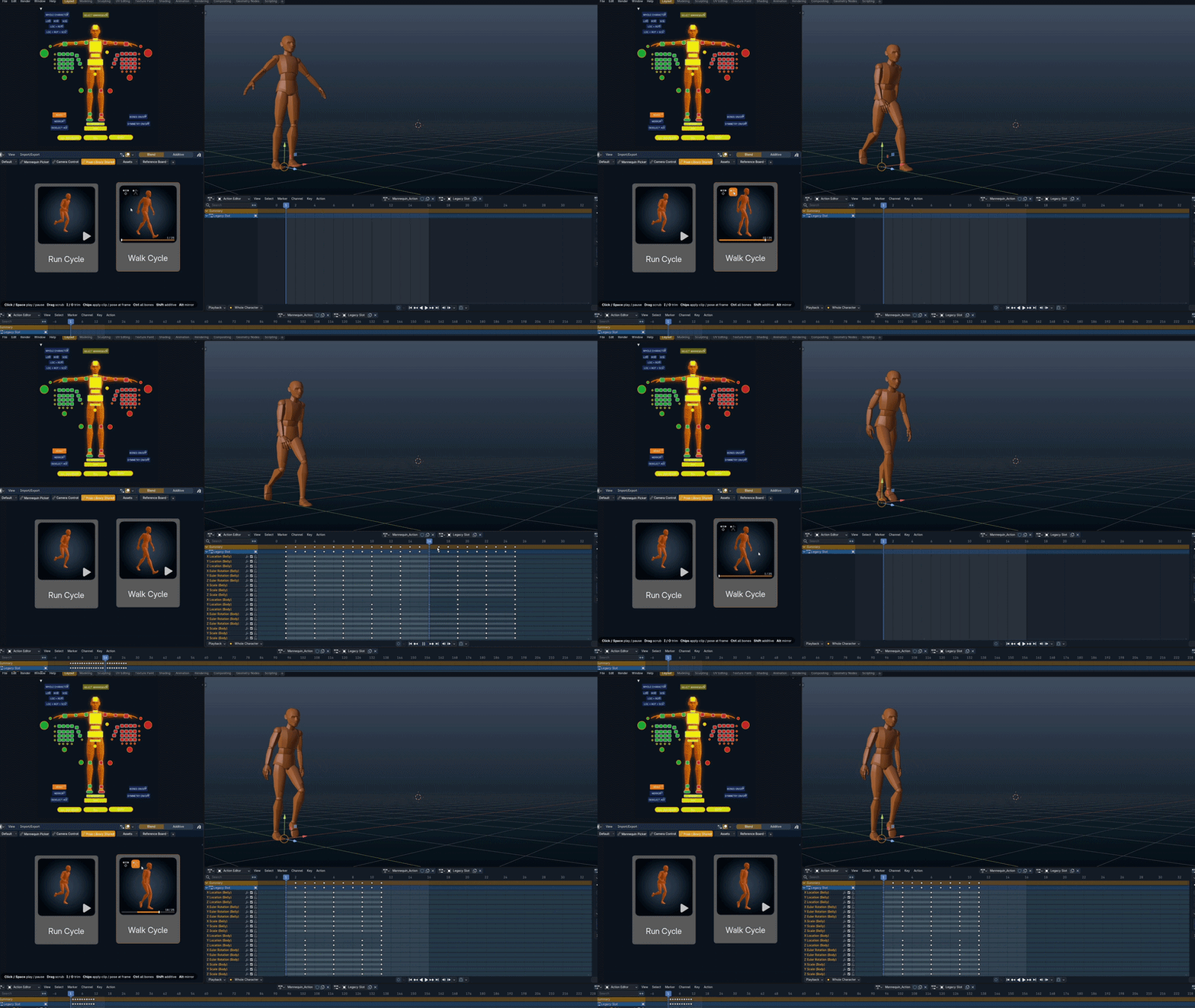
One pose, a few frames, or the entire animation.
Browse your animation library without leaving Canvas. Preview clips directly in the interface and scrub through the timeline to find exactly what you need. Paste a single pose, reuse an entire animation clip, or select just a portion of it. Whether you're building a new performance or reusing existing animation, Vision Canvas gives you the flexibility to work with only the frames you need.
Your Grease Pencil Animation Library
Save and reuse individual drawings, animated sequences, or entire Grease Pencil clips directly from Canvas.
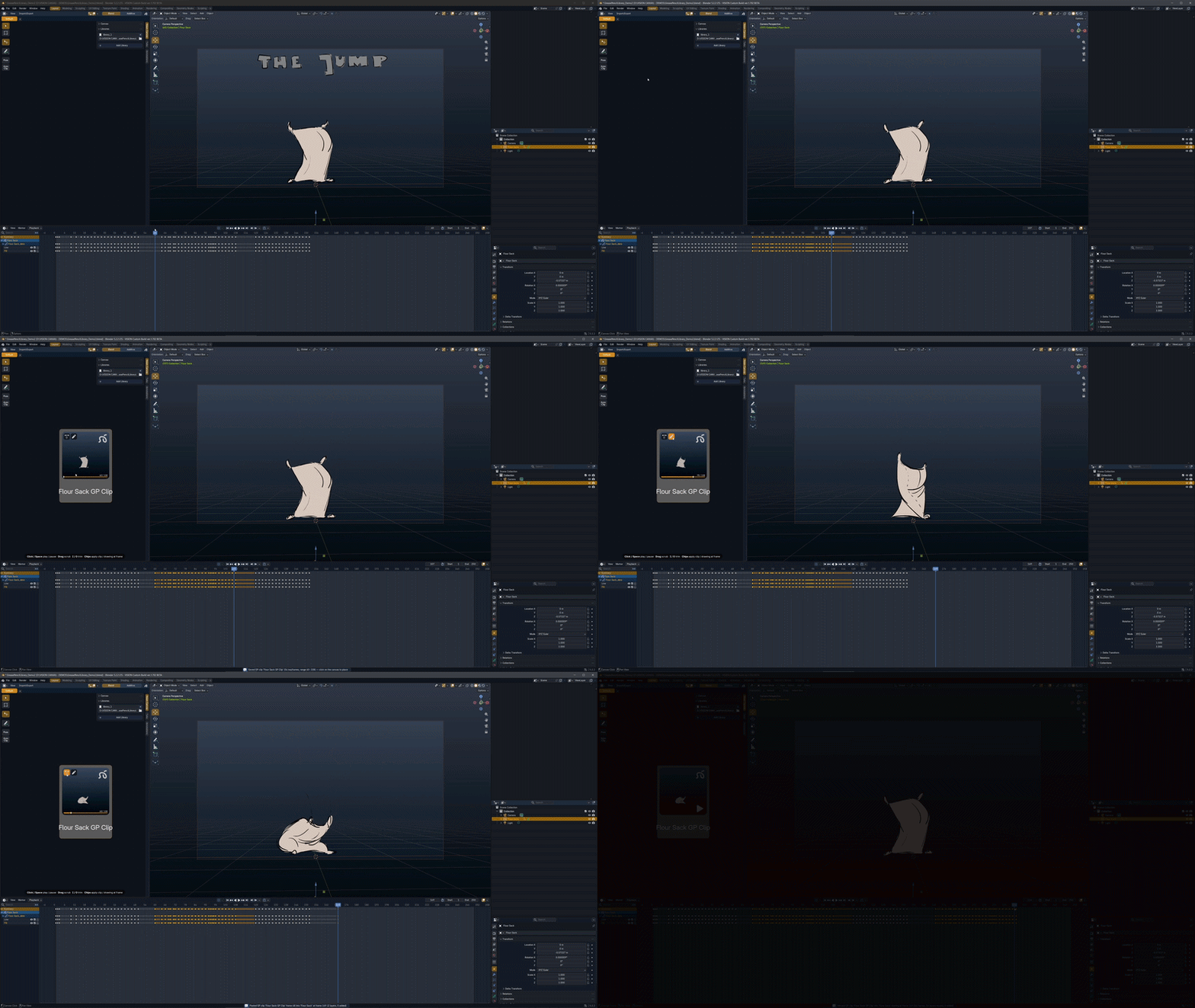
One drawing, a few frames, or the entire sequence.
Build a reusable library of Grease Pencil drawings and animations right on your Canvas. Save your work and paste a single drawing, a selected range of frames, or an entire animated Grease Pencil clip whenever you need it. Perfect for reusing poses, expressions, effects, and hand-drawn animation without recreating them from scratch.
Smart Tabs with Vision Canvas Triggers
Automatically switch Canvas tabs based on what you select in your Blender scene.
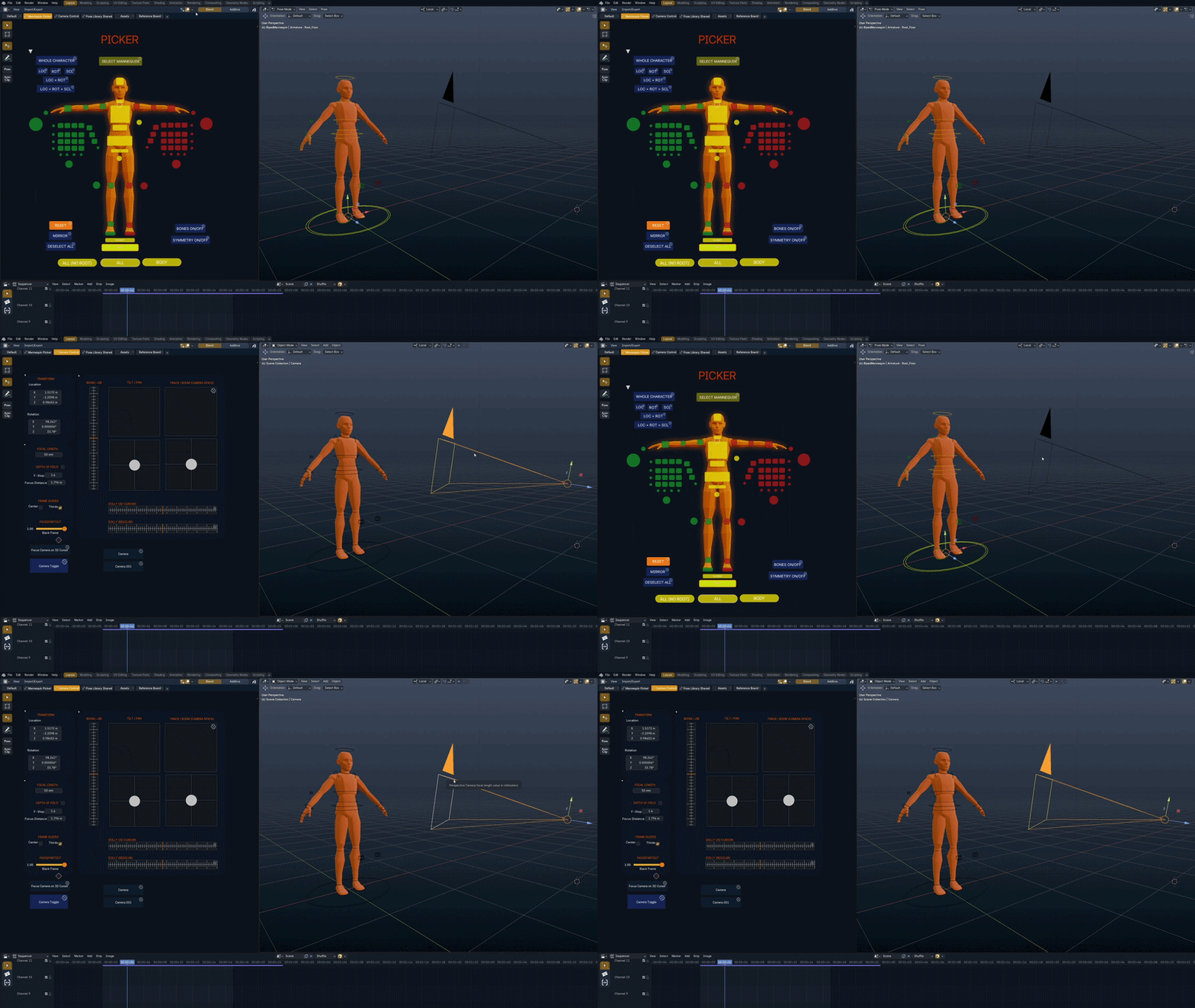
The right controls, right when you need them.
Make your Canvas respond to what you're working on. With Vision Canvas Triggers, you can link objects in your Blender scene to specific Canvas tabs. Select a character, camera, or other object in the 3D Viewport, and Vision Canvas automatically displays the corresponding tab. No more manually switching pages or searching for the right controls—your workspace follows your selection.
Media & Reference Boards
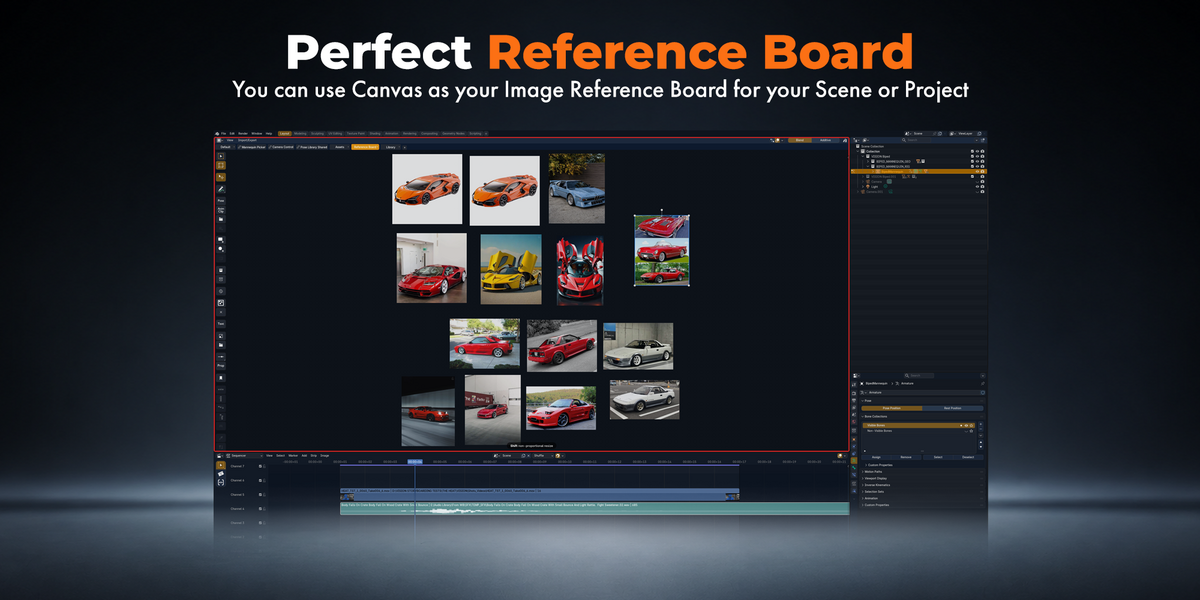
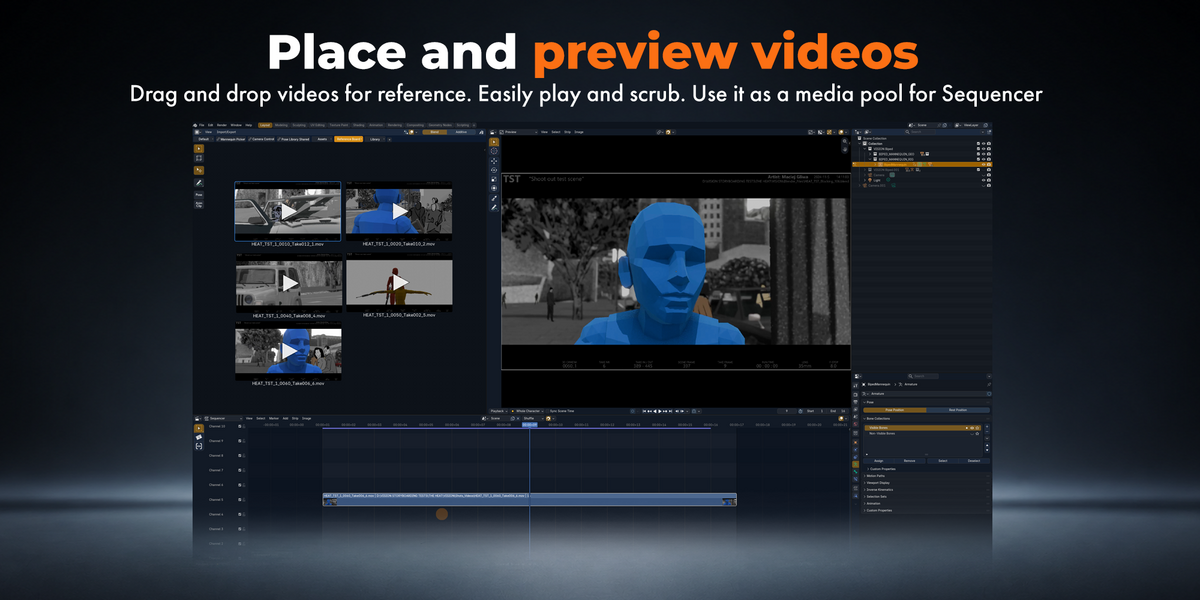
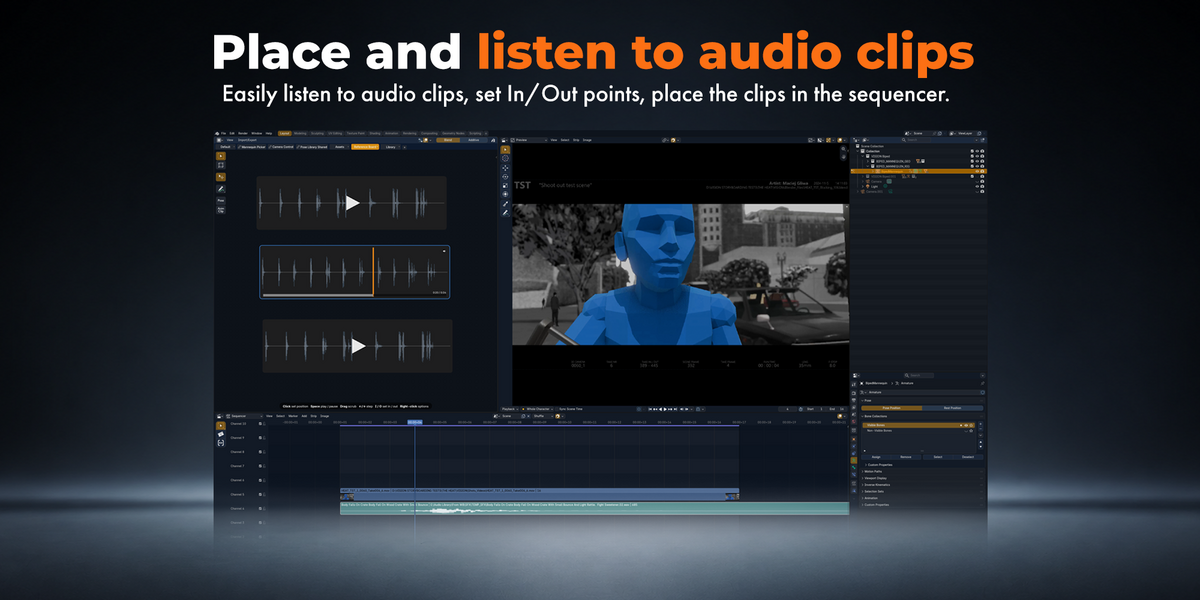
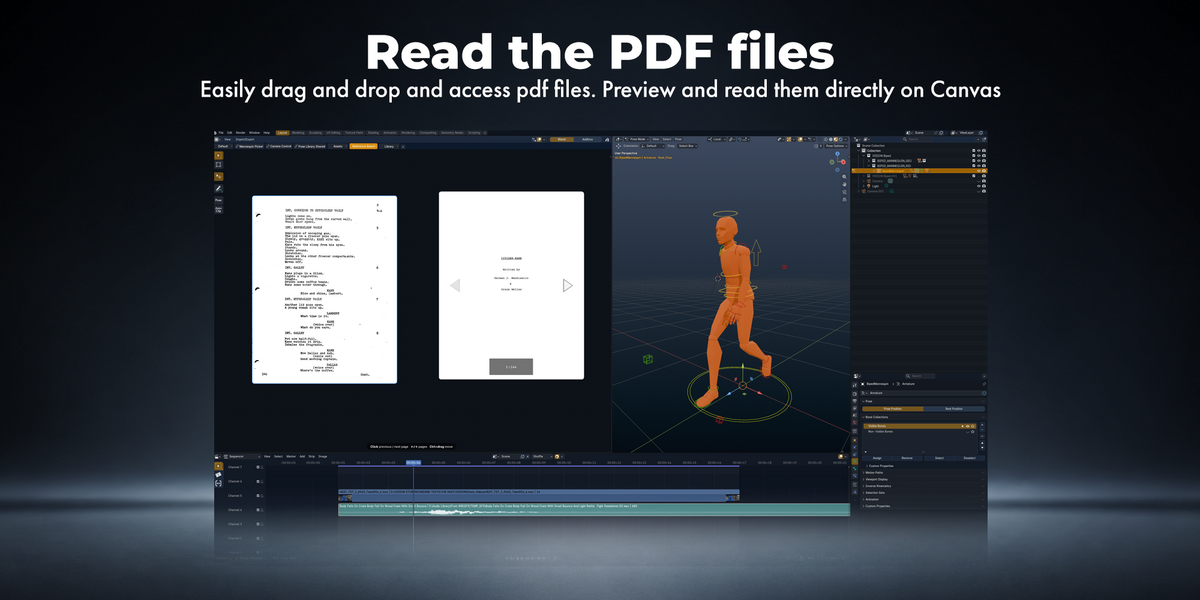
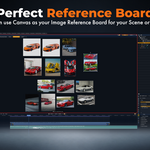
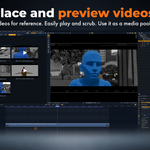
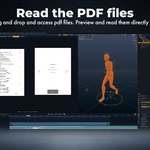
Drag and drop images, videos, audio clips, and PDFs directly onto your Canvas to build your own reference boards.
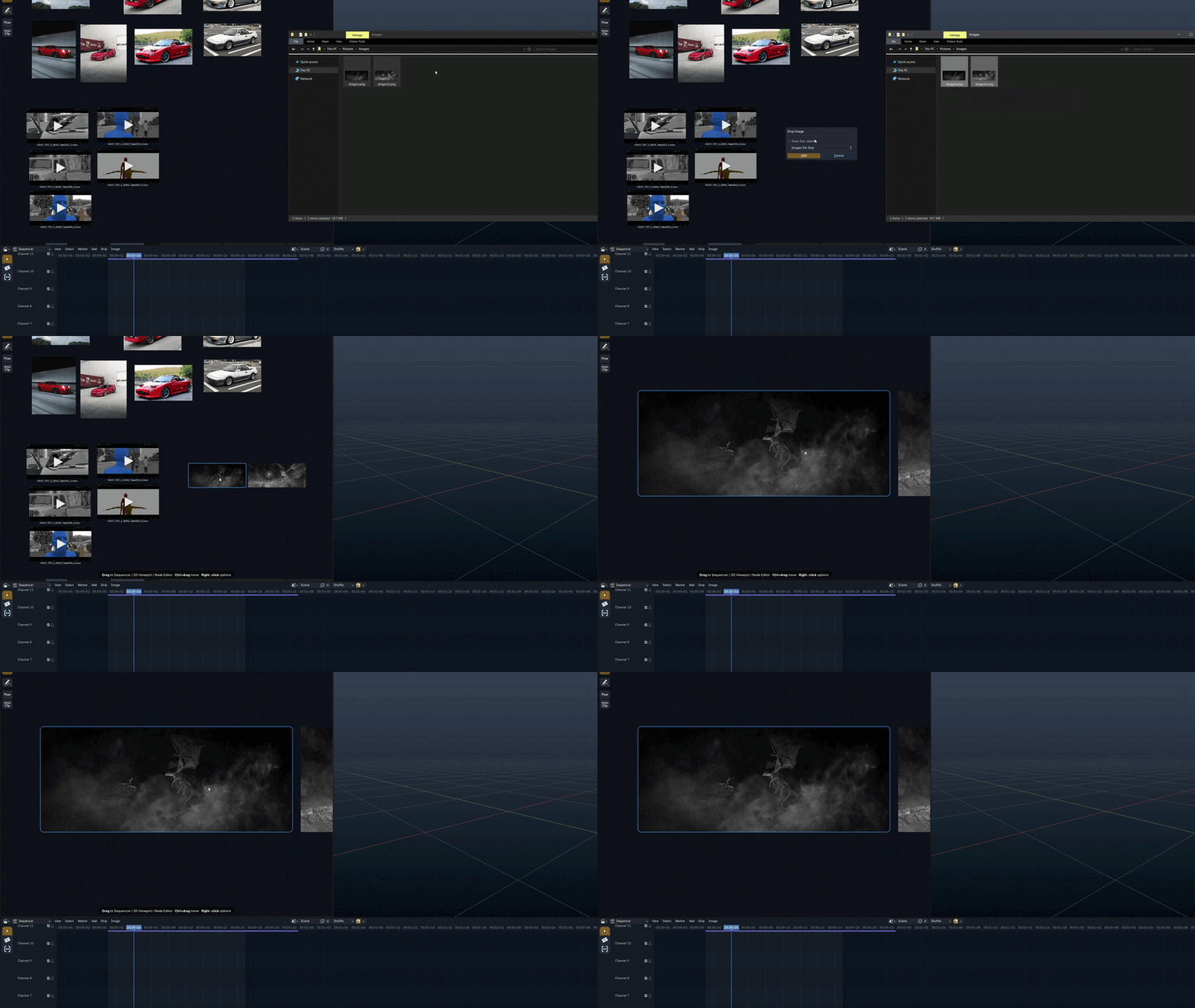
All your references. One Canvas.
Keep your creative references organized and accessible right inside Blender. Arrange your media however you like and preview images, play videos and audio, or view PDFs directly on your Canvas—without switching between applications or interrupting your workflow.
Your Media Pool for Blender's Sequencer
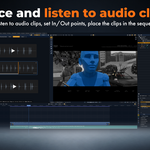
Organize your media, set In and Out points for video and audio clips, and drag them directly onto the Sequencer timeline.
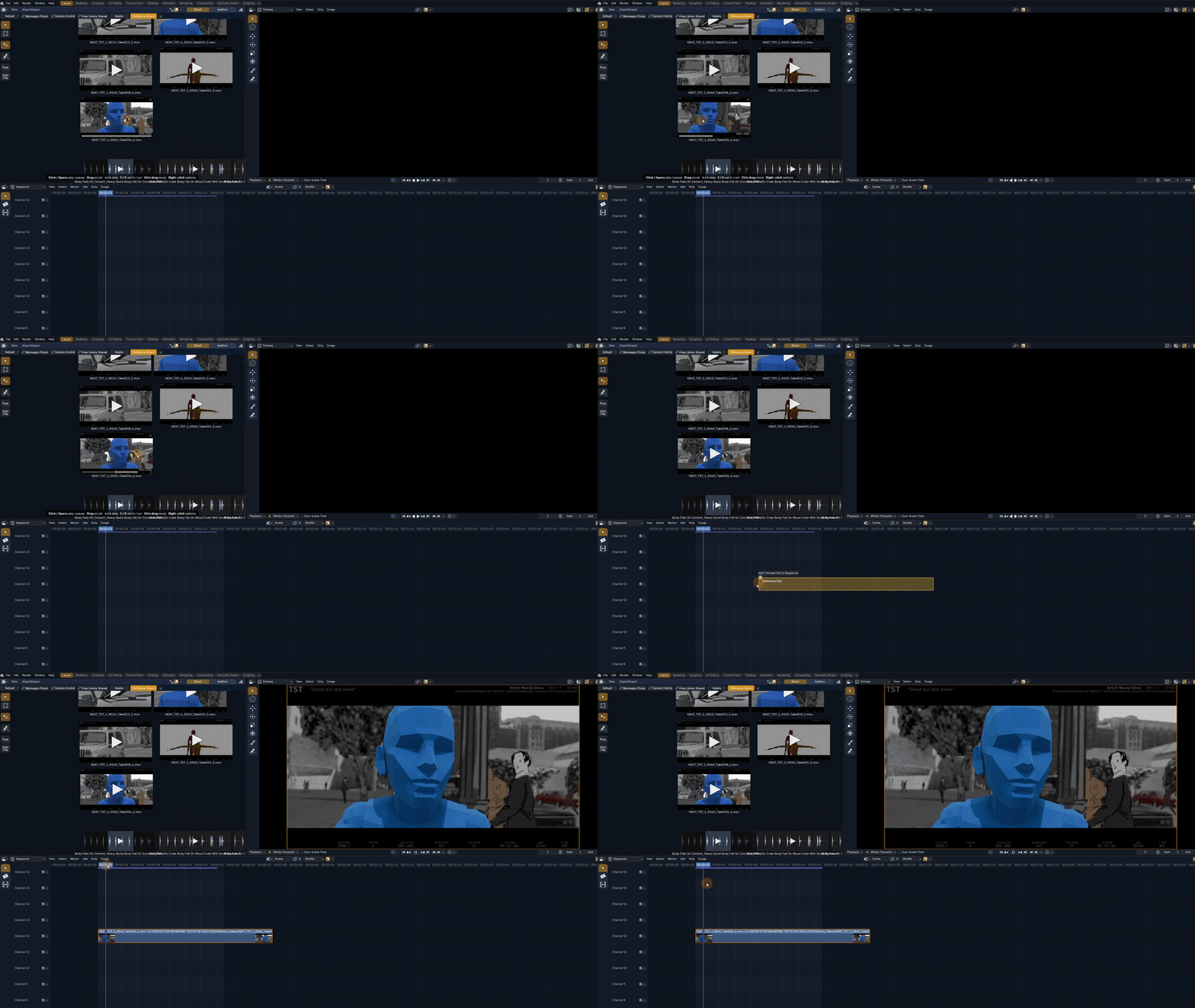
Prepare your clips. Build your edit faster.
Turn your Canvas into a visual media pool for Blender's Video Sequencer. Organize and preview your footage, audio, and images, set precise In and Out points for video and audio clips, then drag and drop them straight onto your timeline. Spend less time managing files and trimming clips, and more time shaping your edit.
Your Asset Library. Right on Canvas.
Drag and drop assets from Blender's Asset Browser directly onto your Canvas for instant access to the resources you use most.
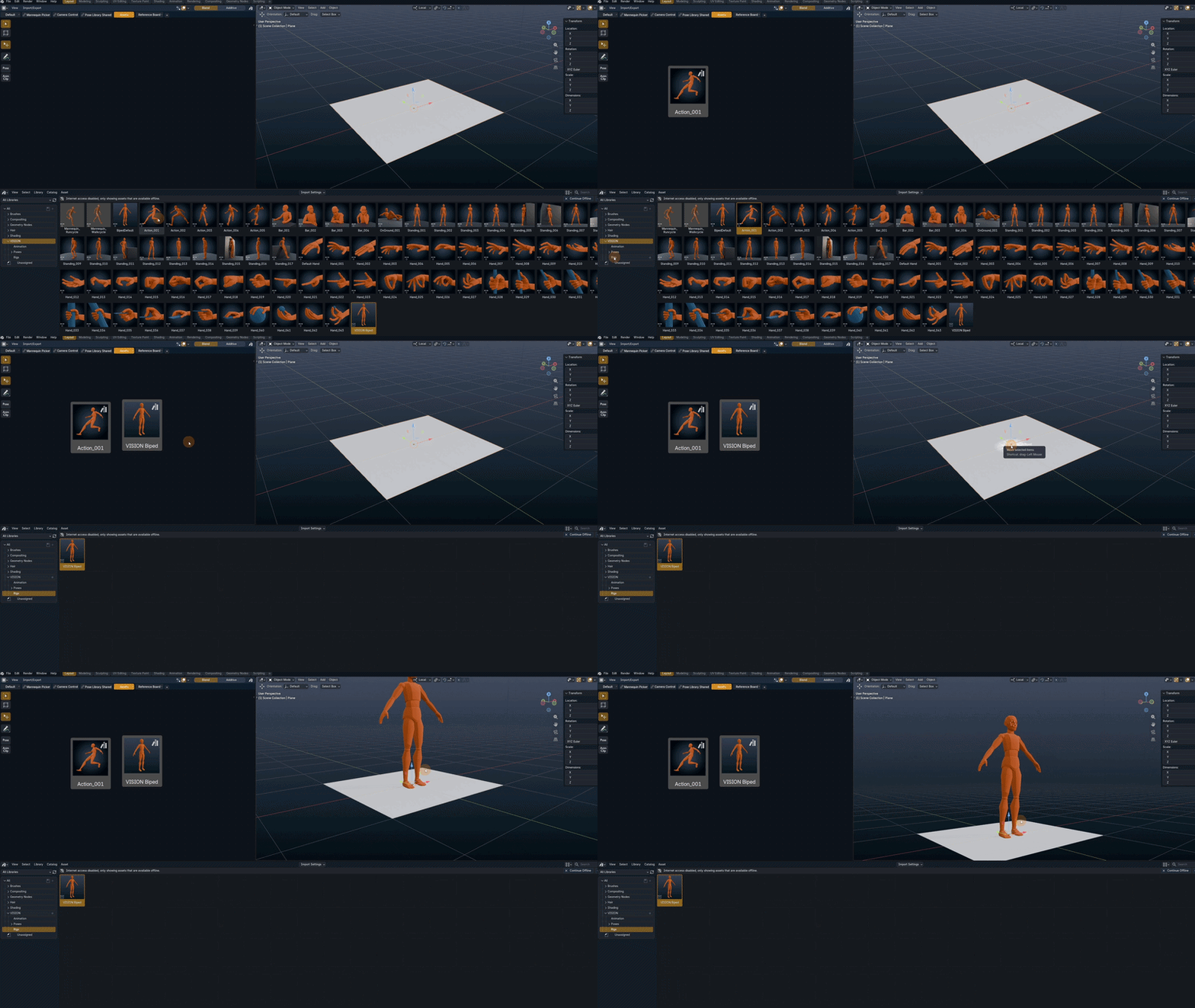
Your favorite assets, always within reach.
Turn your Canvas into a personalized shortcut to your Blender Asset Browser library. Place your frequently used assets directly on Canvas, organize them however you like, and access them without repeatedly navigating through the Asset Browser. Keep the tools and resources you rely on most exactly where you need them.
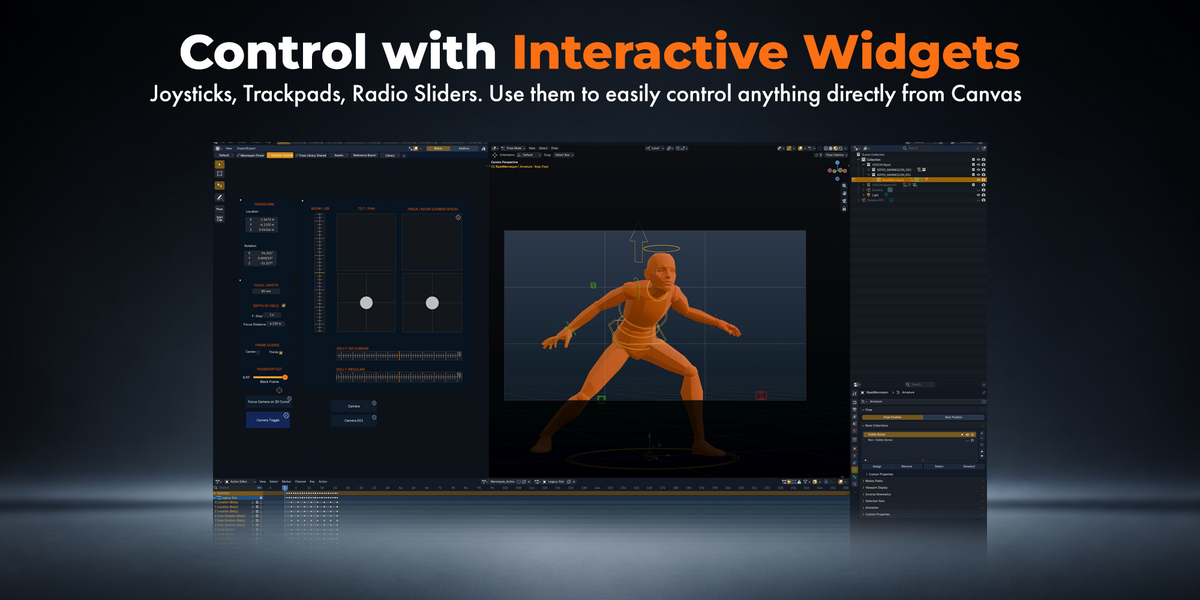
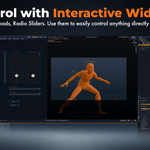
Build Your Own Interactive Controllers
Create custom controllers with joysticks, trackpads, sliders, and other interactive widgets to control cameras, objects, and properties in Blender.
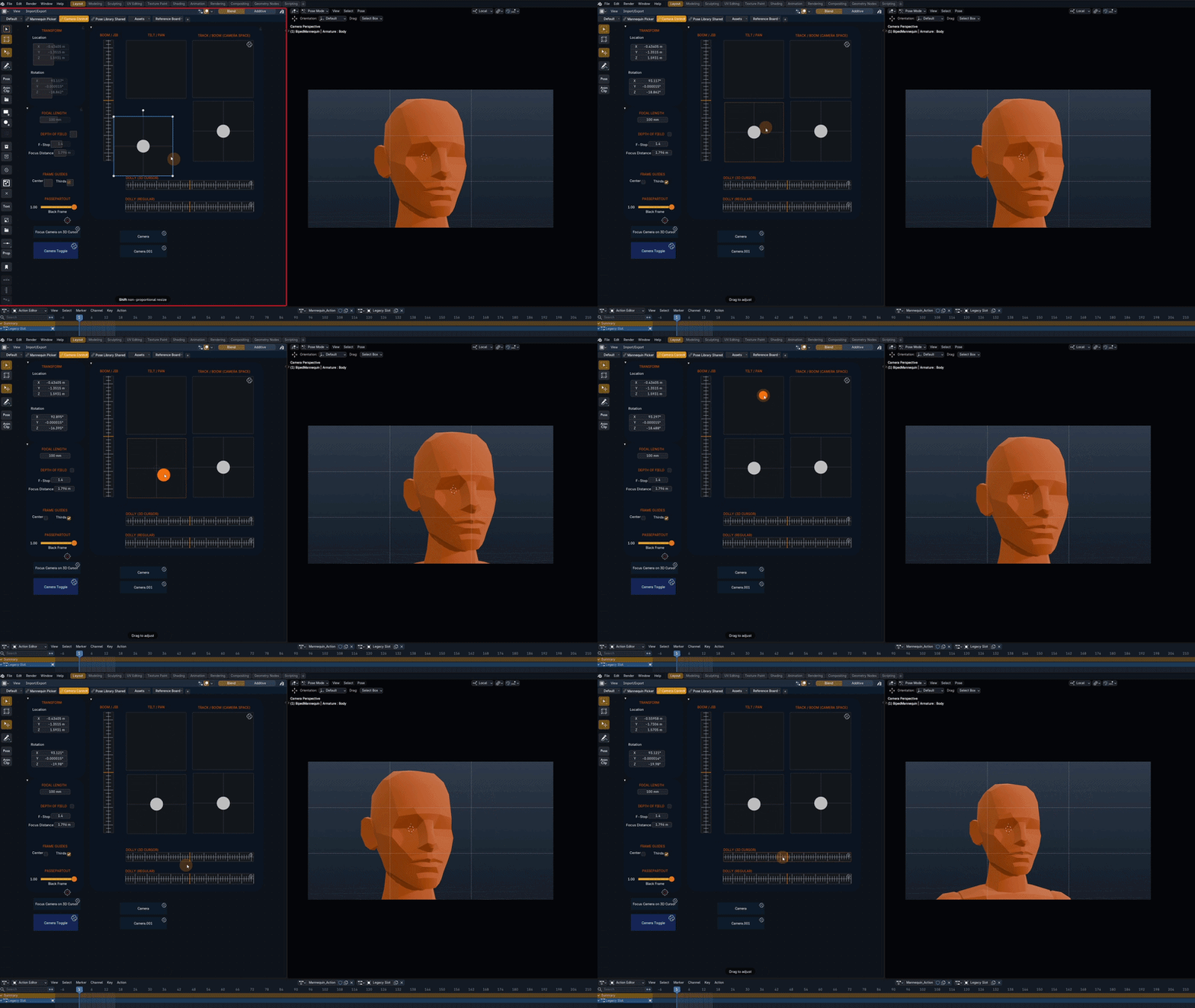
Your controls. Your workflow.
Turn your Canvas into a custom control surface for Blender. Build interactive widgets to move cameras, adjust properties, manipulate objects, or control virtually anything in your scene. Combine joysticks, trackpads, sliders, joysticks, or other controls into personalized interfaces designed around the way you work—without constantly switching editors or digging through settings.
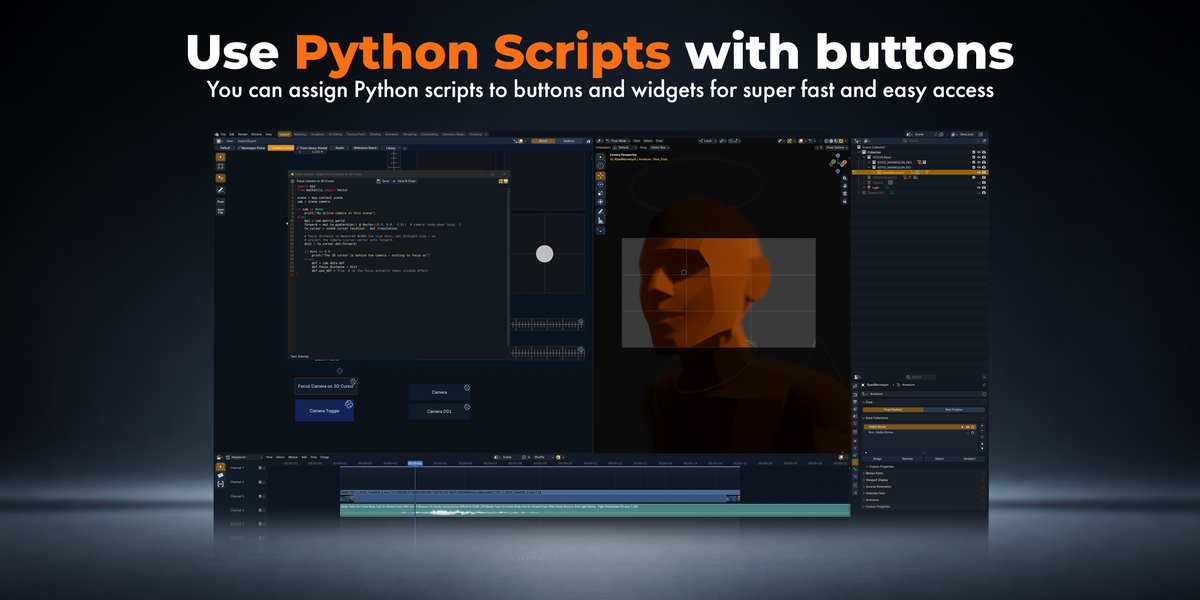
Run Python Scripts Directly from Canvas
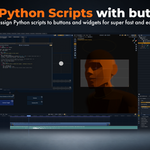
Connect your Python scripts to buttons and interactive widgets, and run your custom Blender tools with a single click.
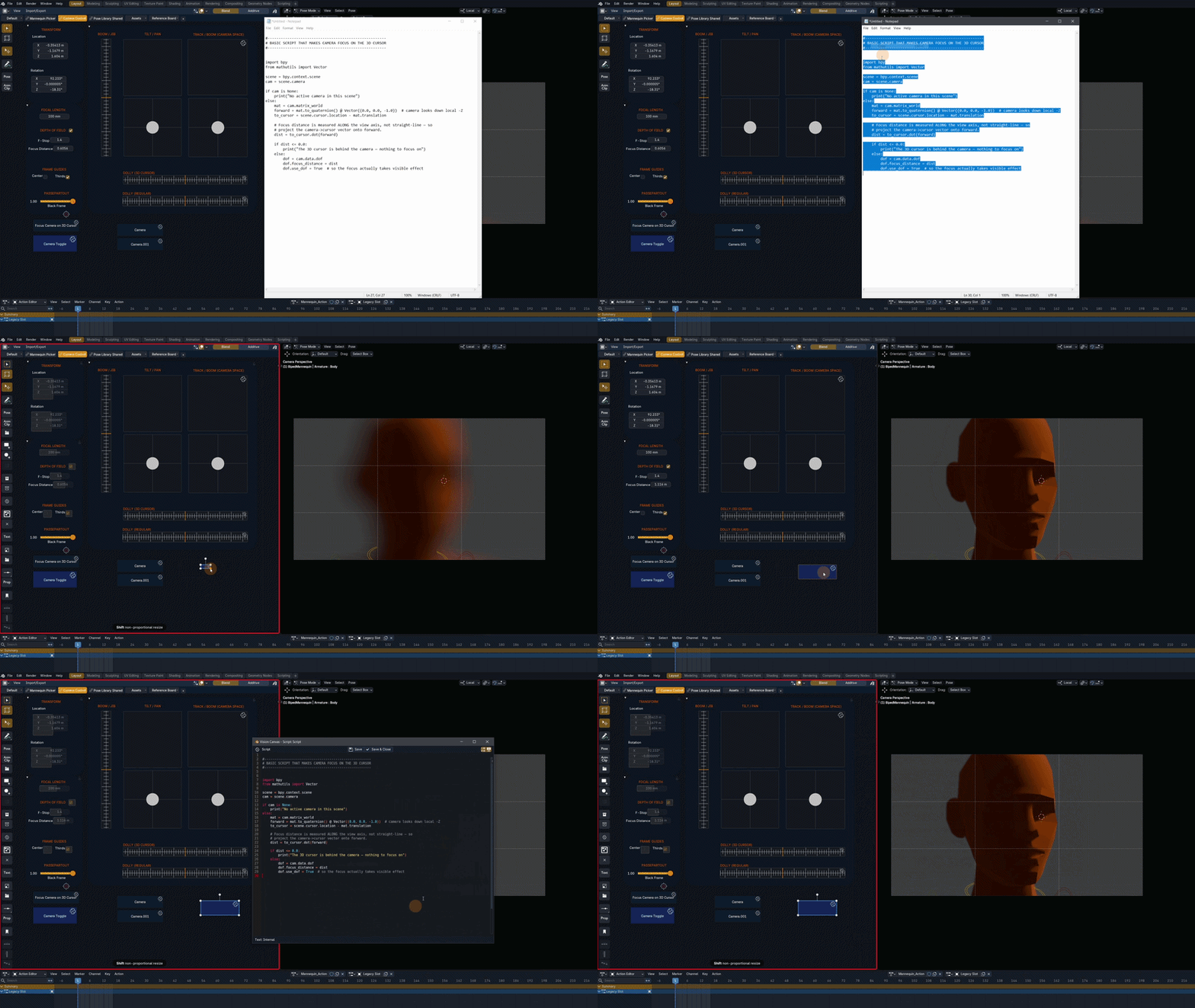
Your scripts. One click away.
Turn your Python scripts into easily accessible tools right on your Canvas. Simply paste your existing Python code and connect it to buttons, sliders, joysticks, or other interactive widgets to automate tasks and create custom workflows. No need to package your scripts as Blender add-ons or open the Text Editor every time you want to run them. And whenever you need to make changes, Vision Canvas includes a built-in Code Editor for quick and easy editing.
EVERYTHING YOU NEED
What's Included
VISION CANVAS - standalone custom build of Blender 5.2.2 LTS (source code of the build included)
Important: Vision Canvas is a standalone Blender application, not an add-on.
SEE IT IN ACTION
Quick Examples
Watch examples of what you can use Vision Canvas for.
|
|
|
