 Myndari
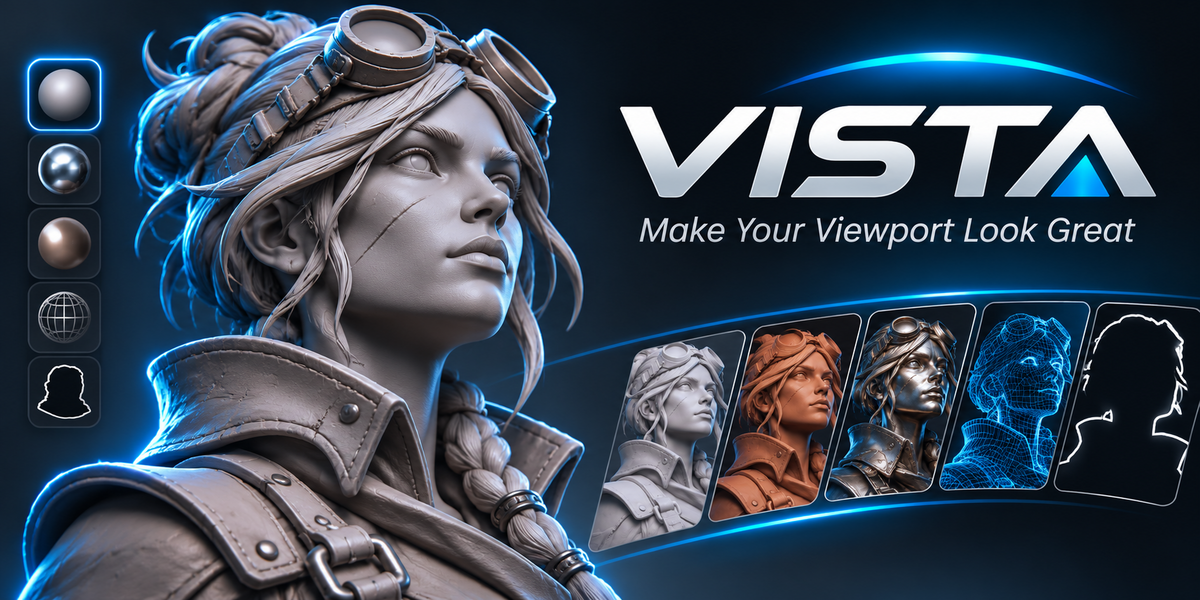
Make your models look better while you work, and turn them into presentation-ready images in just a few clicks.
I built Vista because I wanted to enjoy how my models looked while I was making them. I also wanted a faster way to preview my PBR materials , and to share my work without having to set up renders every time. Vista brings both into one workflow.
Make the viewport your own
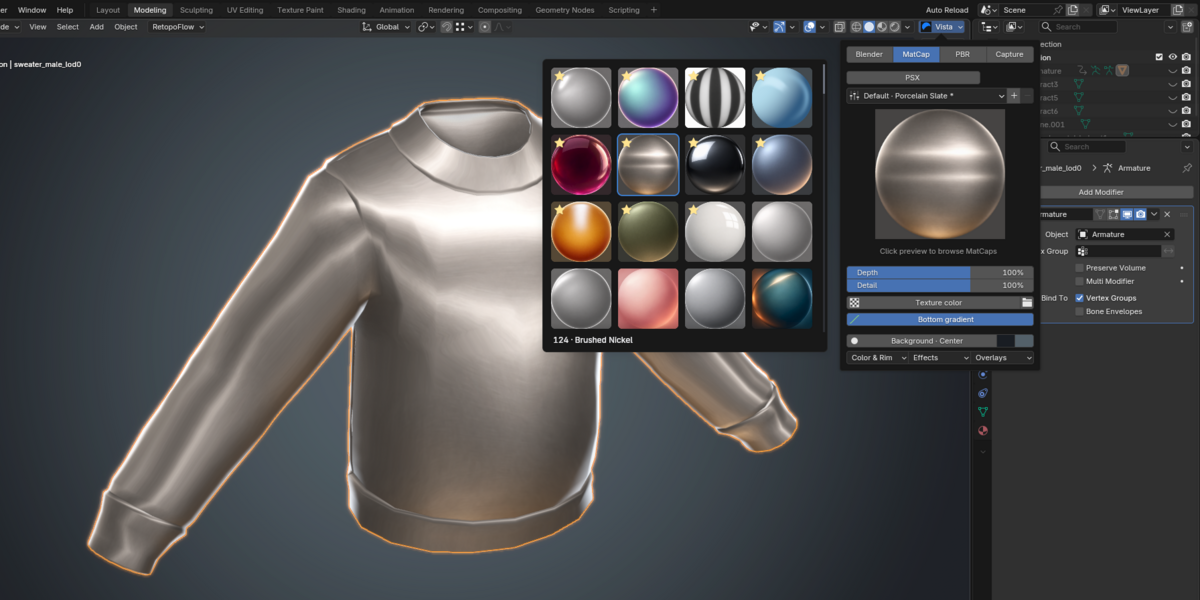
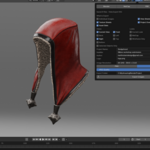
Customize how your models look directly in Blender's 3D Viewport, in real time.
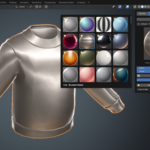
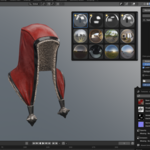
MatCap Library to explore different materials and shading styles.
Custom lighting and backgrounds with adjustable depth, color, rim lighting, backdrop, and more.
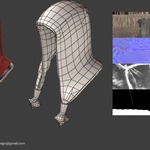
Clean wires and outlines for inspecting topology and silhouettes.
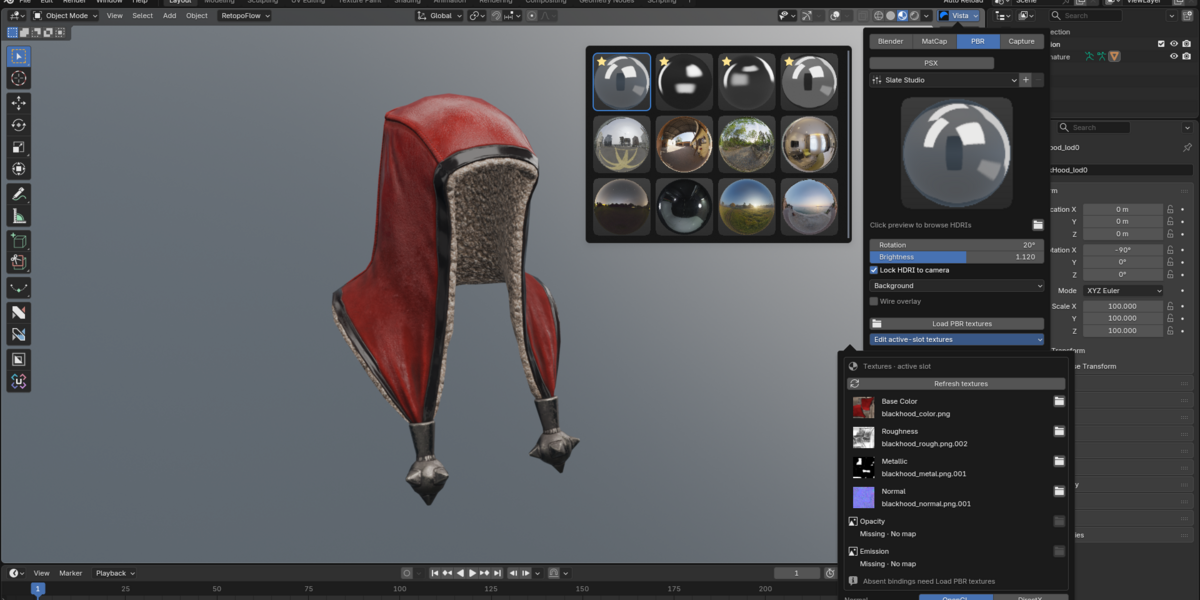
Easy PBR preview to see your textured model under accurate conditions within seconds.
Saved looks so you can quickly switch between your favorite setups.
From model to presentation in one click
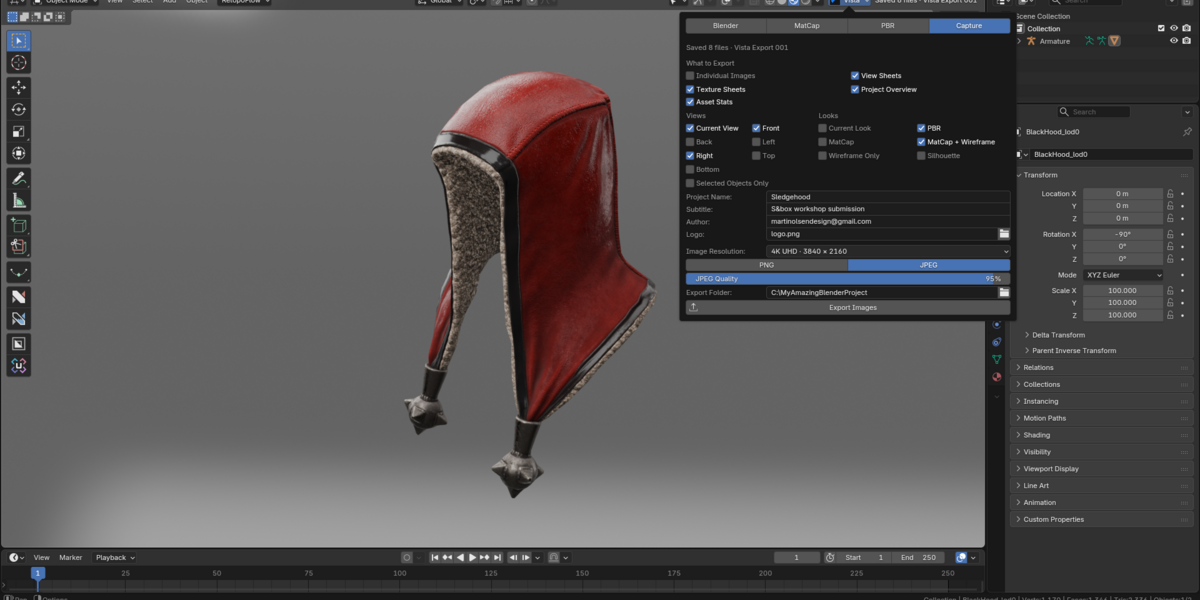
Vista's Capture tool automates the repetitive work of preparing images for portfolios, social media, and team reviews.
Choose your outputs, then click Generate Package.
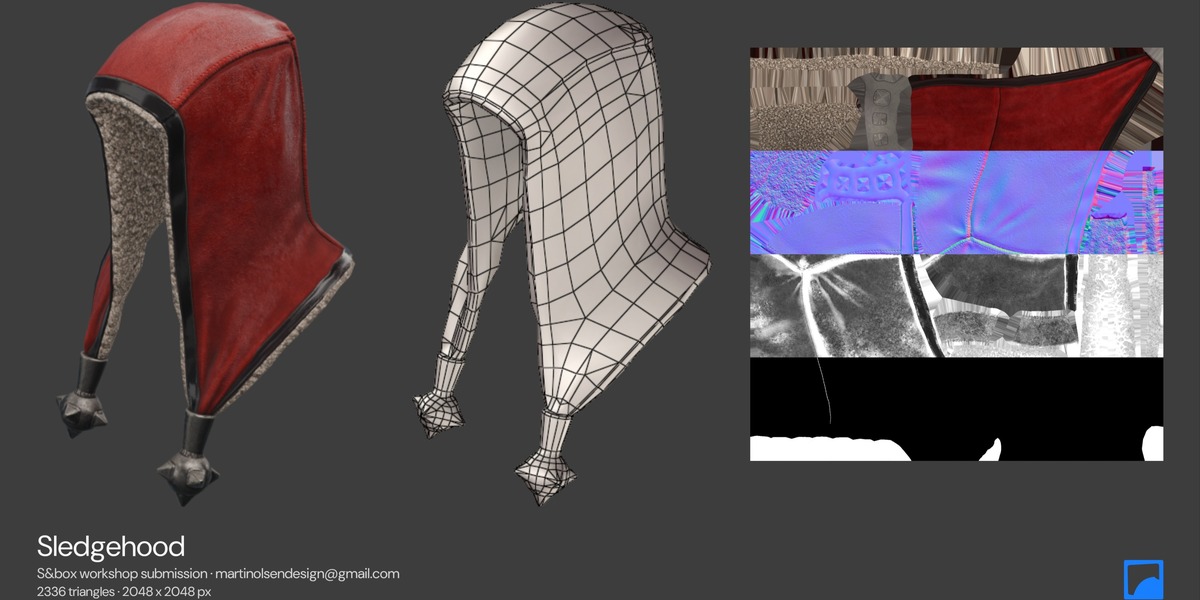
Vista automatically frames your model, switches between the selected looks, captures each view, and assembles everything into organized sheets or single images.
You can generate:
Individual images and view sheets — textured, MatCap, wireframe, and silhouette views in PNG or JPEG.
Material boards — texture maps and resolutions for PBR materials.
Asset statistics — Polycount and metadata can be added to images
Compatibility & Requirements
Blender 5.2.x
Windows x64
On dense meshes, disabling styled wires and outlines while editing may improve performance.
