 AlbertoFX
VoroFX
Procedural Fracturing for Blender
Create, direct, and simulate destruction without a complicated workflow. VoroFX combines a procedural Geometry Nodes fracture system with Blender's rigid body physics to take an object from intact mesh to simulated destruction in just a few steps.
Fracture. Confirm. Simulate.
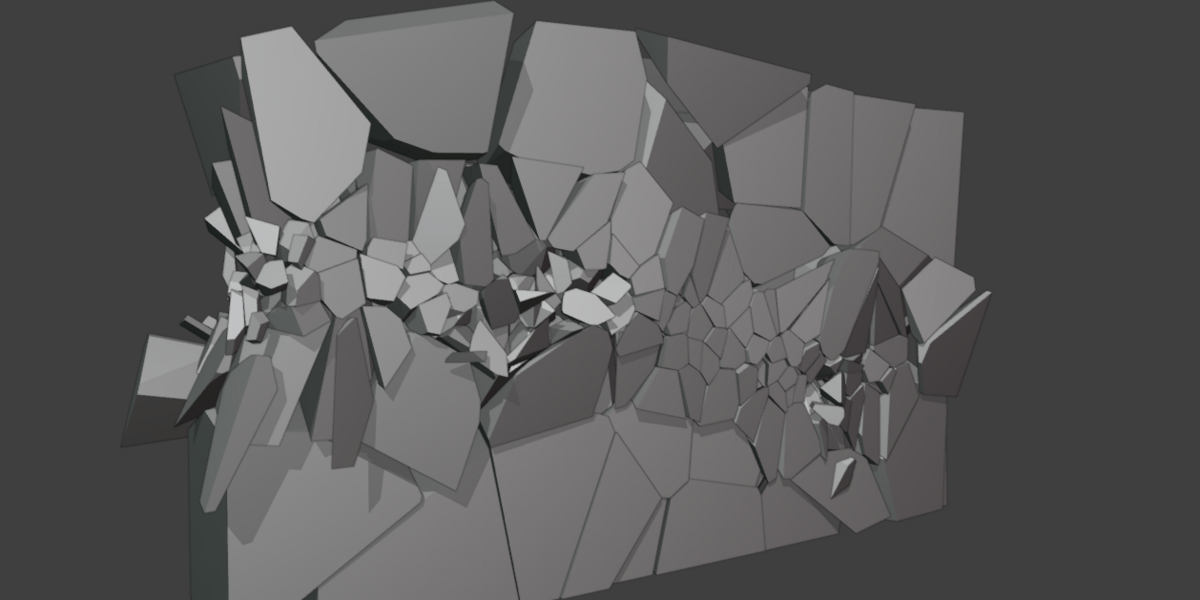
Procedural Voronoi Fracturing
Start with your mesh and create a procedural Voronoi fracture directly through Geometry Nodes. Because the fracture remains procedural before confirmation, you can continue adjusting the pattern before committing it to individual shards.
- Procedural Voronoi fracture generation
- Adjustable fracture count
- Randomized fracture patterns
- Non-destructive setup before confirmation
- Fracture gap control
- Fast rebuild workflow
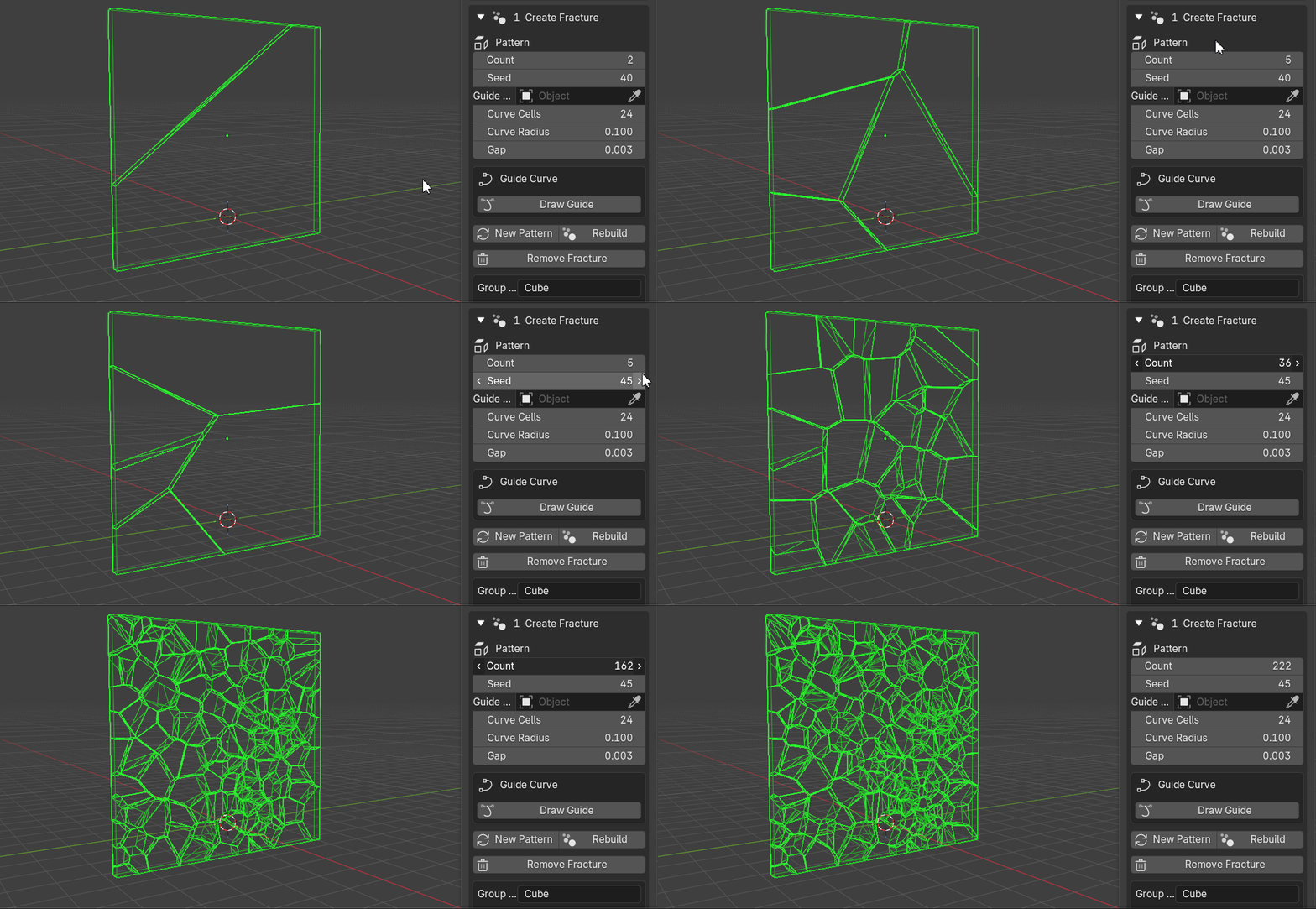
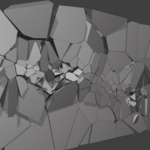
PROCEDURAL FRACTURE
See changes in real-time, no need to wait.
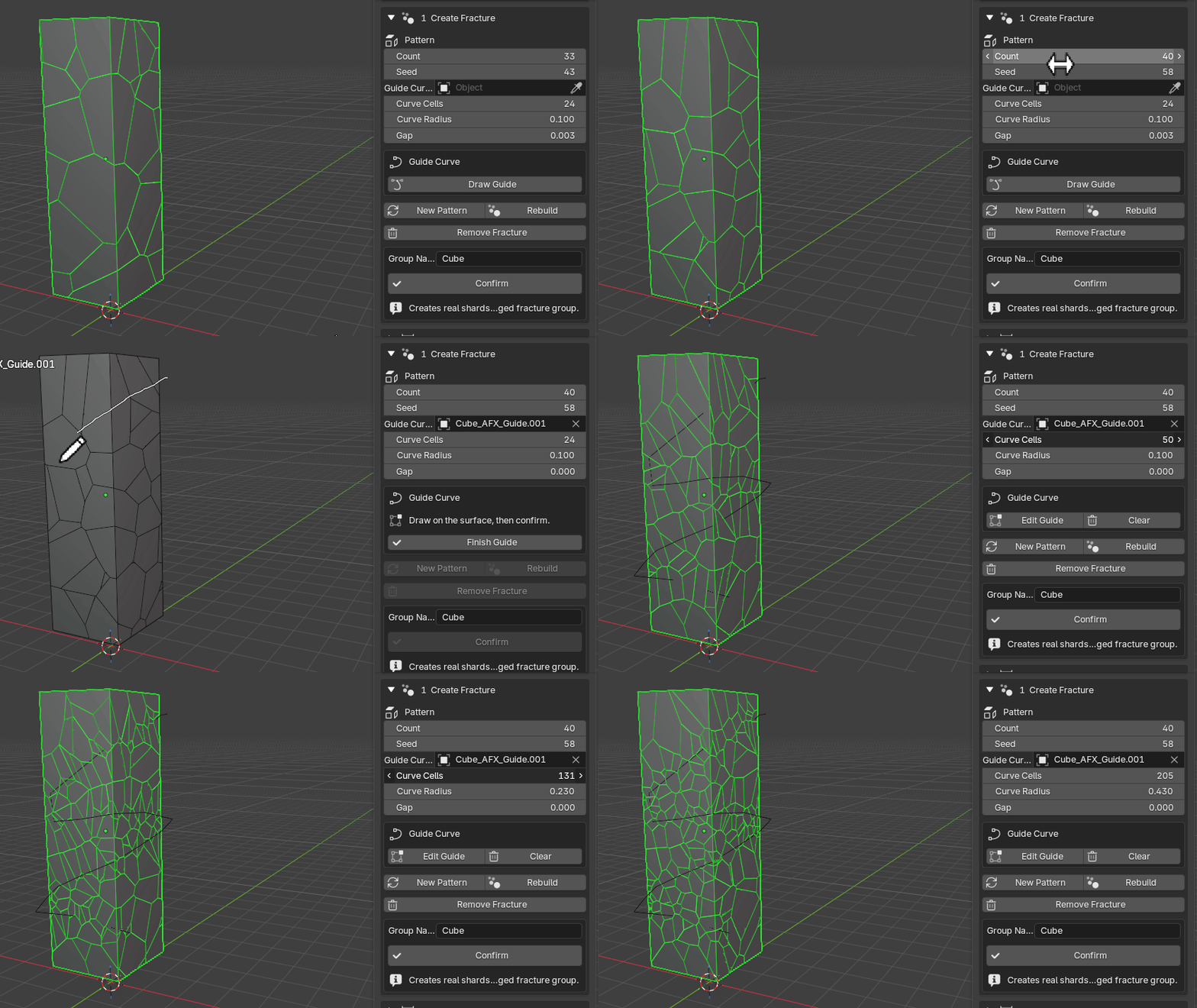
Direct Fractures with Guide Curves
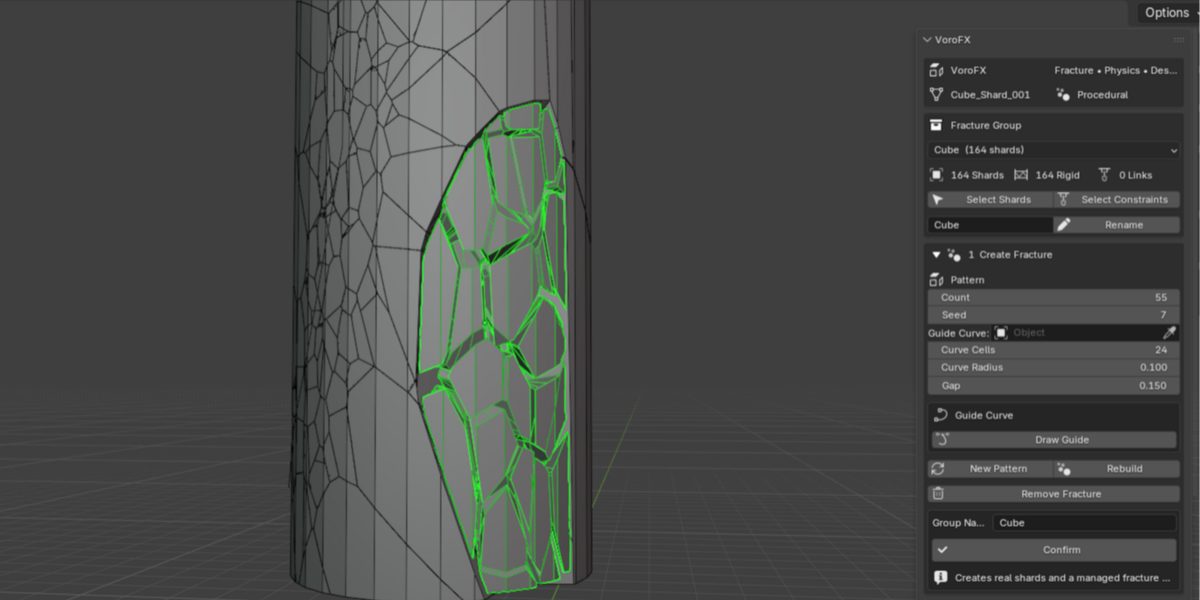
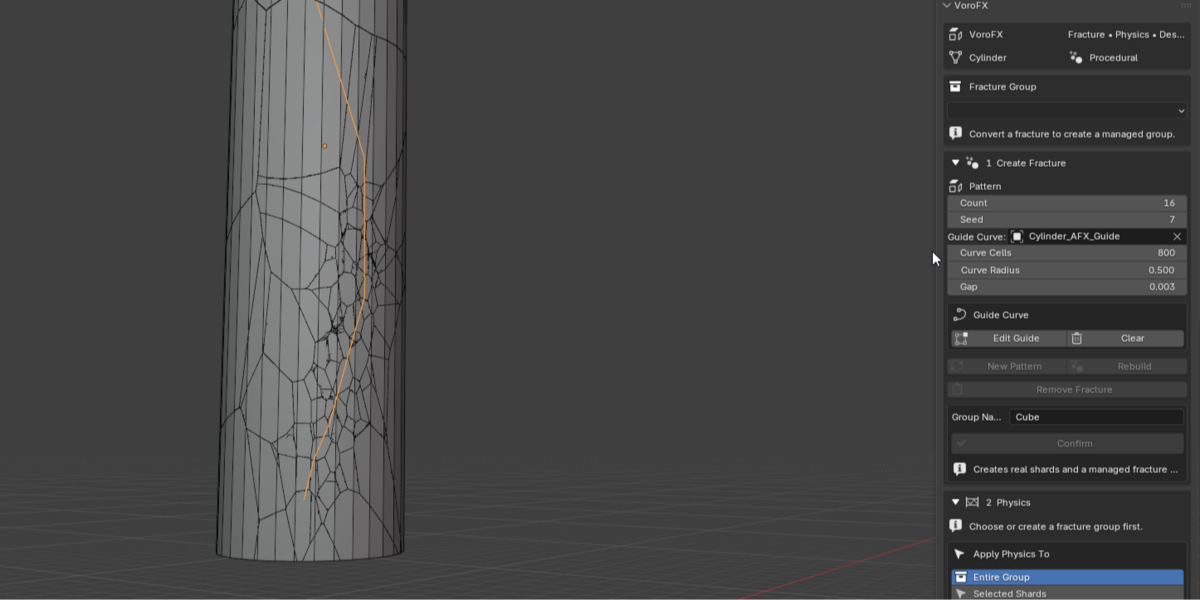
Destruction doesn't always need to be completely random. VoroFX includes a Guide Curve workflow that lets you influence where fracture detail is concentrated.
Draw directly in the scene, edit the guide, and use it to art-direct the fracture pattern. Concentrate detail around important areas without increasing fracture density across the entire object.
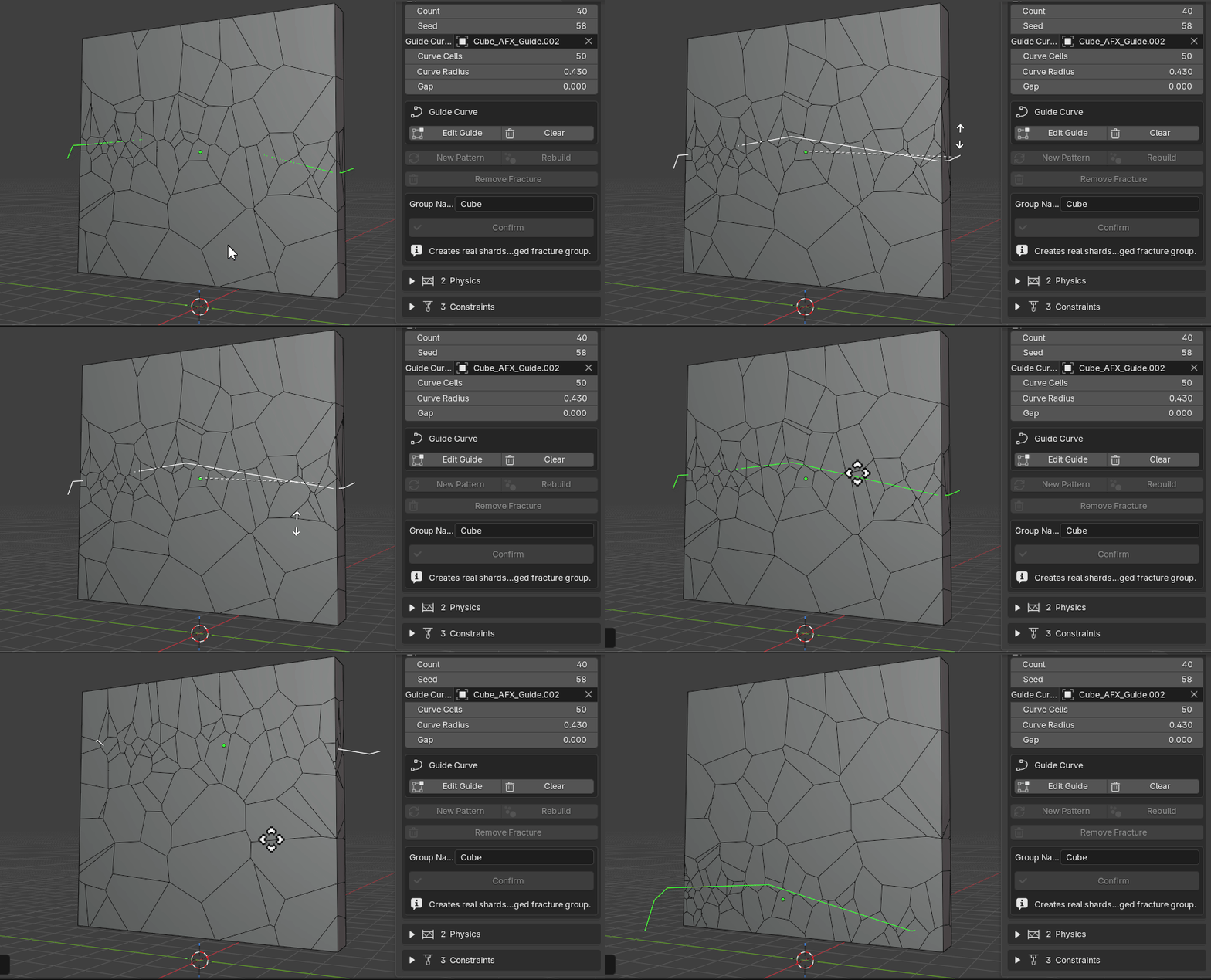
GUIDE CURVE FRACTURING
Control where fracture detail appears.
✓ Confirm the Fracture
Keep experimenting while the fracture is procedural. Once you're happy with the result, simply press Confirm.
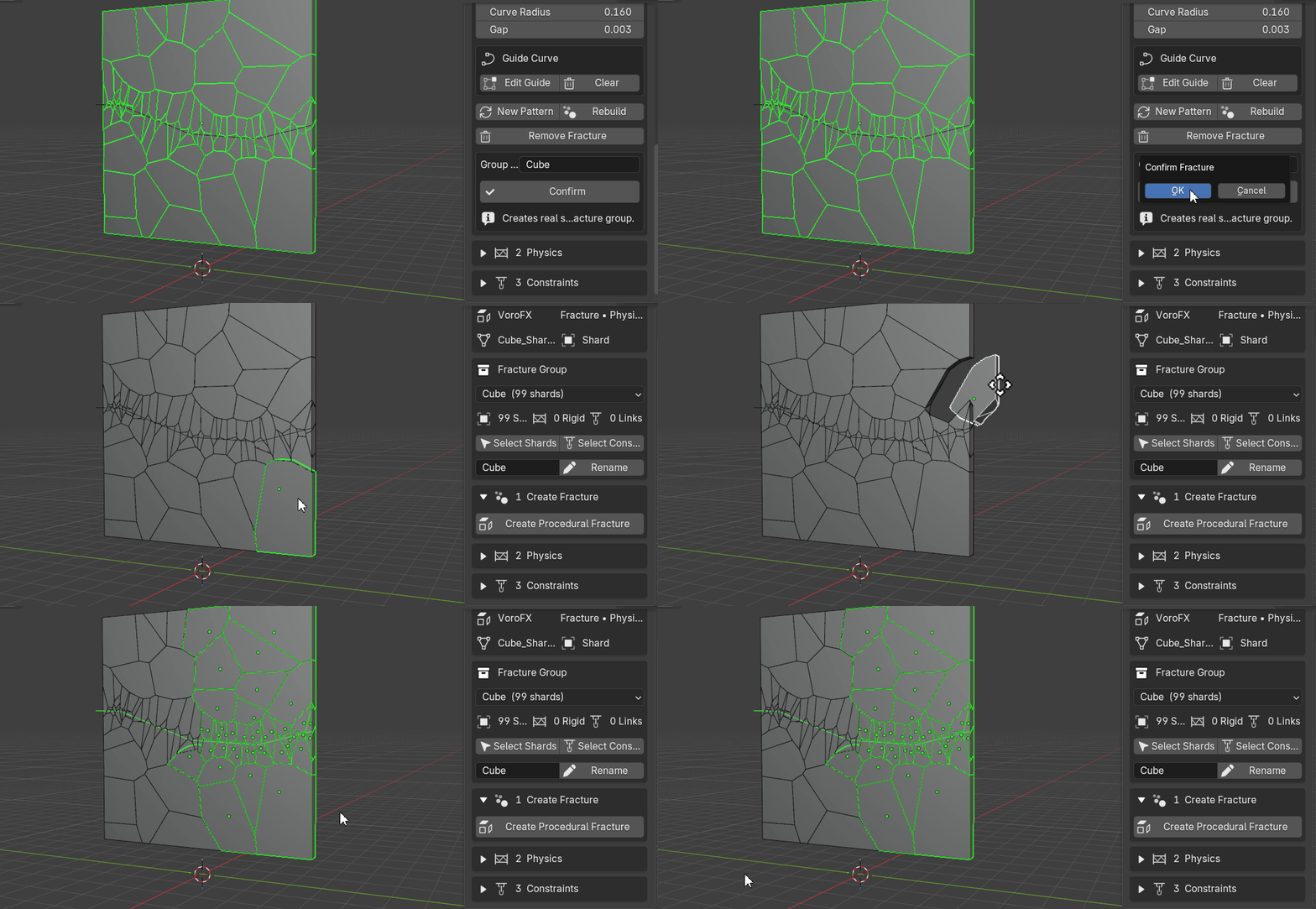
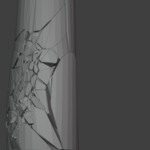
CONFIRM WORKFLOW
Procedural fracture can become real individual shards. Ready to simulate.
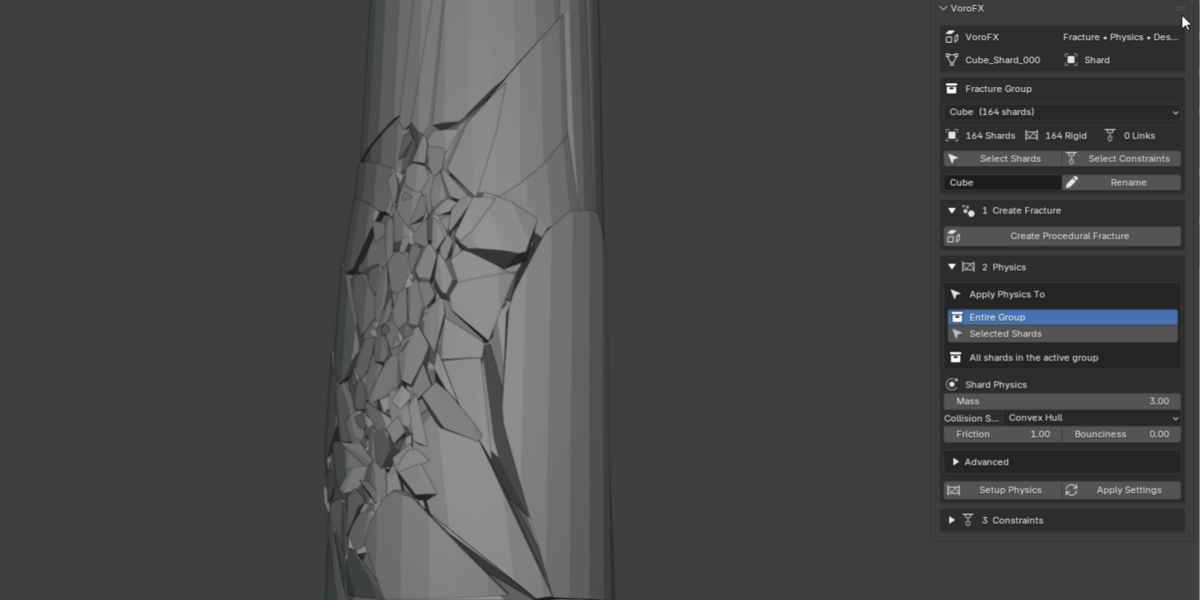
Built Around Blender Rigid Bodies
VoroFX turns confirmed fracture pieces into standard Blender rigid bodies, allowing your destruction setup to work with Blender's familiar physics system.
• Collision Shape
• Friction
• Bounciness
• Linear Damping
• Angular Damping
• Deactivation
• Collision Margins
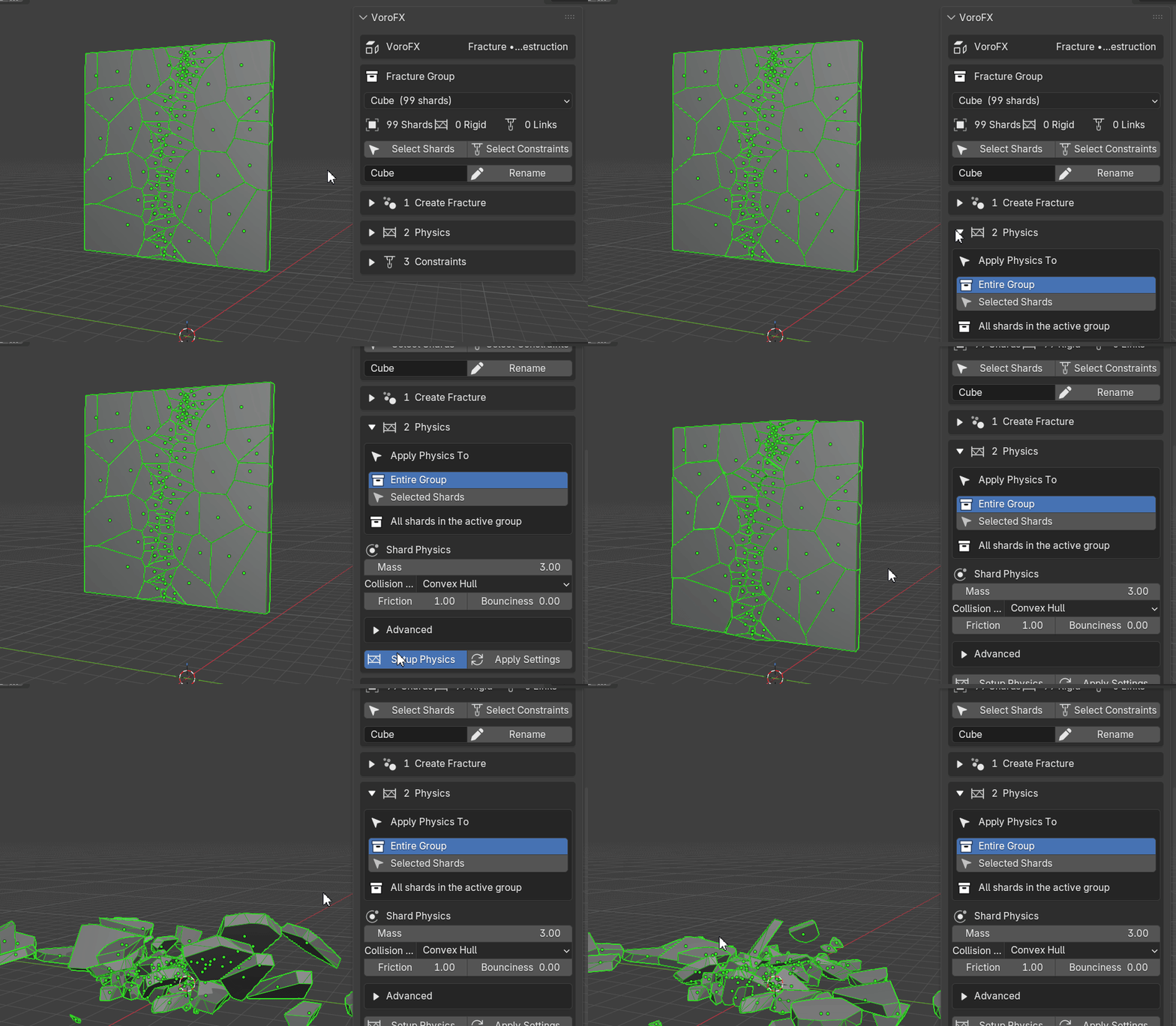
RIGID BODY PHYSICS
Set up your rigid bodies instantly.
Automatic Breakable Constraints
Connect nearby shards using automatically generated Blender rigid body constraints. Instead of manually creating connections between fracture pieces, VoroFX analyzes the active fracture group and builds them for you.
- Constraint type
- Connection distance
- Maximum neighbors per shard
- Breakable constraints
- Breaking threshold
- Linked collision control
- Active Group or Selected Shards targeting
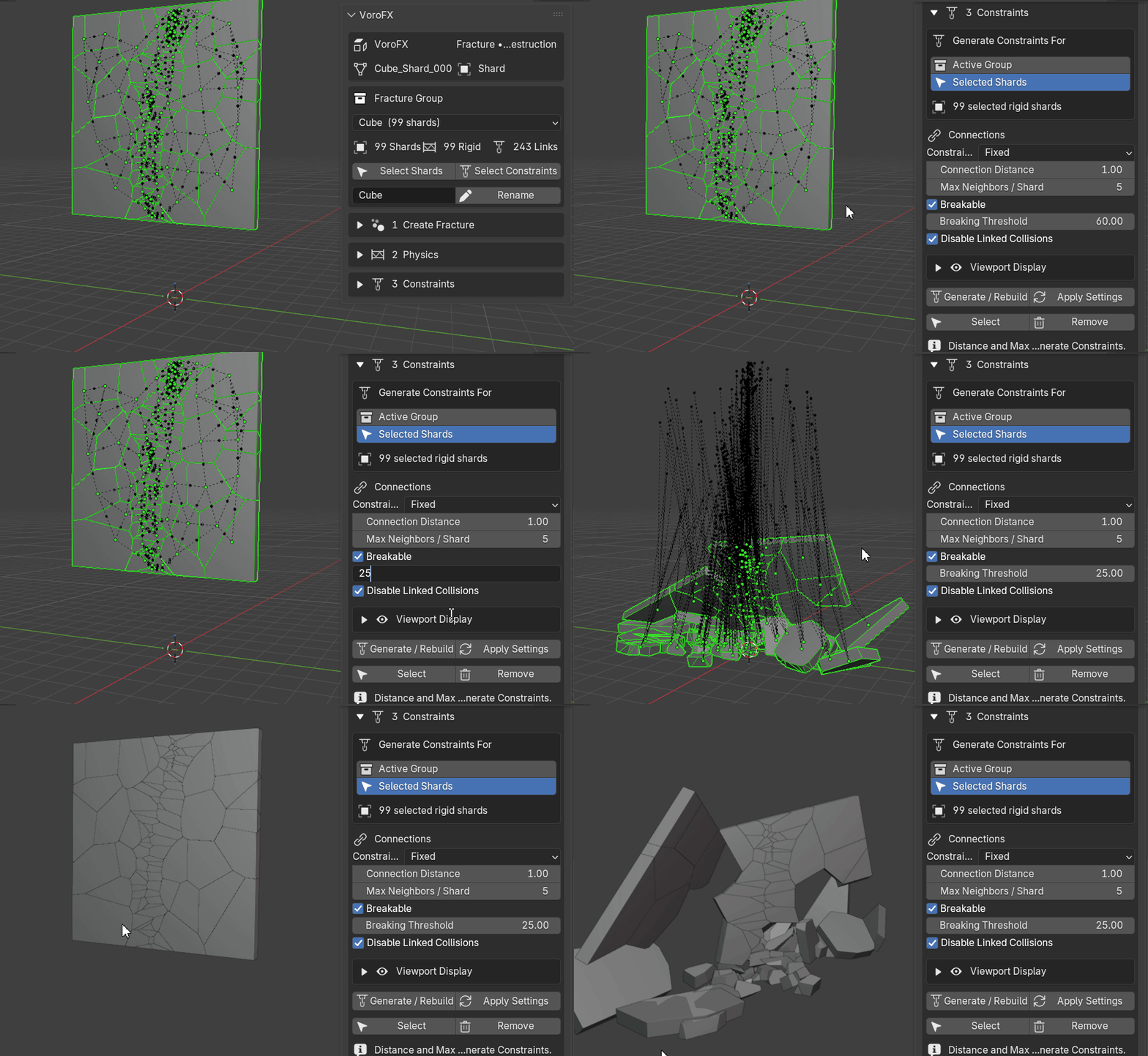
BREAKABLE CONSTRAINTS
Setting up constraints has never been easy. Now it is.
Managed Fracture Groups
VoroFX keeps converted destruction setups organized using managed fracture groups.
- Choose the active fracture group
- See shard, rigid body, and constraint counts
- Select every shard in the group
- Select generated constraints
- Rename groups
- Apply physics to an entire group
- Generate constraints for an entire group
One Focused Workflow
VoroFX is designed to remove the repetitive setup normally involved in turning procedural fracture geometry into an organized rigid body destruction simulation.
Great For
• Breaking props
• Walls & architecture
• Impact-style fractures
• Procedural fracture experiments
• Rigid body simulations
• Motion graphics
• VFX workflows
Requirements
Uses Blender Geometry Nodes and the native rigid body system.
Build Destruction Faster with VoroFX
Procedural fracture generation, art-directed detail, managed shards, rigid body setup, and breakable constraints. Brought together in one add-on.