Voxel Heat Diffuse Skinning
 Mesh Online
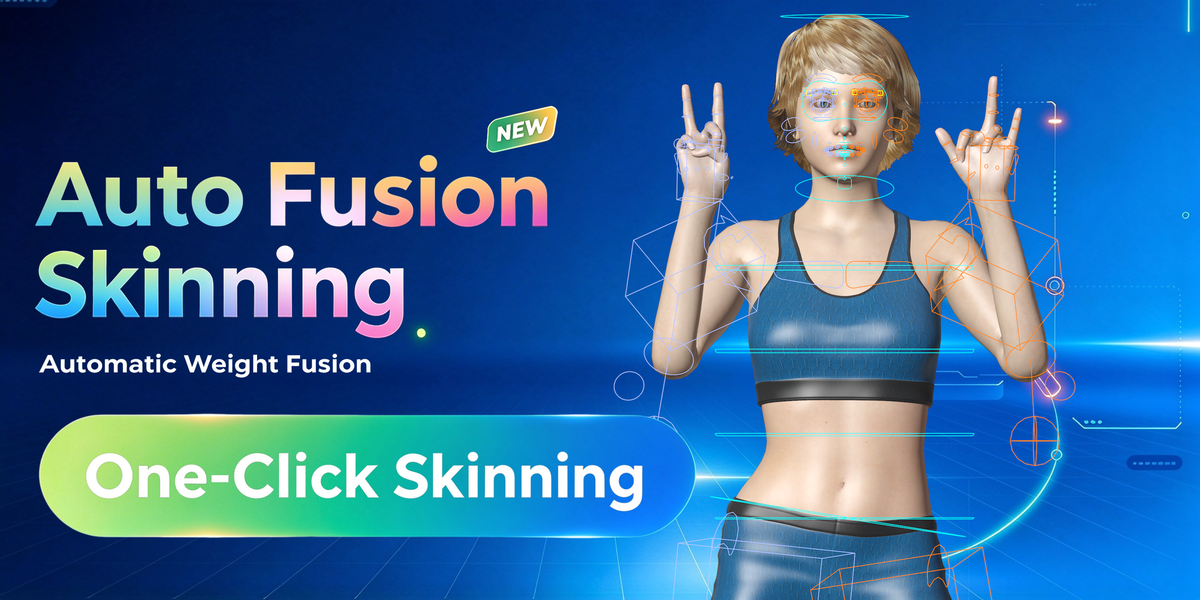


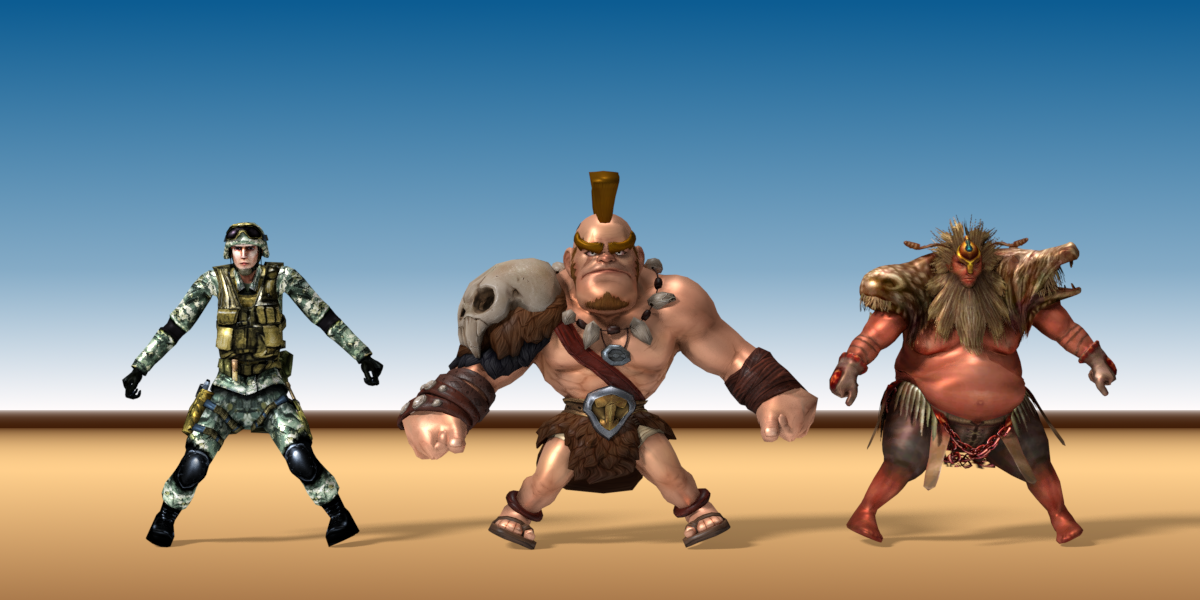
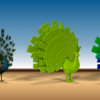
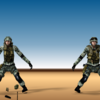

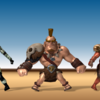
Quick workflow uses the 'Auto Fusion Skinning' module, it is a one-click skinning solution.
Professional workflow gives you more freedom to define where is the detailed areas to be masked in the second skinning pass.
I recommend quick workflow, it works well for most cases.
When you selected the bone, there is a 'Deform' option in the 'property->Bone' panel, uncheck the option, and delete the bone name from the vertex groups of the mesh, then run voxel heat diffuse skinning again.
Blender installed from Microsoft Store uses special add-on directories, which will cause the add-on always can't find some files and keep crashing.
Please download and install Blender from the official website (www.blender.org) or other mirror websites.
BTW. One user told me that he created the missing add-on directory manually, and the issue disappeared.
Please restart Blender to let the new version take effect.
The current user is lack of write privilege, please launch Blender with 'run as administrator'.
Seats means persons, how many persons may use the add-on, if you are an individual user, you can install it on your Linux, Windows, and macOS, since there is only one person may use the add-on.
They are different licenses for different teams. For example, if a small team which has up to 20 artists who need to install the add-on, the team should purchase one license for 20 seats, it is much cheaper than purchasing 20 indie licenses, and the team can't purchase only one indie license and distribute the add-on to all their artists, for it is illegal in law.
If the character uses a simple skeleton, such as motion capture skeleton, the vertex weights of the torso part might not be good, the torso slightly moves with the arms or legs movement.
You can fix the issue by adding two extra bones at the chest bone head or the hip bone head to balance the vertex weights.
You can enable 'Detect Solidify' to fix the issue automatically since v3.3.0.
Yes, you can.
There are two ways:
1. Use 'Protect Selected Vertex Weight' feature, please watch the quick start video tutorial to learn more.
2. If there are only a few vertices sticked together, you may clean them manually.
High resolution grid works well on fingers and toes, but high resolution grid may bring side-effects on other mesh parts, like the clothes, the hair, or the equipments, these parts may break into pieces in high resolution mode, it's not perfect in all cases.
To combine Blender's built-in heat map diffuse skinning and voxel heat diffuse skinning is a better solution, you always get perfect result.
Yes, it supports both official version and pitchipoy version of Rigify.
The add-on is also compatible with Auto-Rig Pro.
Nope, the add-on is designed for 3d models.
Like Cycles is better than Pong shading, physically based energy attenuation algorithm can generate much natural vertex weights.
Yes, absolutely.
Voxel heat diffuse skinning just gives you a good start point, you can modify vertices weights anytime.
Have questions about this product?
Login to message
| Blender Extension Compatible | Yes |
| Sales | 13100+ |
| Rating | 77 ratings |
| Dev Fund Contributor | |
| Published | about 9 years ago |
| Blender Version | 3.6 - 5.2 |
| Extension Type | Add-on |
| Render Engine Used | Cycles, Eevee |
| License | GPL |

Discover more products like this
skinning armature weight painting loveblender bone animation deform