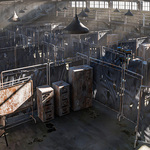
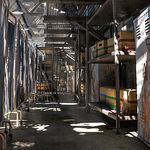
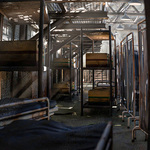
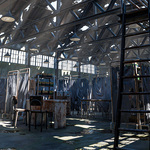
Warehouse
 Rafael Rodrigues


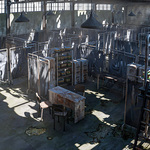
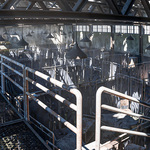

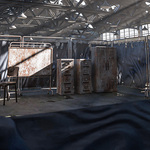
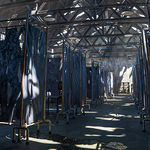
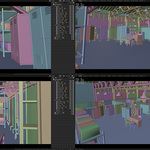
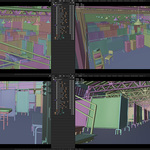
The textures didn't load, what do I do?
In Blender, go to "File" >> "External Data" >> "Find Missing Files" and select the folder containing the textures (which are located in the ZIP file).
$4.99
Have questions about this product?
Login to message
| Dev Fund Contributor | |
| Published | 5 months ago |
| Blender Version | 5.0 |
| Render Engine Used | Cycles |
| Misc Data | Uvs-Unwrapped, Normal-Mapped, Textured |
| License | Creative Commons |