Warm Oak Kitchen
 Nova3DStudio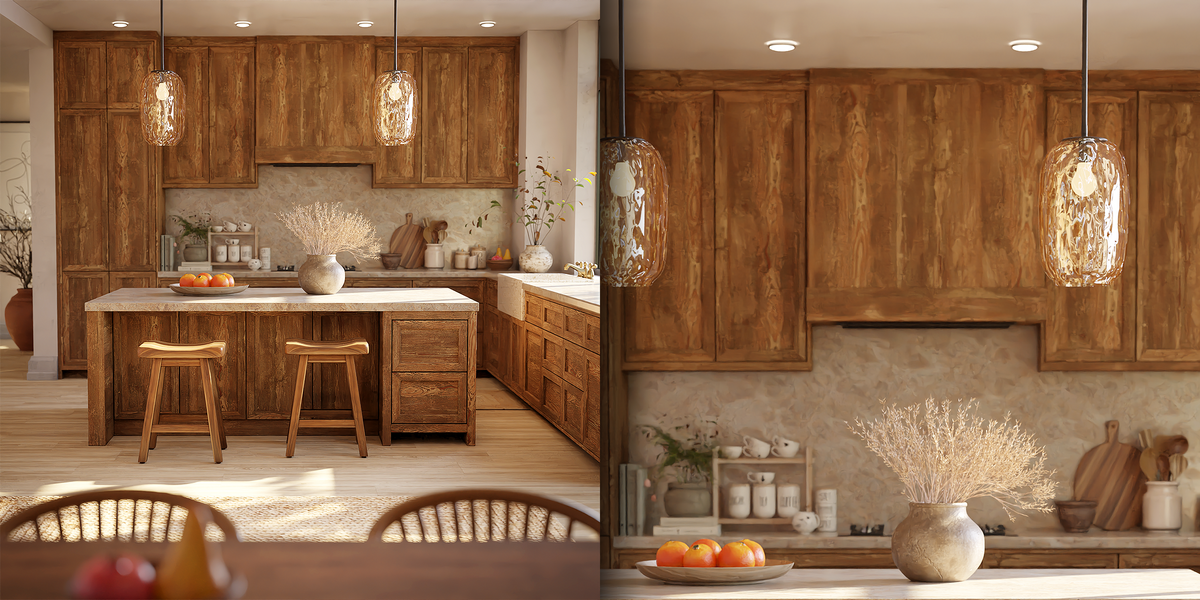
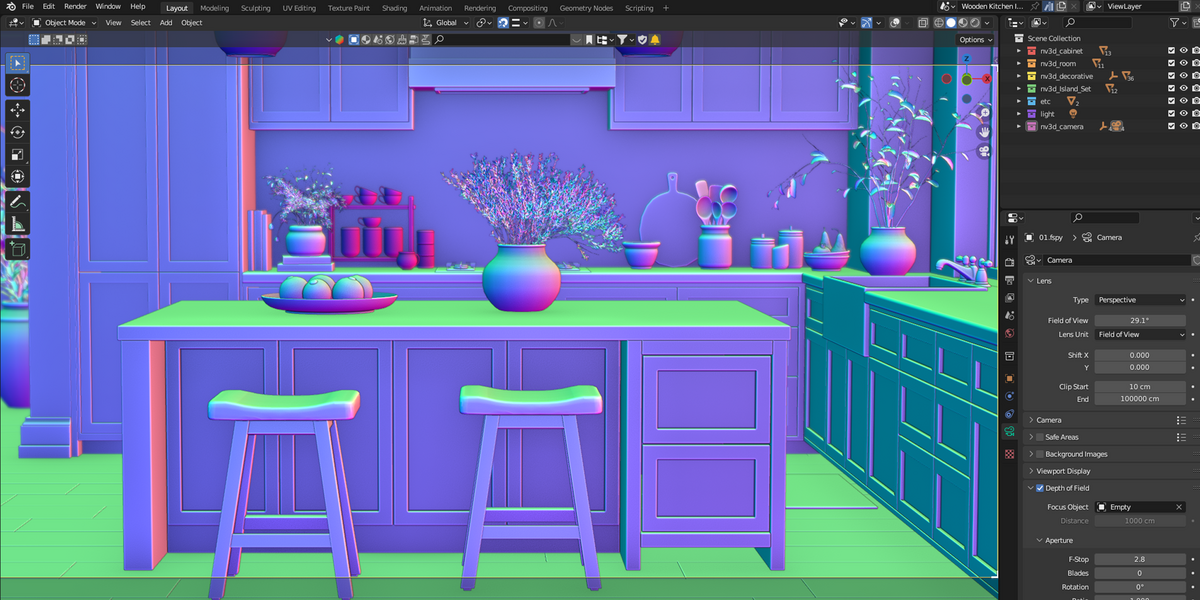
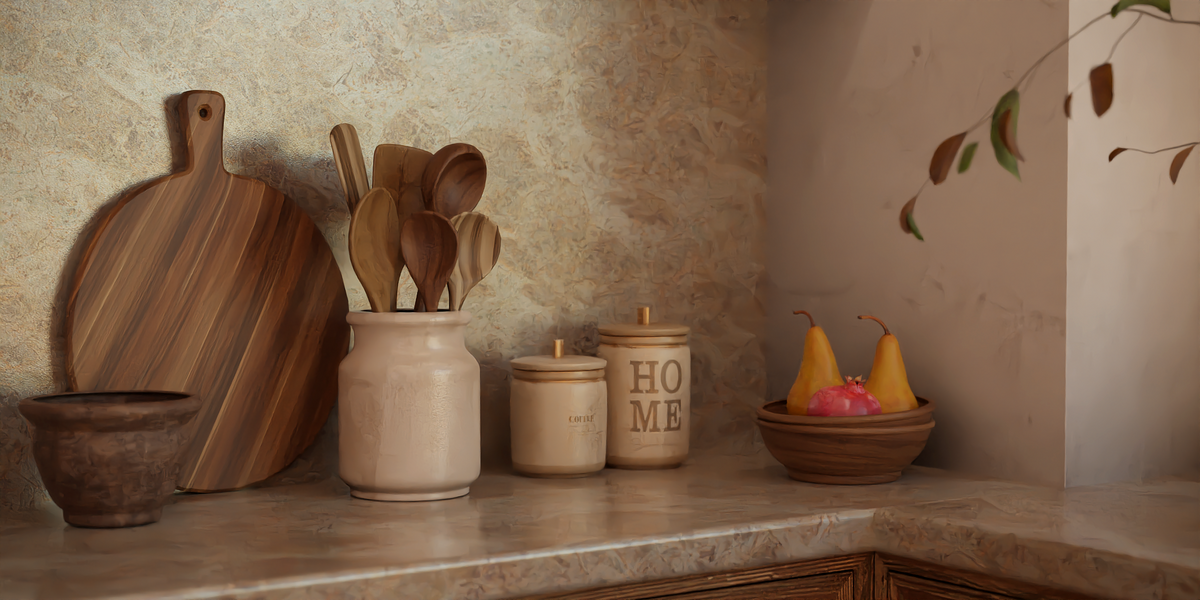
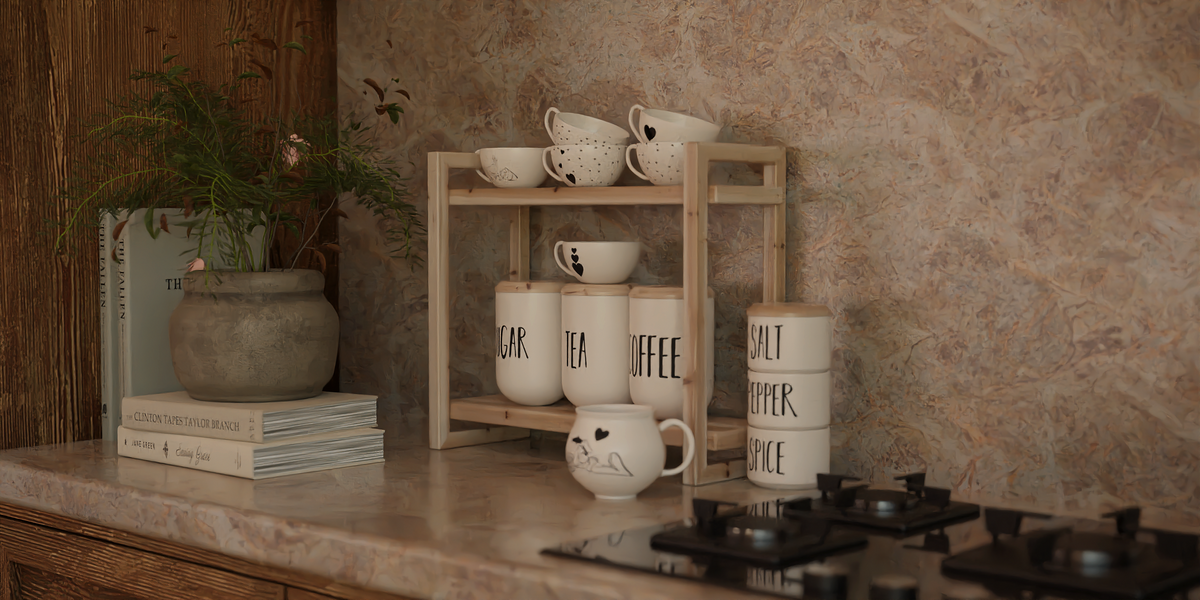
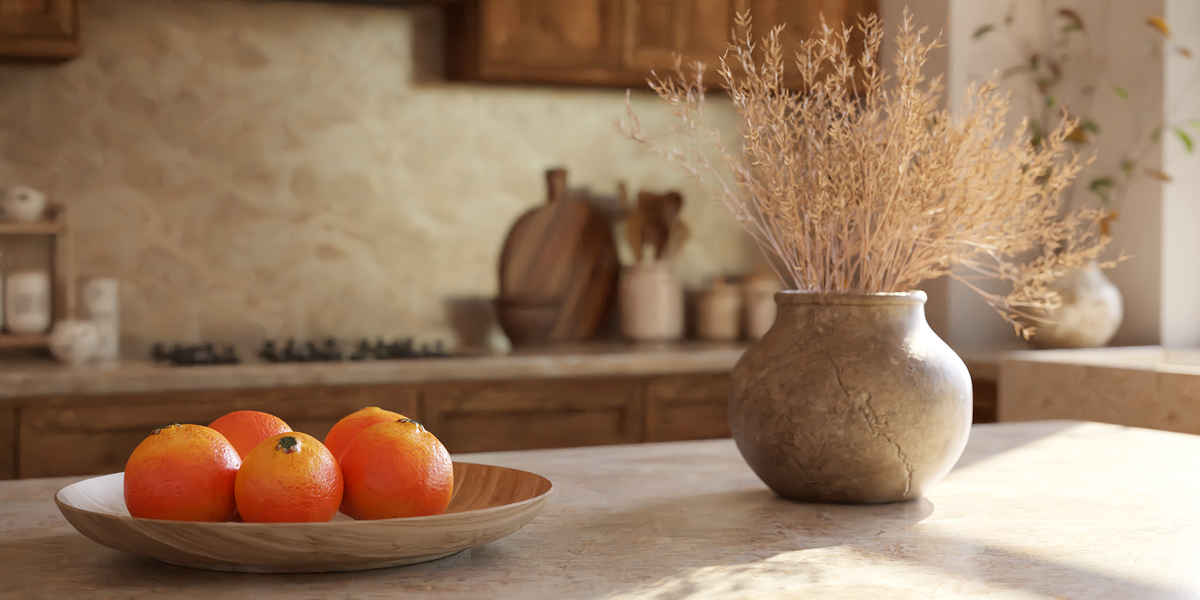
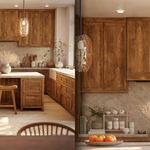
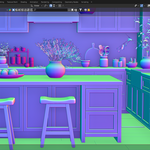
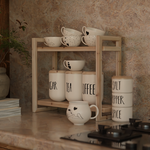
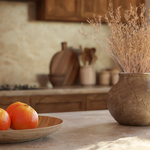
Welcome to the documentation for nv3d_Warm_Oak_Kitchen. This guide will help you set up and use the 3D model efficiently in your architectural and interior design projects.
Getting Started:
Extract the downloaded archive to your preferred project directory.
Open Blender (version 3.0 or higher recommended for optimal compatibility with shaders and lighting).
Append or link the scene collection into your project file, or open the provided blend file directly.
Scene Structure & Materials:
All objects, including kitchen cabinets, the central island, barstools, and decorative props, are neatly organized in the outliner with clear naming conventions.
The materials are configured as PBR shaders optimized for Cycles and Eevee render engines. Ensure your render settings are adjusted for optimal realism (e.g., enabling ambient occlusion and screen space reflections if using Eevee).
Lighting and Rendering:
The scene includes a pre-setup studio/natural lighting configuration designed to showcase the warm oak textures and realistic reflections. You can adjust the HDRI or light strength to match your specific project requirements.
Support & Feedback: If you encounter any issues or have questions regarding this asset, feel free to reach out via your Blender Market account. Your feedback and ratings are greatly appreciated!
Have questions about this product?
Login to message
| Published | 5 days ago |
| Blender Version | 3.6 |
| Render Engine Used | Cycles |
| Misc Data | Uvs-Unwrapped, Normal-Mapped, Textured |
| License | Royalty Free |
Discover more products like this
kitchen_island blender_interior kitchen_scene modern_kitchen_interior 3d_kitchen ArchViz oak_kitchen