 ZEG
Installation
In Blender open Edit, Preferences, Get Extensions, then use Install from Disk and pick the car_wash_generator zip.
Usage
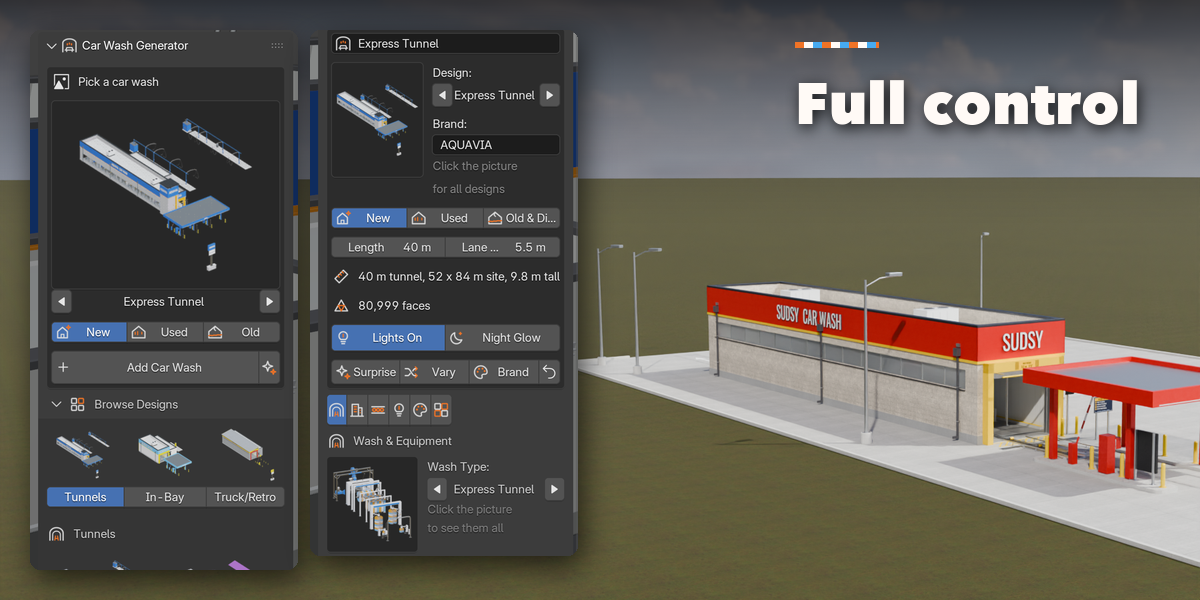
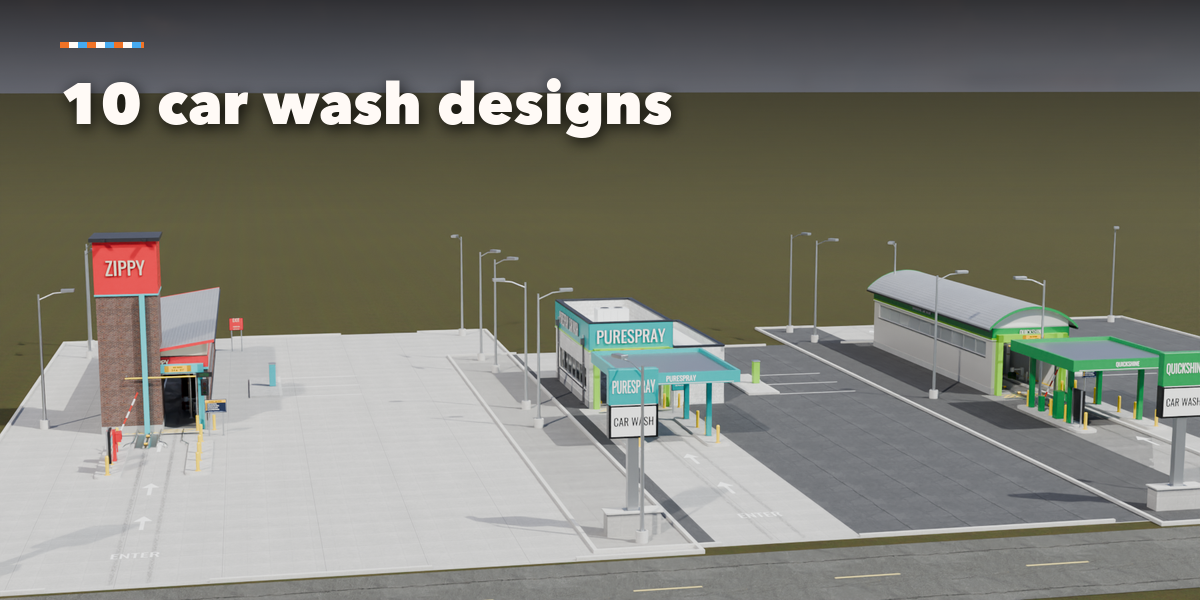
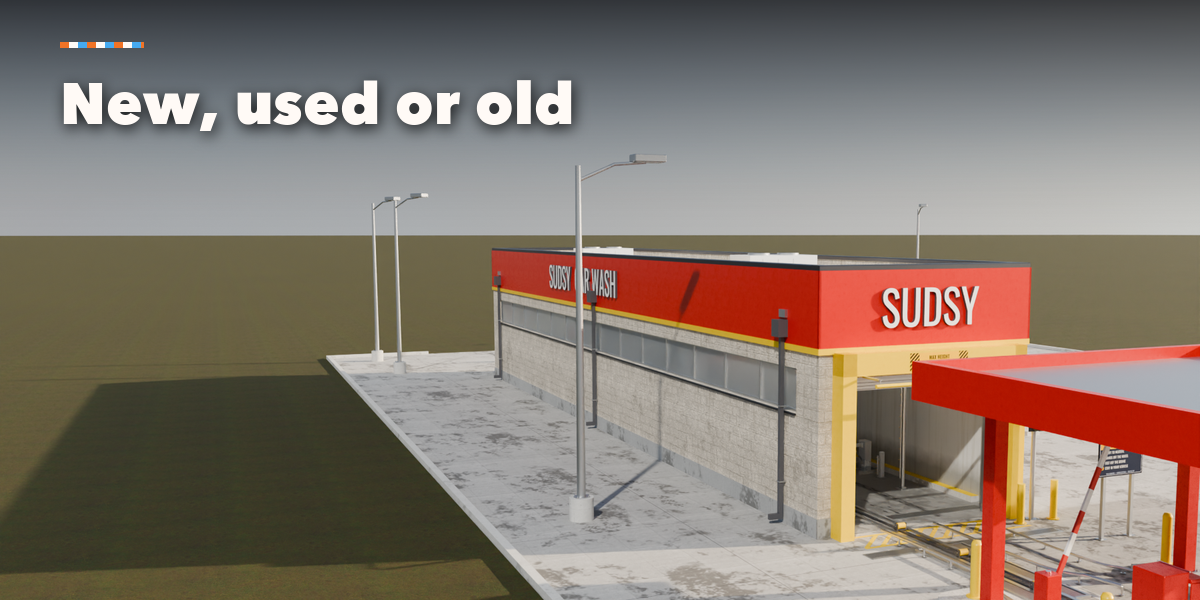
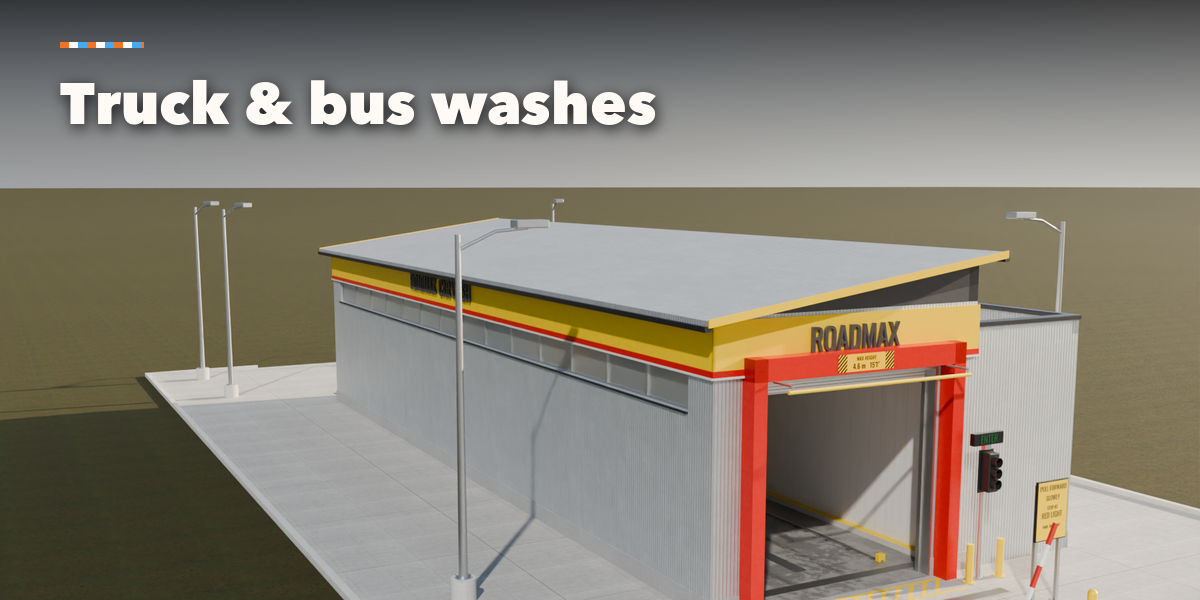
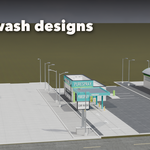
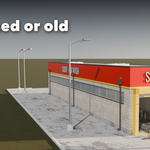
- Open the Car Wash tab in the 3D viewport sidebar (N). With nothing selected, click the big picture to browse the designs, choose New, Used or Old, then press Add Car Wash to place it at the 3D cursor. The sparkle button adds a surprise wash. You can also use Shift+A, Mesh, Car Wash.
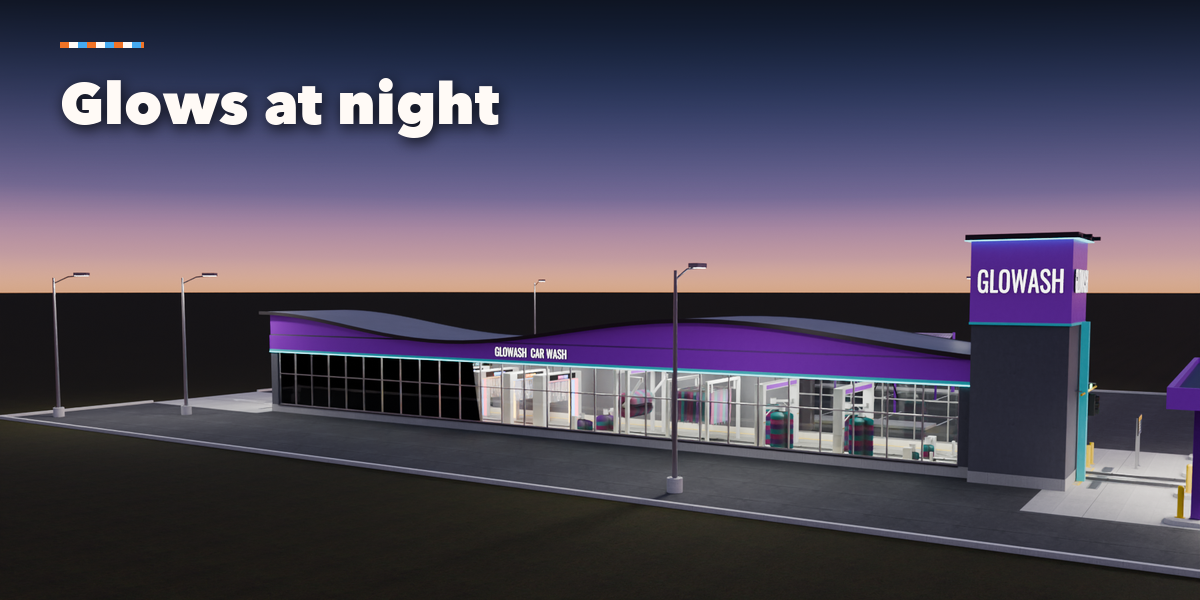
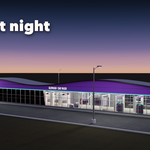
- The card at the top shows the design, the brand name, the condition, the length and the lane width or bays. Lights On adds the ceiling, canopy and pole lights; Night Glow makes signs and LED arches brighter for night shots. Surprise makes a new random wash in place, Vary changes the current one a little and Brand paints a new fictional brand.
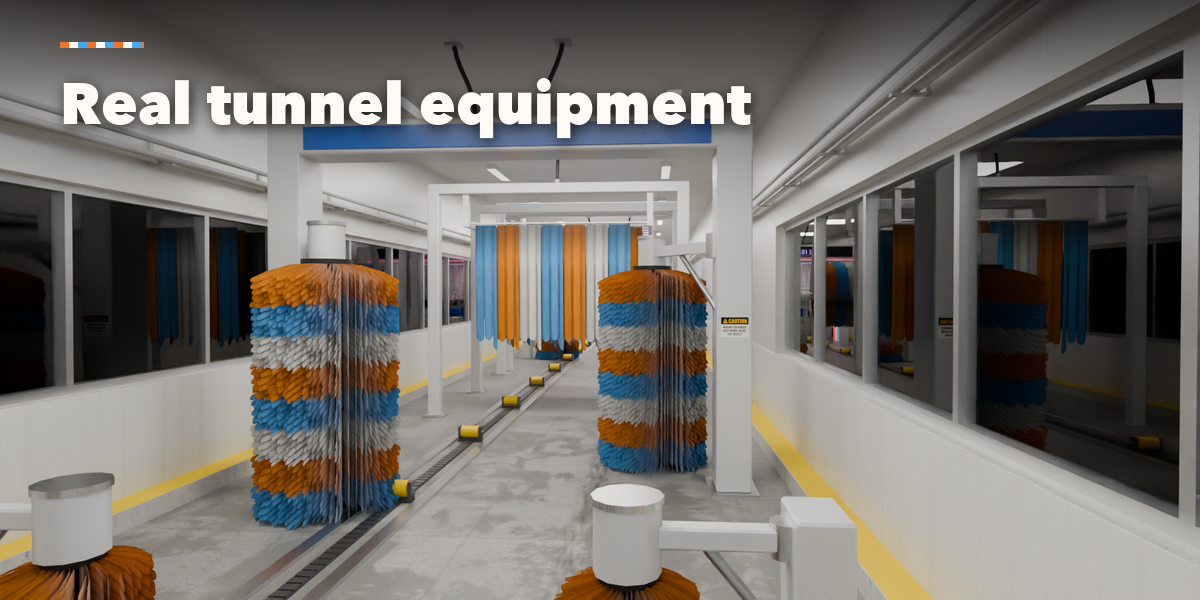
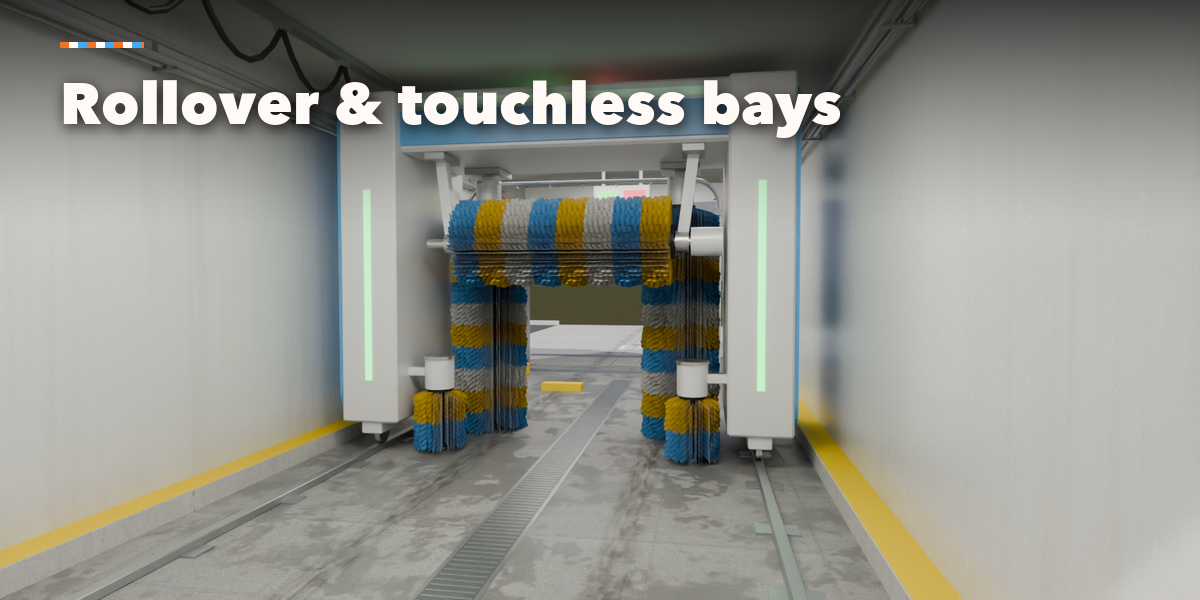
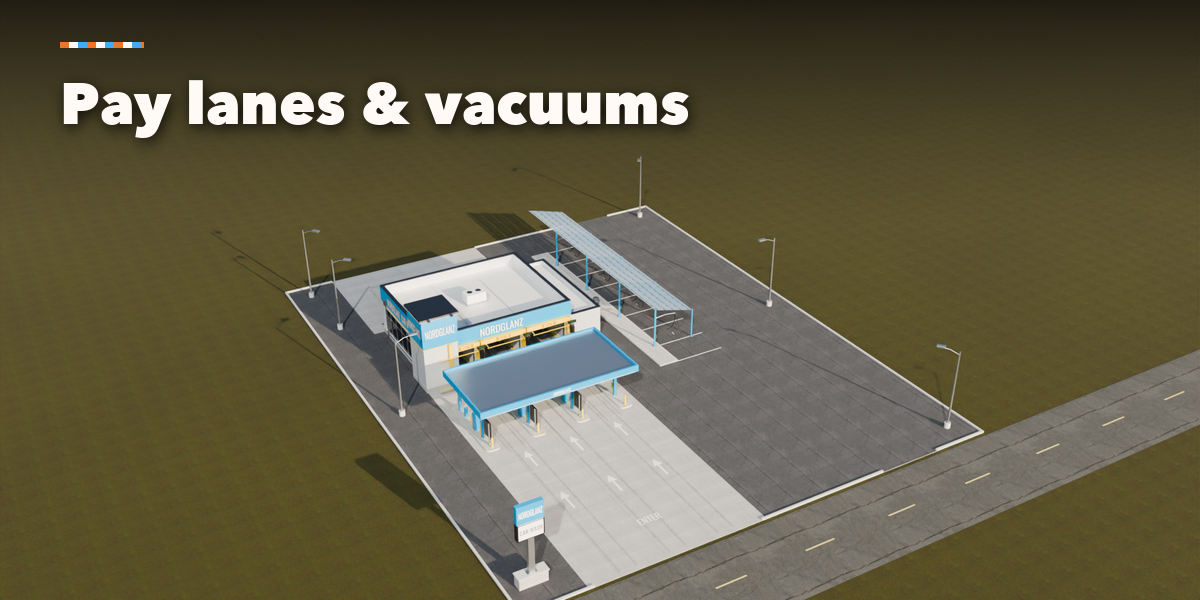
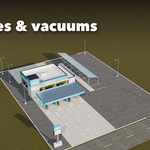
- The icon tabs hold every setting: Wash & Equipment (wash type, size, conveyor, brushes, arches, dryers or the gantry), Building (roof, walls, windows, doors, fascia, equipment room, tower), Site (paving, pay lanes, vacuums, signals, pylon), Lights, Finish (brand, brush and wall colors, weathering) and Parts & Export (part visibility, detail level, Convert to Mesh).
- Convert to Mesh keeps the wash as plain meshes; Delete removes it with all its parts and lights.
All sizes are in meters. The root empty sits on the ground in the middle of the wash hall; cars enter from -Y. All brand names are fictional; type your own.
Have questions about this product?
Login to message
| Blender Extension Compatible | Yes |
| Published | about 17 hours ago |
| Blender Version | 4.2 - 5.2 |
| Extension Type | Add-on |
| Render Engine Used | Cycles, Eevee |
| License | GPL |

Discover more products like this
Generator carwash architecture Brushes procedural tunnel-wash automatic-car-wash roadside environment car wash city commercial building