Wayshrine Pack
 FladmarkDesign


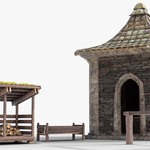
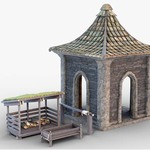
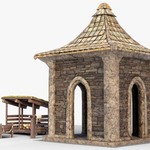
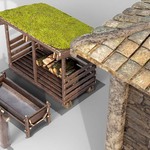
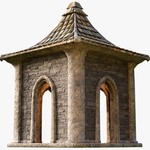
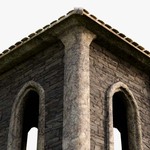
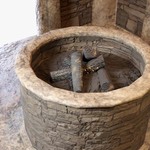
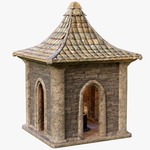
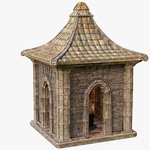
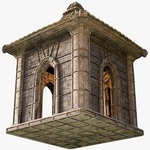
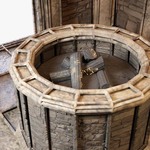
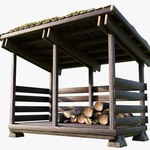
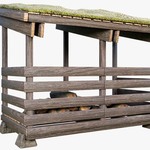
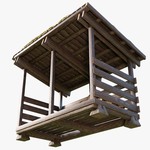
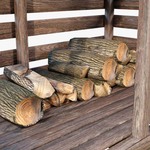
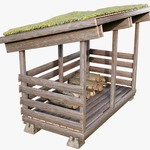
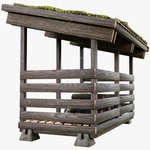
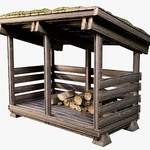
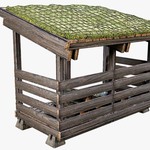
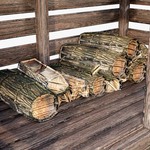
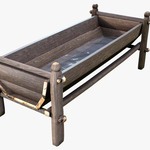
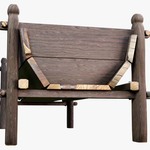
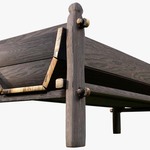
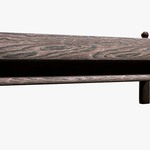
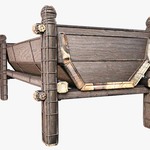
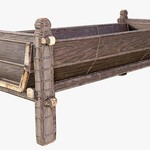
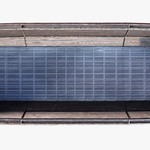
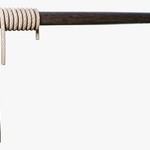

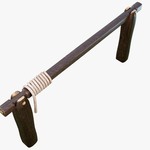
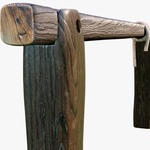
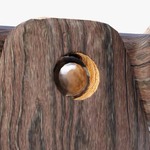
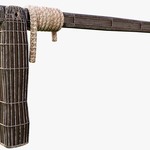
Textures used in these models use a relative path in order to auto-apply. To ensure they apply correctly, especially when combining the full pack, please place the sub-folders (HitchingPost, HorseTrough, Wayshrine, and WoodShed) into a shared folder called Textures. The path should look like this: ./Textures/Wayshrine/Wayshrine_4K_bcolor
The Unity prefabs all have 3 Levels of Detail, going from the High Poly model down to the Low Poly model. If your target system cannot handle the High Poly model, adjust the percentage zoom required to swap to this model under LOD Group in the Unity Inspector. If you notice your model losing quality too early, you can change this zoom in the other direction.
 Included
Includes 12 months of
- Support from FladmarkDesign
- Product updates
Extend this product’s Support Period +12 months: 50% of product price
Have questions before purchasing?
Login to message
Includes Blender Assets with select variants
12 drag-and-drop assets for Blender’s Asset Browser.
Browse included assets| Dev Fund Contributor | |
| Published | 5 months ago |
| Blender Version | 4.5 - 5.2 |
| Render Engine Used | Cycles |
| Misc Data | Uvs-Unwrapped, Manifold-Mesh, Low-High-Resolution, Normal-Mapped, Textured |
| License | Creative Commons |