 Reneraki
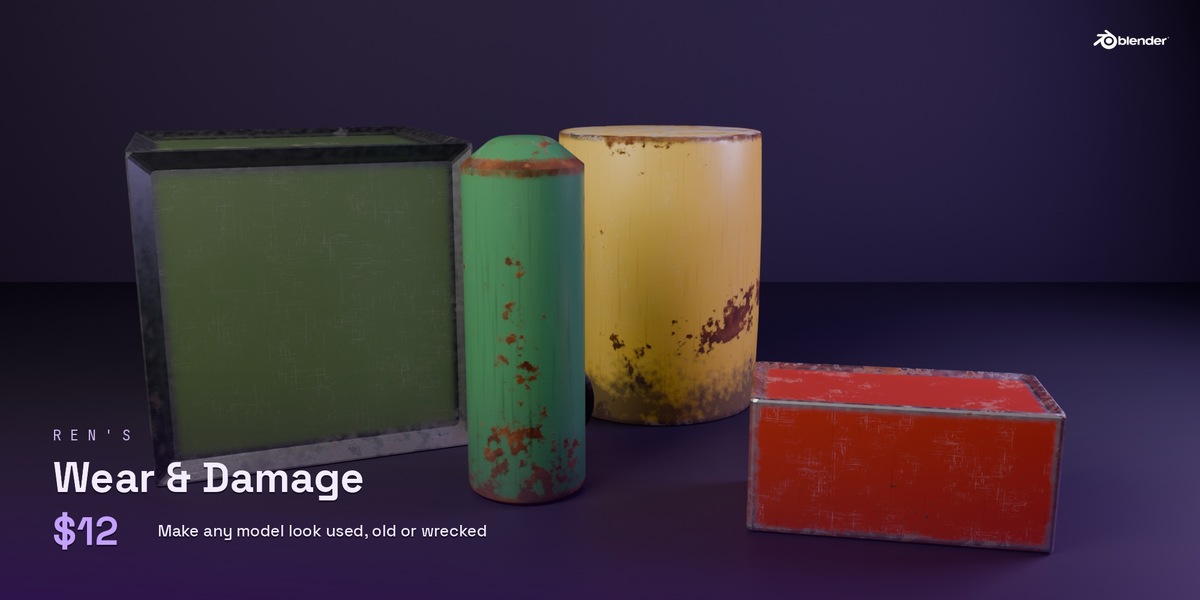
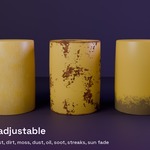
Make any model look used, old or wrecked
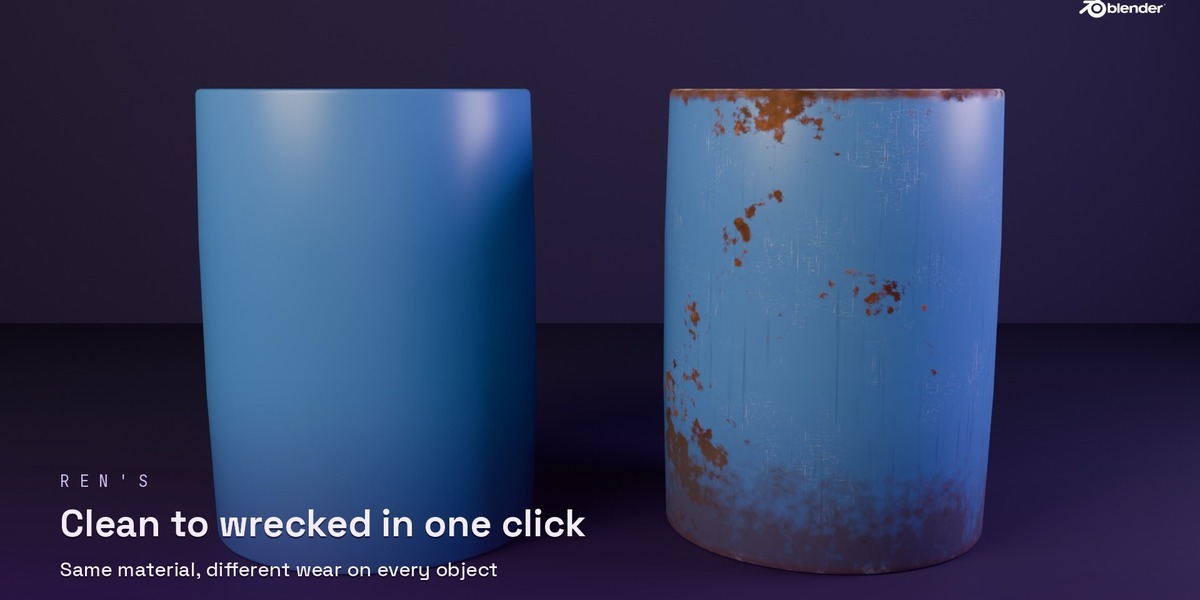
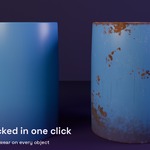
Clean 3D models look fake. Wear & Damage adds realistic wear to any object in one click, and every setting stays live so you can change it any time.
Select your objects, pick a preset, press Add Wear. Done.
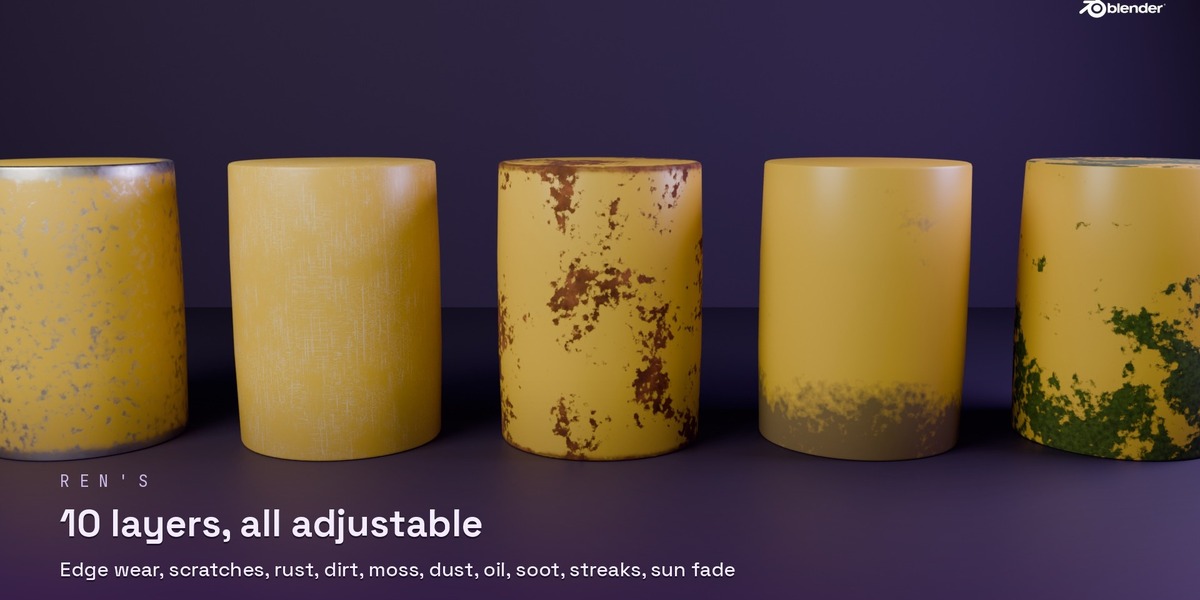
10 wear layers, each with its own controls
- Edge Wear: chipped paint on sharp edges, showing what's underneath (bare steel, dark steel, aluminium, red or grey primer, wood, plastic, concrete or your own colour). Width, chippiness, chip size, sharpness and depth.
- Scratches: straight thin scratches with density, length, thickness and direction (any, horizontal, vertical).
- Rust: patches that grow from edges and corners, with crust bump and your own colour.
- Dirt: in corners and gaps, and climbing up from the ground.
- Streaks: water and rust runs down the sides.
- Dust: settles on faces that point up.
- Moss: green growth on tops, in corners and near the ground.
- Oil Stains: dark glossy stains, mostly low down.
- Burn / Soot: black scorch patches.
- Sun Fade: pale, dull, sun-bleached paint.
Smart placement
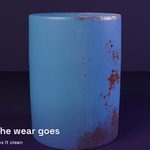
The wear goes where it would really happen: chips on sharp edges, dirt in corners, dust on top, streaks down the walls. Nothing to unwrap or paint by hand.
More control
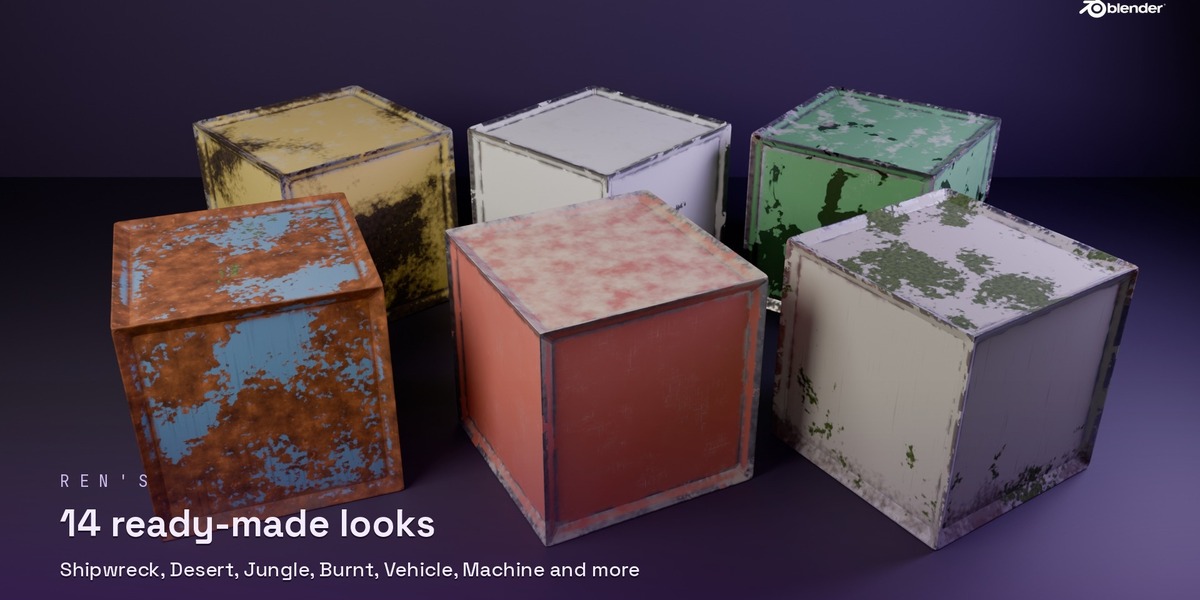
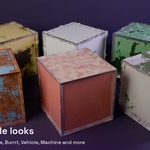
- 14 presets: Clean, Used, Old, Abandoned, Battle-Damaged, Painted Metal, Rusty, Sci-Fi Panel, Vehicle, Factory Machine, Shipwreck, Desert, Jungle and Burnt.
- Save your own presets and use them in every file.
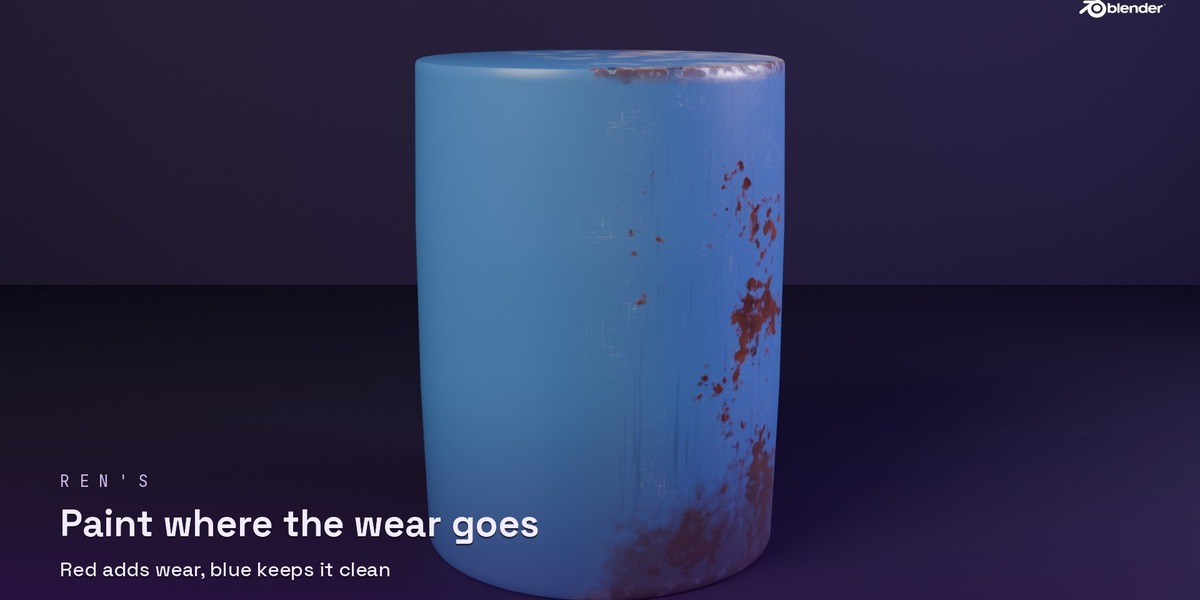
- Paint Mask: paint on the model, red adds wear and blue keeps it clean.
- Preview: see one layer at a time in white, so you know exactly where it goes.
- Surprise Me: random wear for quick ideas.
- Overall Strength, Bump, Pattern Size and New Pattern buttons.
- Per object: objects that share a material can each have different wear.
- Keeps your material: it adds wear on top of your own textures and colours. Remove Wear puts the material back exactly as it was.
Bake for games
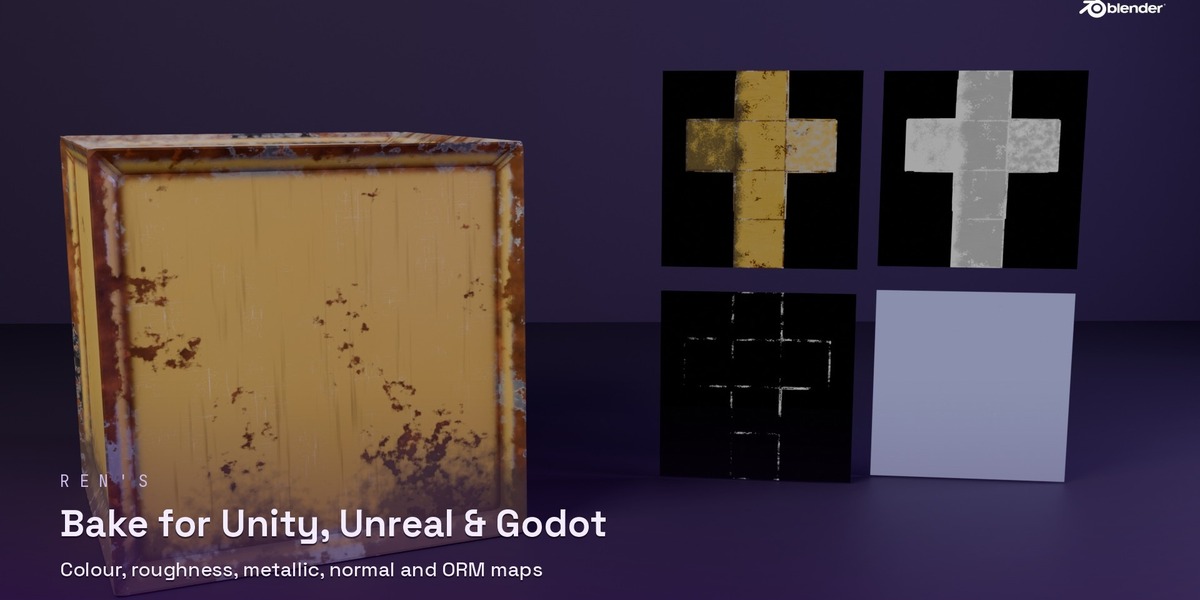
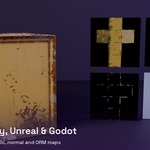
One button bakes Base Color, Roughness, Metallic and Normal maps and makes a ready material. Optional ORM texture for Unreal, DirectX normals and a Wear Mask map. PNG, TGA or JPG. Makes UVs if your model has none.
Good to know
- Works on materials that use the Principled BSDF (the default Blender material).
- Looks best in Cycles (crisp edges). EEVEE works too with softer edges, or bake the textures.
- Made for hard surfaces: metal, painted wood, plastic, concrete.
Find it in the 3D View sidebar (N) under the Wear tab.