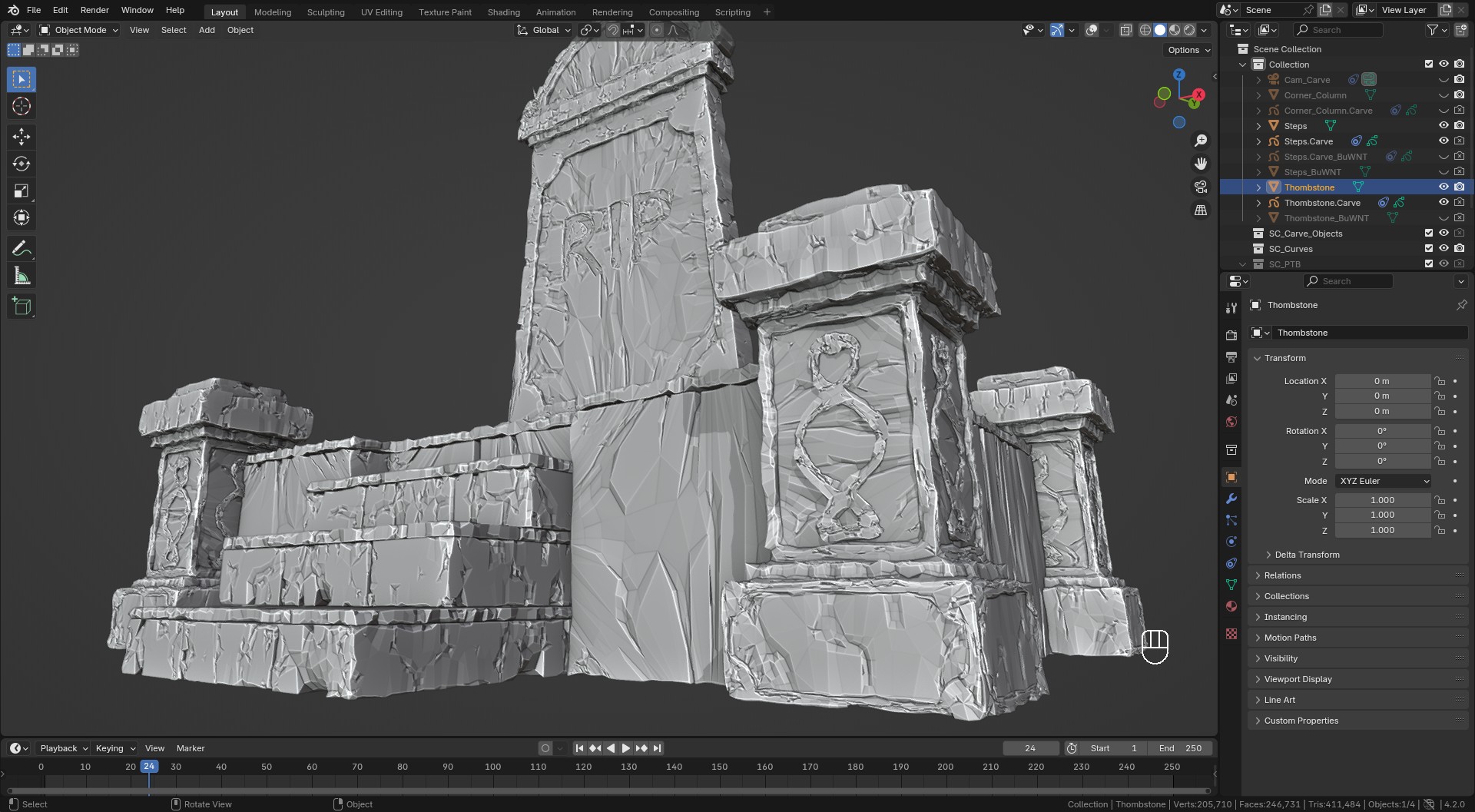
Wear N' Tear: Damage Control

Sahin Ersoz in Modeling
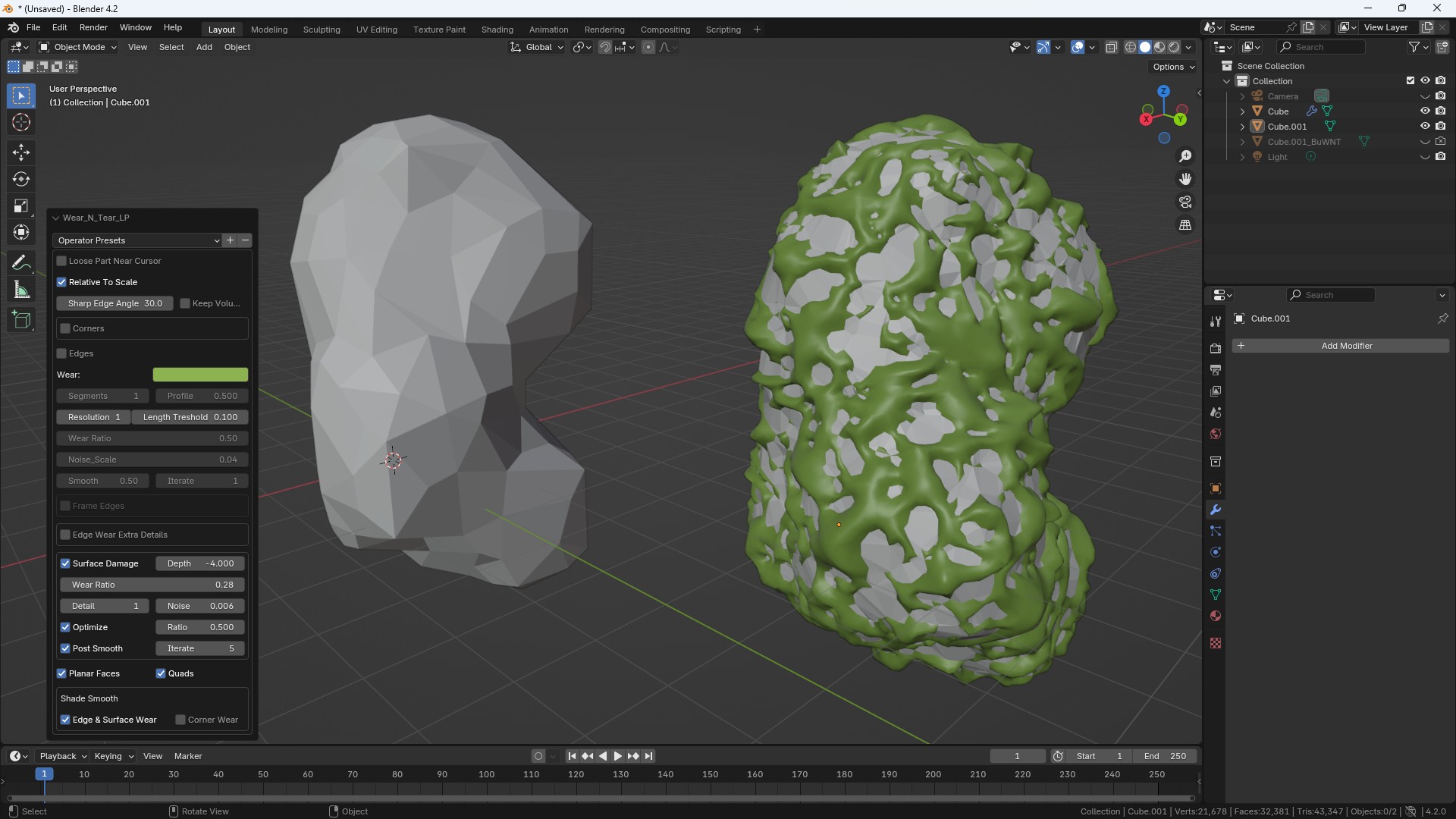

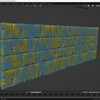
My wall object has a lot of bricks and interaction is slow, what can I do?
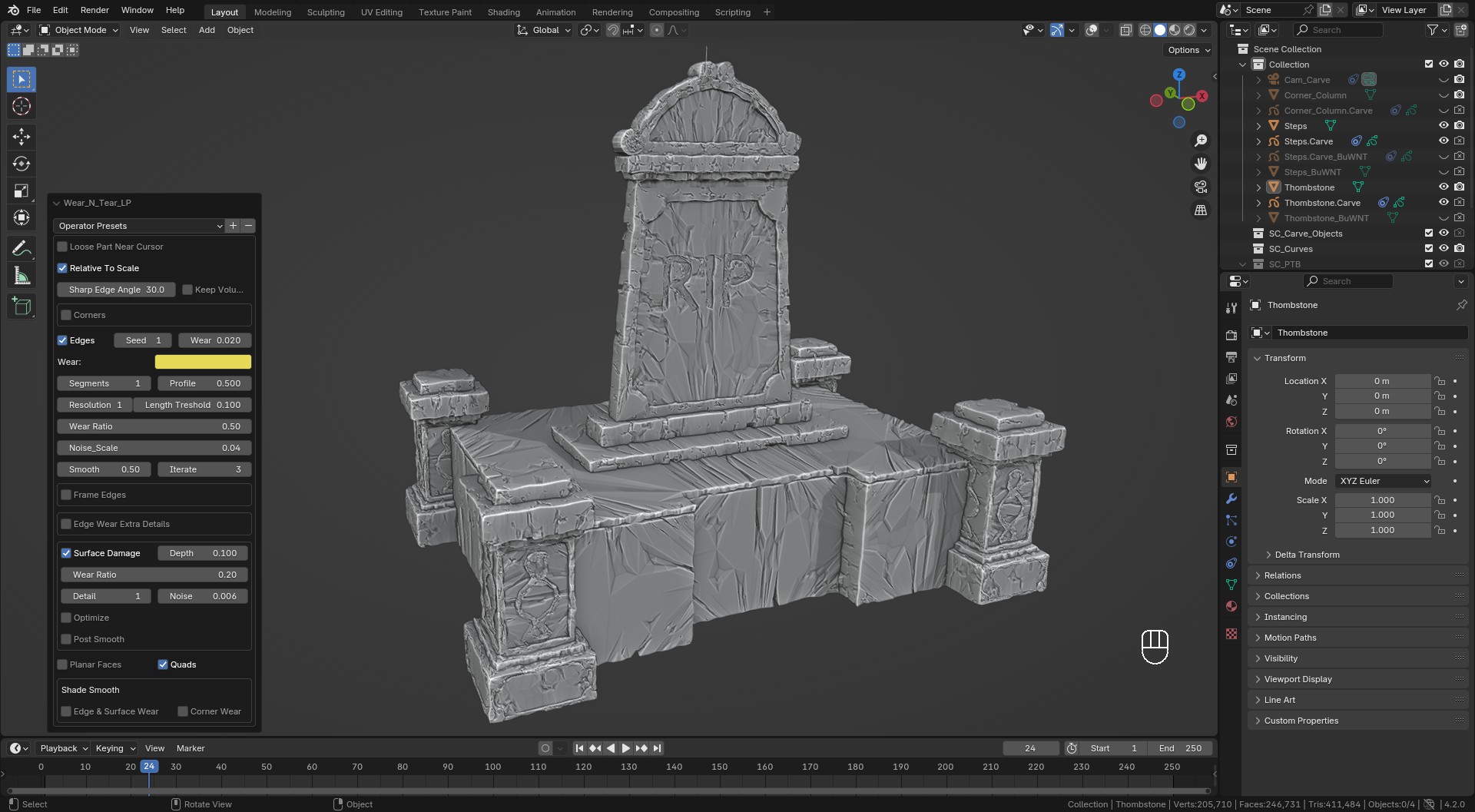
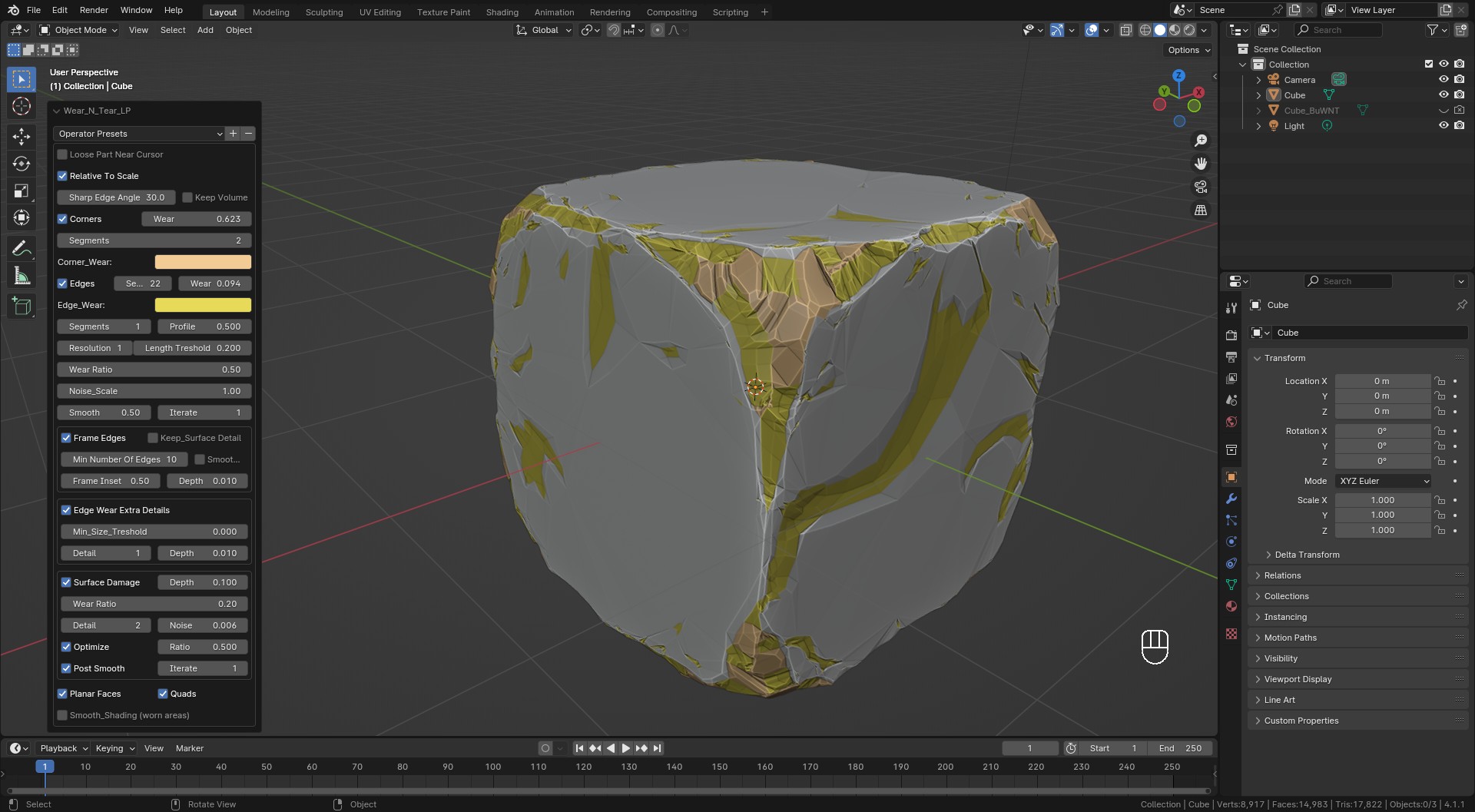
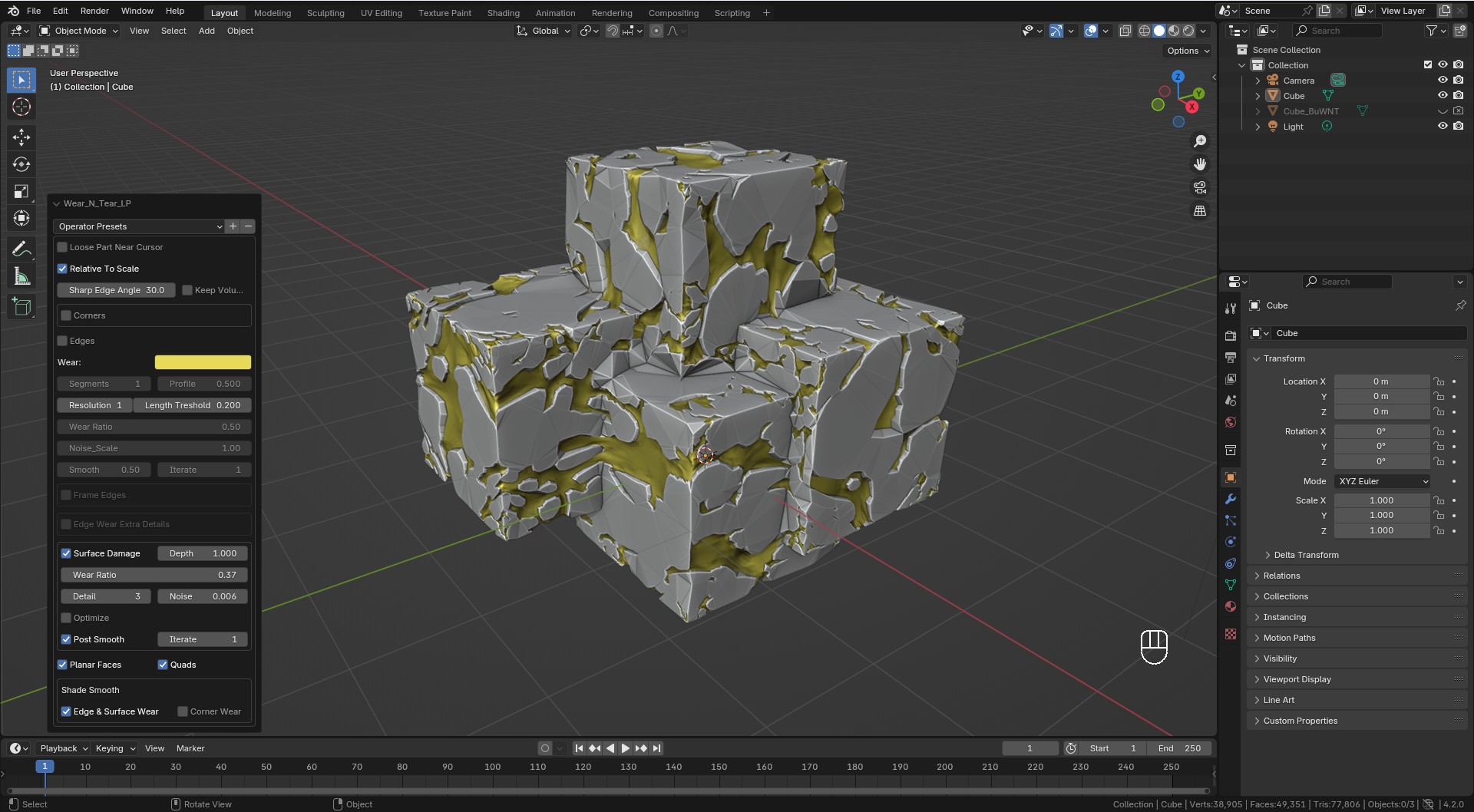
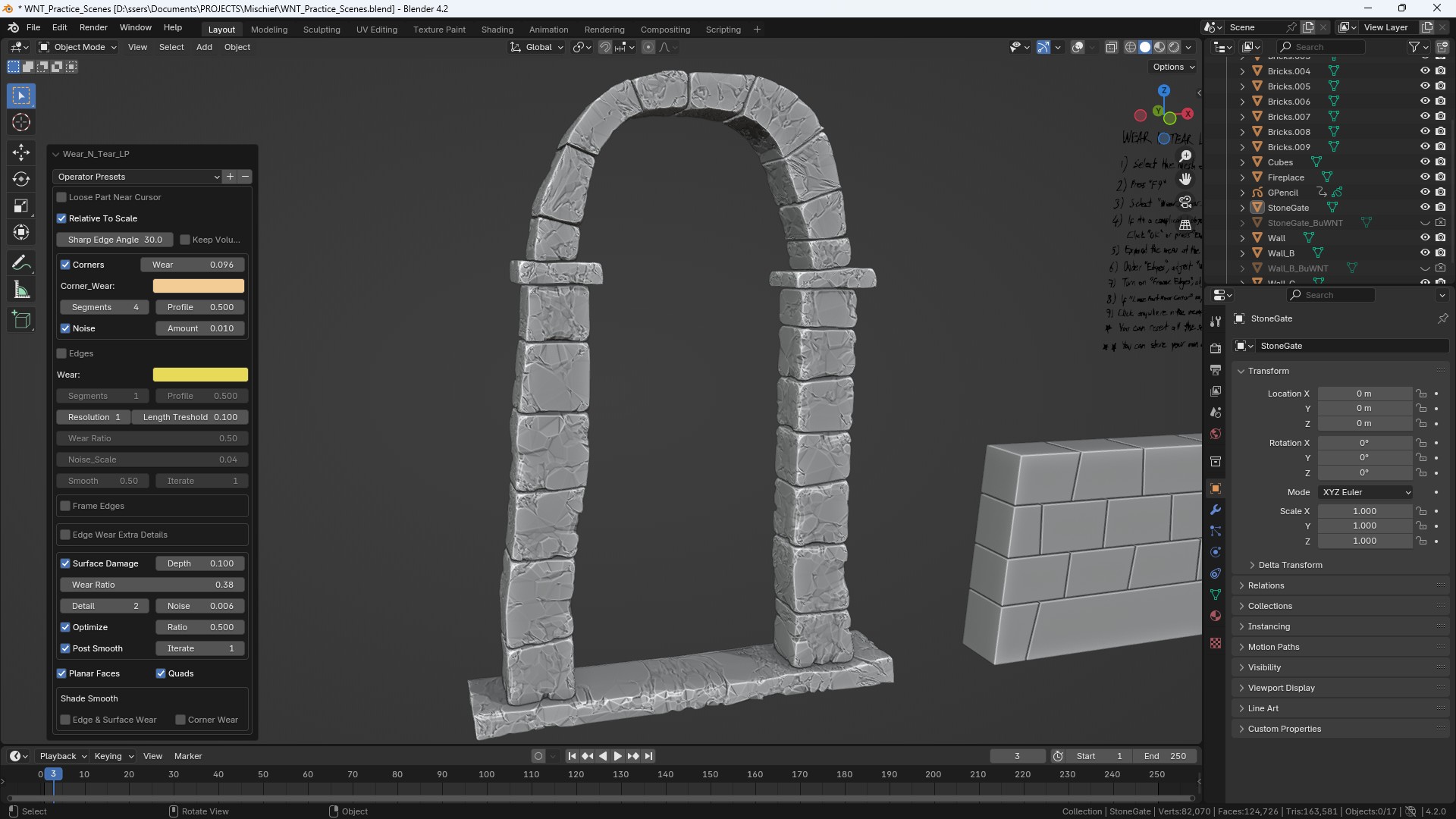
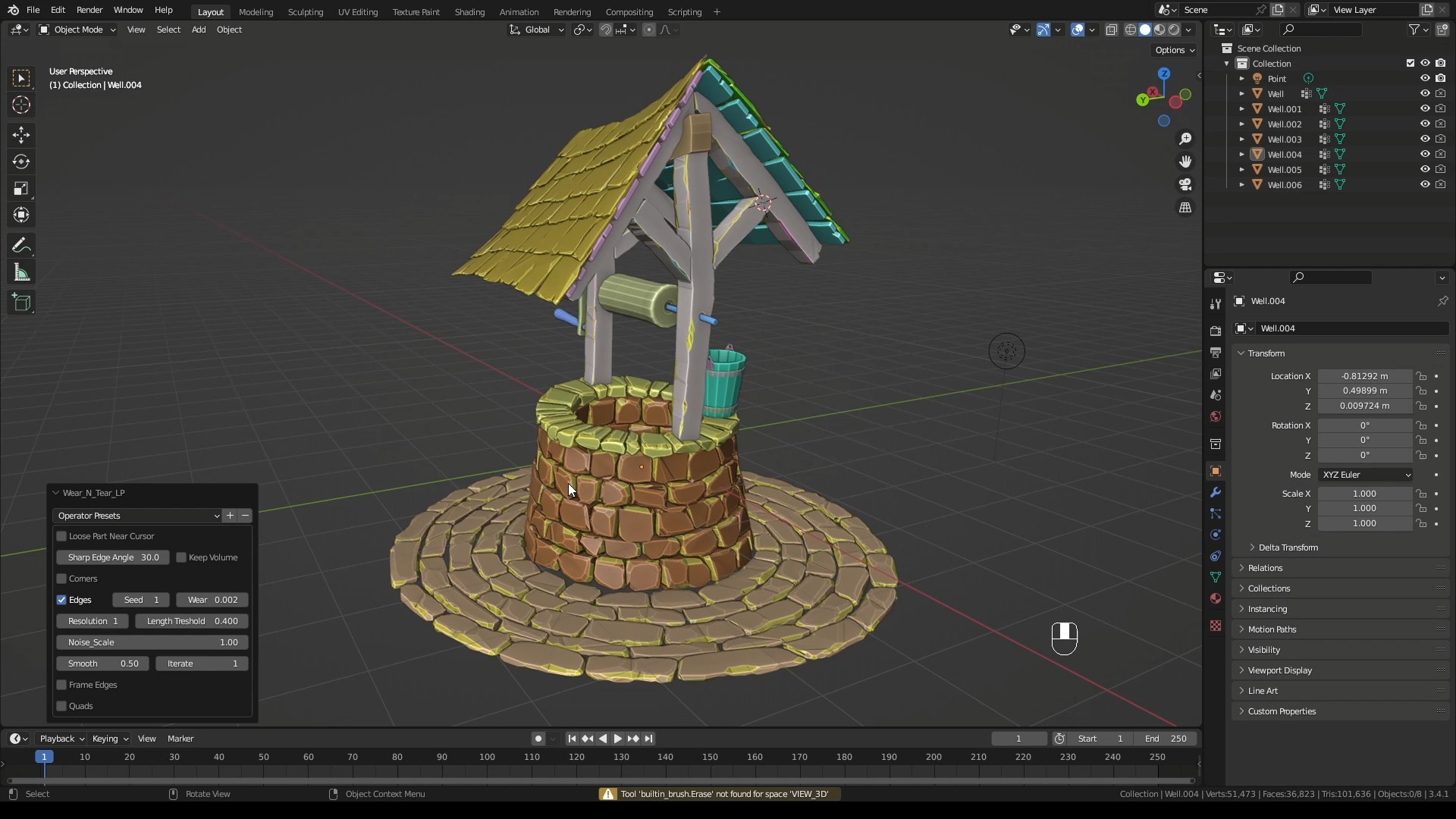
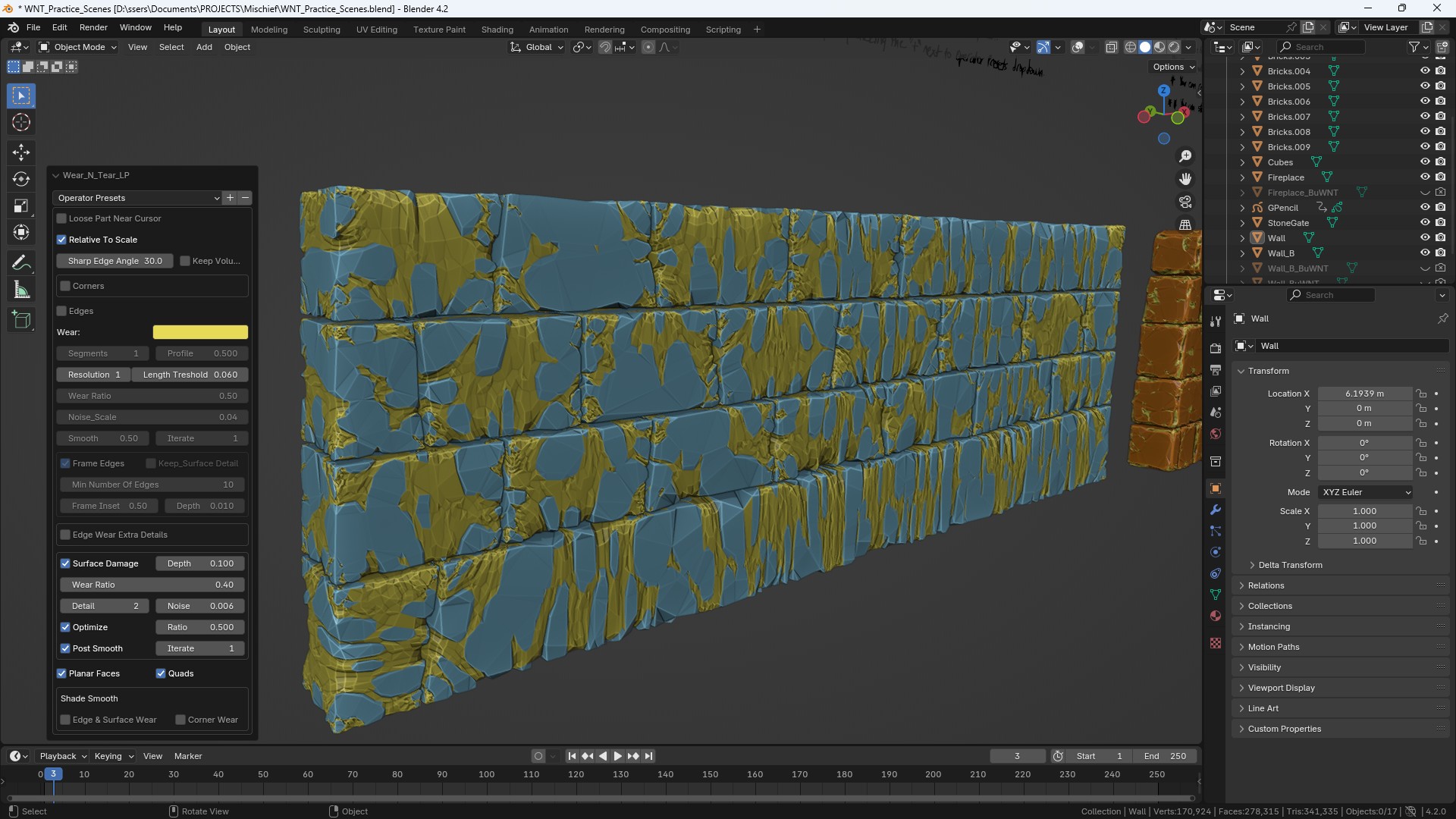
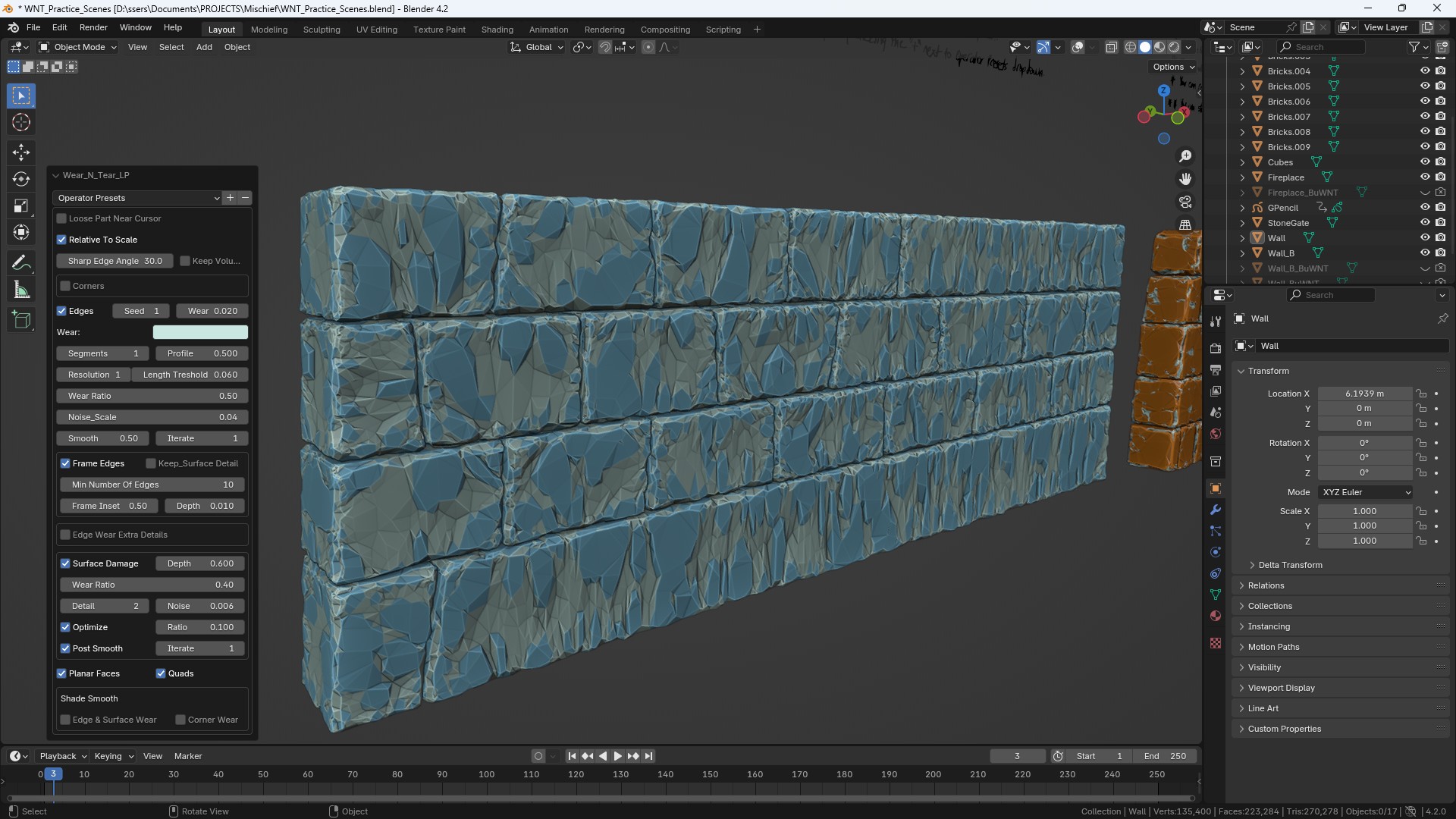
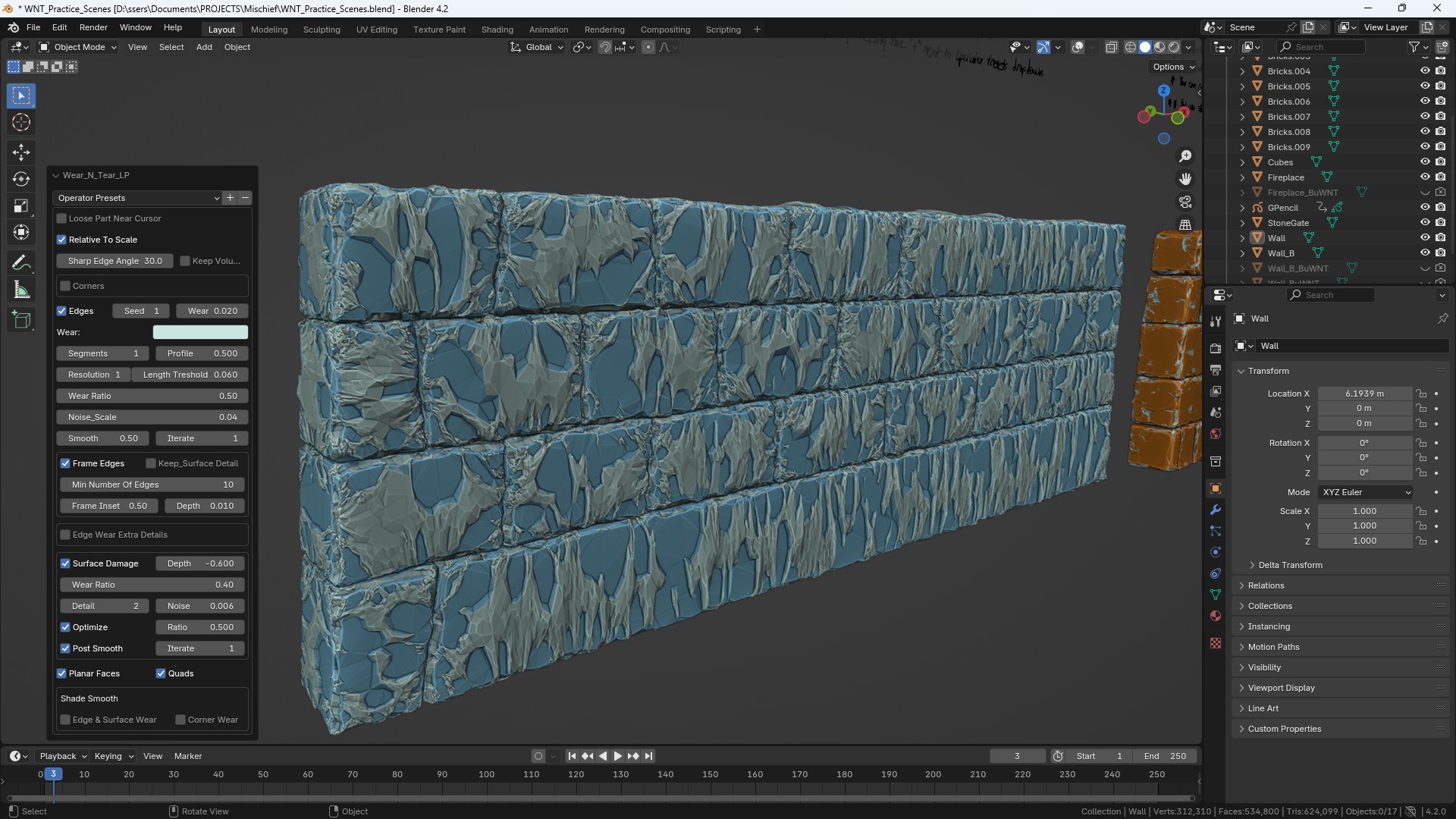
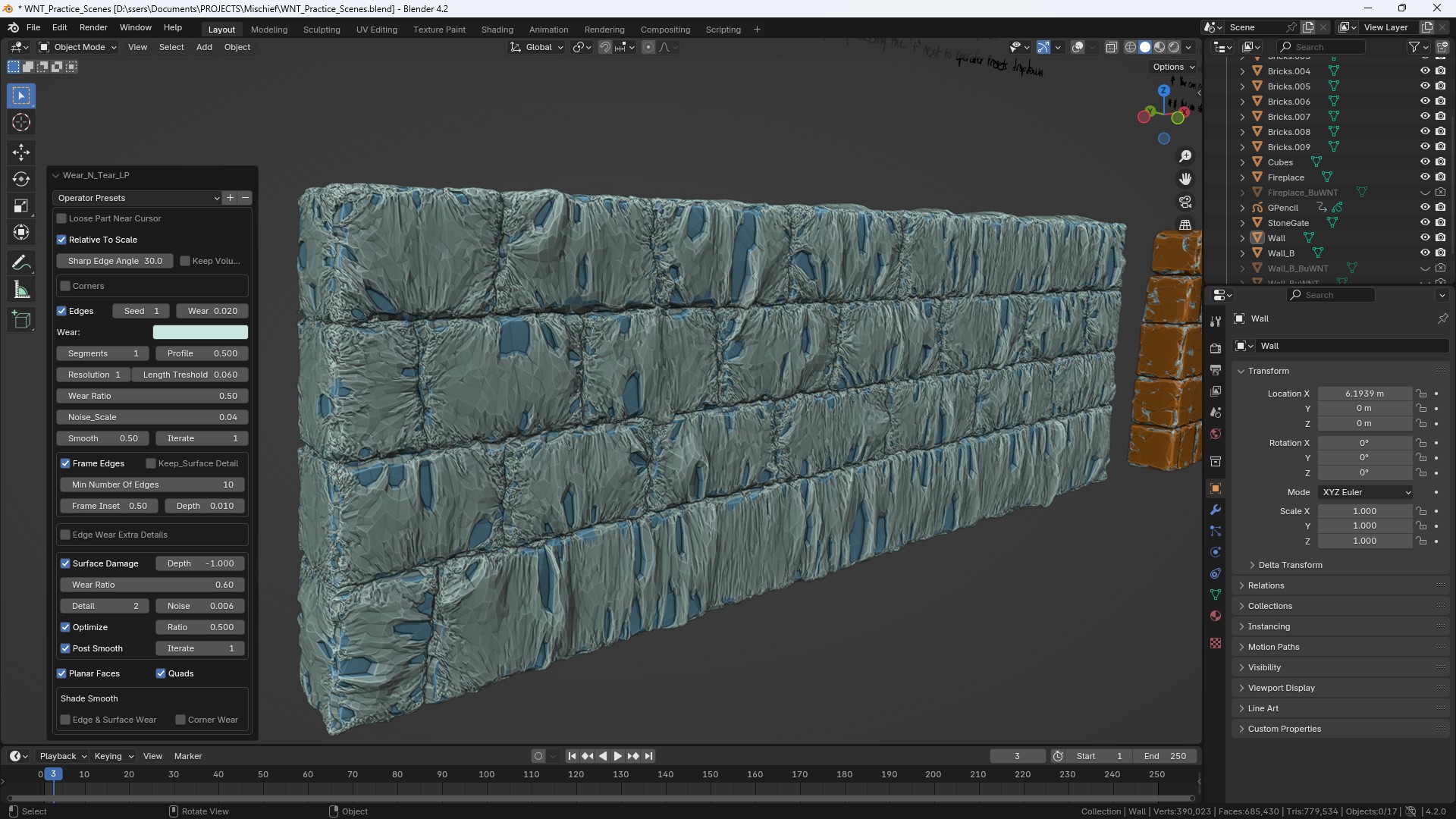
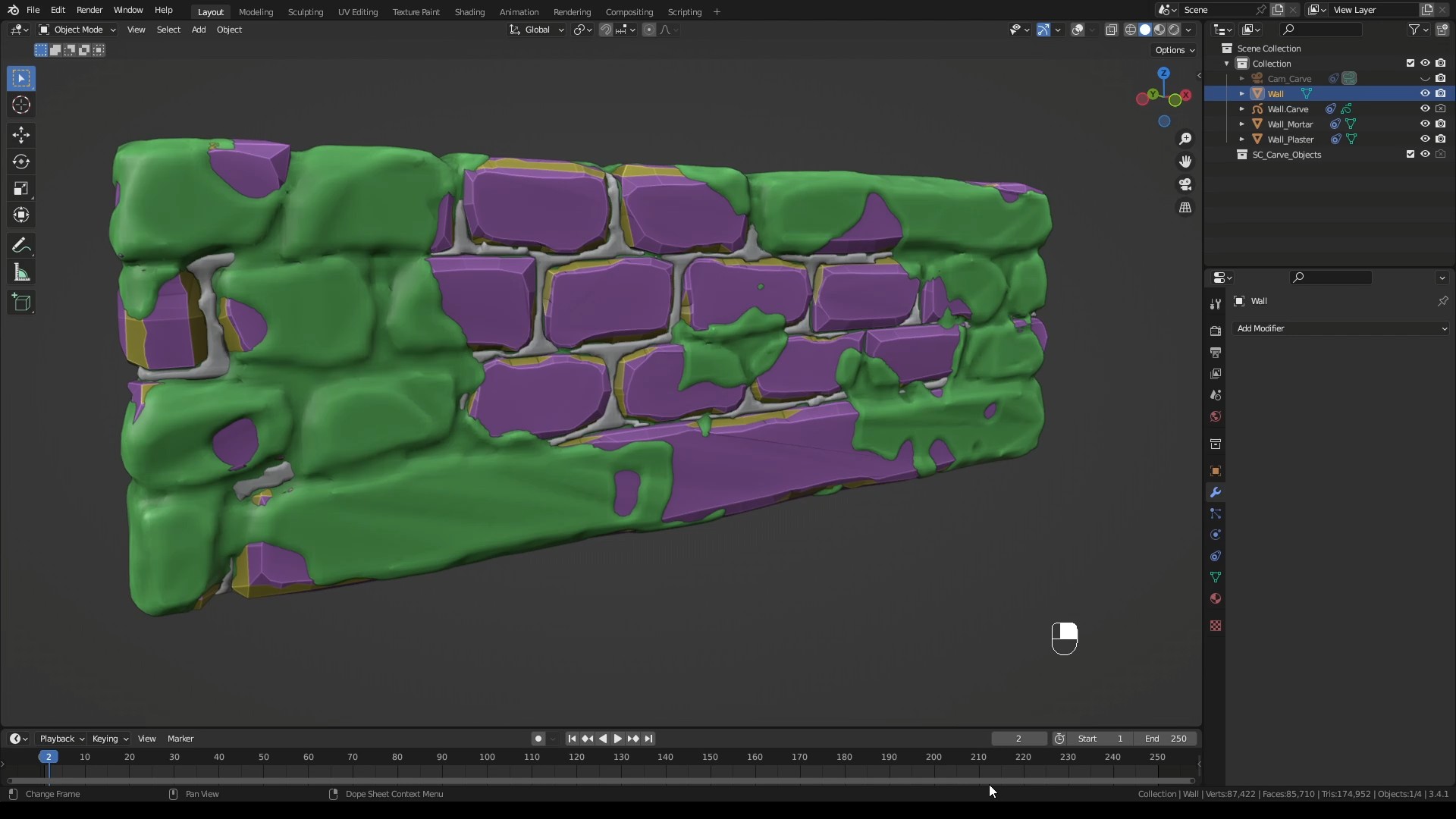
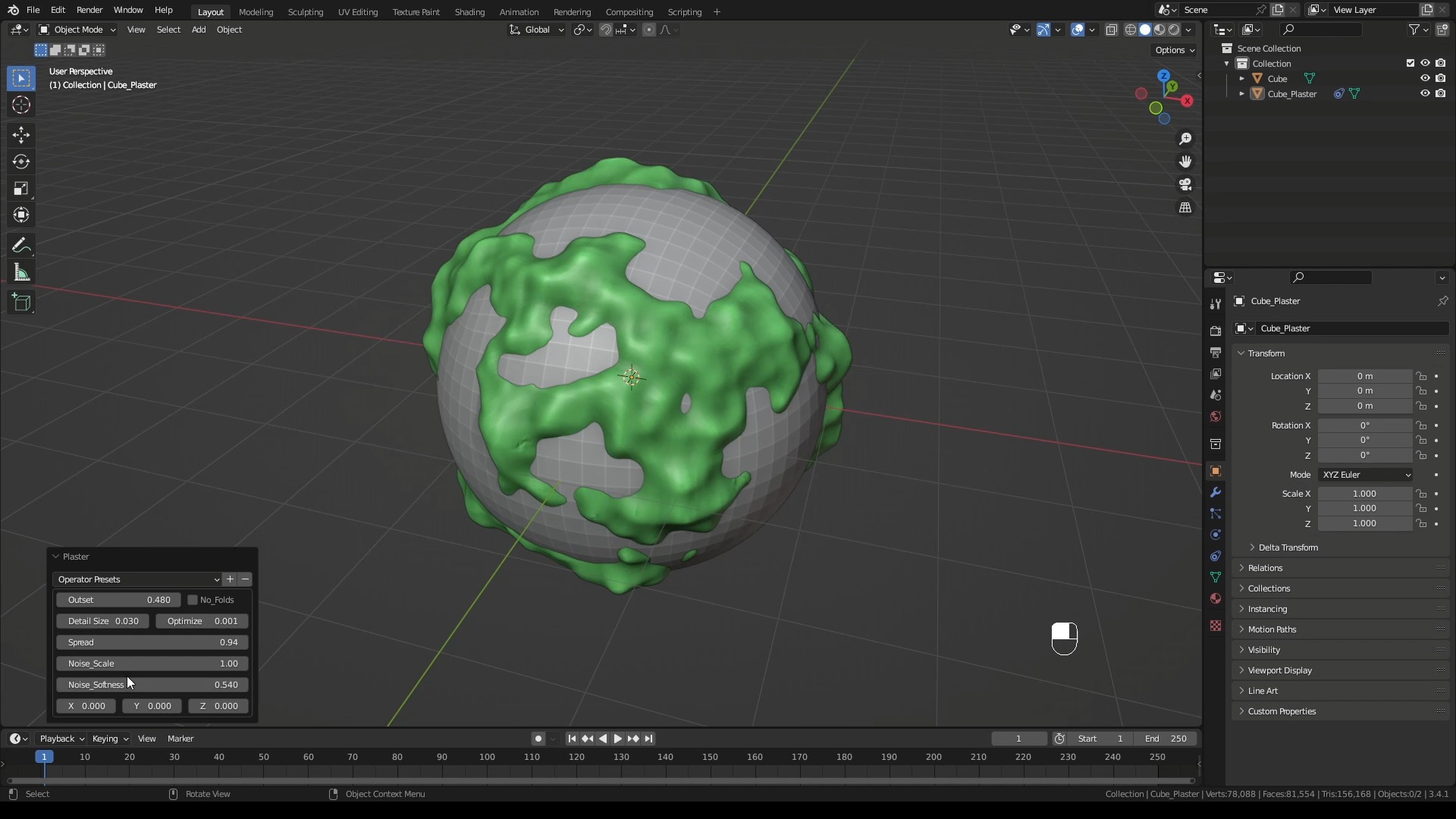
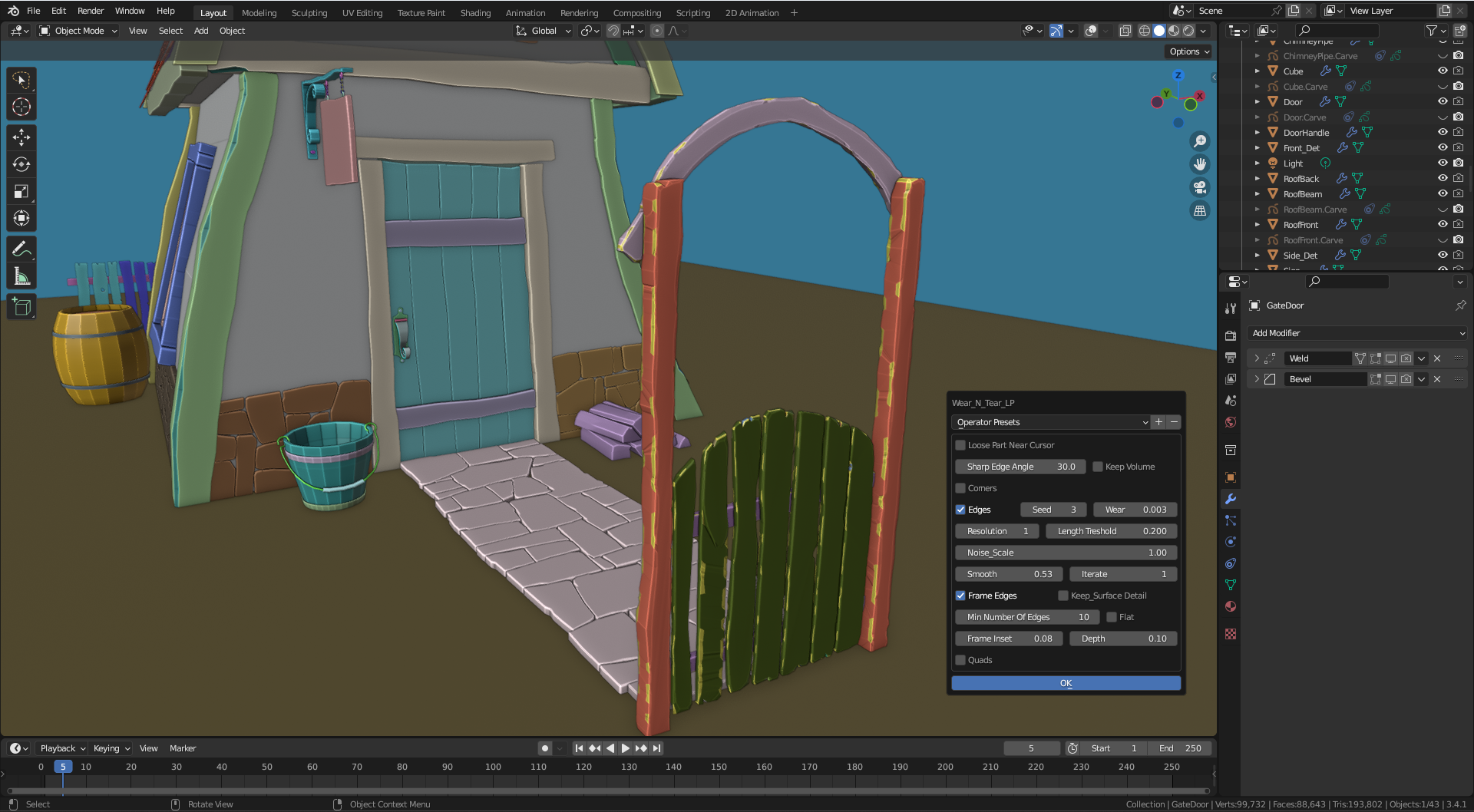
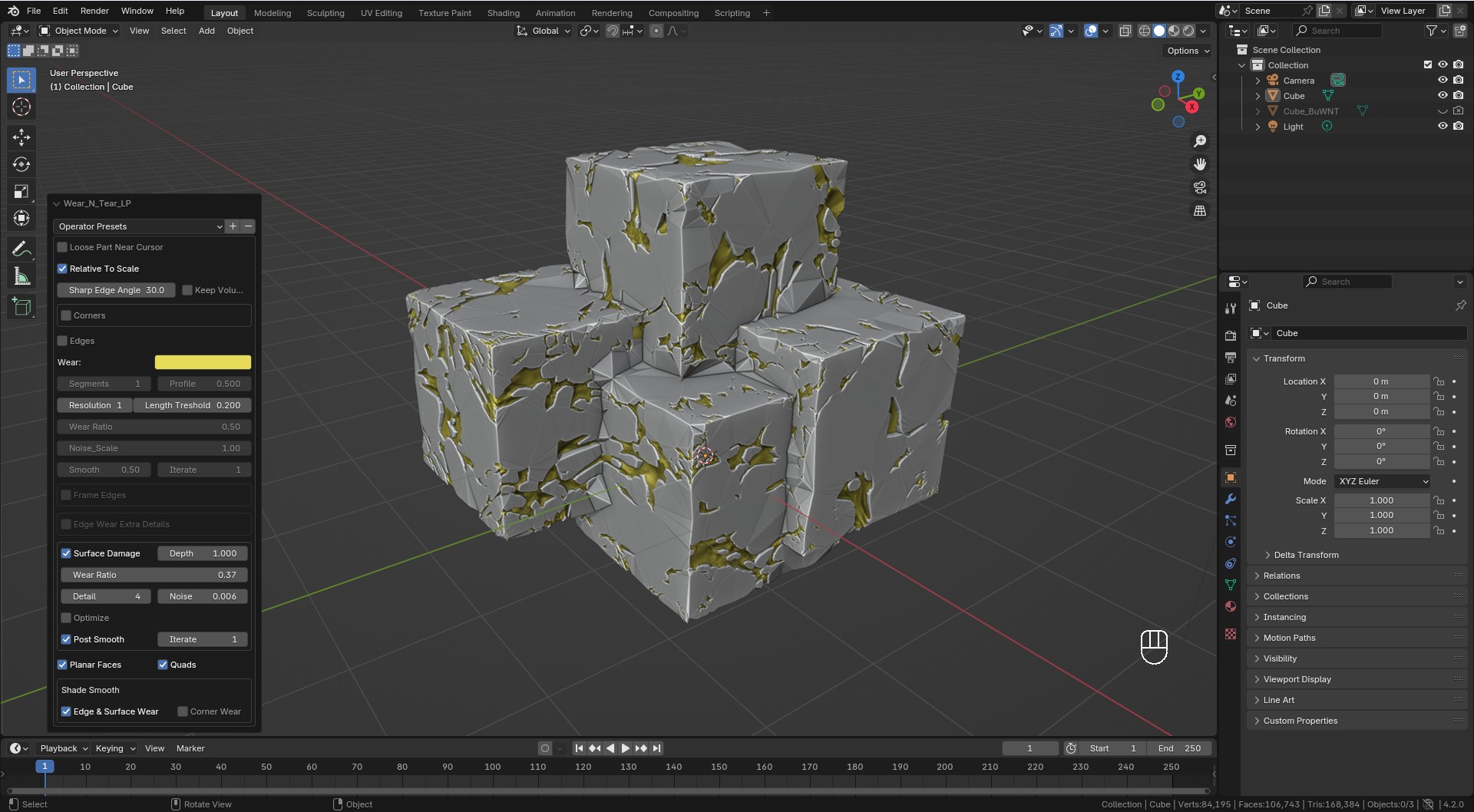
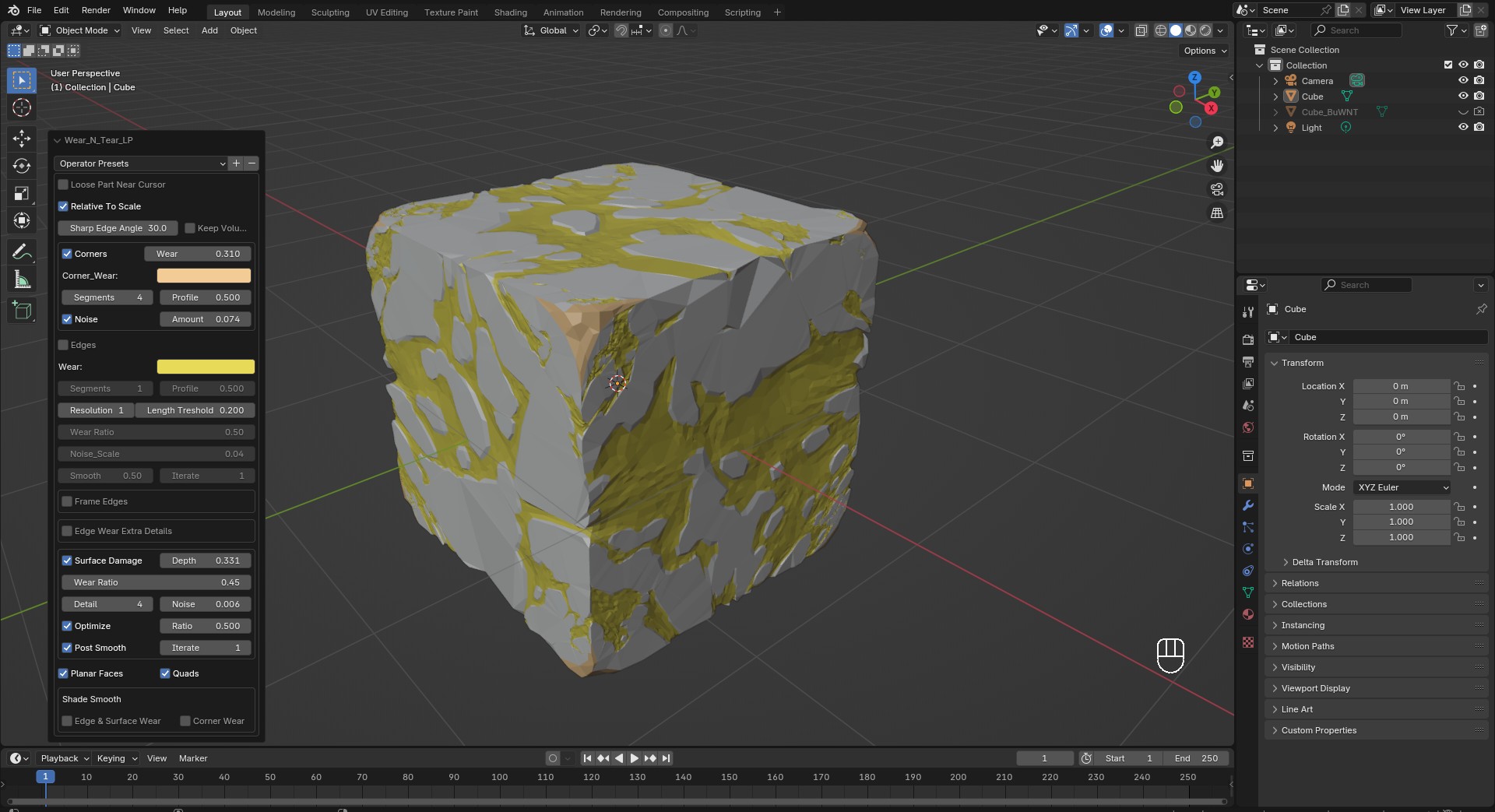
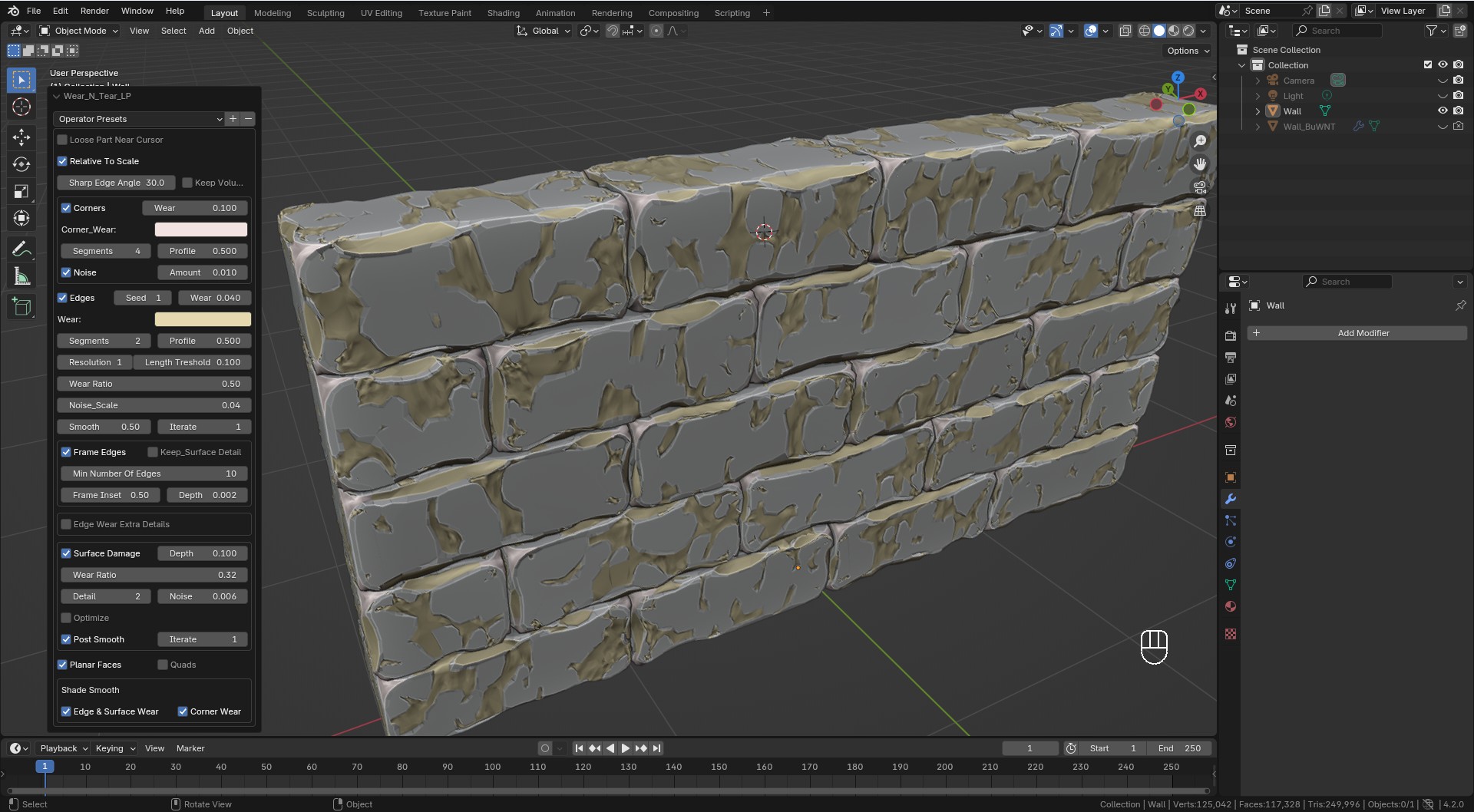
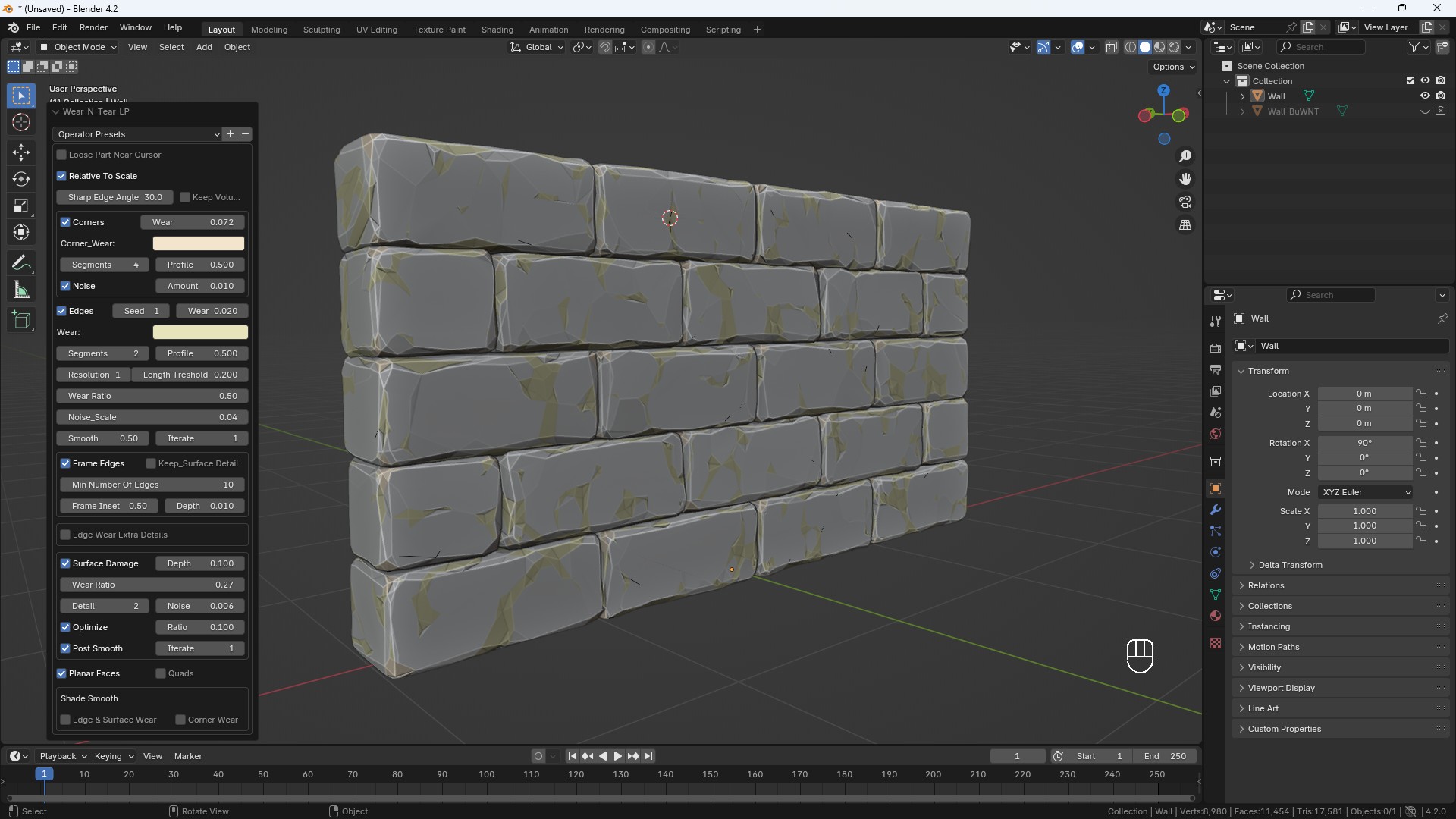
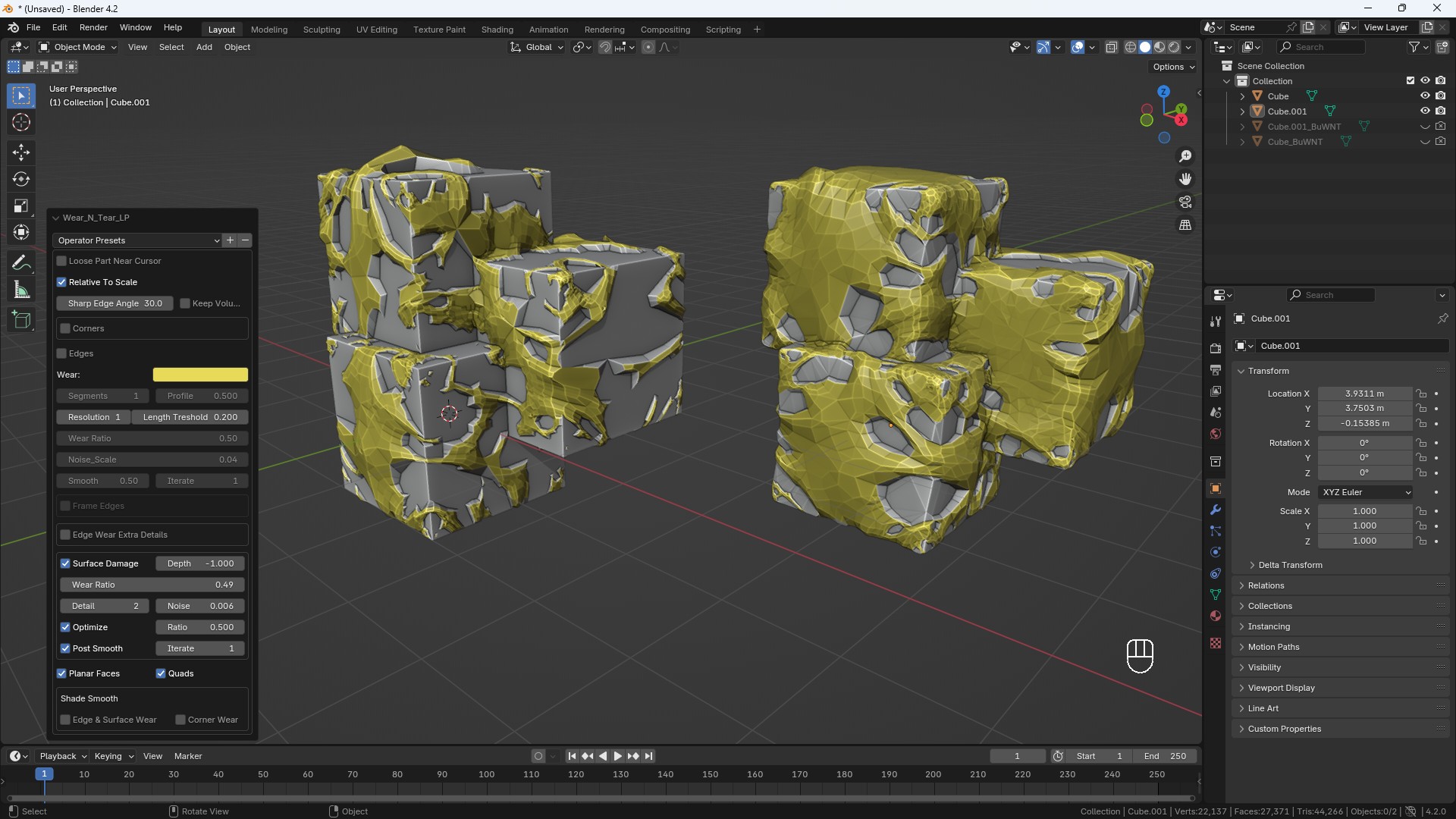
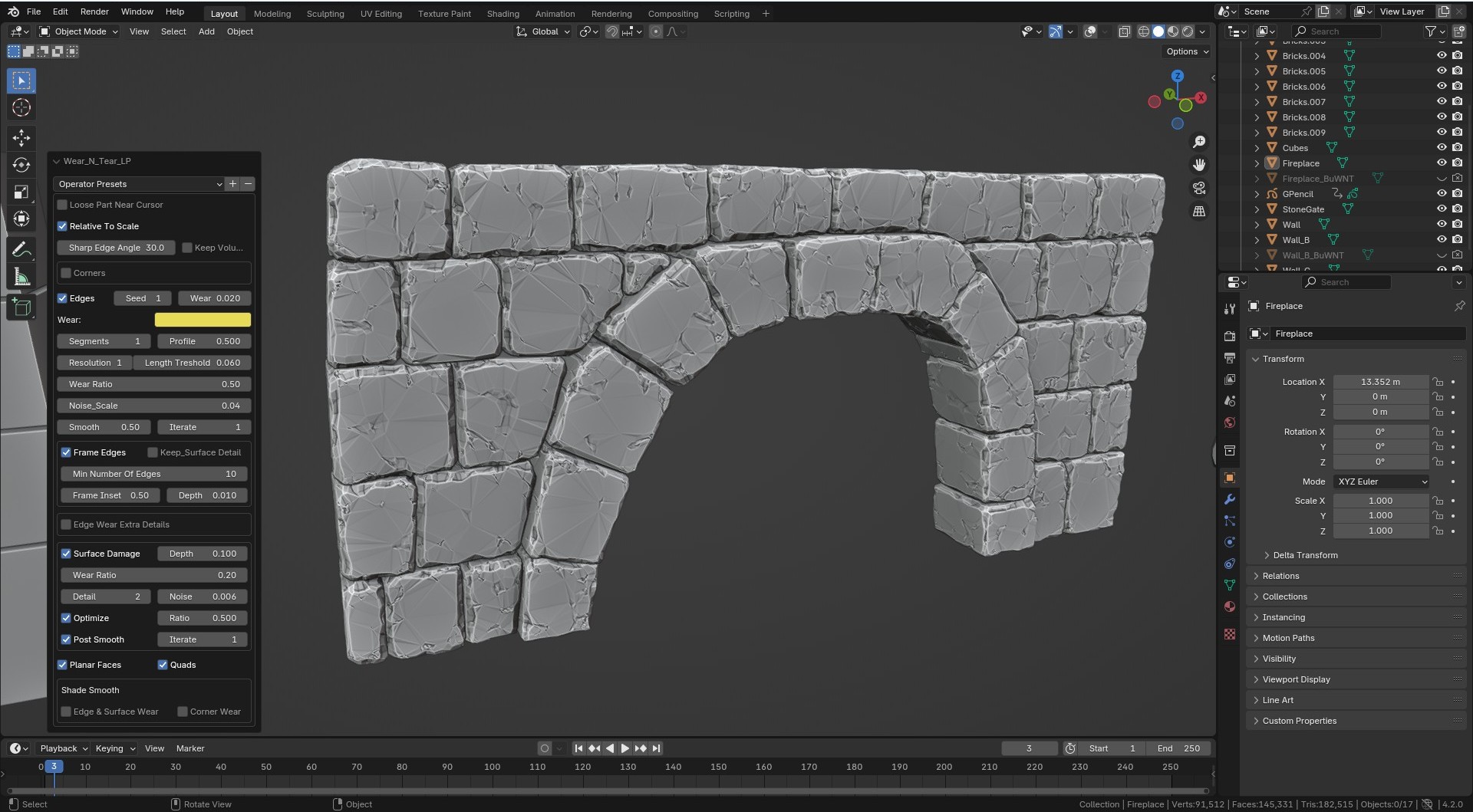
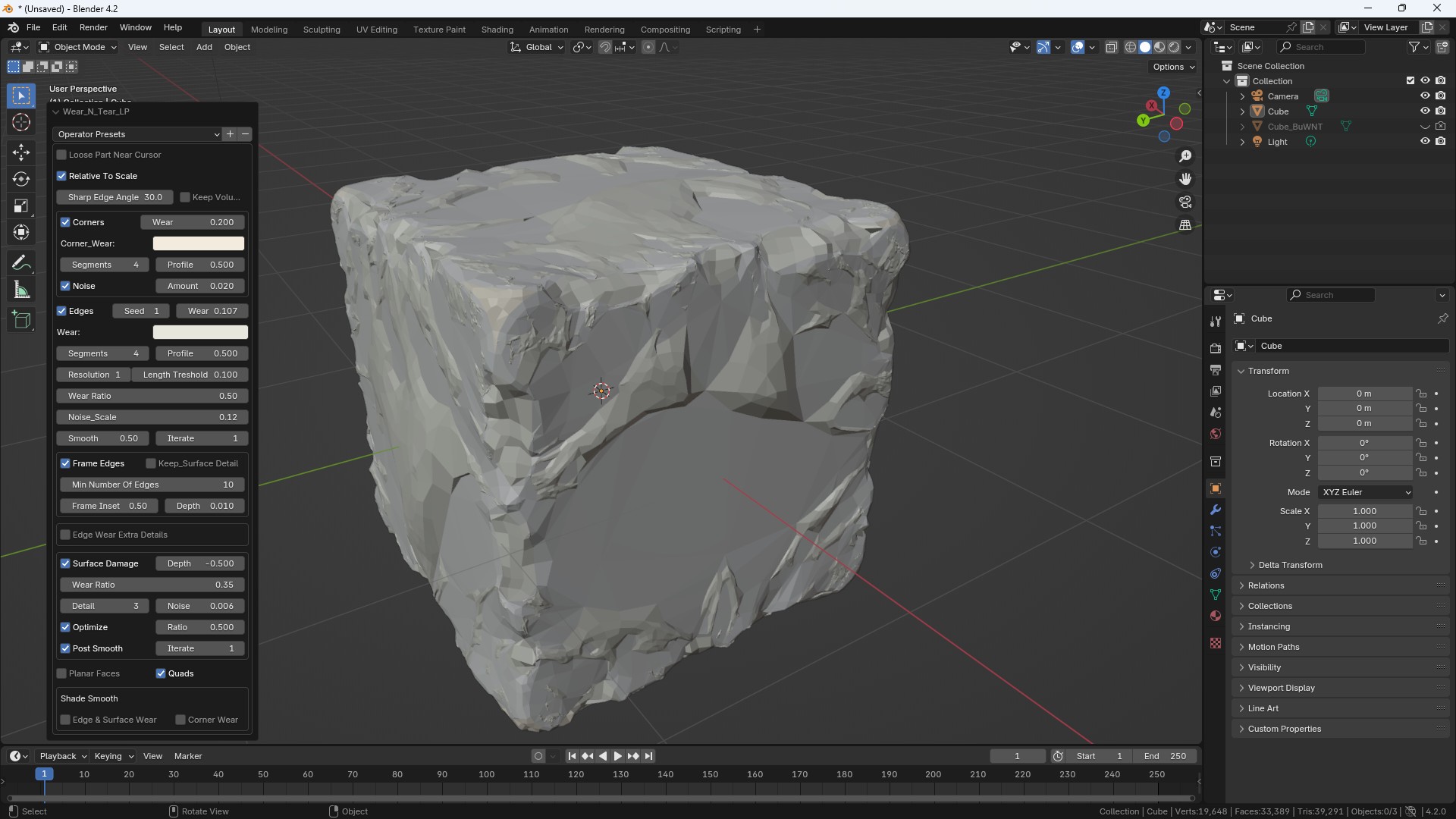
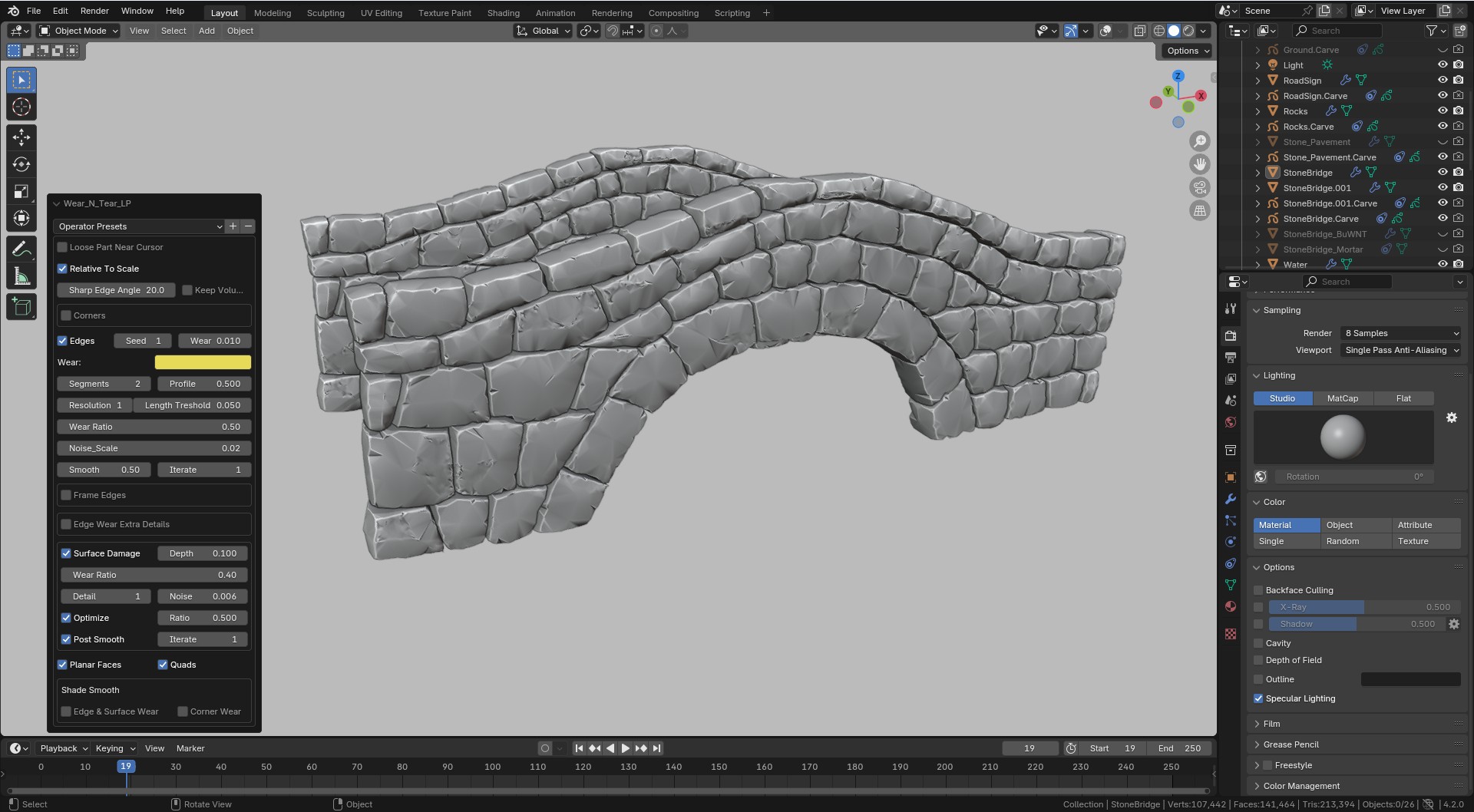
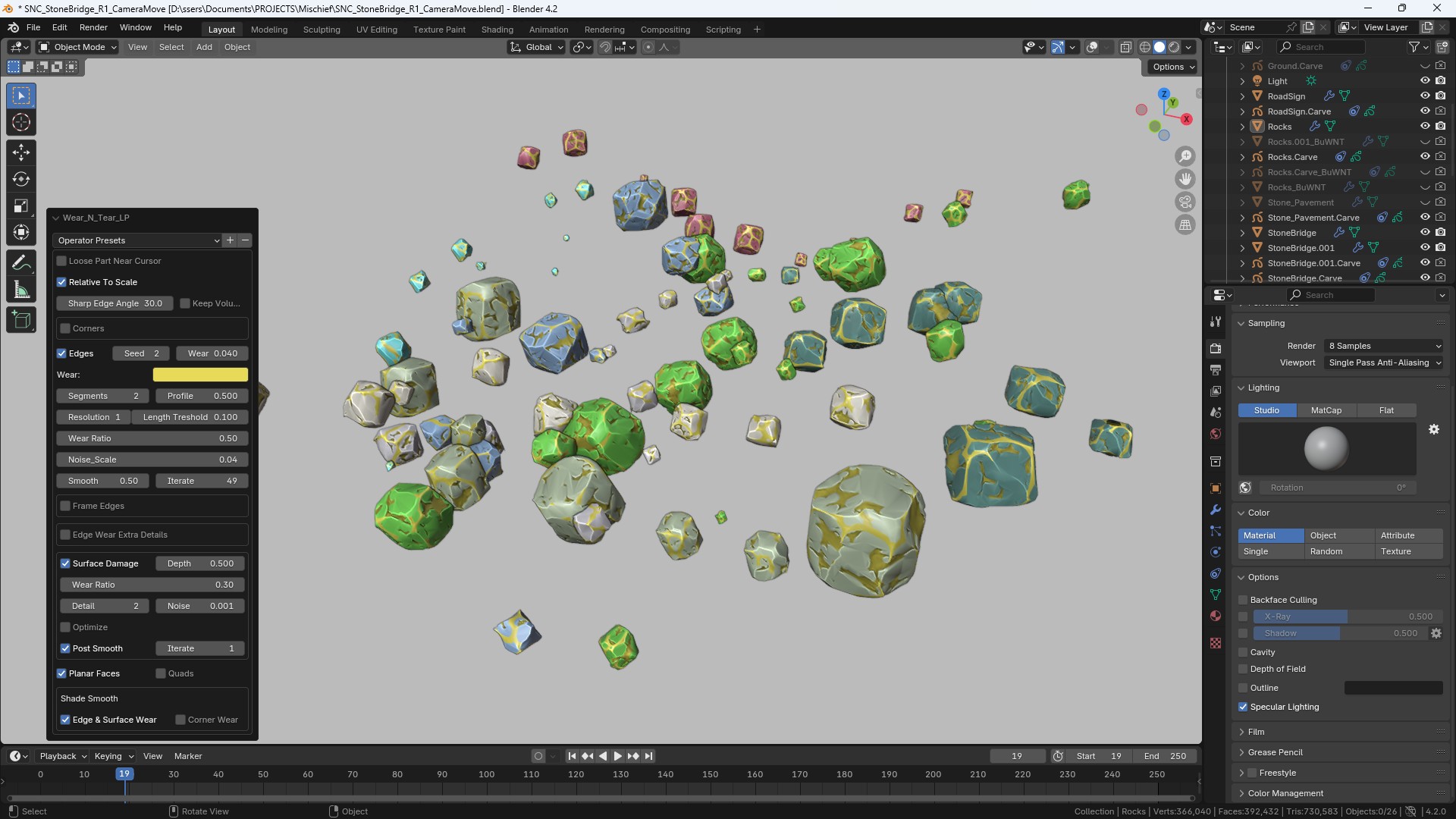
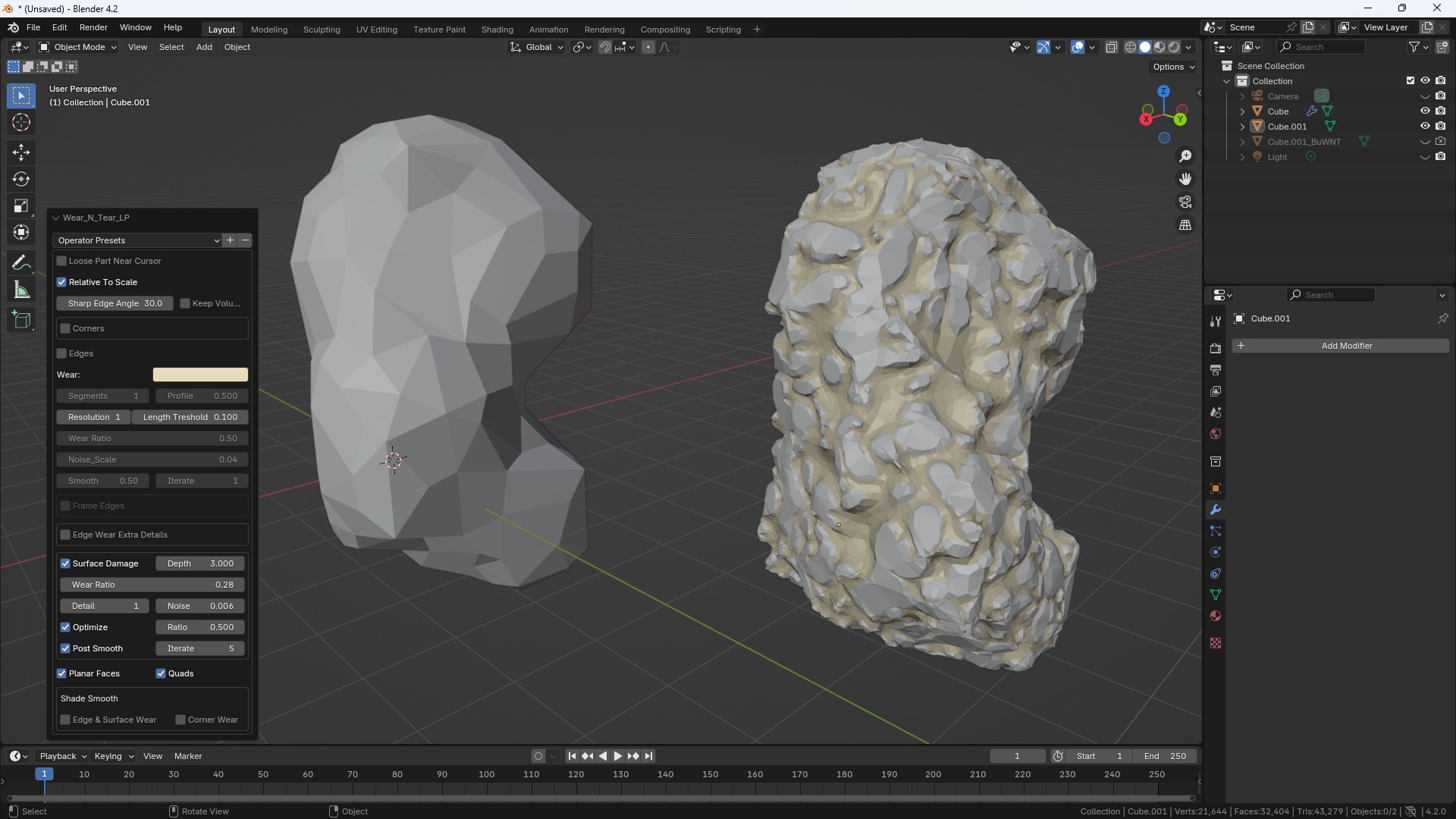
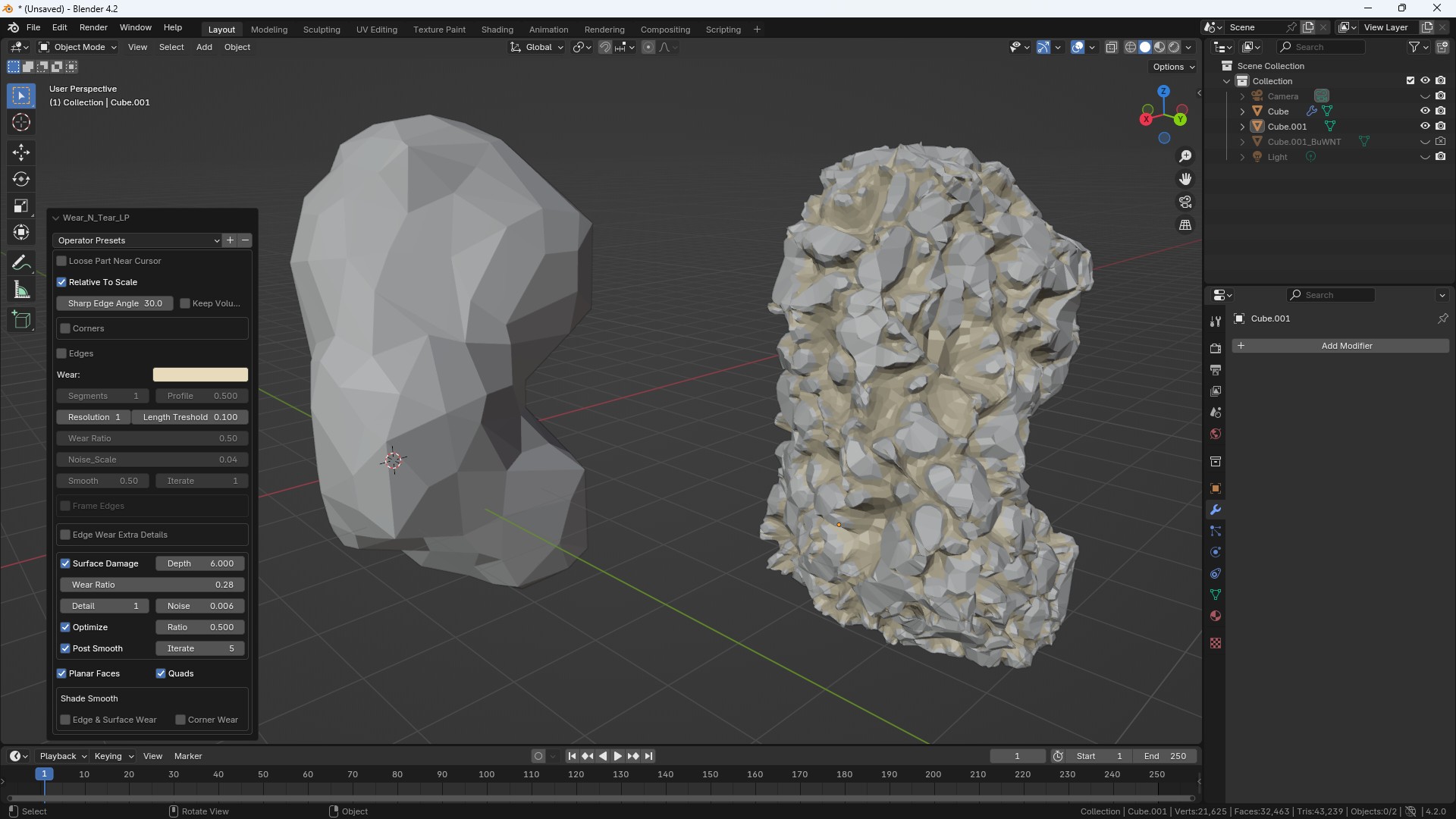
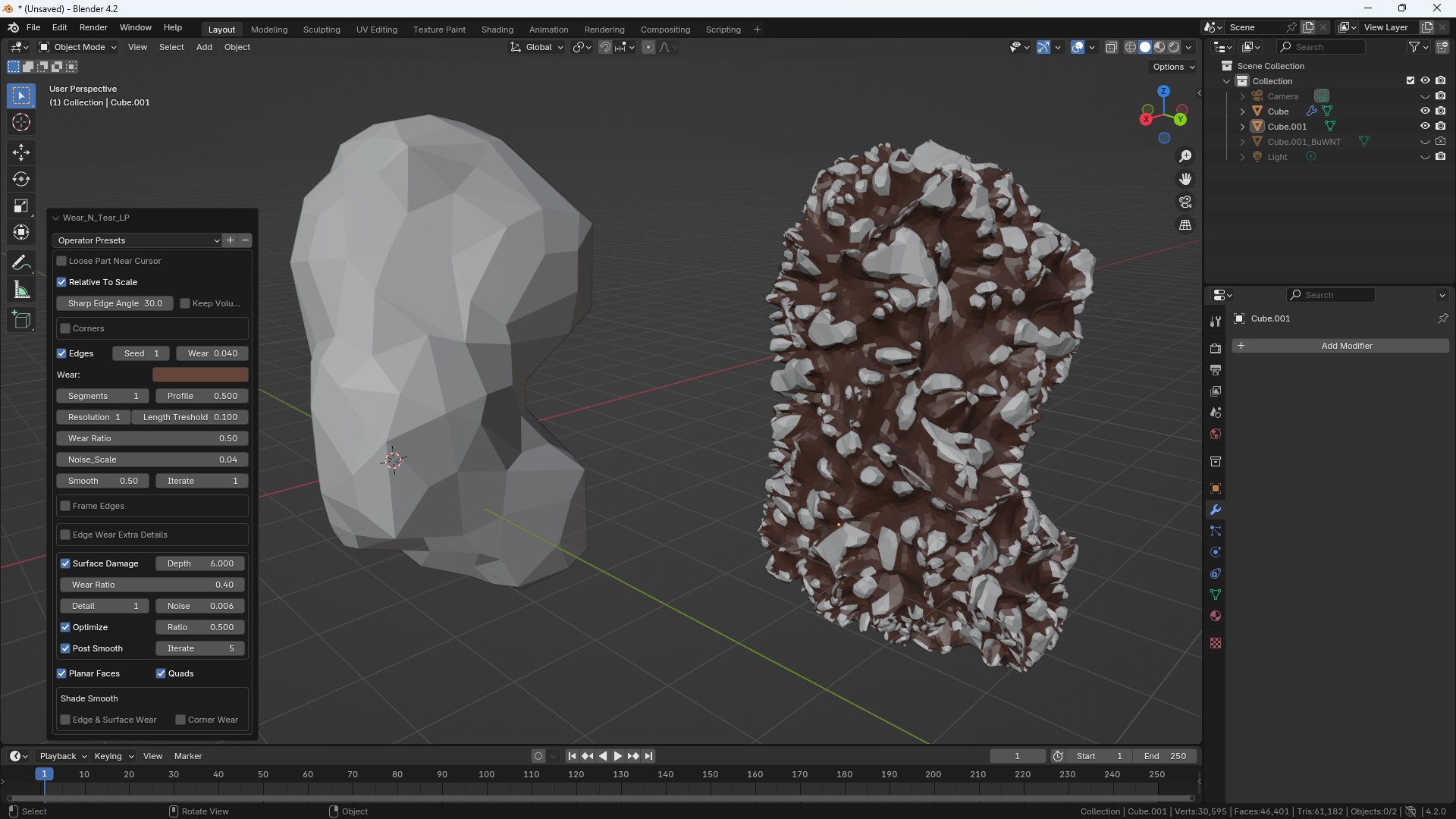
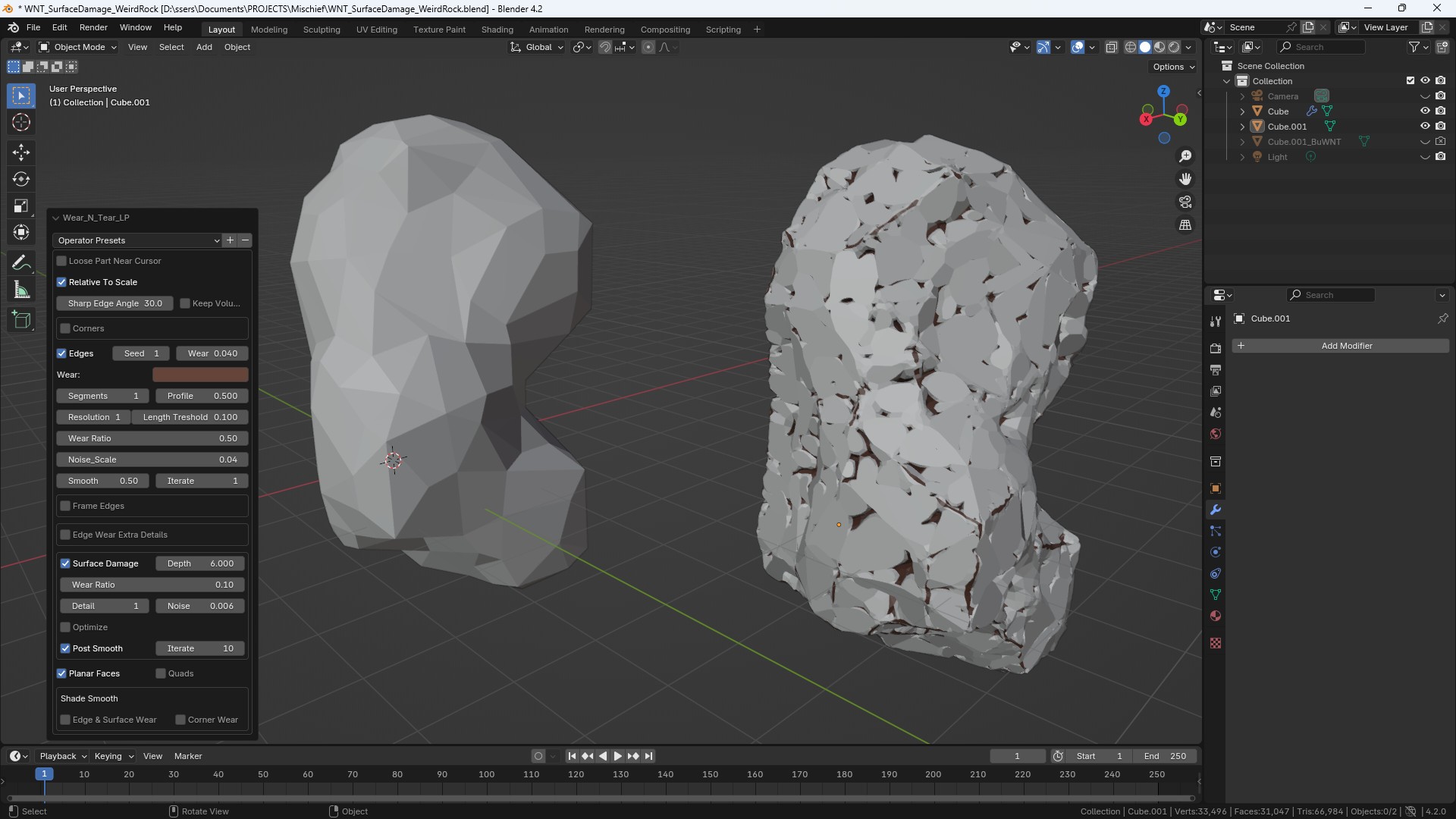
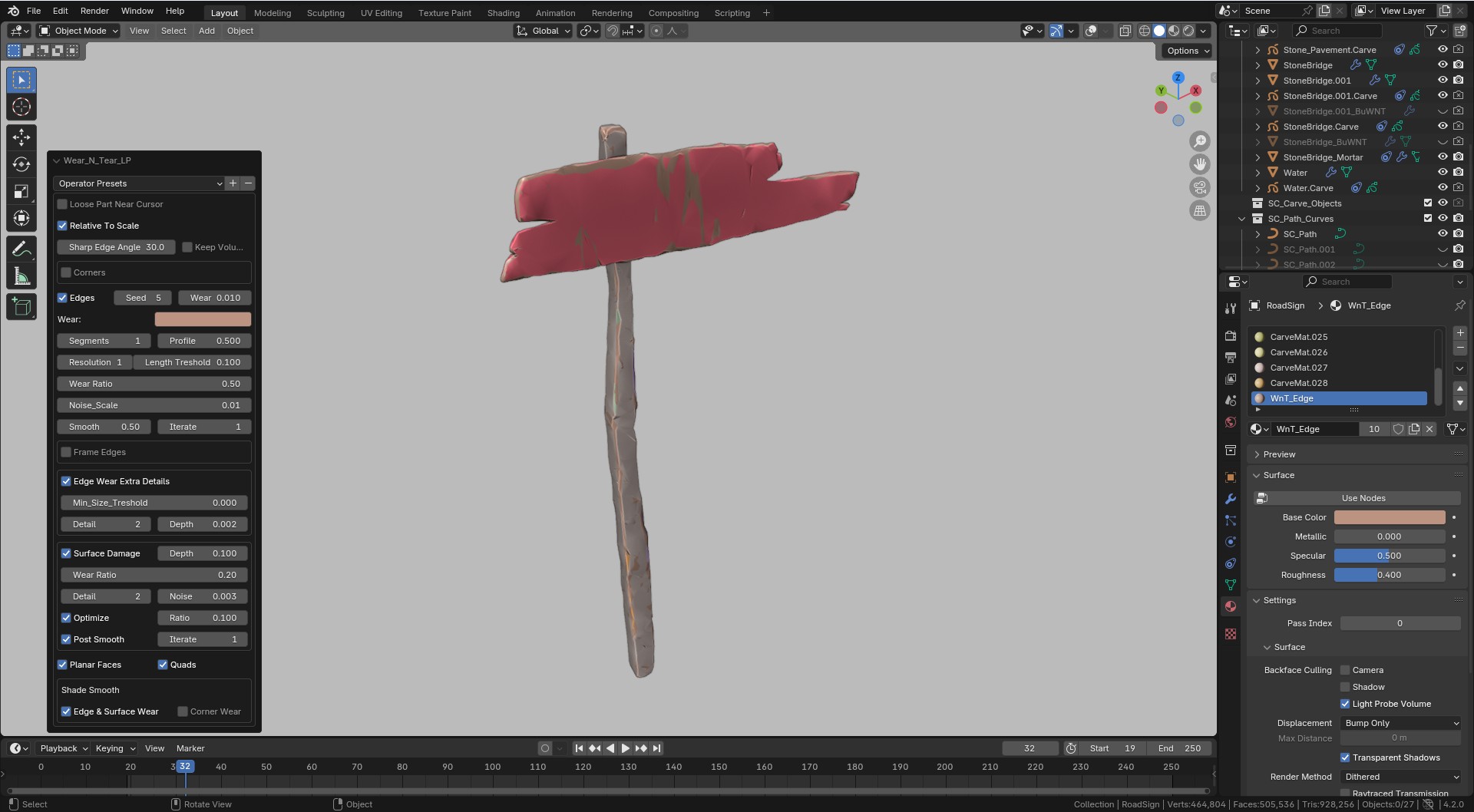
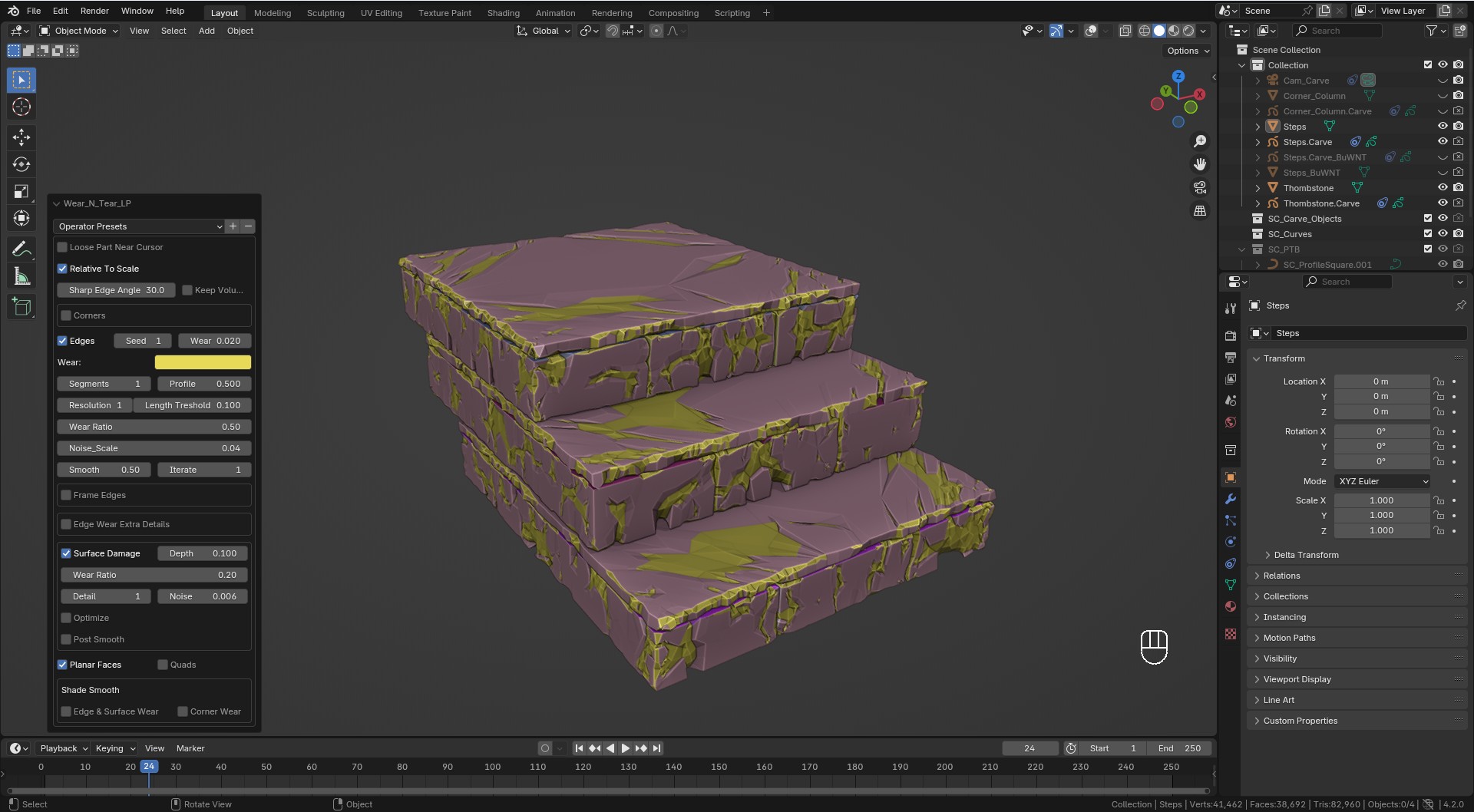
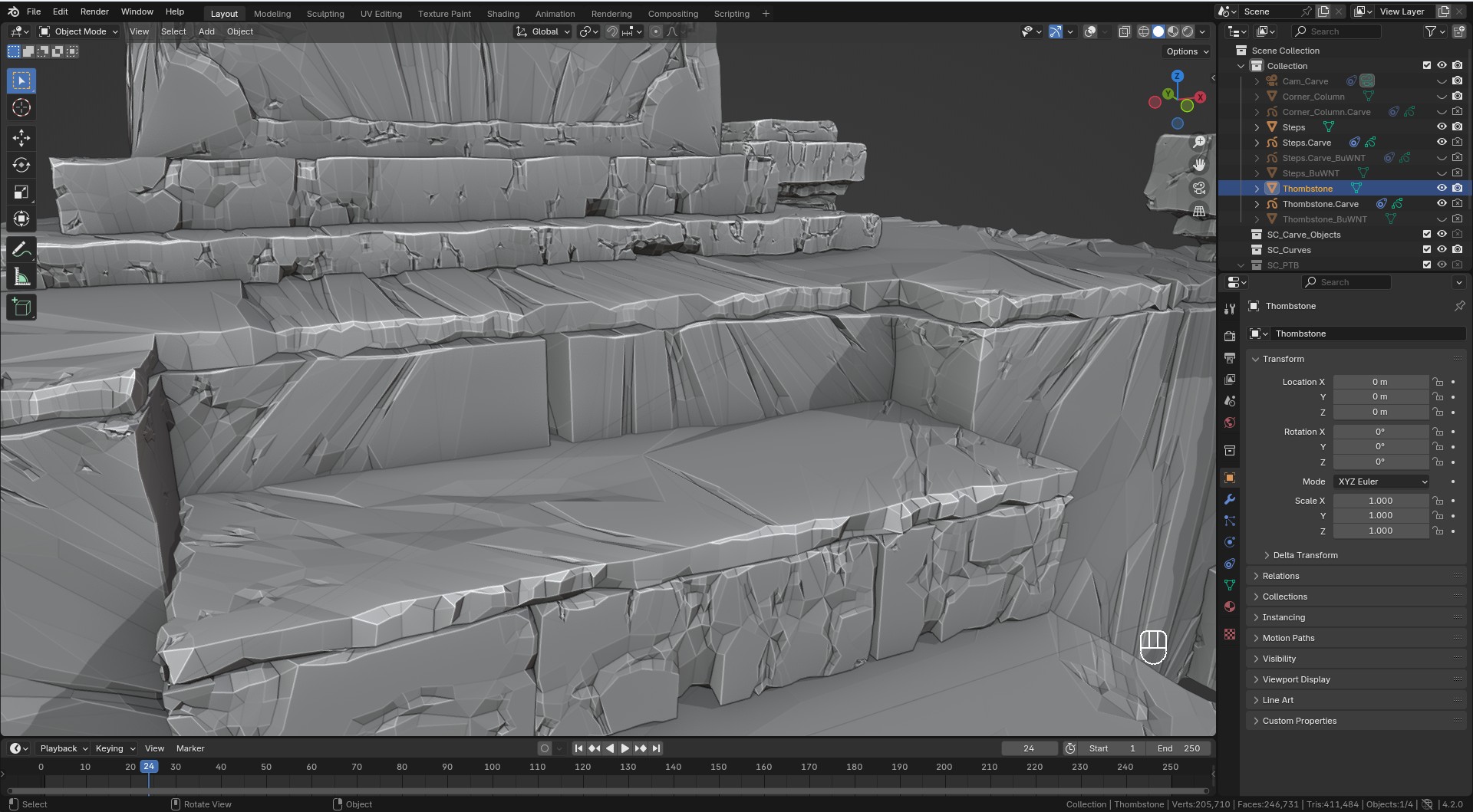
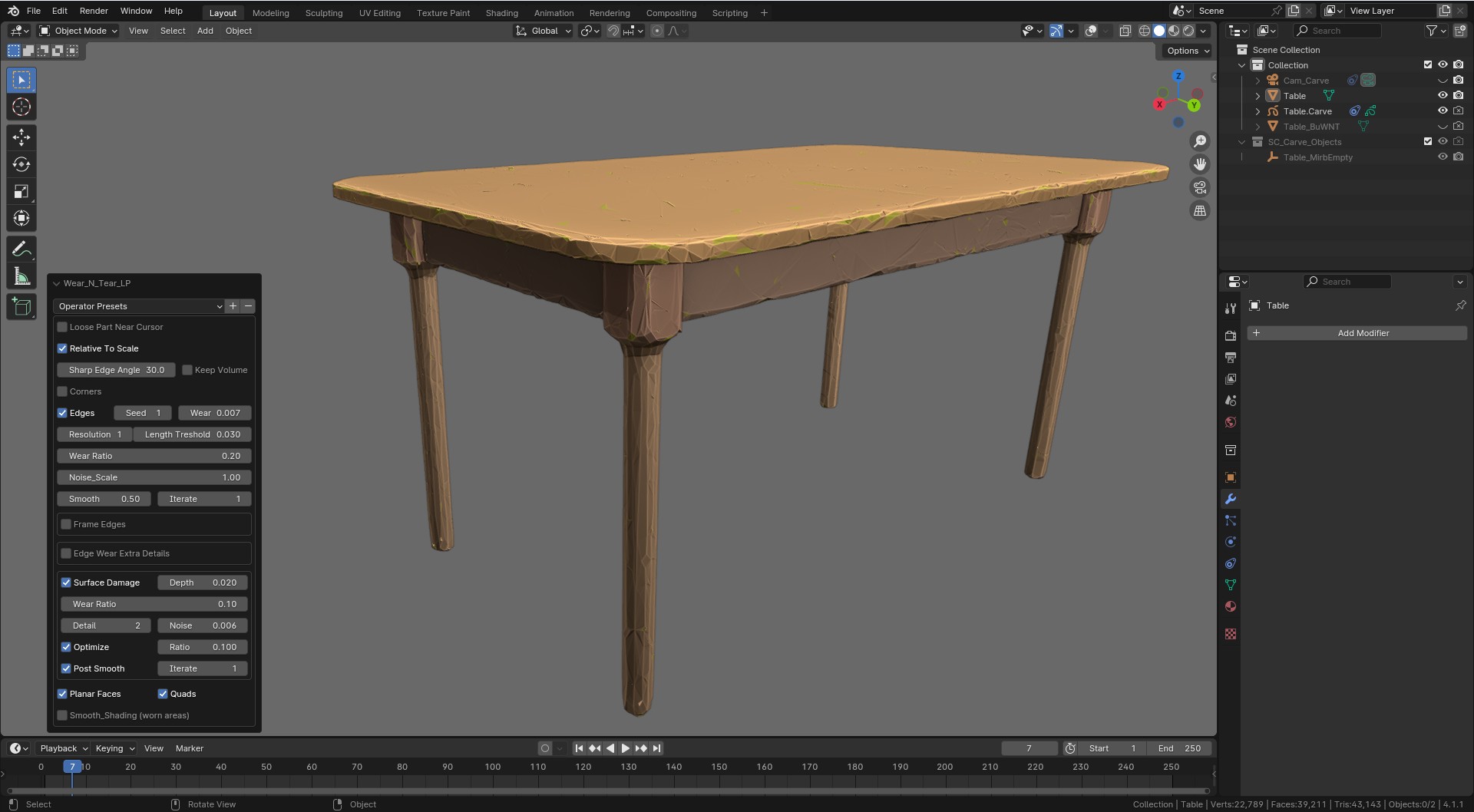
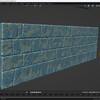
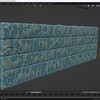
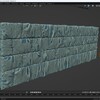
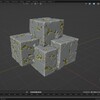
The add-on performs some very complicated operations under the hood and the performance is affected by the complexity of your object. The more bricks you have in your wall the longer it takes to complete. It is for this reason the add-on includes a button labeled "Loose Part Near Cursor". By choosing this button you limit the initial modifications to the, lets say the closest brick to the 3D cursor. Once you are happy with the look turn off the button to apply the results to the entire object (which obviously will take much longer to complete). The scale of your object also matters, too small or too big bricks will affect the results. 1. Limit the number of bricks at a time. Avoid working on the entire wall at once, which will be slow naturally. 2. Use the "Loose Part Near Cursor" button before applying the changes to the entire wall. 3. If your bricks (and the wall) very small try scaling it up (or down if too big) before using the add-on, and reversing the scaling back to original afterwards. Experiment with the "Relative to Scale" button (Wear N Tear LP) with a simple object to get an idea how it works. 4. There are two radically different Wear options: LP and HP. Use the one that works best with you geometry. 5. Keep your starting geometry simple if possible (simple cubes will do). The result will be complex enough. 6. The button values are sensitive and adjust them in small increments (or the geometry might blow up).
I am using translated version of Blender and I am gettin error messages.


Turn off "New Data" in "Preferences/Interface/Translation"

  • Wear N' Tear LP (Stylized Low Poly Edge Damage) + Wear N' Tear HP (High Poly Edge & Face Damage)

    $10
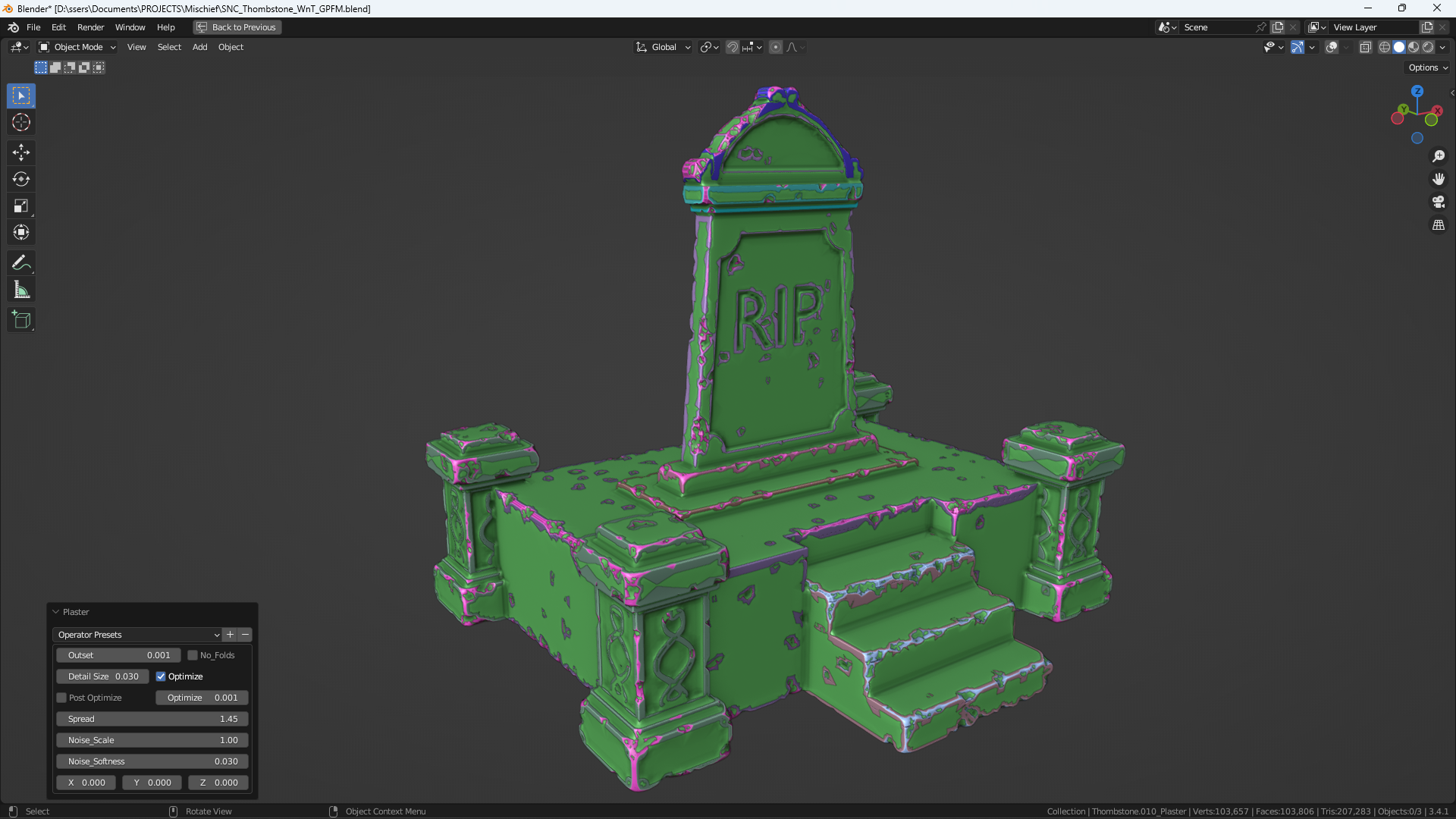
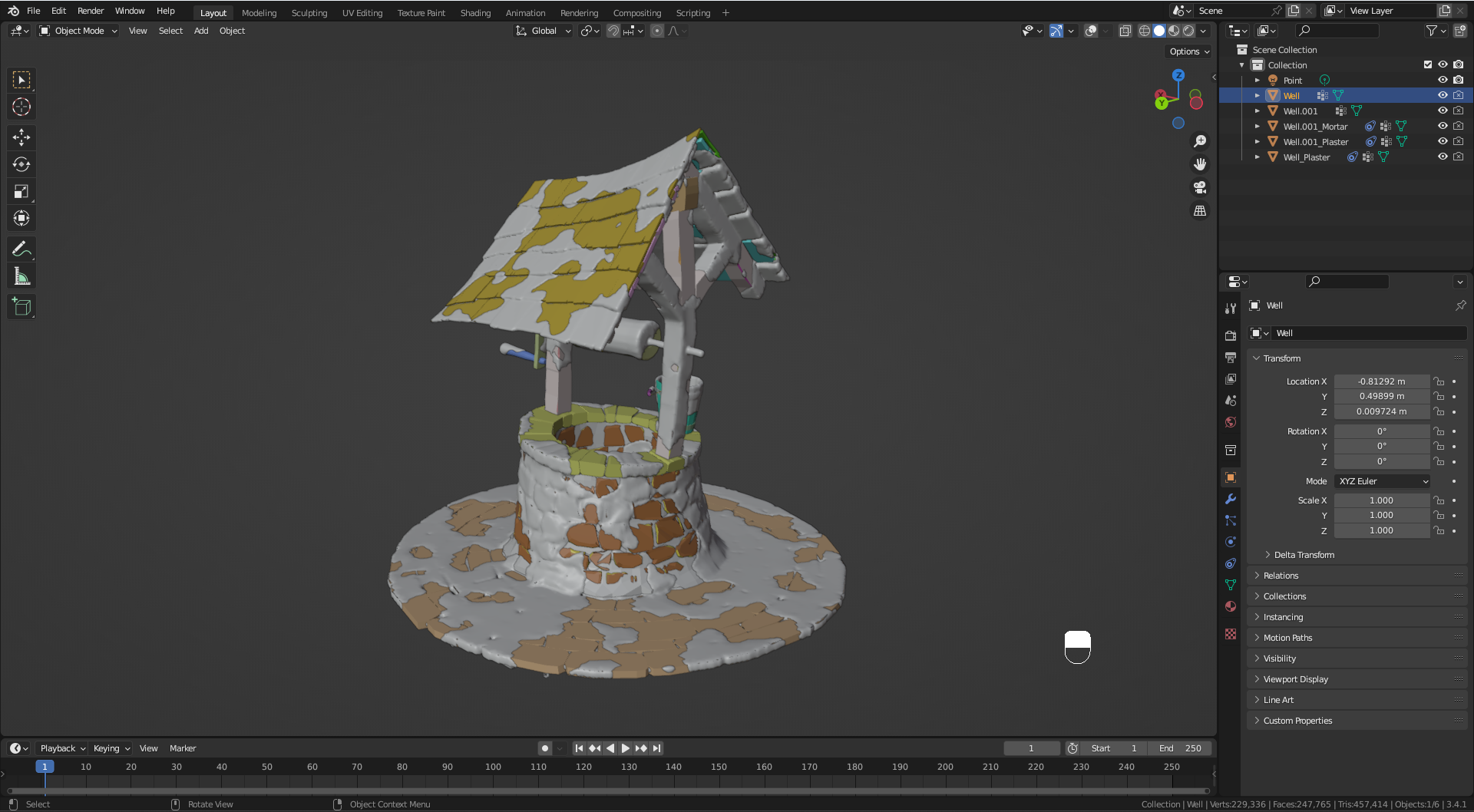
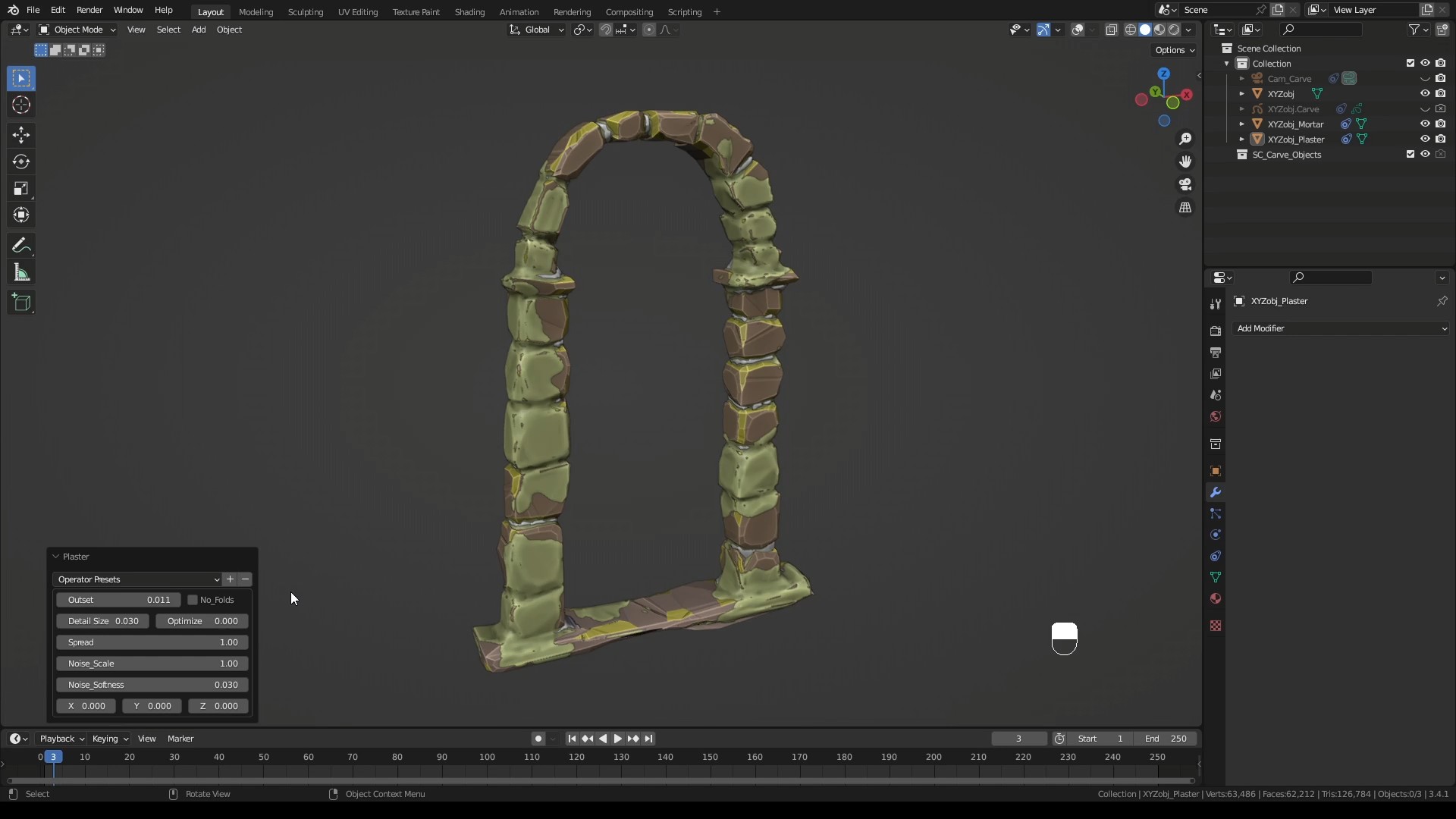
  • Wear N' Tear + Mortar + Plaster

    $16
  • Wear N' Tear PRO + Sketch N' Carve CORE: Cut cracks, cut parts off, add scratches, rip, tear, shred. Heck, build the model first with Sketch N' Carve CORE which is a full function modeler.

    $24
  • Wear N' Tear Damage Control + Sketch N' Simulate SE (Rigid Body physics simulation for debris posing) +Surface Damage (WNT_LP) + Grunge + Procedural Textures

    $30
$10

Have questions about this product?
Login to message

Details
Sales 1200+
Rating
13 ratings
Dev Fund Contributor
Published over 3 years ago
Blender Version 3.1 - 5.2
Extension Type Add-on
Render Engine Used Cycles, Eevee, Freestyle
License GPL