Web Preflight: Check and Export GLB for Three.js and R3F
 Space Comix Development
Separate field from the Description, visible on the product page before purchase. The Description sells; this field is the manual: install, use, demo walkthrough, troubleshooting. Source: `docs/quickstart.md` (keep them in sync). The full check reference is in the PDF guide among the downloads (too long for this field).
### Requirements
Blender 4.2 LTS to 5.2, Windows, macOS or Linux (one zip, pure Python). Nothing else to install: no Node.js, no gltf-transform.
### 1. Install
Download `web_preflight-1.0.0.zip` and drag it into the Blender window, then click Install. Or: Edit >
Preferences > Get Extensions > ▾ (top right) > Install from Disk. Open the 3D Viewport sidebar (**N**) and pick
the **Web Preflight** tab.
Have Web Preflight Lite installed? Disable or remove it first: only one edition can be enabled at a time.
**Update**: install the new zip the same way; it replaces the old version. Your budget choice is saved in the .blend file.
### 2. Choose a budget
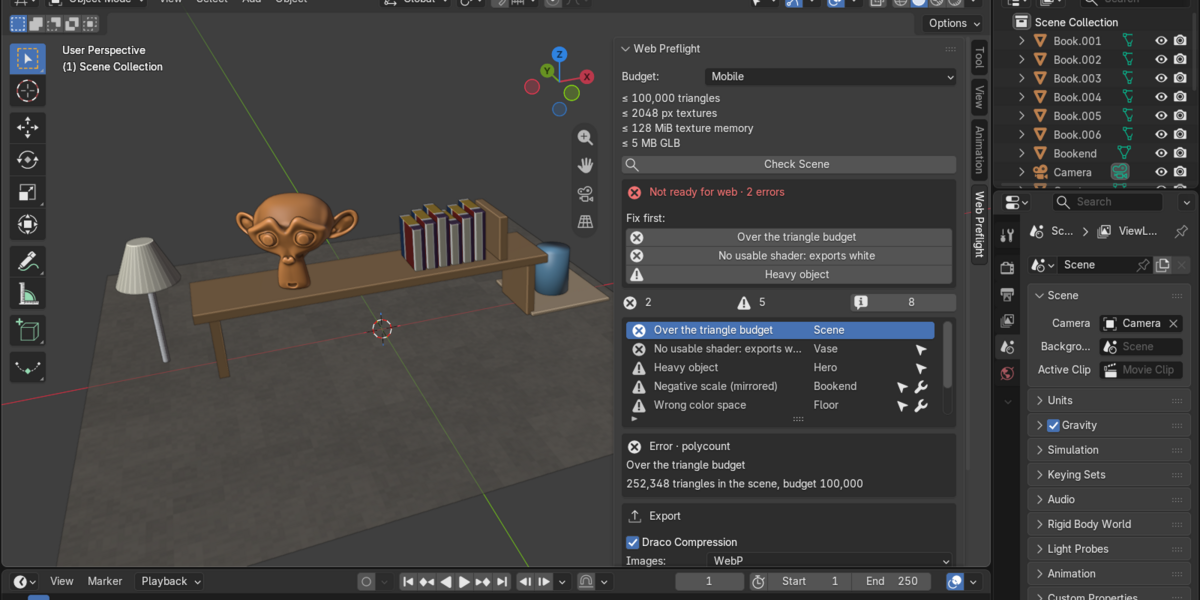
**Budget** sets the limits the scene is checked against (saved with the scene):
| Preset | Triangles | Texture side | Texture memory | GLB size |
|---|---|---|---|---|
| Mobile (default) | 100,000 | 2048 px | 128 MiB | 5 MB |
| Hero | 150,000 | 2048 px | 128 MiB | 8 MB |
| Product viewer | 300,000 | 4096 px | 256 MiB | 15 MB |
| Desktop | 500,000 | 4096 px | 512 MiB | 20 MB |
### 3. Check Scene
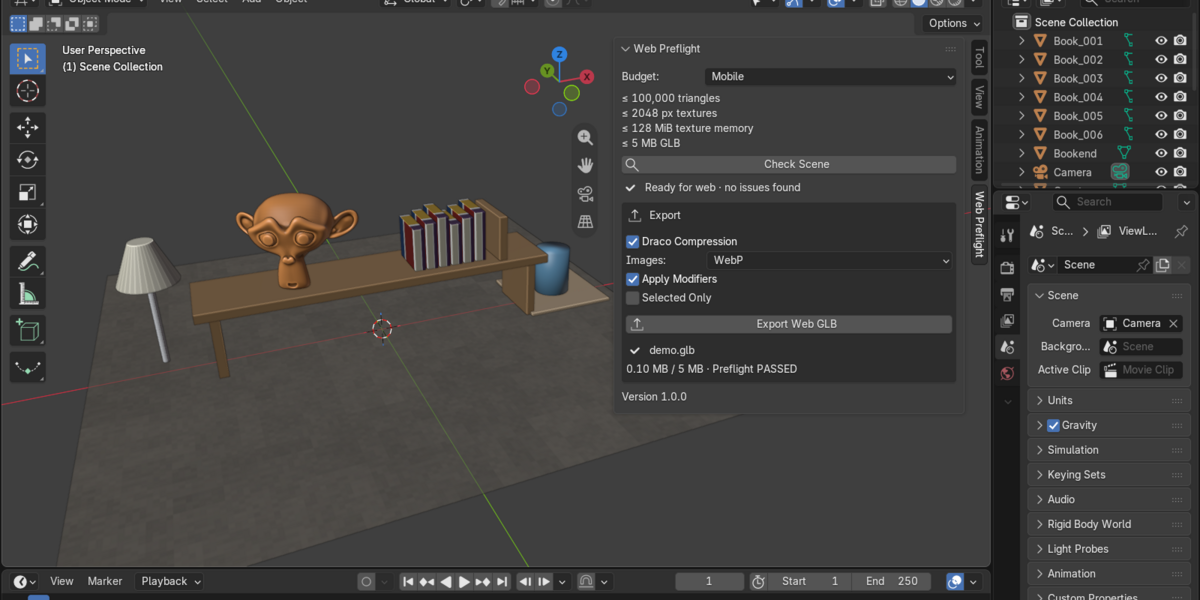
Click **Check Scene**. It looks only at what the glTF exporter will write (visible objects, modifiers applied) and never changes the scene.
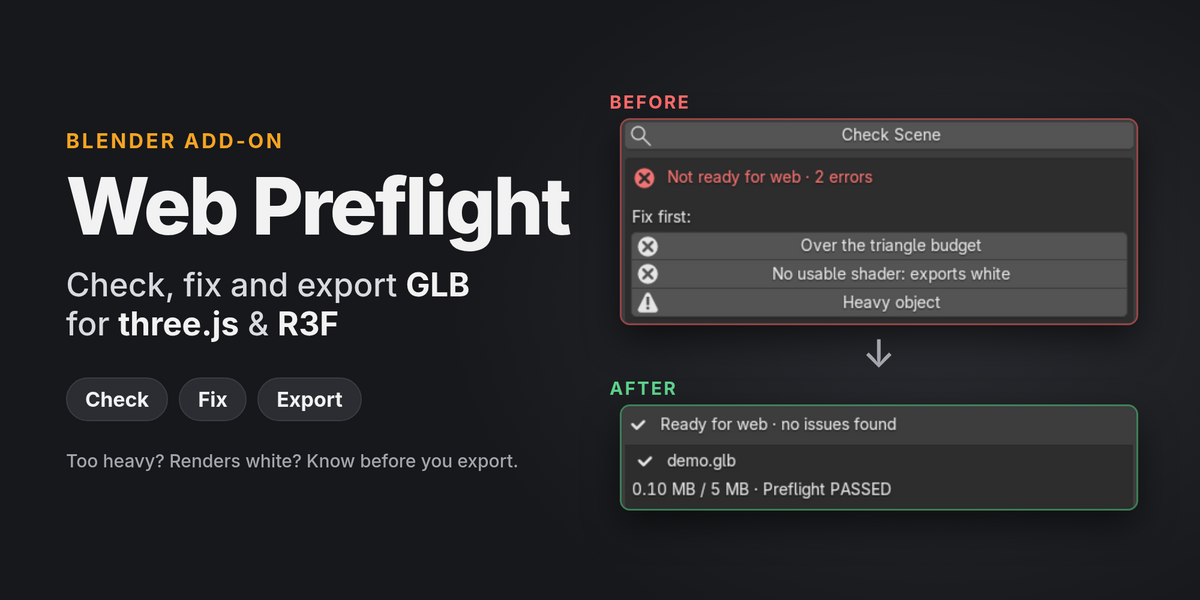
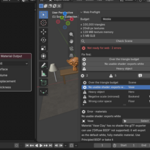
- The summary says **Not ready for web** (errors), **Ready for web · N warnings to review** or **Ready for web**. **Fix first** lists the three most important rows.
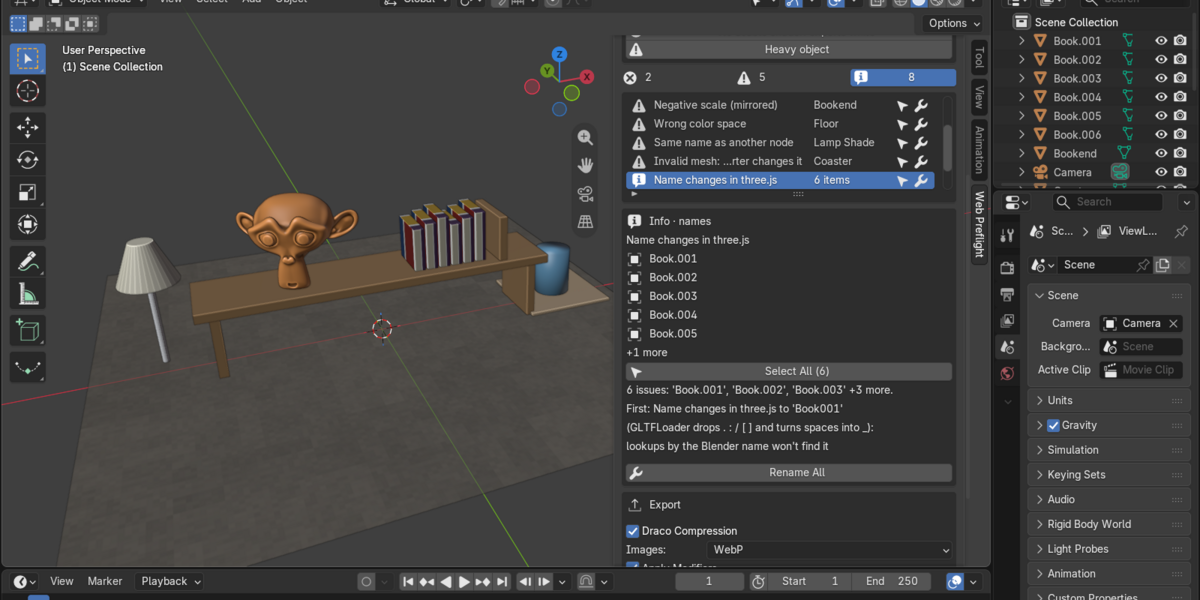
- ✖ errors break the GLB or the budget; ⚠ warnings probably look wrong in three.js; ⓘ info rows are hidden:
click the info counter to show them.
- Click a row for the details: what happens in three.js and what to do. The arrow icon selects the object.
### 4. Fix
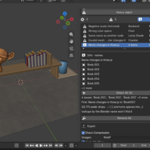
Rows with a wrench have a fix: Apply Scale, Rename, Merge Duplicates, Set Color Space, Collapse Slots, Use PNG / JPEG Images, Clean Up Mesh. **Fix All (N)** fixes every issue of that kind at once. Each fix is one undo step (**Ctrl+Z**). Rows without a fix need your decision (lower a Subdivision, bake a procedural, unwrap UVs): the details say what to do.
### 5. Export Web GLB
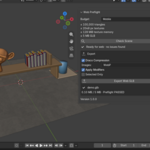
In the **Export** box choose Draco Compression (on by default), Images (WebP, PNG / JPEG or JPEG), Apply Modifiers and Selected Only, then click **Export Web GLB**. With errors left you are asked to confirm first.
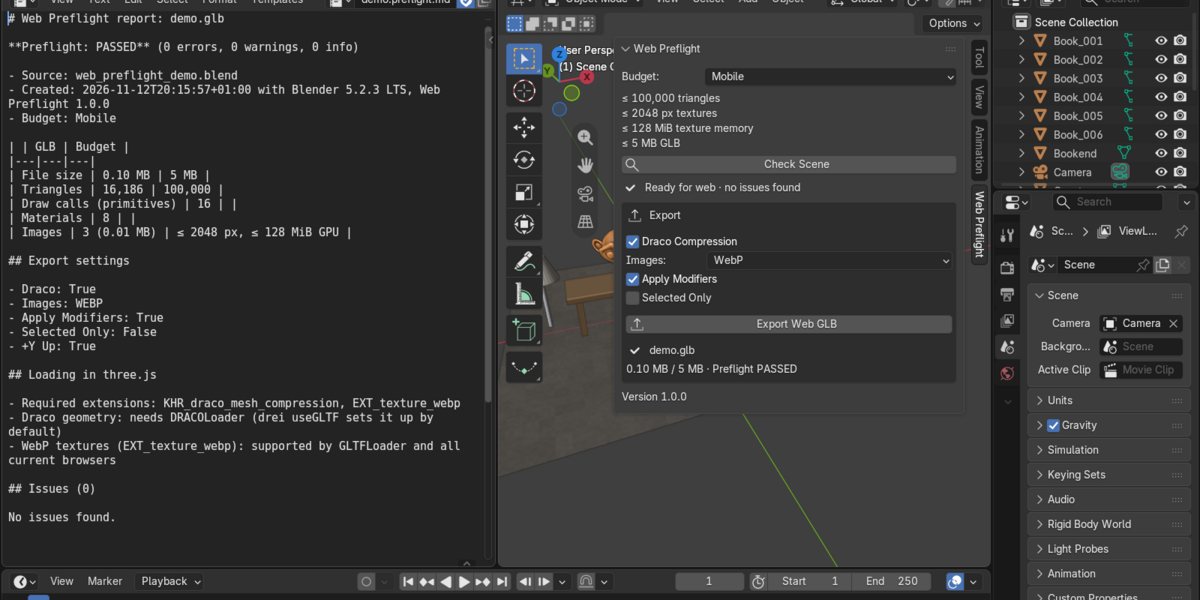
Next to `scene.glb` you get `scene.preflight.md` (for people) and `scene.preflight.json` (for tools and AI assistants): status, size and triangles against the budget, every issue, and the extensions the loader needs.
In React Three Fiber, drei's `useGLTF('/scene.glb')` loads it with Draco and WebP out of the box. In plain three.js, give `GLTFLoader` a `DRACOLoader`.
### Demo scene walkthrough
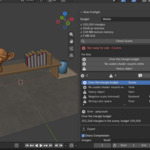
Download the supplementary asset `web_preflight_demo.blend`, open it, keep **Mobile** and click **Check Scene**:
"Not ready for web · 2 errors".
1. Click the wrench on each warning: Apply Scale (mirrored bookend), Set Non-Color (floor normal map), Clean Up Mesh (coaster) and, on `Lamp Shade`, **Fix All (7)**, which also renames the six `Book.00N`. Show the info rows for the last two: Merge Duplicates (`Wood.001`) and Collapse Slots (shelf).
2. **Hero** is over the triangle budget: set its Subdivision modifier from 4 to 2 levels (viewport and render).
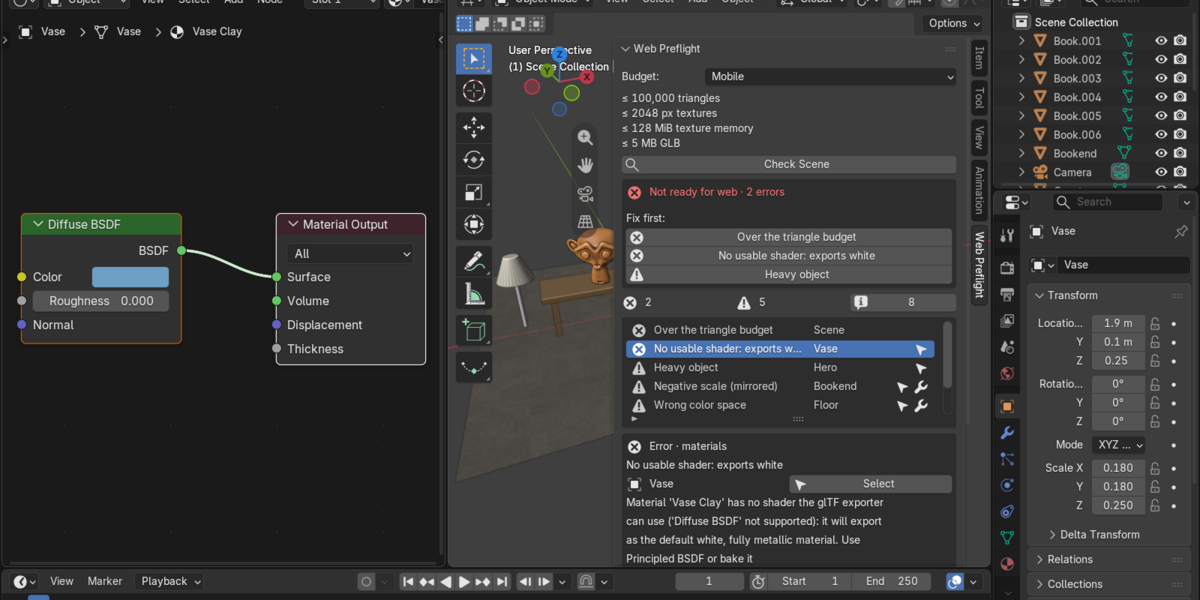
3. **Vase** exports white: in the Shader Editor replace its Diffuse BSDF with a Principled BSDF (same color).
4. **Check Scene**: "Ready for web". **Export Web GLB**: about 0.1 MB, "Preflight PASSED".
### Troubleshooting
- **No Web Preflight tab**: press **N** in the 3D Viewport; check the extension is enabled in Preferences > Get Extensions.
- **"Web Preflight is already enabled in another edition"**: Web Preflight Lite is enabled too. Disable it, then enable Web Preflight.
- **"Scene changed by undo: Check again"**: after Ctrl+Z the list is stale; click Check Scene.
- **"Draco unavailable in this build"**: some Linux distro builds of Blender ship without the Draco library. The GLB is exported uncompressed; use the official build from blender.org for Draco.
- **Model is black or missing in the browser**: open the `.preflight.md` next to the GLB: it lists what the loader needs (e.g. a Draco decoder).
### Full reference
Every issue Web Preflight reports (41 kinds), with why it matters and what to do, is in web_preflight_guide-1.0.0.pdf`, downloaded with the add-on.
### Support
{{SUPPORT_EMAIL}} or the product page. Reply within 3 business days. Include your Blender version, operating system and, if possible, the `.preflight.json` report.
Have questions about this product?
Login to message
| Blender Extension Compatible | Yes |
| Published | about 2 hours ago |
| Blender Version | 4.2 - 5.2 |
| Extension Type | Add-on |
| Render Engine Used | Cycles |
| License | GPL |
Discover more products like this
webgl gltf r3f optimization validator glb react-three-fiber threejs Export web