 Animation Store


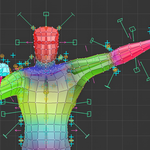
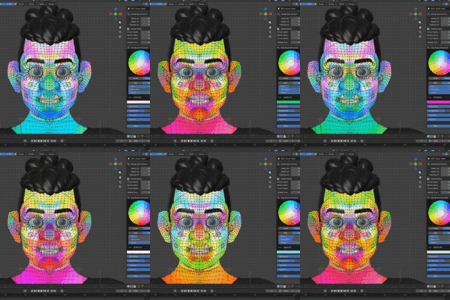
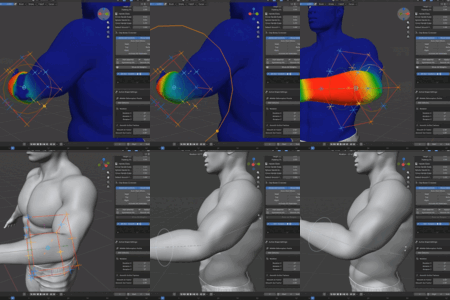
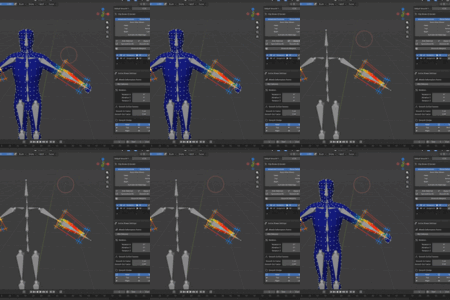
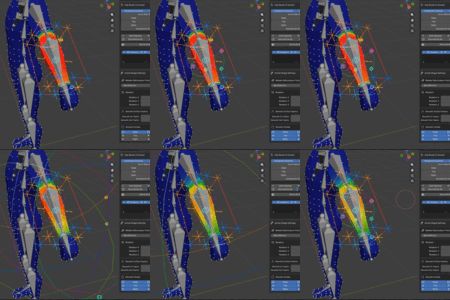
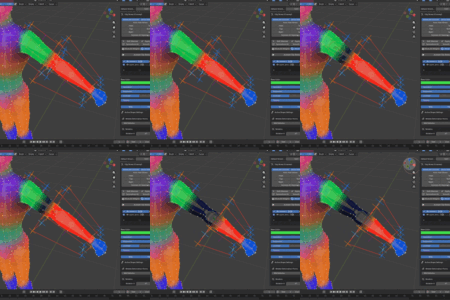
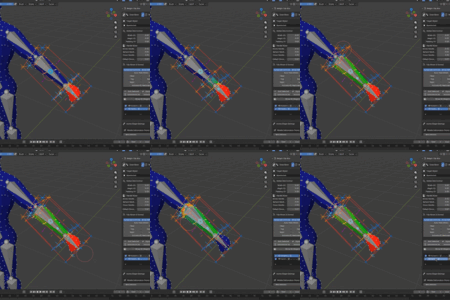
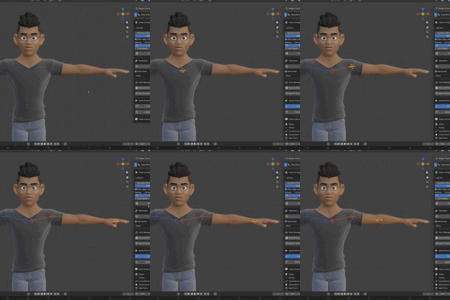
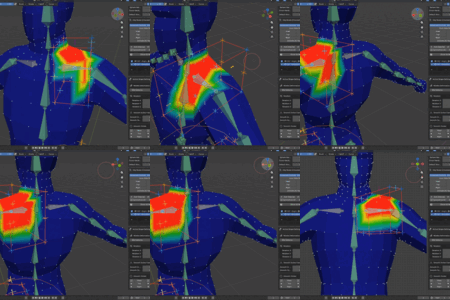
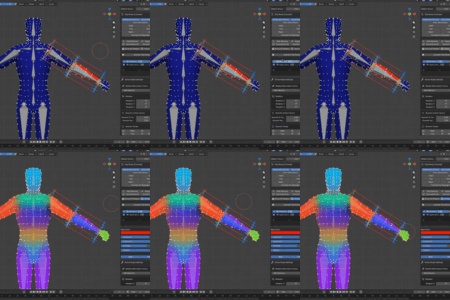
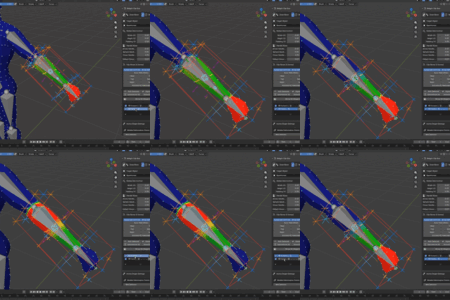
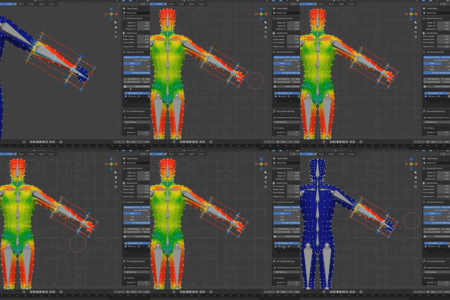
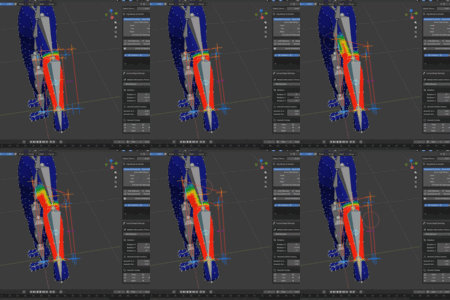
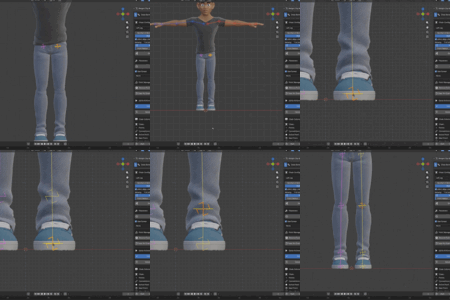
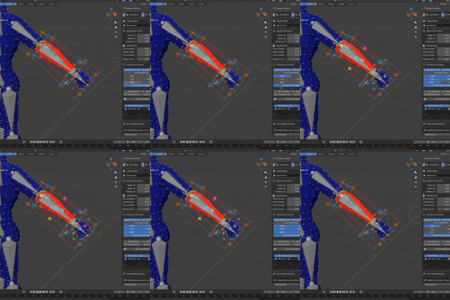
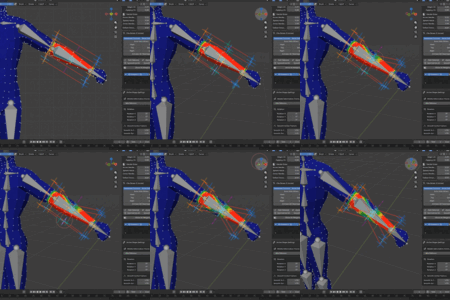
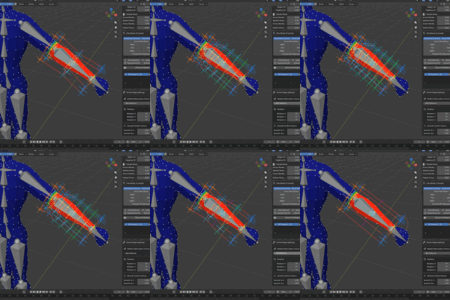
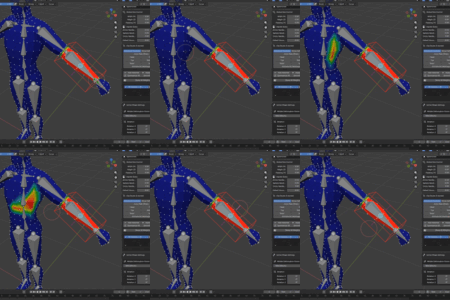
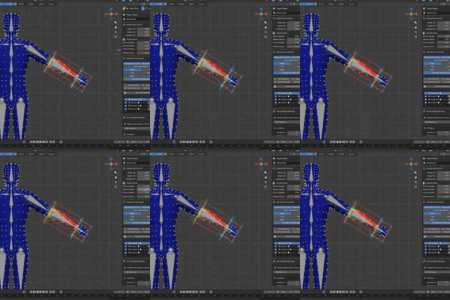
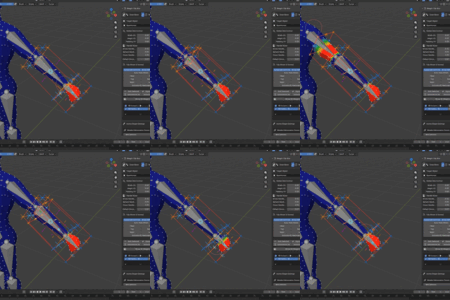
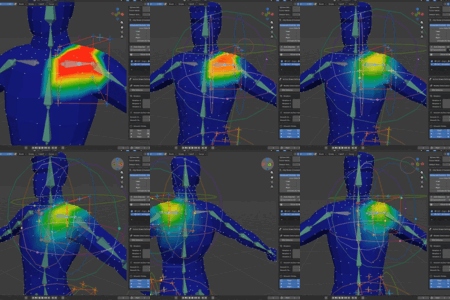
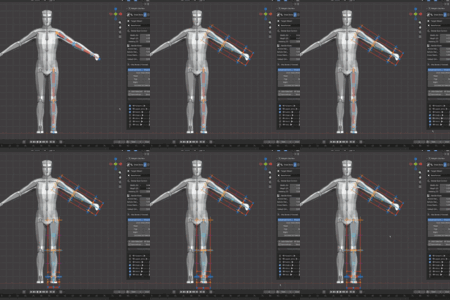
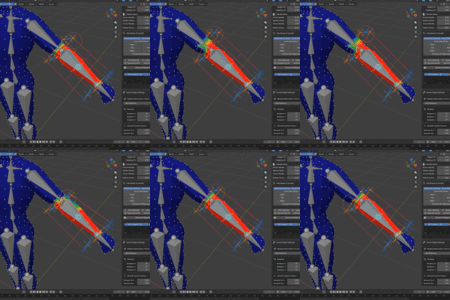
Weight Paint Box
A powerful add-on designed to make rigging and weight painting easier, faster, and more enjoyable.
What’s Inside
This add-on contains two essential tools in two clean, organized panels:
Draw Bone panel
Quickly create custom armatures with built-in Rigify support, helping you set up rigs faster and more efficiently.
Weight Paint Box panel
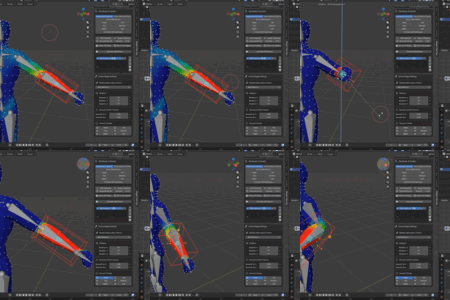
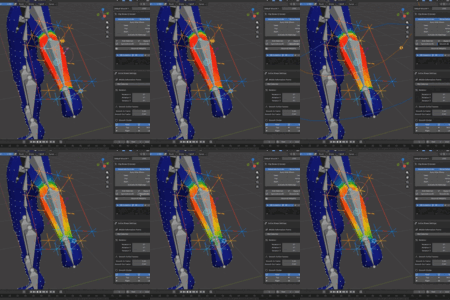
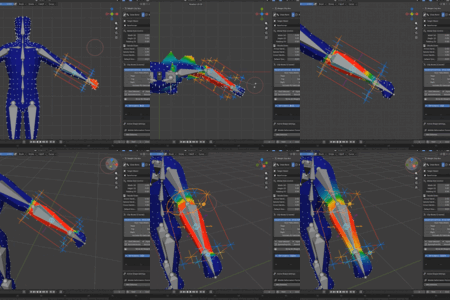
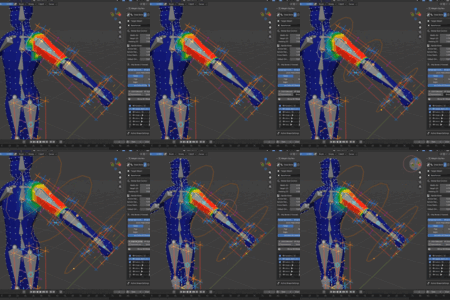
A smarter approach to weight painting—use a deformation box instead of the traditional brush for more control, precision, and flexibility.
-----------------------------------------------------
New updates 2026/10/1
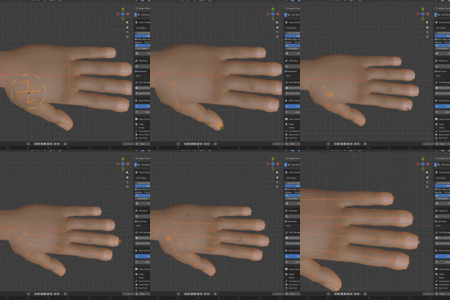
• Added a cylinder shape designed for bones close together, such as fingers.
• Added the ability to lock handles along the X, Y, and Z axes.
• You can move the smoothing circles dynamically
• Added the ability to transfer boxes between different armatures and files.
• Improved the box shapes and UI panel.
• Added active box settings to the HUD.
• Lets you reshape the selected bone's vertex group by side without repainting it.
• And more.
Stay tuned until the end of the description to see the final update
-----------------------------------------------------
Key Features :
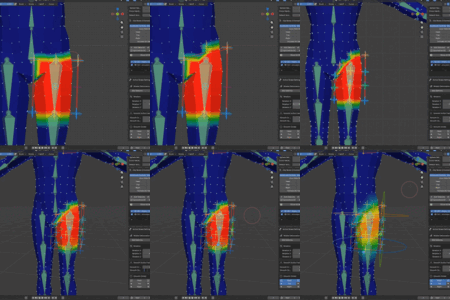
• Use a deformation box to weight paint instead of the regular weight brush
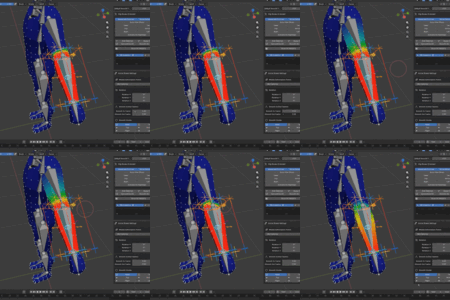
• You have full control over adjusting the heatmap, with precise control over the strength and direction of the smoothing.
• You can adjust the heatmap for a specific bone without needing to weight the entire character.
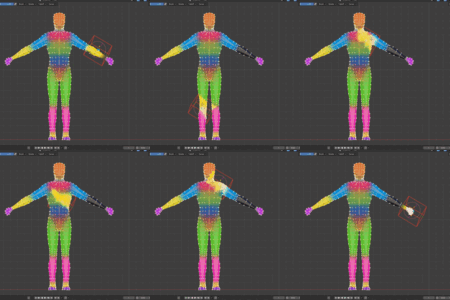
• Weight paint multiple separate objects at the same time
• The overlay section works in any mode
So you can Weight paint in pose mode
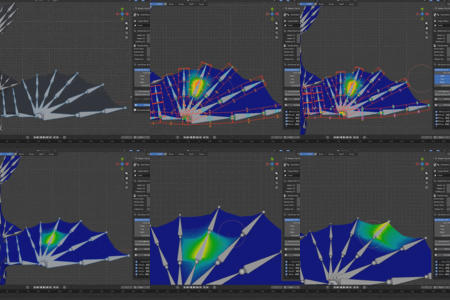
• Smooth and unsmooth the heatmap by the smoothness circles
• Add smoothing control points to each edge of the box — especially useful for bending areas
• Deform the box like a normal cube
• Automatically fit boxes to the target object in the list
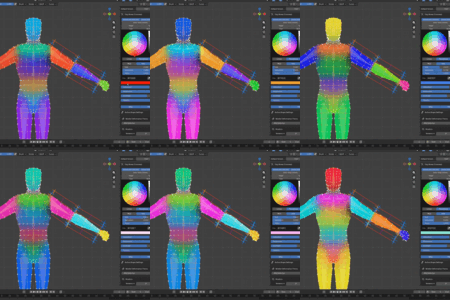
• Deal with multiple vertex groups at the same time and mirror them
• View all vertex groups at once for a comprehensive overview
• Works with any rig
• Clean and user-friendly UI
• And More
------------------------------------------------
Key Features — Draw Bone
• Draw custom bone rigs or use Rigify mode for basic human and MetaHuman without face
• Choose any chain type: arms, legs, fingers, spine, tail, or free draw
• One-click ••Smart Chain•• that intelligently places and connects bones
• Built-in Rigify support, symmetry, and free sub-chain navigation
• Placement tools to draw in the center or on the surface of your character
• Alignment and point management tools
• Clean and user-friendly UI