 Anvil Interactive Solutions



Automatic weight correction for Blender
WEIGHTFORGE
Bind your armature to your mesh and fix the weights that would have broken it.
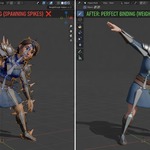
Diagnose, correct and bind. WeightForge finds the vertices that cause hip collapse, shoulder tearing and phantom deformation, fixes them automatically, and binds mesh to armature in a fraction of the time manual weight painting takes.
DIAGNOSE → CORRECT → BIND
One tool. Three deformation problems solved.
A collapsing hip and a twisted elbow aren't fixed the same way.
WeightForge treats each common weight failure as its own diagnosis instead of running one generic smoothing pass over everything.
|
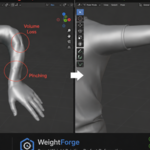
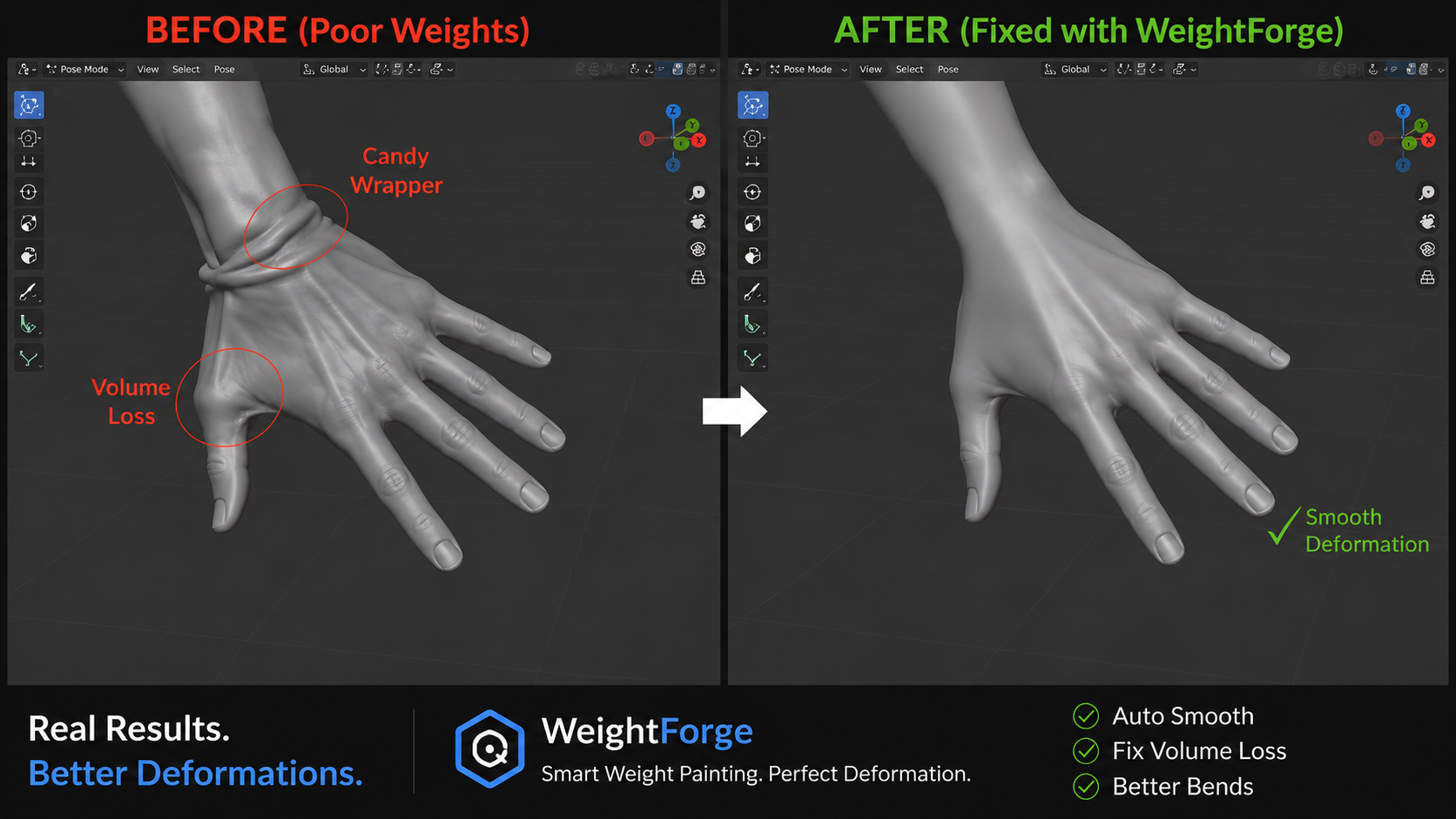
01 · CANCELLING WEIGHTS Hips, shoulders, joints Detects vertices where opposing bone influences fight each other — the direct cause of collapse and tearing at joints — and rebalances them |
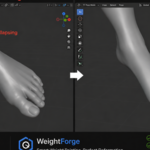
02 · JOINT FALLOFF Elbows, knees, fingers Corrects the harsh gradient bias that causes candy-wrapper twisting and pinching, replacing it with a natural falloff curve. |
03 · HIERARCHY BIND Fresh armature-to-mesh setup A distance-aware bind that respects bone hierarchy instead of raw proximity, so a hand doesn't quietly borrow influence from a hip. |
Bind faster
From unweighted mesh to a posable rig in one pass.
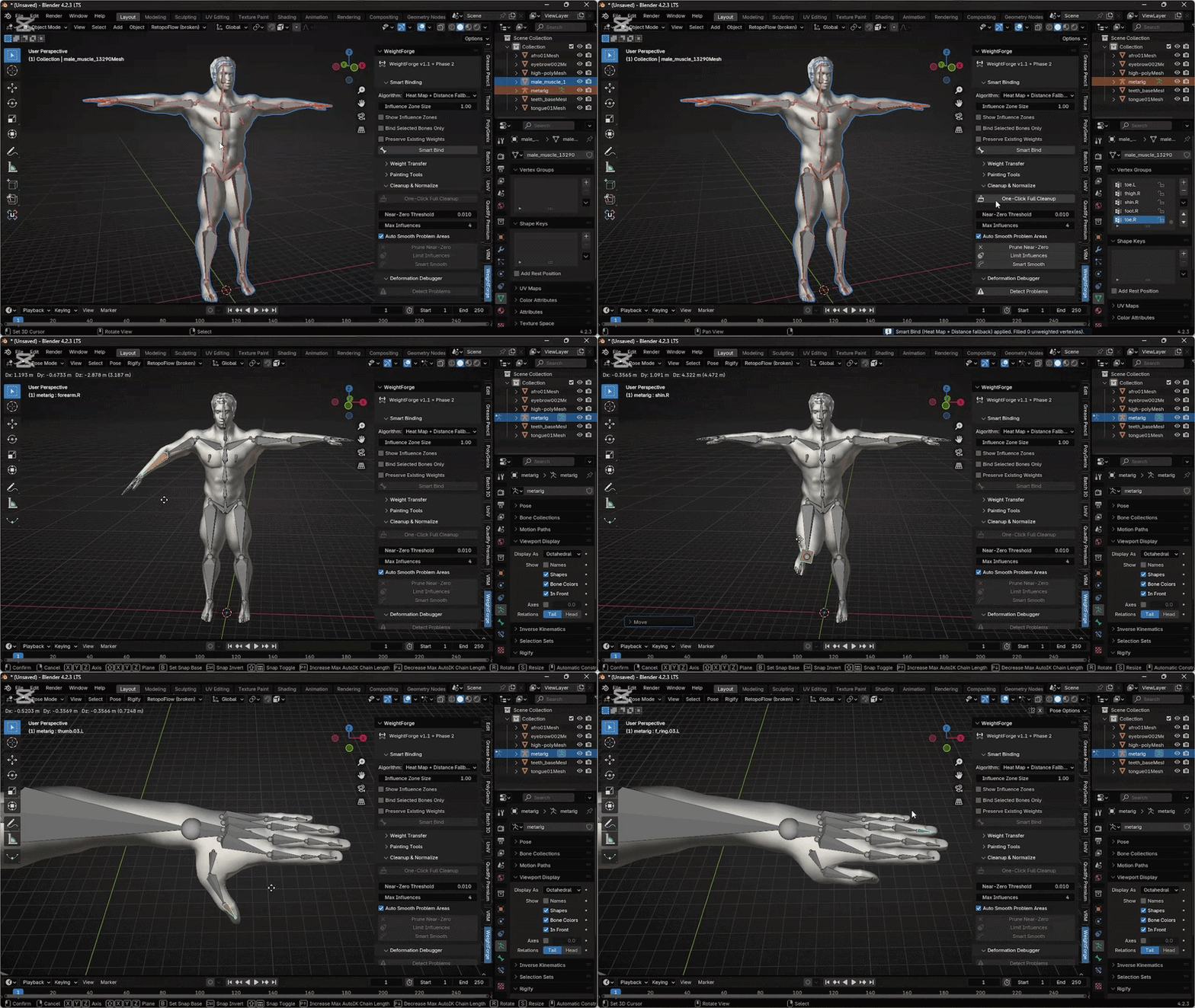
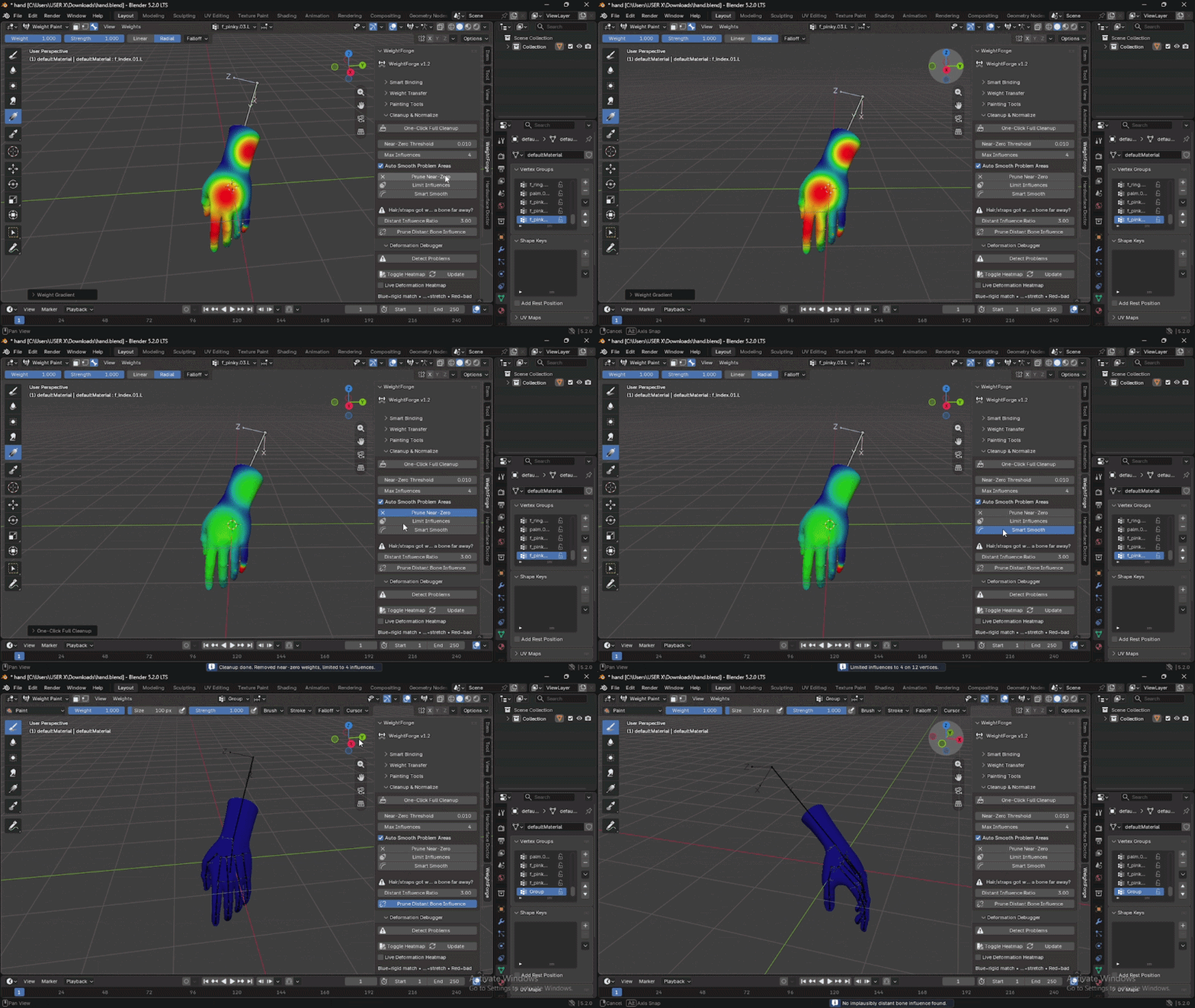
Skip the cycle of bind → pose → notice a problem → manually repaint → repeat. WeightForge's hierarchy-aware bind and automatic influencing-bone detection mean fewer round trips before the rig is actually usable.
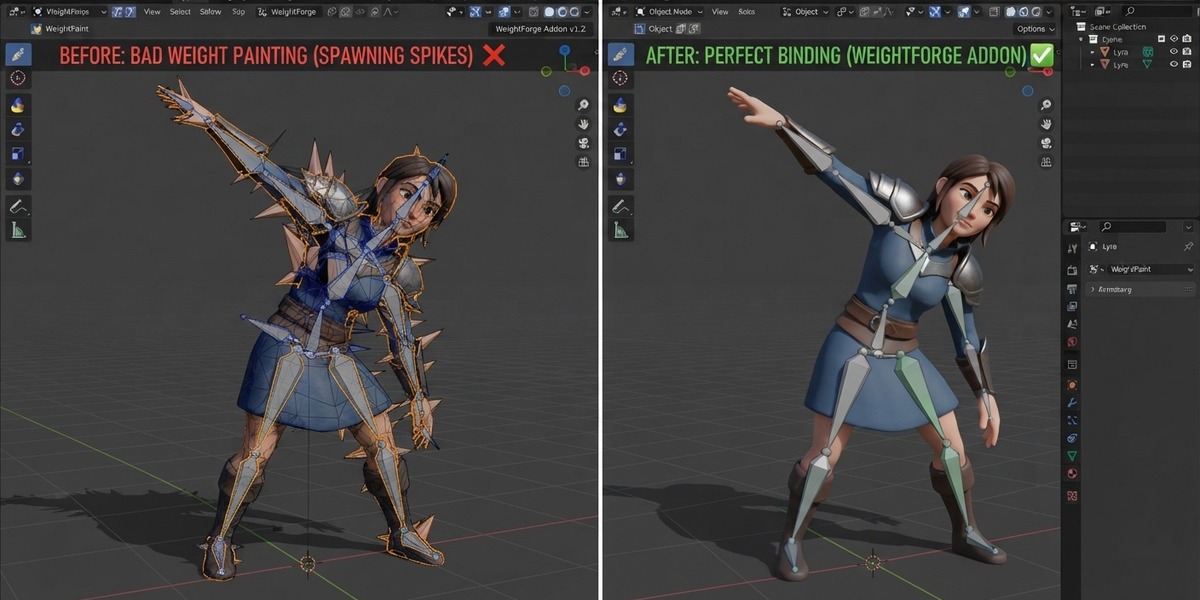
| BEFORE Manual weight painting, bone by bone, vertex by vertex |
AFTER One-pass bind with corrected weights, ready to pose |
See the problem before you pose into it
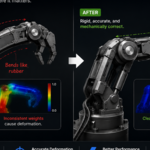
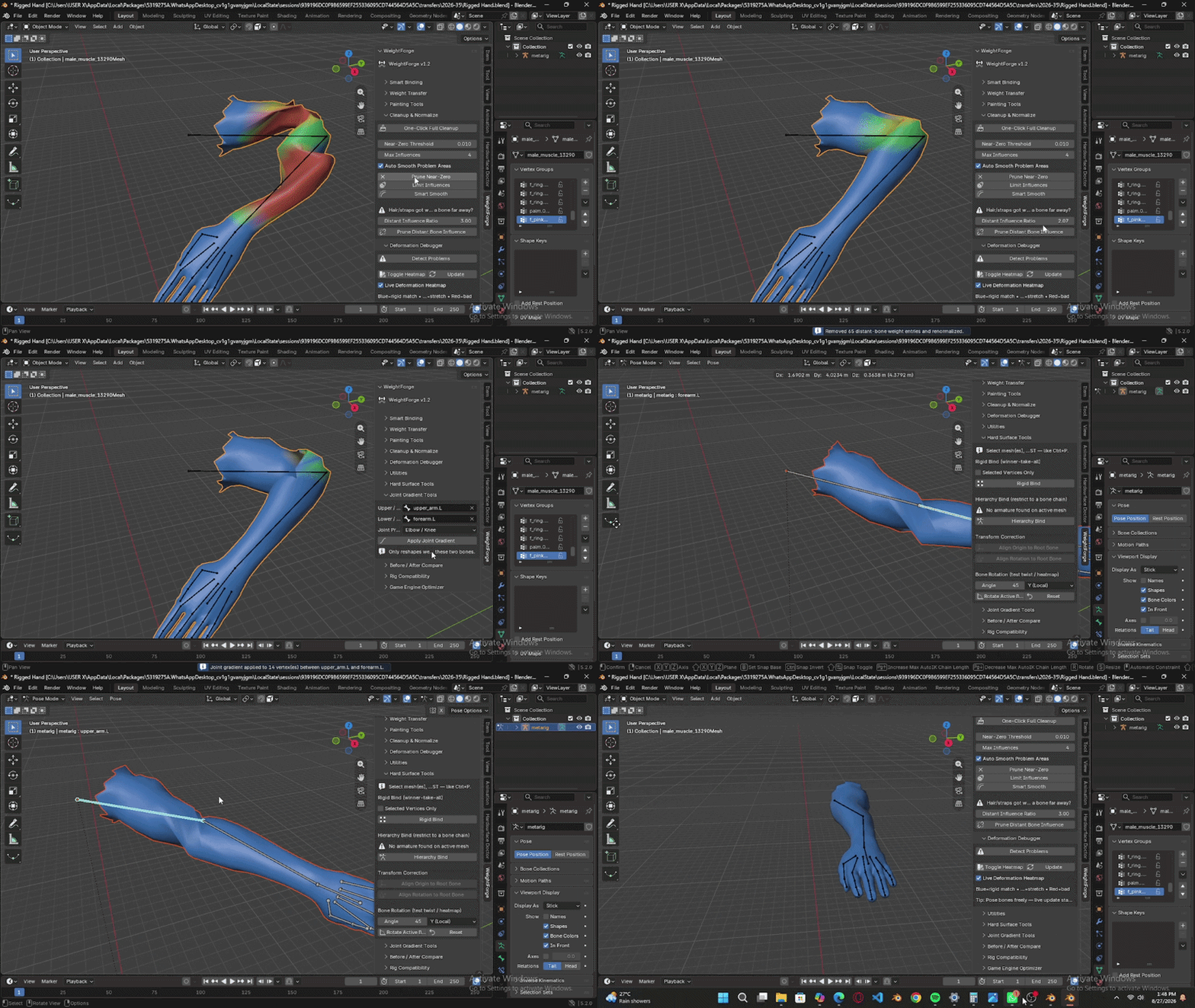
Live heatmap feedback.
Problem regions are highlighted in real time as you adjust the mesh or armature not after you've already exported and found the tear in a game engine or render.
Built for
The riggers who are done treating this as a manual craft.
|
Character Riggers Get from bind to posable without a manual repaint pass. |
Game Asset Creators Ship rigs that deform correctly under time pressure. |
Animators Stop debugging deformation and get back to motion. |
Good to know
- WeightForge corrects weight distribution problems, it doesn't replace deliberate artistic weight painting for stylized or non-physical deformation.
- Automatic correction works on the mesh's existing vertex groups and bone hierarchy; wildly mismatched or missing armature parenting should be set up first.
- Very extreme poses can still benefit from a manual touch-up pass after correction, WeightForge removes the majority of the manual work, not all of it.
Spend less time fighting weight paint.
Diagnose. Correct. Bind. Get to animating.
Questions or support? [email protected]