WeightFix: Find and Repair Skin Weight Faults in One Click
 Meshwright
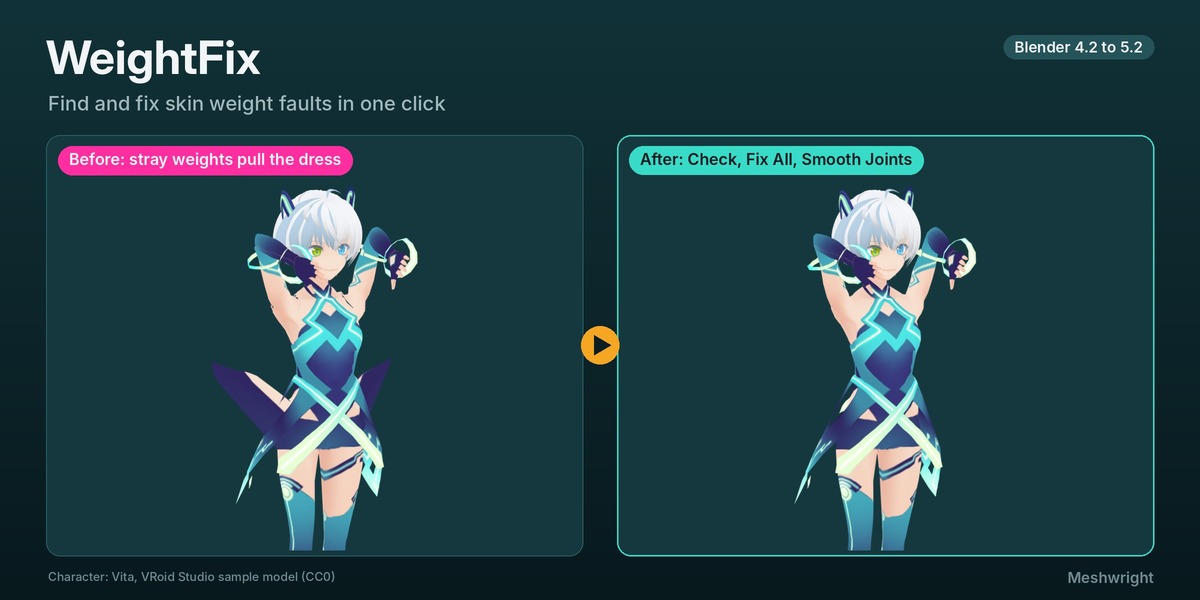


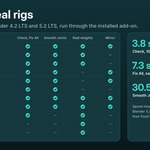
Install: Edit > Preferences > Get Extensions > arrow menu (top right) > Install from Disk > weightfix-1.0.0.zip. Blender 4.2 or newer. Nothing else is installed or downloaded.
Check and Fix
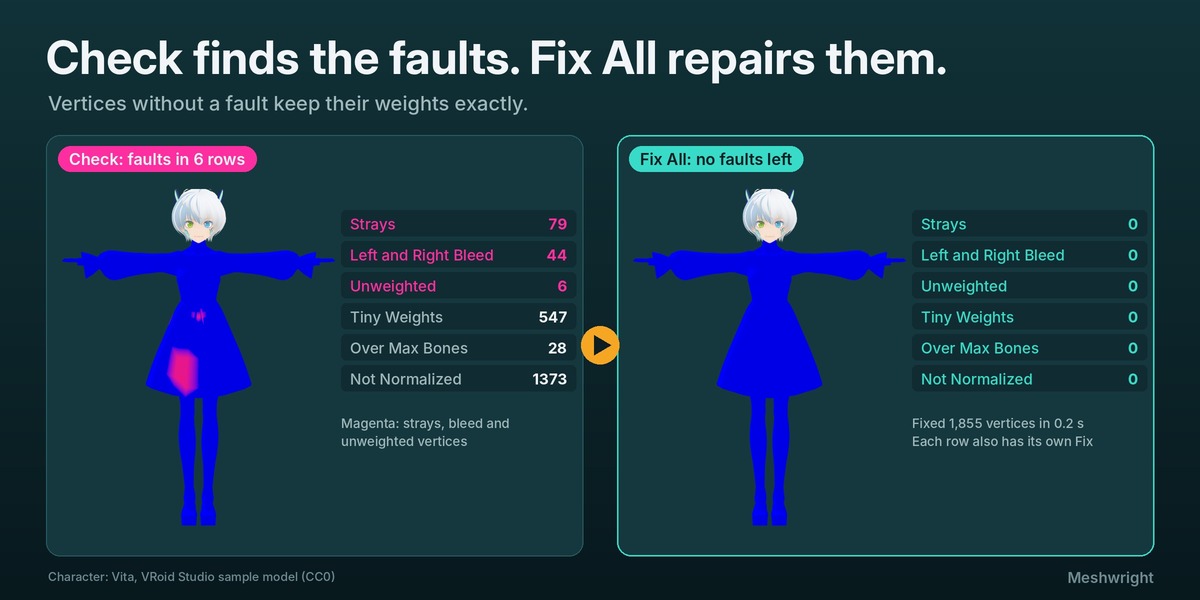
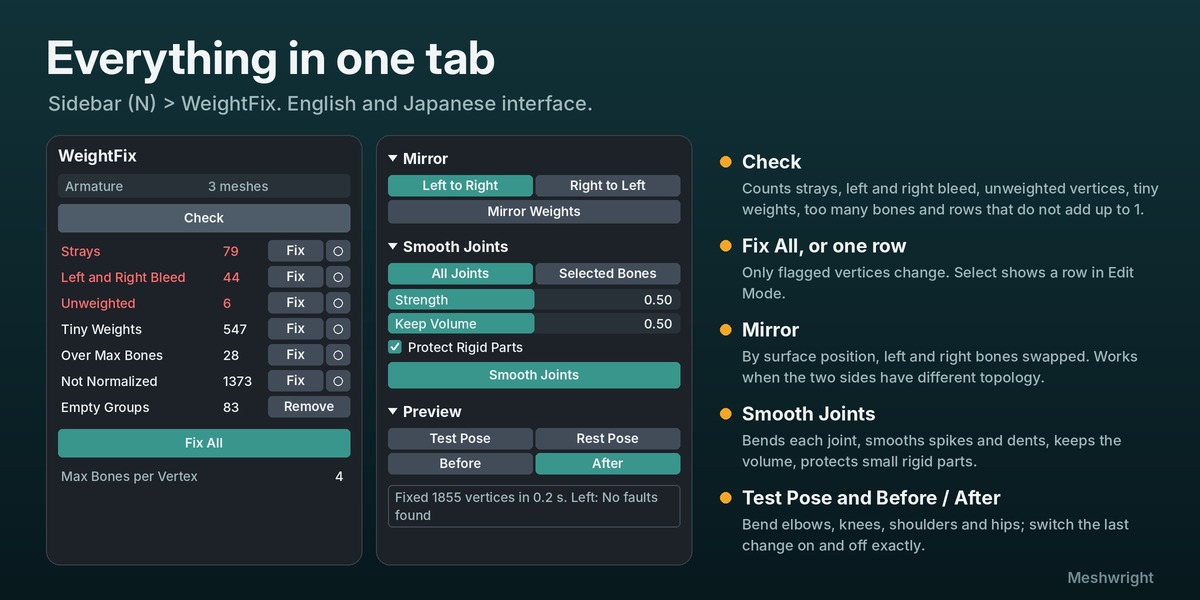
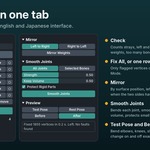
- Select the armature, or one or more of its skinned meshes. The panel shows the armature and how many meshes.
- Press Check. The rows show how many vertices have each fault. Strays, Left and Right Bleed and Unweighted show in red when found.
- Press Fix All, or Fix on one row. Select (the eye button) enters Edit Mode with that row's vertices selected.
- Remove deletes vertex groups of deform bones that hold no weight.
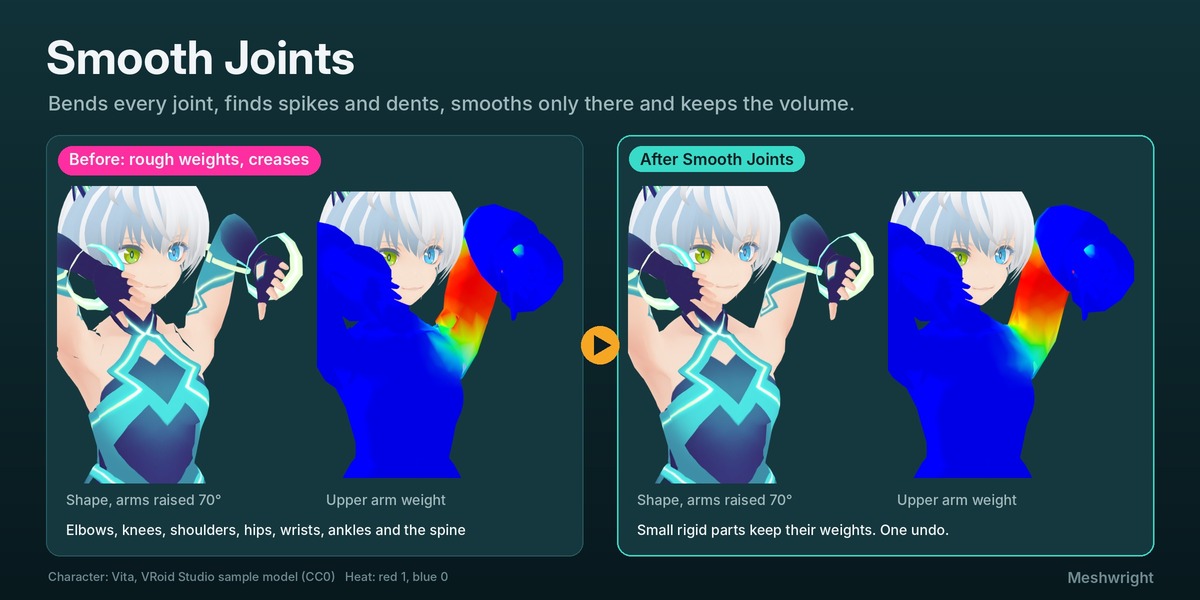
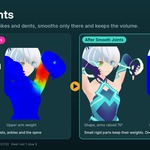
Smooth Joints: All Joints, or Selected Bones (select the bones in Pose Mode first). Strength: how much spikes and dents are smoothed. Keep Volume: how much joints that collapse when bent are tightened. Protect Rigid Parts: small separate parts keep their weights.
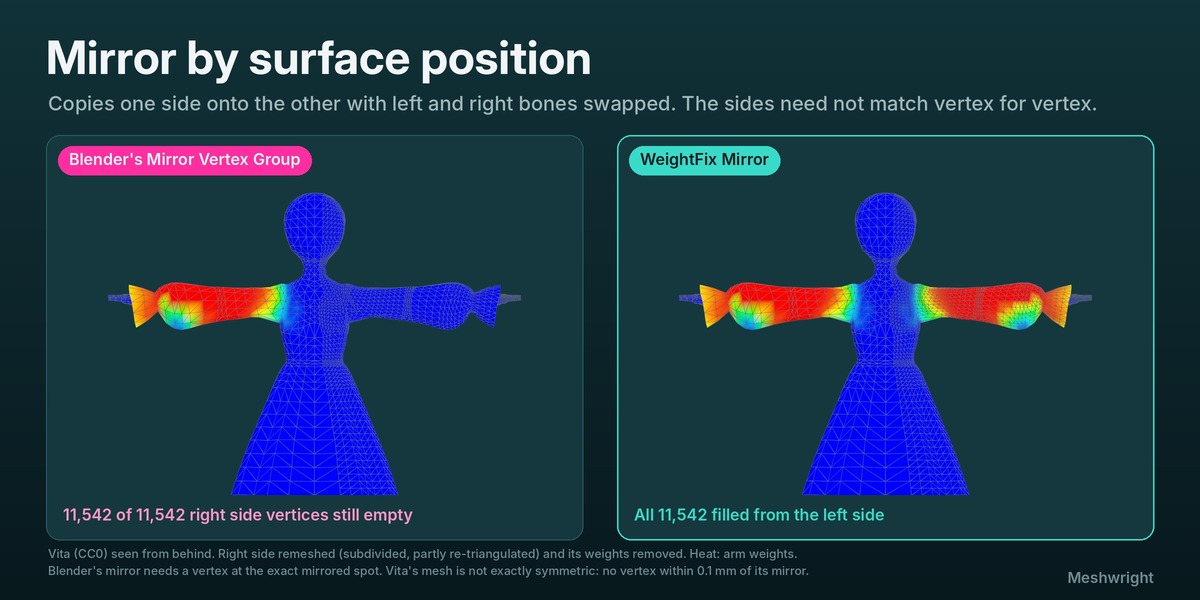
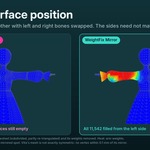
Mirror: Left to Right or Right to Left, then Mirror Weights. Vertices on the middle line get symmetric weights.
Preview: Test Pose bends the main joints; Rest Pose puts every bone and constraint back. Before and After switch between the weights before and after the last WeightFix change.
Settings: Max Bones per Vertex (4), Smallest Weight (0.01), Stray Gap (5% of the character's size), Middle Band (2% of its width).
Tips
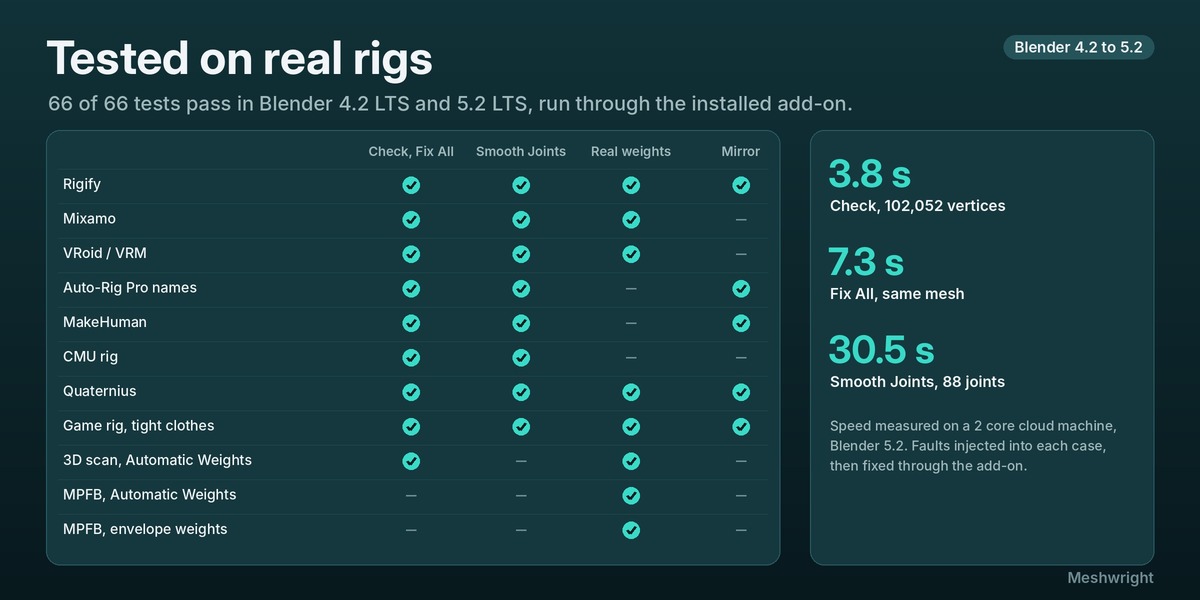
- Run Check, Fix All, then Smooth Joints, then look with Test Pose.
- Clothes skinned to the same armature are checked together with the body.
- For a game engine, keep Max Bones per Vertex at 4.
Have questions about this product?
Login to message
| Blender Extension Compatible | Yes |
| Published | about 2 hours ago |
| Blender Version | 4.2 - 5.2 |
| Extension Type | Add-on |
| License | GPL |
Discover more products like this
rigify smooth weights rigging character weight paint mixamo skinning weights vertex groups mirror weights symmetry deformation