 Meshwright
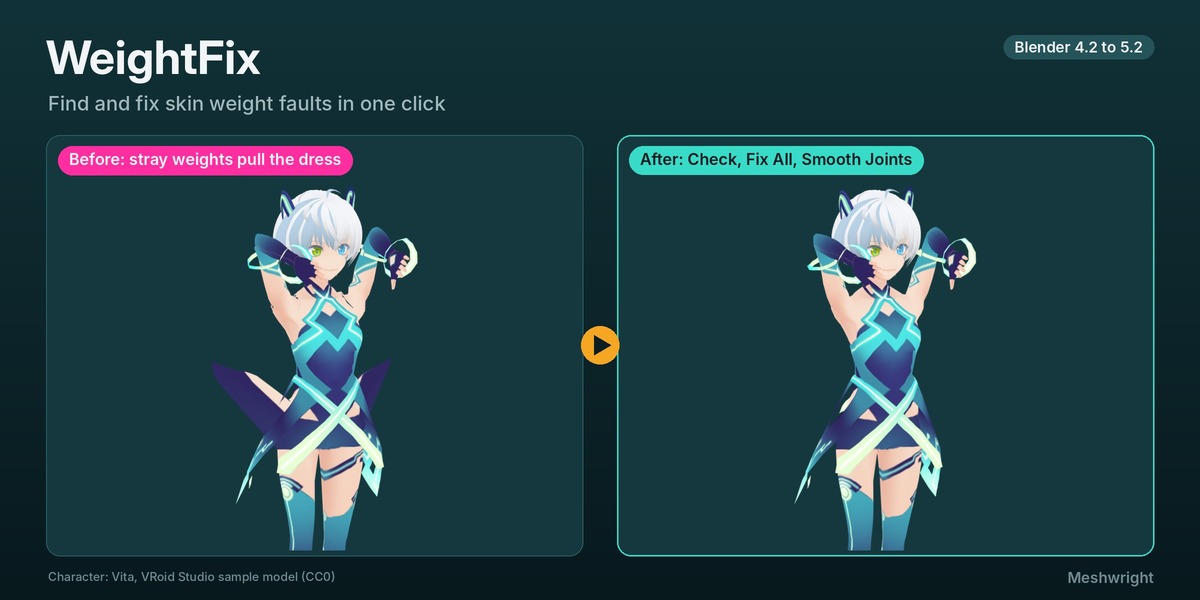


A hand bone that moves a patch on the hip. Left leg weight on the right thigh. A few vertices that no bone moves, weights that do not add up to 1, a sixth bone a game engine will not take. You only see them when you pose the character, and finding them by hand in Weight Paint takes long. WeightFix finds them in one click and repairs them in the next.
How it works
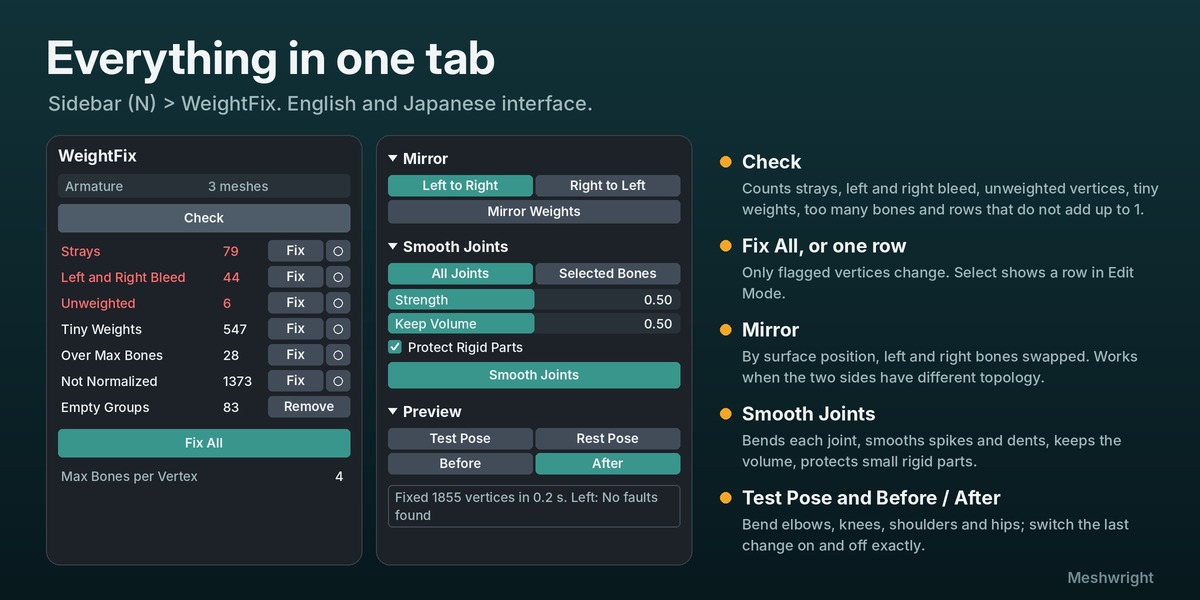
- Select the armature or its meshes. Open the WeightFix tab in the sidebar (N).
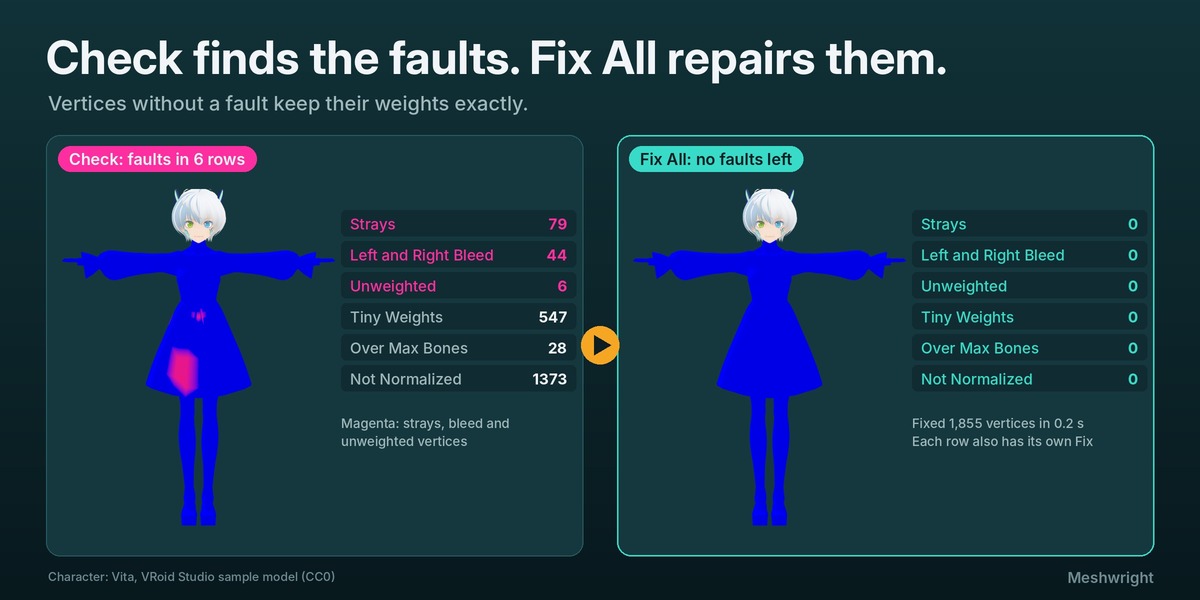
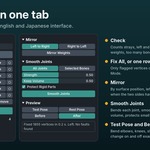
- Press Check. Every kind of fault gets a row with its vertex count.
- Press Fix All, or Fix on one row. Select shows a row's vertices in Edit Mode.
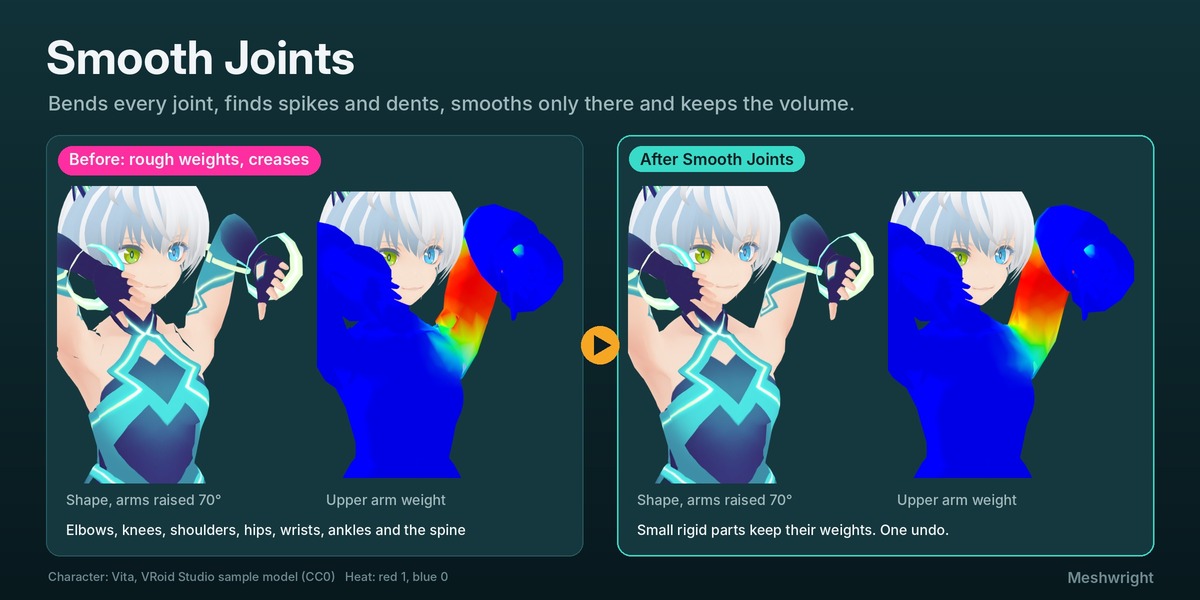
- Press Smooth Joints for bends without spikes and dents, and Mirror to copy one side onto the other.
- Test Pose bends elbows, knees, shoulders and hips. Before / After switches the last change on and off.
What it does
- Check, seven rows. Strays (a far bone moves a small patch cut off from its own area), Left and Right Bleed, Unweighted, Tiny Weights, Over Max Bones, Not Normalized, Empty Groups.
- Fix All or one row. Only the flagged vertices change; every other vertex keeps its weights exactly. A dropped weight goes to the nearest kept bone, so the vertex still moves almost the same. Unweighted vertices are filled smoothly from their neighbours.
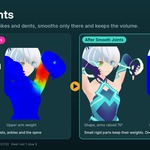
- Smooth Joints. Bends every joint the way it really bends (elbows, knees, shoulders, hips, wrists, ankles, gentle bends for the spine), finds spikes, dents and collapse, and smooths the weights only there. It keeps each joint's volume, keeps vertices on split seams together, and leaves small rigid parts (buttons, plates, eyes) alone. Strength and Keep Volume sliders; All Joints or only the selected bones.
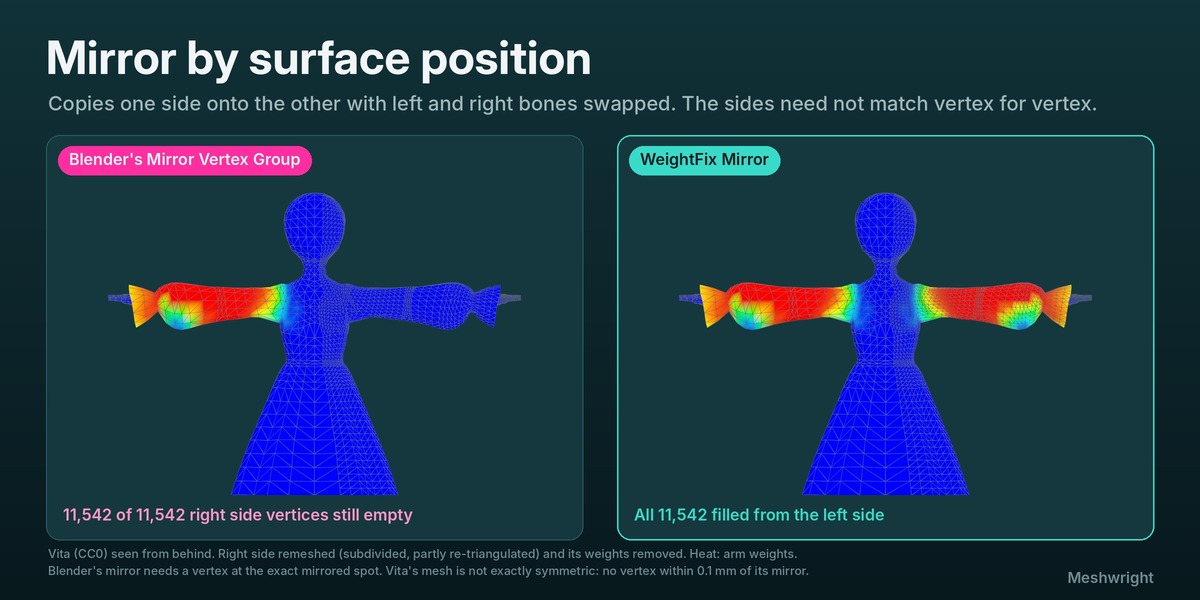
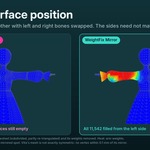
- Mirror by surface position. Copies the left side onto the right (or back) with left and right bones swapped. Works when the two sides have different topology or are not exactly symmetric. Side names it knows: .L/.R, _l/_r, Left/Right, J_Bip_L_, CC_Base_L_, lShldr, LThumb, 左/右 and more.
- Test Pose, Rest Pose, Before / After. See the weights at work, then put the pose back exactly.
- Max Bones per Vertex (default 4), Smallest Weight, Stray Gap and Middle Band settings.
- One undo brings back the weights after any button.
- English and Japanese interface.
What it does not do
- It repairs weights. A mesh with no weights at all needs a first skinning (for example Blender's Automatic Weights).
- Bends are measured with standard skinning; Preserve Volume (dual quaternion) is not modelled.
- It does not add corrective shape keys or change the rig.
- Mirror needs left and right bones that pair up by name.
Tested
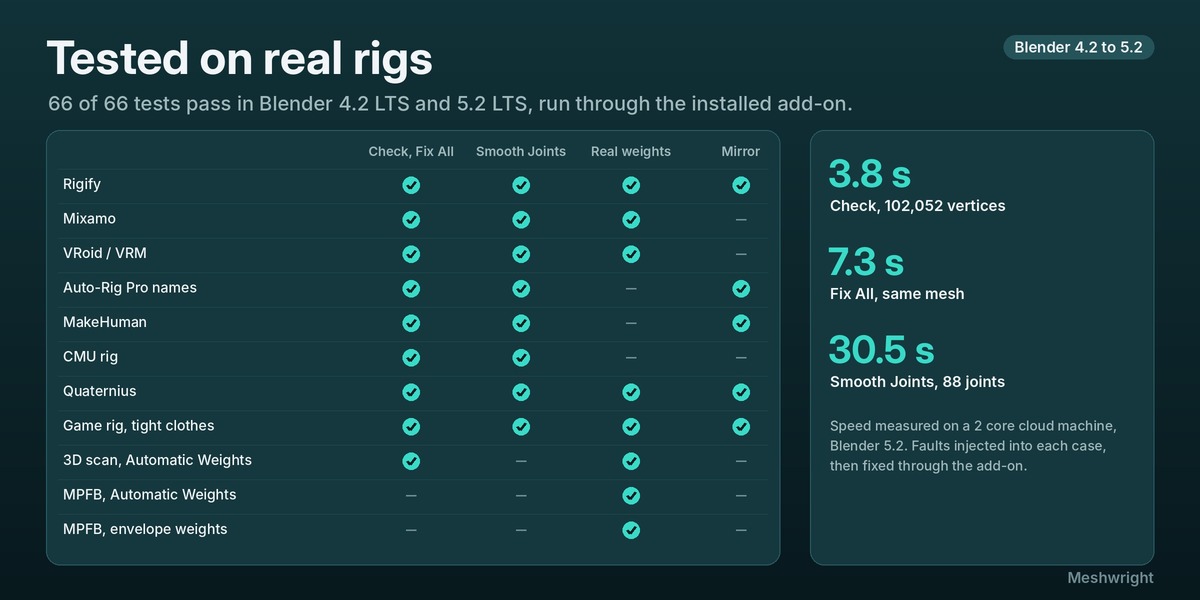
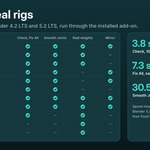
Blender 4.2 LTS and 5.2 LTS, 66 automated tests run through the installed add-on, all passing: Check and Fix All on 9 rigs with faults injected (every injected stray removed, no other weight changed by more than 0.02), Smooth Joints on 8 rigs with noisy weights, the real weights of 8 rigs, Mirror on 5 rigs (also with one side remeshed), and the add-on itself (install, every button, one undo, exact Before / After and Rest Pose, Japanese interface). Rigs: Rigify, Mixamo, VRoid / VRM, Auto-Rig Pro names, MakeHuman, MPFB, CMU, Quaternius, a game rig, a 3D scan. Speed on a 102,052 vertex body with 126 groups, 2 core cloud machine: Check 3.8 s, Fix All 7.3 s, Smooth Joints 30.5 s.
Install
Edit > Preferences > Get Extensions, the arrow menu at the top right, Install from Disk, pick weightfix-1.0.0.zip. Or drag the zip into Blender. The WeightFix tab appears in the 3D Viewport sidebar (press N).
Character in the pictures: Vita, a VRoid Studio sample model (CC0). The faults were made by script on her own weights, then repaired by the add-on with its default settings.