Welder
 Lukasz Hoffmann
Installation
See the Installation guide and follow it precisely.
Guide
See the full Documentation
Quick Guide
1. Welding along intersection:
- select 2 objects in object mode,
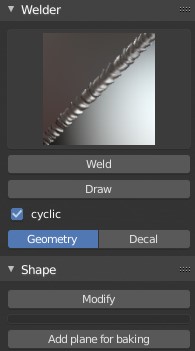
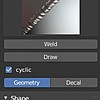
- choose what type of weld you want to place (Geometry/Decal)
- click "Weld" button
- adjust scale by moving the mouse (LMB to apply, RMB sets to default scale)
- adjust rotation by moving the mouse (LMB to apply, RMB sets to default rotation)

2. Welding along edgeloop:
- select desired edgeloop in edit mode,
- choose what type of weld you want to place (Geometry/Decal)
- click "Weld" button
- adjust scale by moving the mouse (LMB to apply, RMB sets to default scale)
- adjust rotation by moving the mouse (LMB to apply, RMB sets to default rotation)
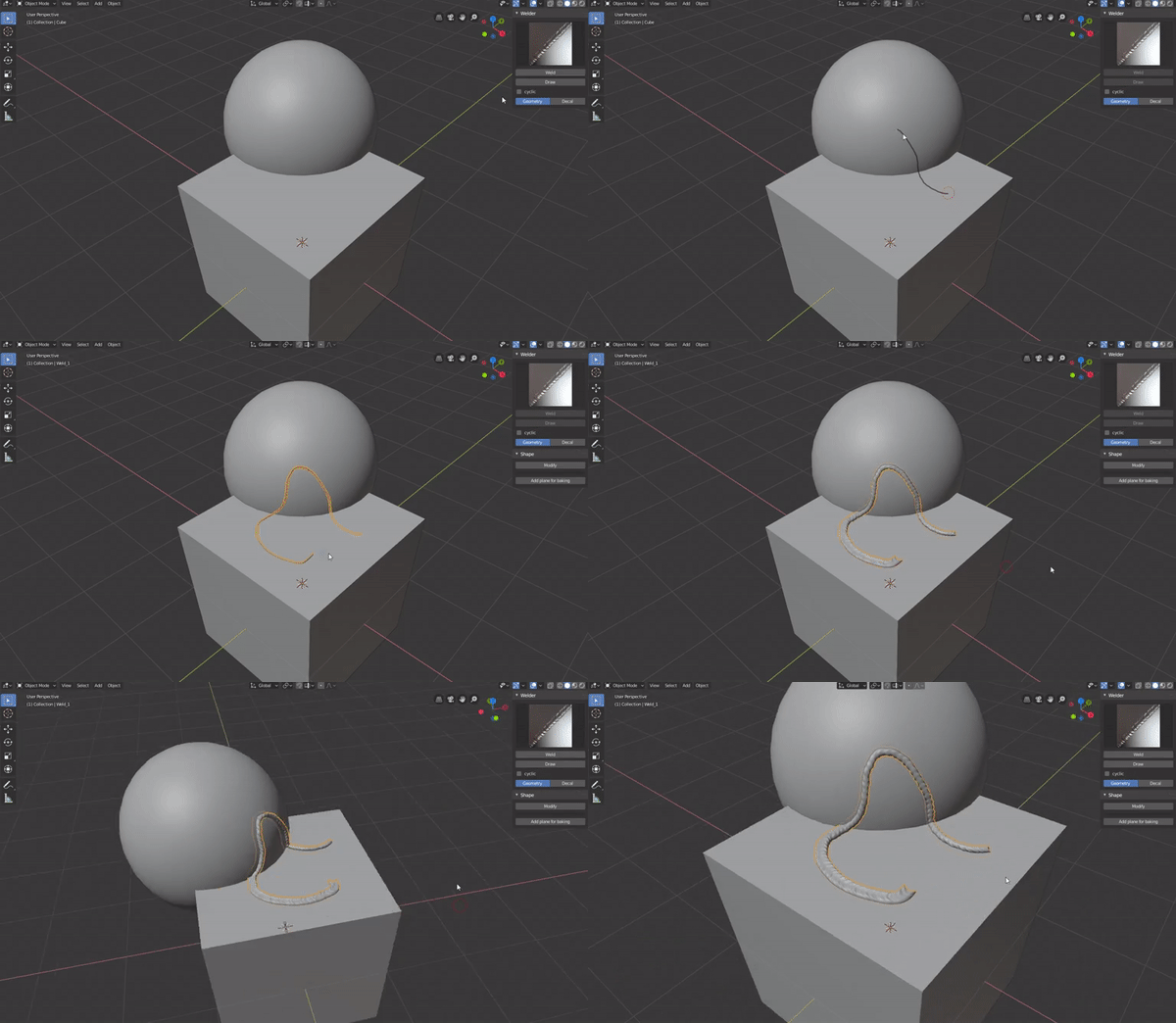
3. Drawing:
- click "Draw" button while in object mode
- draw on the model's surface
- click RMB or Enter in order to finish drawing and place weld
- adjust scale by moving the mouse (LMB to apply, RMB sets to default scale)
- adjust rotation by moving the mouse (LMB to apply, RMB sets to default rotation)
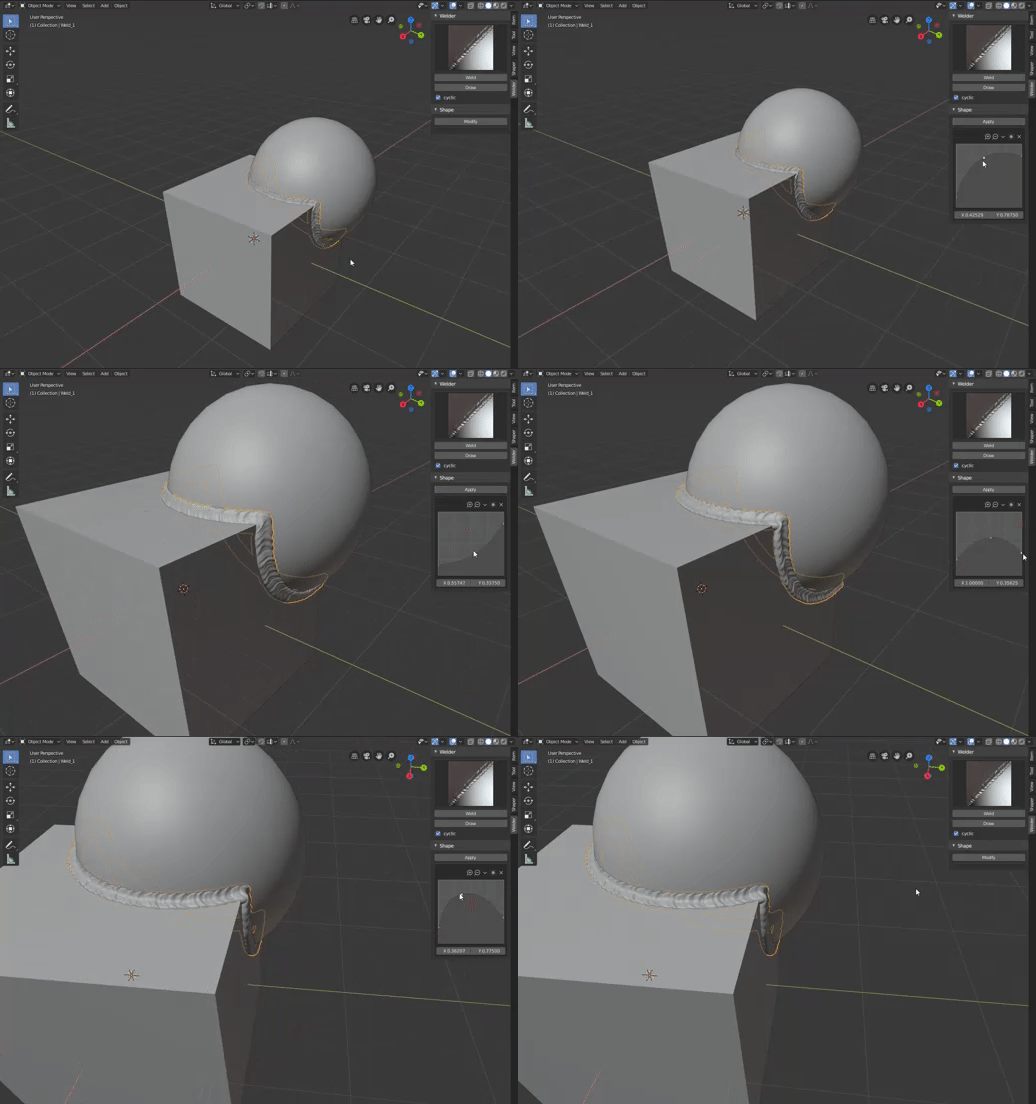
4. Profile editing:
- select weld,
- click "Modify" button
- adjust weld's profile by playing with curve widget
- click "Apply" button to accept results
Have questions about this product?
Login to message
| Blender Extension Compatible | Yes |
| Sales | 1400+ |
| Rating | 13 ratings |
| Published | over 6 years ago |
| Blender Version | 2.8 - 5.0 |
| Extension Type | Add-on |
| Render Engine Used | Cycles, Eevee |
| License | GPL |
