Western_Cowboy_01 | Modular Low-Poly Western Cowboy Character
 UNIGAME STUDIO
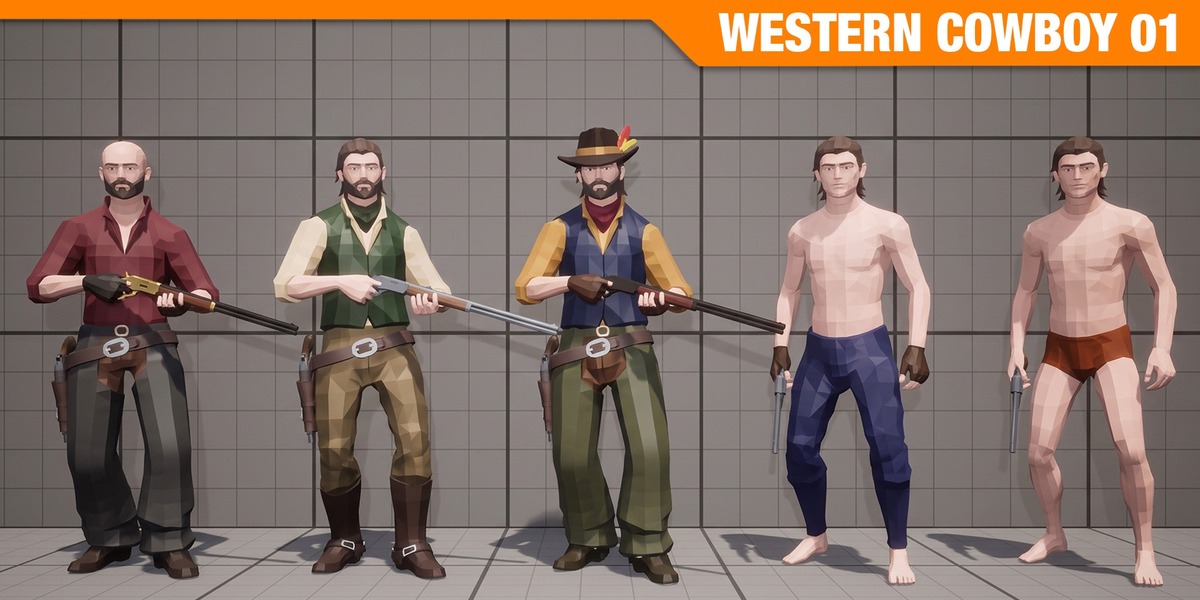
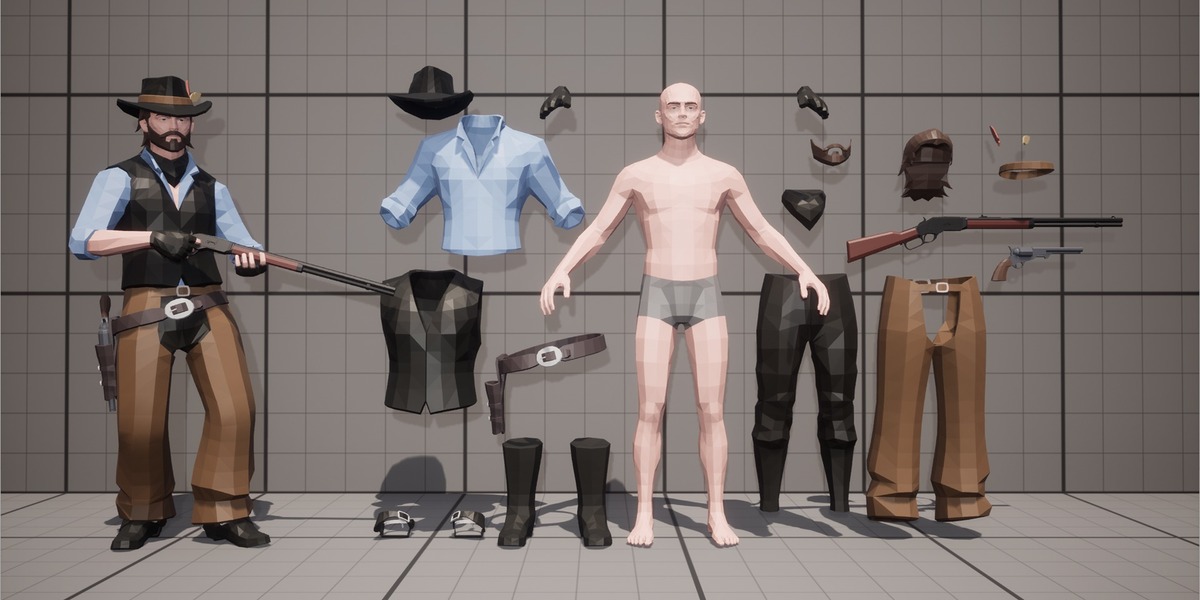
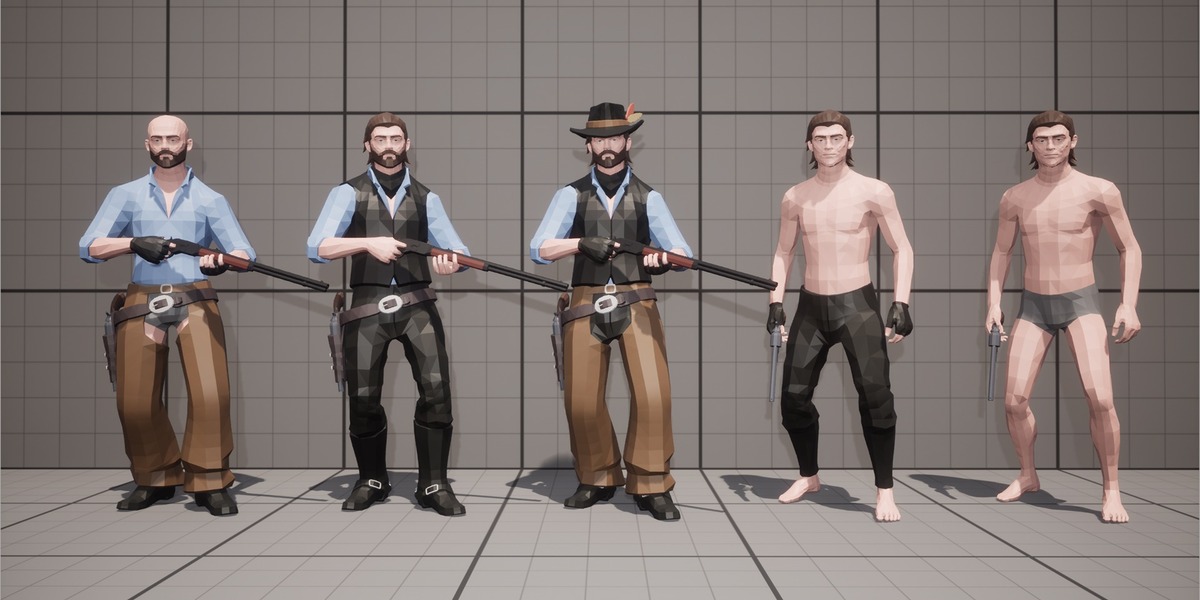
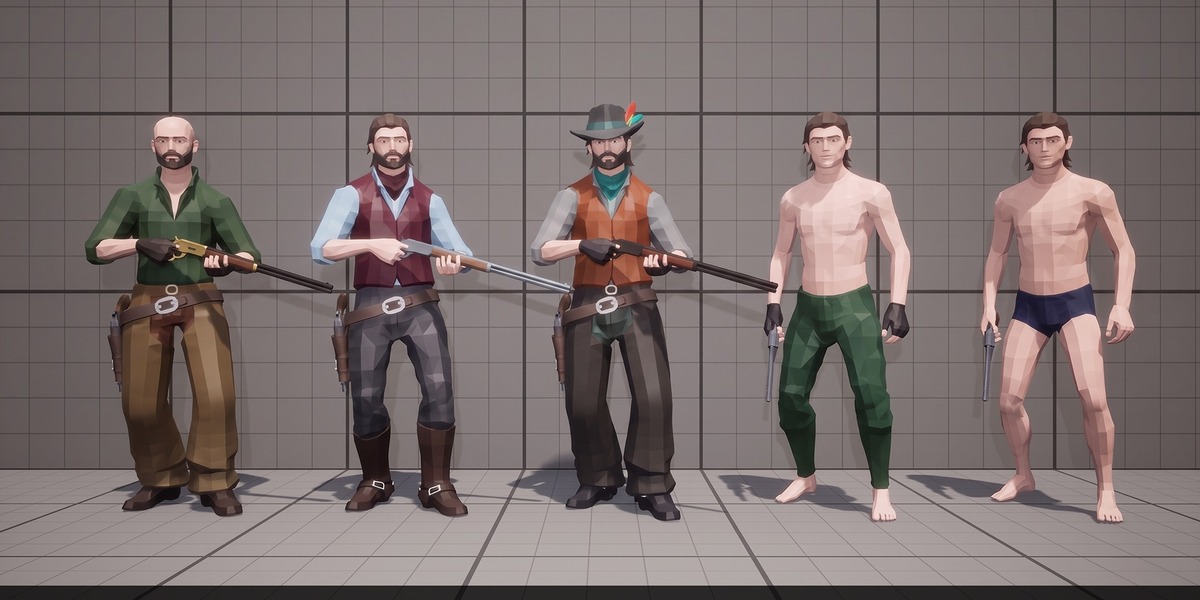
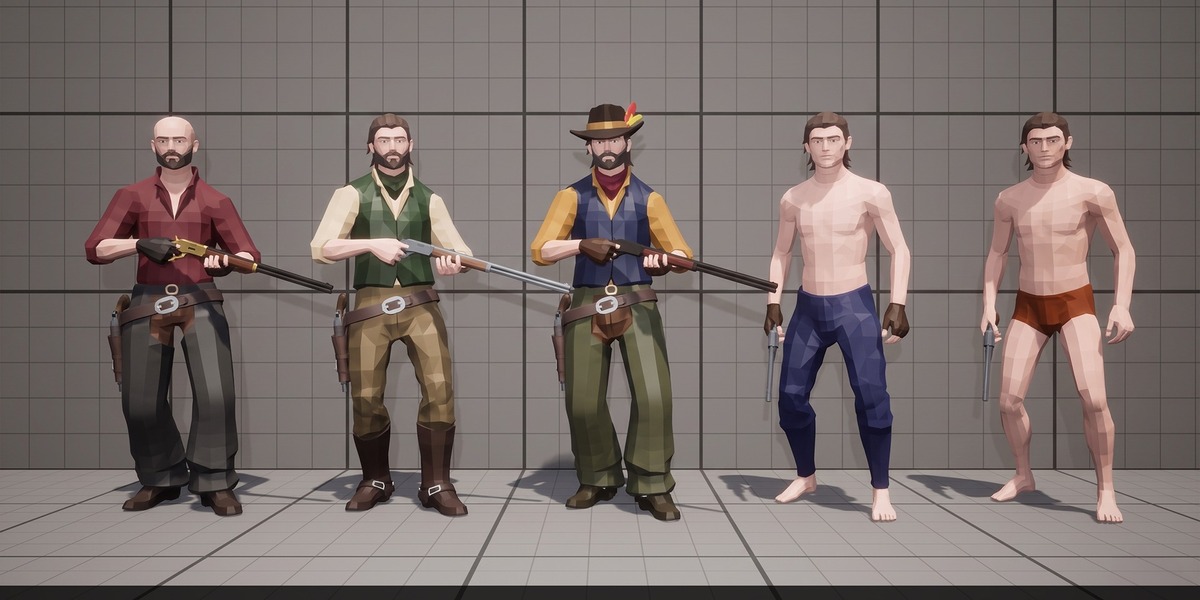
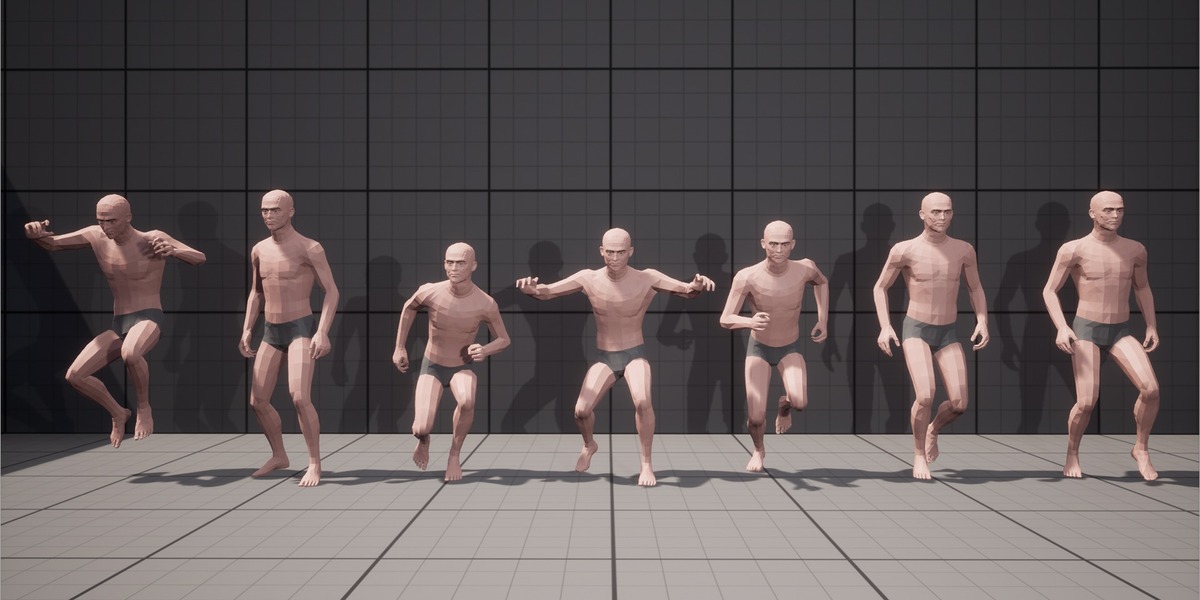
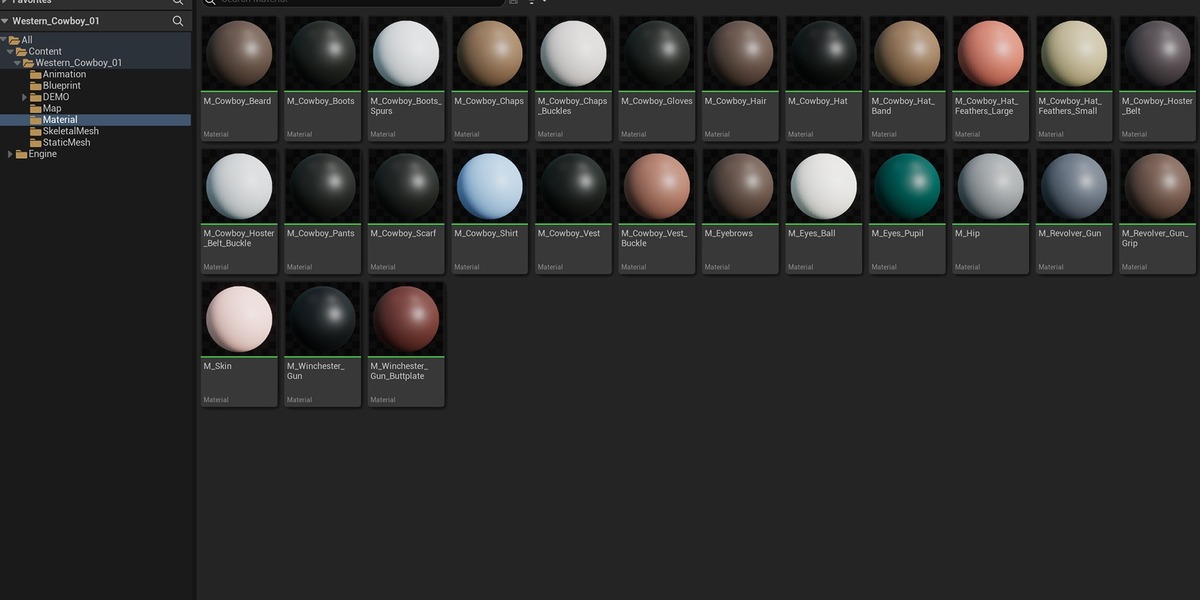
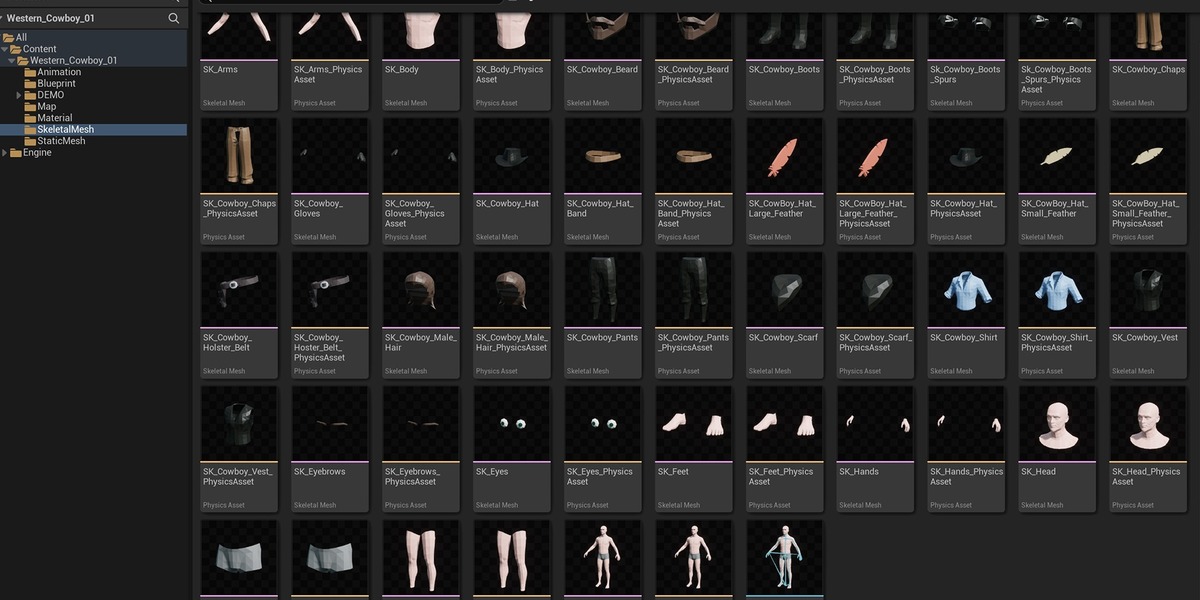
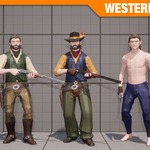
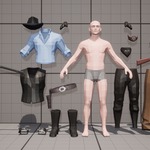
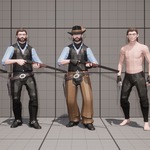
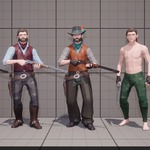
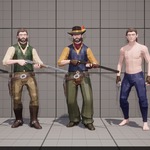
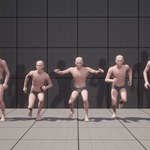
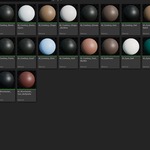
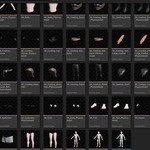
1. Compatibility & Render Engines
Blender Version: Built natively in Blender 4.2 LTS (fully compatible with Blender 4.2, 4.3, 4.5 LTS, and 5.x).
Render Engines: Ready out-of-the-box for both EEVEE and Cycles.
Dependencies: No third-party plugins or paid add-ons required.
2. Installation & Importing into Your Scene
Method 1 — Asset Browser (Recommended): Place the
.blendfile inside your Asset Library folder (Edit > Preferences > File Paths > Asset Libraries). Open the Asset Browser and drag-and-dropChar_Western_Cowboy_01directly into your viewport.Method 2 — Direct Append: Open your scene, go to File > Append, select
Western_Cowboy_01.blend, open the Collection folder, and appendChar_Western_Cowboy_01.
3. Modular Customization (25 Parts)
All 25 modular mesh components (Base Body, Cowboy Hat, Coats, Vests, Gun Holsters, Revolvers, and accessories) are pre-weighted to the single central Armature inside the main collection.
Mixing & Matching: Expand
Char_Western_Cowboy_01in the Outliner and toggle the Eye icon (Viewport) and Camera icon (Render) on individual parts to create sheriffs, outlaws, gunslingers, or background NPCs.Export Optimization: Before exporting a specific variation to FBX for a game engine, delete or exclude unused modular parts to minimize draw calls.
4. Rigging & Posing (UE5 Epic Skeleton Hierarchy)
Select the Armature and press Ctrl + Tab (or use the top-left mode dropdown) to enter Pose Mode.
Built directly on the Unreal Engine 5 Epic Skeleton (Manny) bone hierarchy with dedicated IK bones and additional weapon/holster bones.
Resetting Pose: In Pose Mode, press A to select all bones, then go to Pose > Clear Transform > All to restore the default bind pose.
5. Materials & Shading (0 External Textures)
Configured with 27 clean Principled BSDF materials (
0external image textures needed).Using calibrated solid PBR materials eliminates missing-texture path issues, keeps file size lightweight, and allows instant color or roughness adjustments in the Material Properties tab or Shader Editor.
Have questions about this product?
Login to message
| Published | 1 day ago |
| Blender Version | 4.2 - 5.3 |
| Render Engine Used | Cycles, Eevee |
| Misc Data | Uvs-Unwrapped, Rigged |
| License | Royalty Free |