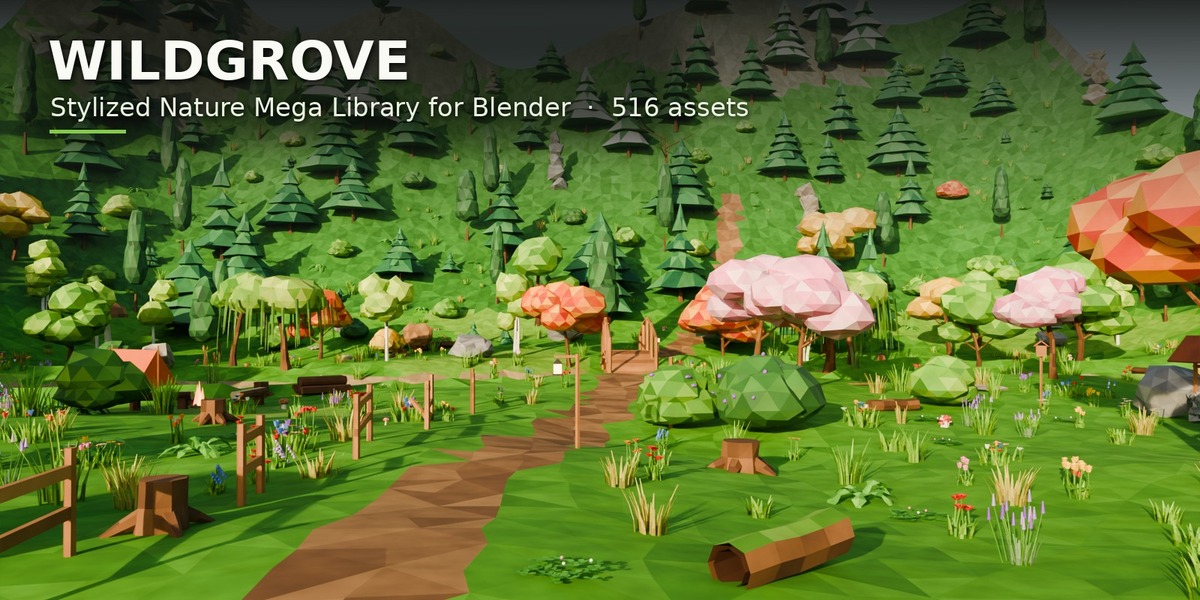
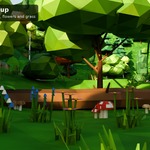
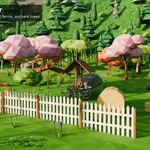
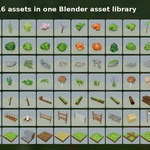
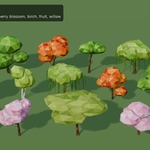
Wildgrove - Stylized Nature Mega Library for Blender (516 Assets)
 Sonneblom Digitaal
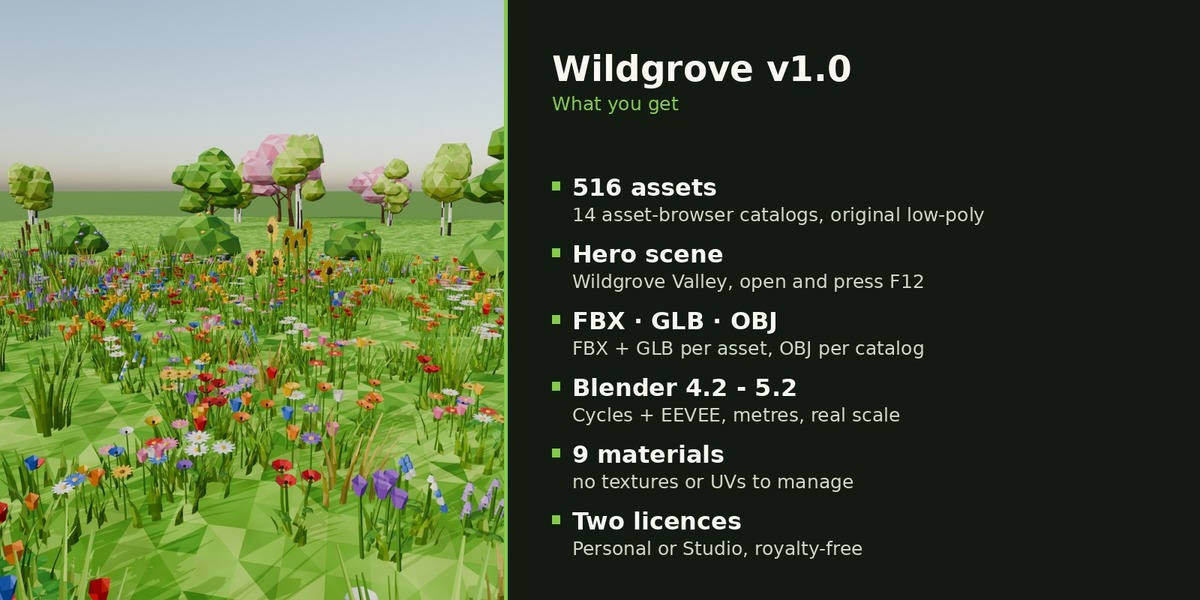
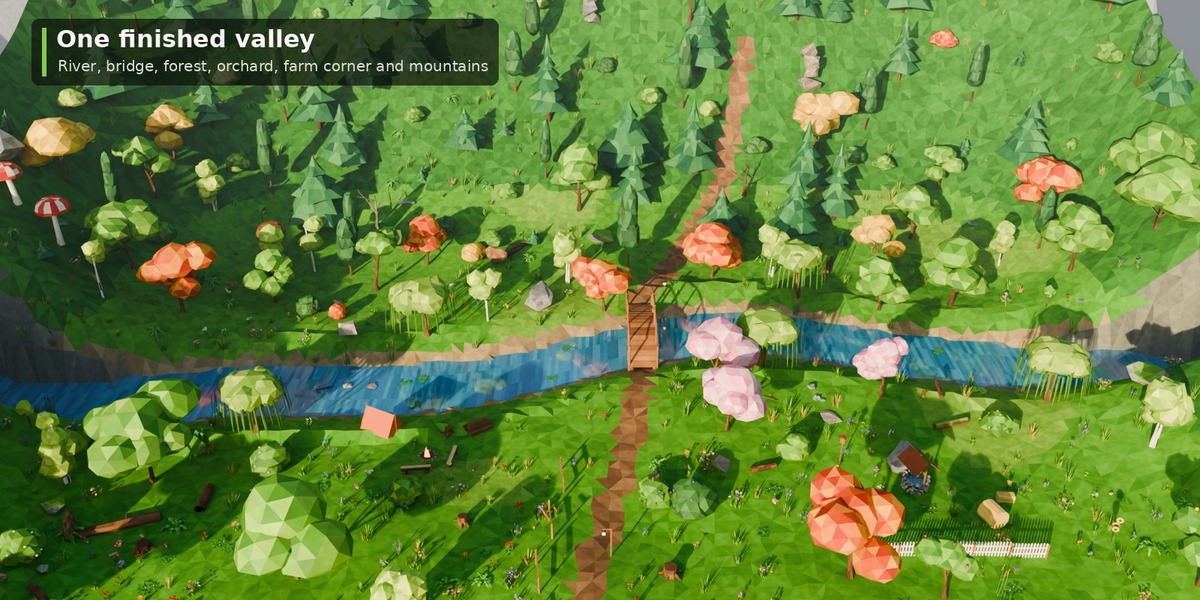

Install
- Unzip Wildgrove_v1.0.zip to a permanent folder.
- Edit > Preferences > File Paths > Asset Libraries > + and pick the Blender folder.
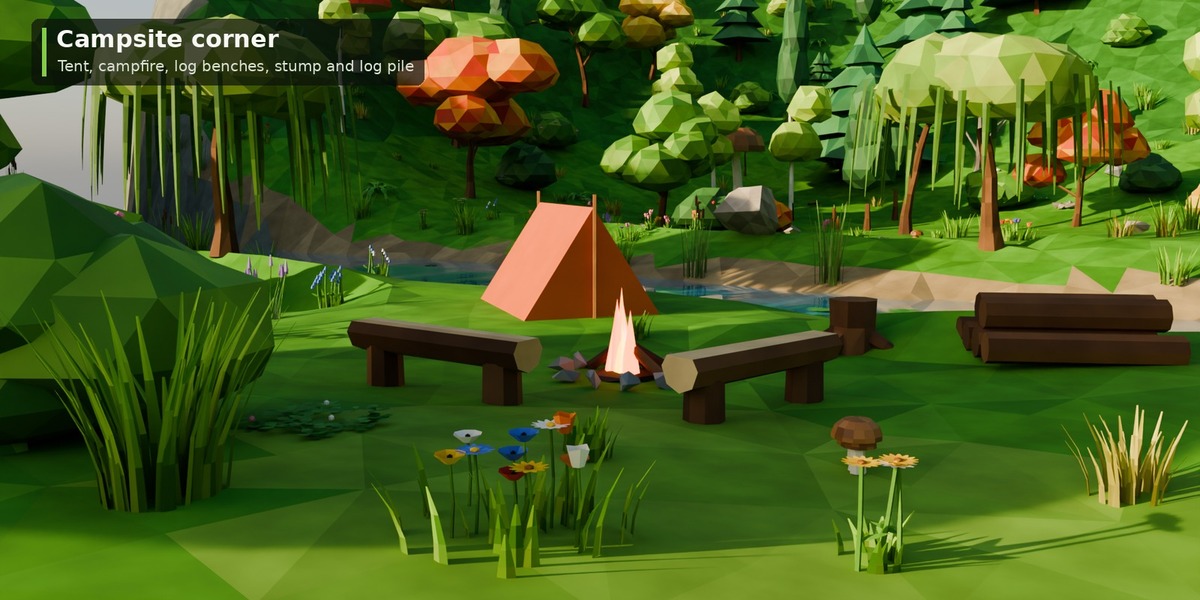
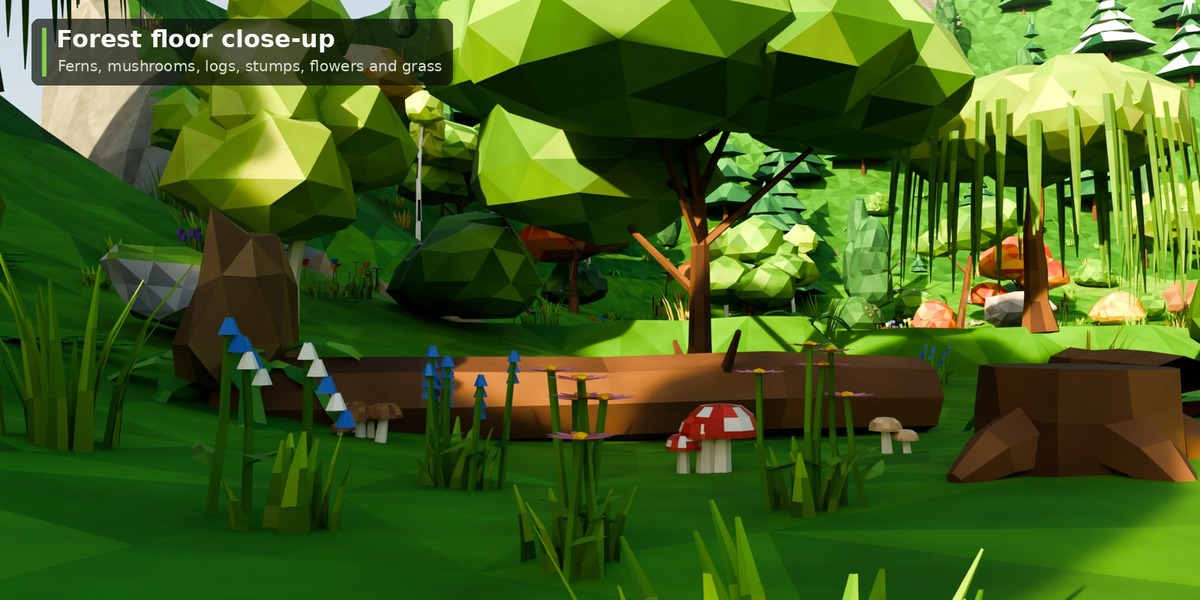
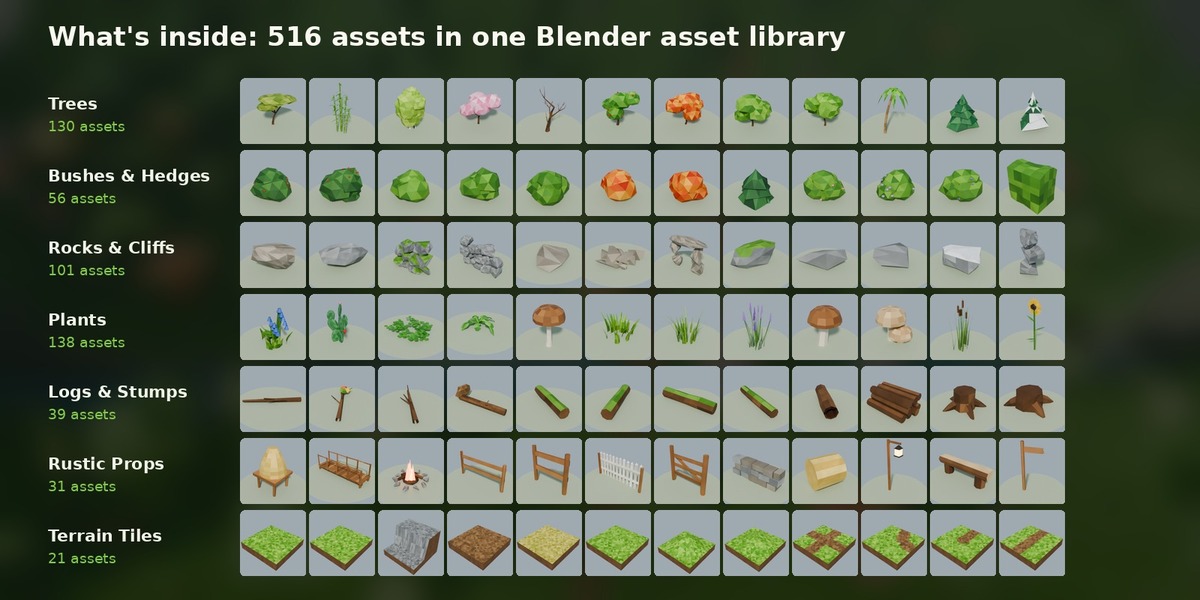
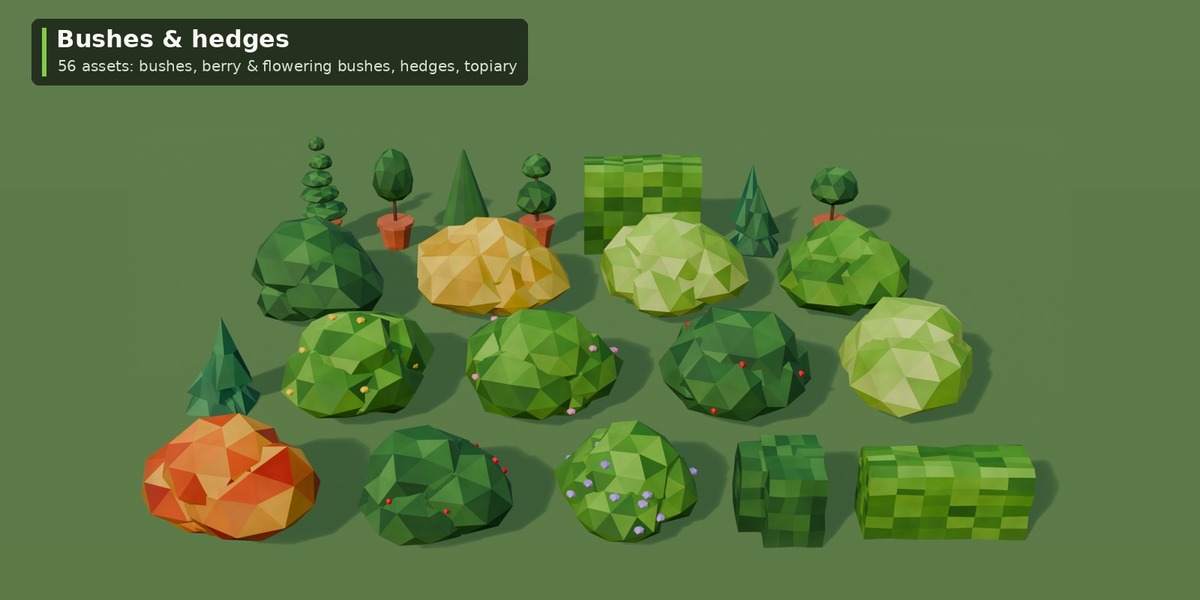
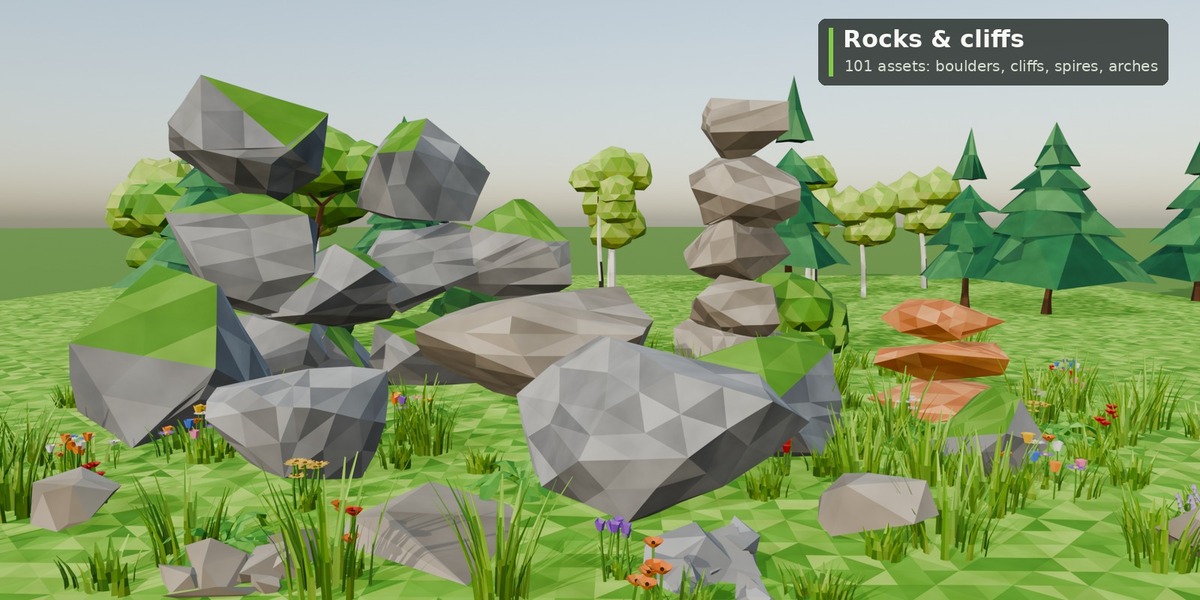
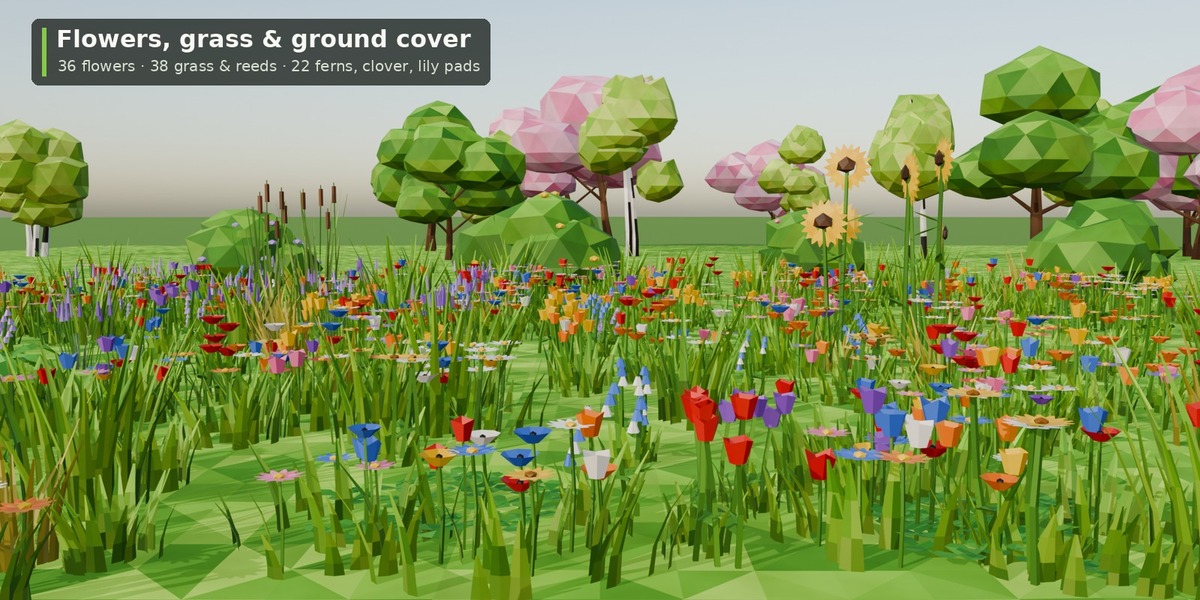
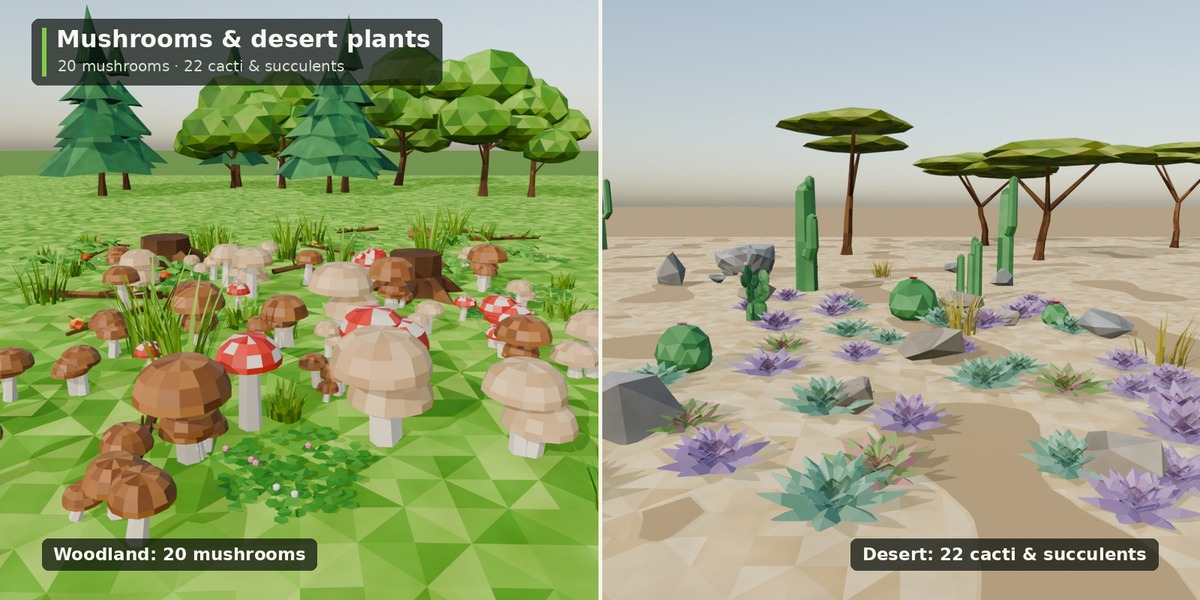
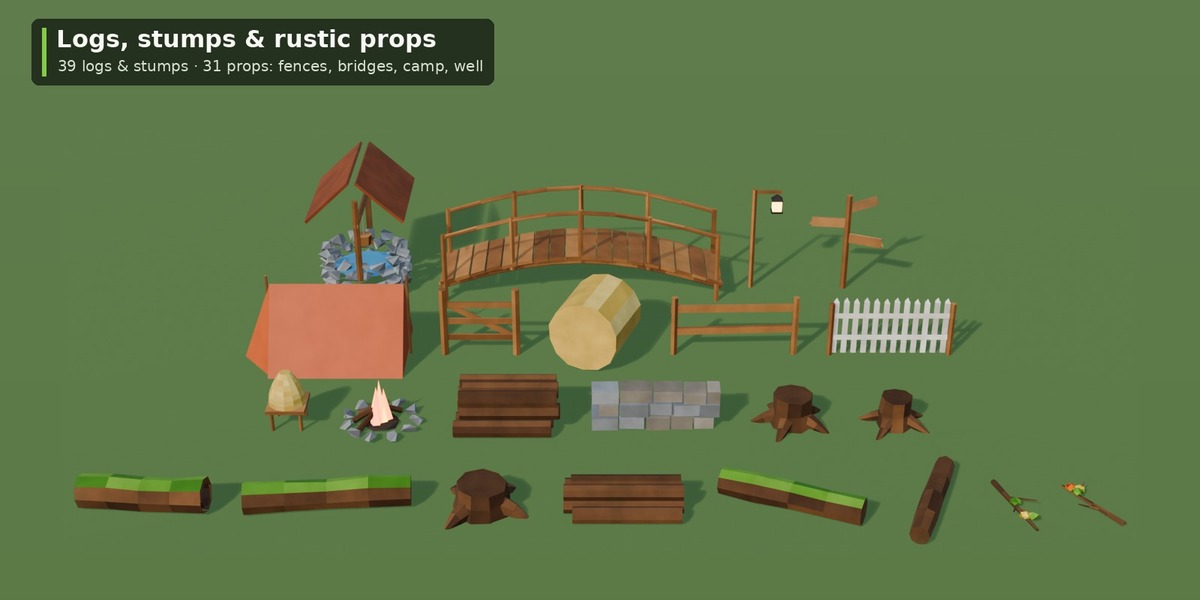
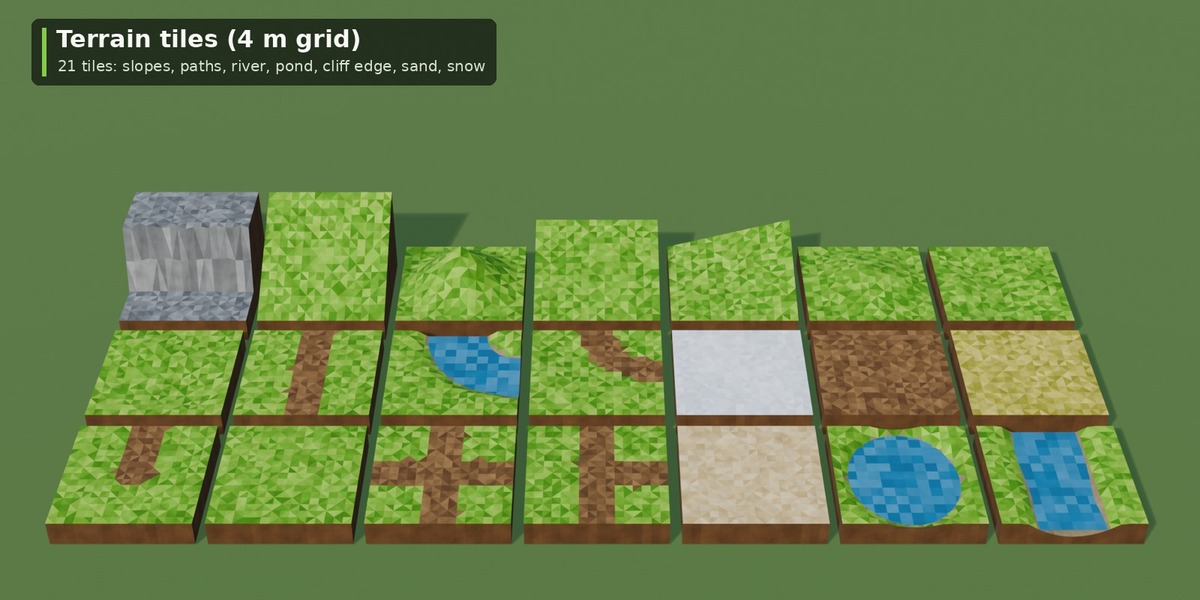
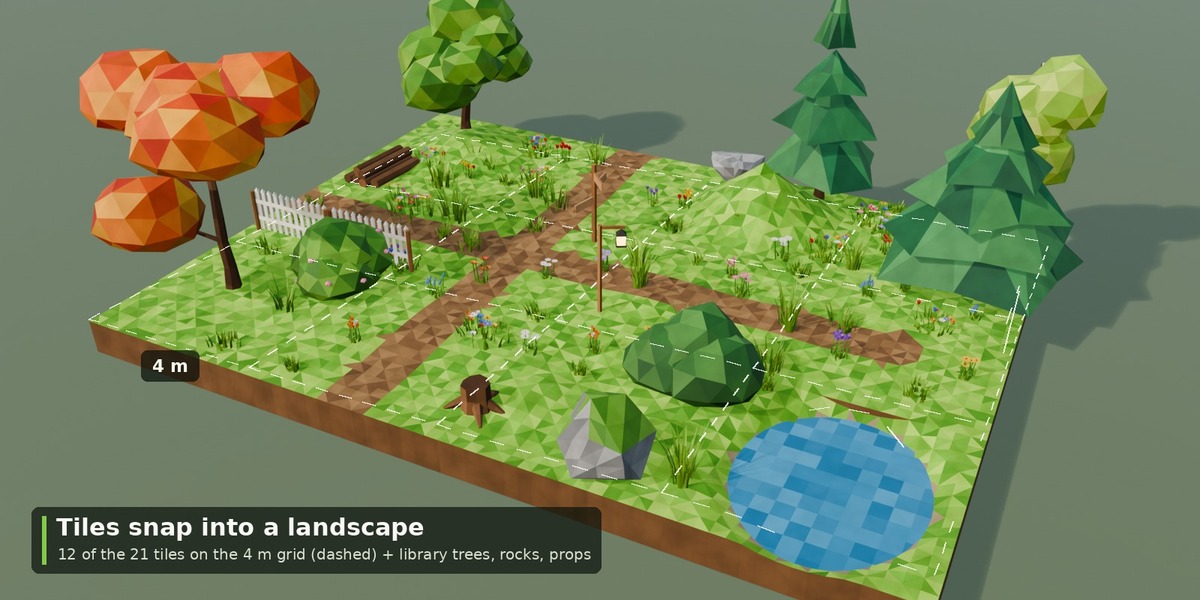
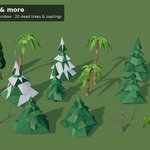
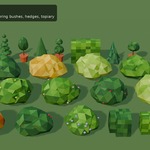
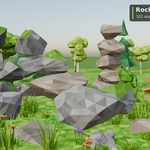
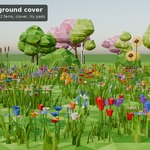
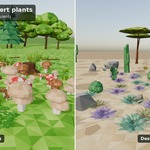
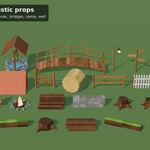
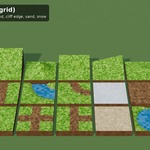
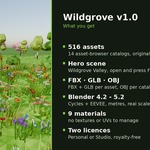
- Open an Asset Browser and choose the library: one tree Wildgrove with Trees, Bushes & Hedges, Rocks & Cliffs, Plants, Logs & Stumps, Terrain Tiles, Rustic Props and Materials.
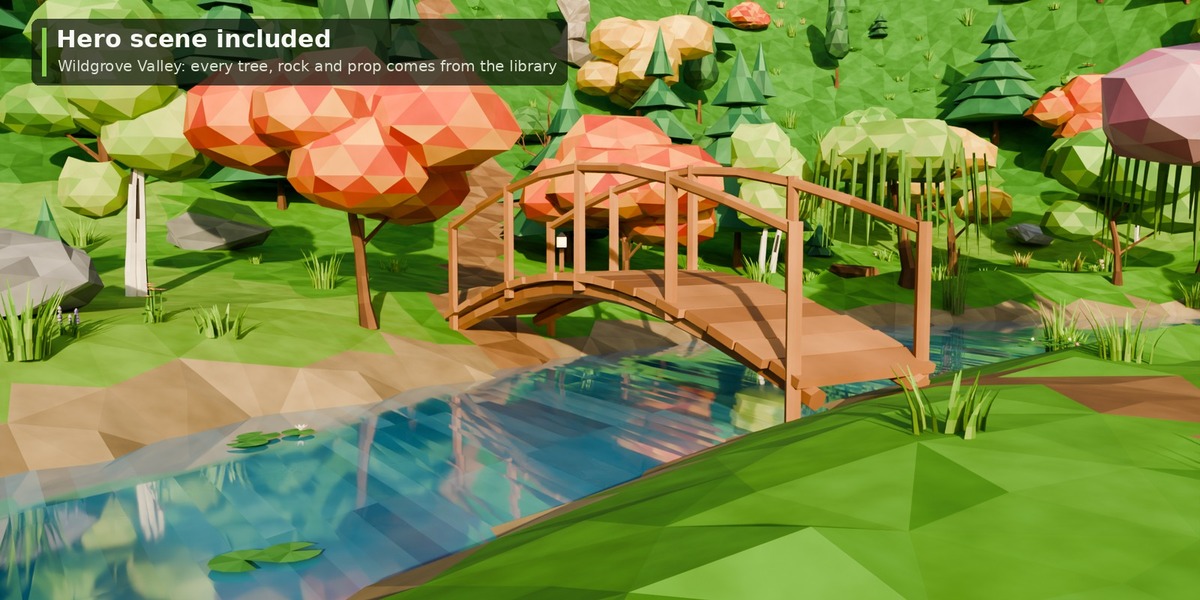
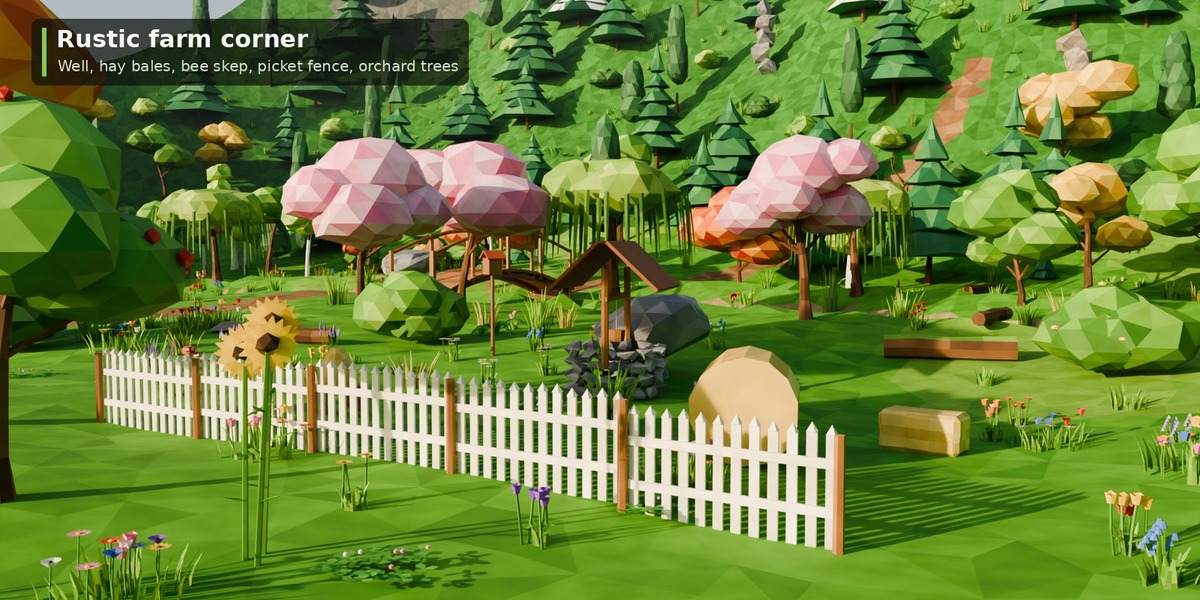
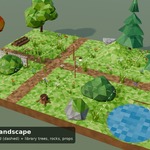
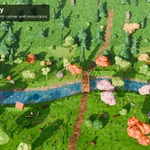
- Drag assets into your scene. Open Scene/Wildgrove_Valley.blend for the finished scene.
Conventions
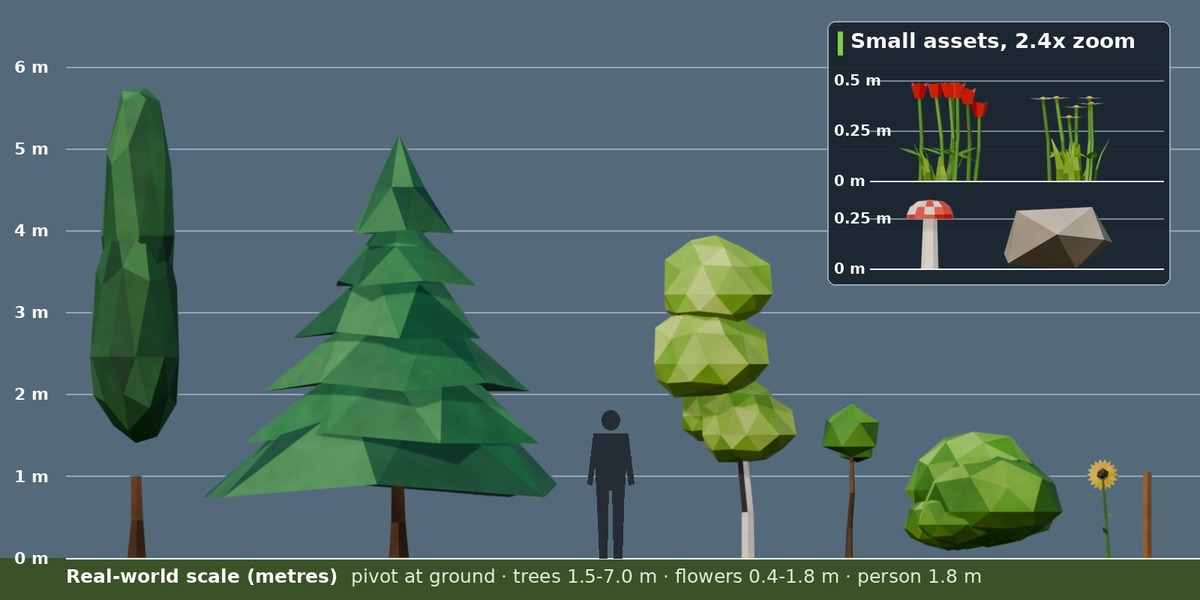
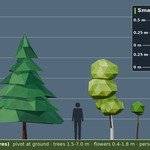
Metres, real-world scale, pivot at the ground contact point (z = 0). Terrain tiles: 4 x 4 m, pivot at the centre, edges at z = 0, slopes rise along +Y. Flat-shaded low-poly; foliage cards are single-sided (keep backface culling off).
Game engines
Exports zip: FBX/OBJ/GLB per catalog, FBX/GLB per asset, Y up, vertex colours. Unreal: Vertex Color into Base Color, Two Sided. Unity: Shader Graph Vertex Color, Render Face Both. Godot: GLB vertex colours work out of the box. Full asset list: CATALOGUE.md.
Licence tiers
Personal: one person, personal + commercial work. Studio/Commercial: a company or team, unlimited seats and projects (games, film, TV, ads). See LICENSE.txt.
Support
Message us through the store. Fixes and additions come as free v1.x updates.
Have questions about this product?
Login to message
| Published | 3 days ago |
| Blender Version | 4.2 - 5.2 |
| Render Engine Used | Cycles, Eevee |
| License | Royalty Free |