 Wilphi Design

Set up a
render series
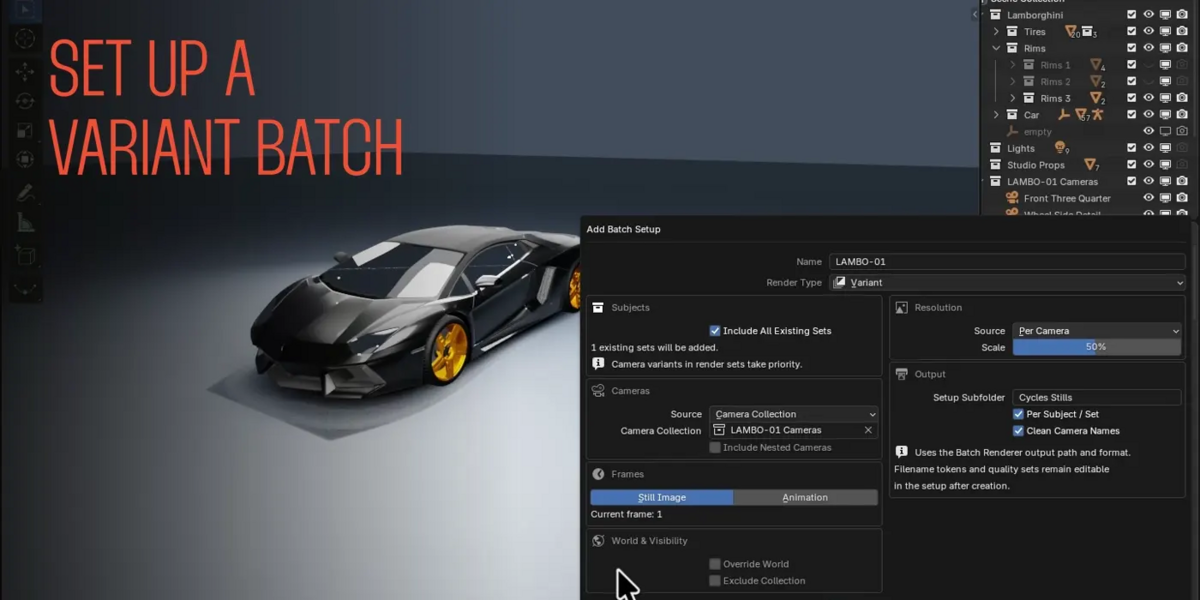
Set up render series in Blender. Choose which collections or scene to render, assign cameras, and set where the stills or animation frames go. Save the setup so you can run the same series again after the scene changes.
What you can configure
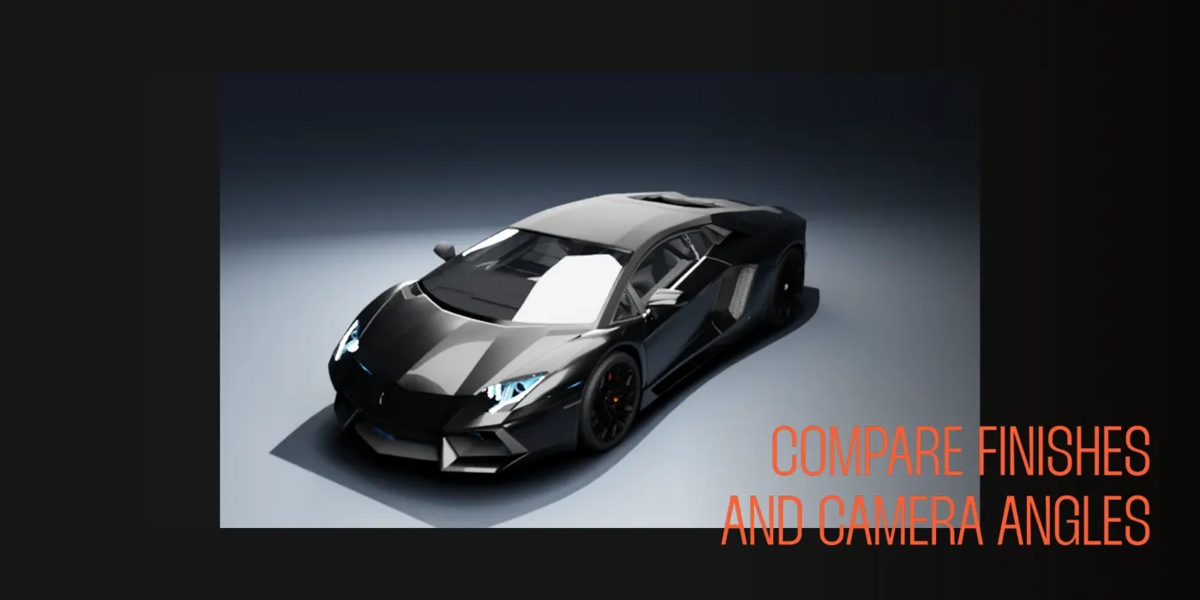
For a product catalogue, put each model in its own collection and group the cameras you want to use. Check one Batch Setup before running the whole series. The same workflow works for several views of a single scene.
- Subject batches. Render configured child collections or top-level object hierarchies separately, or keep the complete scene together.
- Camera outputs. Choose a camera collection, the scene camera or a specific camera, with optional output dimensions per camera.
- Reusable setups. Duplicate named recipes and configure their World assignments, exclusion collections and enabled delivery passes.
- Render-settings passes. Assign saved supported render settings to a setup while managing dimensions, file format and output paths separately.
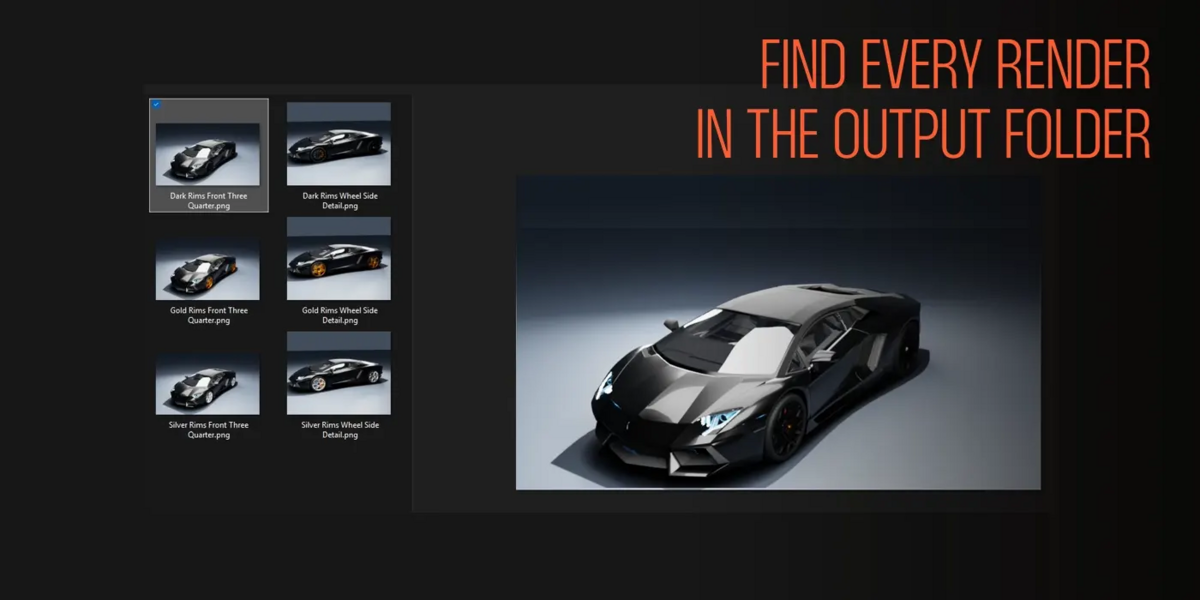
- Organized files. Choose filename information and ordering, and use setup, subject or frame-range folders for identifiable output.
- Animation ranges. Render named sections of existing animation with frame steps, optional camera overrides and video or image-sequence output.
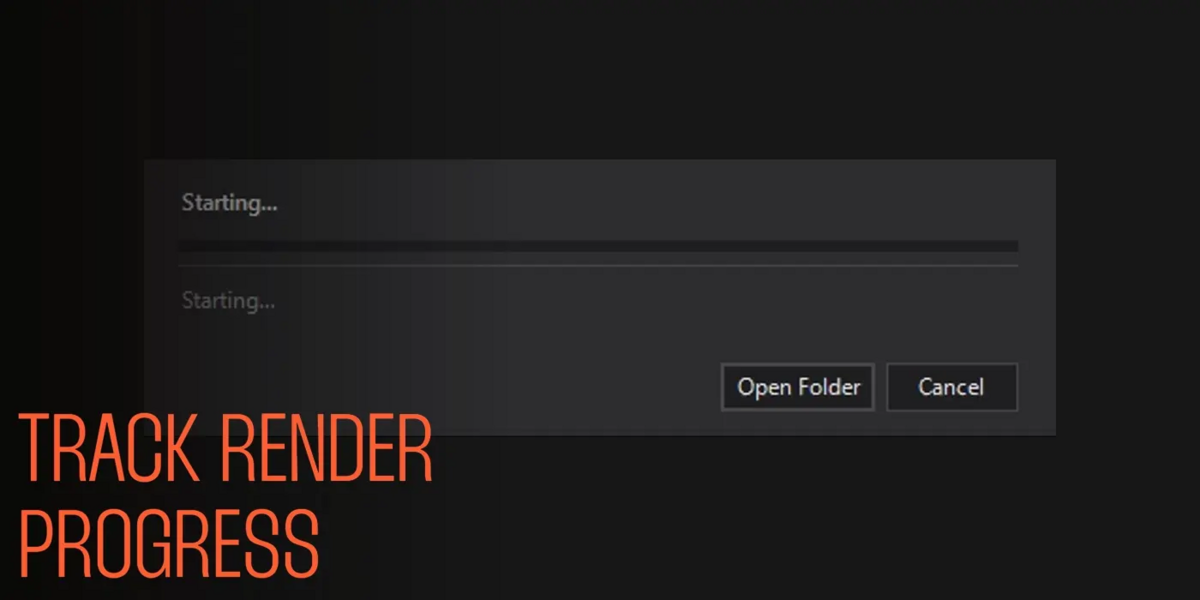
- Run controls and recovery. Launch saved-file jobs in a separate Blender process, inspect run reports, and resume confirmed outputs when configuration and settings match.
- Optional integrations. Render prepared Variant Lister Render Sets or Material Switch sets prepared with WILPHI Tools when the relevant addons are available.
Subjects and cameras
Render the blue and orange housings separately from the Overview and Detail cameras. The floor stays in both renders. For a room or a complete scene, use the same cameras without isolating subjects.

Check a setup before rendering
Save the subject scope, cameras, output and render options in a named setup. Run one row to check a small test, then choose which setups to include in the batch.
Render animation ranges
Render a named section of the Blender timeline as an image sequence or a video. Set the start, end and step, and assign a different camera for a range when needed.

Inspect and resume a run
Check the run report and output folder after rendering. Resume a compatible interrupted run to reuse confirmed images or image-sequence frames.
