 Wilphi Design


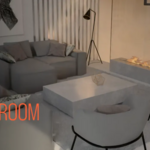
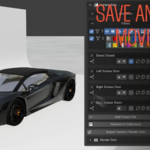

Save and recall design alternatives from the 3D View sidebar in Blender. Store the material assignments, component visibility, object positions or review angles you want to compare in the same scene.
What you can save
Choose which objects and collections the variant affects and which settings to capture. Save a named set, create another alternative, and switch between them as you work.
- Variant scope. Store selected object settings, collection visibility, viewpoints and World assignments.
- Set management. Update and reorder variants, edit affected objects and collections, and filter sets by captured type or color tag.
- Review views. Recall saved viewpoints and turn a viewport view into a Blender camera.
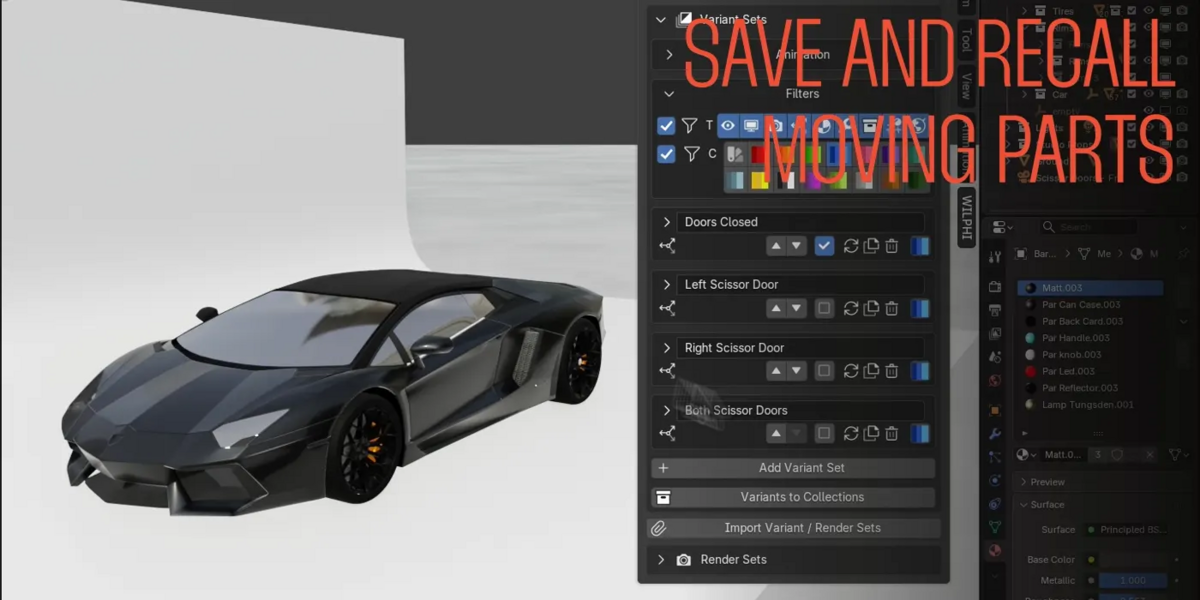
- Movement. Preview changes to views and transforms interactively, or generate object Actions from an ordered transform sequence.
- Reuse. Import Variant and Render Sets from another Blender file or create object-copy collections from saved variants.
- Render Sets. Group render, secondary and camera variants for the separate WILPHI Batch Renderer addon.
Compare material finishes
Switch between saved material combinations to compare surface finishes.
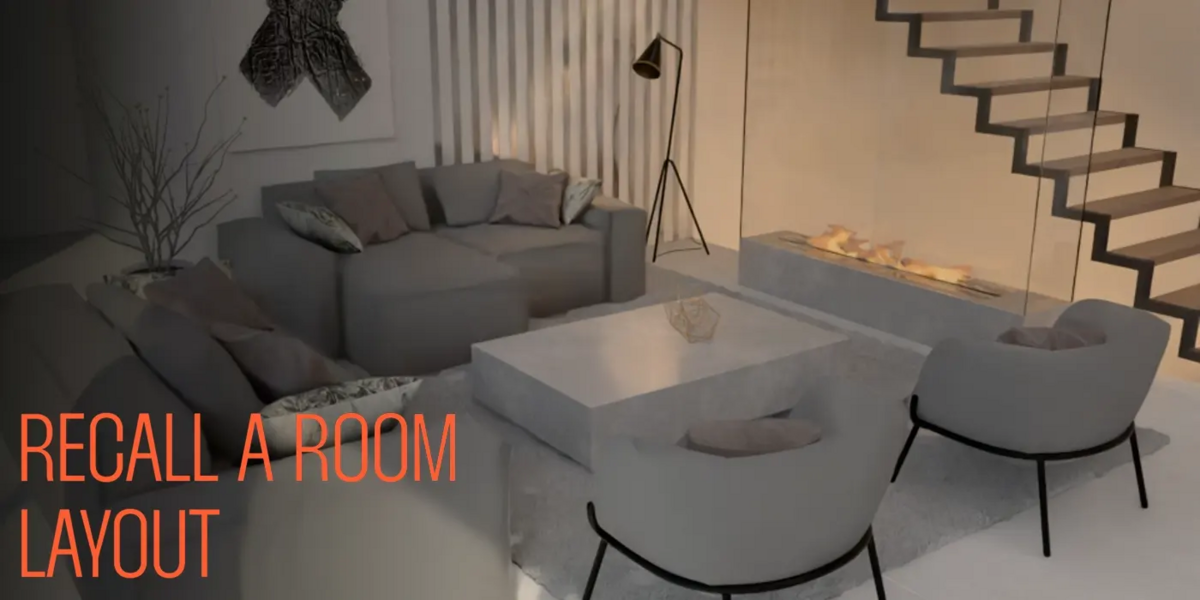
Switch between layouts
Recall different furniture arrangements within a single scene.
Recall object positions
Switch between saved object positions to review moving parts in context.
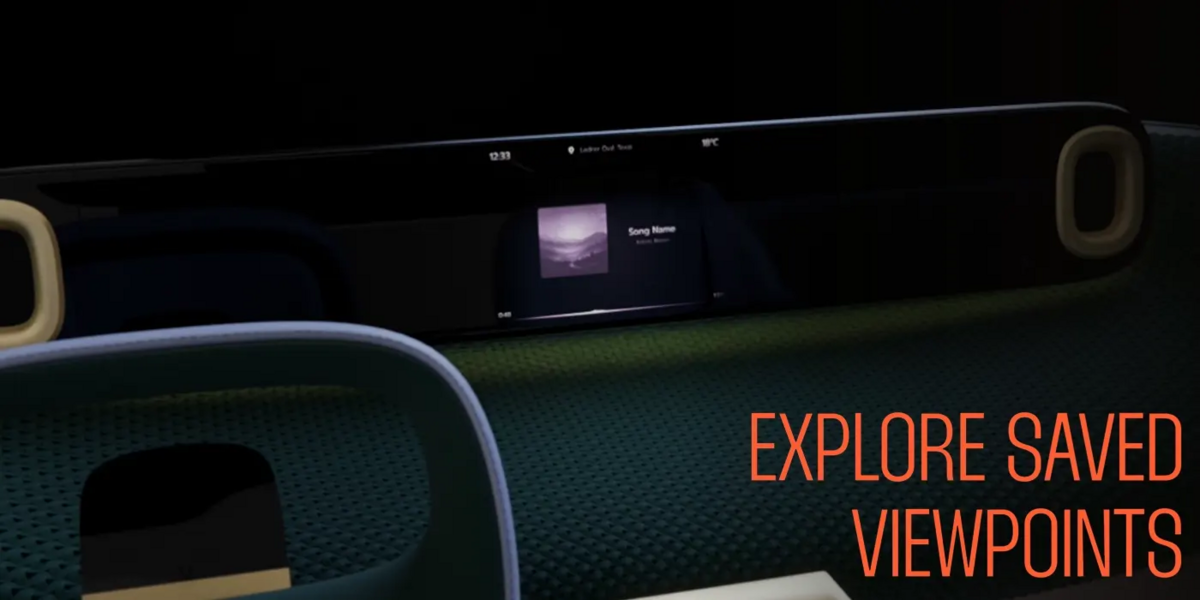
Recall saved viewpoints
Return to saved views to compare framing and inspect the scene.
Create a render set
Group saved variants for use with WILPHI
Also check the documentation for detailed workflow and setup
Changelog
1.0.0
Initial Release
