 ZEG
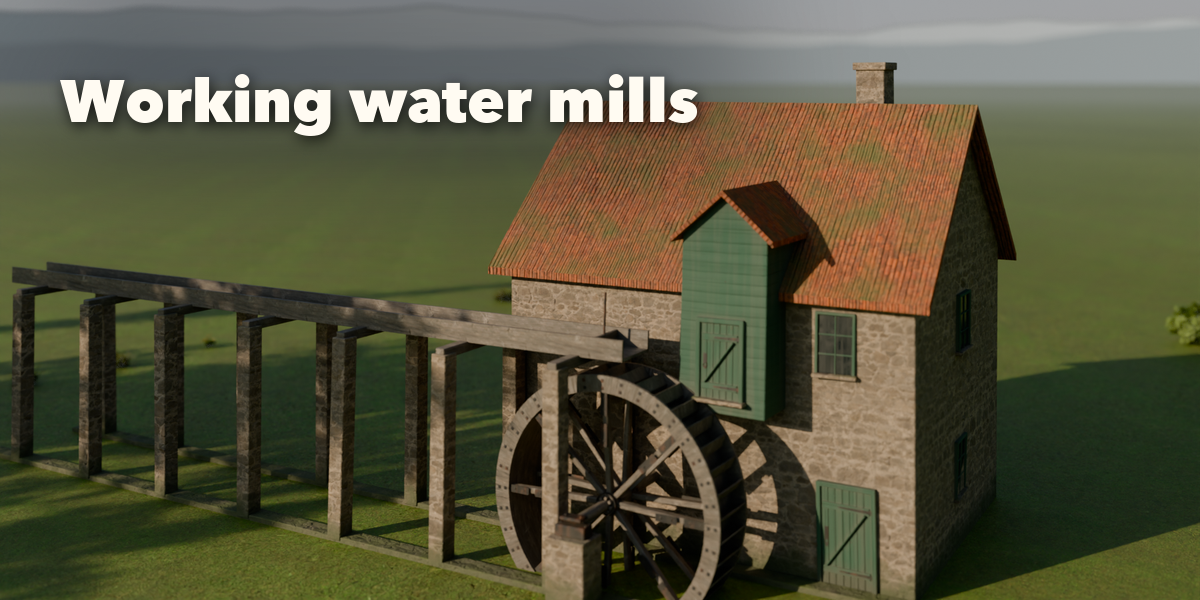
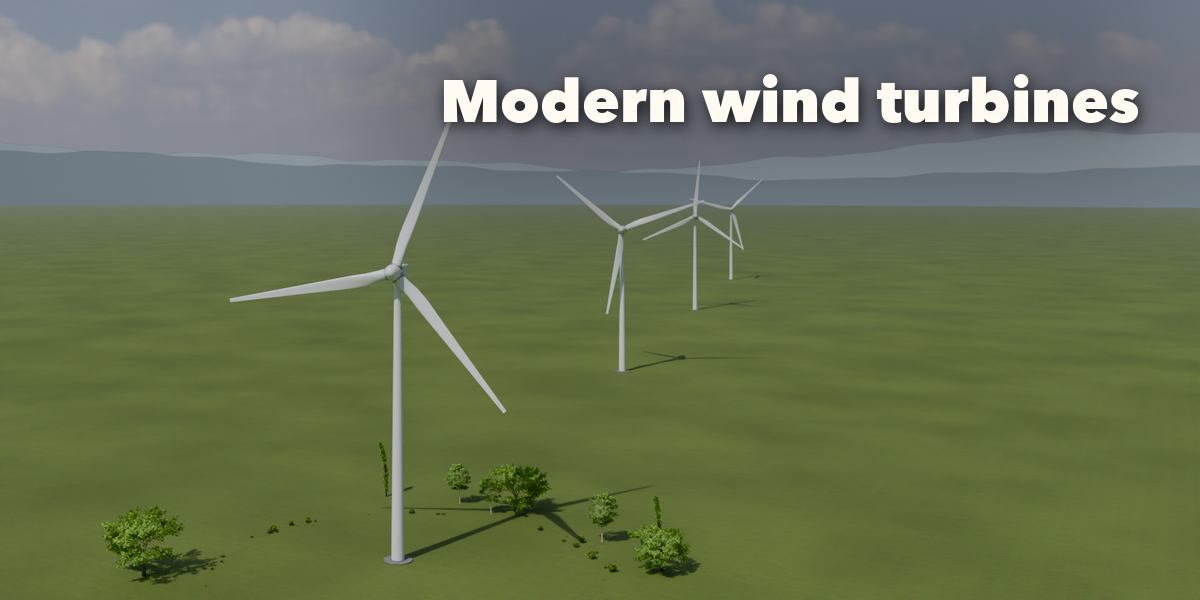
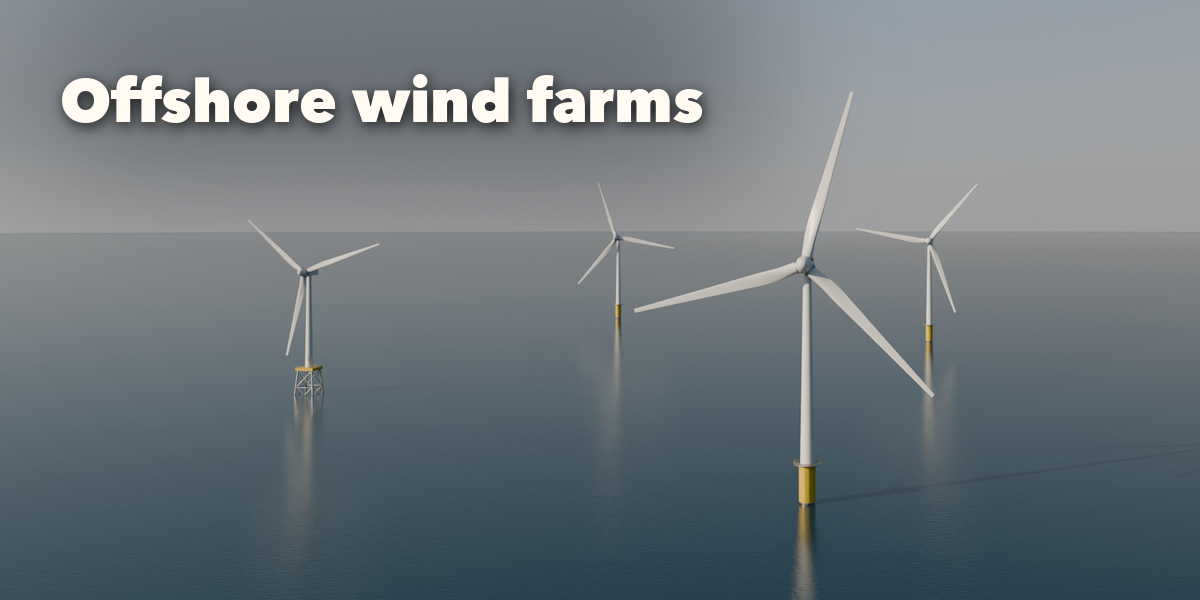
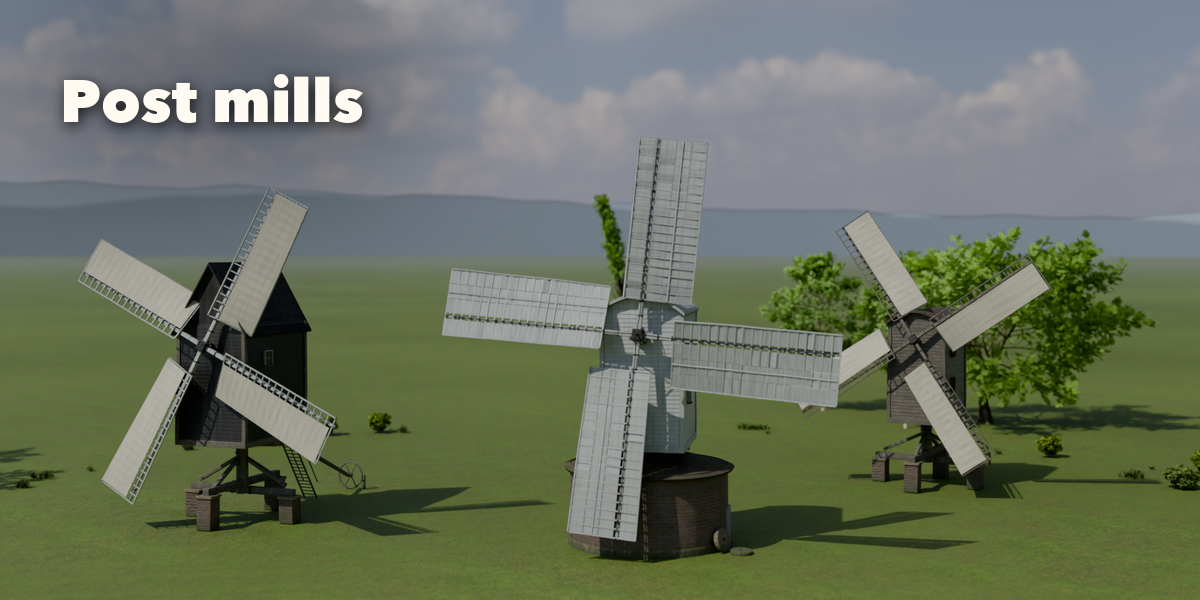


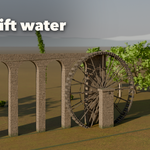
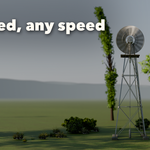
Installation
In Blender open Edit, Preferences, Get Extensions, then use Install from Disk and pick the windmill_generator zip.
Usage
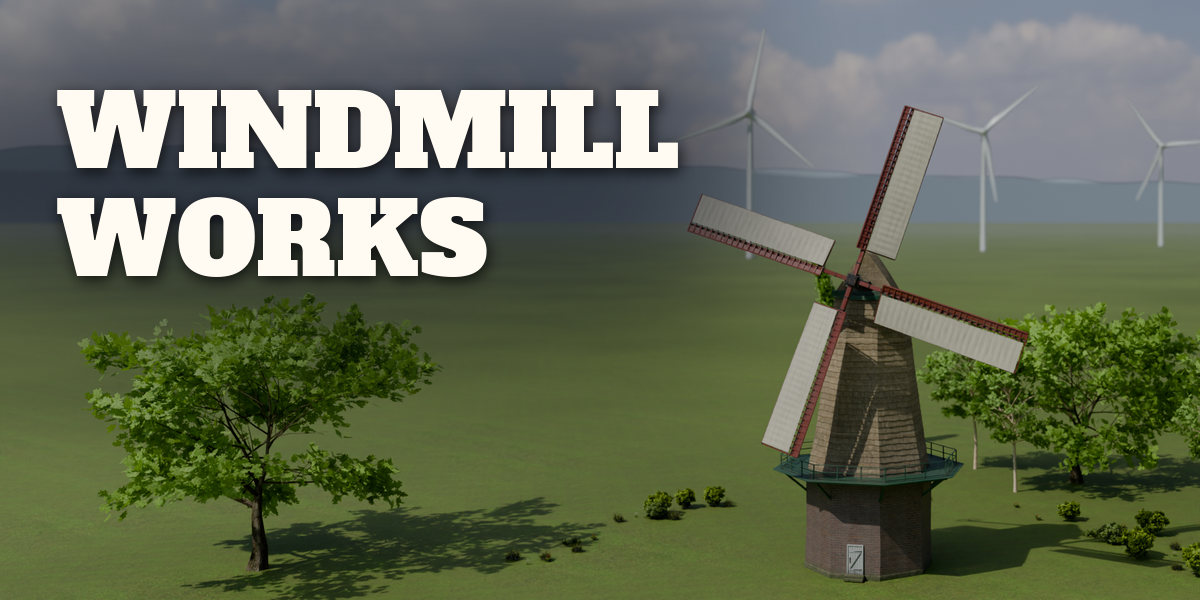
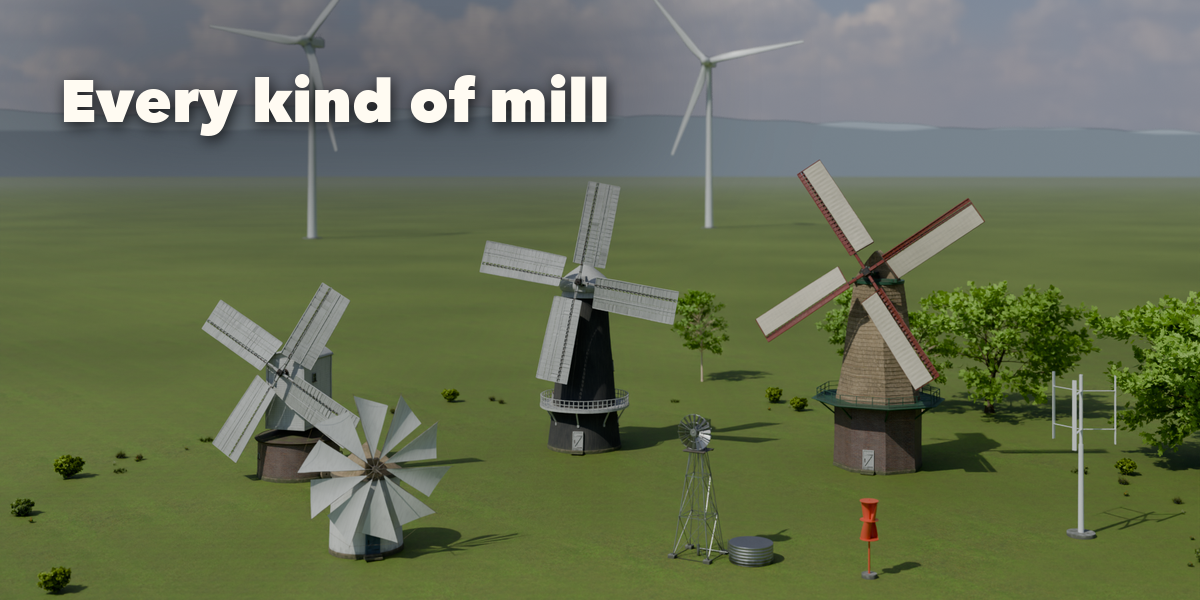
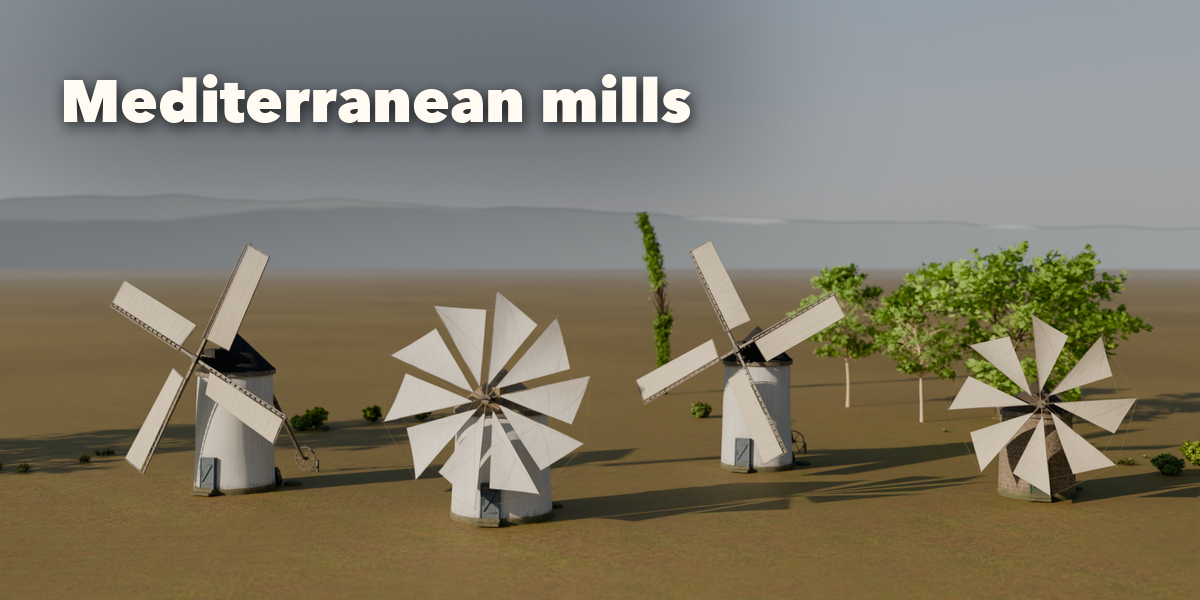
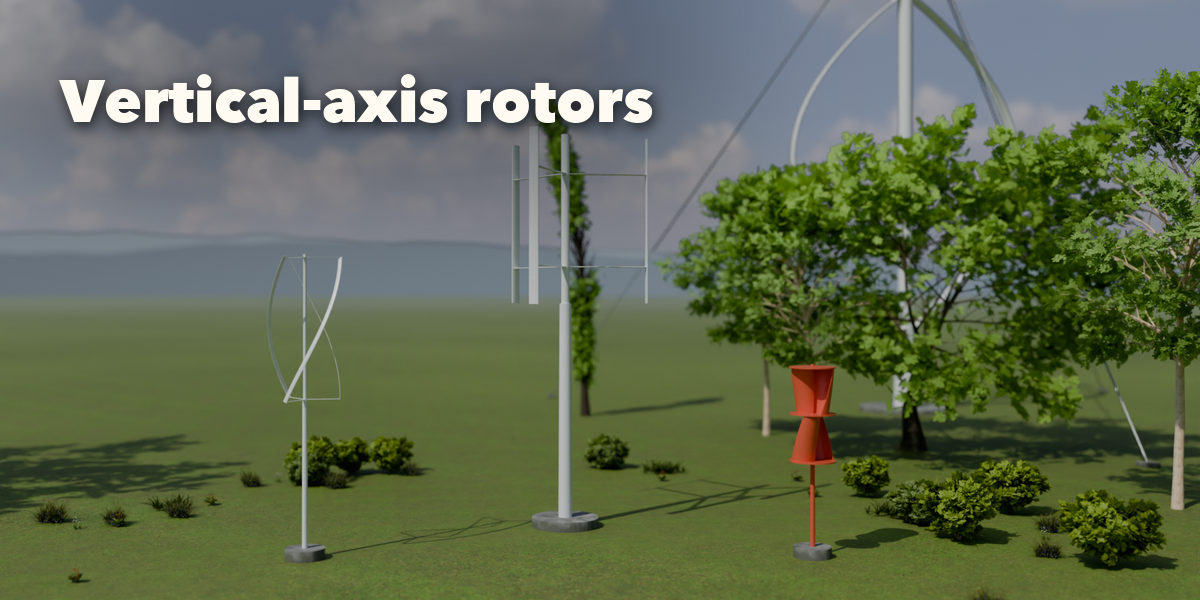
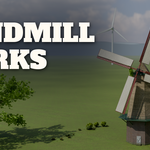
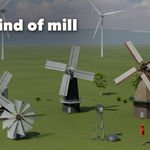
- Open the Mill tab in the 3D viewport sidebar (N). With no mill selected, click the picture to pick one of the 42 designs, or browse by family, then press Add Mill. You can also use Shift+A, Mesh, Windmill & Water Mill.
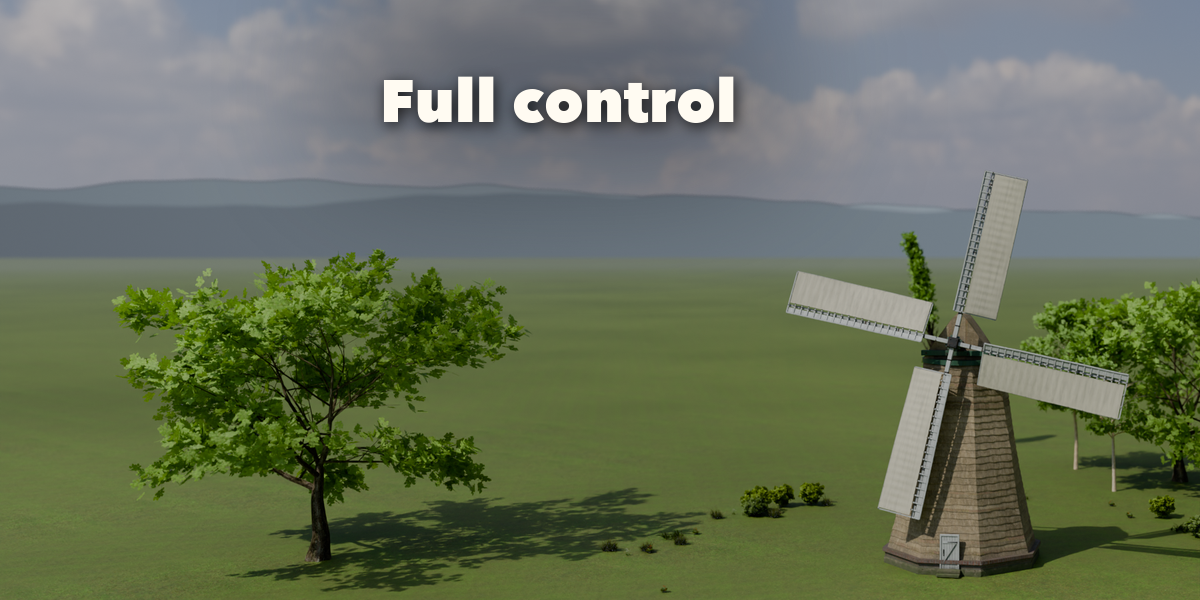
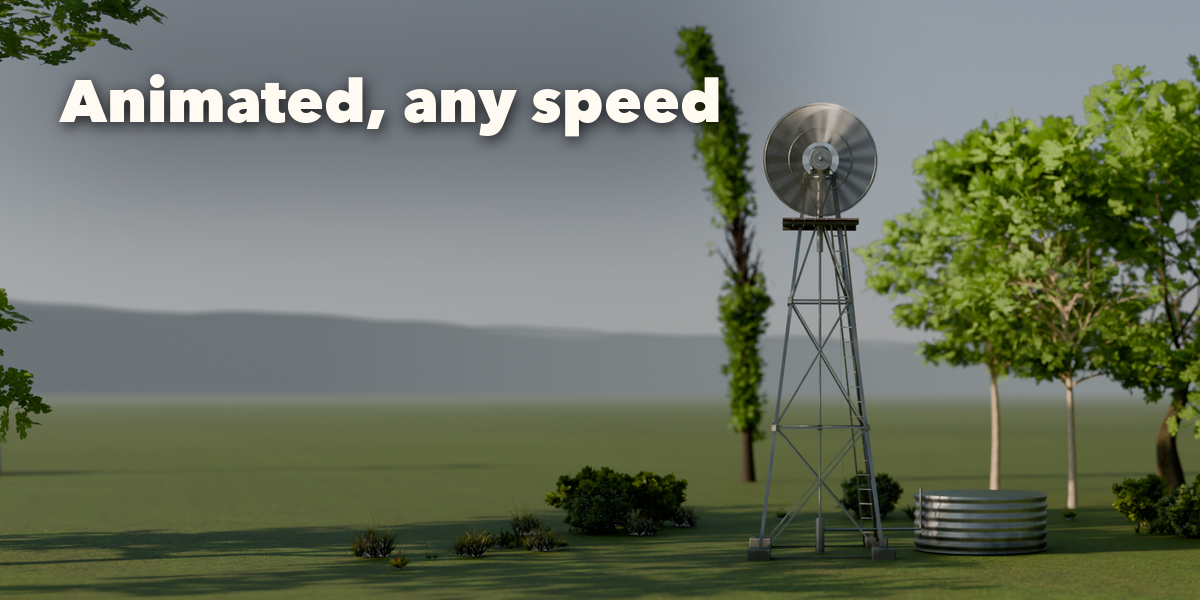
- The card at the top shows the design, its size, face count and moving parts. Turning switches the animation on and off and sets its speed in rpm. Surprise makes a new random mill, Vary changes the current one a little, the palette button picks a random finish and the arrow resets the design.
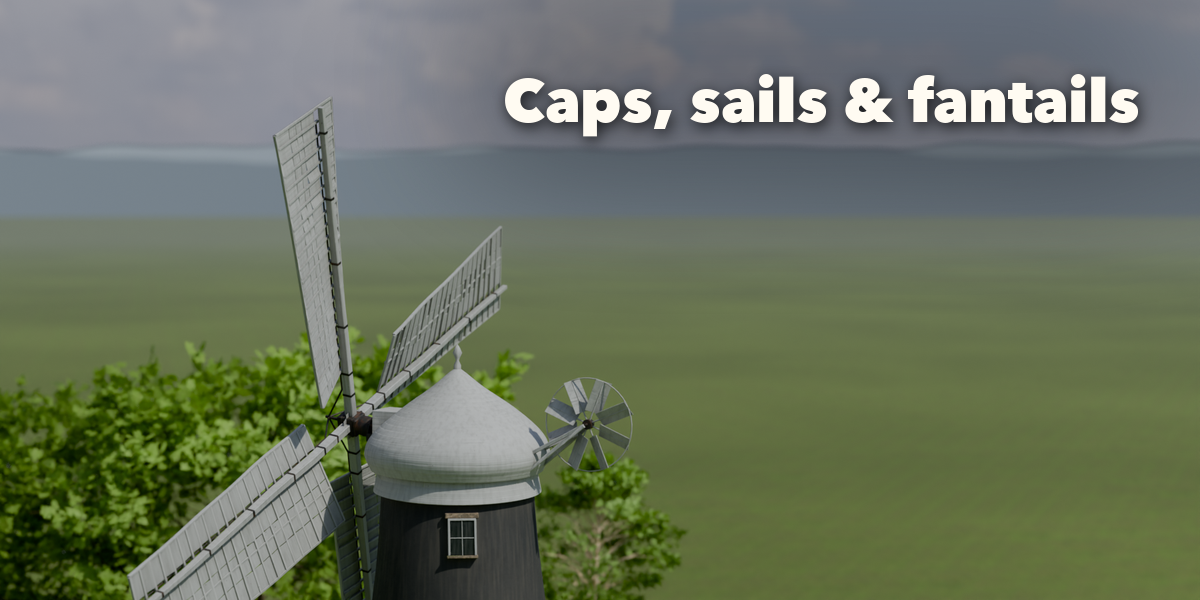
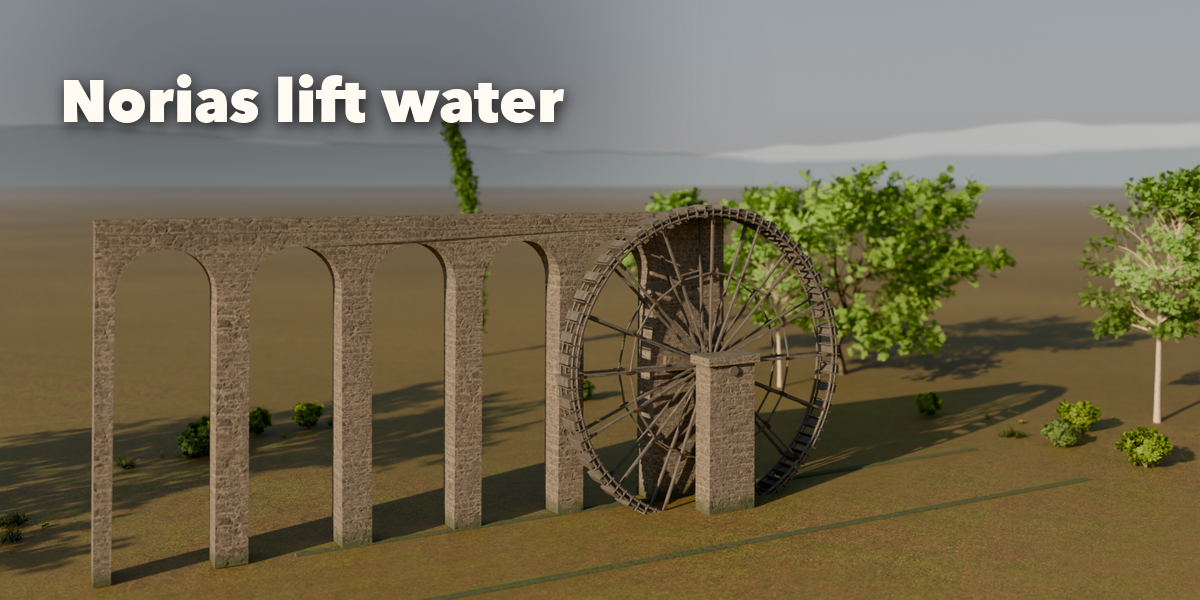
- The icon tabs hold every setting: Structure (body, base, stage, cap or tower and foundation), Sails, Rotor or Wheel, Site (water mills: race, banks, flume, sluice and falling water), Finish (walls, roofs, timber paint, cloth, metal and weathering), Motion (speed, direction, start angle) and Parts & Export (part visibility, detail, Convert to Mesh, Make LODs).
- Press Play to see it turn. Every moving part is its own object spinning on its local Y axis, so it exports cleanly to game engines.
Have questions about this product?
Login to message
| Blender Extension Compatible | Yes |
| Published | 1 day ago |
| Blender Version | 4.2 - 5.2 |
| Extension Type | Add-on |
| Render Engine Used | Cycles, Eevee |
| License | GPL |

Discover more products like this
procedural architecture village water mill game ready windmill farm wind turbine animated Generator mill renewable energy