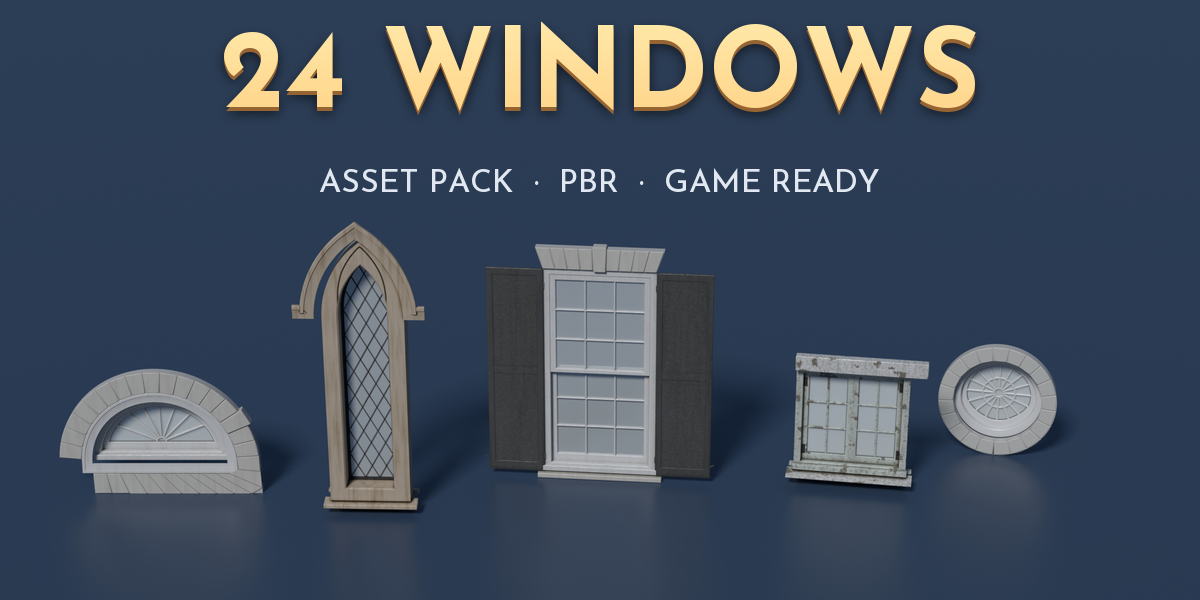
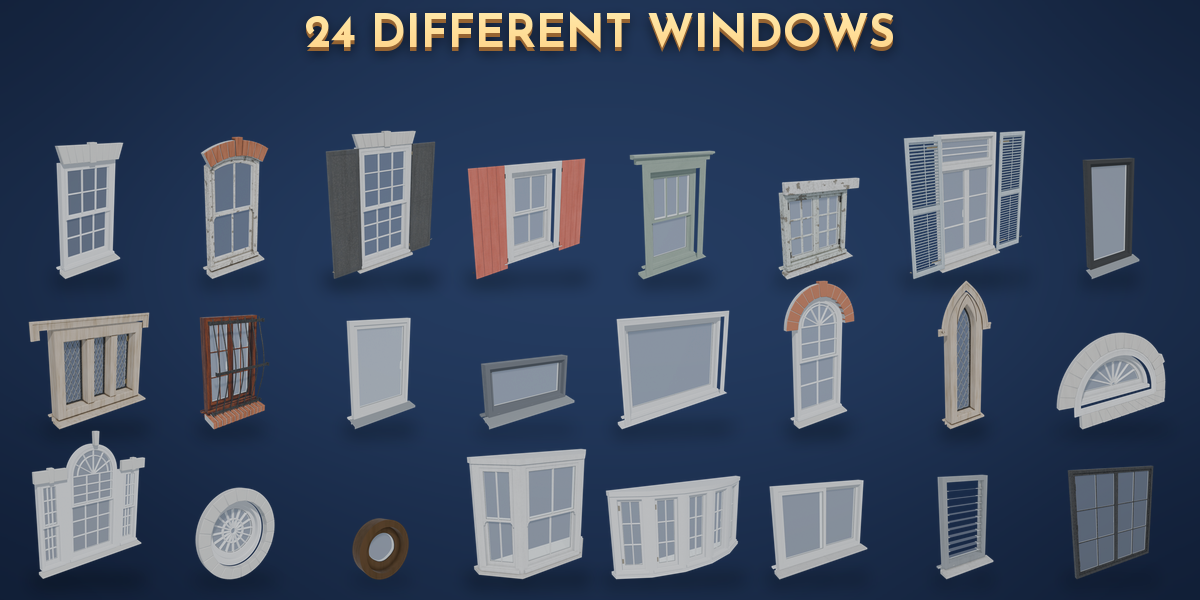
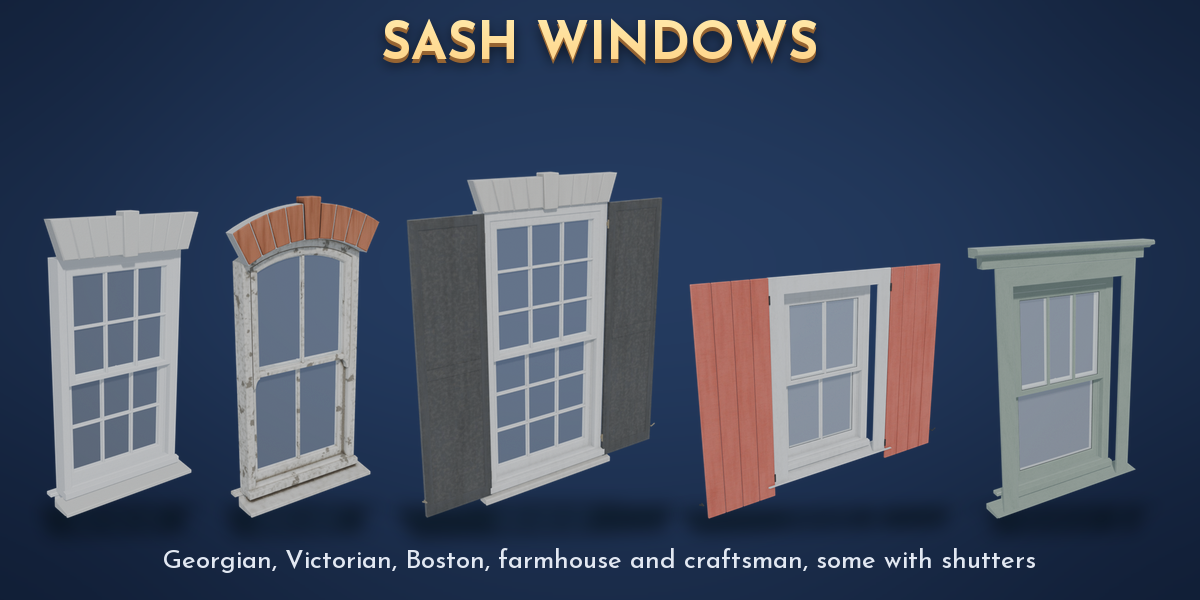
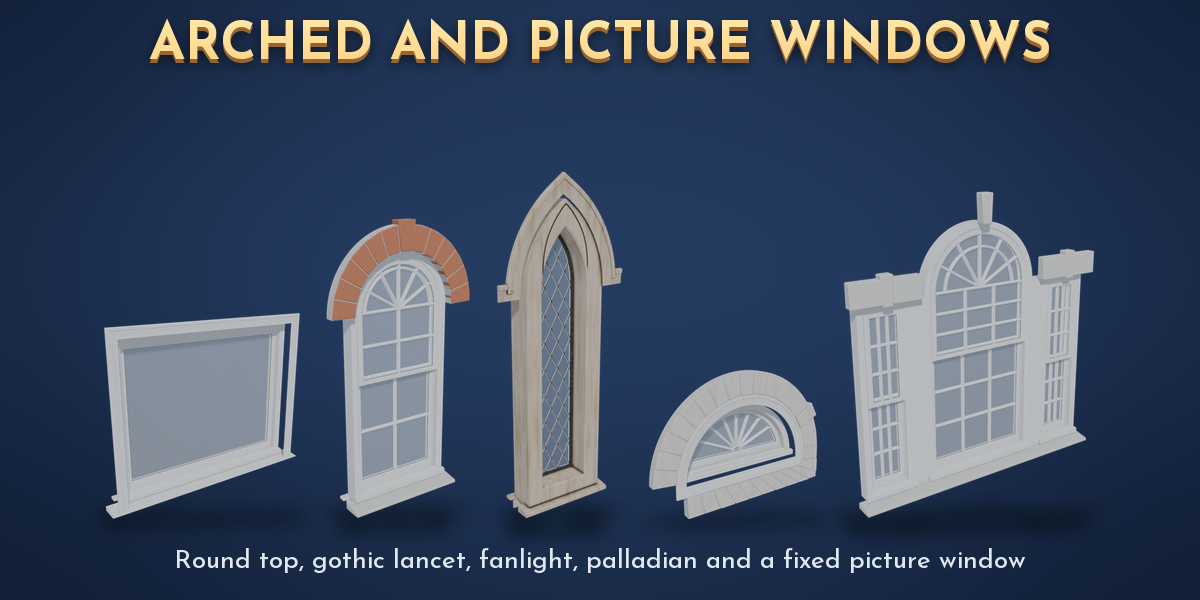
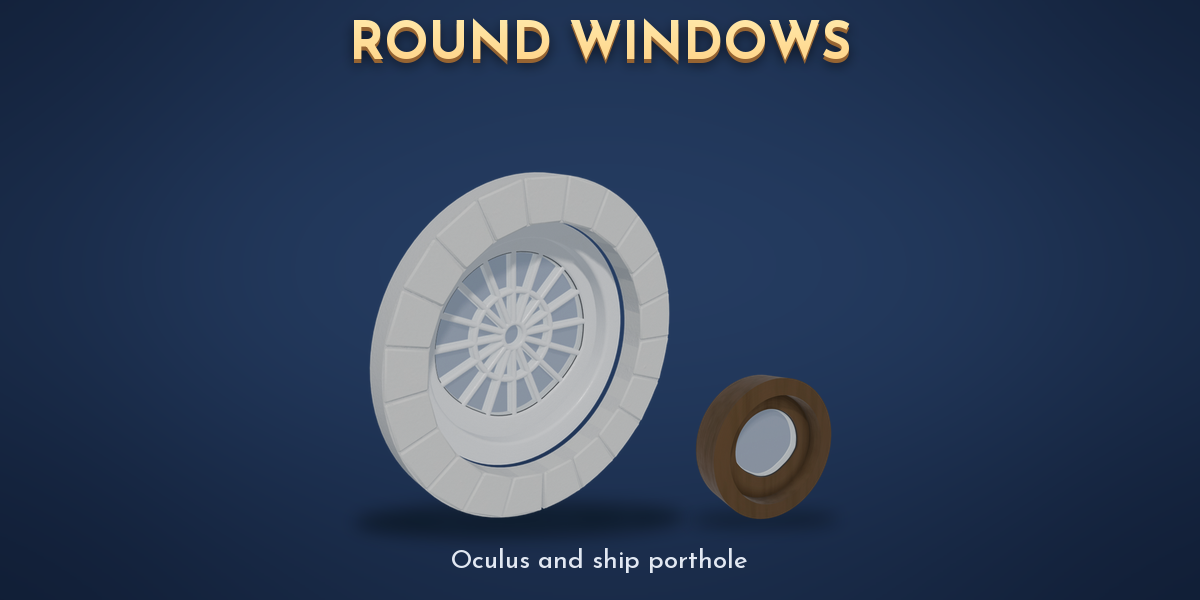
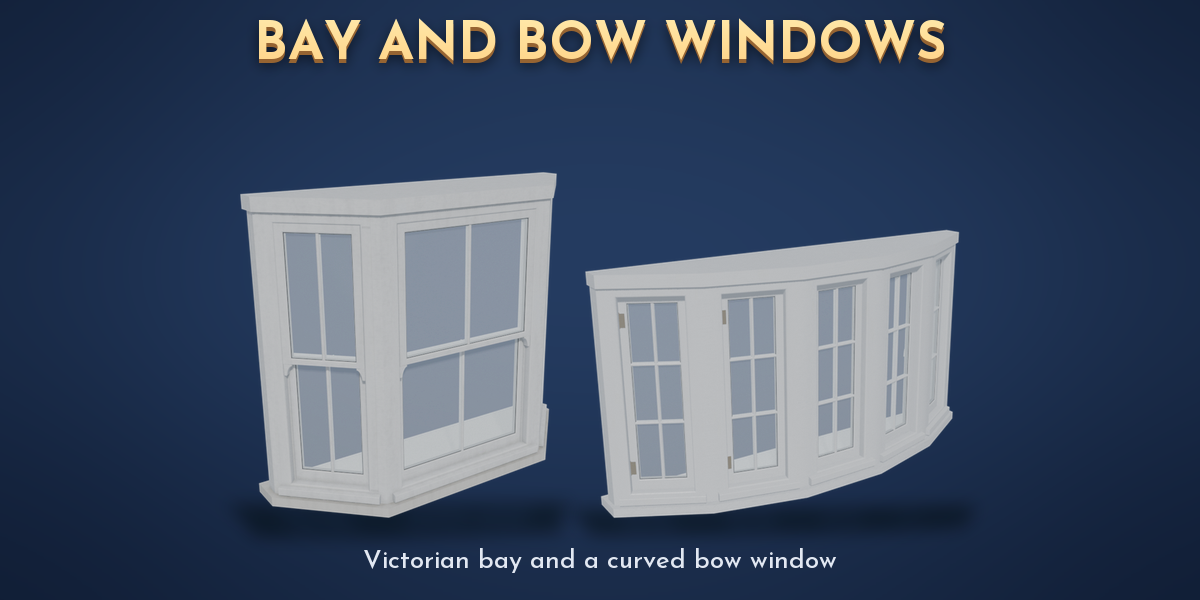
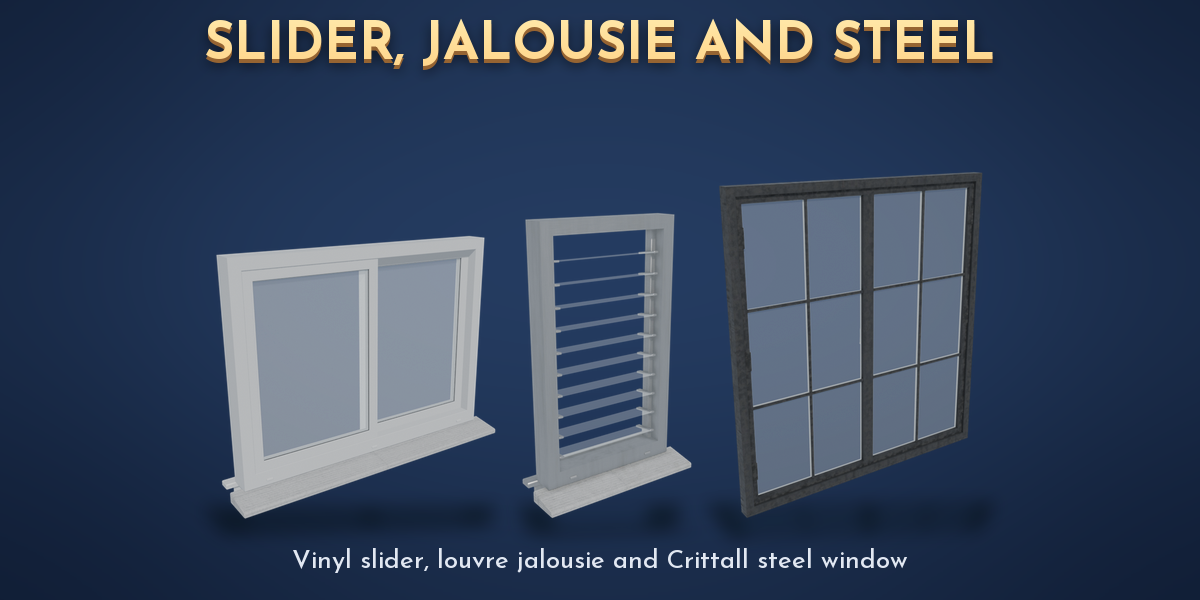
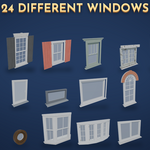
Window Asset Pack – 24 Game-Ready PBR Windows
 ZEG
in Game Ready
Downloads
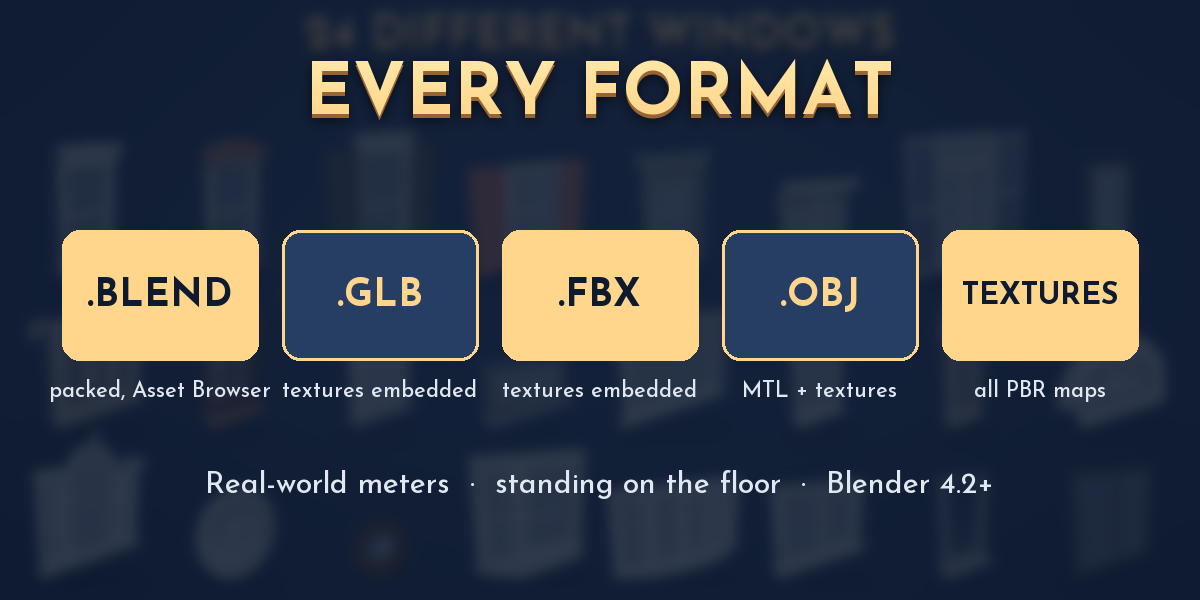
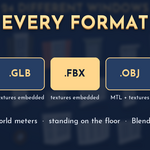
Every format is its own zip: blend (all windows, textures packed), glb, fbx (textures embedded), obj (with MTL and textures) and textures (all PBR maps). Download only the ones you need.
Blender
- Open Window_Asset_Pack.blend to see the collections, or use File, Append, Window_Asset_Pack.blend, Collection and pick a window.
- To use it as an asset library: Edit, Preferences, File Paths, Asset Libraries, add the folder with the .blend. The windows show up in the Asset Browser under Windows; drag them into any scene.
Placement
Real-world meters. The window's bottom edge (the underside of the sill) is at height 0 and it is centred on x = 0; the outside looks toward -Y. Move the model root up to the sill height of your wall. There is no wall in any model.
Animating
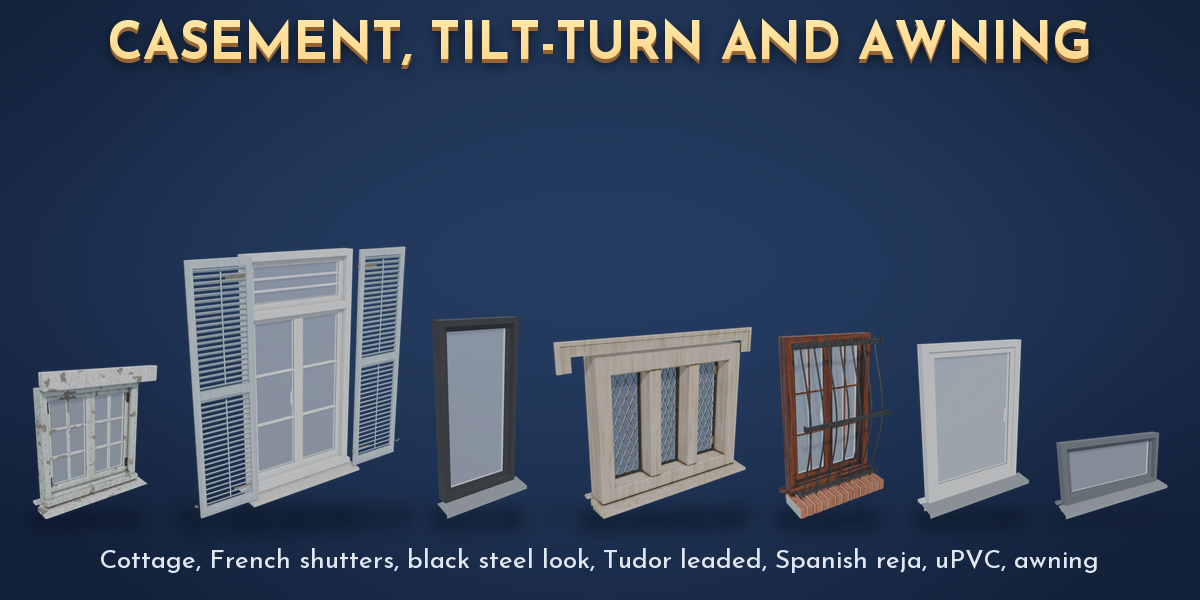
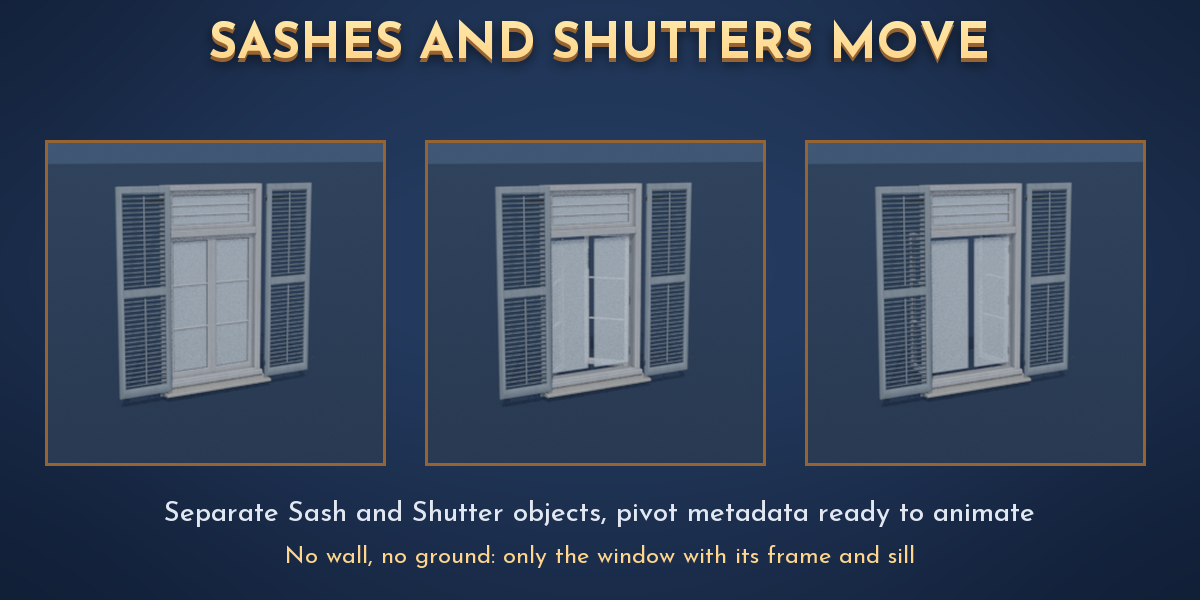
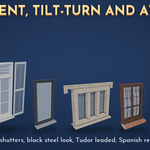
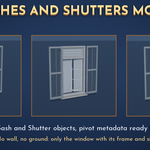
Casement, tilt-and-turn, awning and pivot sashes are separate identity-transform objects with model-space pivot_x/y/z properties. Each moving object also has opens, hinge, open_axis and open_angle_deg properties with the real direction and angle; rotate around the saved pivot. Shutters rest open against the wall and swing 180 degrees to close. Hung and sliding sashes slide on their tracks.
Game engines
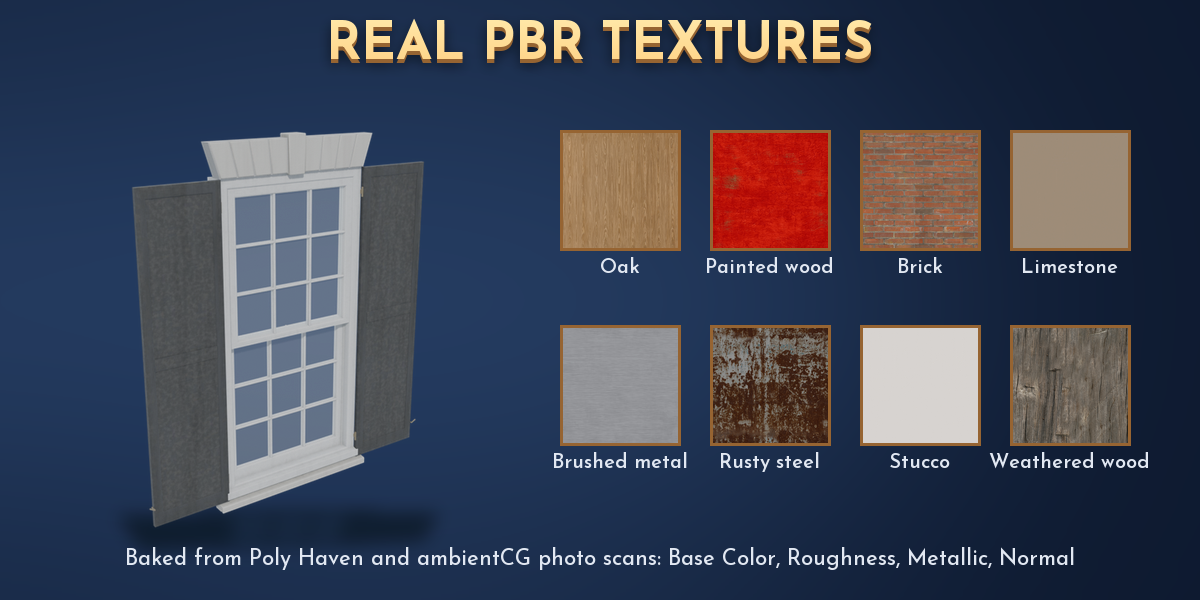
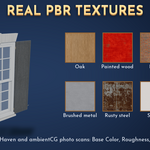
Import the GLB (or FBX) file. Each window has one PBR material (Base Color, Roughness, Metallic, Normal) plus a glass material. Normal maps are OpenGL (Y+); in Unreal flip the green channel.
Have questions about this product?
Login to message
| Published | 4 days ago |
| Blender Version | 4.2 - 5.2 |
| Render Engine Used | Cycles, Eevee |
| Misc Data | Uvs-Unwrapped, Normal-Mapped, Textured |
| License | Royalty Free |

Discover more products like this
low poly Sash Window game ready Bay window shutters exterior arched window windows architecture PBR casement window