 FetoMeto


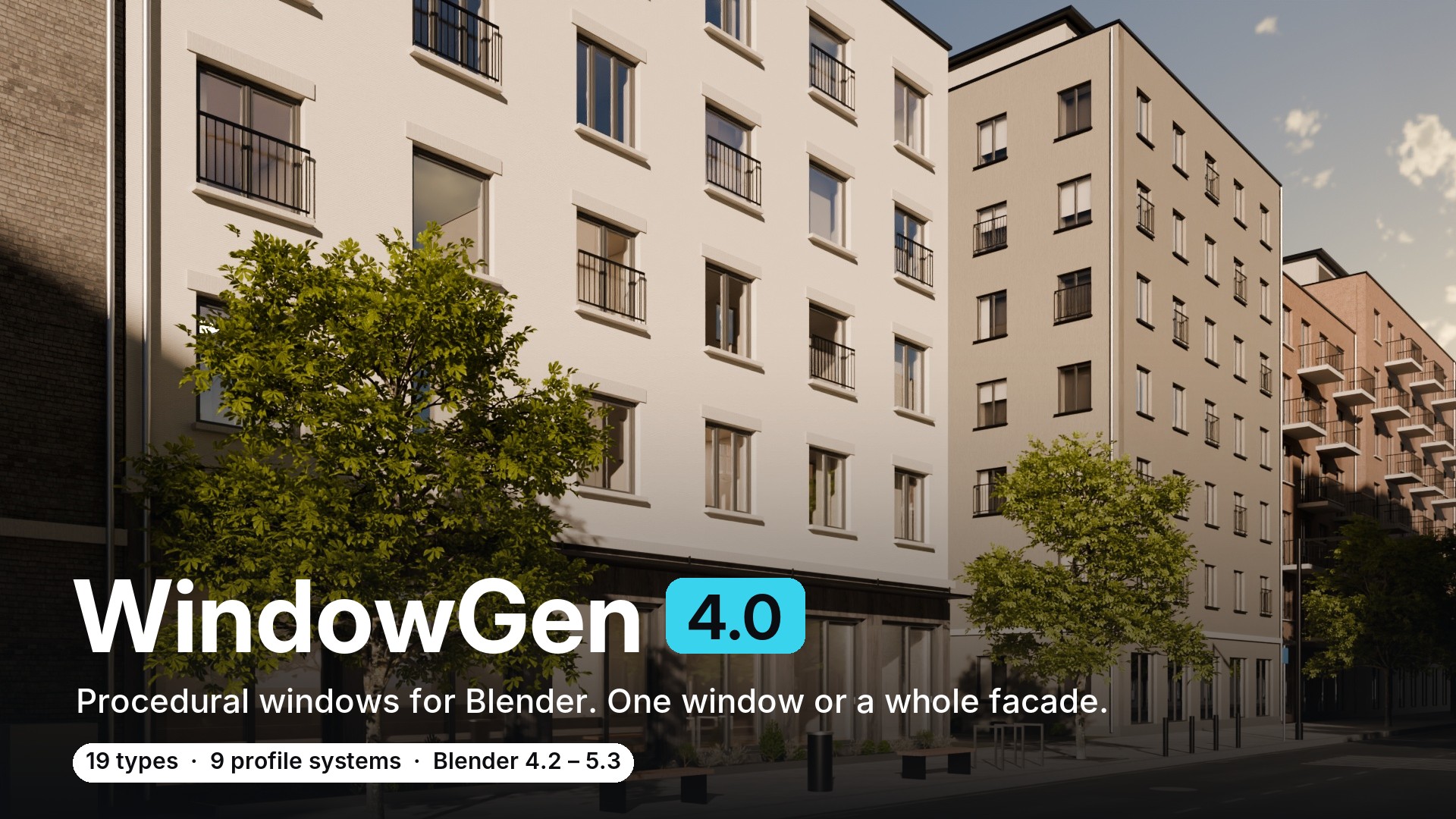
Real windows for Blender. One window or a whole facade.
WindowGen builds procedural PVC windows from real profile systems and real hardware. Select the faces of your building, press one button, and every opening gets a window that fits it, with the hole already cut. Change one window and every selected window follows.
Already own WindowGen? Version 4.0 is a free update. Download it from your Superhive library.
At a glance
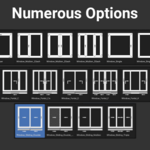
- 19 window types: casement, portal (lift & slide) and sliding
- 9 profile systems, real handles and hinges
- Whole facades in one click: a window on every selected face
- Edit hundreds of windows at once
- Export-ready: separate sashes and handles with real pivots, FBX / OBJ / glTF / GLB
- Self-contained files: nothing to relink, a clean Outliner
- Blender 4.2 – 5.3, Cycles and EEVEE
A window on every face
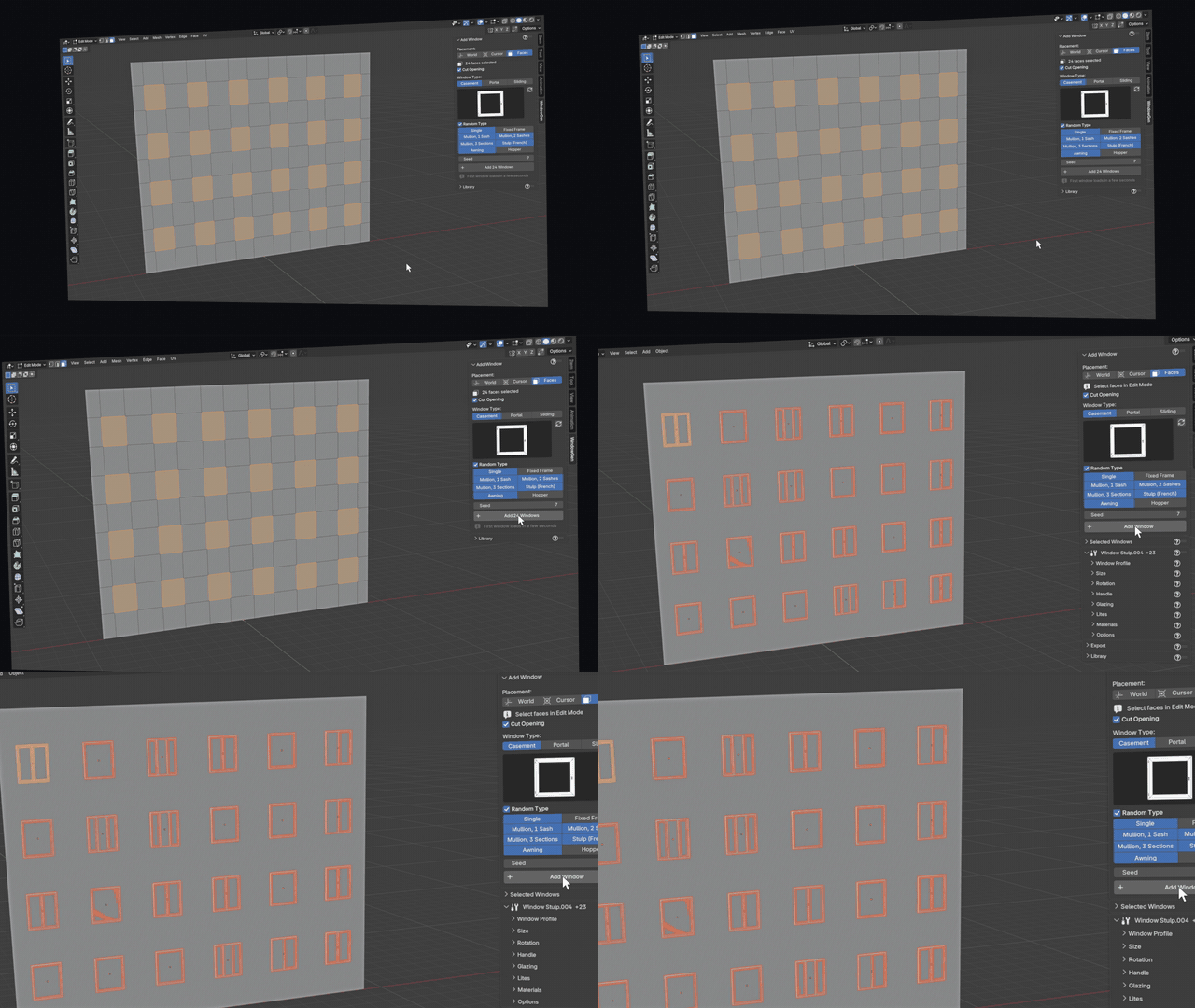
Select as many faces as you like in Edit Mode and press Add Windows. Each window is sized to its face and the opening is cut for you. Ten windows or three hundred, it is the same one click.
Every window different

Turn on Random Type and the facade mixes designs from the same family: single sashes, mullions, French windows. Casements stay casements. Don't like the mix? Change the seed. Randomize then opens a few sashes and flips a few sides for a lived-in look, and one undo takes it all back.
Change one. Update all.
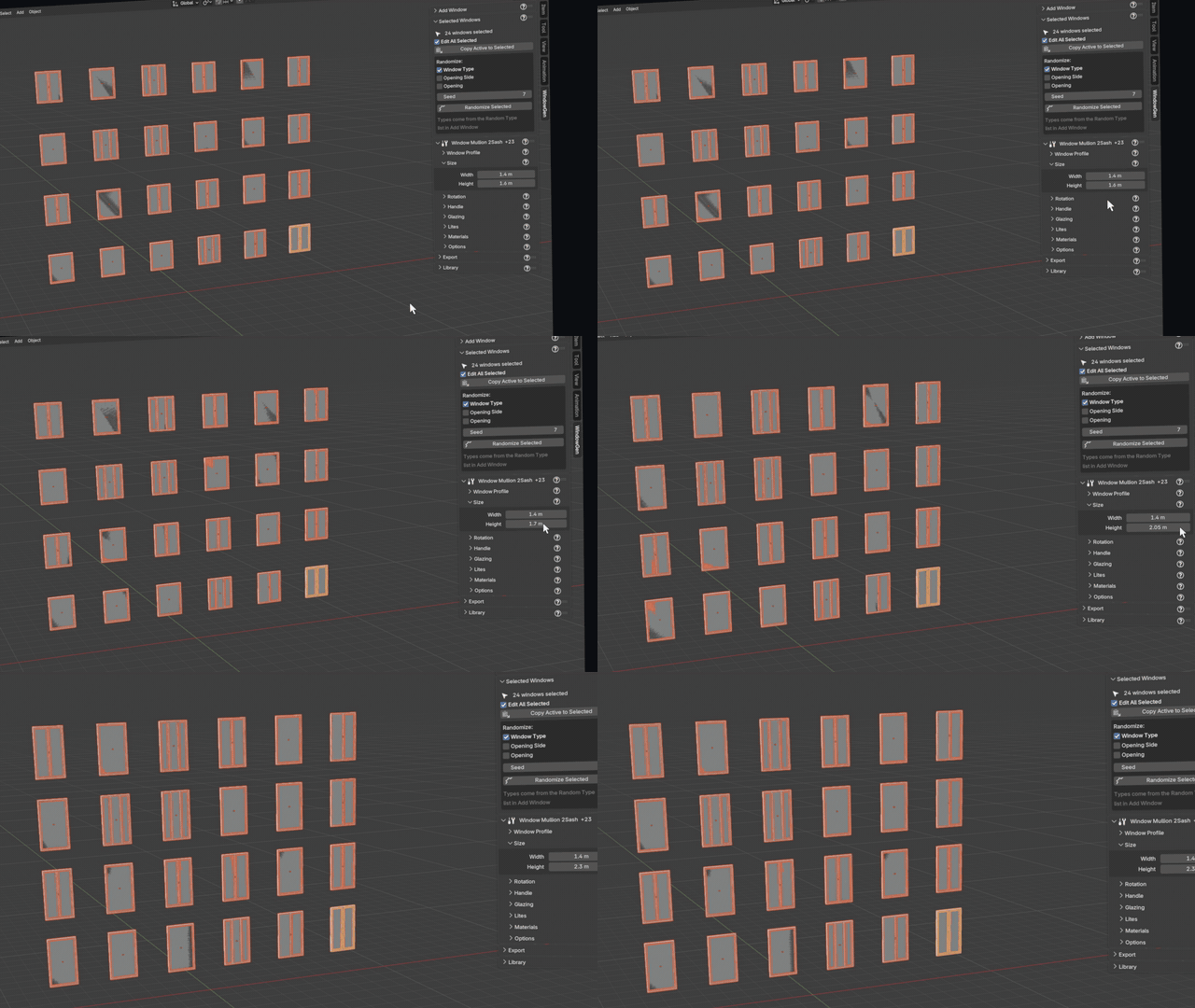
Select your windows and edit any of them: height, profile, glazing, handles, materials. Every selected window follows. Mixed types are fine; each window takes the settings that make sense for it.
Fully procedural
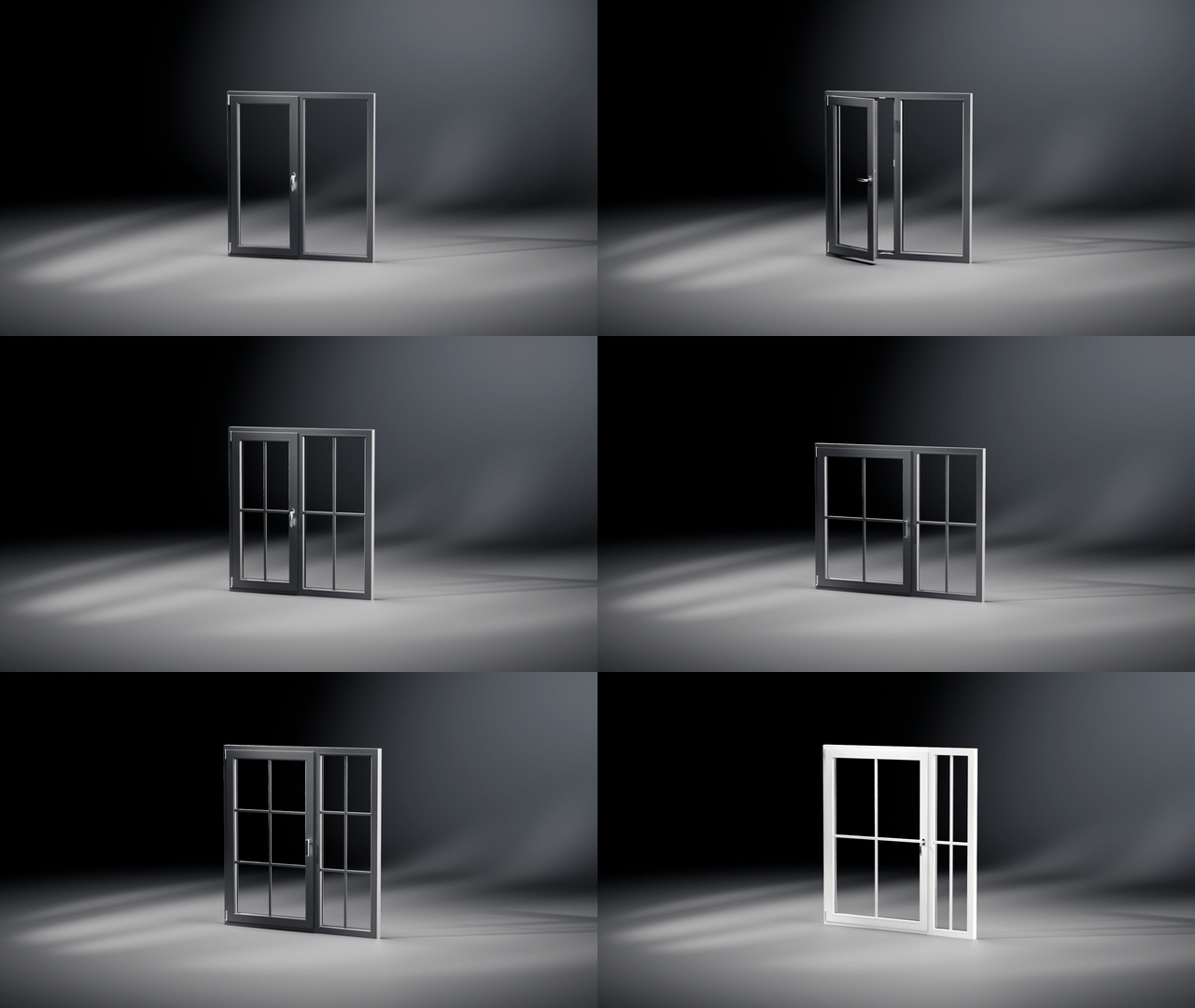
Size, mullion position, sashes, lites, opening side, colours. Nothing is baked, so every window stays editable until the final render. UVs are unwrapped automatically, with texel density control.
19 types, 9 profile systems
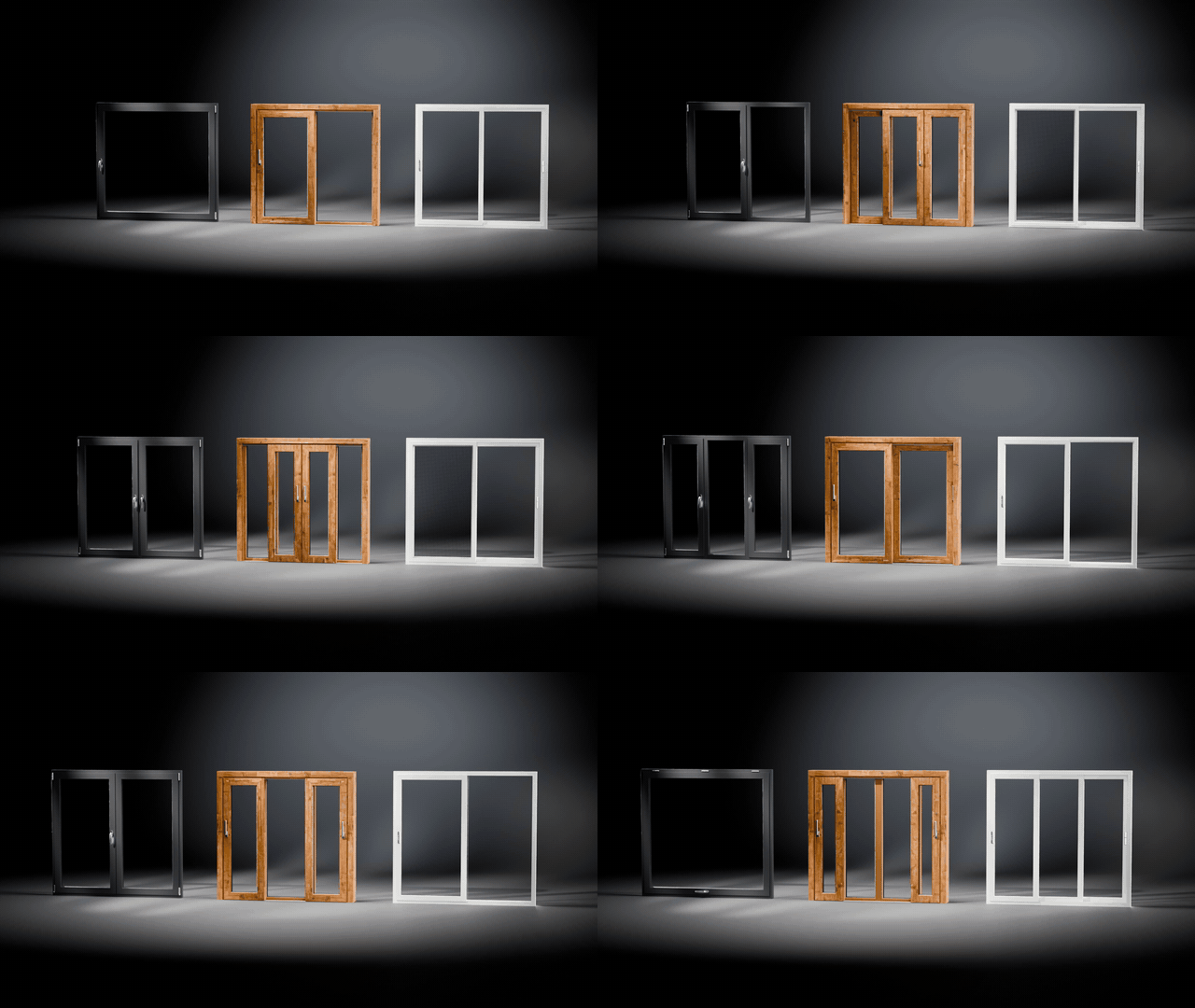
Casement: single, fixed, mullion, three sections, French (stulp), awning, hopper. Portal: lift & slide in seven layouts. Sliding: four layouts. All of them on real PVC profile systems.
Every detail is real

Profiles, gaskets, handles and hinges are modelled from real products, so close-ups hold up. Pick a handle, set the opening side and the window opens inward or outward like the real thing.
Ready for games and configurators
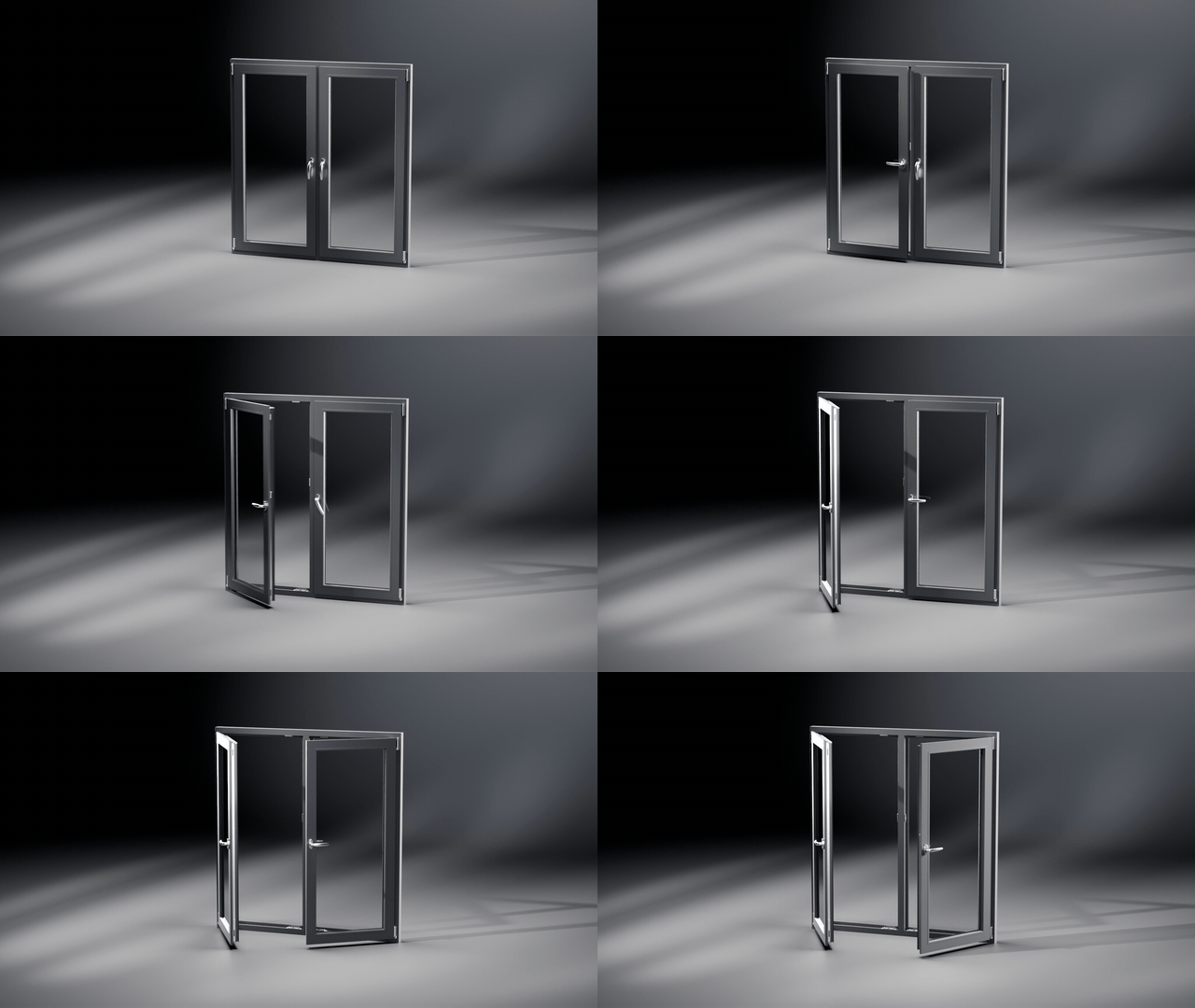
Prepare for Export splits each window into frame, sashes and handles, with every pivot where the real hinge is. Rotate a sash and it swings open. Export to FBX, OBJ, glTF or GLB in one click; your original window is never touched.
Files that just work
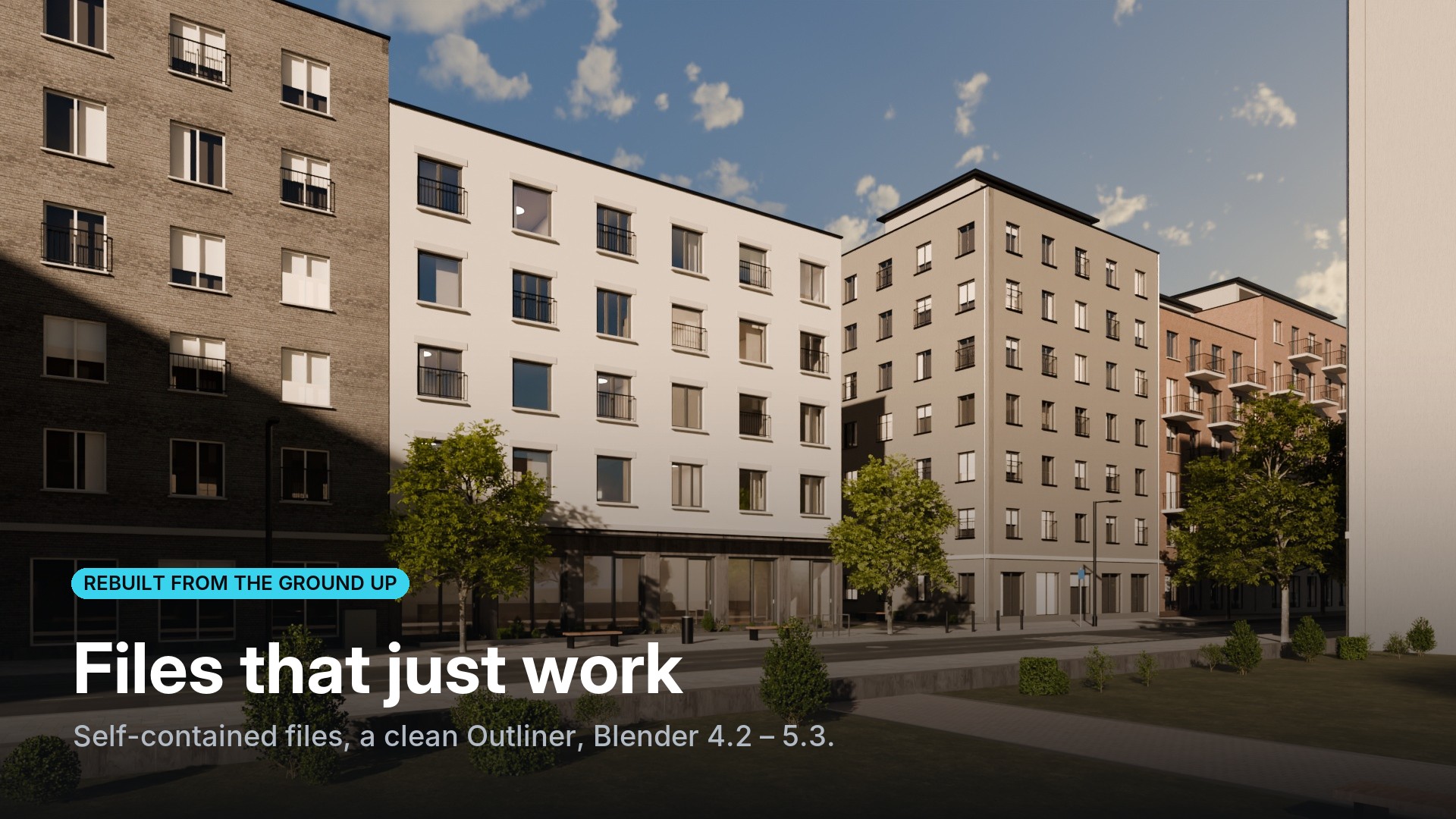
- Self-contained: windows are part of your file, not linked to it. Send it to a client or a render farm and it simply opens.
- Clean Outliner: you see your windows, nothing else.
- Old projects upgrade in one click, including files made with WindowGen 3.
- Studios: point every workstation to one shared library folder.
- Material library with ready presets, one click away.
Requirements
Blender 4.2 LTS or newer, tested up to 5.3. Installs as a Blender extension: drag the zip into Blender. Using Blender 4.0 or 4.1? Stay on WindowGen 3.
