 FetoMeto
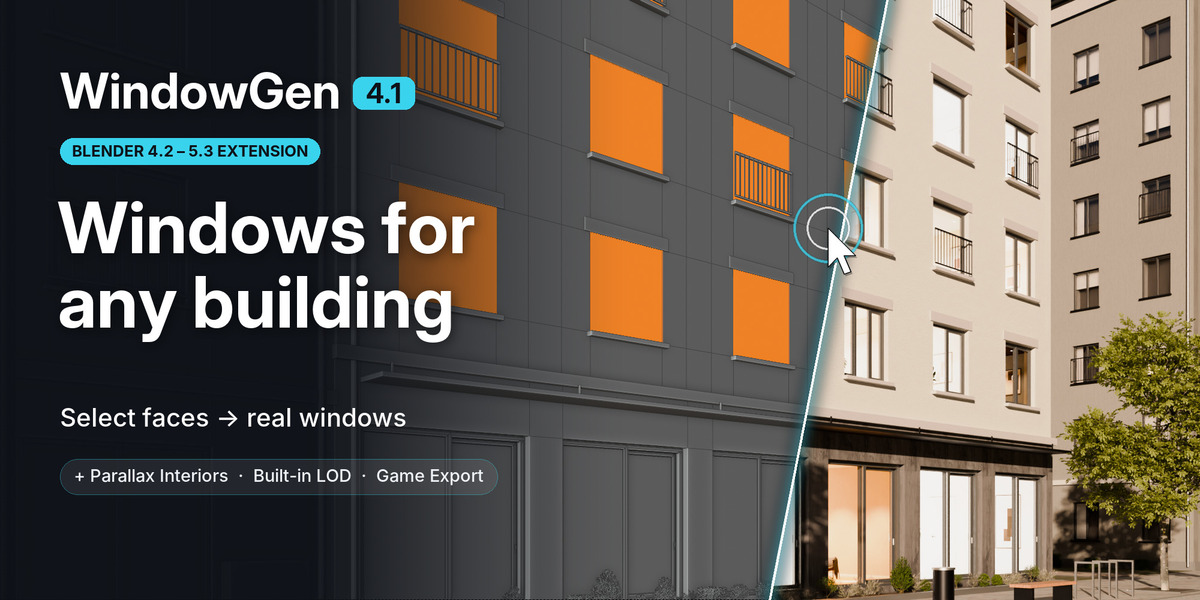

Real windows for Blender. One window or a whole facade.
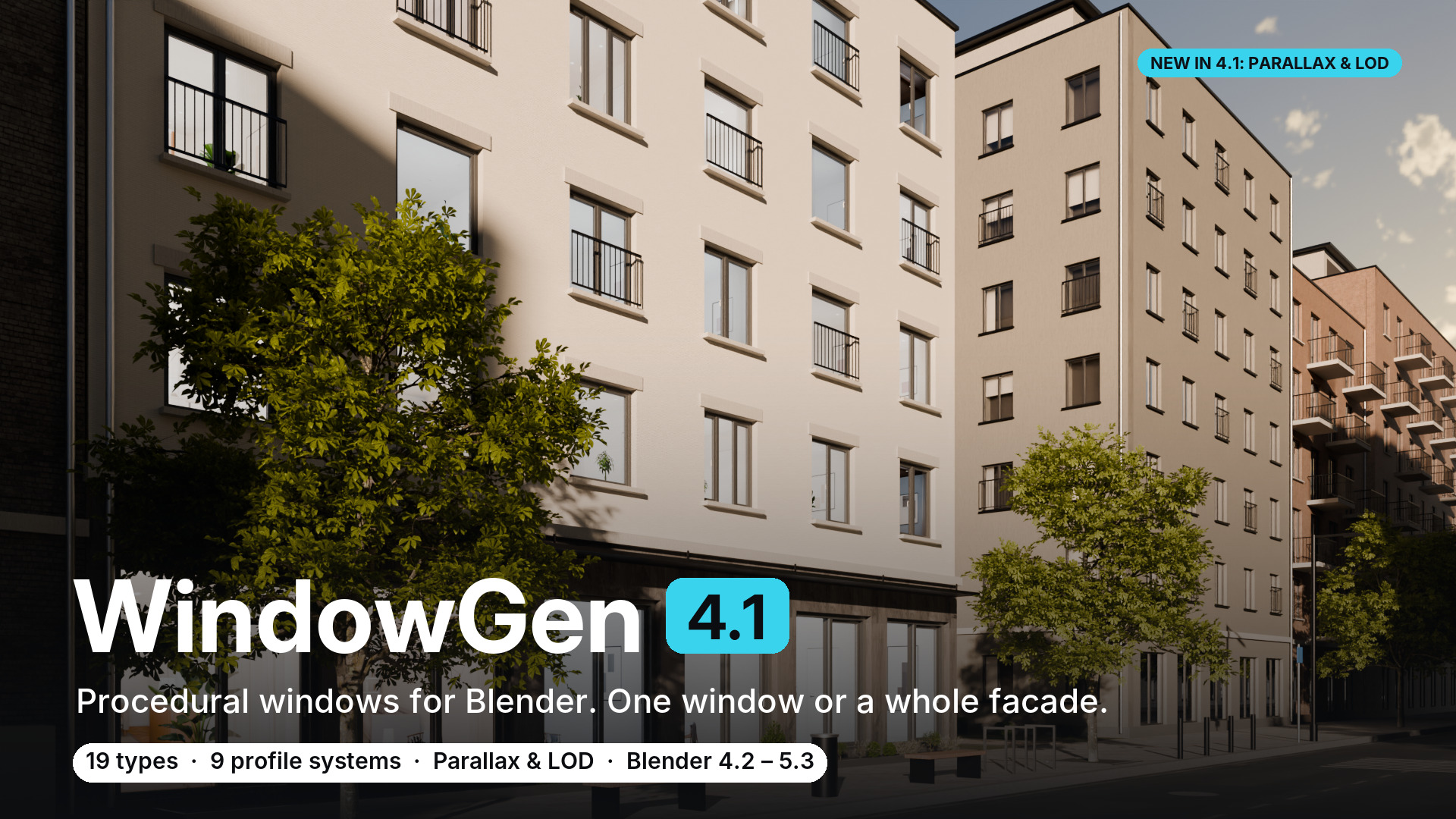
WindowGen builds procedural PVC windows from real profile systems and real hardware. Select the faces of your building, press one button, and every opening gets a fitted window with the hole already cut. Add instant 3D parallax interiors, switch built-in LOD levels for heavy scenes or game engines, and edit hundreds of windows at once.
Already own WindowGen? Version 4.1 is a free update. Download it from your Superhive library.
At a glance
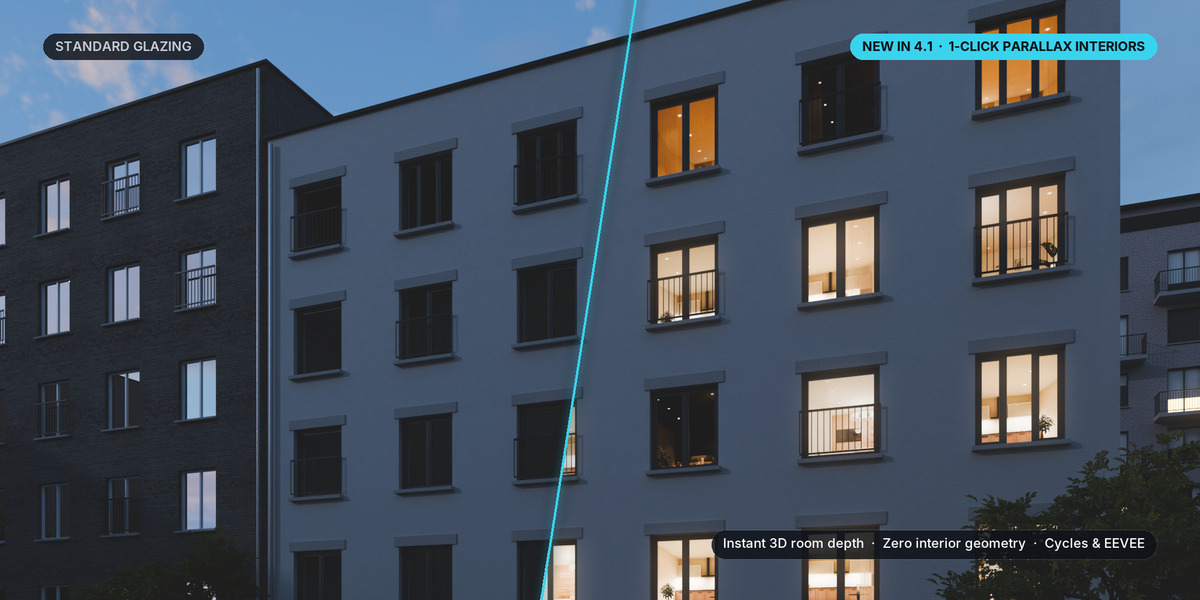
- NEW in 4.1 — 1-click parallax interiors: Instant 3D room depth behind real glazing for dusk and night facades. Zero interior modeling; works in Cycles and EEVEE.
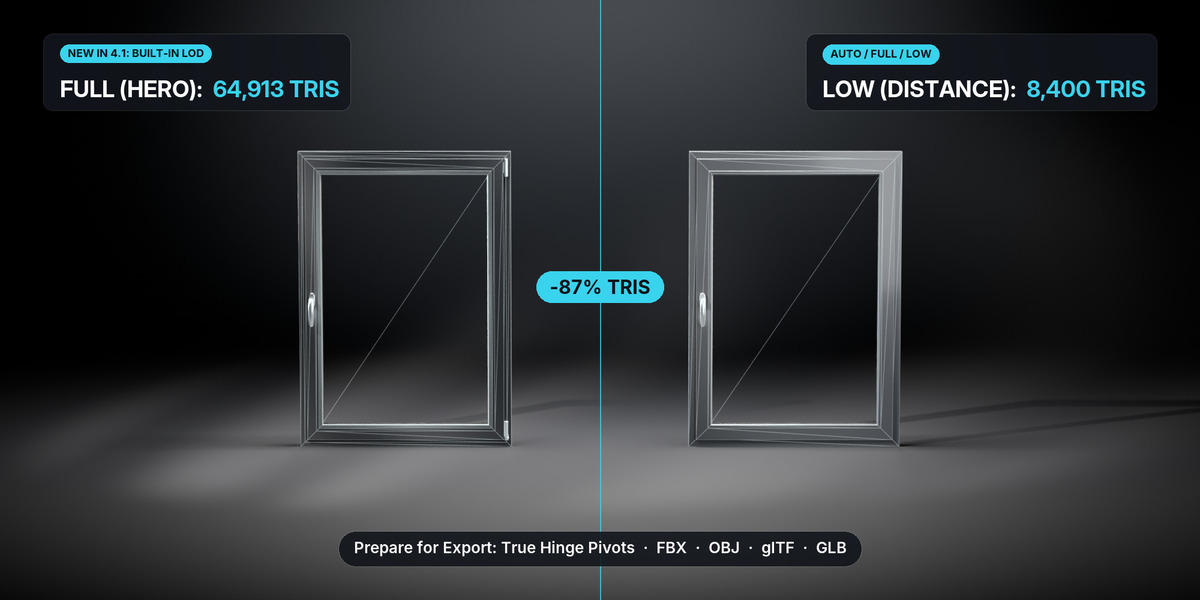
- NEW in 4.1 — Built-in LODs: Switch between Full hero detail and lightweight Low distance meshes (Auto, Full, Low) for huge city scenes and game engines.
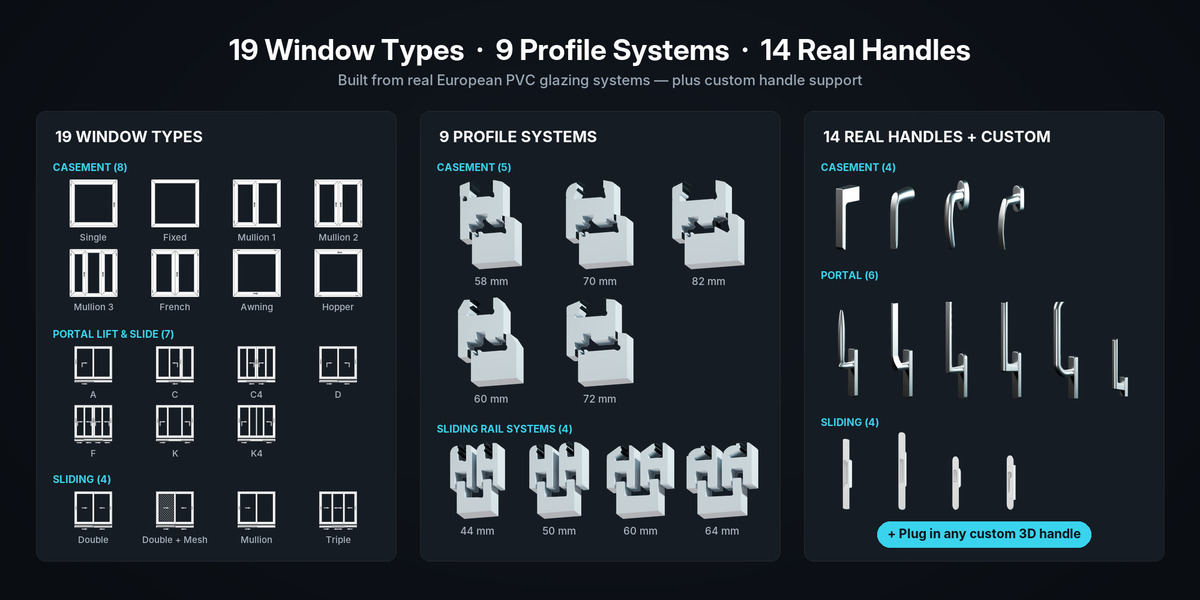
- 19 window types, 9 real profile systems: Casement, portal (lift & slide), and sliding with real handles, hinges, and gaskets.
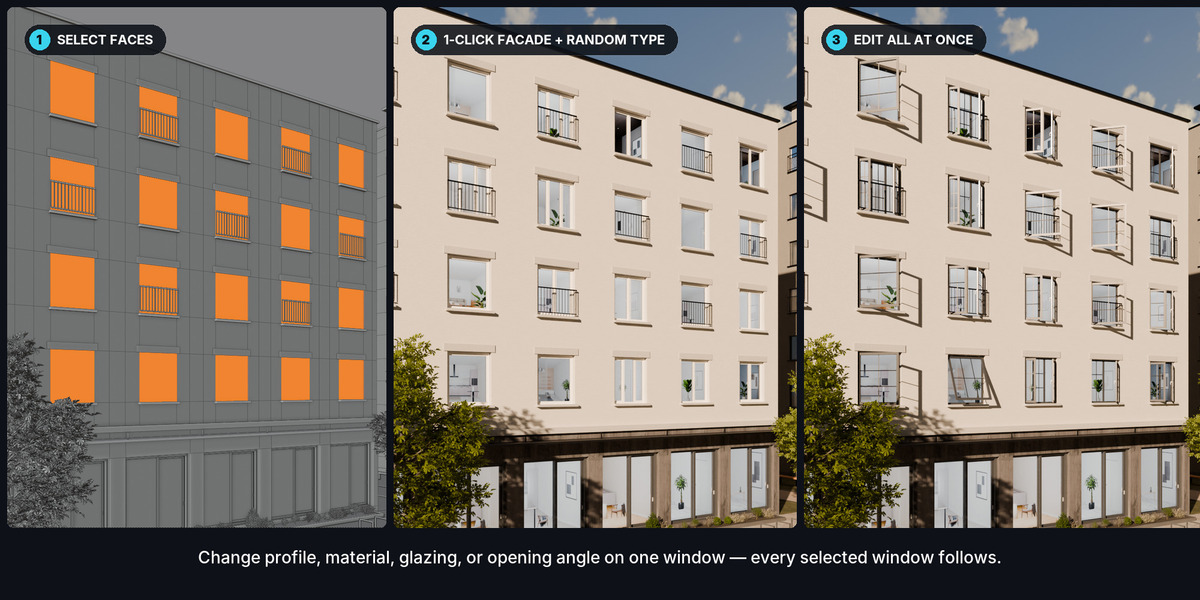
- Whole facades in one click: A fitted window on every selected Edit Mode face, with openings cut automatically.
- Edit hundreds of windows at once: Change profiles, materials, lites, glazing, or randomize openings across mixed window types simultaneously.
- Export-ready: Separate frame, sashes, and handles with true hinge pivots in FBX, OBJ, glTF, or GLB.
- Self-contained files: Nothing to relink, a clean Outliner, Blender 4.2 LTS – 5.3 (Cycles and EEVEE).
A window on every face
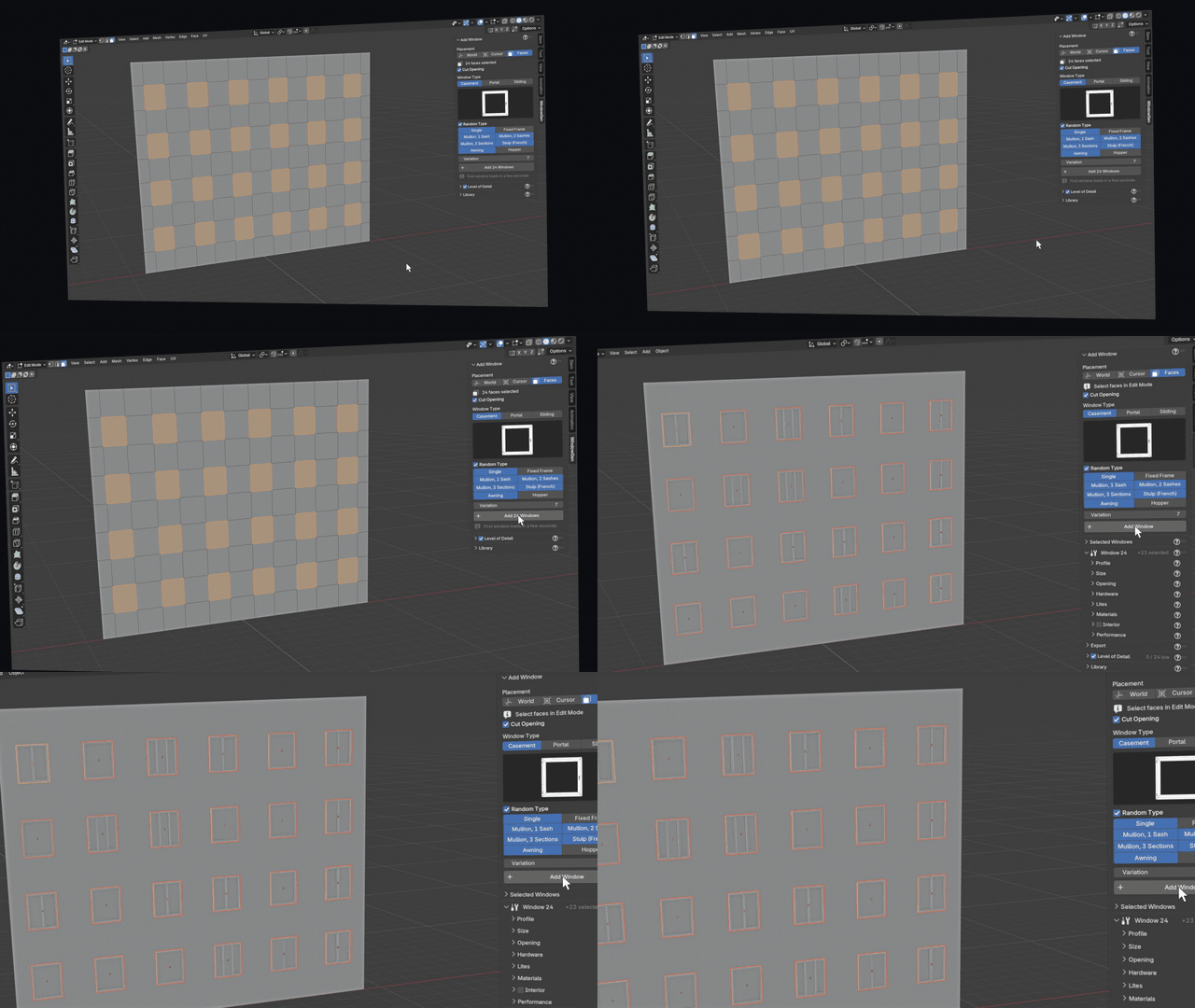
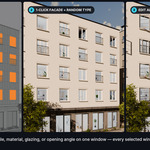
Select as many faces as you like in Edit Mode and press Add Windows. Each window is sized to its face and the opening is cut for you. Ten windows or three hundred, it is the same one click.
Every window different
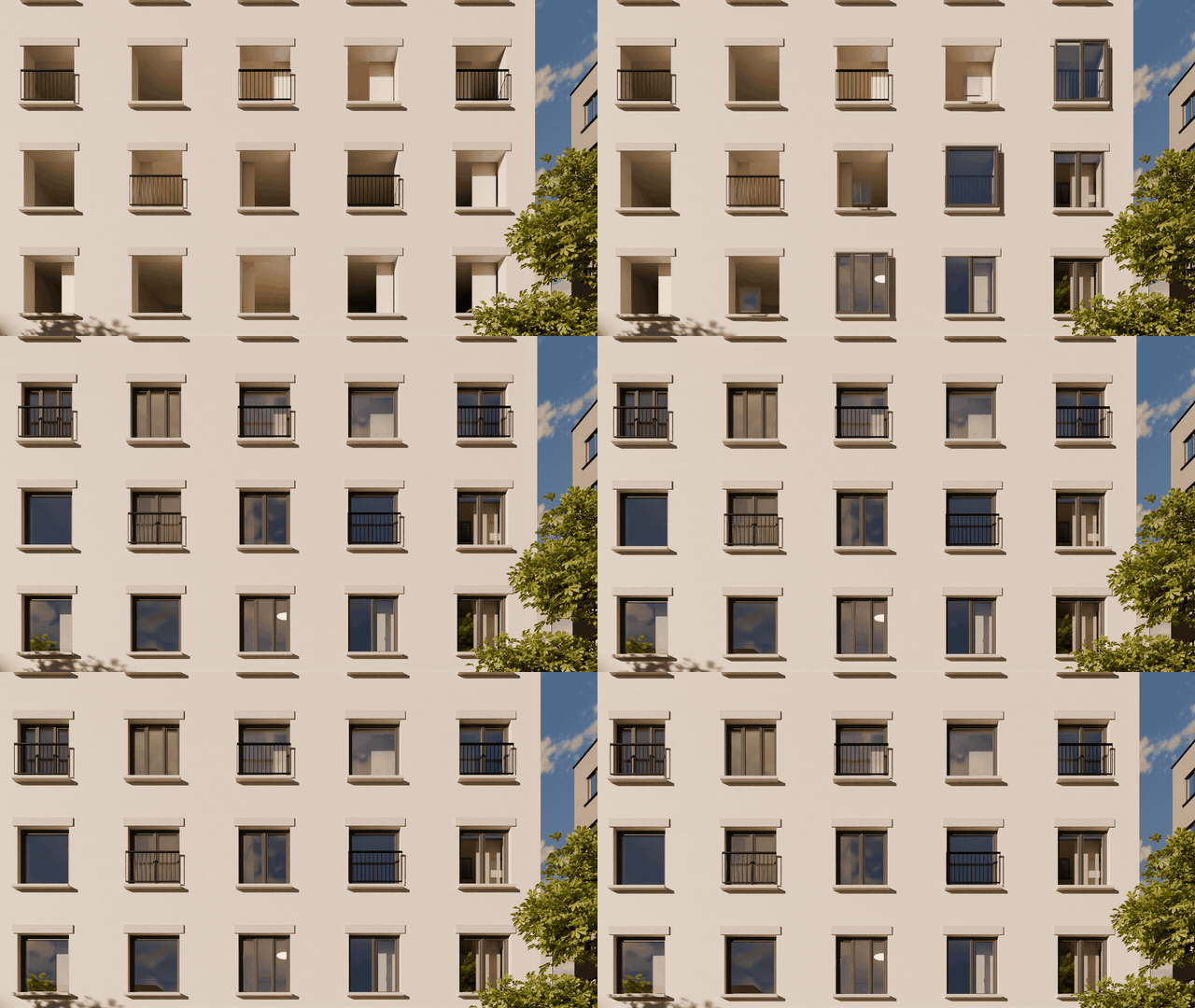
Turn on Random Type and the facade mixes designs from the same family: single sashes, mullions, French windows. Casements stay casements. Don't like the mix? Change the seed. Randomize then opens a few sashes and flips a few sides for a lived-in look, and one undo takes it all back.
Instant parallax interiors
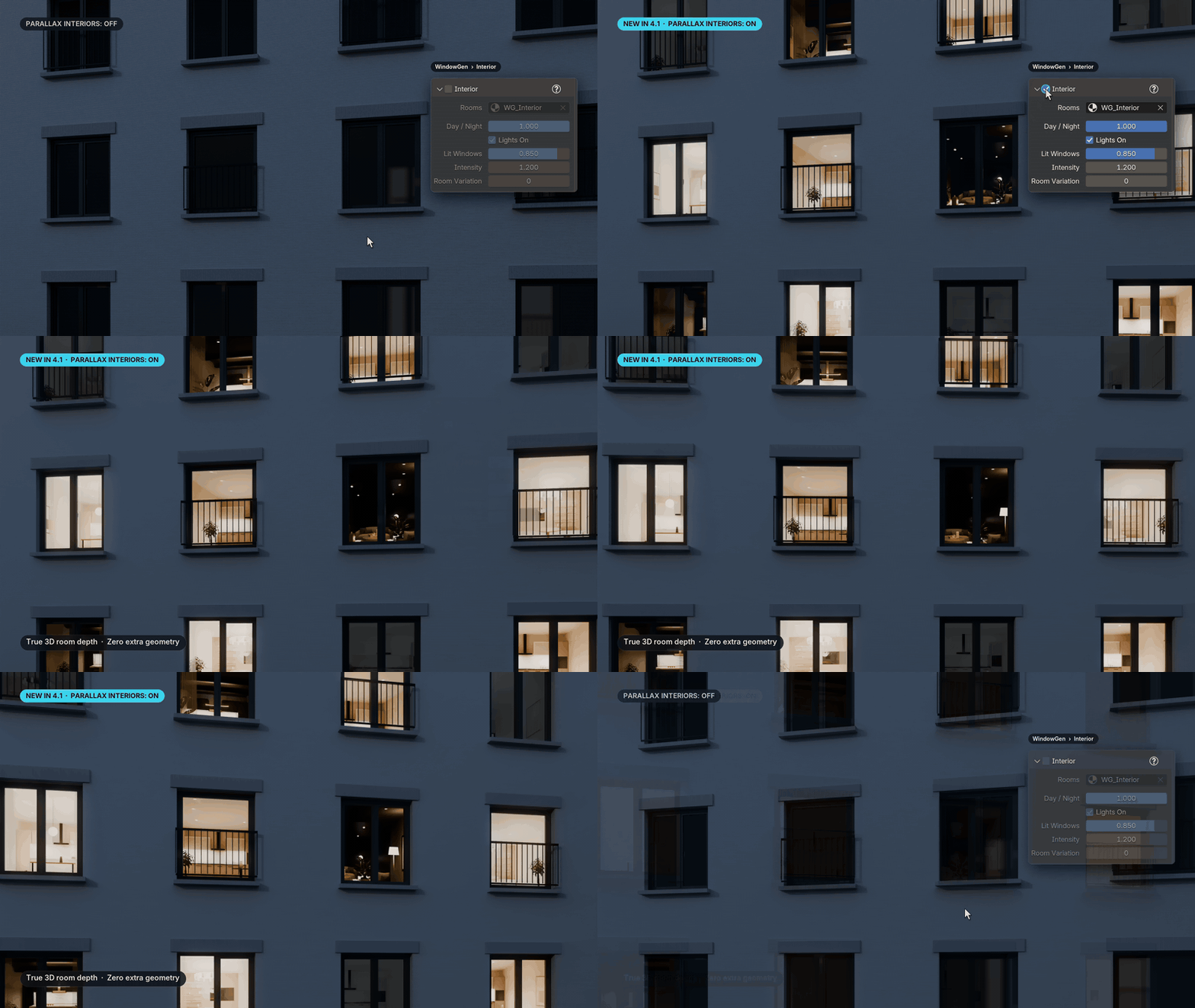
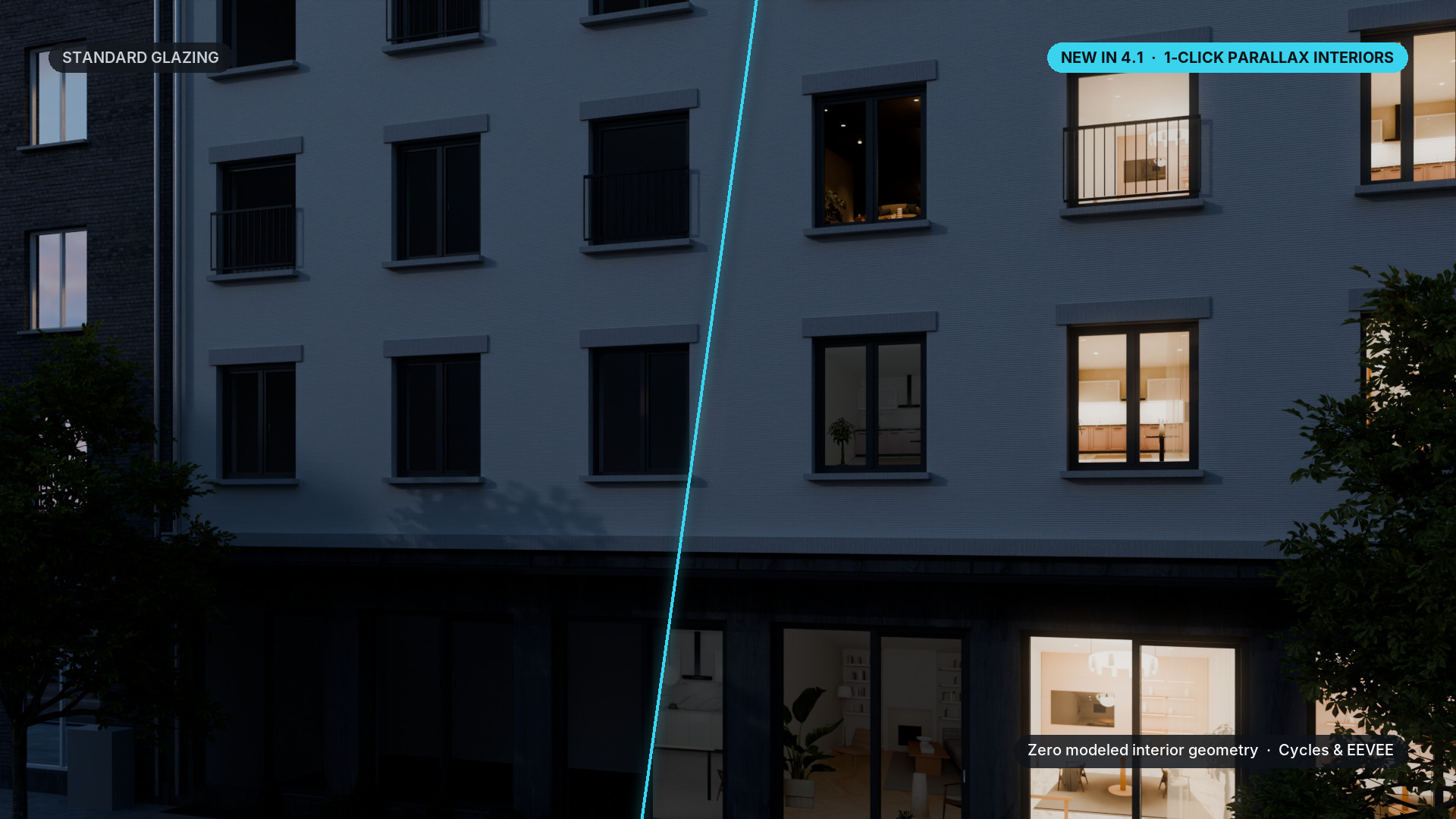
Dark, hollow windows break architectural renders the moment the sun goes down. In WindowGen 4.1, enable Interior and every window gets realistic 3D room depth behind real glass in one click. Move the camera and the rooms shift in true parallax — zero extra interior geometry to model, no heavy polygon overhead, and ready out of the box for both Cycles and EEVEE.
Change one. Update all.
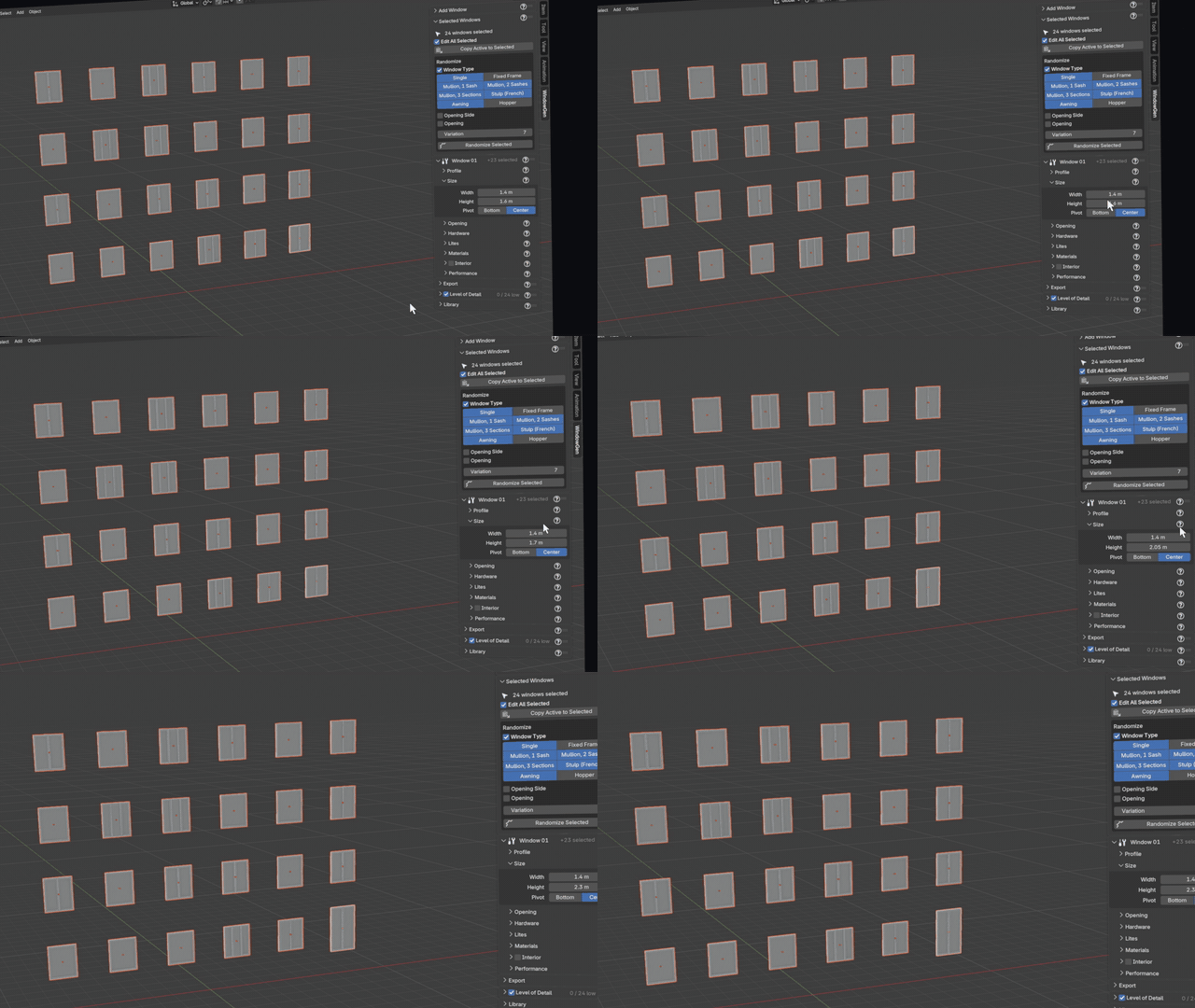
Select your windows and edit any of them: height, profile, glazing, handles, materials. Every selected window follows. Mixed types are fine; each window takes the settings that make sense for it.
Everything in one tab
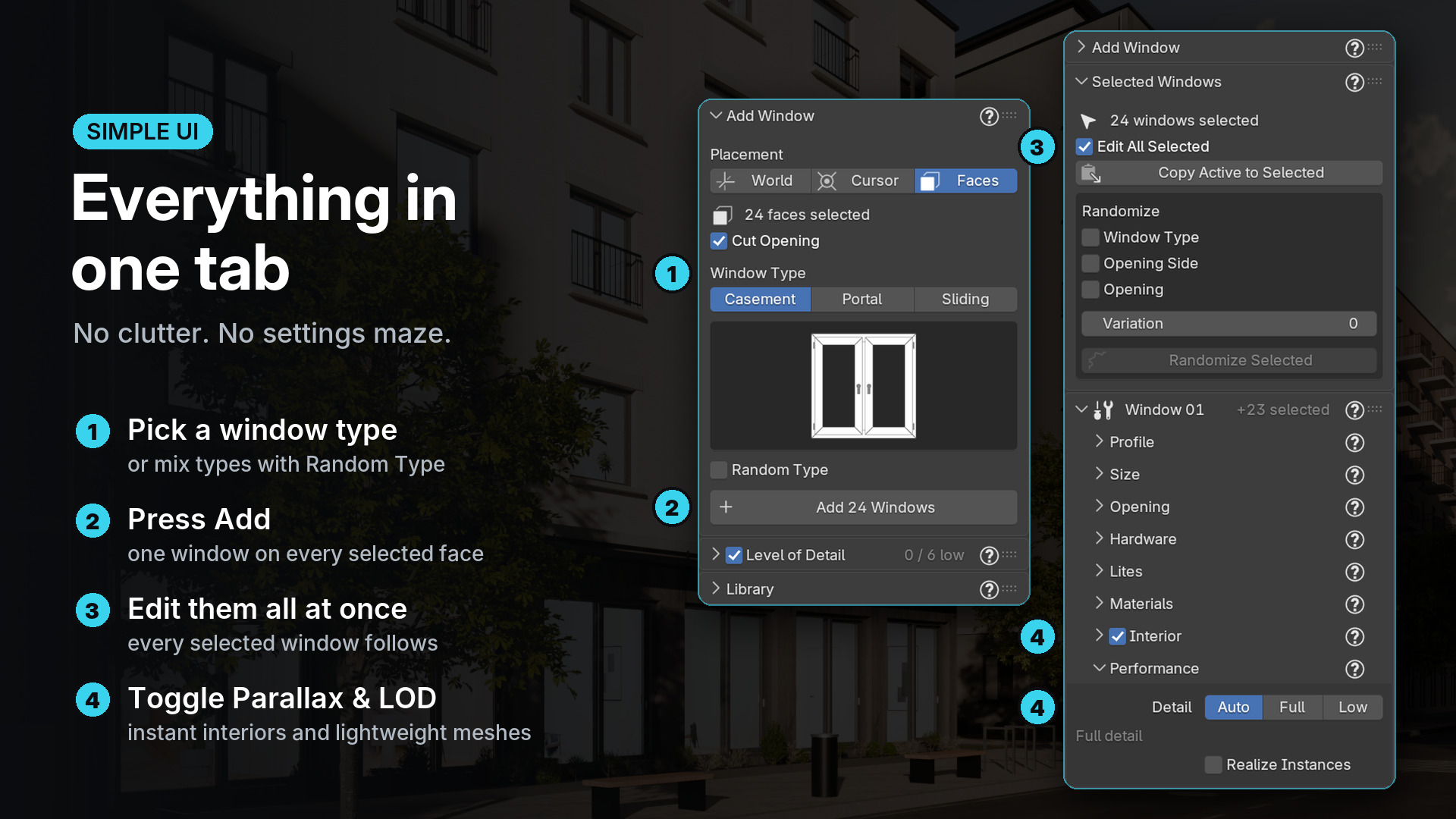
No settings maze. WindowGen lives in one tab of the Blender sidebar: Add Window to place windows, Selected Windows to edit them. Pick a type, press Add, then change any setting and every selected window follows. Sections stay folded until you need them, so you see only what you are working on.
Fully procedural
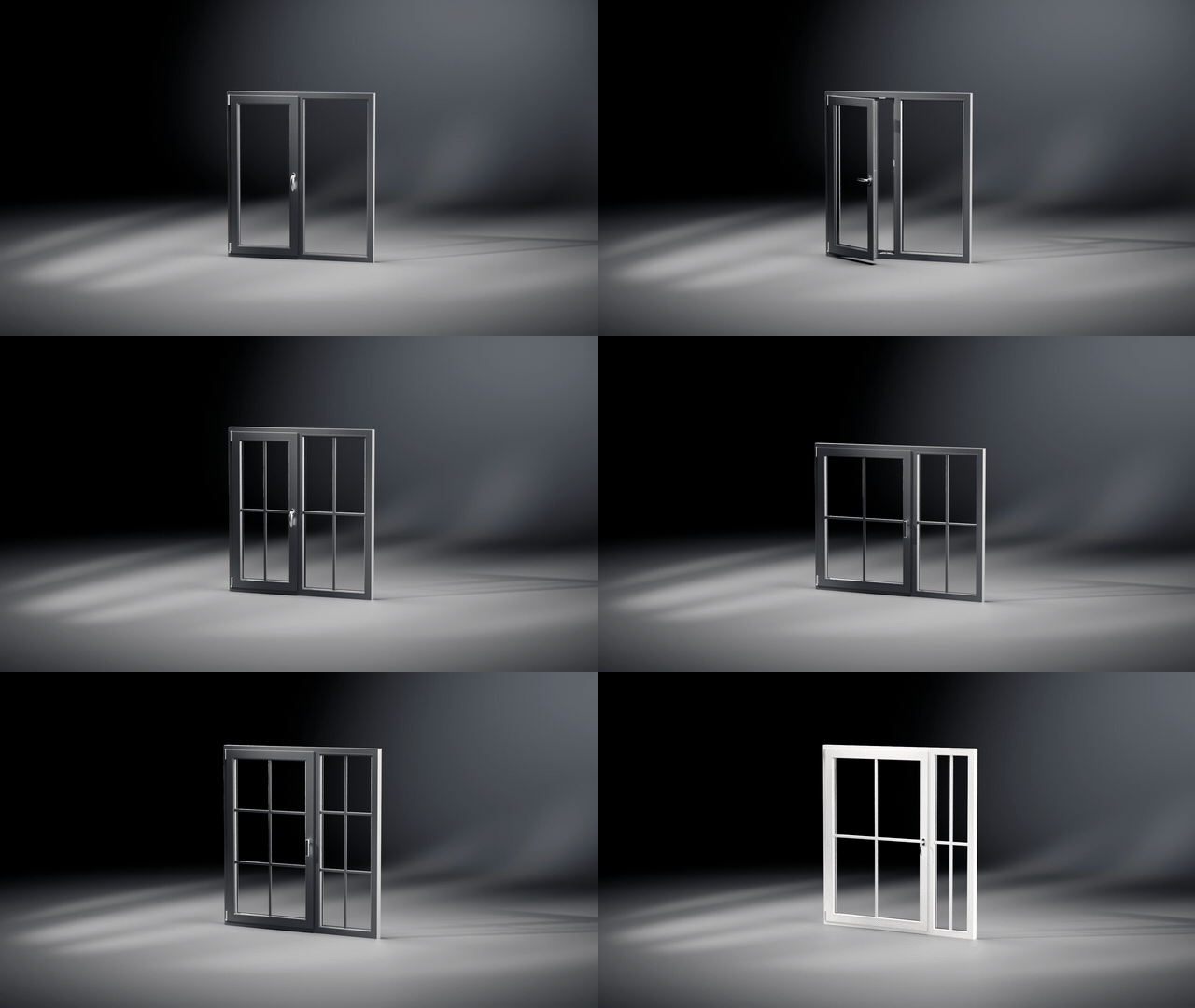
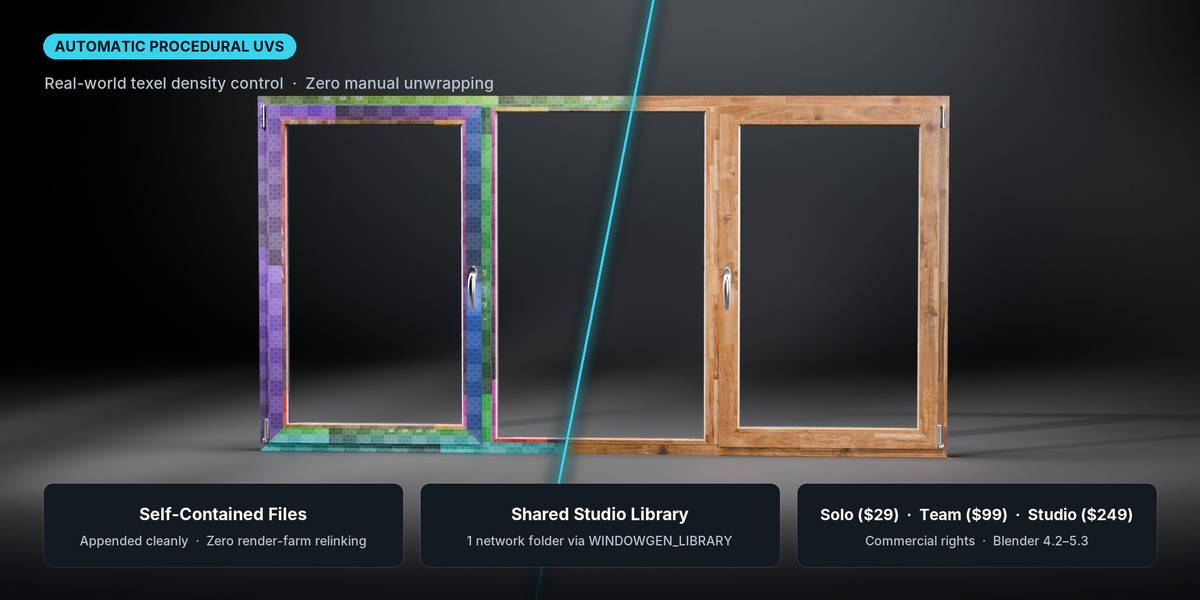
Size, mullion position, sashes, lites, opening side, colours. Nothing is baked, so every window stays editable until the final render. UVs are unwrapped automatically, with texel density control.
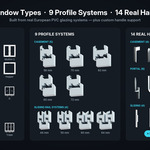
19 types, 9 profile systems
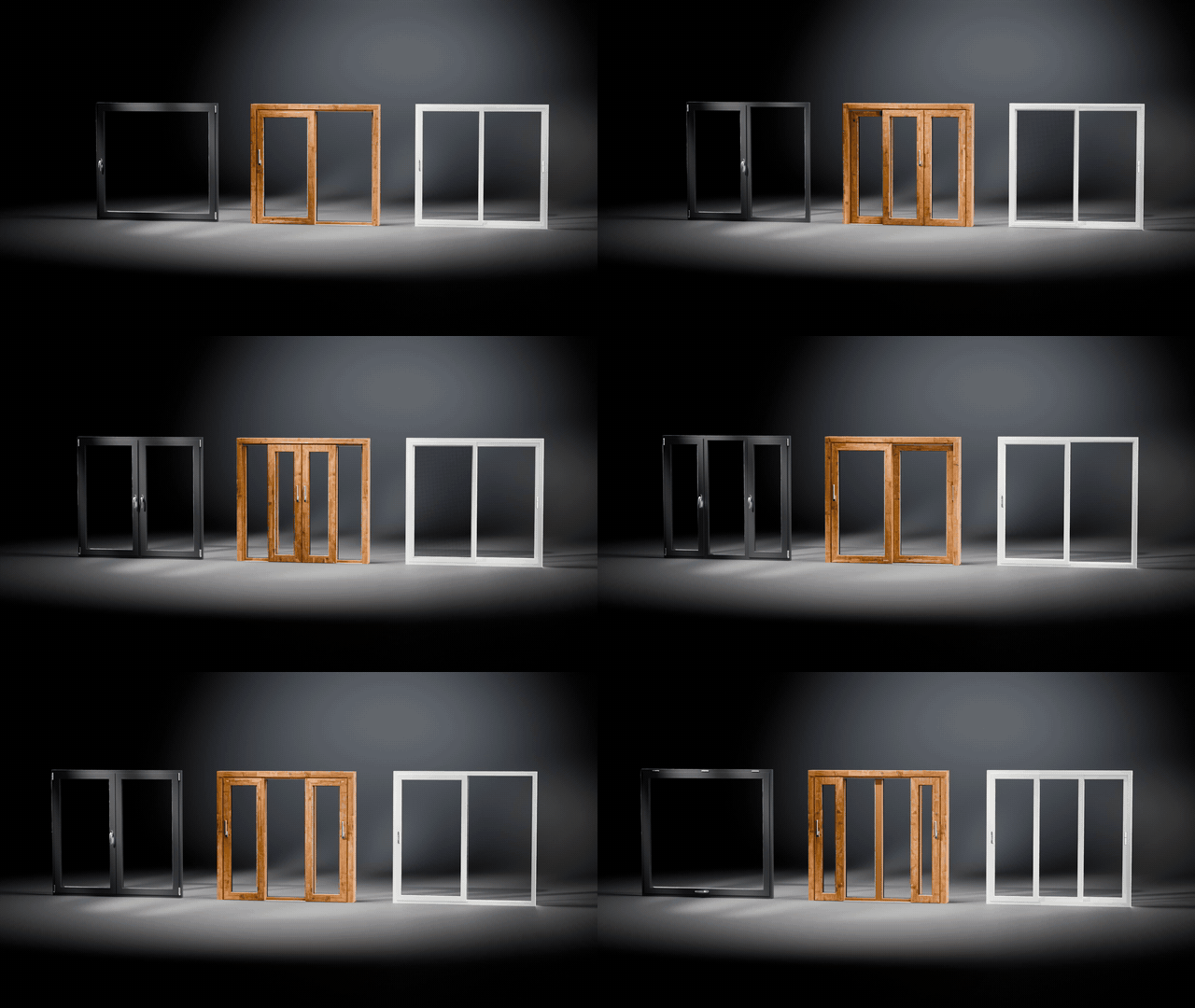
Casement: single, fixed, mullion, three sections, French (stulp), awning, hopper. Portal: lift & slide in seven layouts. Sliding: four layouts. All of them on real PVC profile systems.
Every detail is real
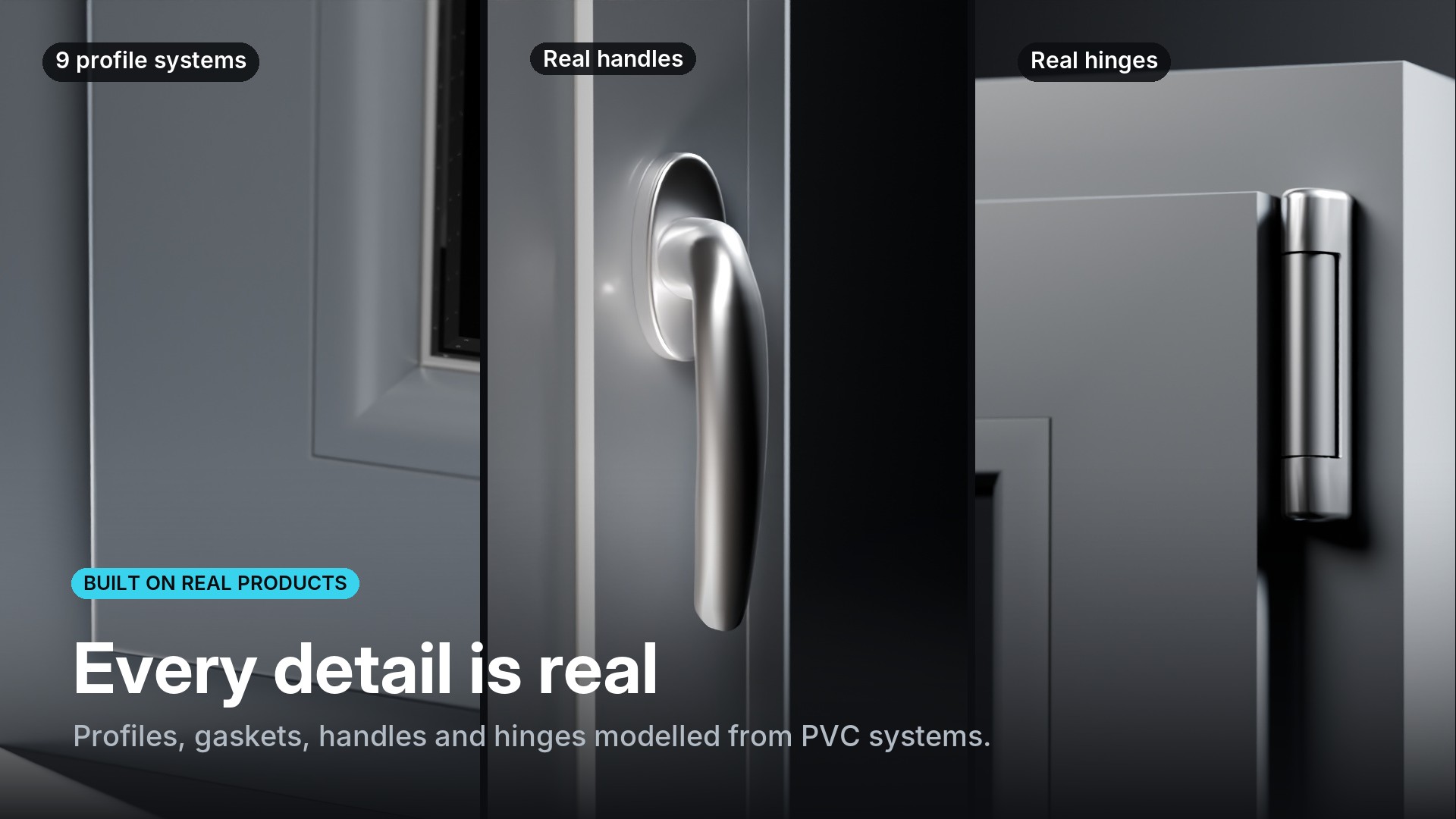
Profiles, gaskets, handles and hinges are modelled from real products, so close-ups hold up. Pick a handle, set the opening side and the window opens inward or outward like the real thing.
Hero detail up close. Lightweight from a distance.
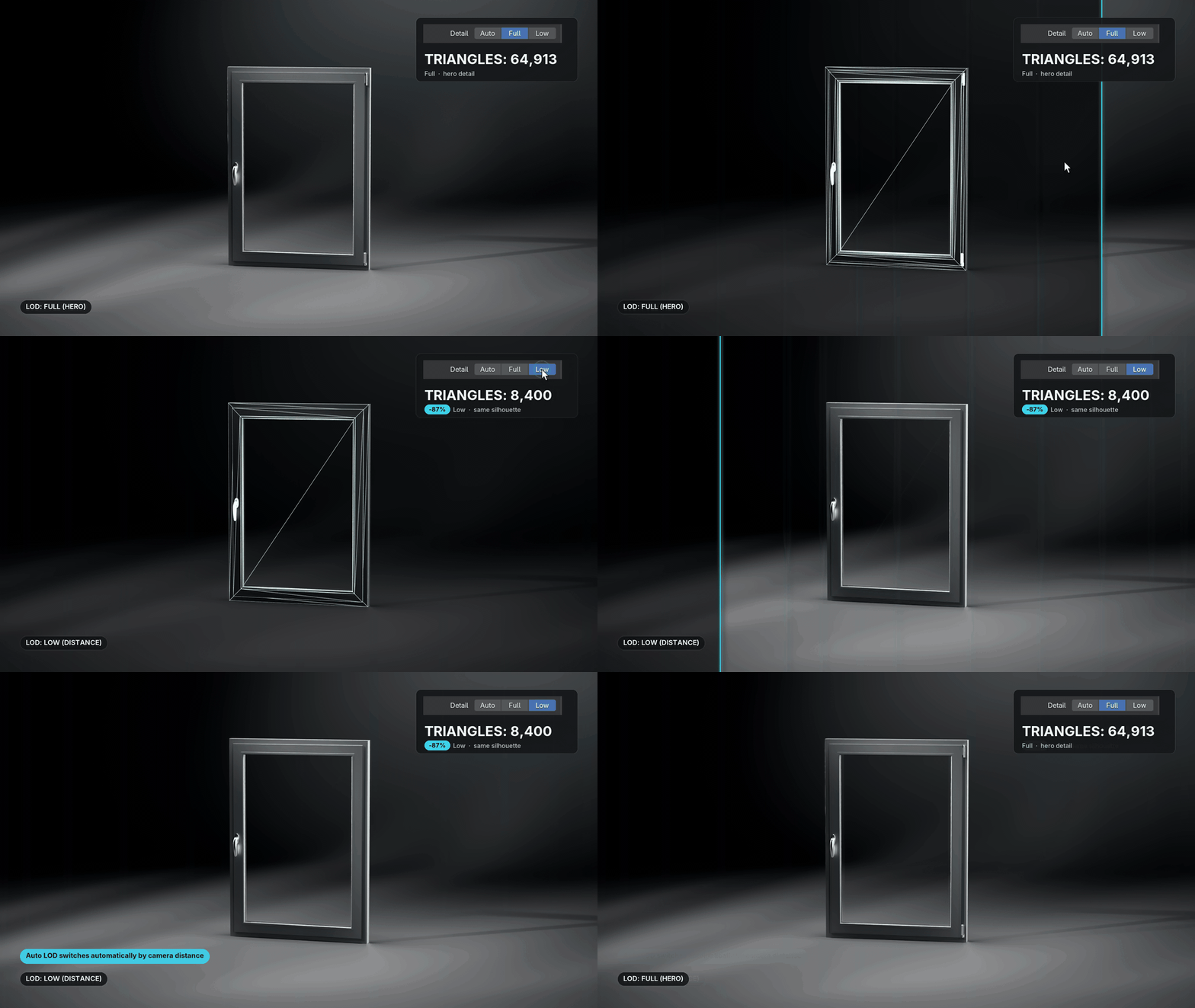
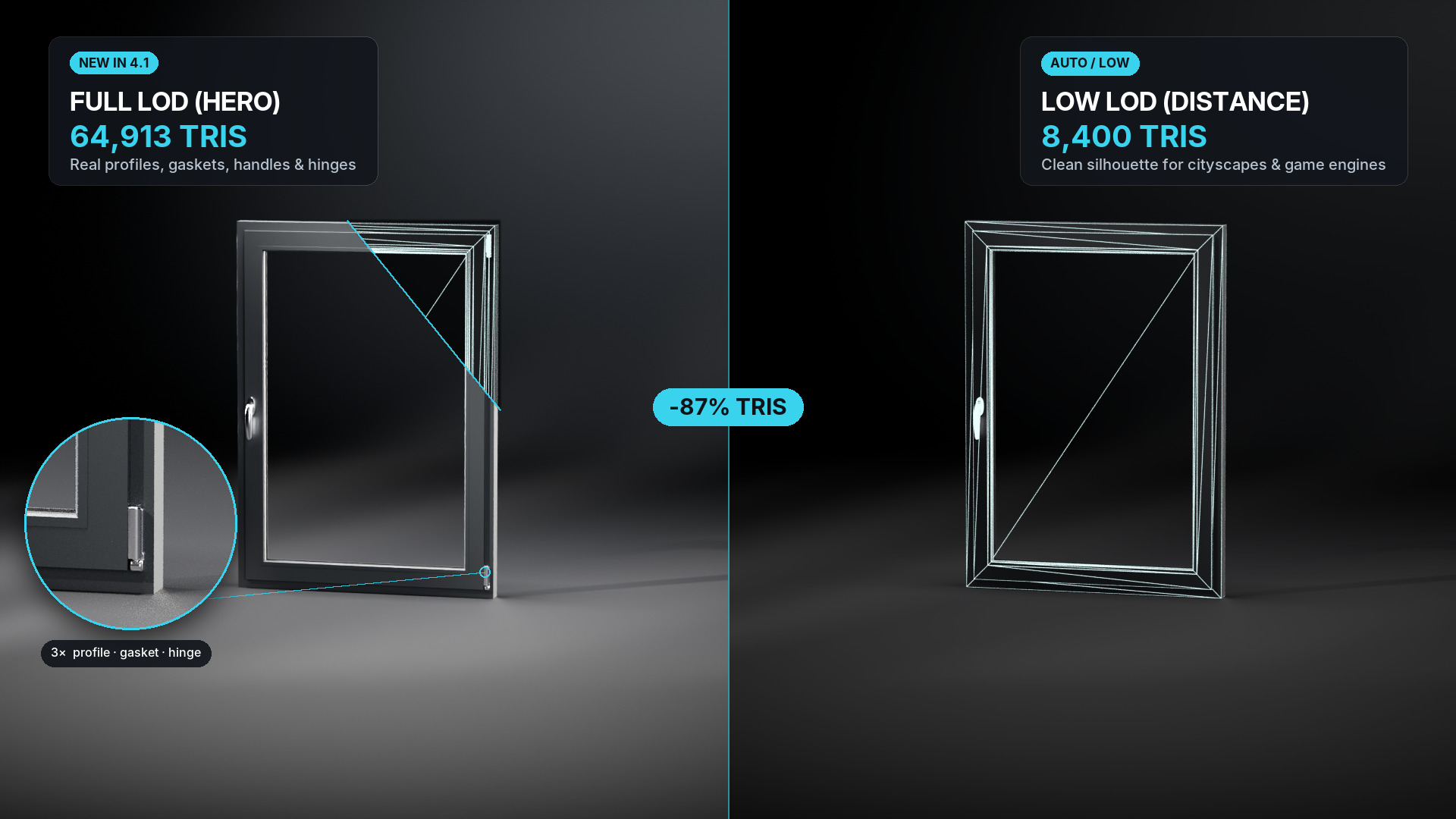
Close-up shots deserve real profile cross-sections, rubber gaskets, handles, and hinges—background buildings do not. WindowGen 4.1 adds built-in Level of Detail (LOD) with three modes (Auto, Full, and Low). Drop polygon counts by up to 87% on distant facades and game assets while keeping every hero window crisp up close — non-destructively, across one window or an entire city block.
Ready for games and configurators
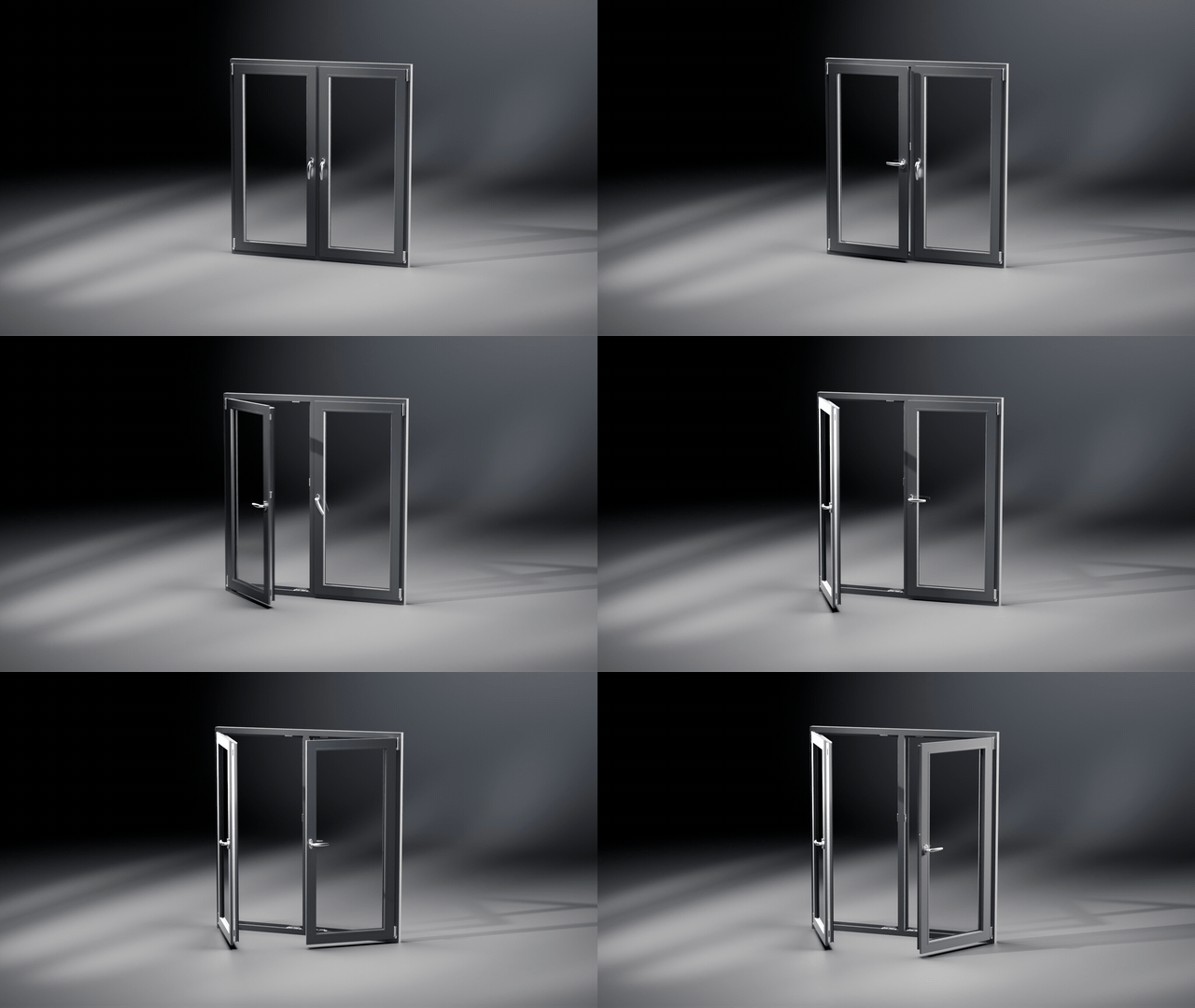
Prepare for Export splits each window into frame, sashes, and handles, with every pivot placed right on the real hinge — and respects your chosen LOD level. Rotate a sash and it swings open. Export to FBX, OBJ, glTF, or GLB in one click; your original procedural window is never touched.
Files that just work
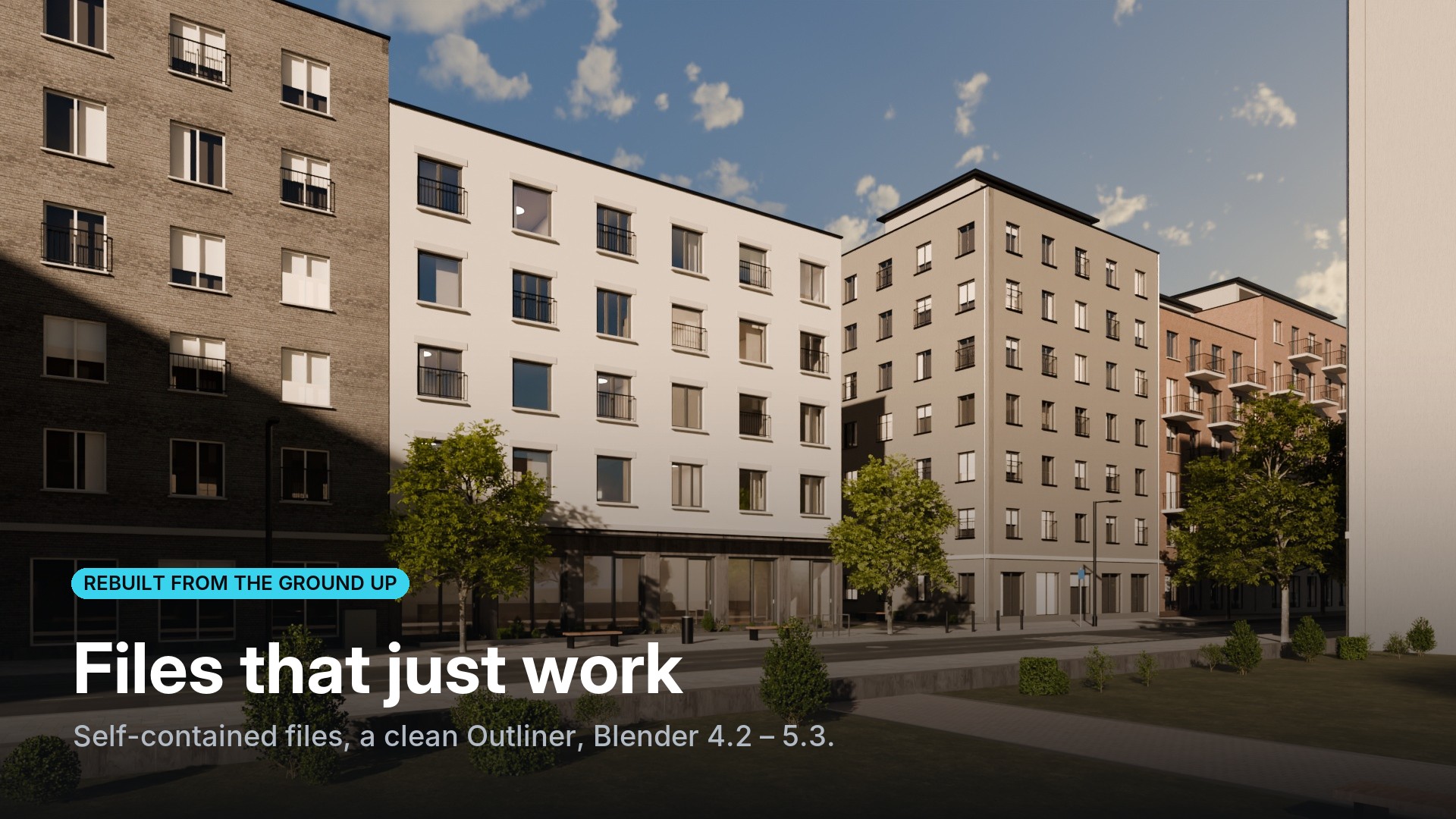
- Self-contained: windows are part of your file, not linked to it. Send it to a client or a render farm and it simply opens.
- Clean Outliner: you see your windows, nothing else.
- Old projects upgrade in one click, including files made with WindowGen 3.
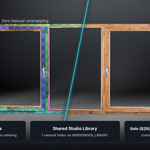
- Studios: point every workstation to one shared library folder.
- Material library with ready presets, one click away.
Licensing & Studio Seats
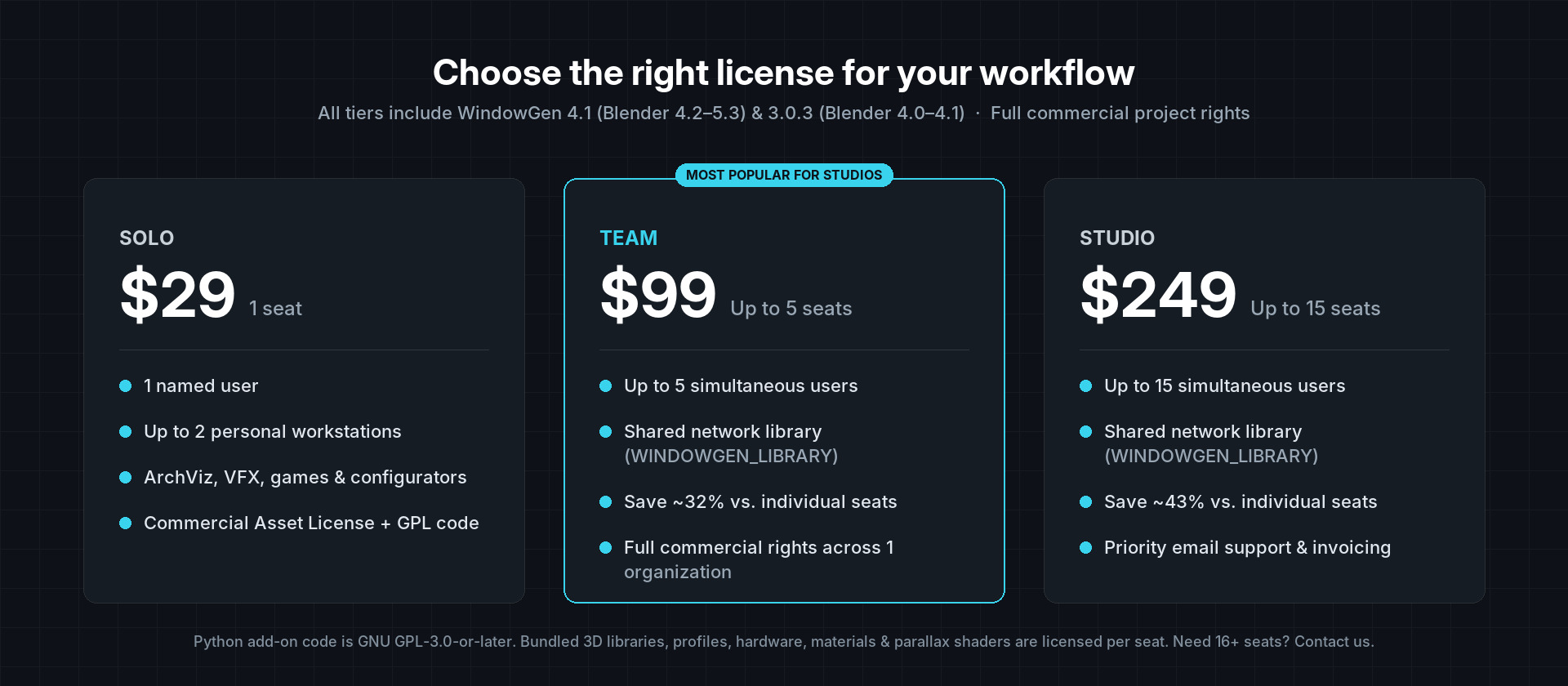
- Solo ($29) — 1 Seat: For 1 named user (up to 2 personal workstations). Full commercial rights for ArchViz, VFX, video games, and real-time 3D configurators.
-
Team ($99) — Up to 5 Seats: For small studios and teams within one organization. Includes shared network library deployment (
WINDOWGEN_LIBRARY). - Studio ($249) — Up to 15 Seats: For visualization agencies and larger studios within one organization + priority email support. Need 16+ seats or a custom enterprise invoice? Reach out via inbox.
Dual license: WindowGen's Python add-on code (*.py) is licensed under GNU GPL-3.0-or-later. All bundled 3D profile libraries, hardware meshes, materials, and parallax interior shaders (assets/) are licensed per seat under the included Commercial Asset License (unlimited commercial project use; no standalone asset resale, redistribution, or AI training).
Requirements
Blender 4.2 LTS or newer, tested up to 5.3 (Windows, macOS, Linux). Installs as a native Blender extension: drag the .zip file straight into Blender. Using Blender 4.0 or 4.1? WindowGen 3.0.3 is included in your download.

