 ZEG
Installation
In Blender open Edit, Preferences, Get Extensions, then use Install from Disk and pick the zip.
Usage
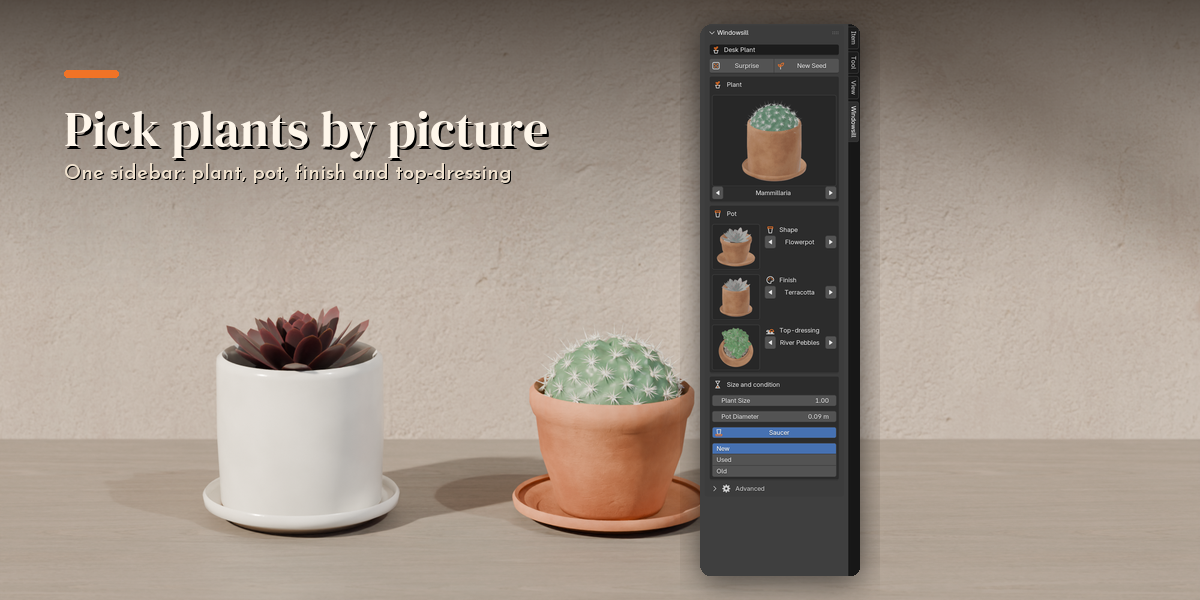
- Open the 3D viewport sidebar (N) and the Windowsill tab.
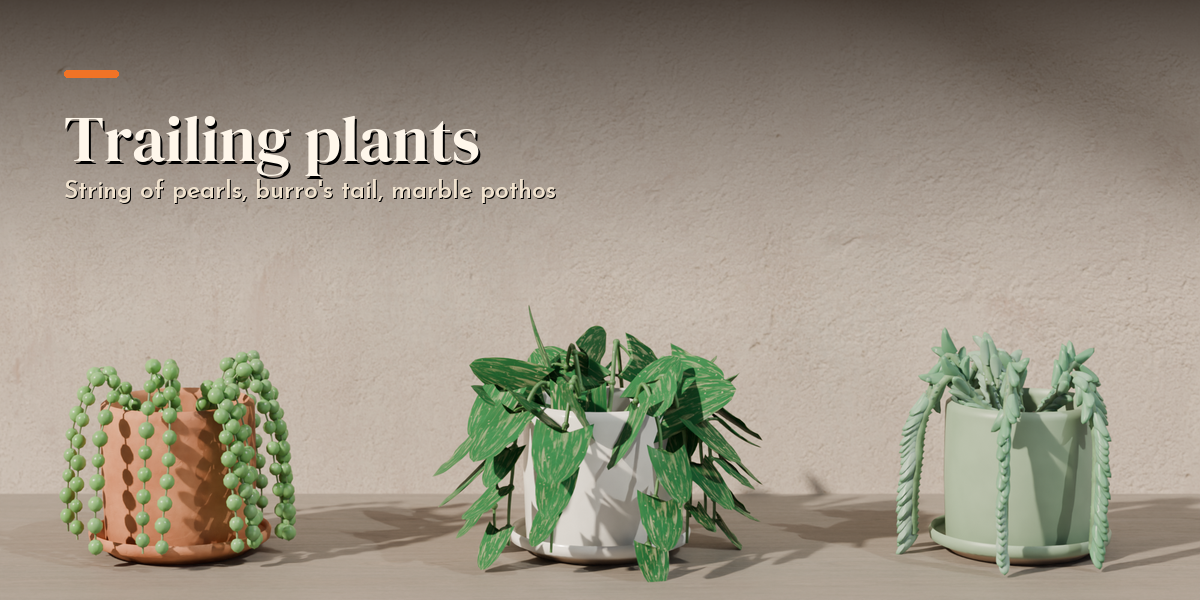
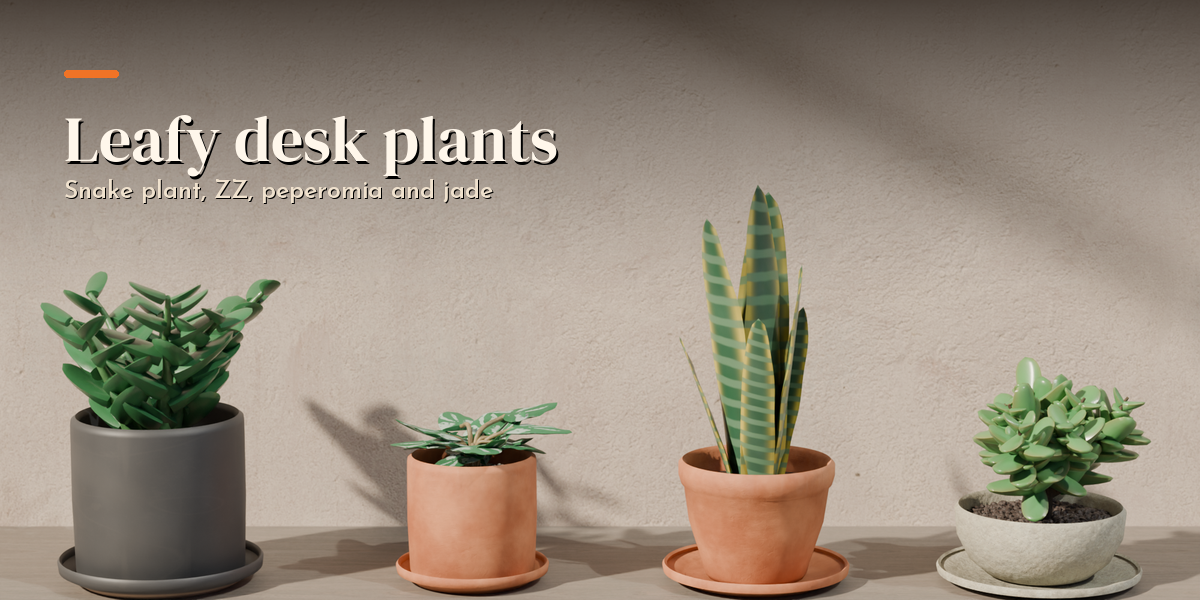
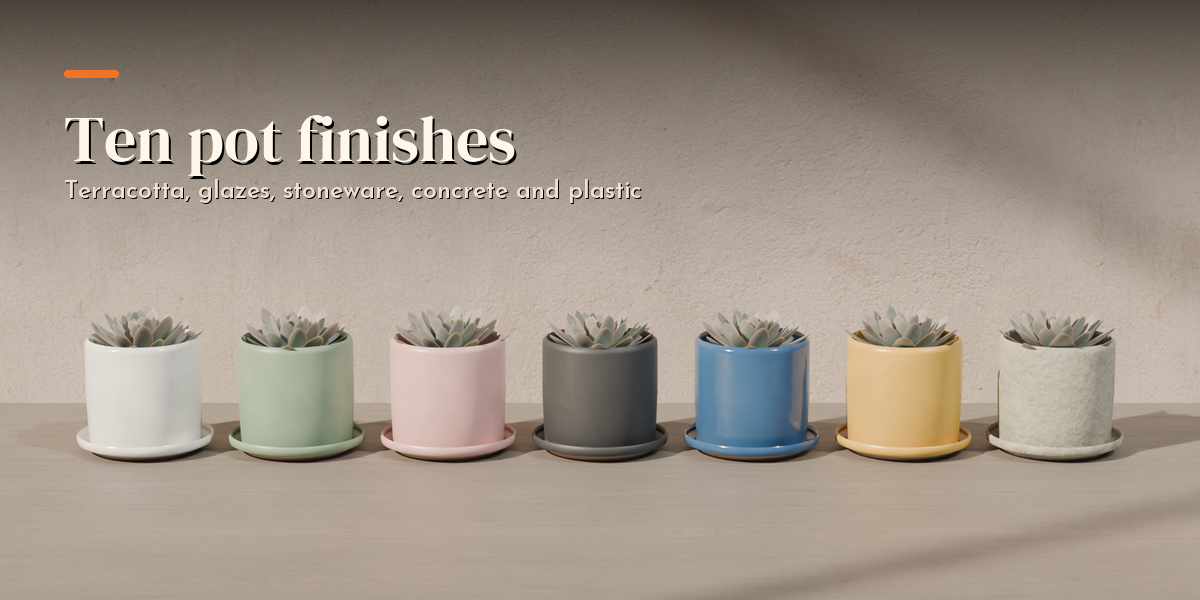
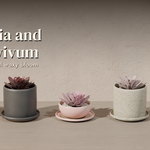
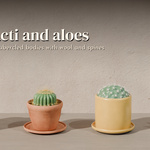
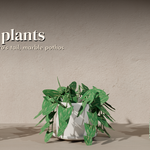
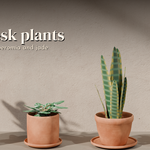
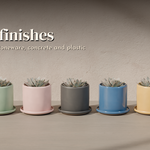
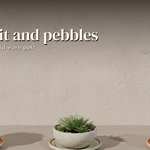
- Pick a plant, pot shape, finish and top-dressing by picture.
- Click Add Plant, or Surprise for a random plant.
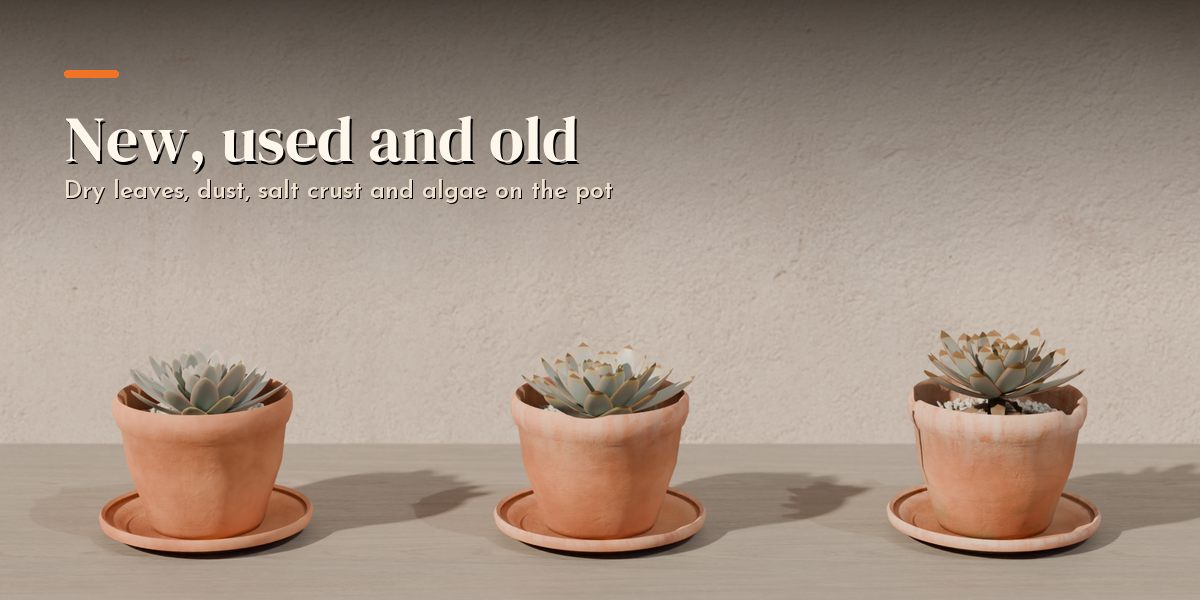
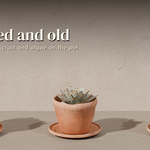
- With the plant selected, change size, pot diameter, saucer and condition. Advanced holds quality and seed.
Tips
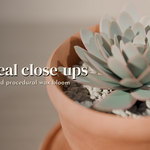
Use Low quality while arranging a scene and Ultra for close-up renders. Shift+D and Alt+D copies stay independent when you edit them.
Have questions about this product?
Login to message
| Blender Extension Compatible | Yes |
| Published | about 1 hour ago |
| Blender Version | 4.2 - 5.2 |
| Extension Type | Add-on |
| Render Engine Used | Cycles, Eevee |
| License | GPL |

Discover more products like this
snake-plant pothos Generator succulent houseplant procedural terracotta cactus potted plant desk-plant tabletop-plant photorealistic