 3D SHAKER
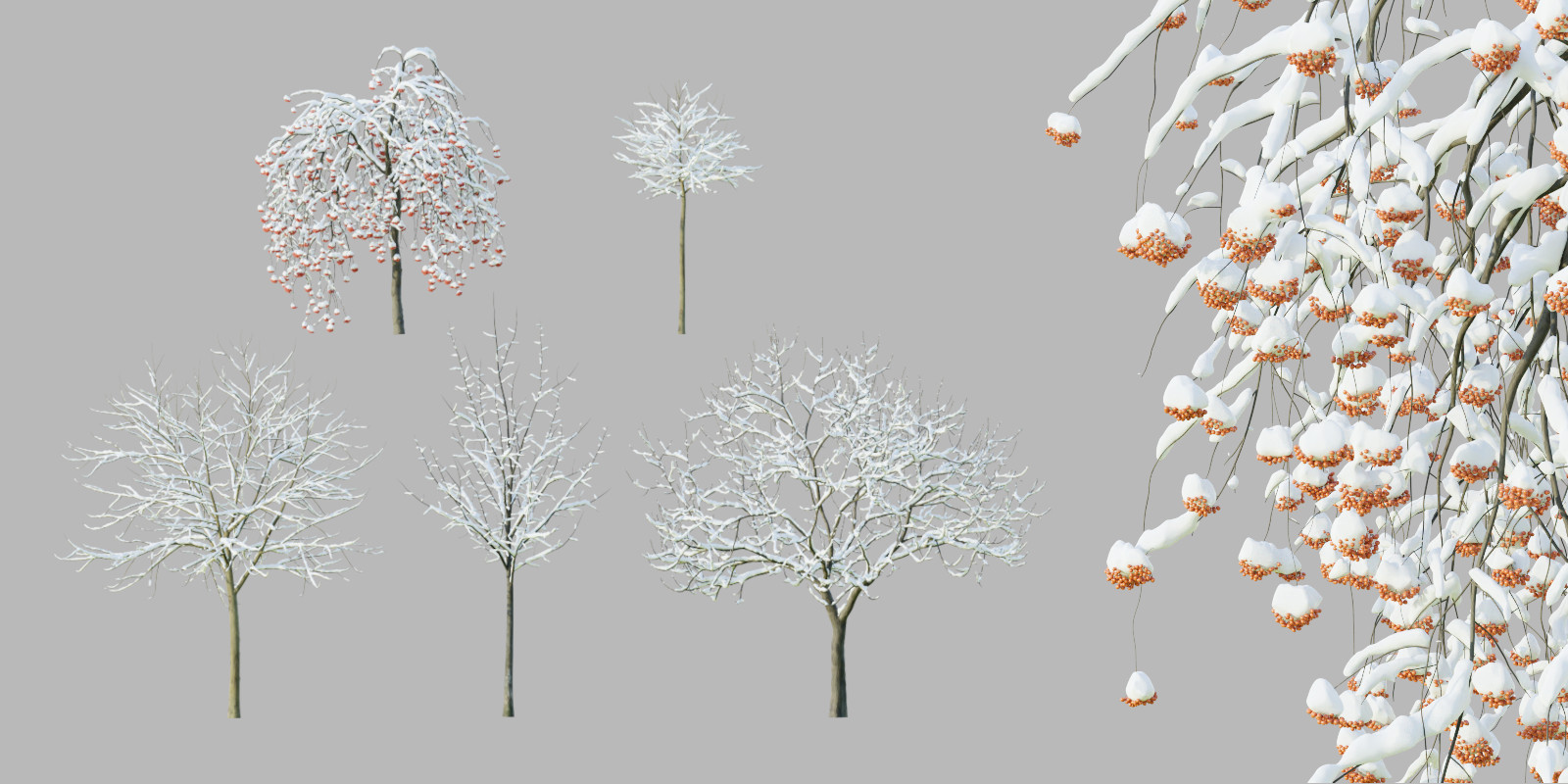
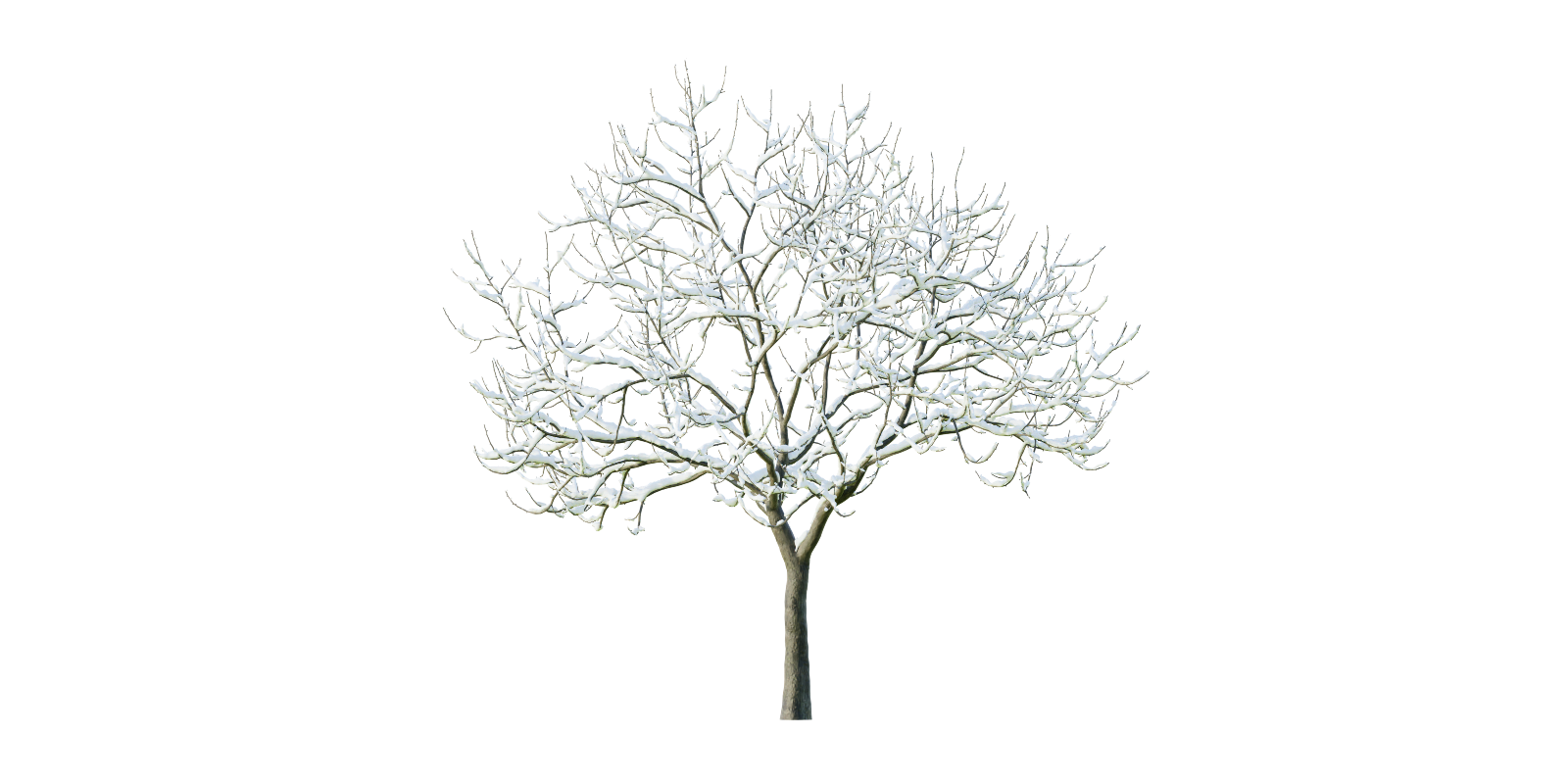
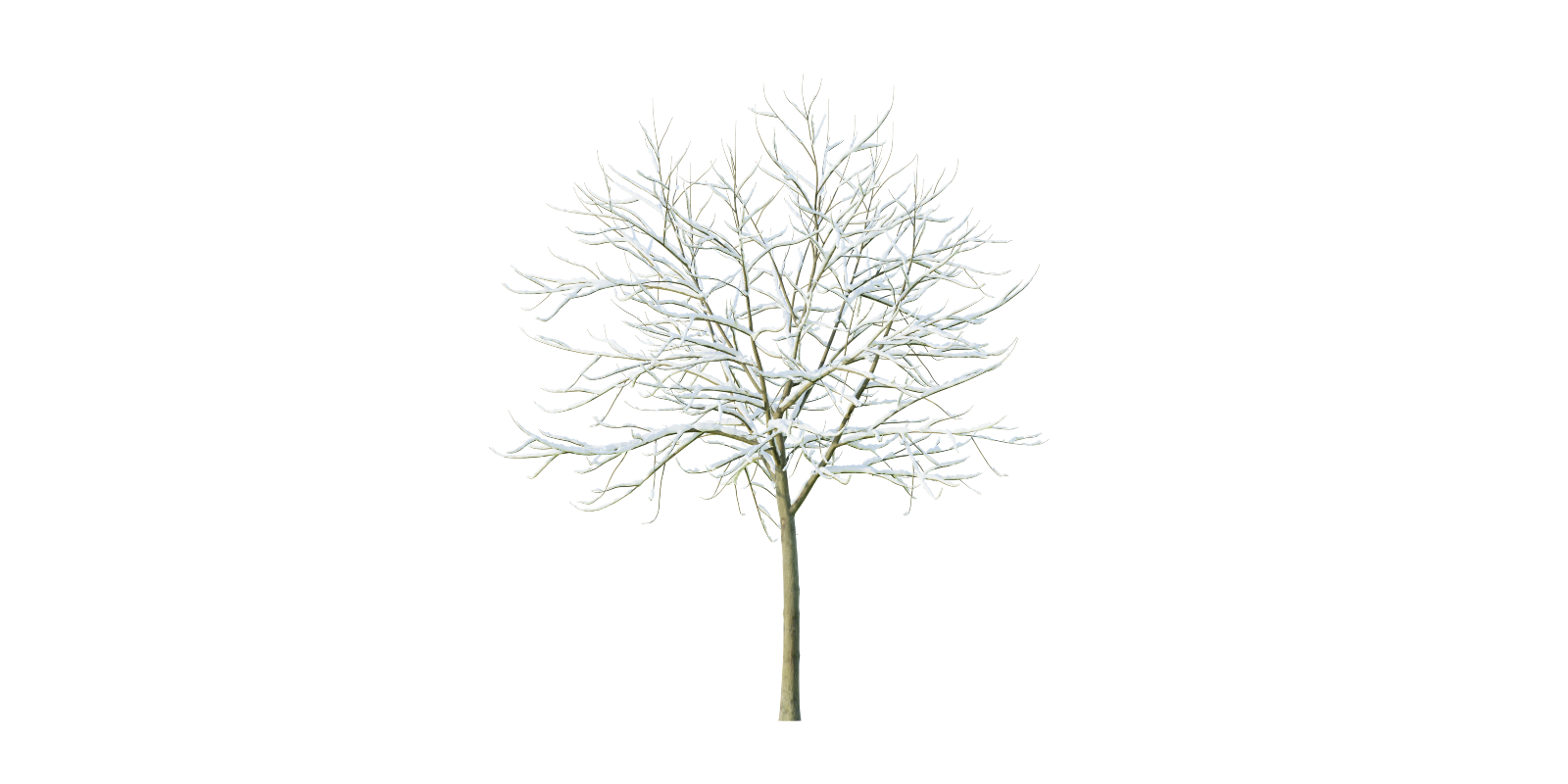
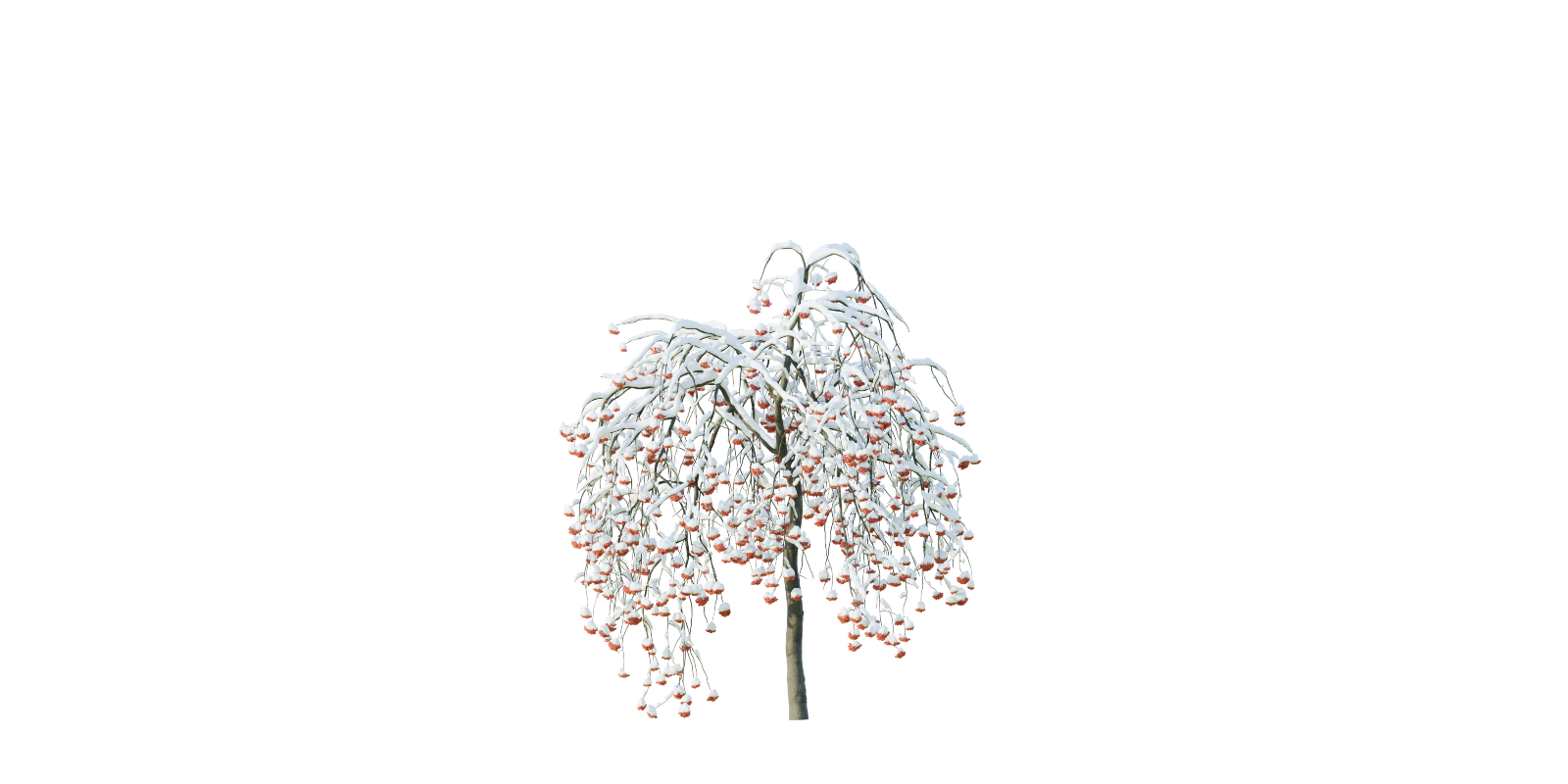
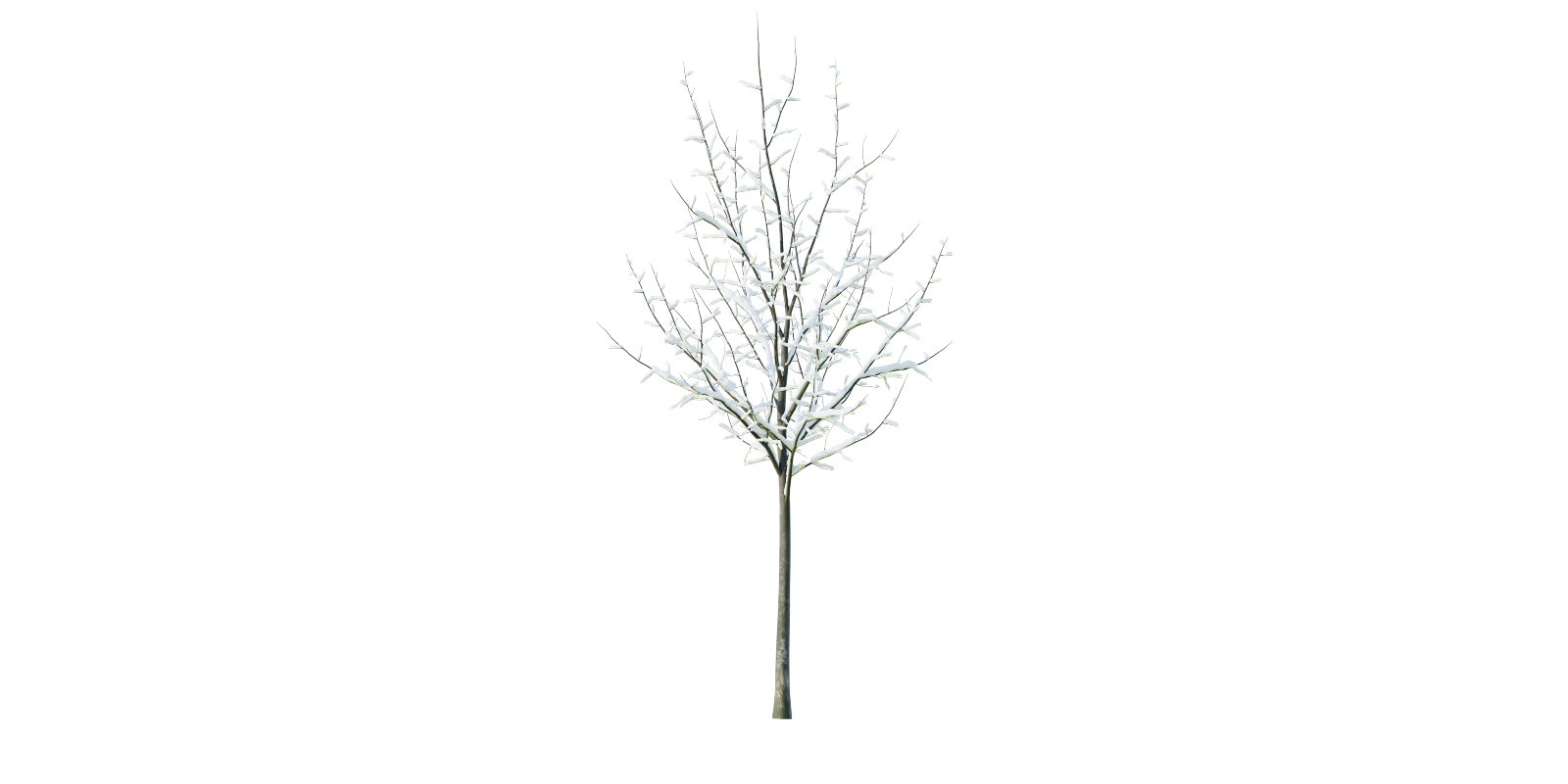
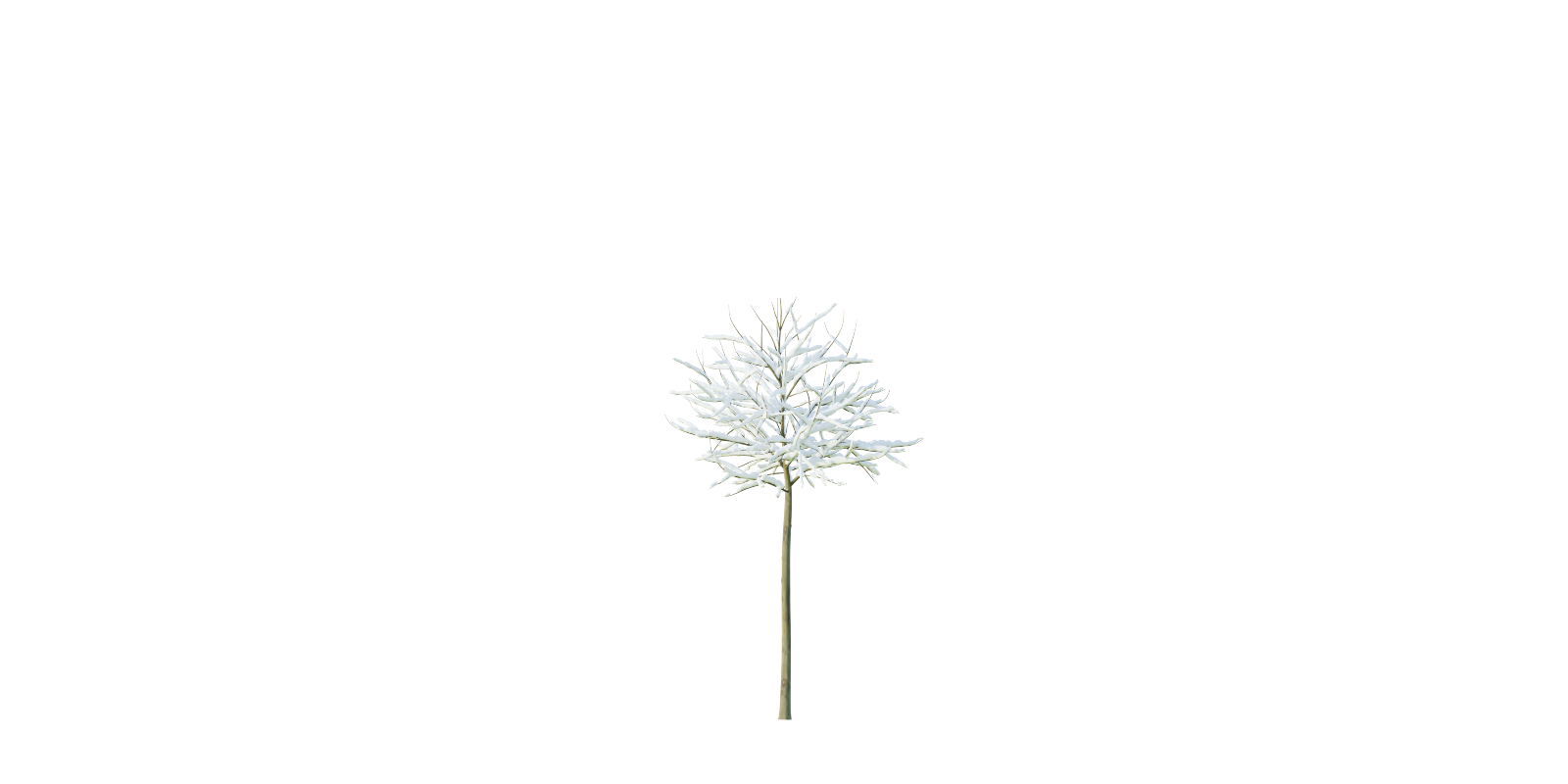
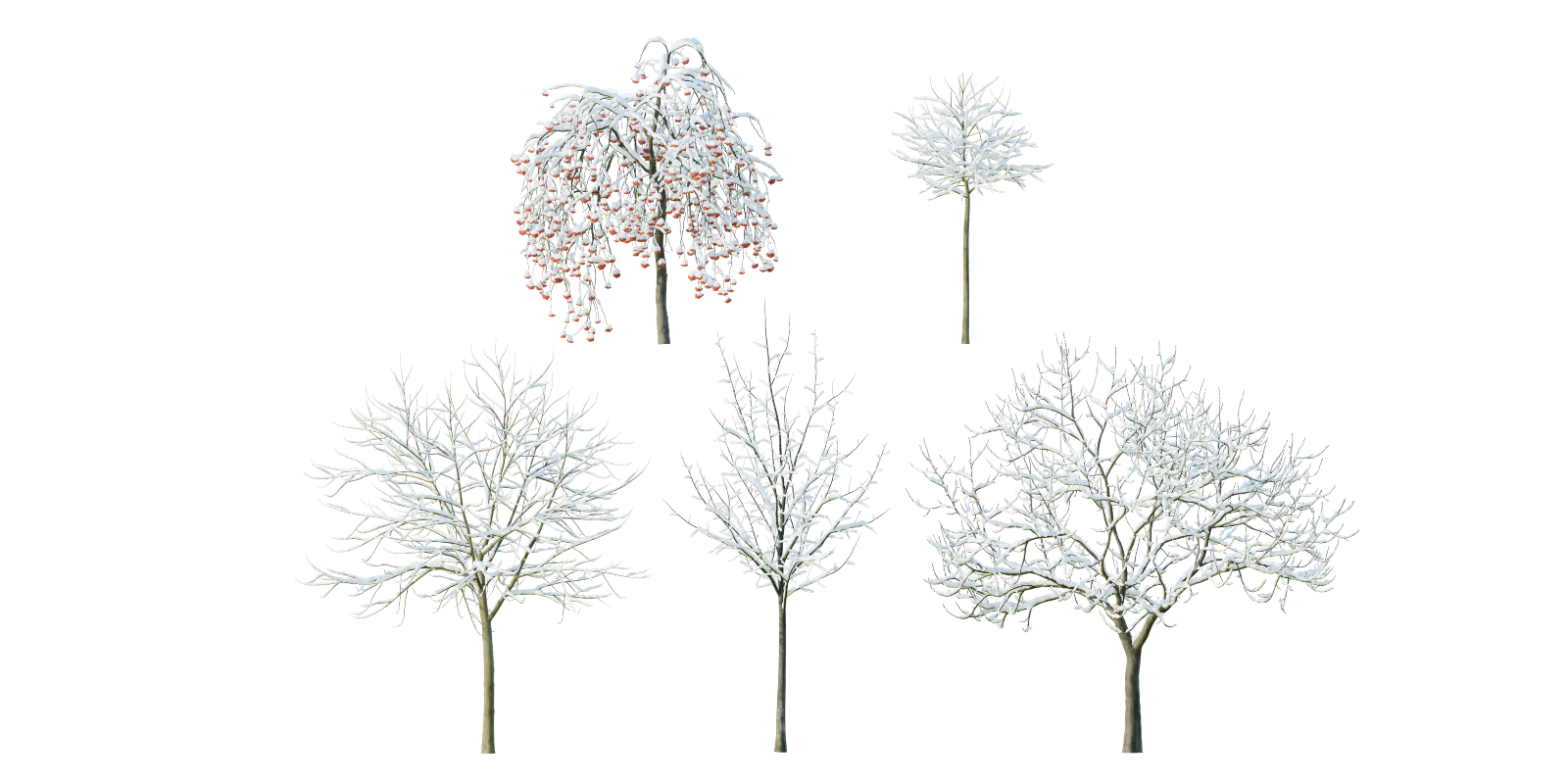
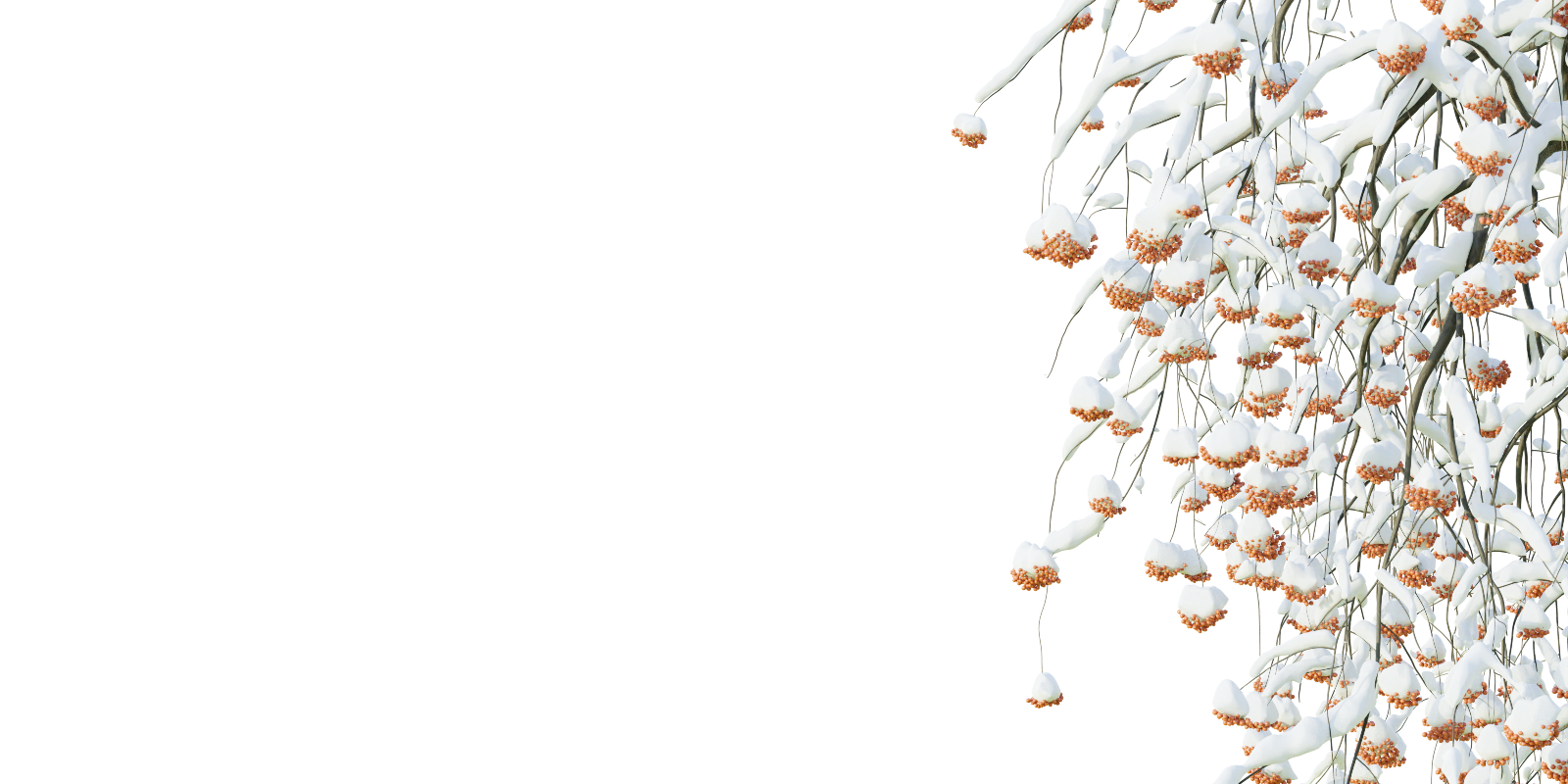
To import into your scene go to File>Append, navigate to .blend files folder, open the file, open "Group" (v2.79) or "Collection" (v2.8 and higher) folder, then double-click on the name of the group and append.
The name of the model and the name of the group is the same.
Or you can select it and copy it using CTRL+C and in your scene pressing CTRL+V.
Please note that this scene contains textures from Istwood15 - Textures may not be redistributed
Is there any problem with this model or you would like to ask something?
Feel free to send email [email protected] if you have any questions about Blender.
Also, we are sharing artworks using our models on FACEBOOK or tag us #3dshakermodels on INSTAGRAM
Have questions about this product?
Login to message
| Published | almost 4 years ago |
| Blender Version | 4.1, 4.0, 3.6, 3.5, 3.4, 3.3, 3.2, 3.1, 3.0, 2.93, 2.92, 2.91, 2.9, 2.83, 2.82, 2.81, 2.8, 2.79 |
| Misc Data | Uvs-Unwrapped, Textured |
| License | Royalty Free |
Discover more products like this
winter tree spring23 trees collection summer23 bfcm24 covered in snow 3dshakerwinter branches fruit in snow spring24 winter24 snowy 3dshakertrees snow deciduous tree 3dshakernature bfcm23 summer24 snow covered loveblender 3dshakerforest bfcm22 Trunk winter collection #nature fruit