 ztrztr
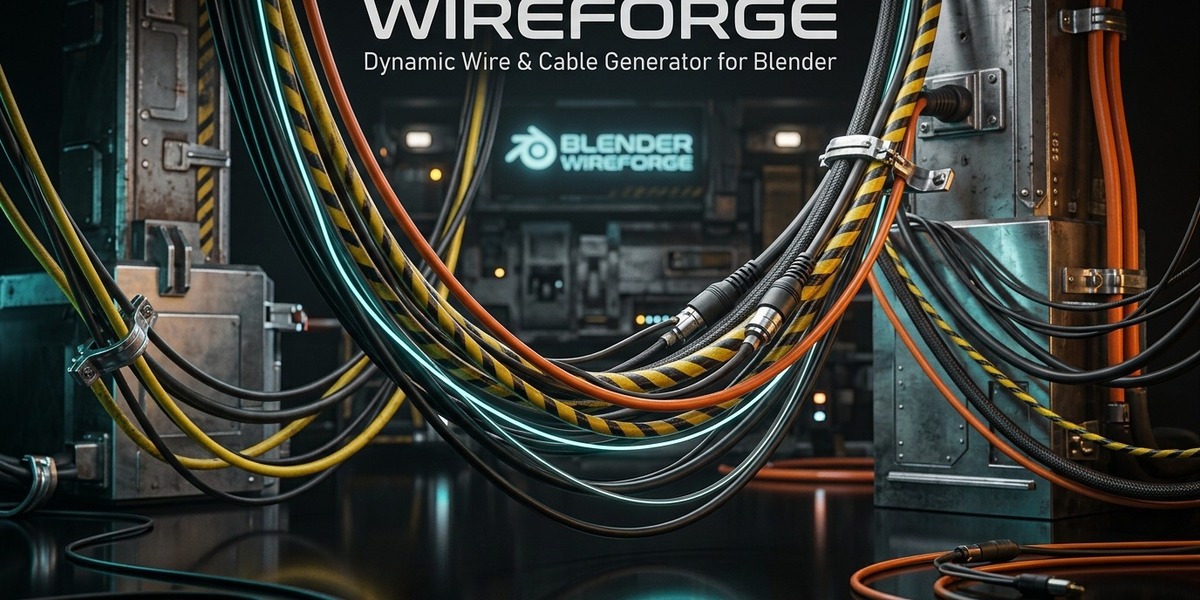

Stop Manually Tweaking Curve Handles. Let Physics Do The Work.
Routing cables, power cords, hanging wires, and industrial conduit bundles in 3D is notoriously tedious. Manually adjusting Bezier handles, trying to calculate believable gravitational catenary droop, preventing intersecting geometries, and faking obstacle collisions can turn what should be a 5-minute detail pass into hours of frustrating vertex wrangling.
WireForge completely eliminates this bottleneck.
Built on an ultra-optimized Hook + Cloth Physics + Procedural Skin architecture, WireForge lets you draw, connect, and bundle realistic cables that dynamically hang, swing, drape over obstacles, and settle under real gravity in real-time — running at 60+ FPS directly in your viewport.
When your scene is ready, 1-click bakes your cables into clean, game-engine-ready quad meshes or converts them into native Blender 3D Bezier curves.
⚡ Key Features
🔌 1. Multiple One-Click Creation Modes
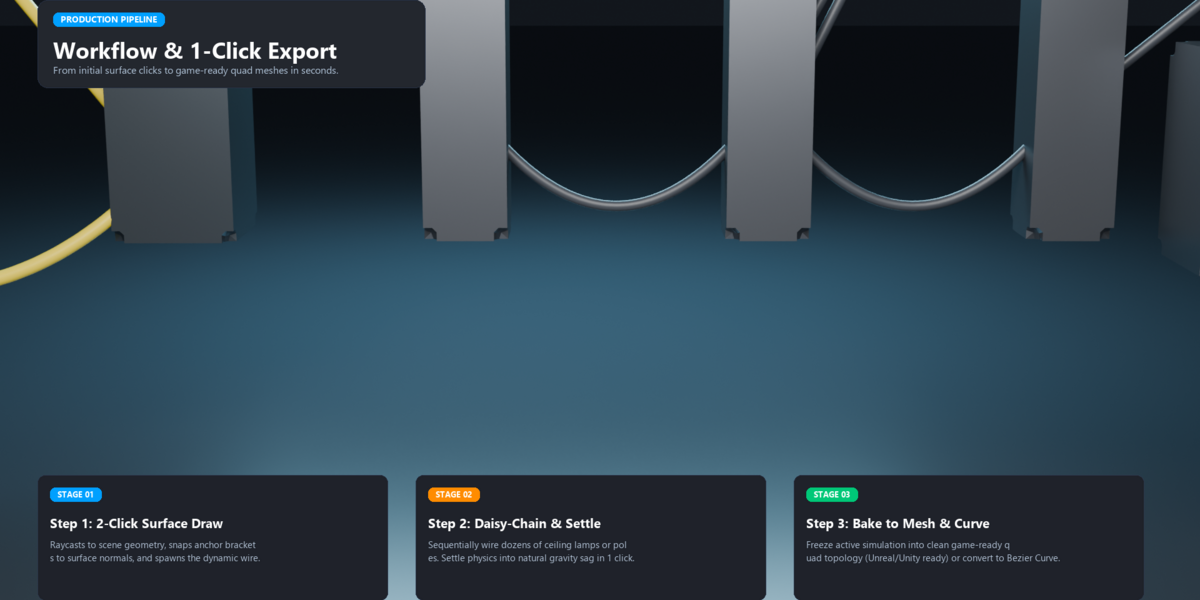
2-Click Surface Drawing: Left-click on any mesh surface for Start, left-click for End. WireForge raycasts to scene geometry, automatically aligns anchor brackets to surface normals, and spawns the dynamic wire.
Connect Selected (2 Objects): Select two machinery parts, lamps, or wall brackets and click Connect — instant wired connection with automatic anchor parenting.
Daisy-Chain Selected (3+ Objects): Select a sequence of telephone poles, ceiling fixtures, or street lamps and connect them all in a continuous daisy-chained loop with one click.
Star / Hub Wiring: Select a central power box, junction box, or generator, select any number of target objects, and radiate cables out simultaneously.
Edit-Mode Geometry Wiring: Select two vertices or faces on any mesh and spawn cables directly between them.
Wire at 3D Cursor: Instantly generate a freestanding adjustable wire at your cursor.
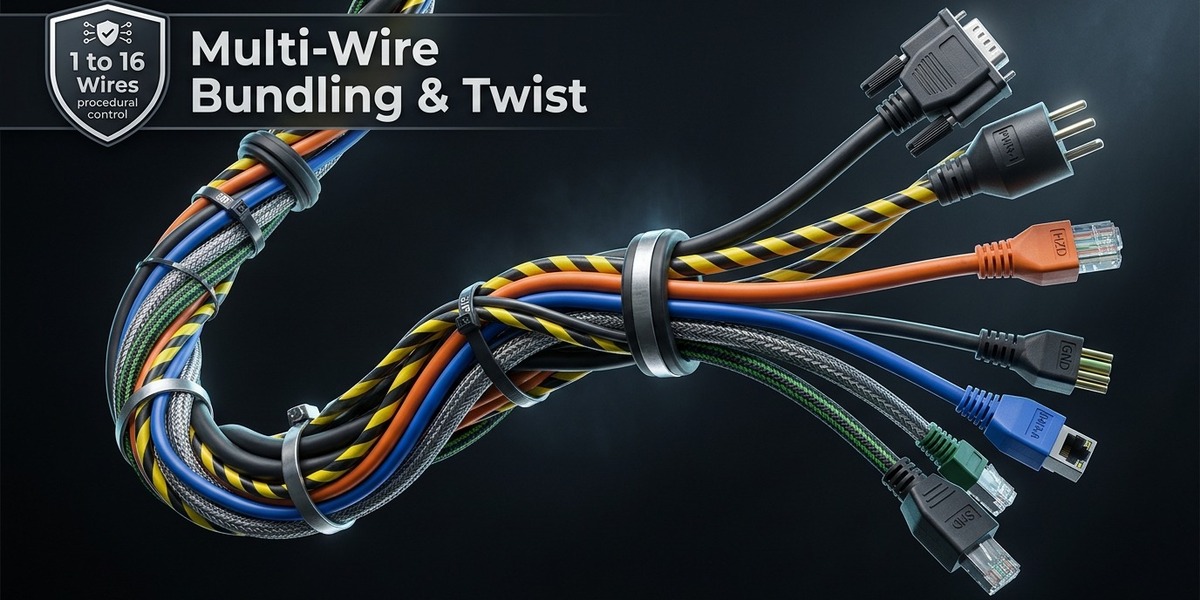
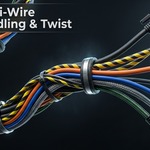
🌀 2. Multi-Wire Bundling & Cable Harnesses
Single cables look flat and artificial. Real industrial machinery and sci-fi environments feature thick, bundled wire harnesses.
Generate orbital clusters of 1 to 16 cables in a single operation.
Customizable Bundle Spread: Adjust the bundle's radial thickness.
Spiral Twist: Add twist angles from 0° to 720° to bundle cords realistically.
Slack & Radius Variance: Procedurally jitters individual cable droop and wire gauges so no two cables in the bundle look identical, preventing artificial repetition and clipping.
Master Bundle Handles: Multi-wire bundles spawn with master control empties so moving one handle moves the entire cable harness harmoniously.
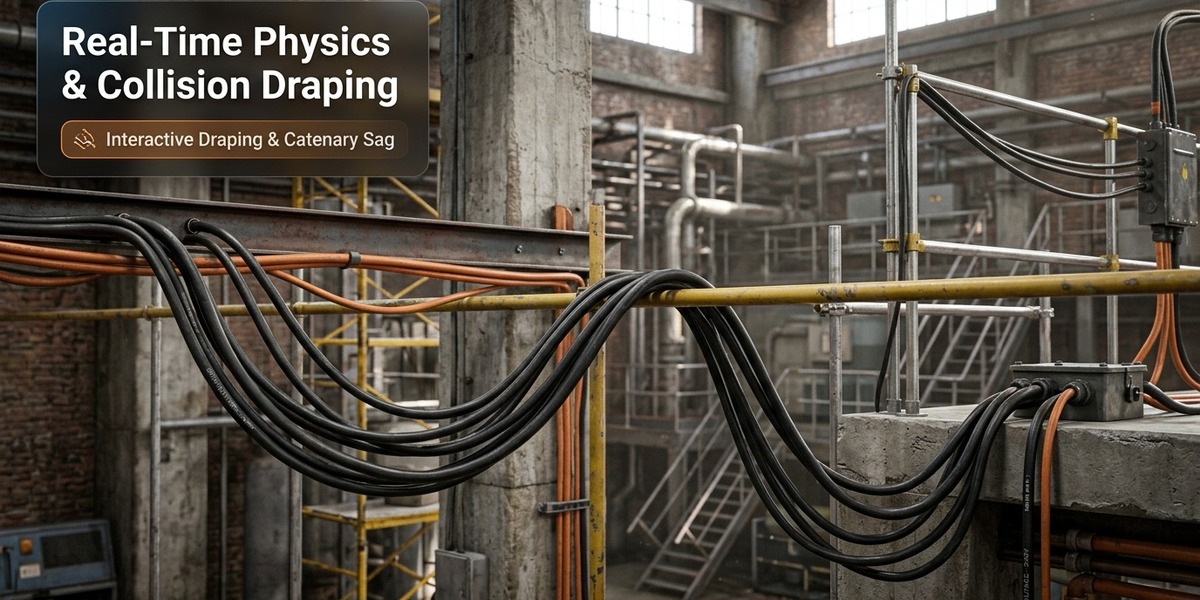
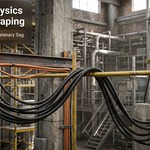
🧲 3. Real-Time Physics & Obstacle Collision Draping
Ultra-Fast 1D Physics Calculation: Unlike heavy volumetric physics simulations, WireForge computes cloth dynamics along a lightweight 1D edge chain and generates the 3D cylindrical skin after simulation. This keeps your viewport silky smooth at 60+ FPS even with dozens of cables.
Obstacle Collision Draping: Select any pipes, steel beams, walls, or crates, click "Add Collision to Obstacles", and watch your cables drape, collide, and rest over objects with natural physical tension and zero clipping.
"Settle Physics" Button: 1-click advances simulation 35 frames forward so wires settle into natural equilibrium pose instantly without having to manually scrub the timeline.
⚙️ 4. Ready-to-Use Physics Presets
Instantly switch the physical behavior of your cables with fine-tuned presets:
Standard Rubber Cable: Balanced mass, stiffness, and subtle bounce (matching real studio power cords).
Heavy High-Voltage Power Cable: Heavy gauge, low stretch, high bending resistance for heavy industrial substations.
Thin Telecom / Cat6 Data Cord: Lightweight, highly flexible ethernet and audio cables.
Semi-Rigid Flexible Conduit: High bending stiffness for metallic HVAC and electrical conduits that hold their curved path.
Loose Rope / Hanging Chain: Zero bending stiffness for deep gravitational hang and fluid catenary arcs.
Bouncy Elastic Cord: Low tension stiffness with slight spring rebound.
🎨 5. Procedural PBR Shaders & Mount Brackets
Every cable created with WireForge comes textured and shaded out of the box:
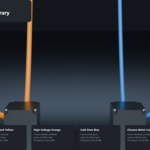
PBR Shaders Included:
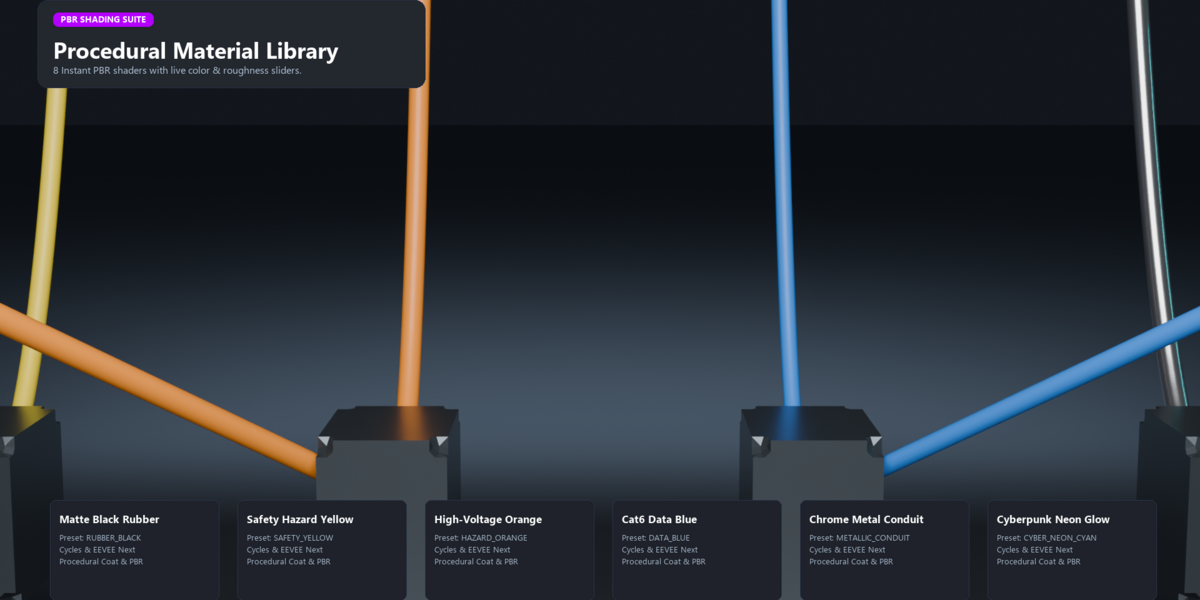
Matte Black Rubber (Subtle sheen, procedural coat)
Safety Hazard Yellow (High-vis industrial power)
High-Voltage Orange (Electrical utility cable)
Automotive DC Red & Cat6 Data Blue
Cleanroom / Medical White
Metallic Chrome Conduit
Cyberpunk Neon Glow (Customizable glow hue & emission strength for sci-fi scenes)
Real-Time Color & Roughness Sliders: Tweak shader parameters right from the N-Panel without digging through the Shader Editor.
Procedural Strain-Relief Boots: Automatically generates rubber strain-relief collars and metal flange sockets at cable anchors, aligned along the wire's tangent.
❄️ 6. Game-Ready Baking & Curve Conversion
When your scene setup or animation is locked in:
Bake to Static Mesh: Freezes the cloth simulation at the active frame into an ultra-clean, game-engine-ready polygon mesh with quad topology. Removes all hooks and simulation overhead for lightweight export to Unreal Engine, Unity, Godot, or Blender asset libraries.
Convert to 3D Bezier Curve: Extracts the deformed simulation spline into a native Blender Bezier Curve with Bevel Depth matching the cable radius. Perfect for further manual handle tweaking, curve modifier deforms, or path animations.
📊 WireForge vs. Traditional Methods
Capability Standard Bezier Extrusion Geometry Nodes Rigs WireForge Suite
Physics Gravity Draping ❌ Manual guessing ⚠️ Math approximation ✅ True Physical Catenary Simulation
Obstacle Collision Contact ❌ Manual vertex pulling ⚠️ Slow / complex node trees ✅ 1-Click Dynamic Mesh Collisions
Multi-Wire Bundling & Twist ❌ Manual duplicating ⚠️ Rigid instancing ✅ Organic Orbital Bundling & Variance
Viewport Performance ✅ Fast ⚠️ Can lag viewport ⚡ 60+ FPS Real-Time Physics
Object Anchor Rigging ❌ Manual hook setup ⚠️ Custom coordinate setups ✅ Fully Automatic Hook Parenting
Bake to Clean Mesh / Curve ⚠️ Converts to dense poly ⚠️ Apply modifier issues ✅ 1-Click Game-Ready Bake & Curve Export
🛠️ Effortless UI & Compatibility
N-Panel Sidebar: Dedicated WireForge tab with categorized panels for Generation, Active Cable Parameters, Physics, Materials, and Baking.
3D Viewport Top Header Menu: Direct WireForge dropdown in the 3D Viewport header (View | Select | Add | Object | WireForge) — accessible in 1 click even if your N-panel is overcrowded.
Right-Click Context Menu: Right-click any 2 selected objects in Object Mode or 2 vertices in Edit Mode to access WireForge immediately.
Shift + A Menu: Shift + A > Mesh > WireForge Cable.
Cross-Version Support: Fully verified and compatible with Blender 4.0, 4.1, 4.2, 5.0, and 5.1+. Includes both the modern native Blender Extension (blender_manifest.toml) and standard legacy add-on formats.
📦 What's Inside The Package
WireForge Add-on & Extension (WireForge_v1.0.0.zip): Universal installation package compatible with Blender 4.0 - 5.1+.
Built-in Physical Presets: 6 physics presets covering rubber, heavy industrial, telecom, conduit, rope, and elastic.
8 Procedural PBR Cable Shaders: Fully customizable shaders with live N-panel color and roughness controls.
Complete User Guide & Documentation (WIREFORGE_USER_GUIDE.md): In-depth guide detailing every operator, hotkey, and optimization tip.
Free Lifetime Updates & Support: Access to all future feature updates, new presets, and version compatibility patches.
