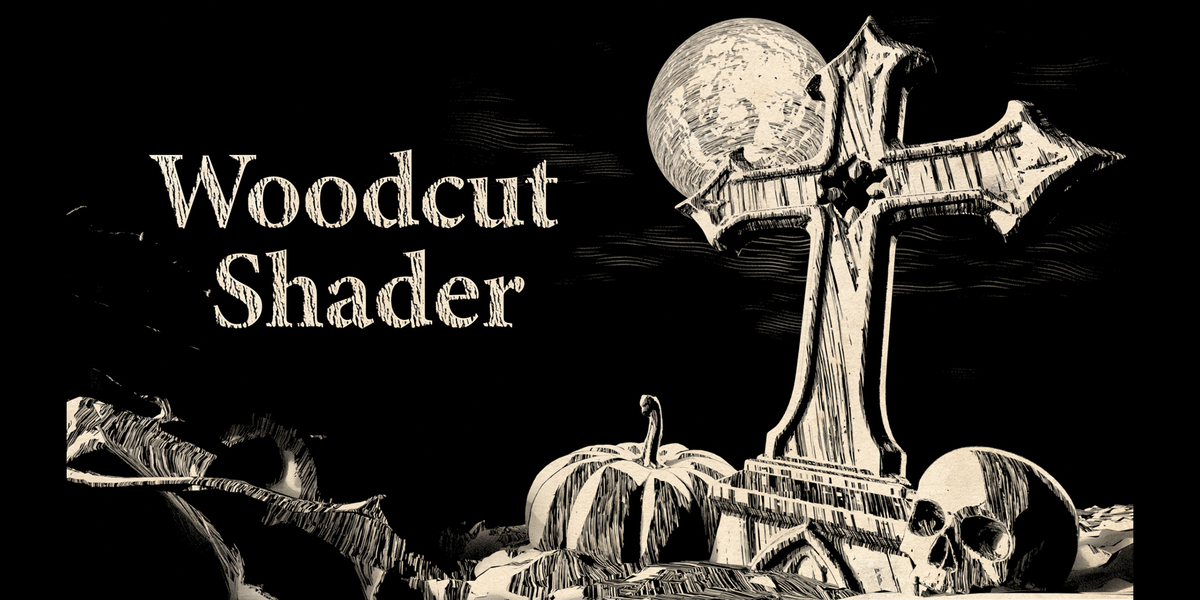
Woodcut Shader - Procedural Engraving Shader for Blender
 Tamás Rolfesz
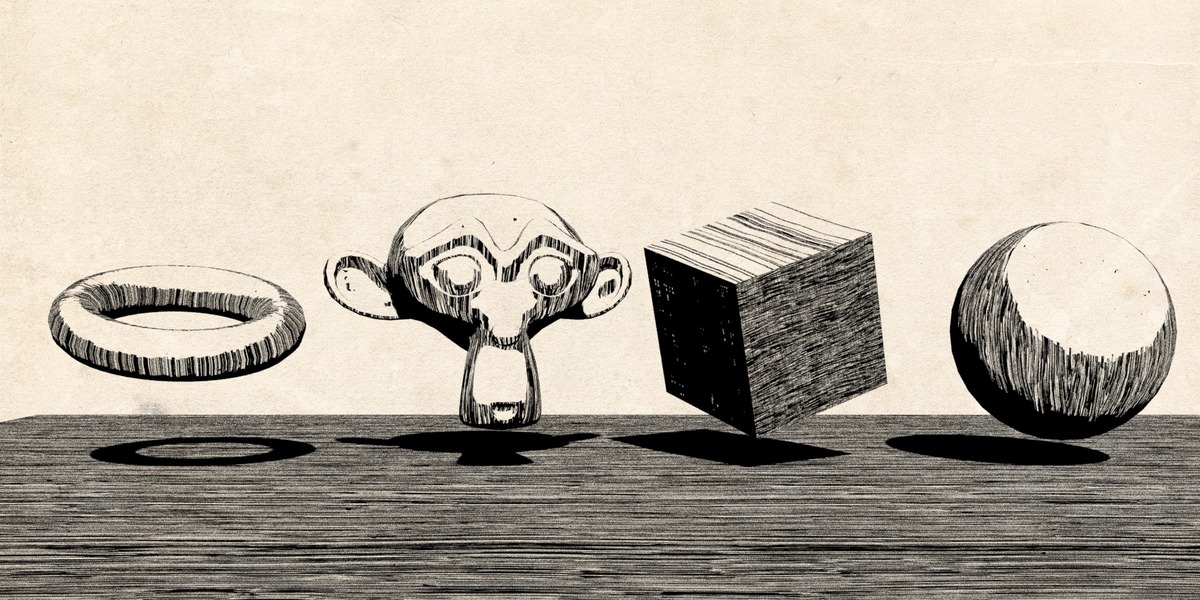
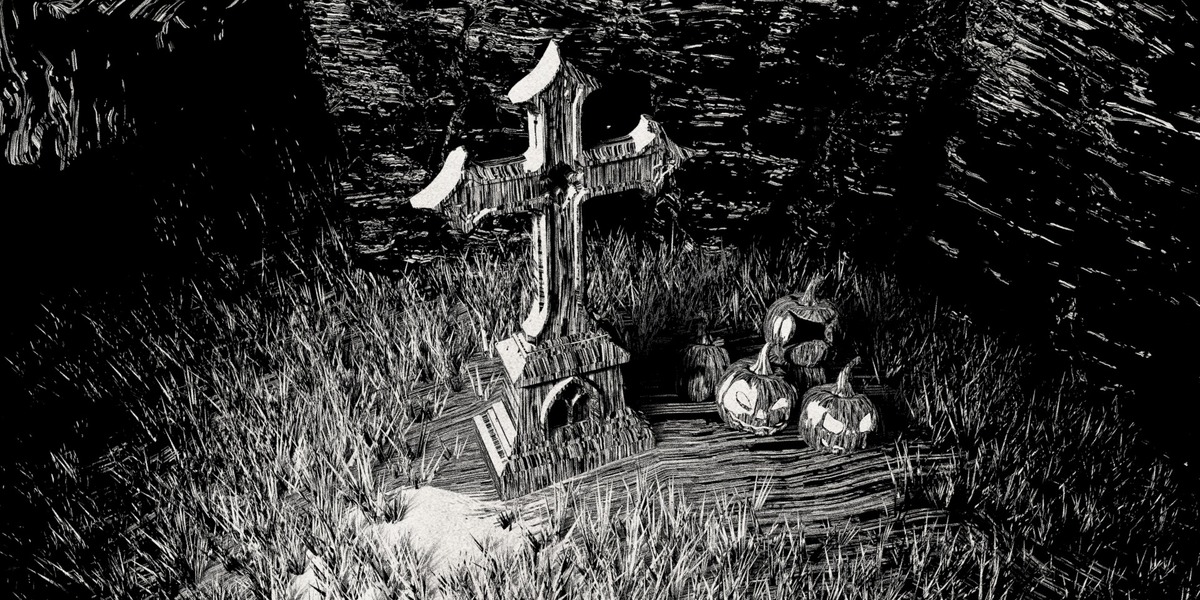
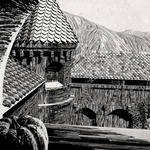
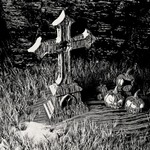
The strokes look stretched or uneven on my object.
Press Ctrl+A → All Transforms, then Set Origin → Origin to Geometry. Also use Smooth by Angle instead of Shade Smooth.
Can I animate it?
Yes, strokes are stable in object space, so they stick to moving objects.
Does it work in Cycles?
No, it relies on Eevee's Shader to RGB.
Strokes look wobbly on a flat face. Why?
Use Smooth by Angle instead of Shade Smooth, or add support loops under subdivision.
My render is black or muddy. Why?
Switch View Transform to Standard and use a strong Sun (3–4)
Have questions about this product?
Login to message
| Published | about 1 hour ago |
| Blender Version | 4.5 - 5.3 |
| Render Engine Used | Eevee |
| License | Royalty Free |