 Tamás Rolfesz
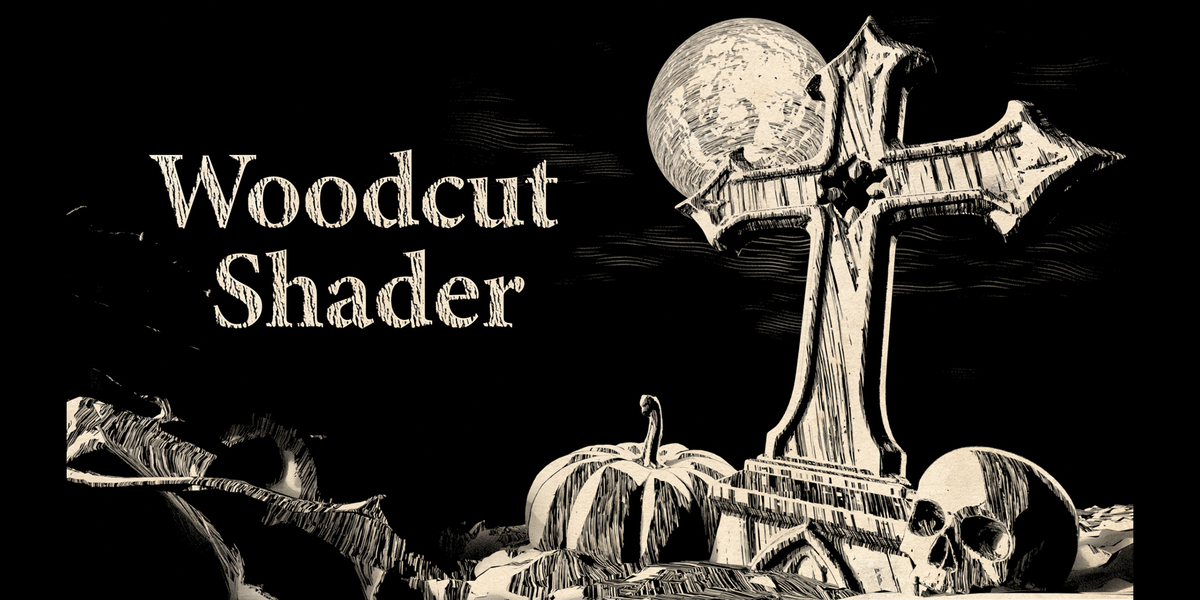
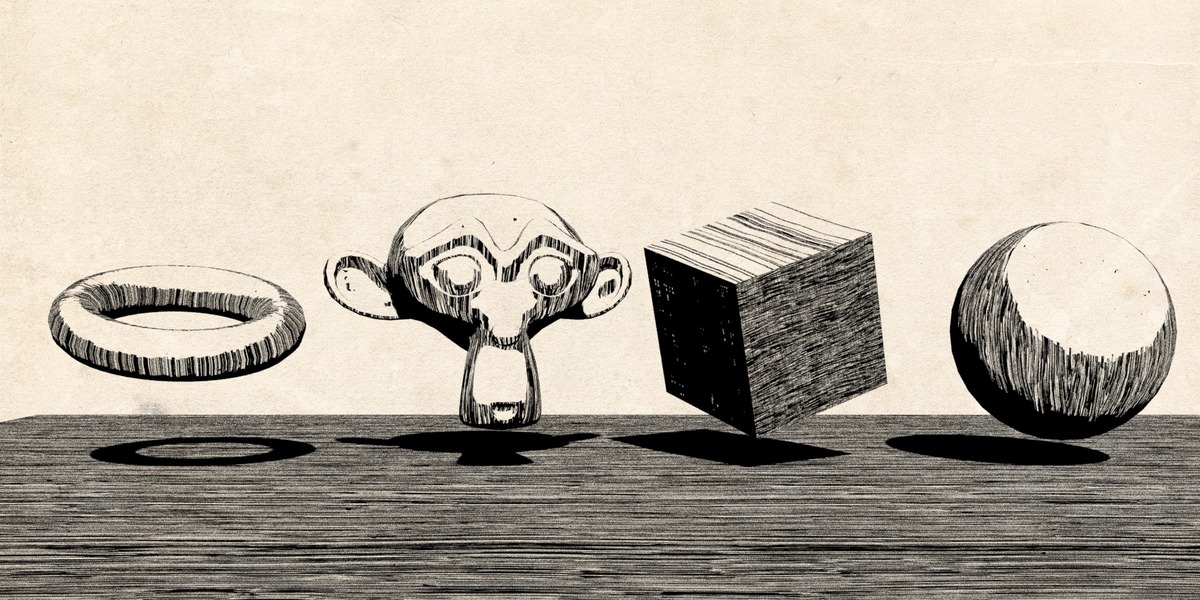
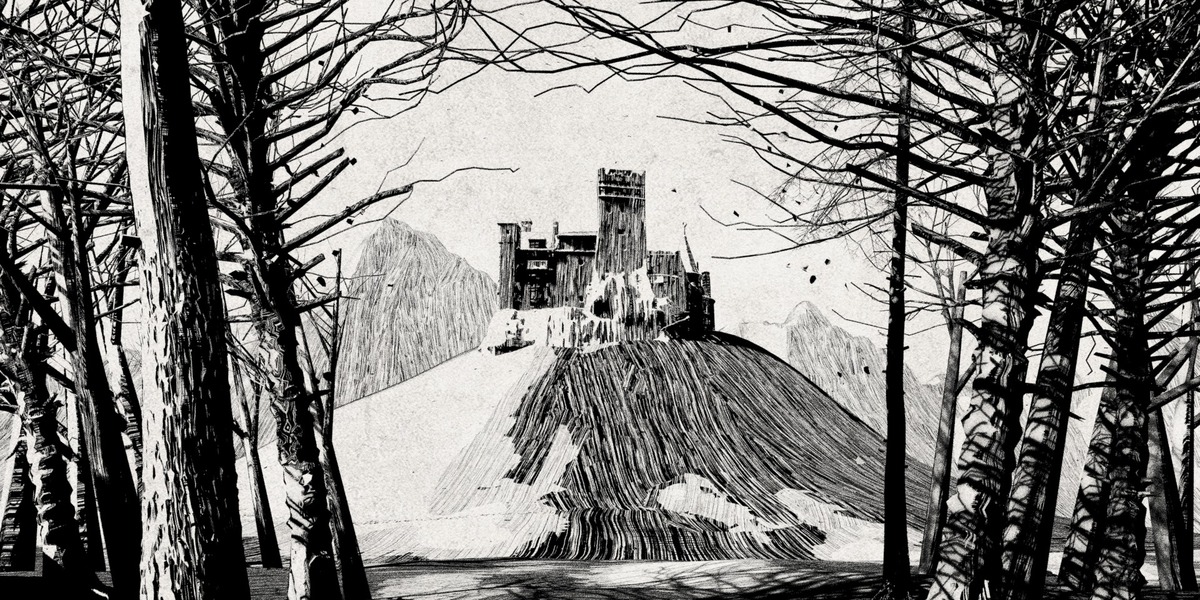
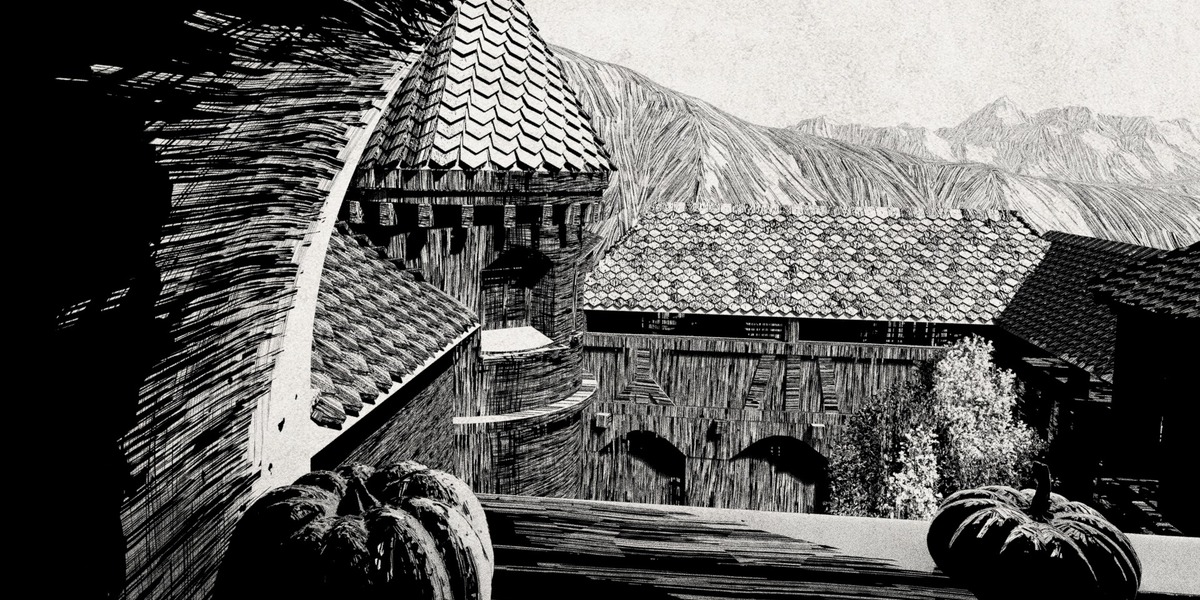
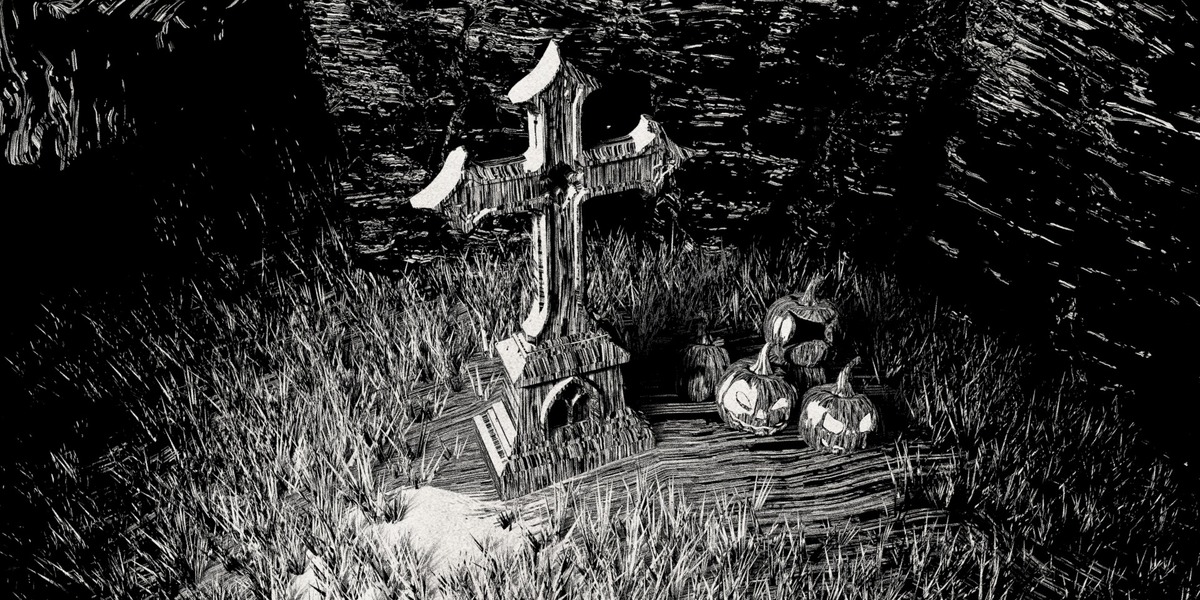
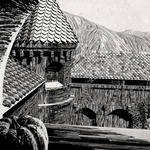
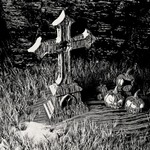
Turn any Eevee scene into a hand-carved print.
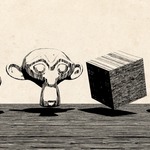
Woodcut Shader is a procedural engraving shader for Blender. Drop it on any mesh and every surface gets carved – strokes that follow the form, ink that follows the light.
No UVs. No textures. No setup.
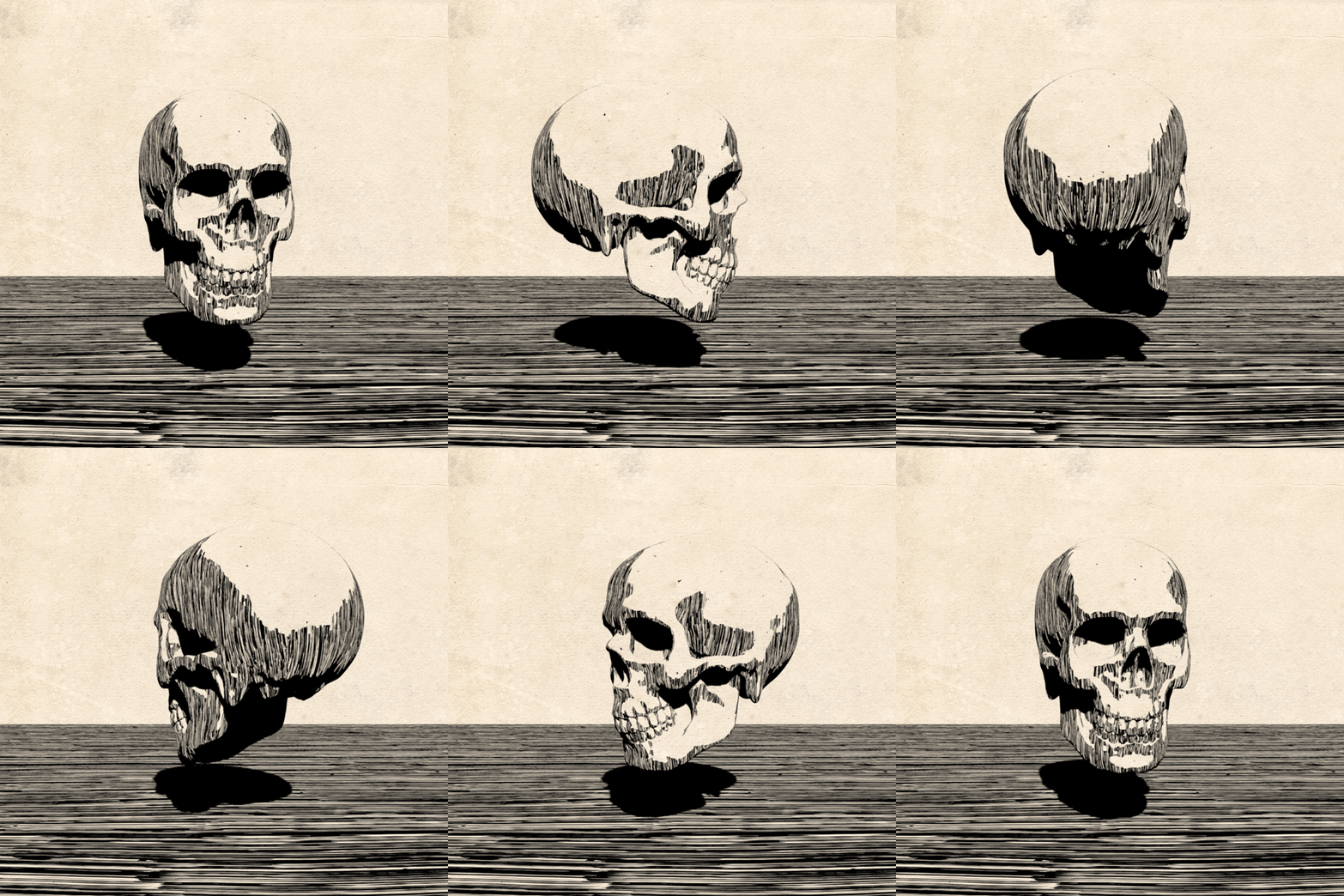
Light becomes ink
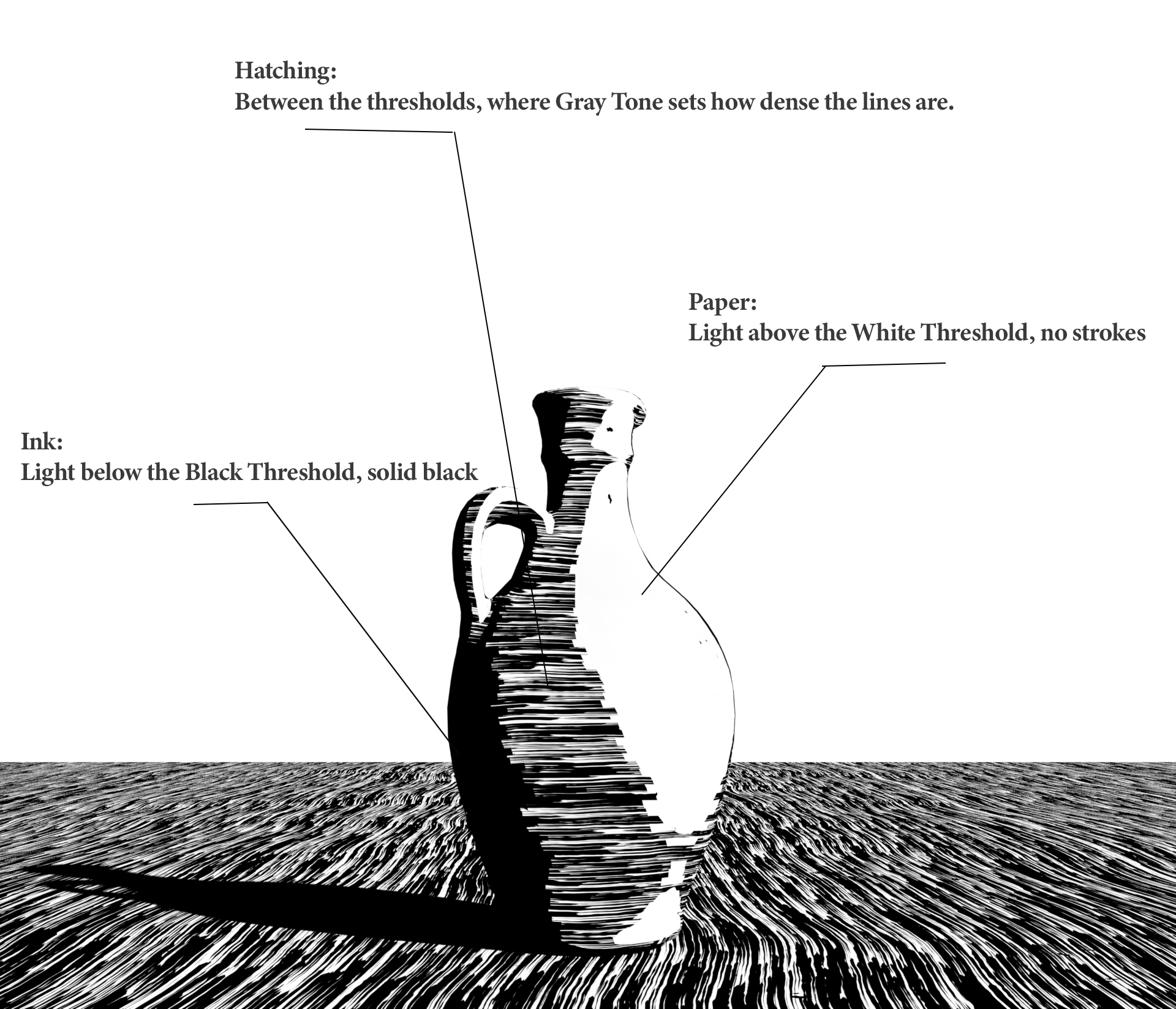
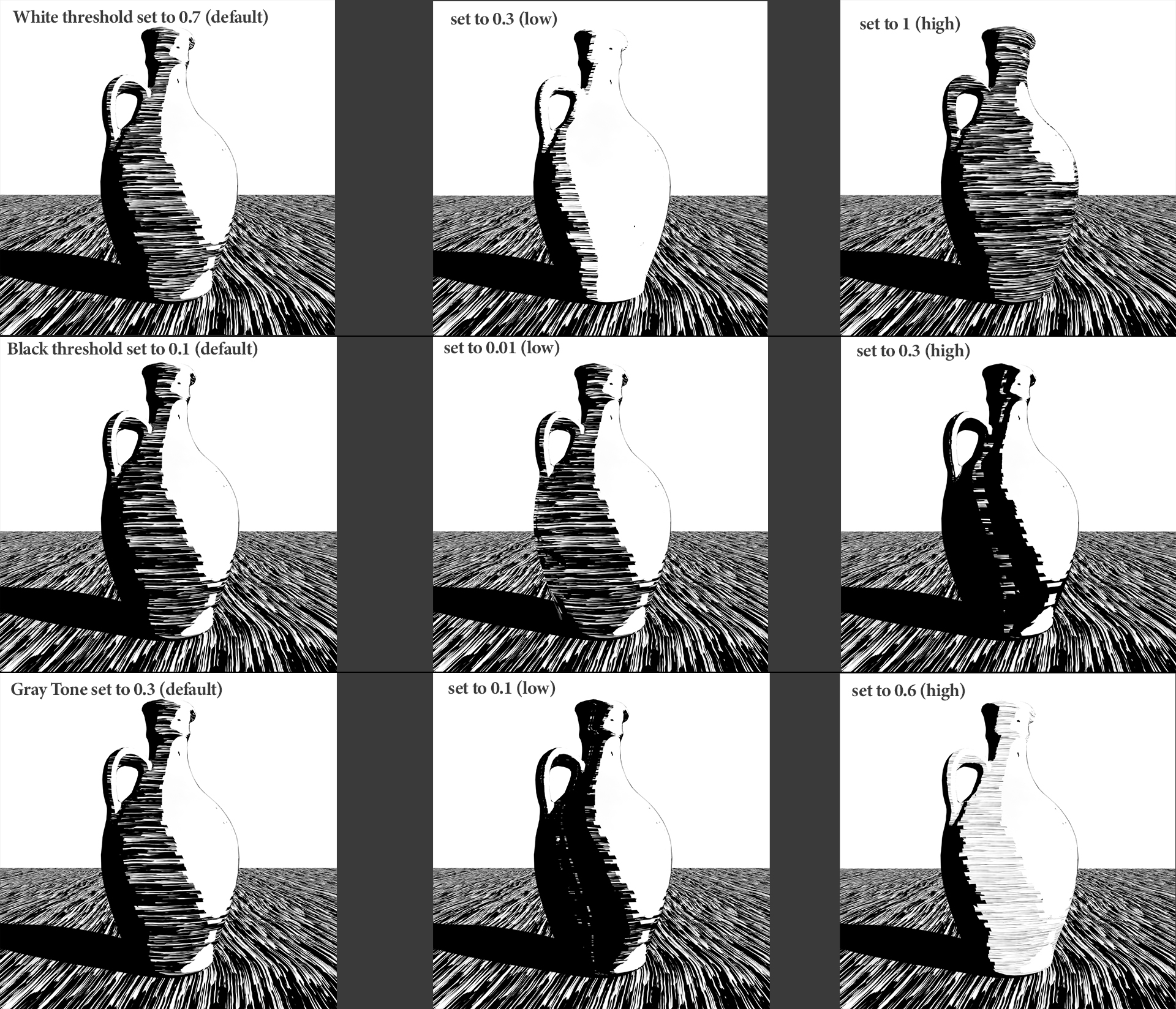
Woodcut Shader reads your lighting like a printmaker: clean paper in the light, hatching in the mid-tones, solid ink in the shadows. Light your scene and the print draws itself.
Every tone under control
Three sliders decide where paper ends and ink begins. Bright and airy or heavy and dramatic.
Your call.
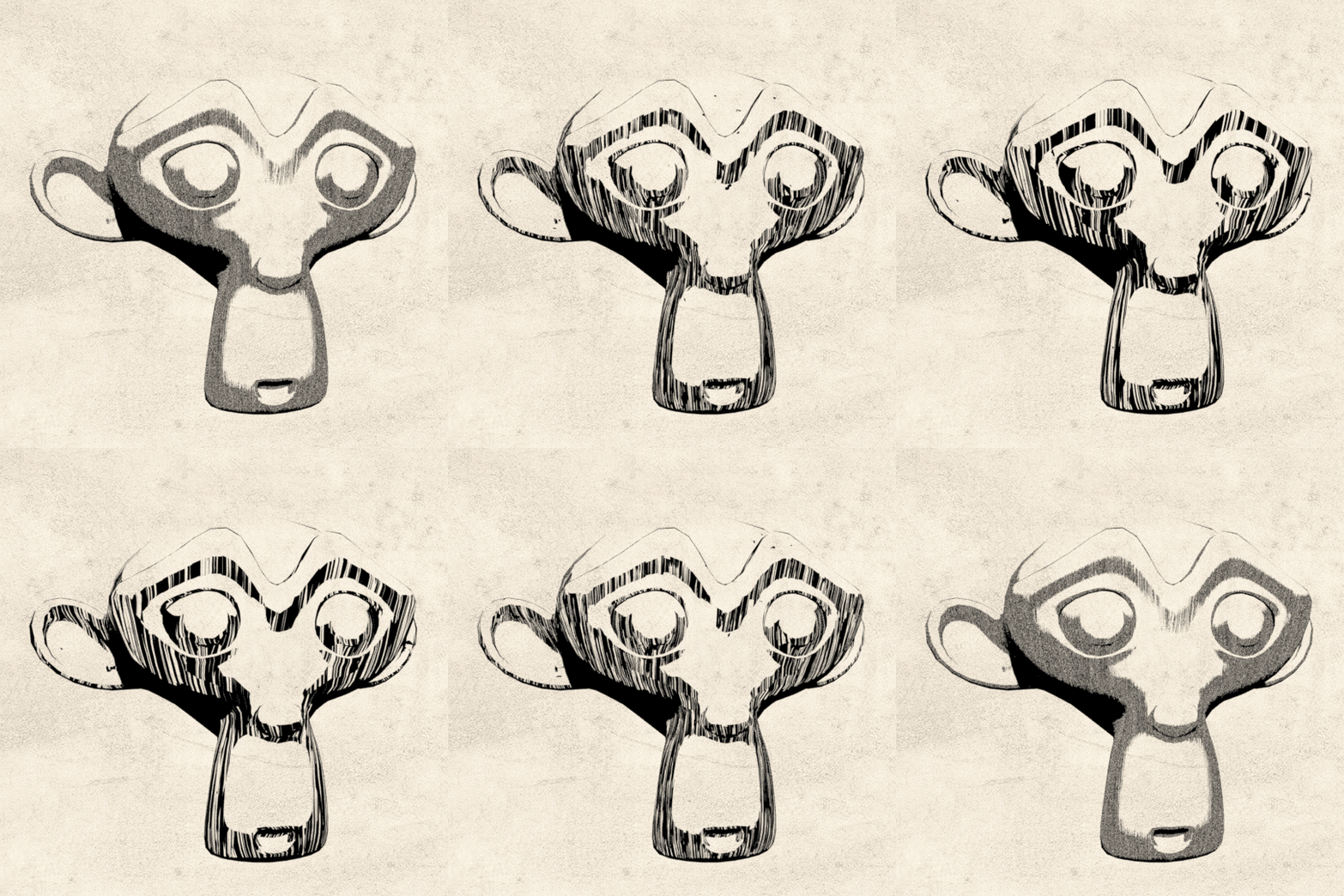
Carve at any scale
From tight banknote engraving to loose, gestural cuts.
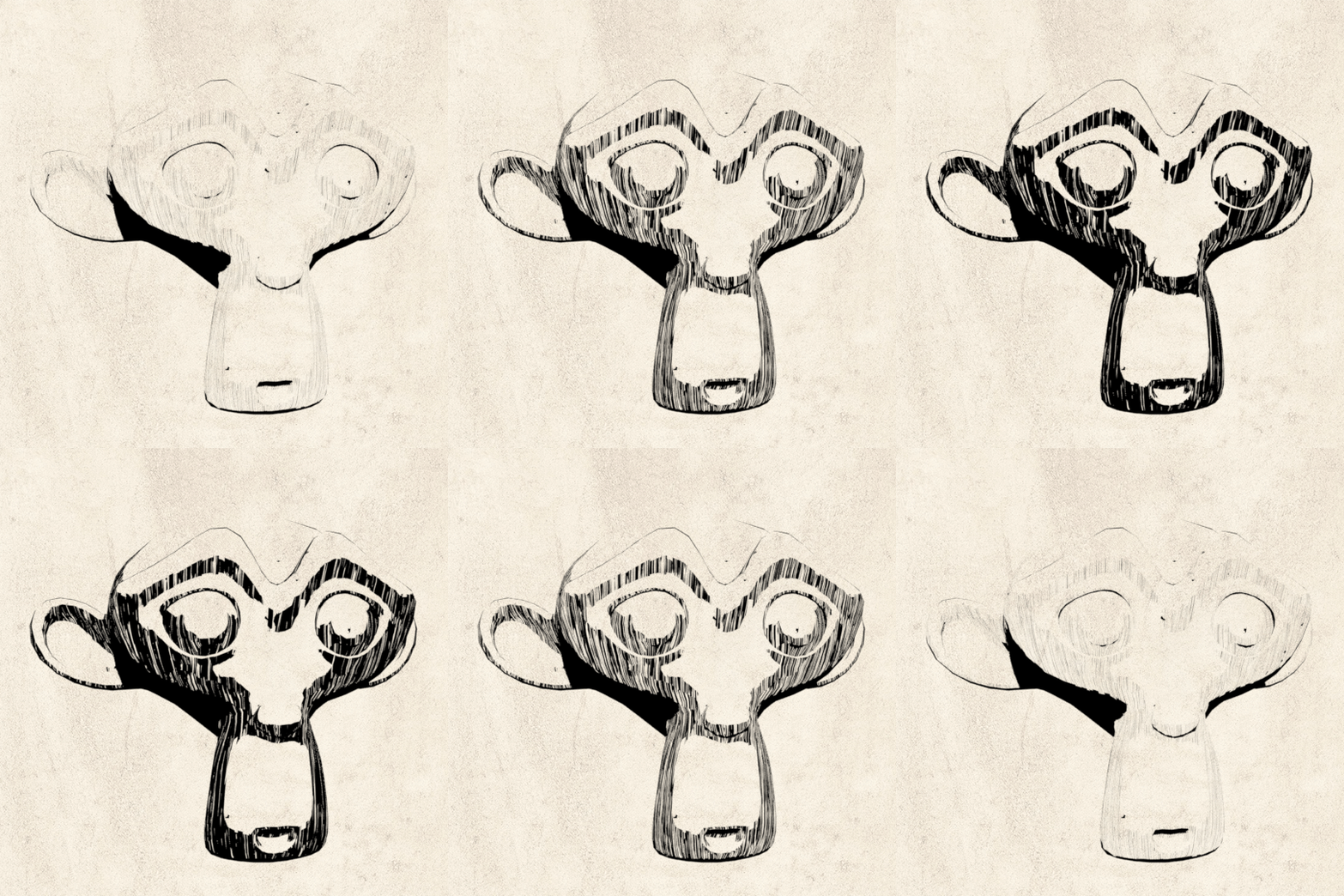
Hairline or bold
Delicate etching or chunky linocut. One slider.
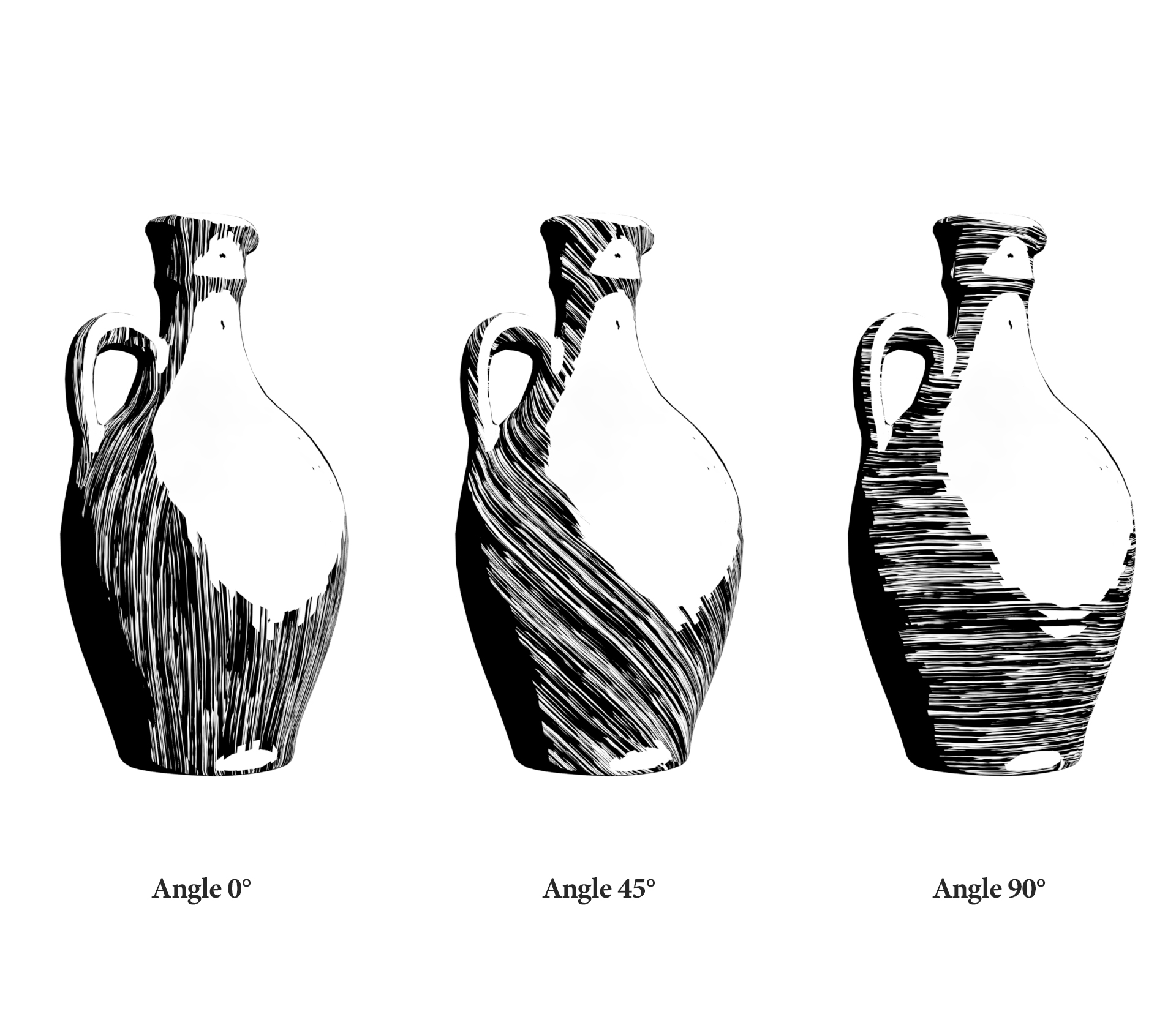
Turn the cut
Strokes follow the form – or cross it, wrap it in rings, or spiral around it.
Built-in atmosphere
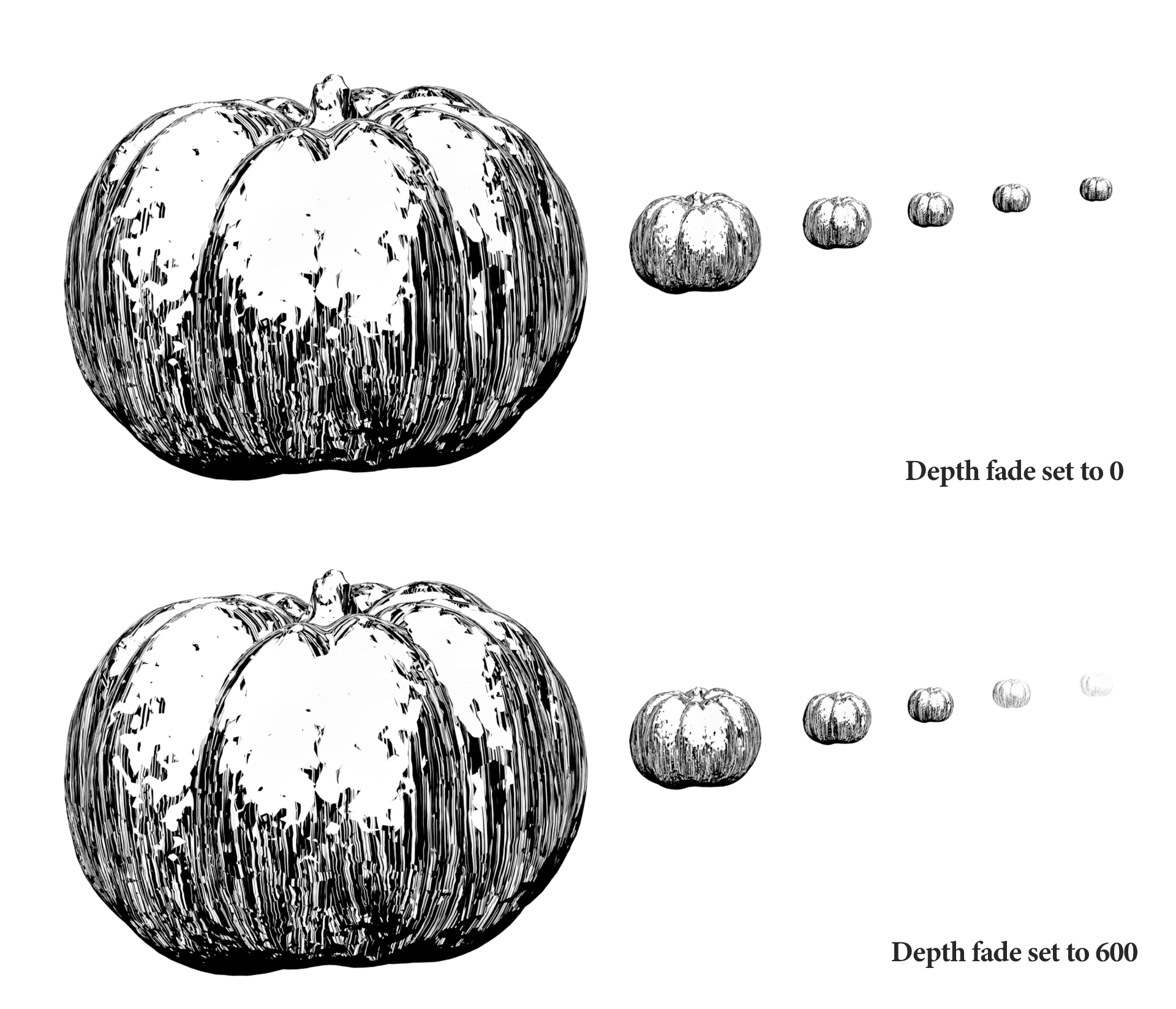
Distance dissolves into the paper, like a real illustration. Your foreground stays crisp, your background stays quiet.
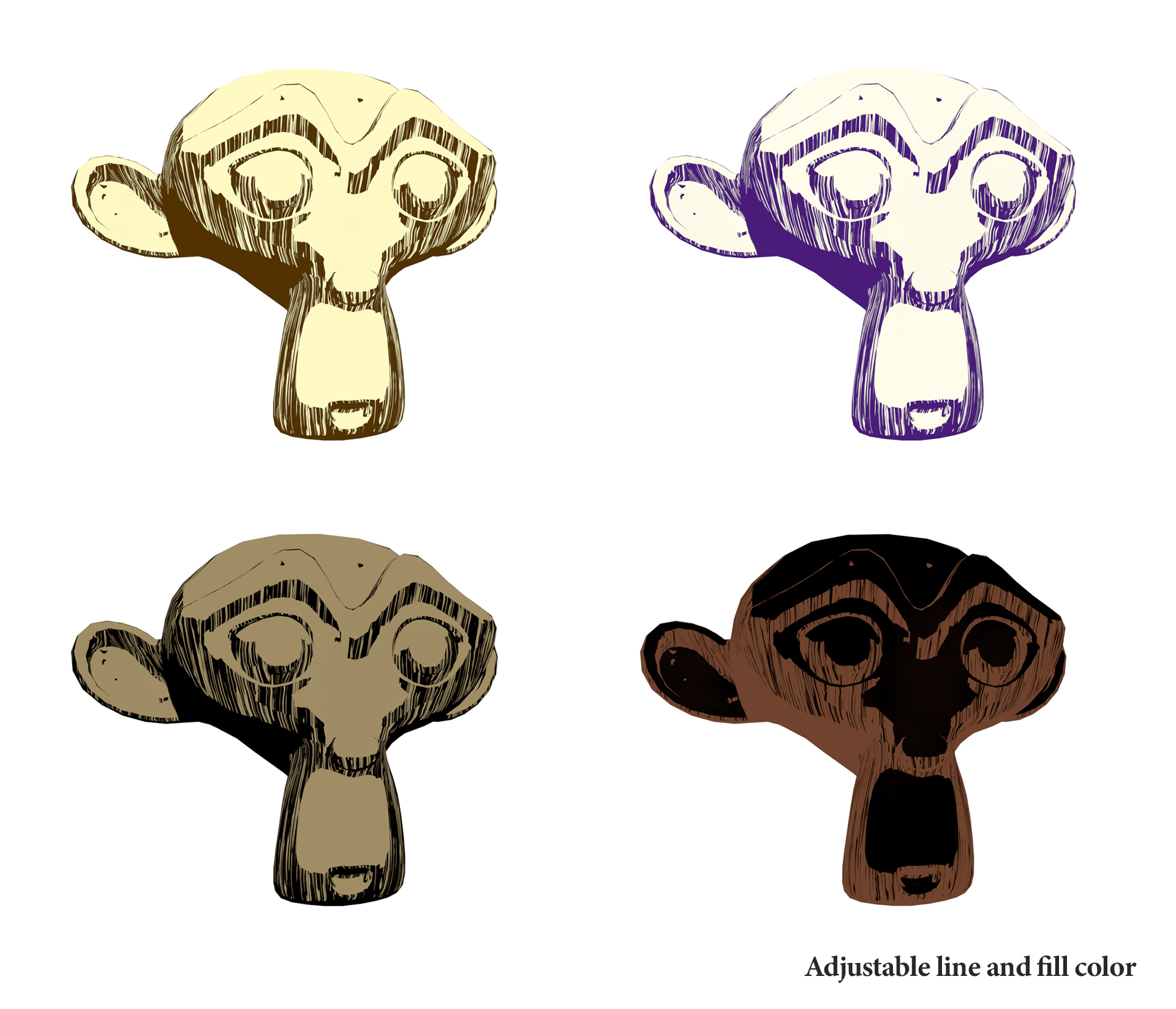
Any ink, any paper
Sepia on cream, indigo on white, black on kraft. Two color pickers, endless prints.
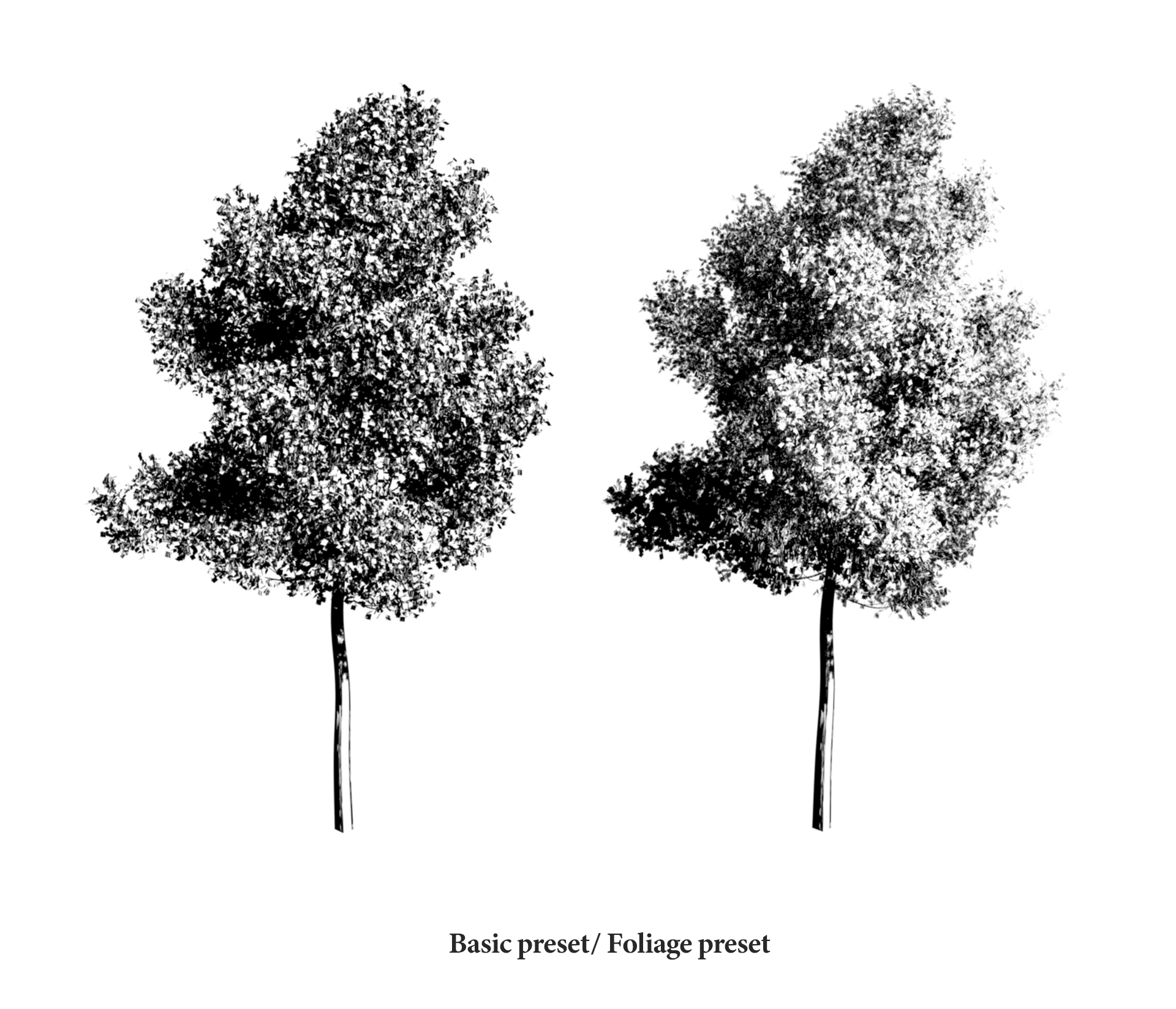
Forests, not noise
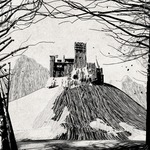
A dedicated Foliage mode carves tree canopies as light and shadow masses, so whole forests stay readable.
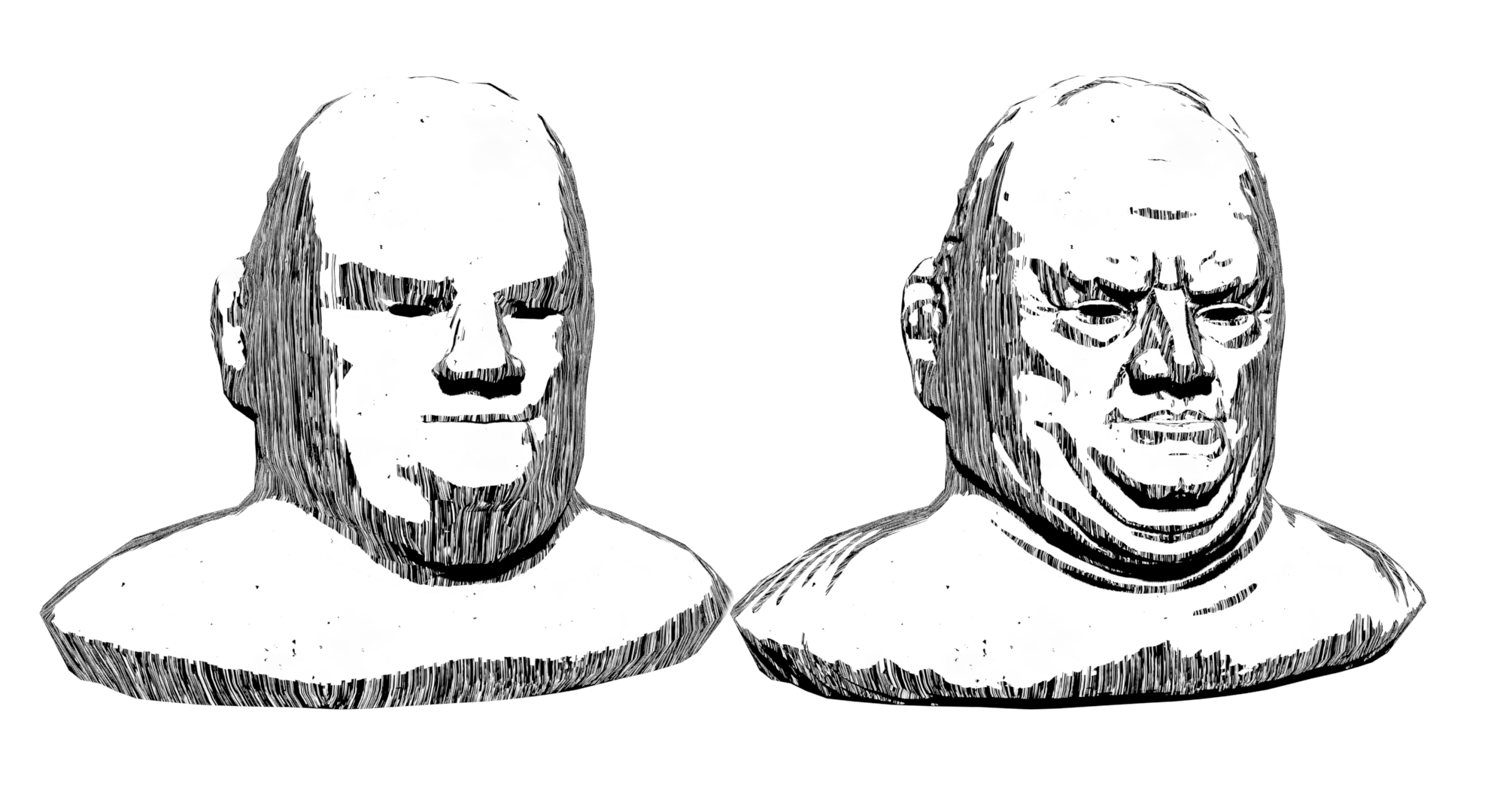
Low-poly? Still detailed.
The shader supports adding normal maps, so just plug in your normal map and every baked wrinkle, fold and edge gets carved too.
Built-in outlines
No need for Freestyle or an extra pass. A built-in broken ink line traces every curved silhouette, like the outline a carver leaves around a figure. Dial it from off to bold.
Three surface types, one material
Basic – buildings, props, characters, rocks, terrain.
Foliage – tree canopies and bushes.
Rounded – vases, barrels, columns, domes: profile lines, rings or spirals.
Why you'll love it
Real-time in Eevee – see the print as you work
Works on any mesh – no UVs, no textures, no per-object setup
Real engraving logic – white cuts carved into dark hatching, not a hatching overlay
Built-in outlines – no extra pass, no Freestyle
Animation-ready – strokes stick to moving objects
Asset Browser ready – drag, drop, render
Royalty-free for personal and commercial work
What's included
Woodcut material (one node group, 16 controls)
Demo scene with lighting and color management already set up
PDF documentation
Important informations
Blender 5.1+, tested in 5.1 and 5.2.3.
Eevee only – does not work in Cycles
Apply All Transforms, then Origin to Geometry – strokes are measured from the object itself, so this gives the most accurate result. This is very important step to get the most accurate result.
The look comes from your lighting – use a strong Sun and View Transform: Standard.