 Fares Asem


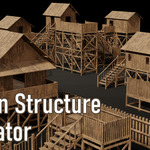
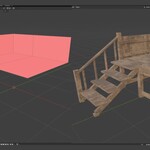
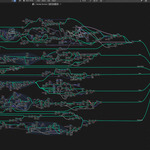
Wooden Structure Generator
Introduction
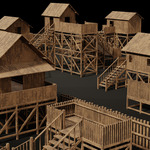
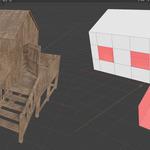
Wooden Structure Generator is a powerful Blender Tool designed to transform simple block-out meshes into detailed wooden structures instantly. By analyzing the orientation and position of your faces, the tool intelligently assigns the correct wooden component, saving hours of manual modeling.
How it Works (The Logic)
The core power of this Tool lies in its ability to interpret your mesh structure and modeling actions in real-time:
1. Face-Orientation Detection
-
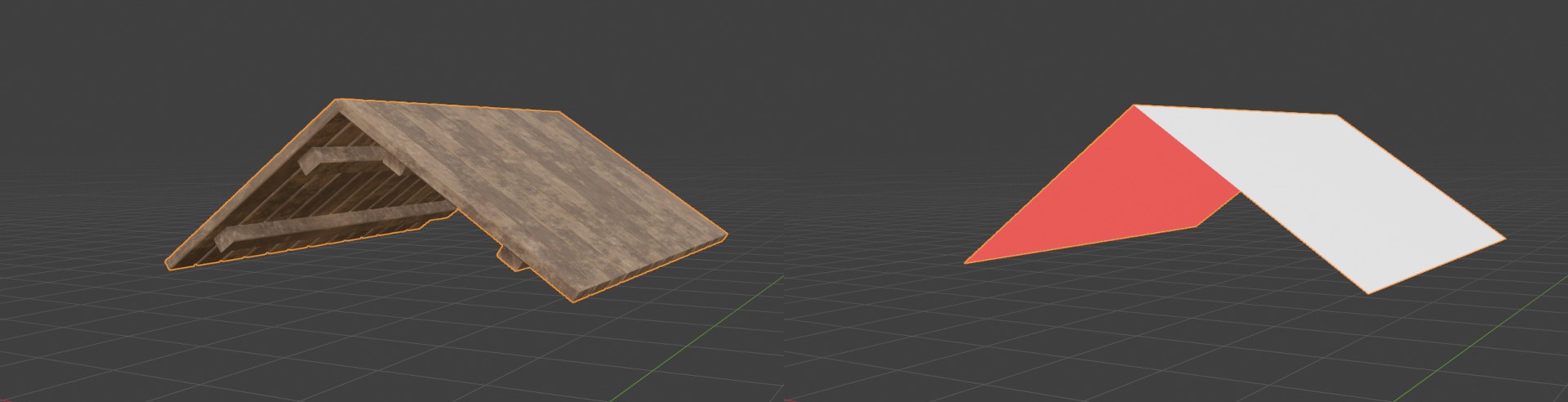
Roof (Face Up): Converts upward-facing surfaces into layered wooden roofing.
-
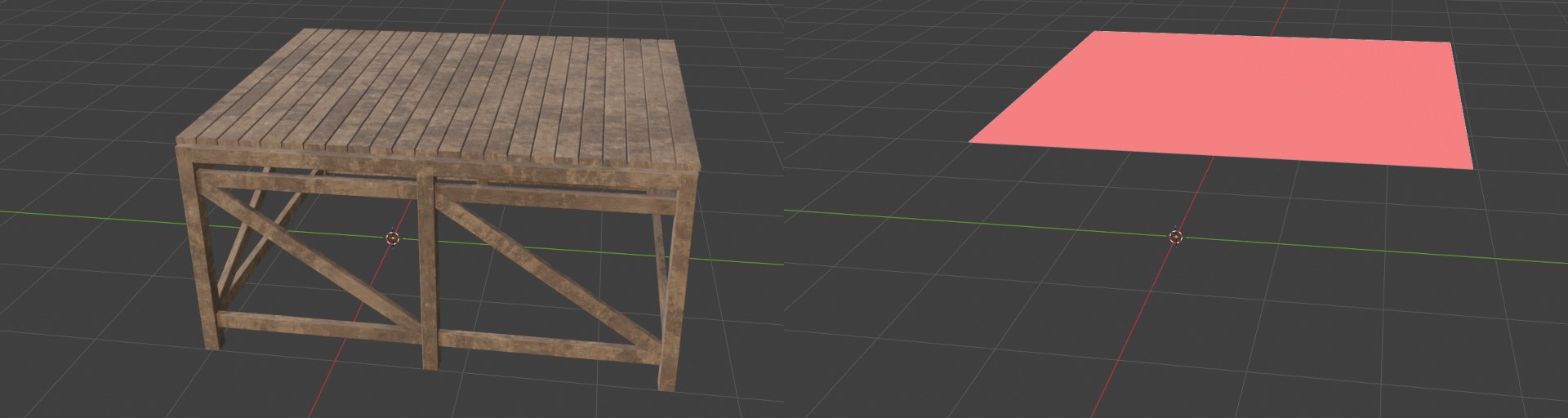
Floor (Face Down): Generates sturdy plank flooring.
-
Stairs (Face Down & Tilted): Angled faces are automatically transformed into functional staircases with steps.
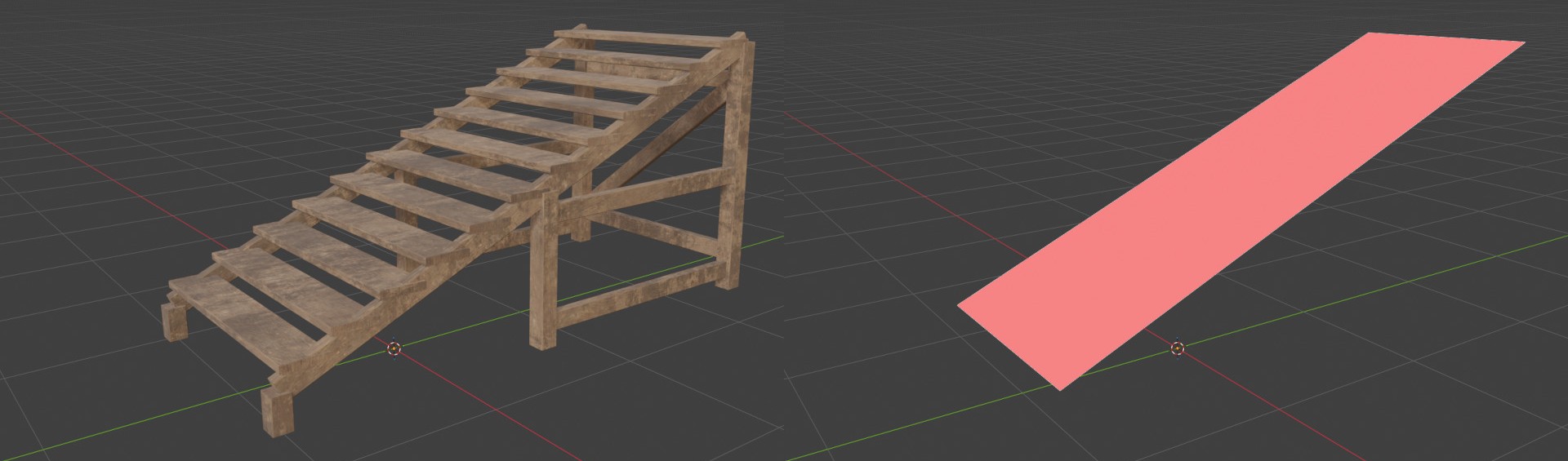
Wall (Vertical Faces): Vertical surfaces become detailed plank walls.
-
Windows (Openings): Automatically detects and frames openings within your wall geometry.

2. Smart Extrusion Context
The tool understands the relationship between components when you model:
Floor Edge → Wall: Extruding an edge upwards from a floor automatically builds a wall.
-
Stairs Edge → Railing: Extruding from the side of a staircase generates a matching railing system (Handrails & Balusters) that follows the slope.
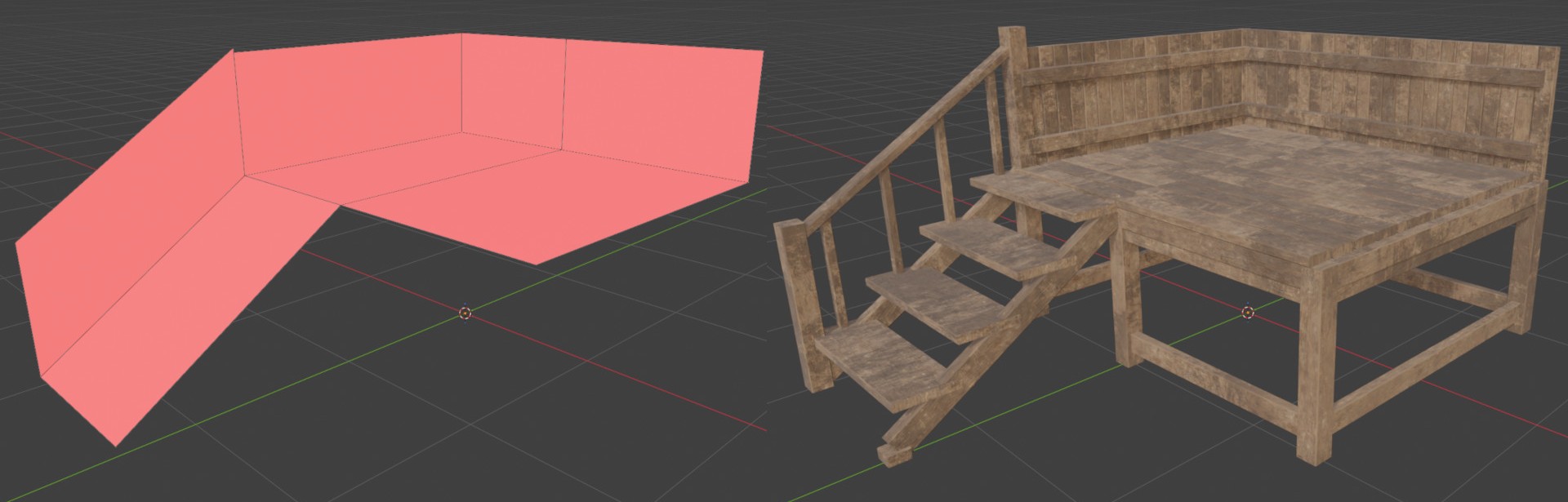
3. Precision Modeling (Edges to Planks)
-
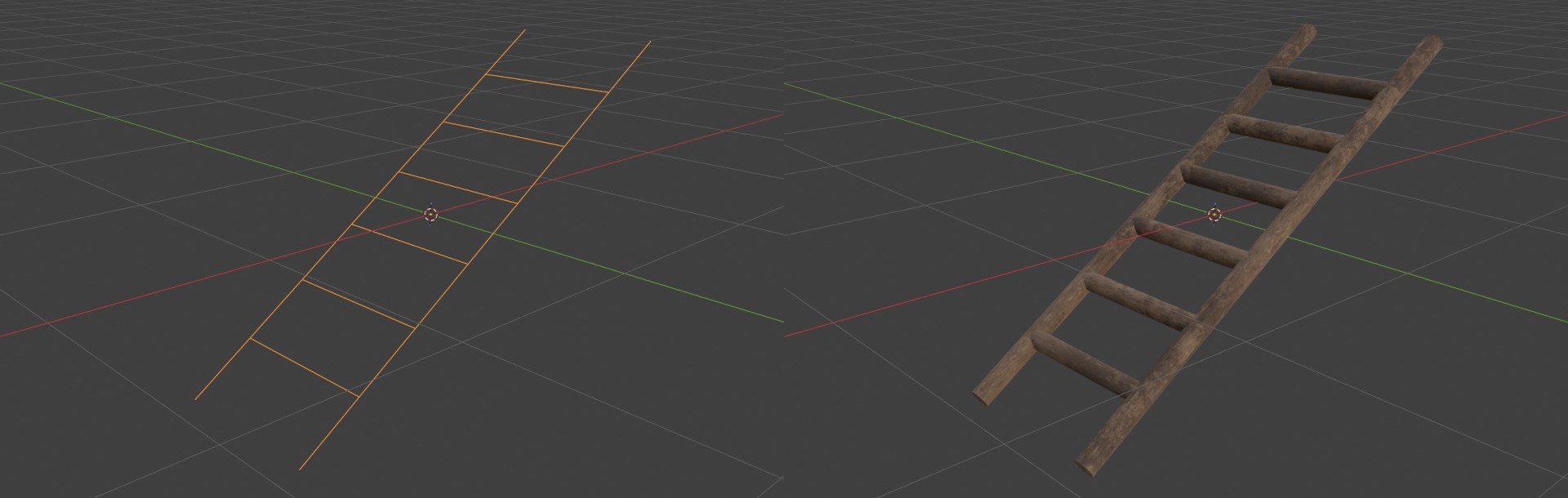
Single Edge → Single Plank: For maximum customization, any Individual Edge in your mesh is treated as a Single Plank/Beam. This allows you to hand-draw custom frameworks, ladders, or complex support structures using simple lines.
Key Features & Parameters
Each category has its own dedicated panel in the UI for full control:
Wall Settings: Control plank width, spacing, and random height variation for a rustic look.
Roof Settings: Adjust the geometry of the roof planks and material textures.
Stair Controls: Change step height, handrail thickness, and baluster spacing.
Floor & Foundation: Customize the floor planks and the supporting framework (posts and braces).
Single Planks: A dedicated panel to customize individual plank styles and shapes.
How to Use
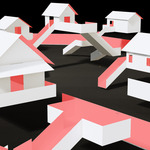
Block-out: Create a simple mesh representing the shape of your building.
Orientation: Ensure your faces are oriented correctly (Up for roof, Vertical for walls, etc.).
Generate: Apply the "Wooden Structure" modifier from the sidebar.
-
Tweak: Use the parameters in the UI to refine the look of your cabin or structure.