 ZEG
Installation
- In Blender open Edit, Preferences, Get Extensions, then use Install from Disk and pick the bundle zip (do not unzip it).
- In Edit, Preferences, Add-ons, expand the bundle's entry and click Install all addons. Every addon is installed and enabled.
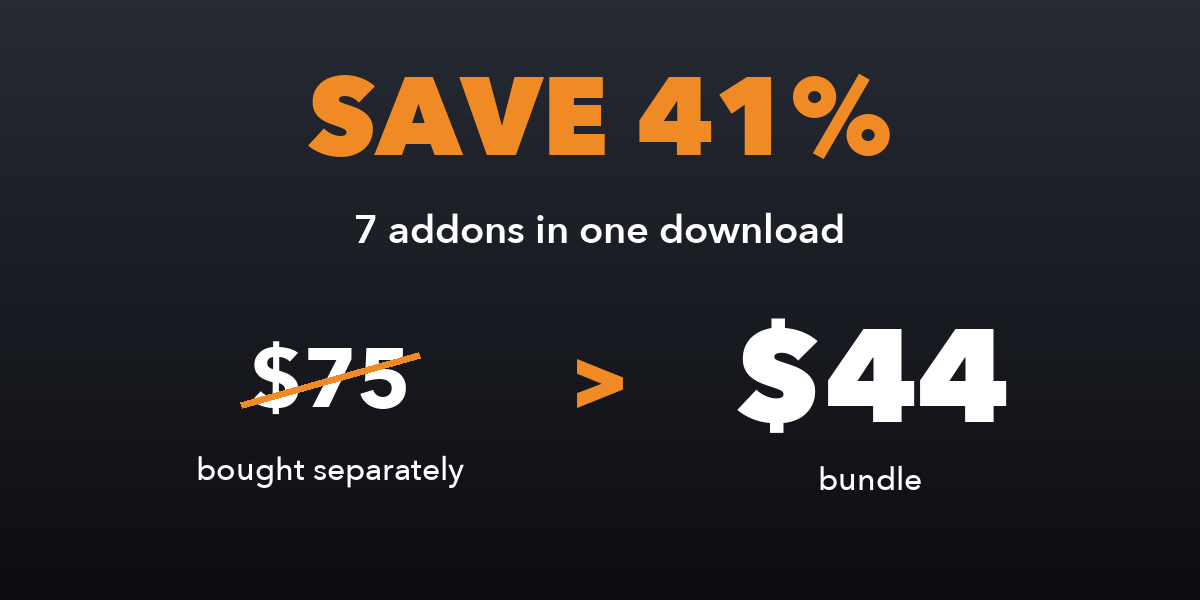
To install only some addons, unzip the bundle and install the zips you want from its addons folder the same way.
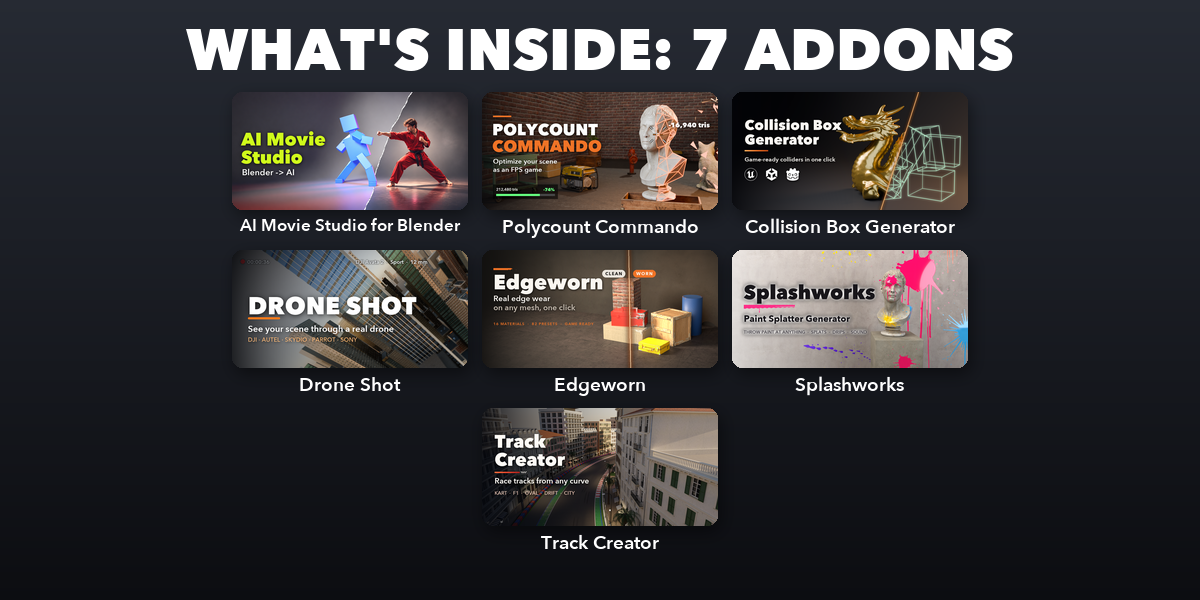
Included addons
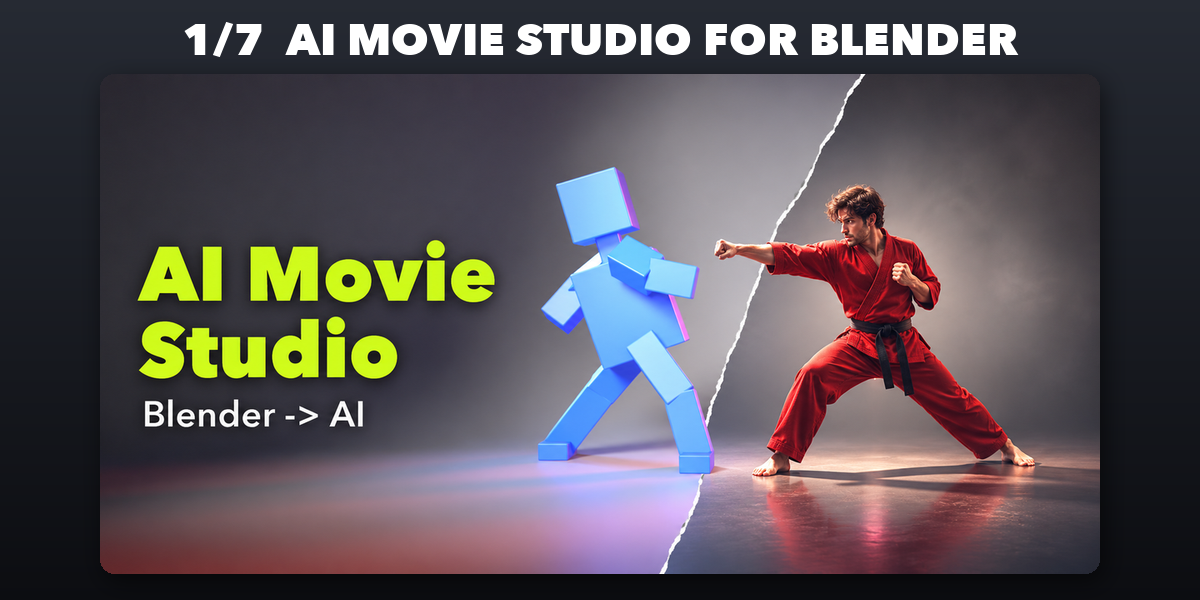
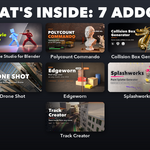
- AI Movie Studio for Blender: Block scenes in Blender, make AI video with Higgsfield
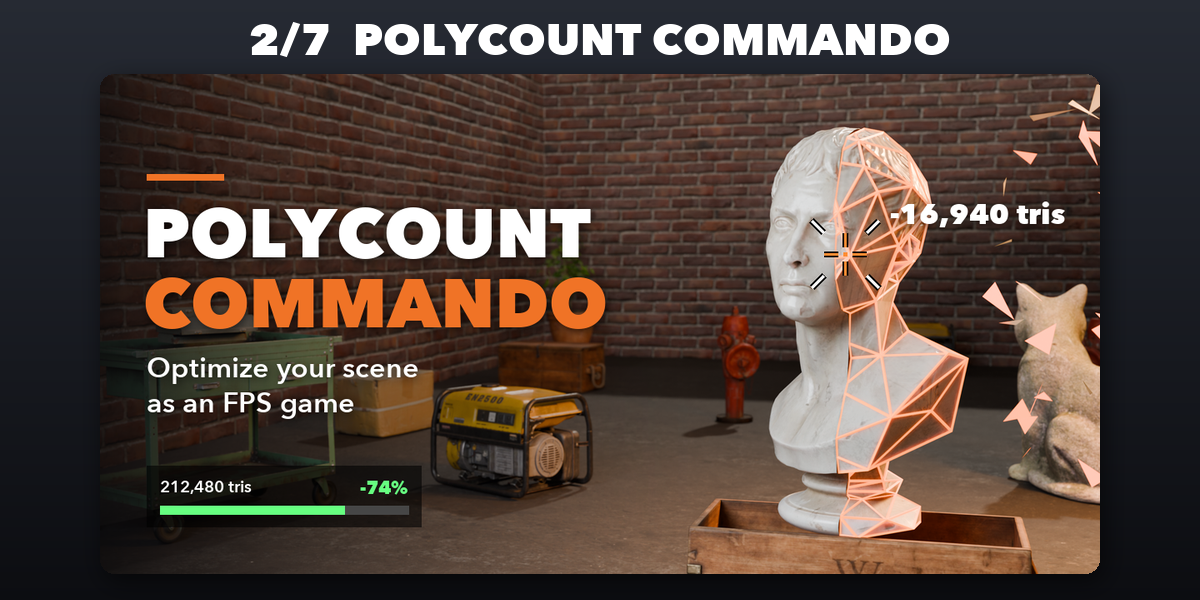
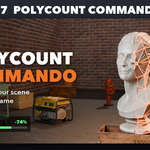
- Polycount Commando: Optimize scenes as an FPS game: delete, decimate and downres
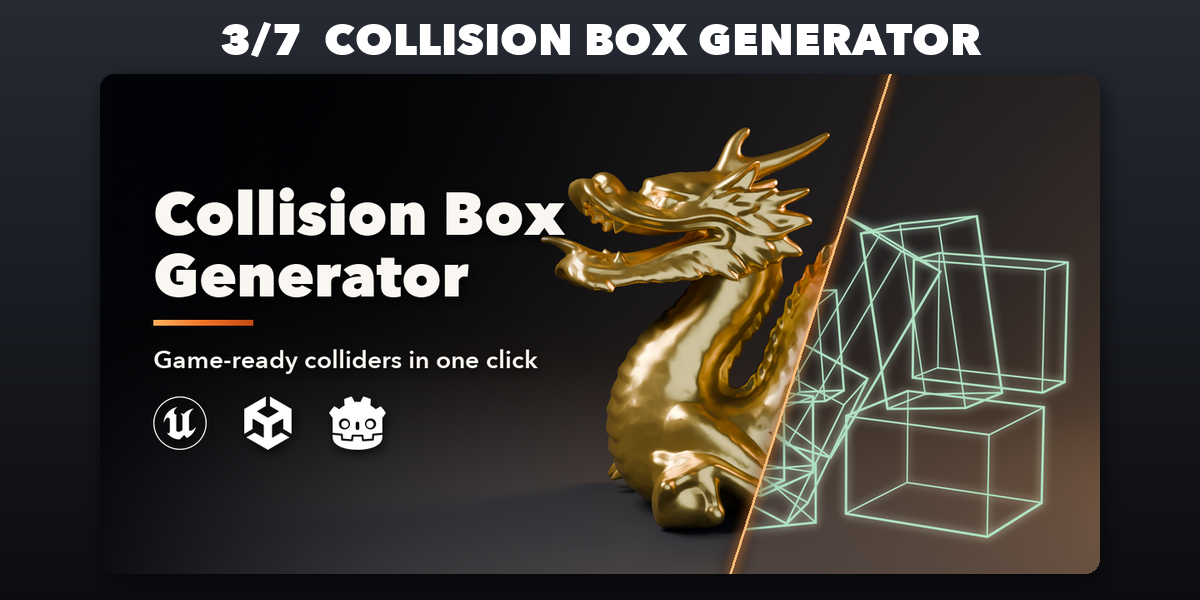
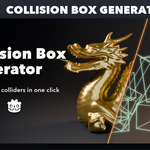
- Collision Box Generator: Fit game-ready box, sphere, capsule and convex colliders
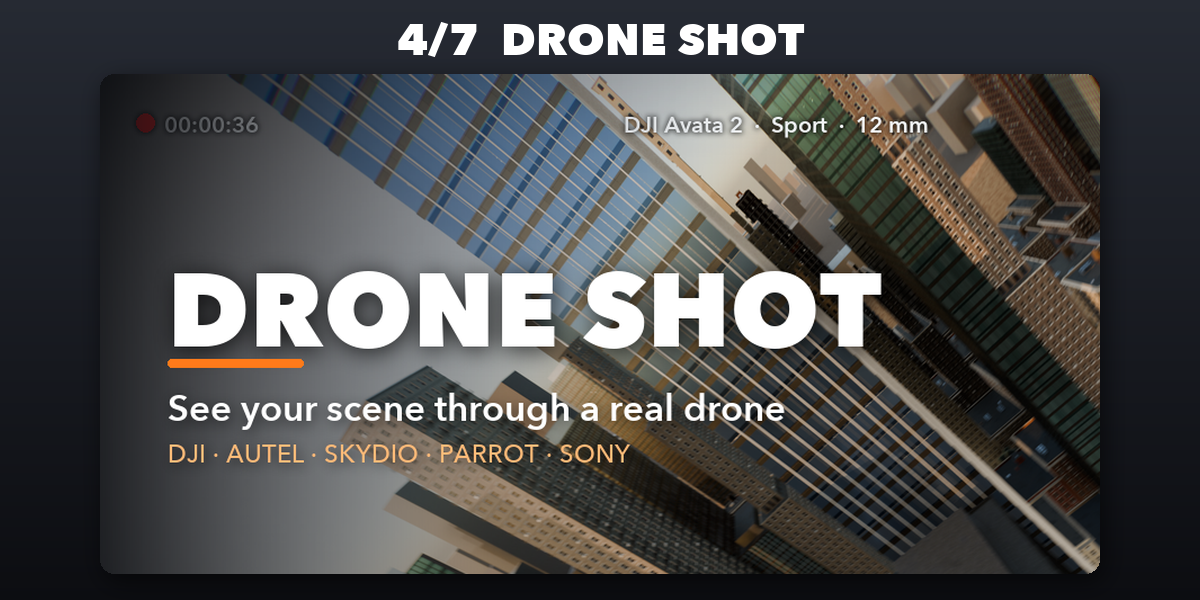
- Drone Shot: Collision-free drone camera flights with real drone profiles
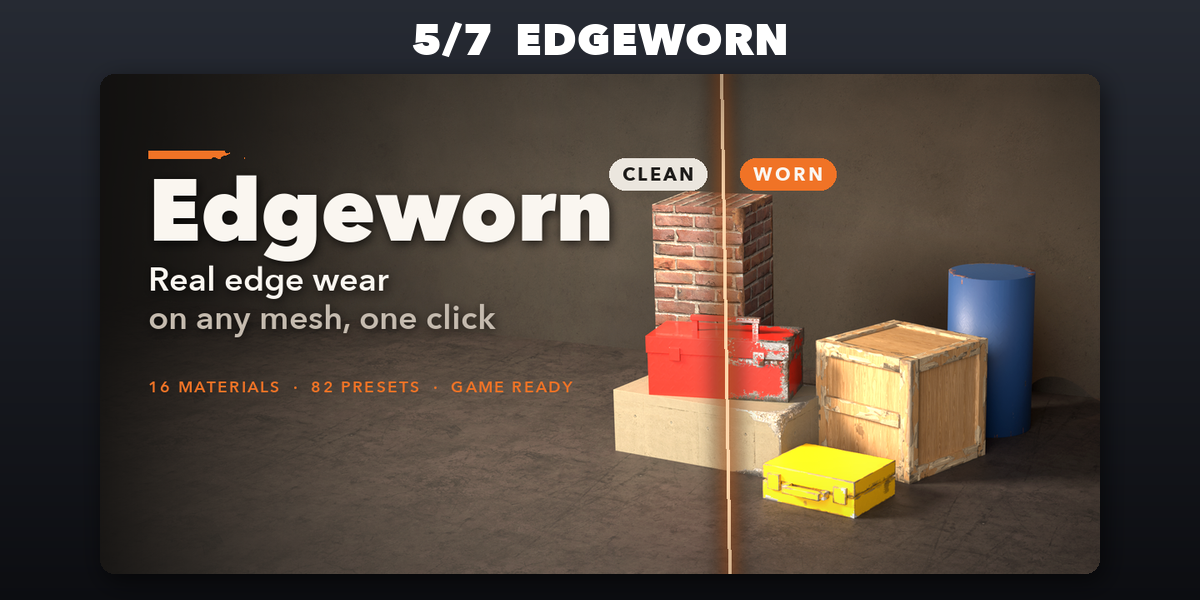
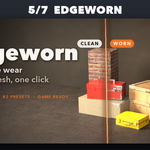
- Edgeworn: Chipped edges, scratches and scuffs on any mesh as light decals
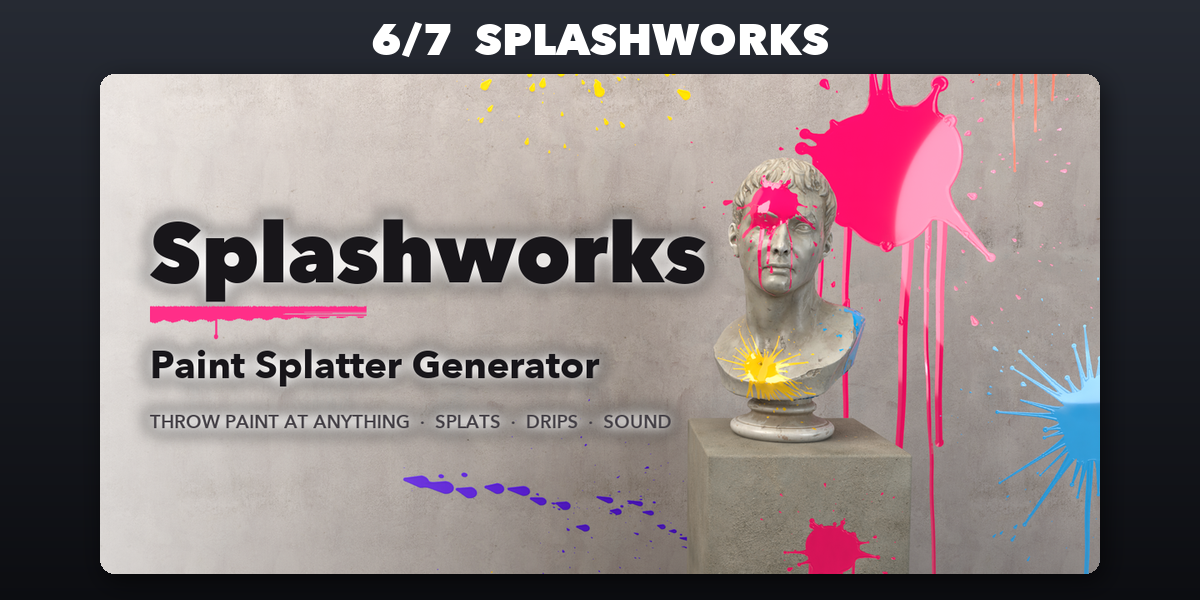
- Splashworks: Throw paint at any surface with splats, drips, sound and motion
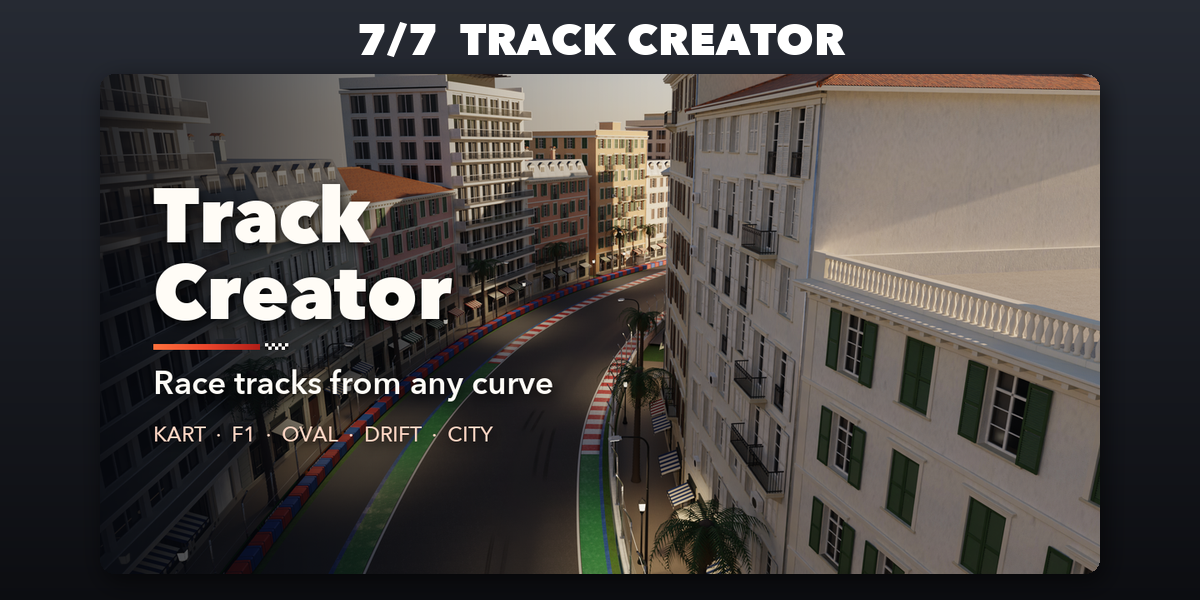
- Track Creator: Kart, F1, oval and drift race tracks
Each addon has its own tab in the 3D viewport sidebar (N); see each addon's product page for its full guide.
Have questions about this product?
Login to message
| Blender Extension Compatible | Yes |
| Published | about 3 hours ago |
| Blender Version | 4.2 - 5.2 |
| Extension Type | Add-on |
| Render Engine Used | Cycles, Eevee |
| License | GPL |

Discover more products like this
claude-code ai seedance storyboard higgsfield blender-mcp OpenCode Codex MCP ai video agent previs