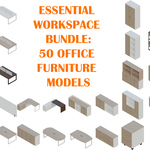
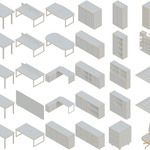
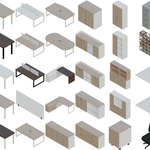
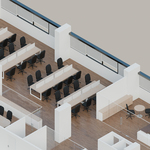
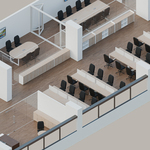
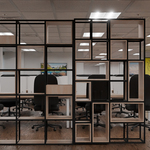
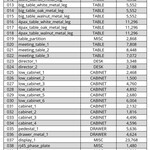
Essential Workspace Bundle: 50 Office Furniture Models
 MatonBlender


Download and extract the file “office_pack.zip”.
Move the “office_pack”folder to your desired location, you can rename it if you want.
Open Blender and go to Preferences.
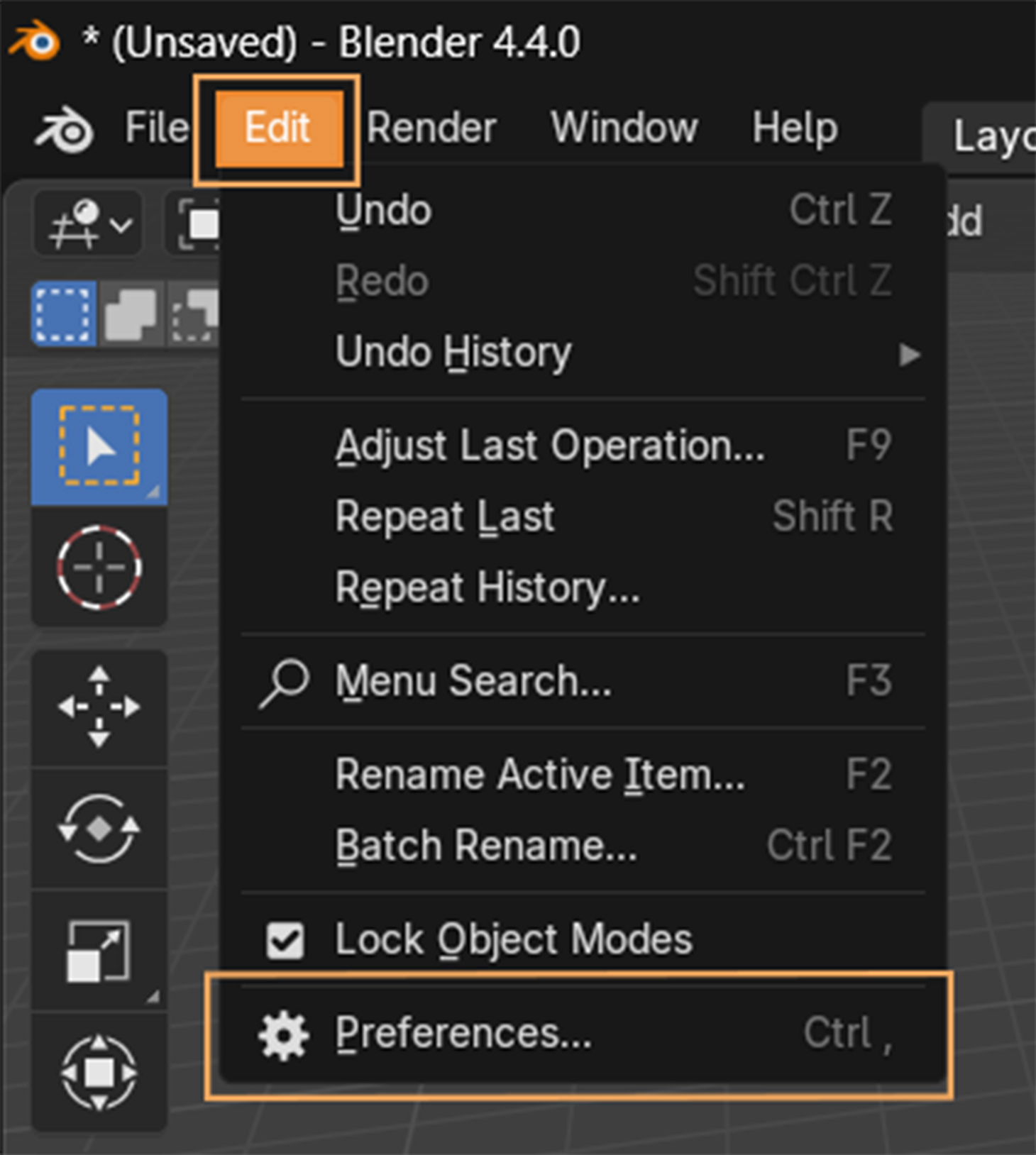
Navigate to File Paths
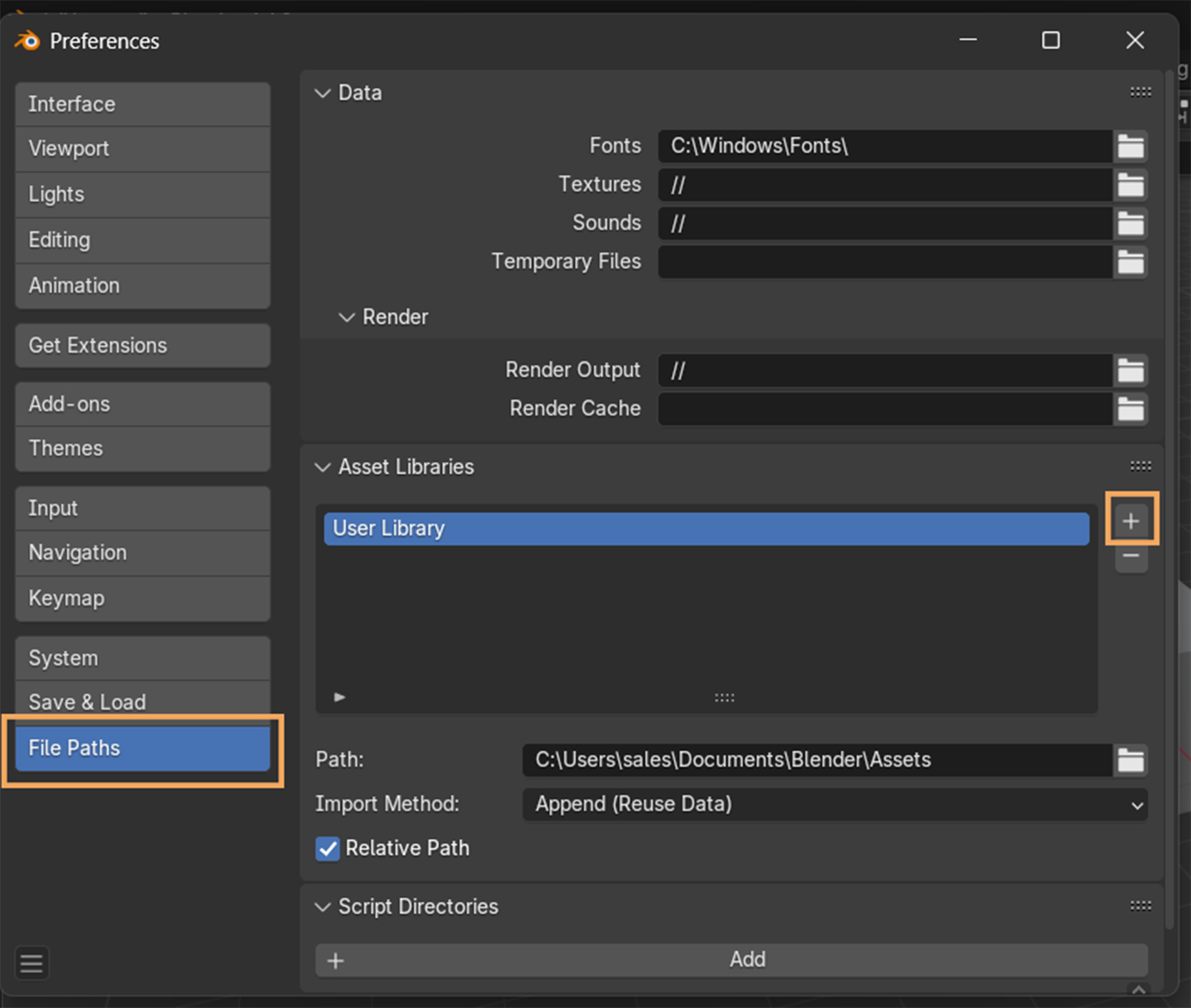
Add this folder to your Assets Collection (Go into the folder and click on Add Asset Library).
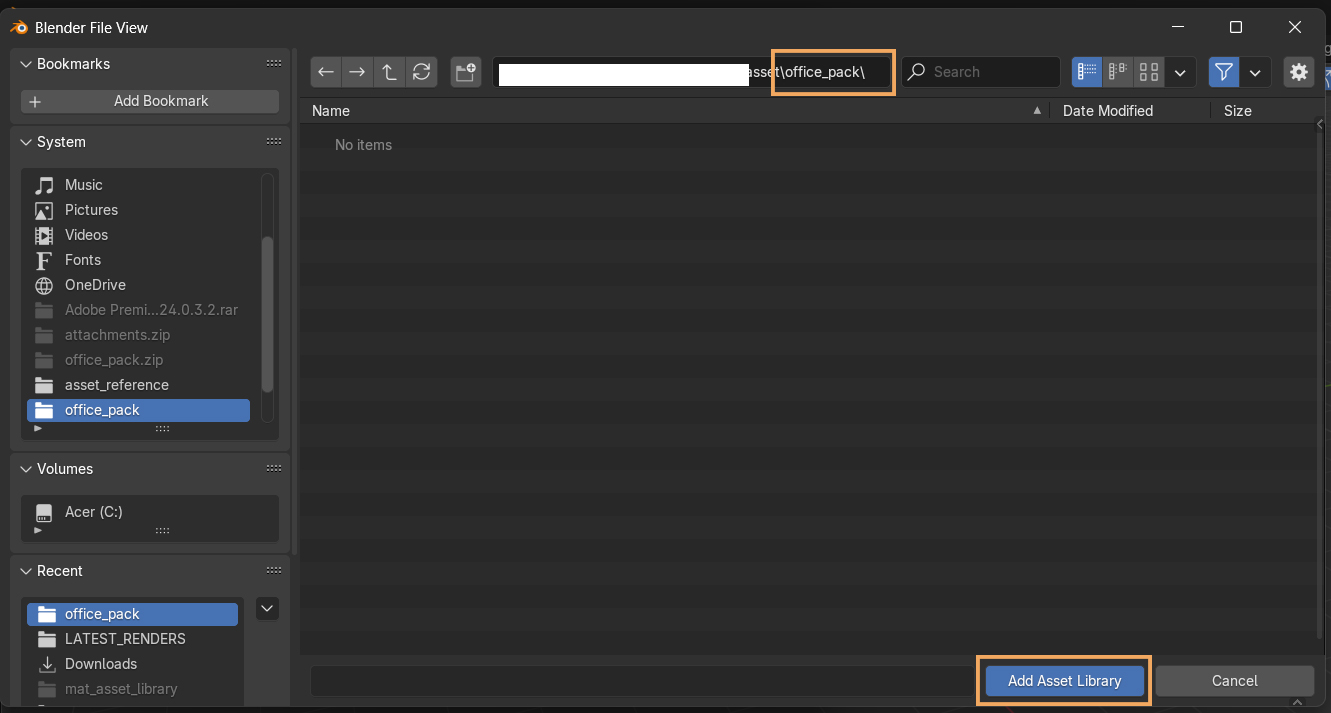
You're ready! The models are now available for usage in your scenes.
$5
Have questions about this product?
Login to message
| Sales | 10+ |
| Dev Fund Contributor | |
| Published | over 1 year ago |
| Blender Version | 4.4, 4.3, 4.2 |
| Render Engine Used | Cycles |
| Misc Data | Uvs-Unwrapped, Low-High-Resolution, Normal-Mapped, Textured |
| License | Royalty Free |

Discover more products like this
asset pack blender Interior Design Office Furniture asset furniture 3d model Office 3dinterior