 gr8effect



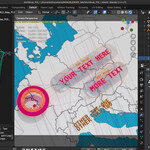
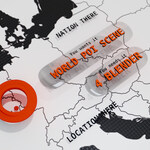
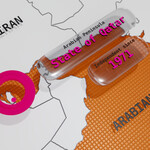
Point Of Interest (POI) clips are the bread and butter of TV/ infographics.
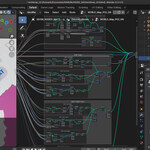
I've put together a simple file that uses geometry nodes and aims to make putting together such clip with Blender an effortless procedure.
Easy as 1,2,3 make POI clips in minutes!!
1Move the WORLD_POI empty to the desired POI location.
2Select the GEOM_NODES-MATS object and edit the GN settings
3Move to the Materials tab. Change the colors/settings.
