 GPolygon Design
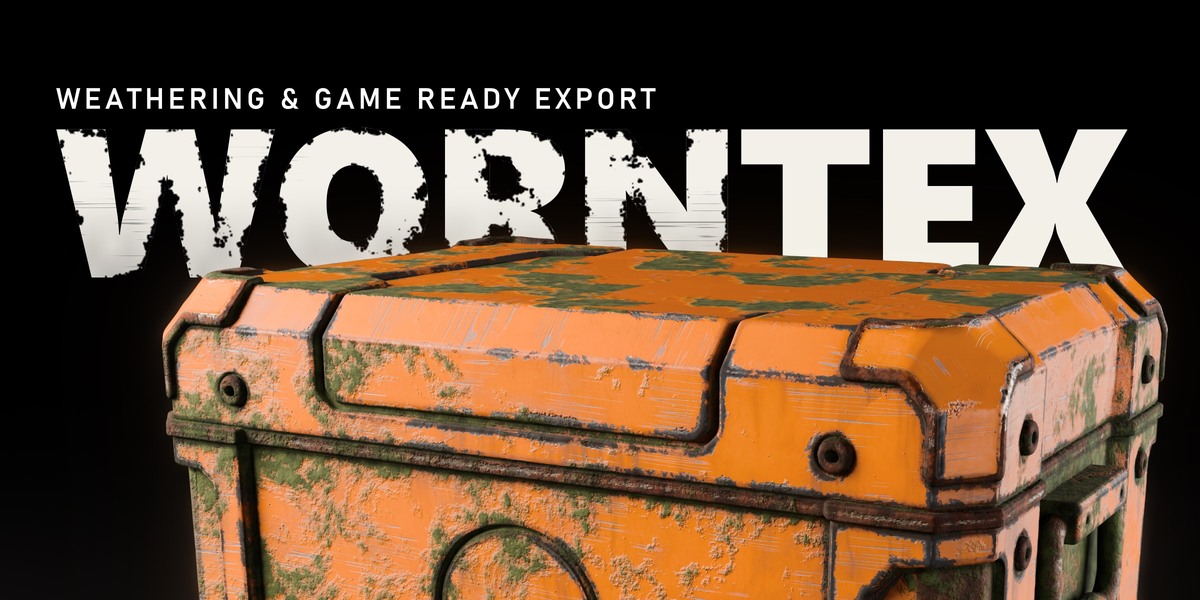

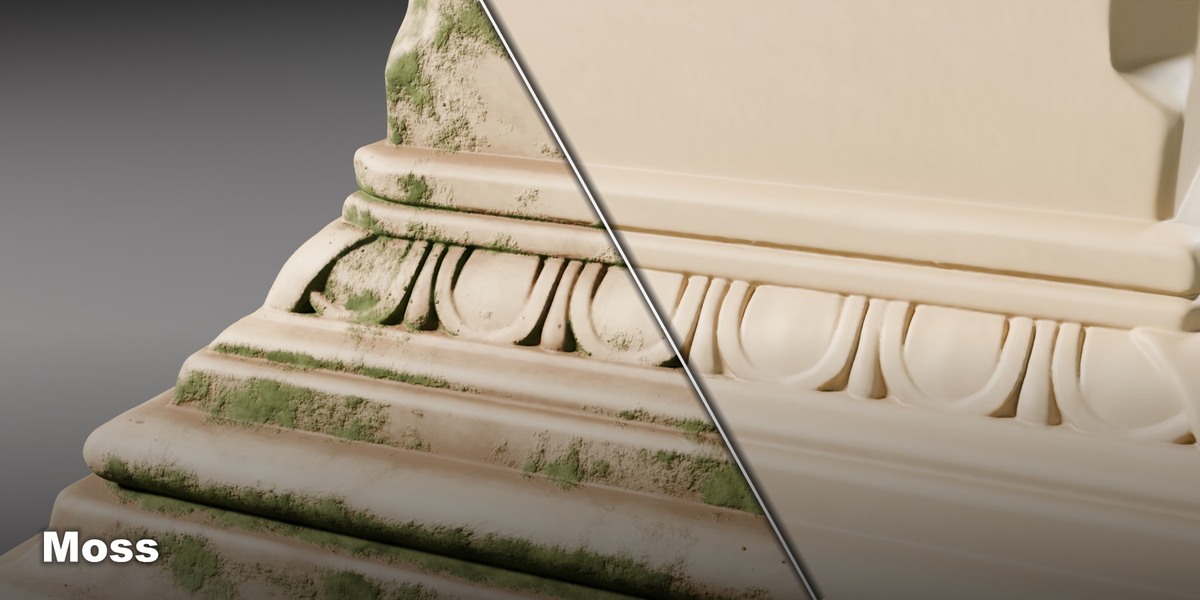
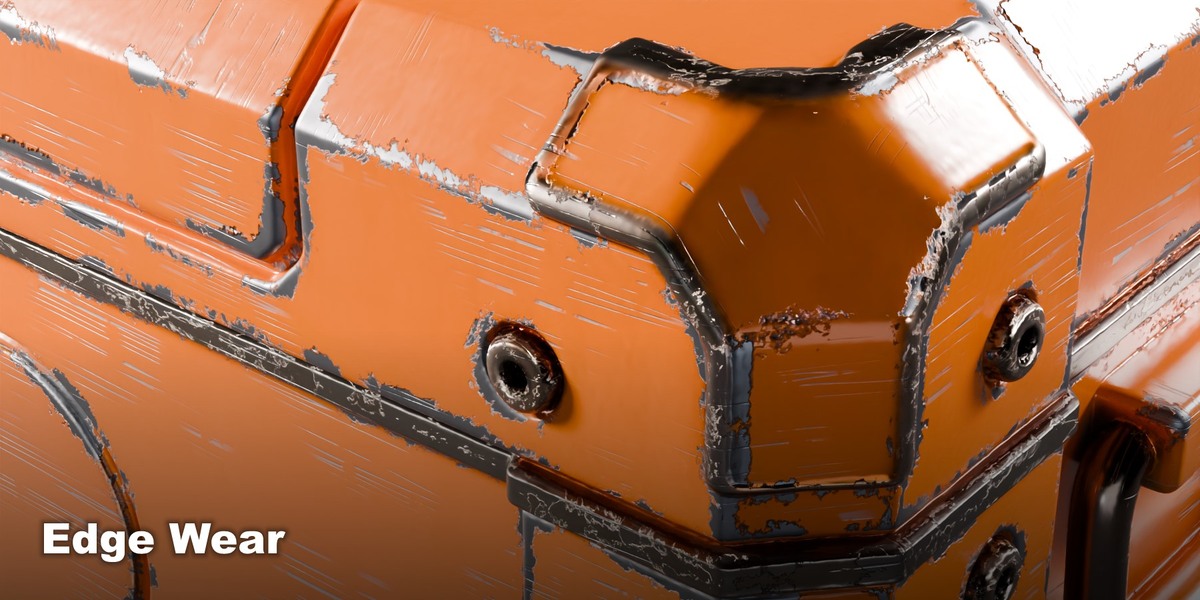
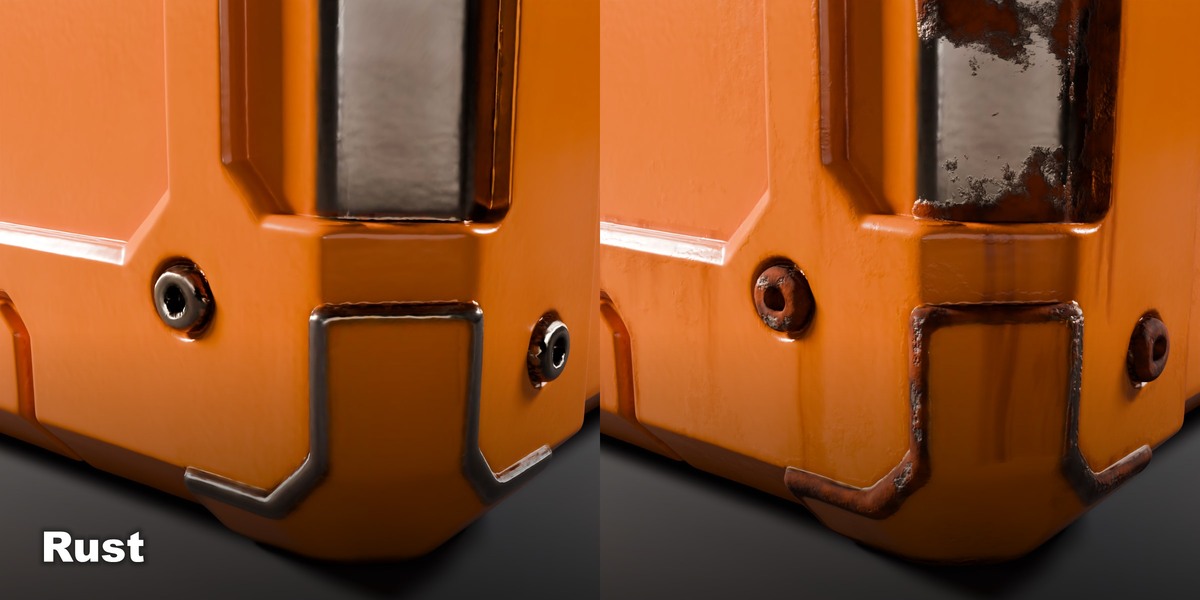
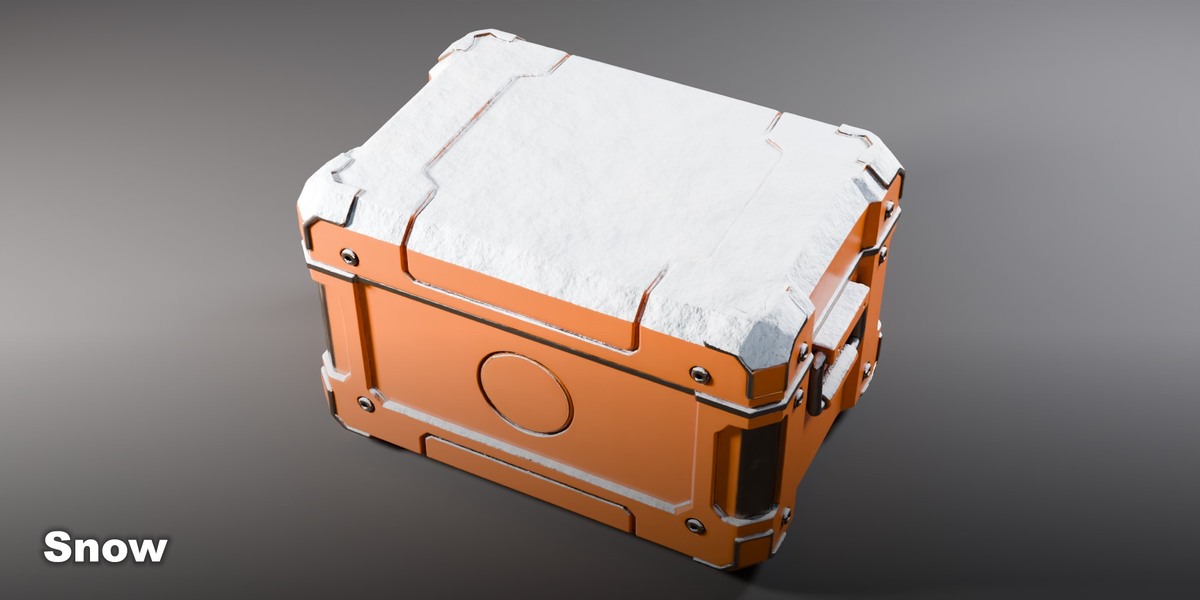
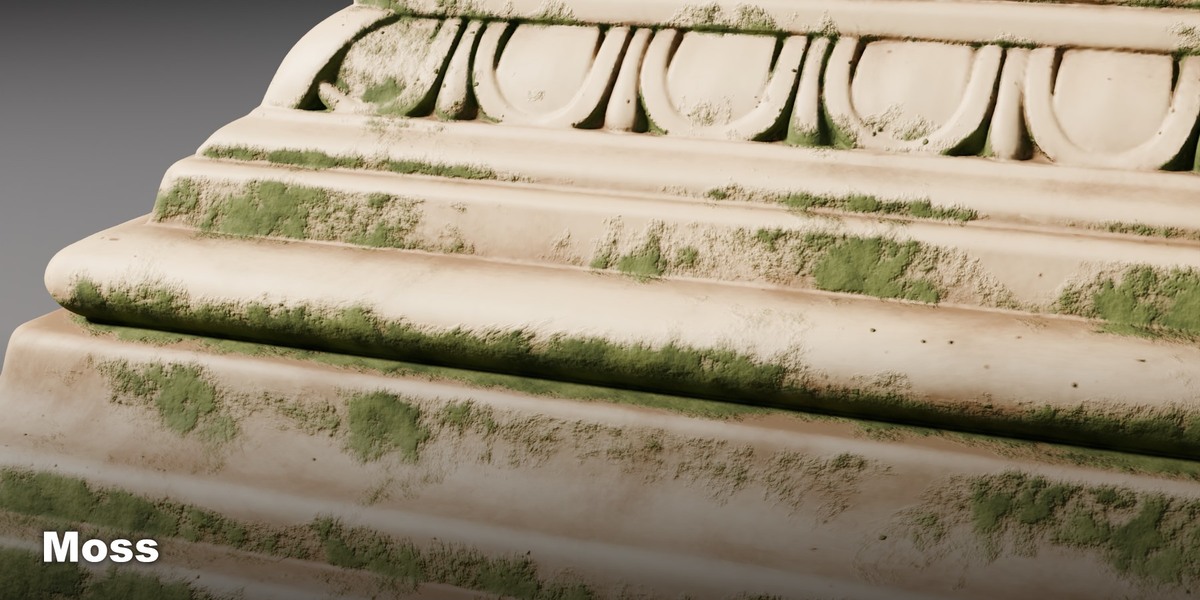
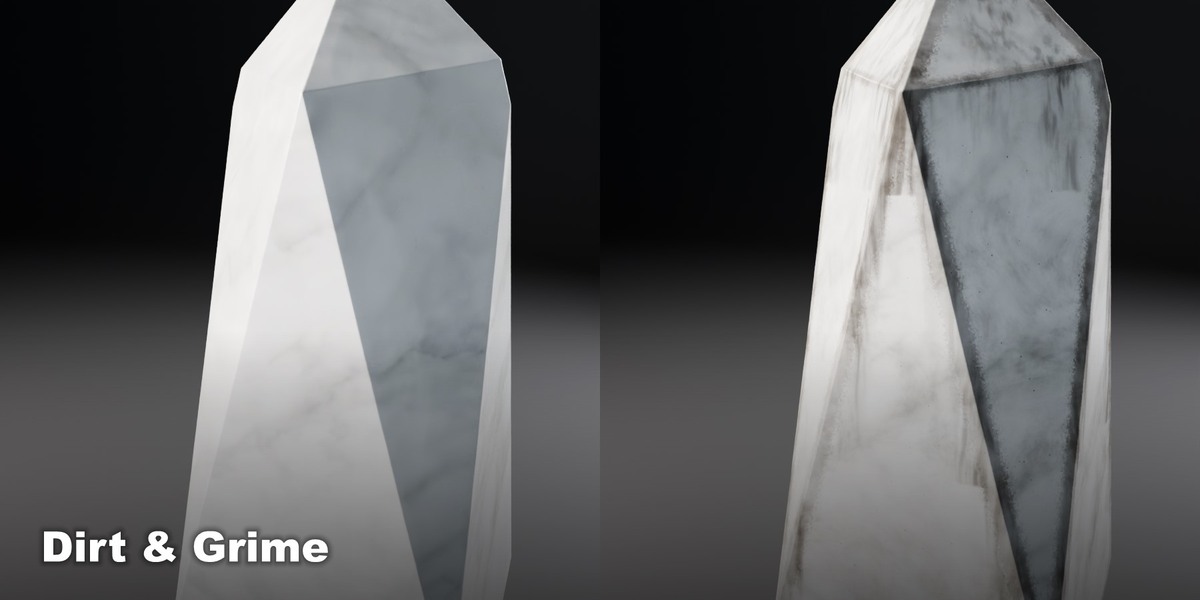
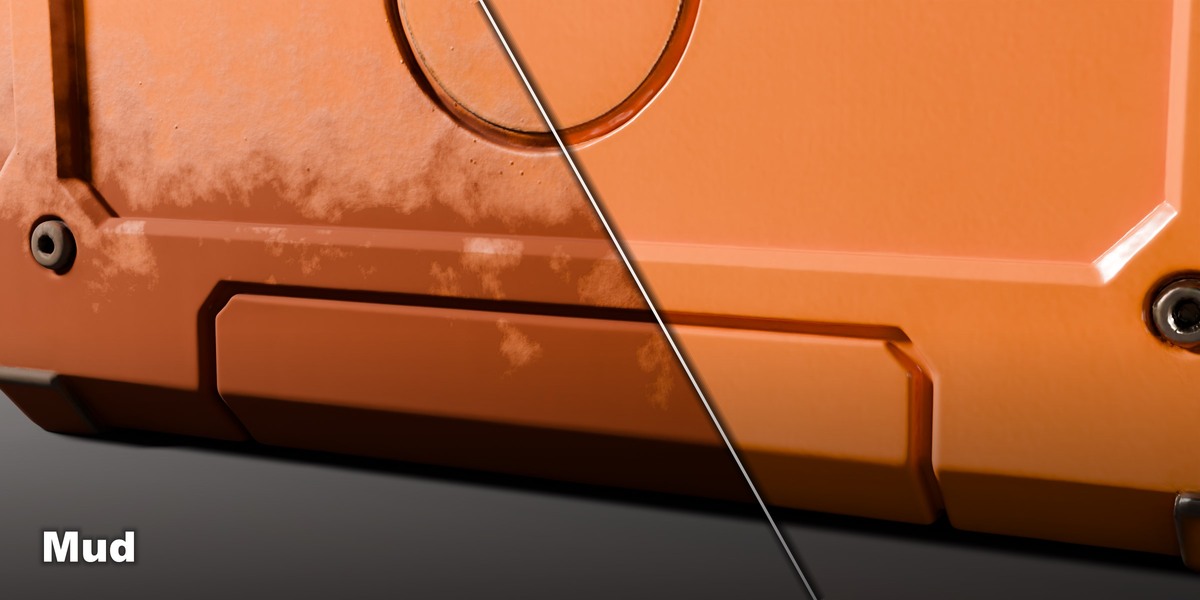
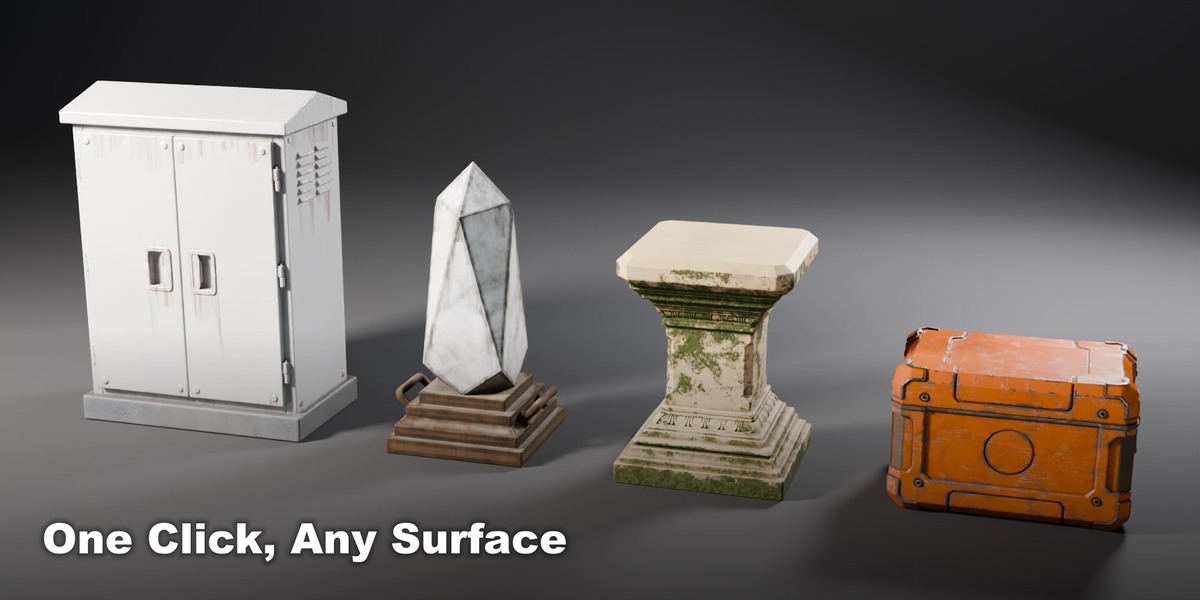


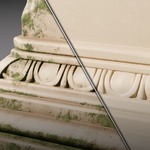

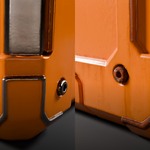
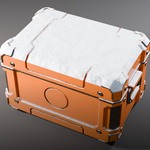
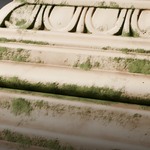
You have a clean model with clean textures. The game needs it old: chipped edges, dirt in the joints, rain stains down the wall, moss at the foot, polish where hands touch, grime where the floor meets the wall.
WornTex does this on top of the materials you already have, inside Blender. It reads your model's shape, lets you pick a preset for each material, and shows the result live in the viewport while you tune it. When it looks right, one button bakes everything and packs the textures the way your engine expects them.
How it works
- Select a mesh and press Prepare, or select a whole room and press Prepare Batch. WornTex checks the UVs, and bakes an edge, cavity and sky-exposure mask. Your object stays as it is until you pick a preset: Light Use, Chipped Paint, Grimy, Rusty, Mossy, Snow Covered, Rain Soaked, Muddy, Sun Bleached or Stylized. If your asset has only one texture set and no high poly, WornTex reads edges and cavities from its normal map, and tells paint from bare metal by its metallic map: rust goes to the steel, chips go to the paint.
- Tune it. Age moves everything at once, each effect has its own amount and color, and Pattern Size keeps the weathering in scale from a 30 cm prop to a whole building.
- Choose your engine and press Make Game Ready.
Realistic weathering
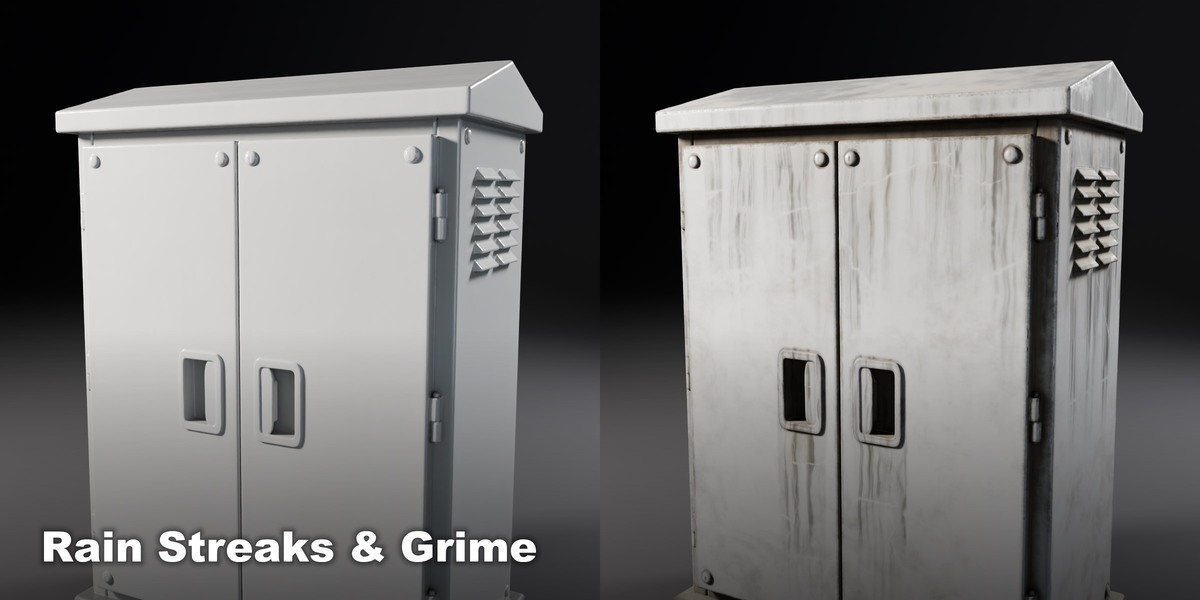
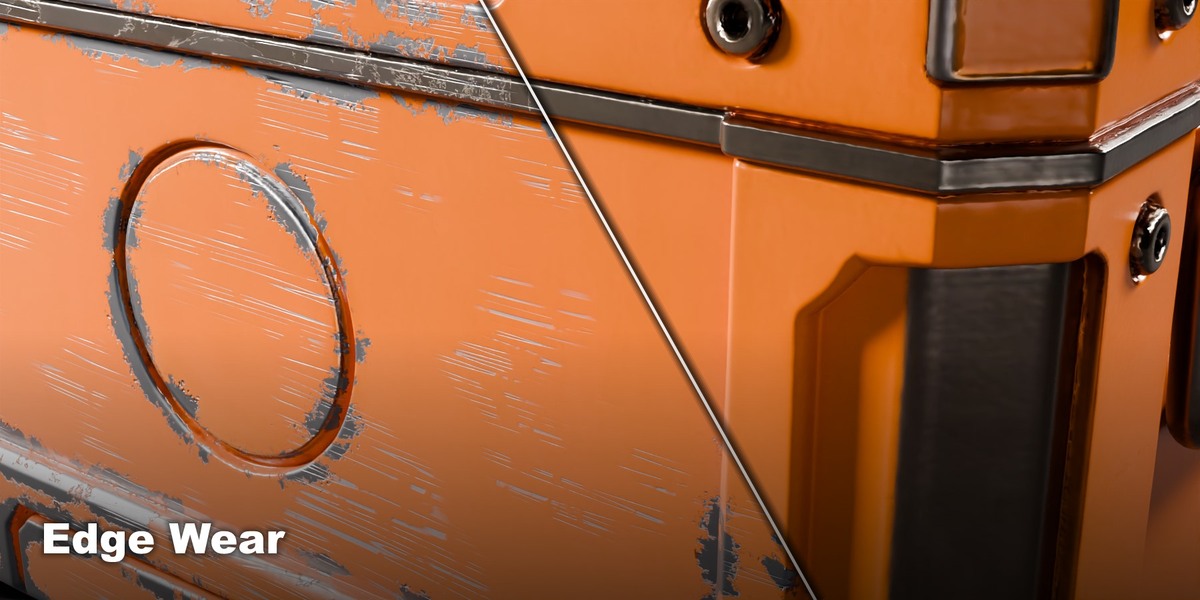
Edge Wear, Dirt, Ground Dirt, Touch Polish, Corner Grime, Scene Grime, Rain Streaks, Scratches, Rust, Moss, Dust, Snow, Puddles, Wetness, Sun Fade, Color Variation, Gradient Map and Anti-Tiling.
Every effect changes color, roughness and the normal map together. Snow, moss, rust and mud cover the surface: the wood grain or the stone joints under them disappear, the way they would under a real layer.
The effects follow how things really age. Water runs start under edges, bolts and ledges and follow the surface down, across UV seams. Rain streaks stay off walls sheltered by eaves. Edges within reach get polished by hands, and corners nobody reaches collect grime. Snow settles only where it can see the sky. Ground Dirt climbs from the terrain you pick, even if it is uneven.
Scene Grime
Grime does not stop at the edge of one object. Scene Grime darkens the places where objects meet: the floor along the wall, the ceiling between beams, the foot of a crate on the deck. Reach sets how far it creeps from a corner, and Cast By lets only a chosen collection leave it, for example the fixed structure, so props you move later leave no stains. It goes into Freeze, into the exported textures, and into the weathering mask for your engine.
A whole level at once
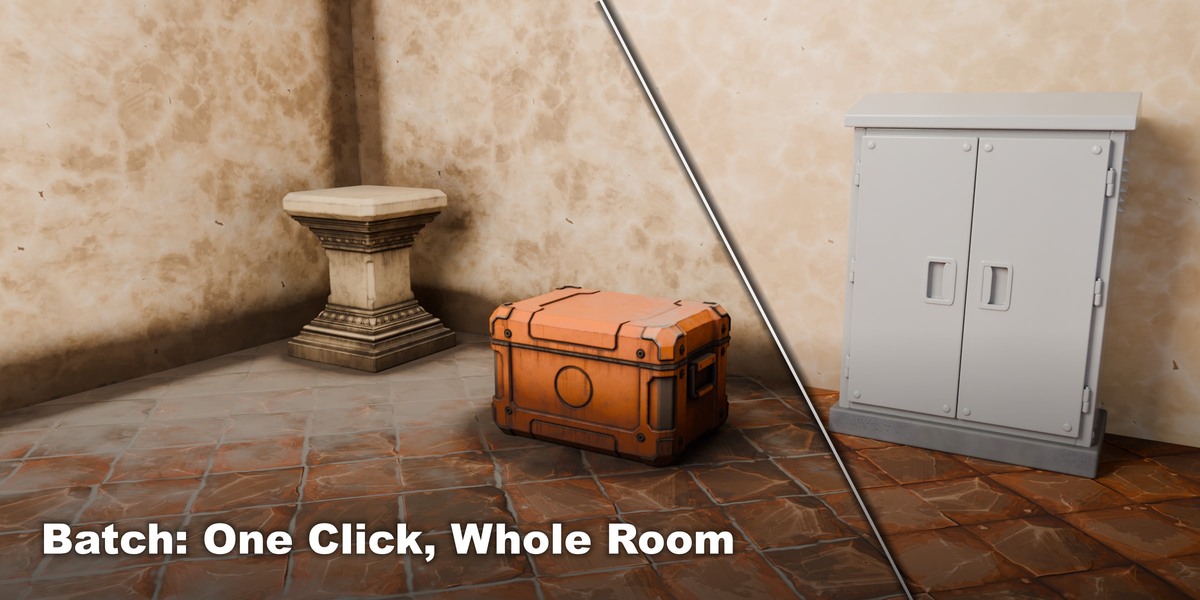
- Batch: prepare the selected objects, a collection or the whole scene in one go, with one style, look, strength and preset, plus Scene Grime and Freeze if you want them.
- Together: objects that share a mesh (fifty barrels) are prepared once and all show it. A material used by several objects keeps one setting for all of them.
- Separately: every object gets its own copies, and objects outside the batch never change.
- Bakes load only the objects they need, not the whole scene: in a ship interior of 2,500 objects, Prepare and Freeze ran about three times faster.
Stylized looks
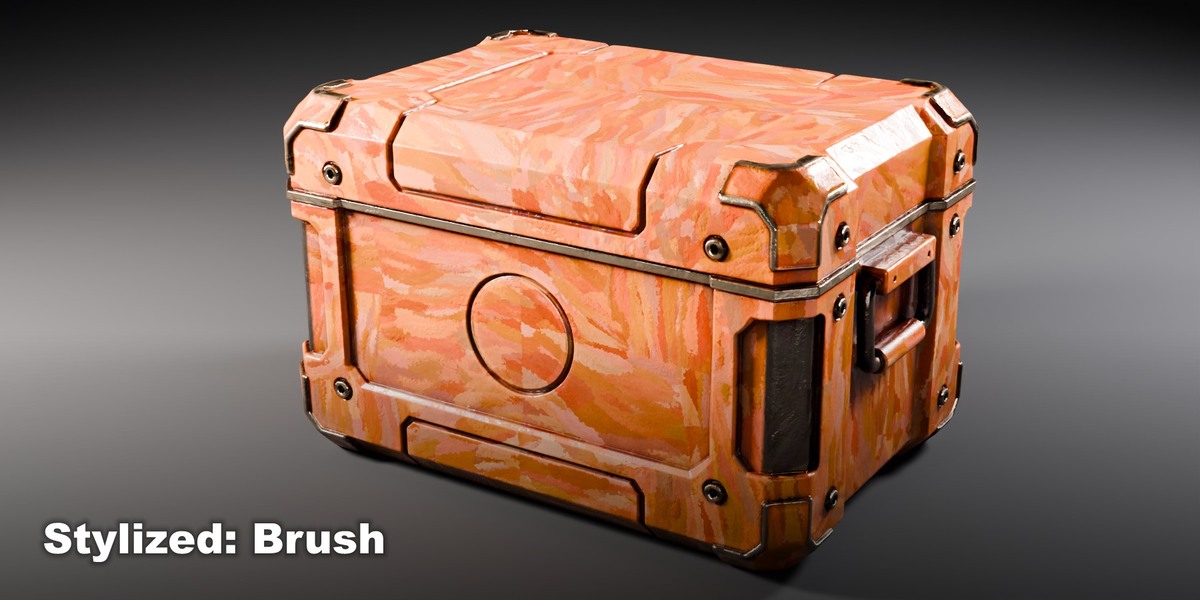
Switch to Stylized and pick a look:
- Soft: gentle light edges and painted shadows.
- Painted: crisp light edges, light painted from the normal map, calmer texture noise, rich shadows.
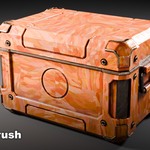
- Brush: visible brush dabs, thick paint, tones that shift from stroke to stroke.
- Flow: soft, curling blends of warm and cool color, like wet paint.
- Toon: cel shading with flat colors, one hard shadow step and ink lines in the creases.
Strength (Light, Medium, Strong) sets how loud the look is: Light reads at eye height in a game level without standing out. Surface (Wood, Metal, Stone, Fabric, or Auto from the material's name) paints each material its own way: warm grey shadows on wood, narrow crisp highlights on metal, chunky edges on stone, no edge light on cloth. Edge highlights keep the surface's own hue, so dark wood stays dark wood.
Put brush strokes or flowing blends everywhere, or only on edges, cavities or top faces, or paint them by hand. Strokes follow the form of the model.
Stylized and realistic share the same tools, so a hand-painted game gets the same one-click export.
Game ready export
- Unreal Engine: Base Color, Normal (DirectX), ORM, FBX.
- Unity URP: BaseMap, Normal, MetallicSmoothness, Occlusion, FBX.
- Unity HDRP: BaseMap, Normal, MaskMap, FBX.
- Godot: Albedo, Normal, ORM, GLB.
The eye button shows the exported textures on your object, read the way the engine reads them, so you can compare before you leave Blender.
Two output modes:
- Unique Textures for props: one baked texture set per object.
- Tiling + Mask for buildings: your tiling textures stay at full detail up close, and the weathering goes into one packed mask and a tint map on a second UV. WornTex writes a ready-made shader for your engine, plus a setup note with every material's colors and UV channels.
Vertex colors: write the weathering mask into a color attribute on the mesh, or into the vertex colors of a Tiling + Mask export, so it reaches the engine with any exporter.
Batch export: export every selected object, or combine them into one texture set.
Made for big scenes
Live weathering on dozens of objects slows a viewport down. Freeze bakes the look into light textures with one click, and the scene runs smoothly again.
- The frozen look keeps everything else your material has: its specular, coat, sheen and emission stay as they were.
- A progress bar with time left, and Esc stops at any point.
- Only changed objects are baked again.
- Set the freeze size per object: 512 for the background, 4K for the hero.
- Move any slider and the object wakes up.
WornTex was built and proven on real game levels: a historic caravanserai with dozens of materials and a ship interior of 2,500 objects.
Layers, decals and high poly
- Fill Layers: add a downloaded texture set or a flat color as a layer, with no UVs needed. Mask it by edges, cavities or top faces, or paint it by hand. The weathering runs over it.
- Decals: place logos, labels and warning stripes with an empty you can move, turn and scale.
- High Poly: bake normal detail and edges from a detailed model, so wear follows your sculpted forms.
Also included
- Preset Browser with pictures, search and favorites.
- Your own presets: save them, and share them as files.
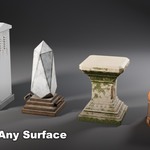
- Where for moss, rust, dirt, dust and snow: keep their natural places, or put them on edges, cavities, top faces, the bottom or everywhere.
- Mask Paint: add any effect to the faces you select in Edit Mode, or brush it in or out by hand. It grows there in its own pattern, never as a flat coat. Or protect an area from all effects.
- Oil Paint: a soft brush-stroke filter on the exported base color.
- Small Parts to Metal: nails, hinges and studs get a forged-iron material.
- Wood Grain UV: grain that follows beams, posts and arches.
What you need
- Blender 4.2 or newer. Tested on 4.2, 4.5, 5.1 and 5.2.
- A mesh with materials that use the Principled BSDF. Procedural materials work too.
- Baking uses Cycles, which comes with Blender. A GPU makes it faster but is not required.
What it is not
WornTex is not a render effect. It does its work in textures, so the result goes to your game engine. It does not sculpt or change your geometry.
The download includes WornTex_Tutorial.blend (a crate and a wall to practise on, two finished examples and step-by-step notes) and WornTex_Manual.html. Installation, a full settings reference and the FAQ are in the Documentation and FAQ tabs.
Support
Questions and bug reports are welcome through the Superhive product page.