Yasrg – Yet Another Stylized Rock Generator
 Schirmer Labs
YASRG Documentation
YASRG – Yet Another Stylized Rock Generator by SchirmerLabs Version 1.0.0 · Blender 4.5 LTS to 5.3
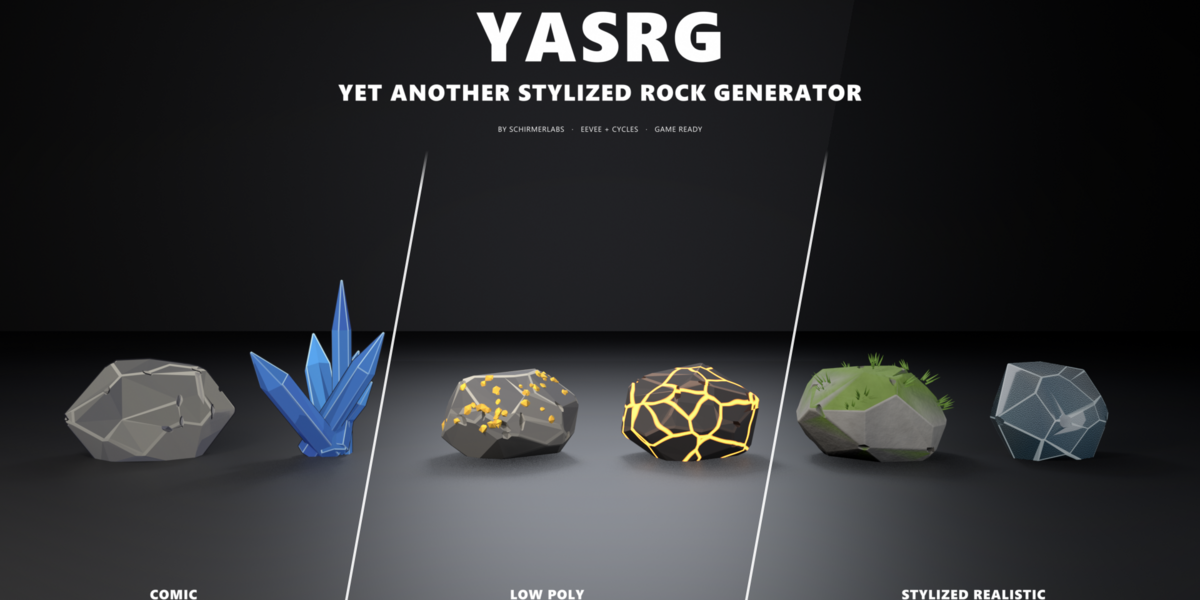
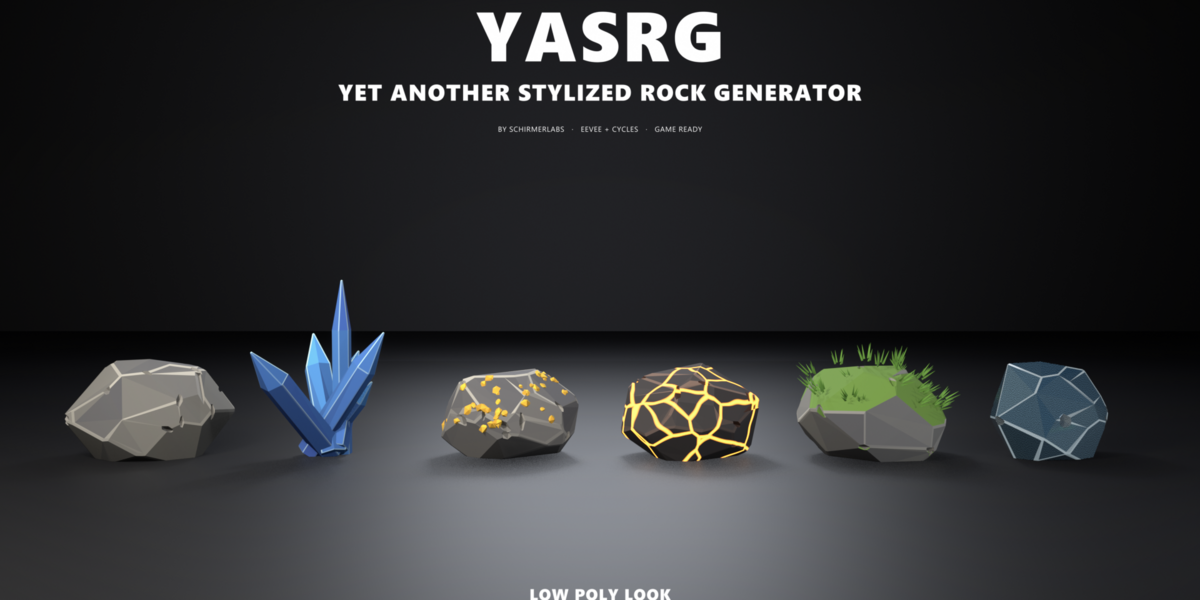
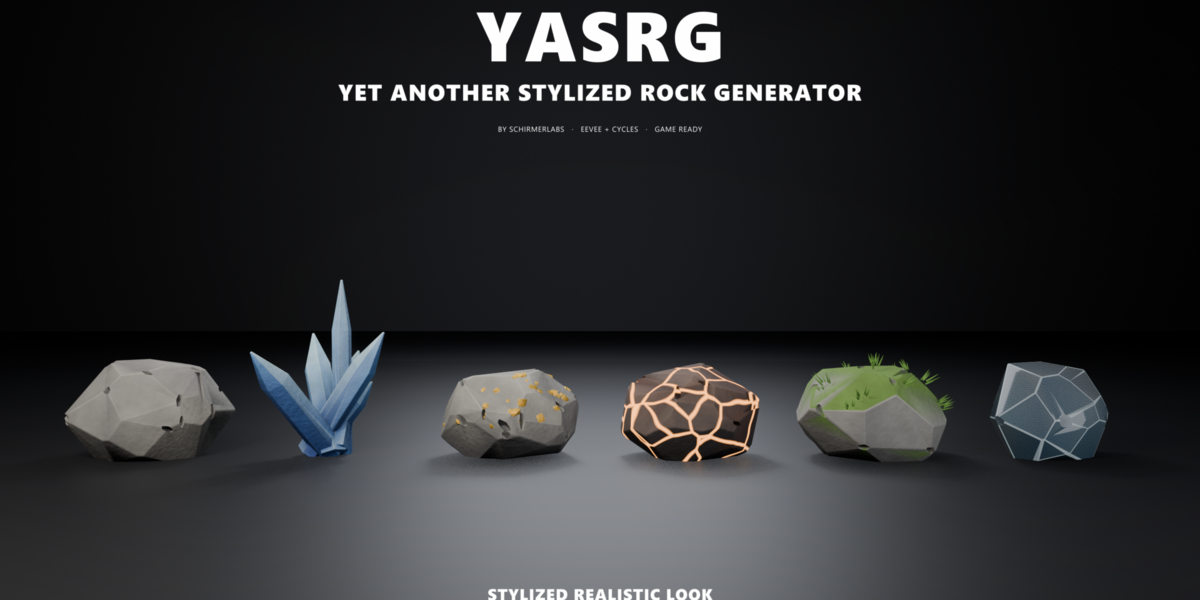
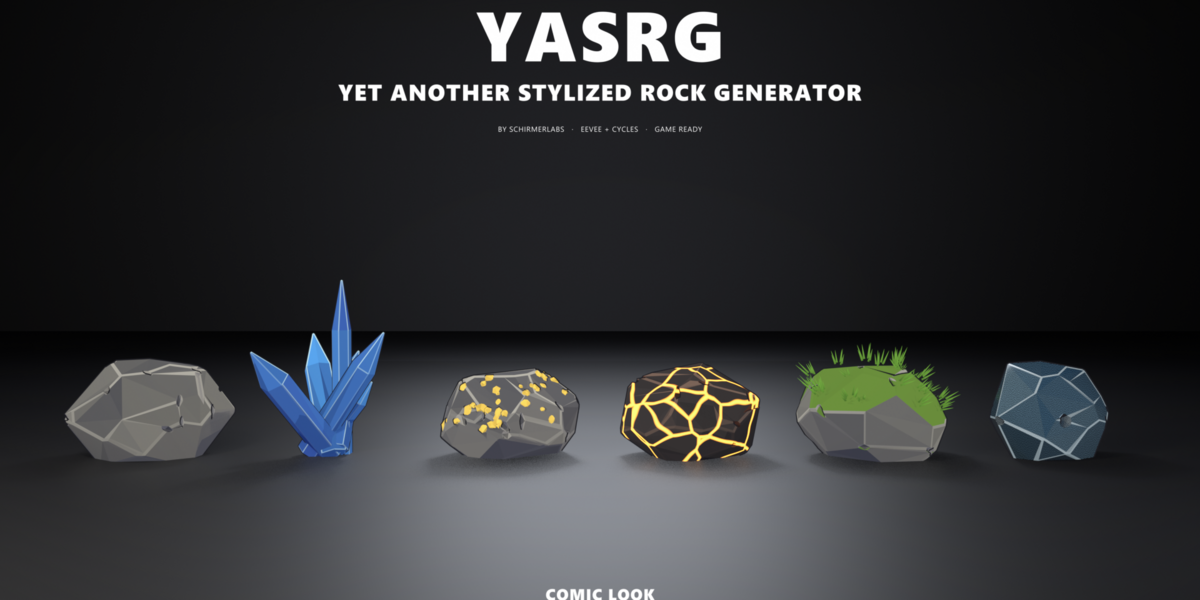
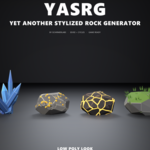
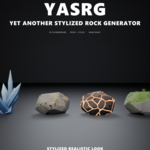
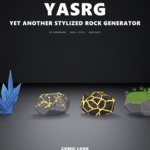
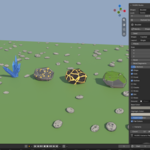
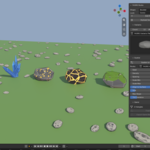
YASRG makes procedural rocks in three looks: Comic, Low Poly and Stylized Realistic. Every rock is a Geometry Nodes modifier, so you can change it at any time. When it's finished, you can scatter it, break it apart or export it for Unity, Unreal or Godot.
1. Installation
- Download
yasrg-1.0.0.zip. Don't unzip it. - In Blender open Edit > Preferences > Get Extensions.
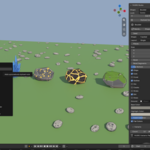
- Open the drop-down menu in the top right corner and choose Install from Disk…, then pick the zip.
- In the 3D viewport press N and open the YASRG tab.
To update, install the new zip the same way. To remove YASRG, uninstall it under Get Extensions. Rocks you already made keep working, because the node groups and materials are saved in your .blend.
Requirements: Blender 4.5 LTS or newer (tested with 4.5, 5.0, 5.1, 5.2 and 5.3). There's nothing else to install.
2. Your first rock
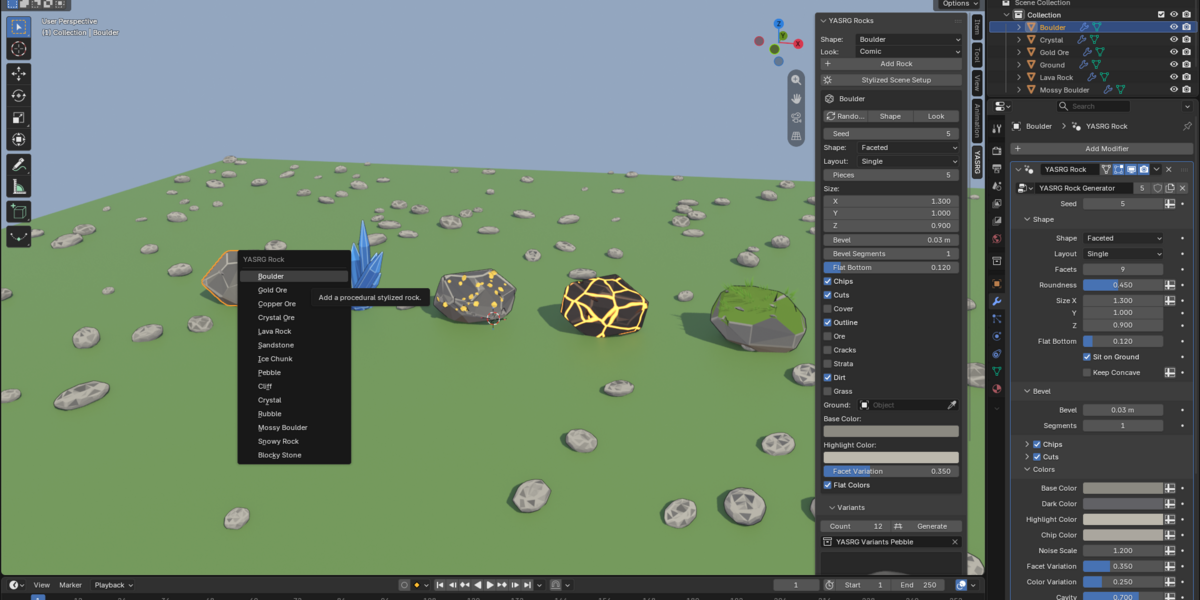
- Choose a preset under Shape and a look under Look in the YASRG tab.
- Press Add Rock. The rock appears at the 3D cursor. You can also use Add > Mesh > YASRG Rock.
- Press Stylized Scene Setup once per scene. It sets the render engine, color management, a sun and a sky color that suit the look.
- Press Randomize until you like the shape, then adjust the settings in the sidebar or in the modifier panel.
3. The sidebar
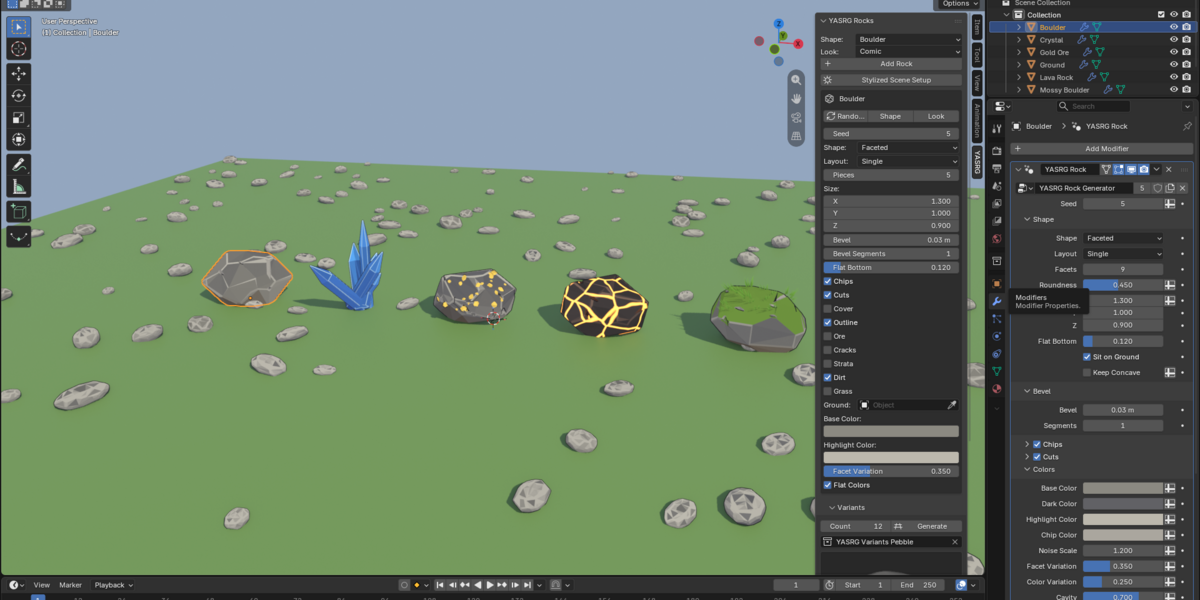
YASRG Rocks
| Control | What it does |
|---|---|
| Shape | Preset for new rocks |
| Look | Look for new rocks: Comic, Low Poly or Stylized Realistic |
| Add Rock | Adds a rock with the chosen preset and look |
| Stylized Scene Setup | EEVEE, a sun, a sky colored world and the right color management for the current look |
With a rock selected, a box with its most used settings appears:
| Control | What it does |
|---|---|
| Randomize | New random seed for every selected rock |
| Shape | Applies the preset chosen above to the selected rocks; seeds are kept |
| Look | Switches the selected rocks to the look chosen above; shape and colors stay |
Variants: generate a collection of variants and pick one from the gallery (see section 7). Scatter: spread rocks over a surface (see section 8). Game: triangle count of the active object, Fracture and Export Game Ready (see sections 9 and 10).
All settings live on the YASRG Rock modifier in the Properties editor. The sidebar only shows the ones you use most.
4. Looks
| Look | Shading | Render engine |
|---|---|---|
| Comic | Cel shading in three bands, cool shadows, rim light, inverted hull outline | EEVEE (Cycles shows the same rock as PBR) |
| Low Poly | Flat facets, one tone per face, physically lit | EEVEE and Cycles |
| Stylized Realistic | Soft three segment bevels, smooth color blends, bump and roughness detail | EEVEE and Cycles, best with AgX |
A look only changes shading settings (outline, bevel segments, smoothing, facet variation, flat colors, cavity, height gradient) and the material. Shape and colors stay the same, so you can switch freely.
5. Presets
| Preset | Description |
|---|---|
| Boulder | All-round rock with chips, cuts and dirt at the base |
| Gold Ore, Copper Ore | Dark rock with metallic nuggets along a vein |
| Crystal Ore | Rock with glowing purple crystals |
| Lava Rock | Black rock with glowing cracks |
| Sandstone | Stacked slabs with two-tone layers |
| Ice Chunk | Translucent, refractive ice |
| Pebble | Small, round and flat |
| Cliff | Tall stack of slabs with many cuts |
| Crystal | Cluster of blue crystals |
| Rubble | Pile of small rocks |
| Mossy Boulder | Boulder with moss and grass tufts |
| Snowy Rock | Boulder with snow on top |
| Blocky Stone | Cube-like stone with sharp cuts |
Applying a preset resets every setting to its default first, then applies the preset and the look.
6. Generator settings
All settings are on the YASRG Rock modifier, grouped in panels.
Shape
| Setting | What it does |
|---|---|
| Seed | Master seed, every feature varies with it |
| Shape | Faceted (intersected spheres), Blocky (intersected cubes), Crystal (hexagonal) or Custom (the object's own mesh) |
| Layout | Single rock, Stack of slabs (cliffs), Pile (rubble) or Cluster (fanned out) |
| Pieces | Number of pieces for Stack, Pile and Cluster |
| Facets | Intersecting shapes per piece; more gives rounder rocks |
| Roundness | Lower values give sharper, more varied facets |
| Size | Size per axis in metres |
| Flat Bottom | Cuts this fraction of the height off the bottom |
| Sit on Ground | Moves the rock so its lowest point is at the origin |
| Keep Concave | Custom shape only: skips the bevel so concave shapes survive |
Custom shapes: add the modifier to your own mesh, or add a rock and edit its mesh, then set Shape to Custom. The bevel makes the shape convex. Turn on Keep Concave to keep its form, and add a Bevel modifier above YASRG if you want rounded edges.
Bevel
| Setting | What it does |
|---|---|
| Bevel | Bevel radius |
| Bevel Segments | 1 gives a crisp low poly chamfer, higher values round the edges |
Chips and Cuts
| Setting | What it does |
|---|---|
| Chips | Flakes broken off the ridges |
| Chip Amount, Chip Size, Chip Seed | How many chips, how big, which pattern |
| Cuts | Wedge shaped notches along the ridges |
| Cut Count, Cut Size Min/Max, Cut Length, Cut Seed | Number, width range, length and pattern of the cuts |
Colors
| Setting | What it does |
|---|---|
| Base Color | Main stone color |
| Dark Color | Large color patches and crevices |
| Highlight Color | Bevelled edges, strongest on top |
| Chip Color | Fresh stone inside chips and cuts, also used for fracture faces |
| Noise Scale | Size of the color patches |
| Facet Variation | Brightness jitter per facet, the low poly look |
| Color Variation | Hue and brightness shift per rock, based on the seed |
| Cavity | Darkens crevices |
| Height Gradient | Darkens towards the ground |
| Flat Colors | One color per facet; off blends colors smoothly |
| Edge Wear Width | How far the highlight reaches past the bevel |
Surface features
Each feature has an on/off checkbox in its panel header.
| Panel | Settings |
|---|---|
| Cover (moss or snow) | Cover Color, Cover Amount (how far down the sides), Cover Noise |
| Strata (sandstone layers) | Strata Color, Strata Scale (layers per metre), Strata Contrast, Strata Wobble |
| Dirt (band at the base) | Dirt Color, Dirt Height, Dirt Noise |
| Cracks (glowing lava) | Crack Color, Crack Glow, Crack Scale, Crack Width |
| Ore (inclusions along a vein) | Ore Shape (Crystals or Nuggets), Ore Color, Ore Density, Ore Size, Vein Width, Ore Metallic, Ore Glow, Ore Seed |
| Grass (tufts on top) | Grass Color, Grass Density, Grass Height, Grass Seed |
Ground
| Setting | What it does |
|---|---|
| Ground | Terrain object that the bottom of the rock snaps onto |
| Ground Blend | Fraction of the rock height that follows the terrain |
| Ground Sink | Pushes the bottom into the terrain so no gap shows |
Outline and Output
| Setting | What it does |
|---|---|
| Outline | Comic outline (inverted hull) on or off |
| Outline Width, Outline Color | Thickness and color of the outline |
| Material | Rock material, set by the look |
| Outline Material | Material of the outline shell |
| Smooth Angle | Edges sharper than this stay hard |
| UV Scale | Scale of the box projected UV map |
7. Variants and gallery
Generate Variants (in the Variants panel) creates a collection of rocks with different seeds and proportions.
| Option | What it does |
|---|---|
| Count | Number of variants |
| Size Jitter | Random variation of the size |
| Bake to Mesh | Turns the variants into plain meshes: fast, but no longer editable |
| Mark as Assets | Adds them to the Asset Browser for drag and drop |
The collection appears in the panel together with a thumbnail gallery. Click a thumbnail to copy that variant's settings onto the active rock. If no YASRG rock is active, or the variants are baked, the click adds a copy of the variant at the 3D cursor.
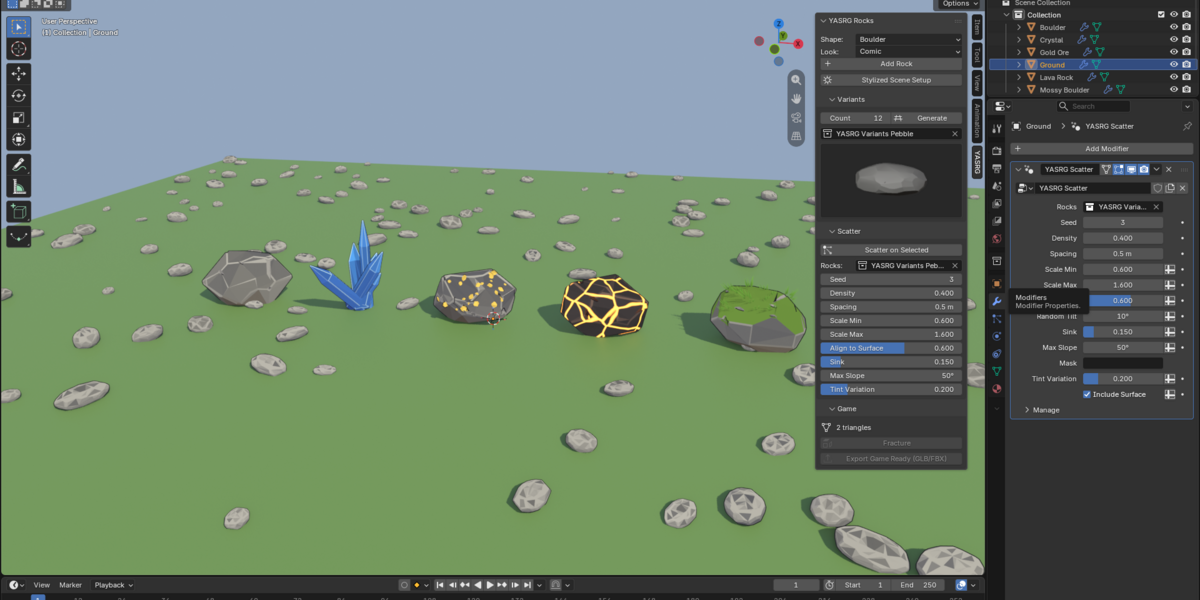
8. Scatter
- Select one or more ground meshes.
- Press Scatter on Selected. Without a variant collection, YASRG first generates eight baked variants of the current preset.
- With the ground selected, the scatter settings appear in the sidebar.
| Setting | What it does |
|---|---|
| Rocks | Collection of rocks to scatter |
| Seed | Different random layout |
| Density | Maximum rocks per square metre |
| Spacing | Minimum distance between rocks |
| Scale Min / Max | Random scale range |
| Align to Surface | 0 keeps rocks upright, 1 follows the ground |
| Random Tilt | Random tilt angle |
| Sink | Pushes rocks into the ground by this fraction of their height |
| Max Slope | No rocks on faces steeper than this |
| Mask | Name of a vertex group or float attribute that controls the density |
| Tint Variation | Random brightness per rock |
| Include Surface | Keeps the ground mesh visible |
Tip: to scatter your own rocks, put them in a collection, exclude that collection from the view layer and choose it as Rocks. Rocks in an excluded collection must be baked to meshes (Generate Variants with Bake to Mesh), because Blender does not evaluate modifiers there.
9. Fracture
Select rocks and press Fracture in the Game panel.
| Option | What it does |
|---|---|
| Pieces | Number of chunks |
| Seed | Different break pattern |
| Gap | Pushes the chunks apart |
| Hide Original | Hides the source rock |
The chunks land in a new collection. Broken faces get the Chip Color. Chunks are plain meshes and export like any other object.
10. Game ready export
Select your rocks and press Export Game Ready (GLB/FBX).
| Option | Default | What it does |
|---|---|---|
| Format | GLB | glTF Binary (.glb) or FBX |
| Engine | Unity | Naming and axis conventions (see below) |
| One File per Rock | on | One file per rock, or all rocks in one file |
| Center at Origin | on | Each rock is exported at the origin |
| Triangulate | on | Triangulated meshes |
| LODs | 2 | Extra simplified levels (_LOD1, _LOD2, …) |
| LOD Ratio | 0.5 | Triangle ratio from one level to the next |
| Max Triangles | 0 | Triangle budget for the main mesh; 0 means no limit |
| Collision Mesh | on | Convex hull, named for the engine |
| Bake Maps | 1024 | BaseColor, Normal, ORM and Emission maps at 256 to 2048 pixels, or Off |
| Shared Atlas | off | All rocks in the export share one texture set |
| Include Outline | off | Keeps the comic outline shell |
Engine naming
| Engine | Levels of detail | Collision |
|---|---|---|
| Unity |
Rock_LOD0 to Rock_LODn under a parent Rock (Unity creates a LOD Group) |
Rock_Collider |
| Unreal |
Rock, Rock_LOD1 to Rock_LODn
|
UCX_Rock_00 |
| Godot |
Rock only, because Godot builds its own levels |
Rock-convcolonly |
| Generic |
Rock_LOD0 to Rock_LODn
|
Rock_Collision |
Textures: maps are baked in Cycles from the full rock onto the export mesh and saved as PNG next to the exported file: Name_BaseColor, Name_Normal (tangent space, OpenGL), Name_ORM (red = ambient occlusion, green = roughness, blue = metallic) and Name_Emission when something glows. With Bake Maps off, colors travel as vertex colors (Col) and no textures are written.
11. Troubleshooting
The comic look has no cel bands. Cel shading needs EEVEE. In Cycles the same material renders as PBR. Switch the render engine or press Stylized Scene Setup.
Rocks look grey or flat in Solid mode. Solid mode also draws the outline shell. Use Material Preview or Rendered to see the real look.
Scattered rocks don't show up. The scatter collection is probably excluded and its rocks are still live generators. Bake them (Generate Variants with Bake to Mesh), or let Scatter on Selected create the variants for you.
Ice looks dark or opaque. Ice uses refraction. Turn on raytracing in the EEVEE settings, or press Stylized Scene Setup.
Lava cracks are missing in the game engine. The cracks are drawn by the material. Export with Bake Maps on, so they end up in the Emission map.
Normal map bumps look inverted in Unreal. YASRG bakes OpenGL style normal maps (like Blender and Unity). In Unreal, open the Normal texture and turn on Flip Green Channel.
Metallic looks wrong in Unity URP. The URP Lit shader expects metallic and smoothness in one texture. Repack the ORM channels: metallic from blue, smoothness = 1 − green.
The viewport gets slow with many rocks. Every live rock is evaluated on its own. For large scenes, generate baked variants and scatter instances of them.
12. License and support
The YASRG code is licensed under GPL-3.0-or-later. Rocks you generate and export belong to you.
Made by SchirmerLabs. Made with AI.
 Included
Includes 12 months of
- Support from Schirmer Labs
- Product updates
Extend this product’s Support Period +12 months: 75% of product price
Have questions before purchasing?
Login to message
| Published | about 22 hours ago |
| Blender Version | |
| Render Engine Used | Cycles, Eevee, Freestyle |
| License | GPL |
Discover more products like this
stones game ready procedural scatter low poly cel-shading rock-generator toon geometry nodes environment game assets stylized-rocks