 Sergey Tyapkin


Explore Zen Masters Add-ons






Transform and arrange objects with one intuitive cage
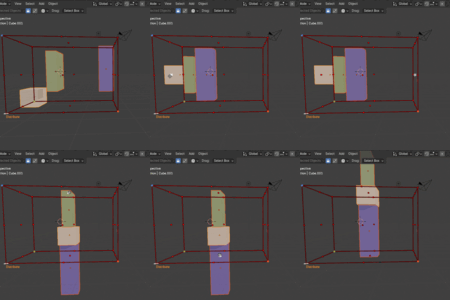
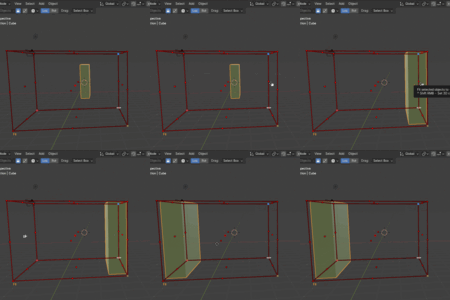
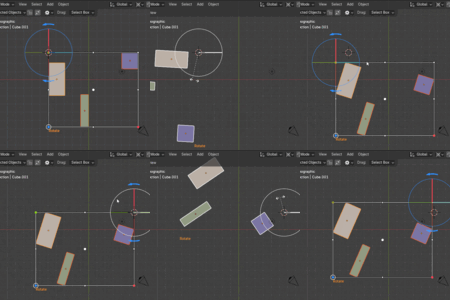
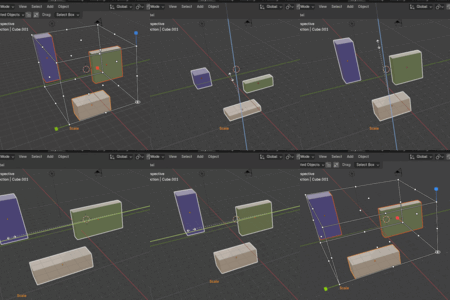
Zen Cage wraps your selection in an interactive bounding box for precise alignment, fitting, distribution, arrays, clamping, rotation, and scaling directly in the 3D View.
01
Place objects faster
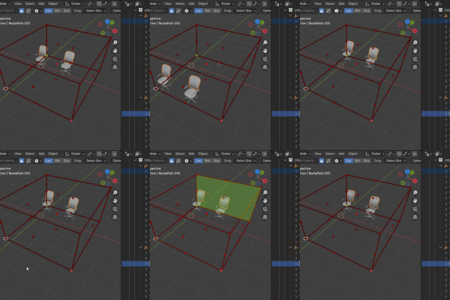
Use cage faces, edges, and corners to control one, two, or three axes without switching tools.
02
Keep layouts precise
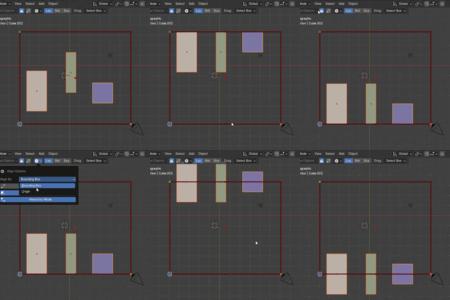
Align, fit, space, and array selections with predictable boundaries, margins, and orientation.
03
Control complex selections
Transform multiple objects, hierarchies, and components as one clear visual unit.
Core workflows
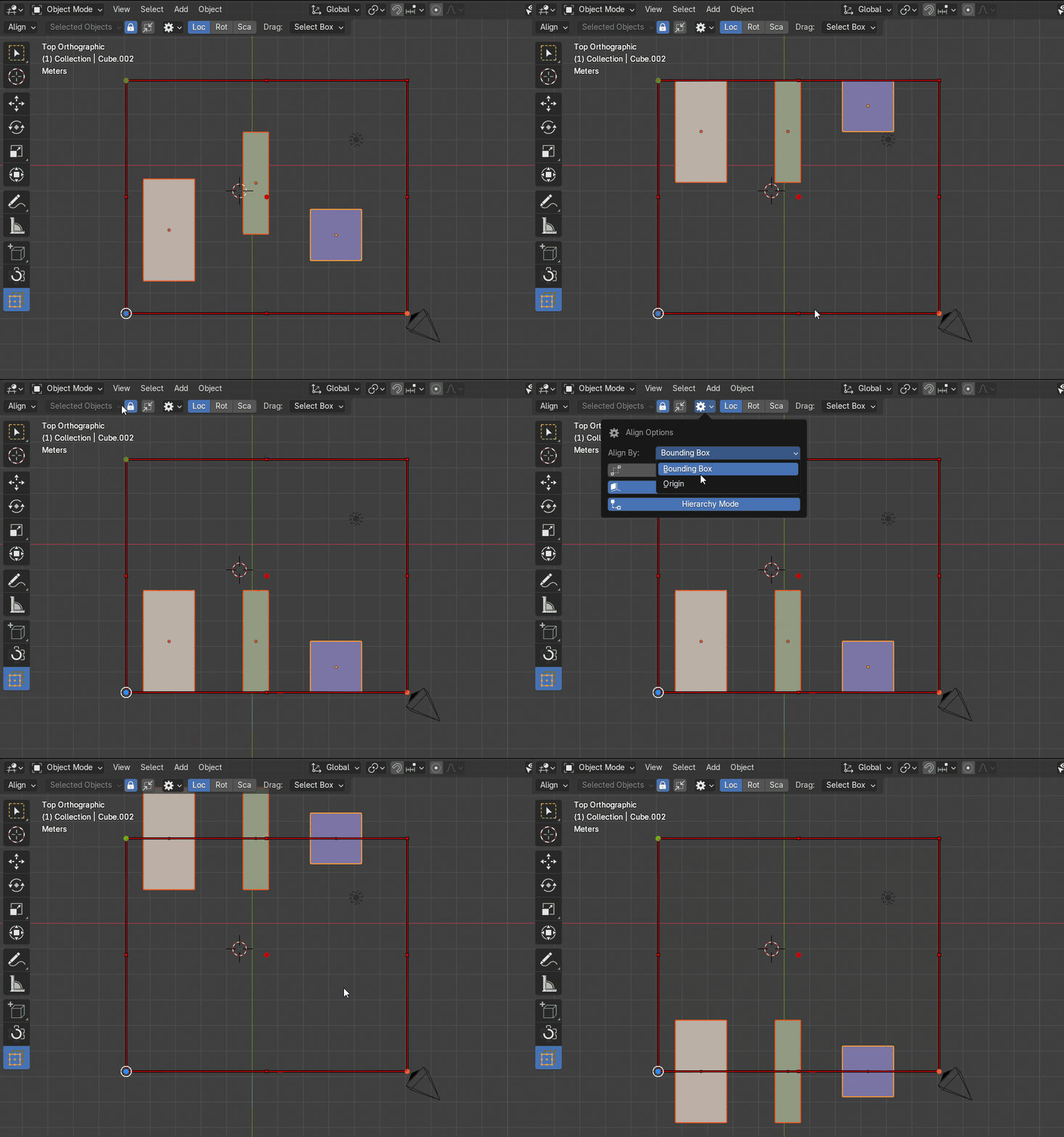
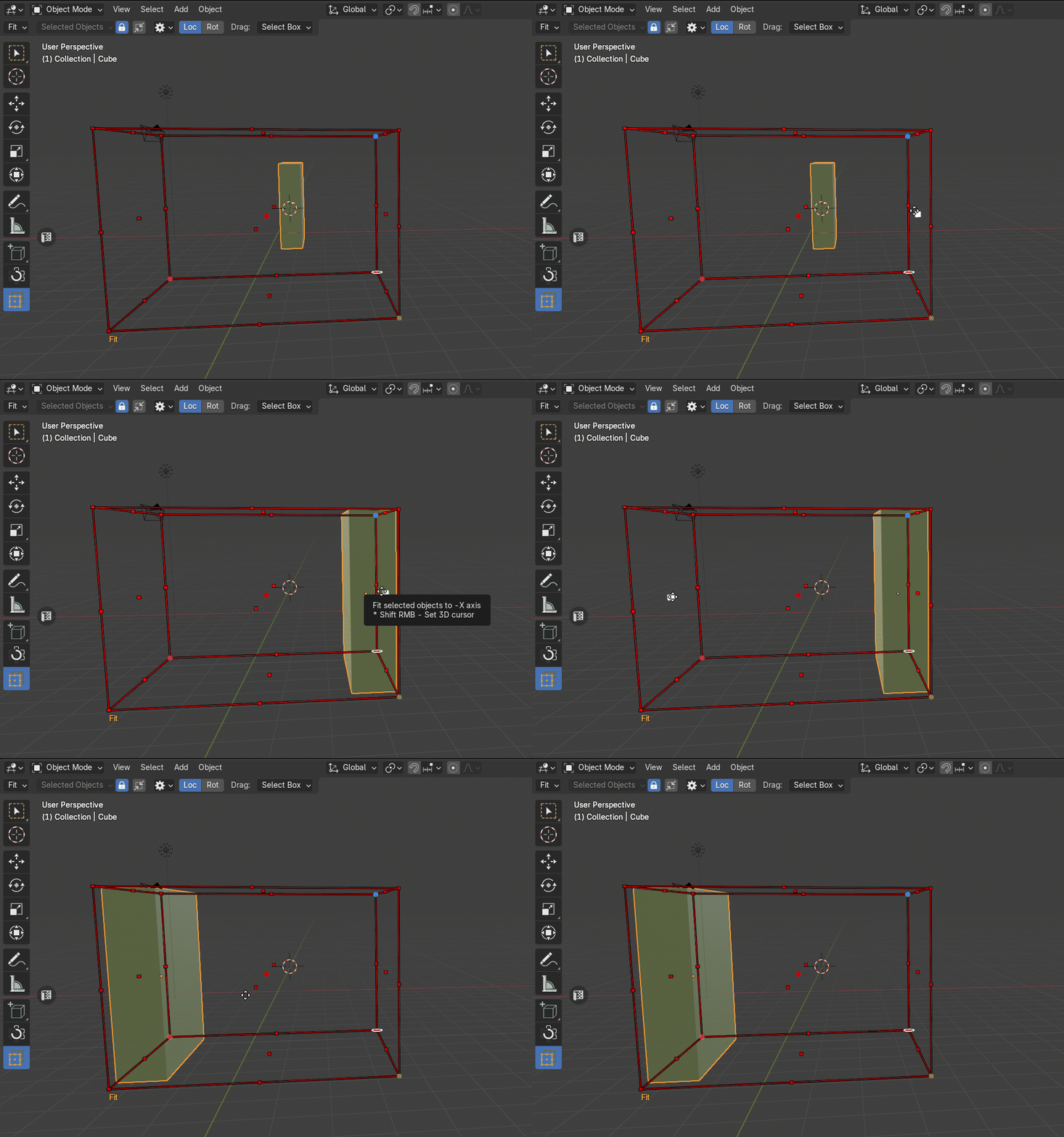
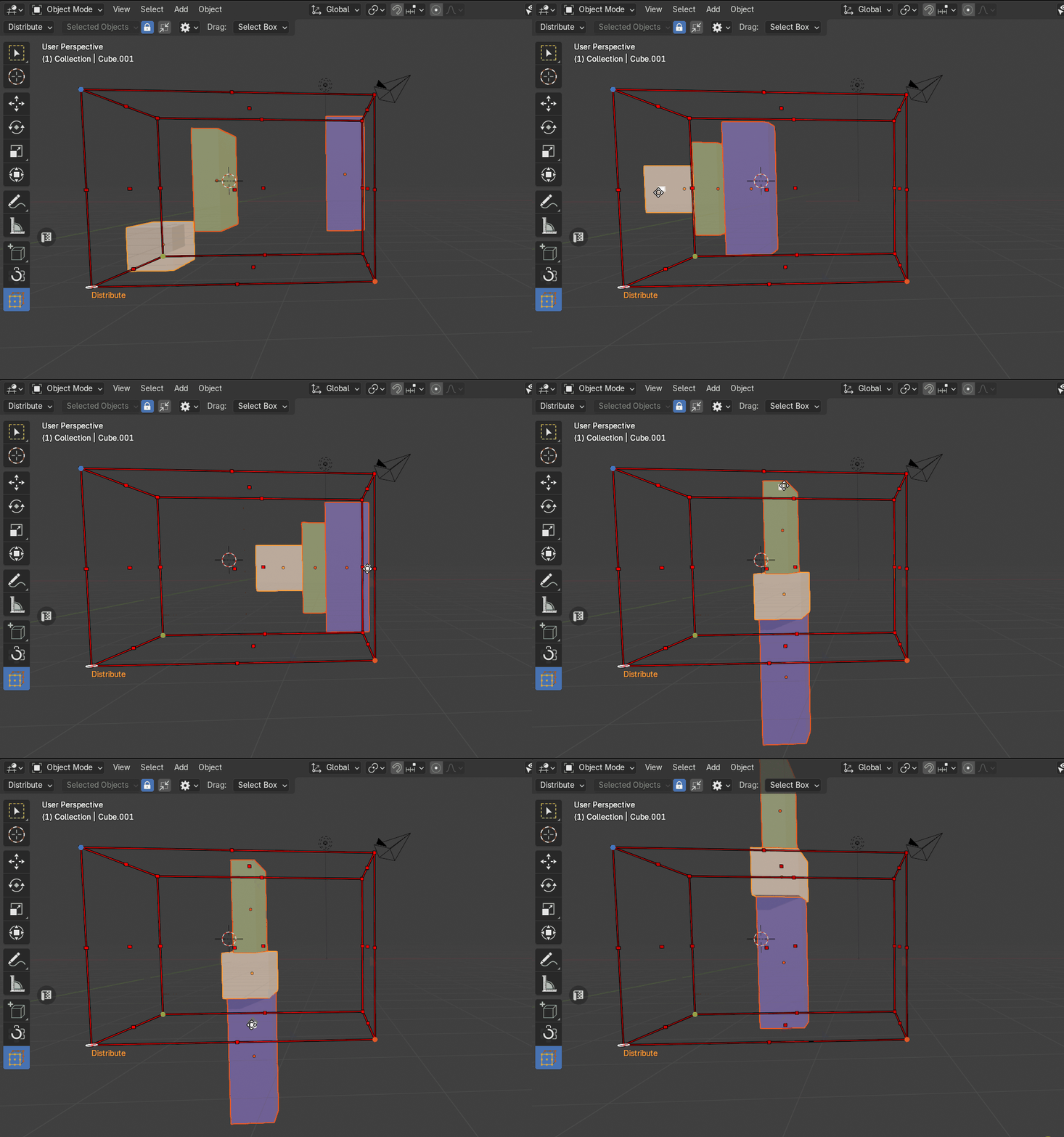
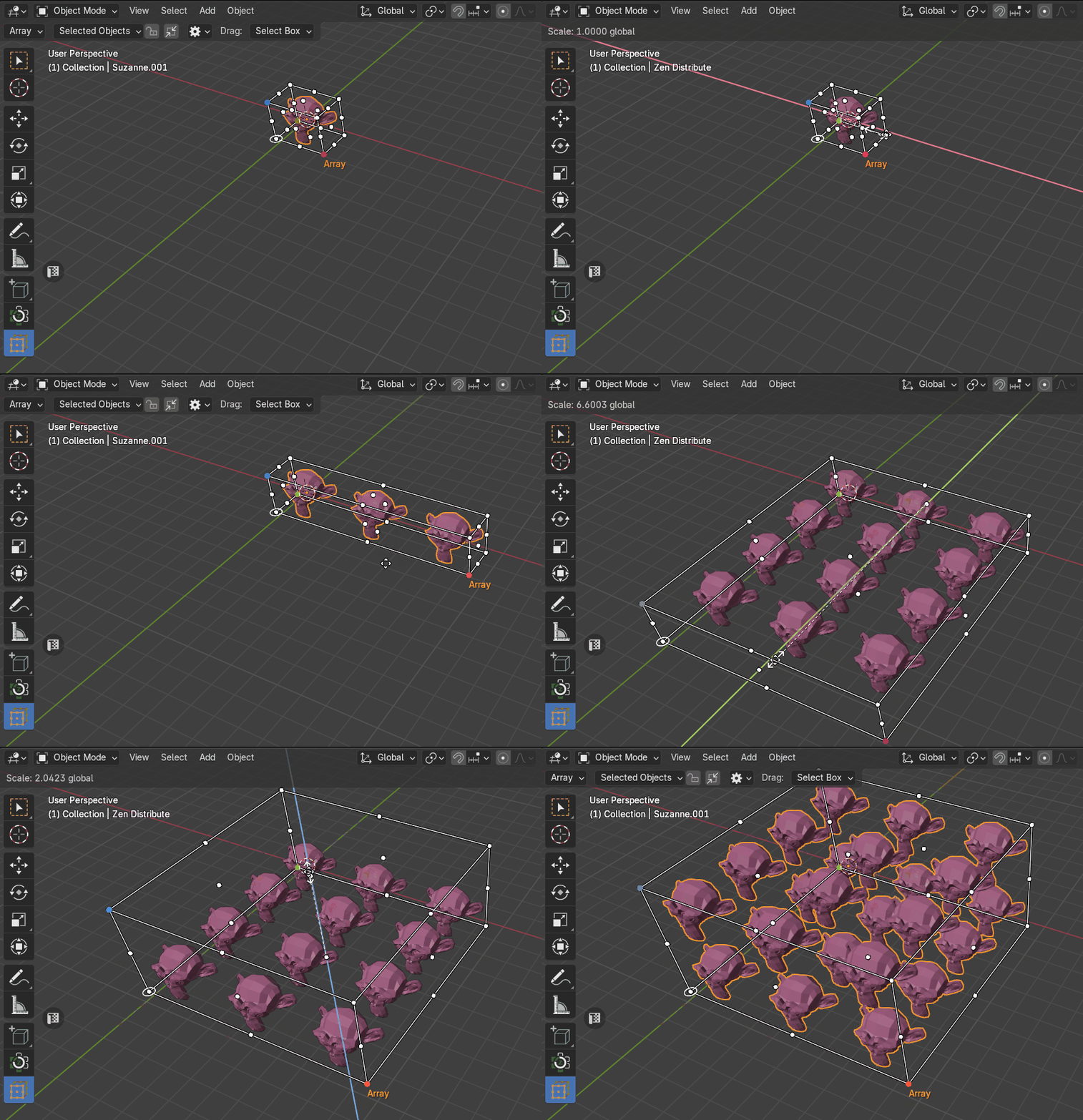
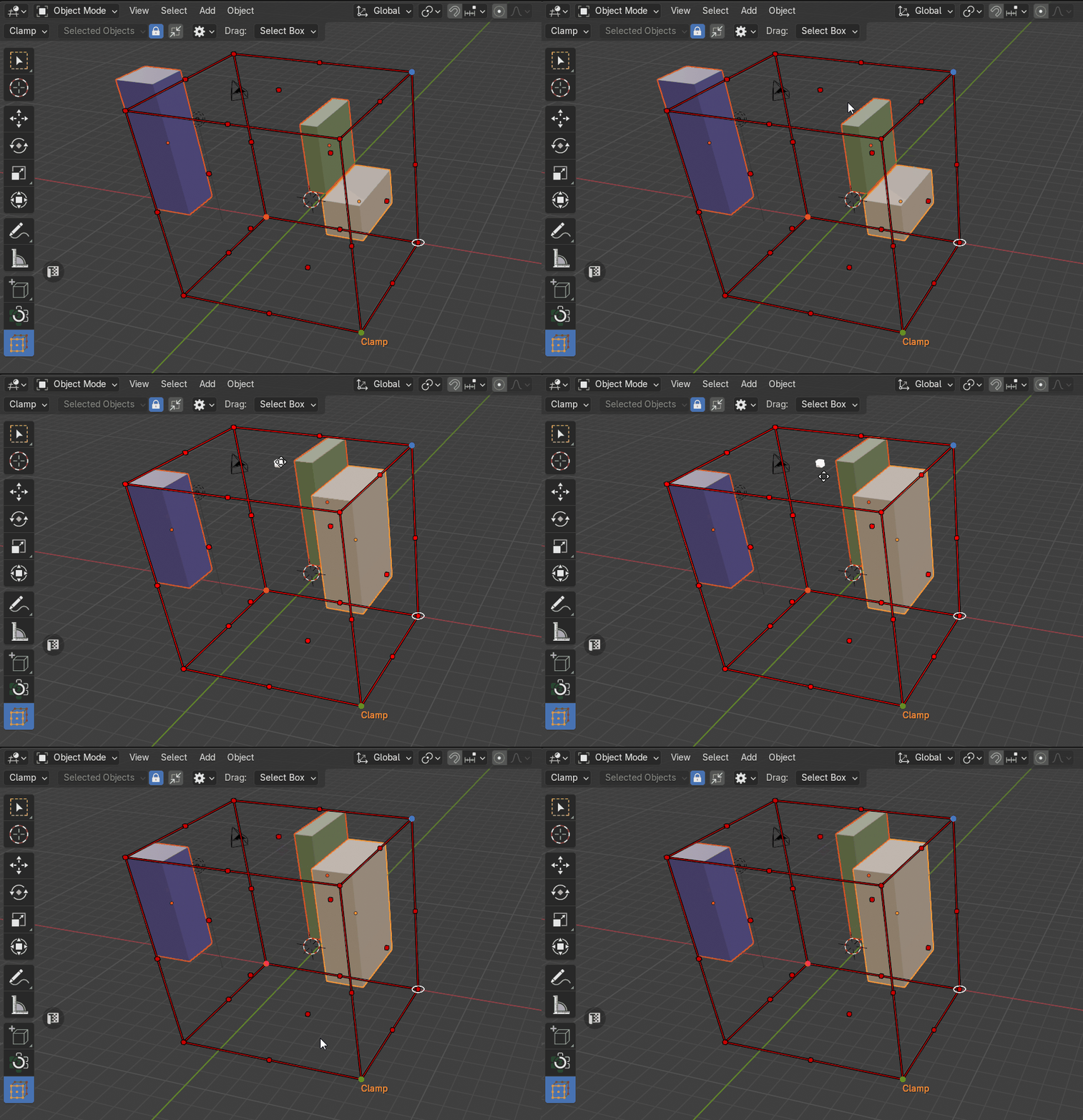
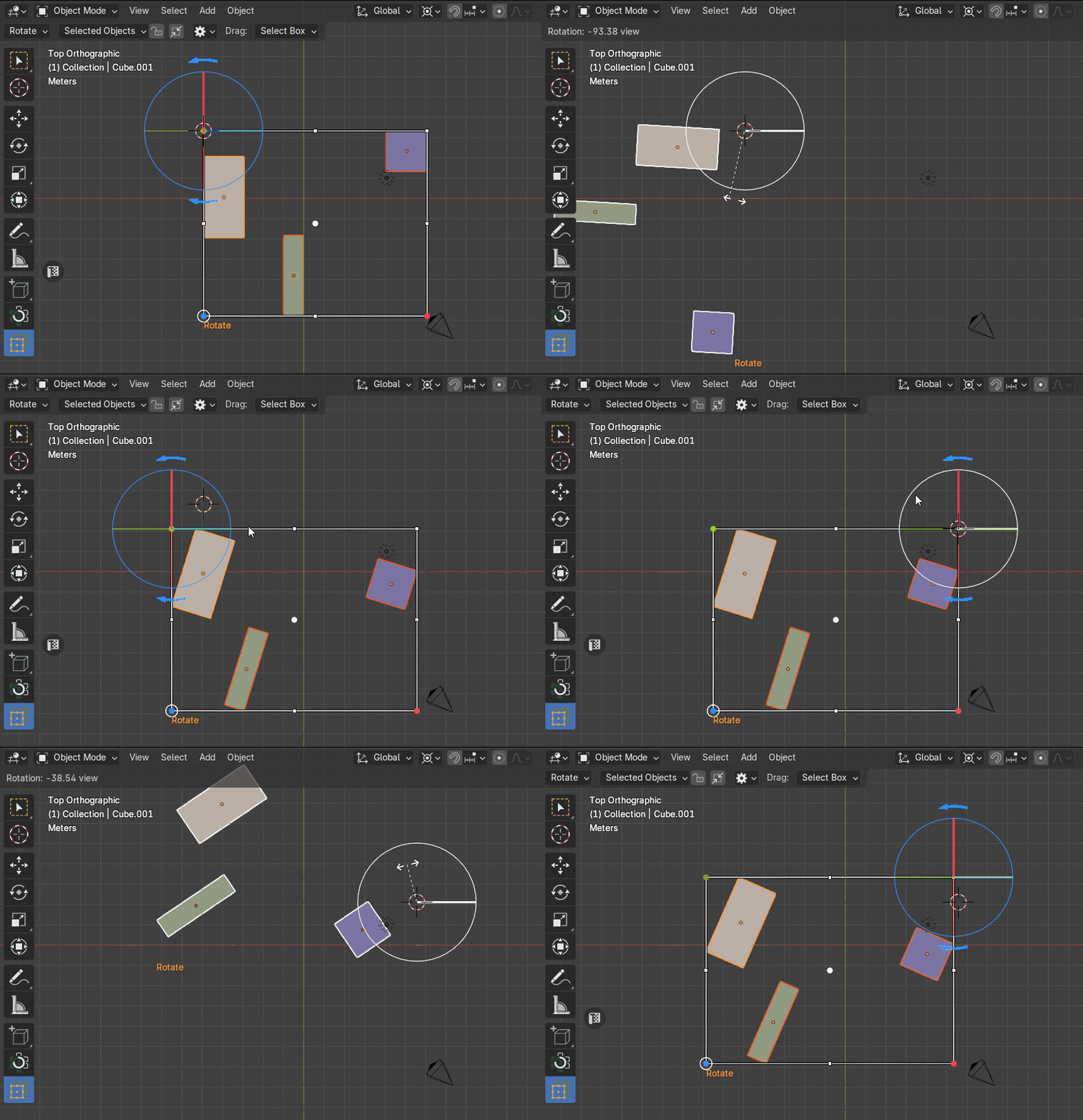
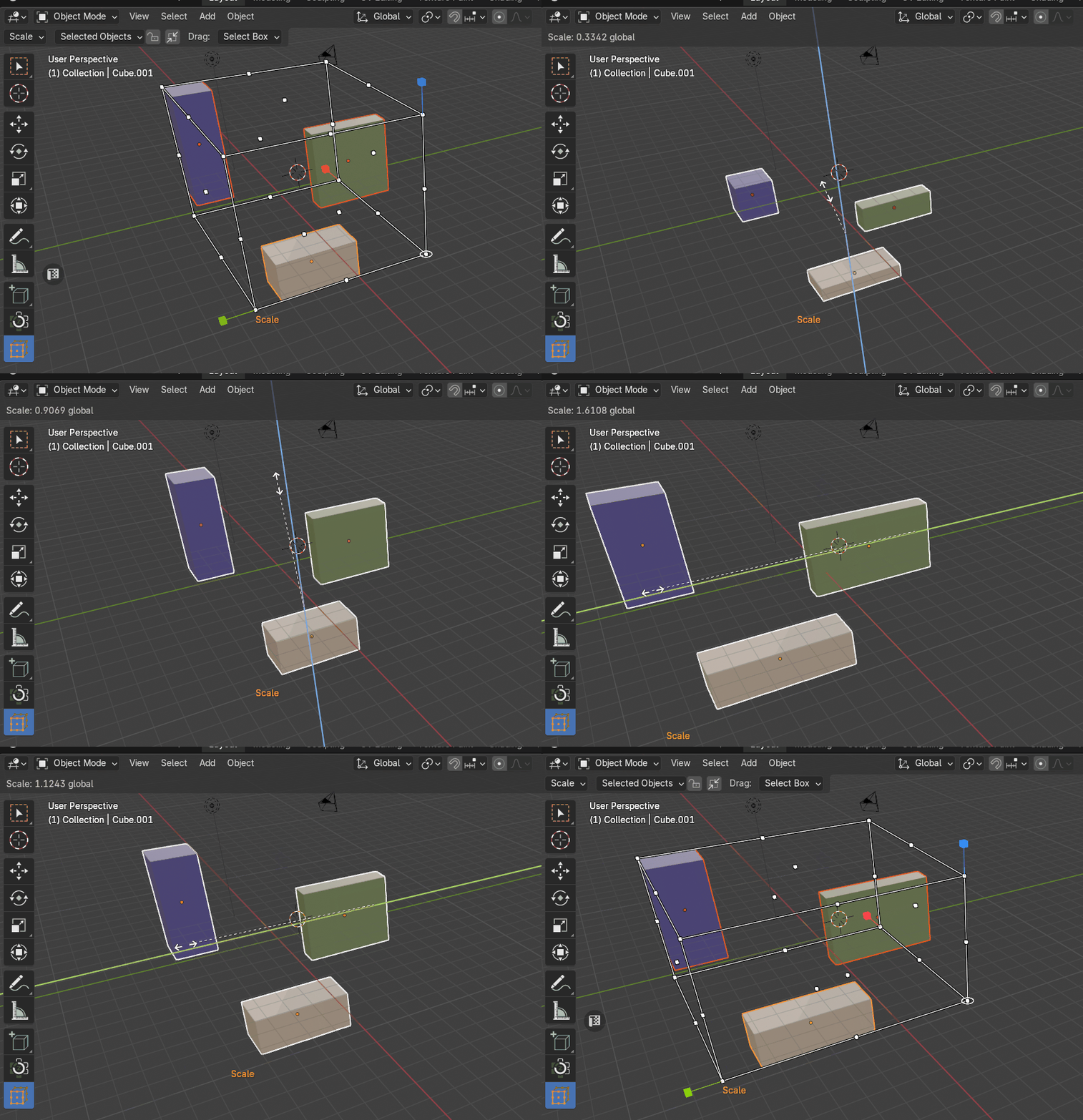
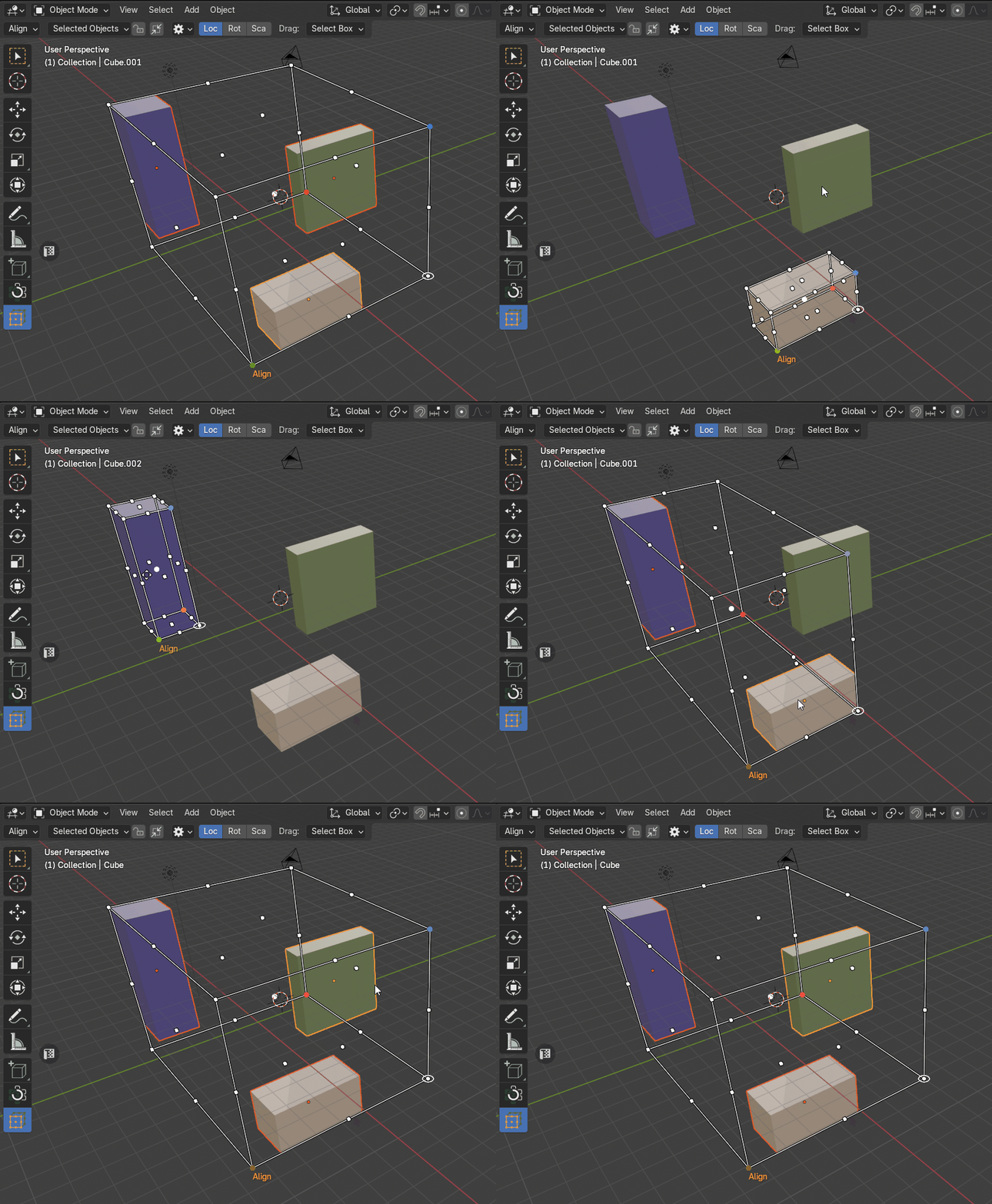
A complete object placement toolkit
Build clean arrangements, adjust complex selections, and keep every transformation visually controlled.
Placement & Layout
Position individual objects or complete selections accurately inside a clear visual boundary.
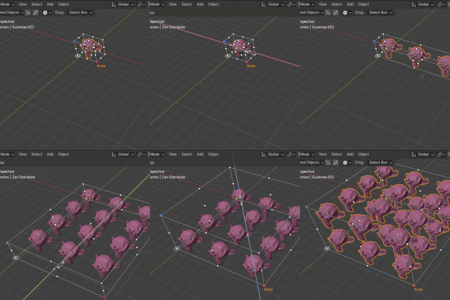
Align to Cage · Inside / Outside Fit · Even Distribution · Interactive Arrays
Transform Control
Shape and orient selections through visible cage controls instead of disconnected operators.
Min / Max Clamp · Custom Pivot Rotation · 90° / 180° Rotation · Uniform / Axis Scale
Cage Setup
Let the cage follow the current selection, preserve reusable bounds, or define the exact working area manually.
Dynamic Setup · Locked Setup · Manual Setup · Object Type Filters
Orientation & Hierarchies
Keep transformations predictable across rotated assets, parented objects, and component selections.
Global Orientation · Local Orientation · Hierarchy Mode · Component Alignment
Blender Workflow Integration
Work with the scene data and tools you already use while keeping the cage close at hand.
3D Cursor Sync · Modifier-Aware Bounds · Custom Preferences · Built-In Help
Latest Updates
Explore the Zen Cage workflow and learn how its interactive handles simplify everyday object placement.
Help and resources
Explore tutorials and release notes, install Zen Cage, browse the complete manual, or get help from the support forum.
YouTube Playlist
Watch feature overviews, workflow demonstrations, and practical Zen Cage tutorials.
Main Features Guide
Learn how each cage handle and transformation mode works in the official manual.
Full Changelog
Browse the complete history of new features, improvements, compatibility updates, and fixes.
Installation
Install or update Zen Cage and confirm that the add-on is ready in Blender.
Documentation
Browse every cage setup, placement, transformation, and workflow option in the manual.
Support
Find answers, report issues, and get help from the Zen Masters support forum.
Looking for tools that work well alongside Zen Cage? See the Zen Masters team's recommended add-ons.