 Sergey Tyapkin
Explore Zen Masters Add-ons






Organize, select, and visualize anything in Blender
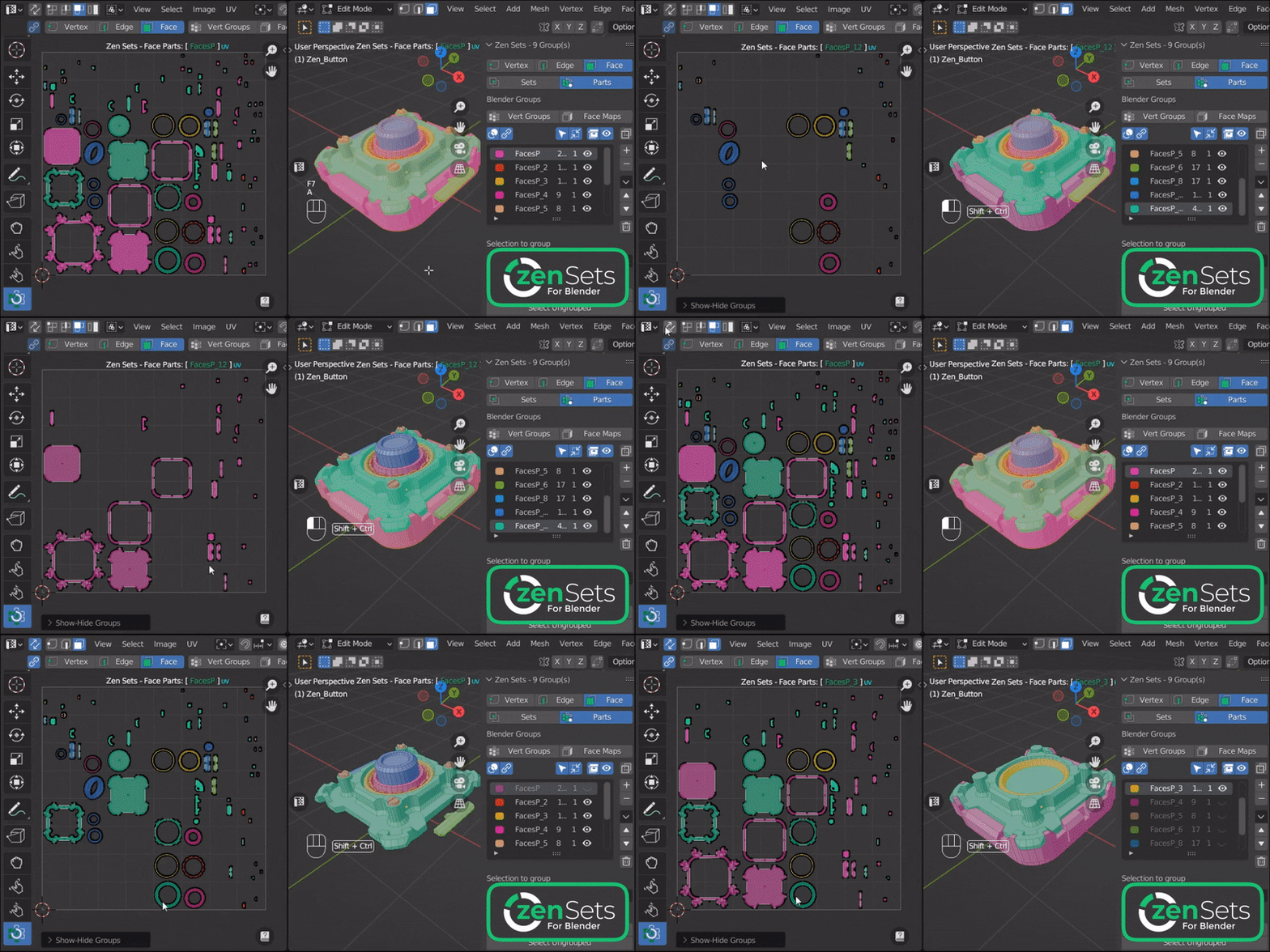
Zen Sets turns mesh elements, objects, and collections into reusable named groups. Recall complex selections, manage large scenes, and see every group clearly in the 3D Viewport and UV Editor.
01
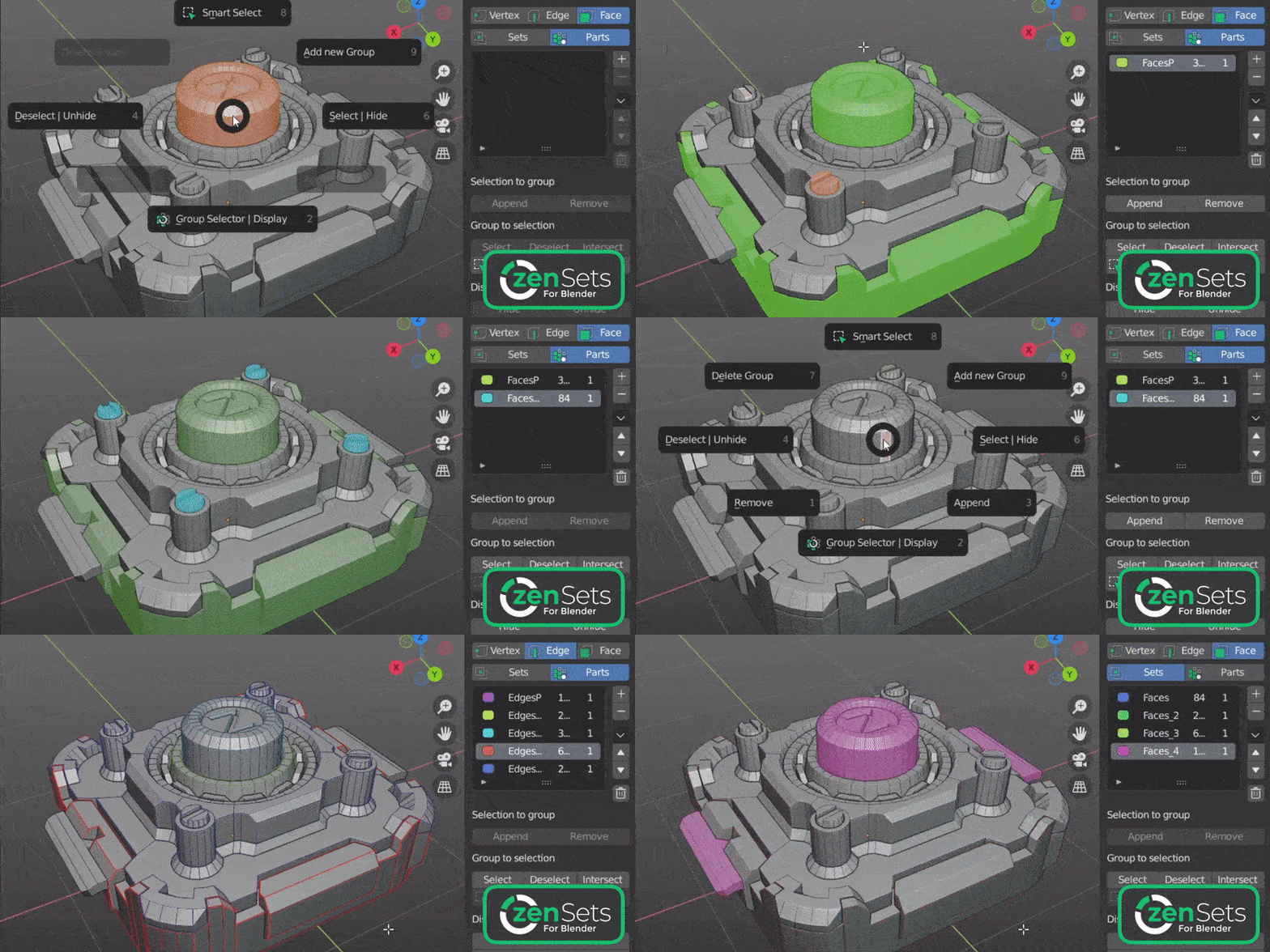
Save complex selections
Store vertices, edges, faces, objects, and collections as named groups you can recall at any time.
02
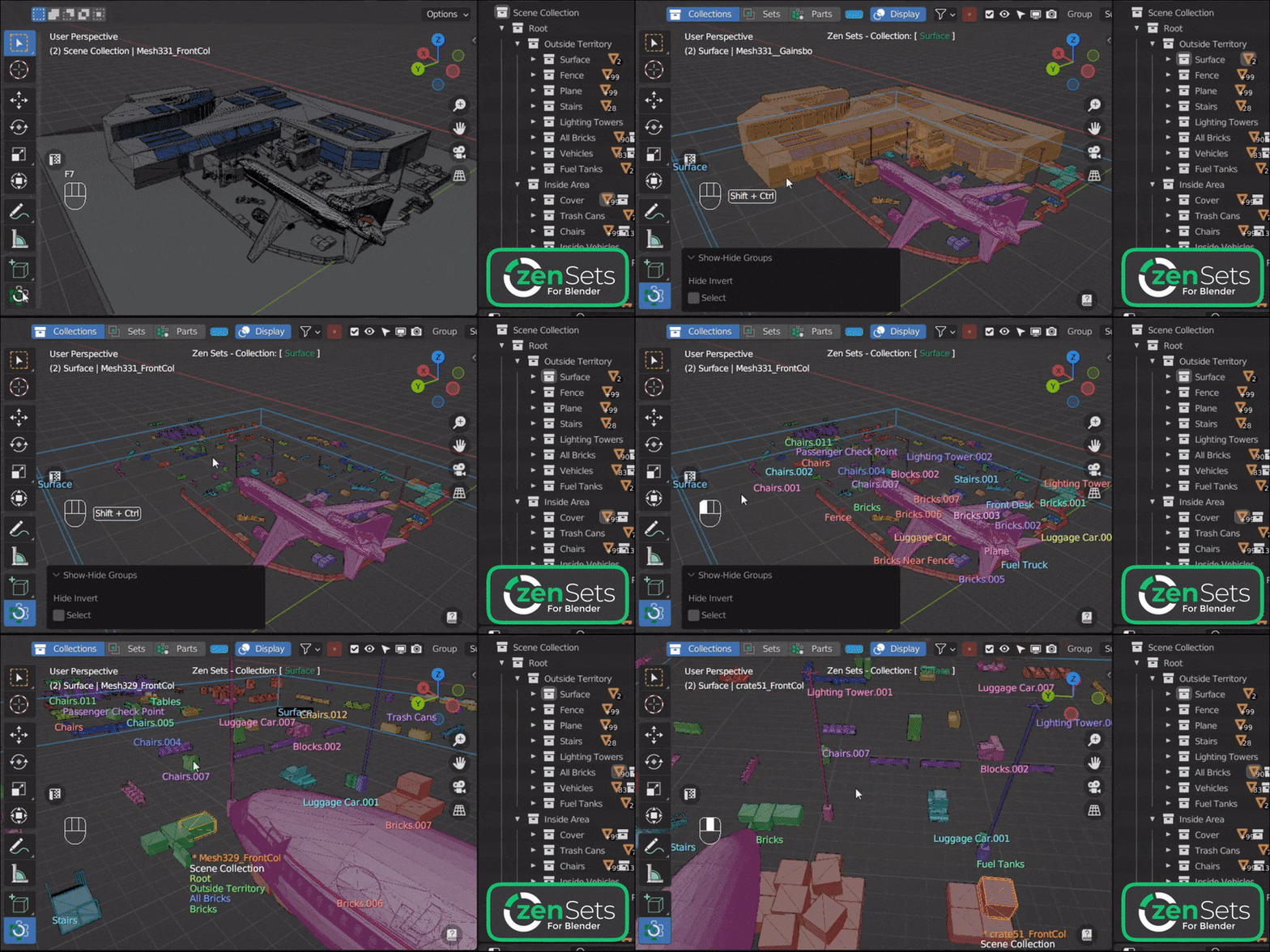
Control large scenes
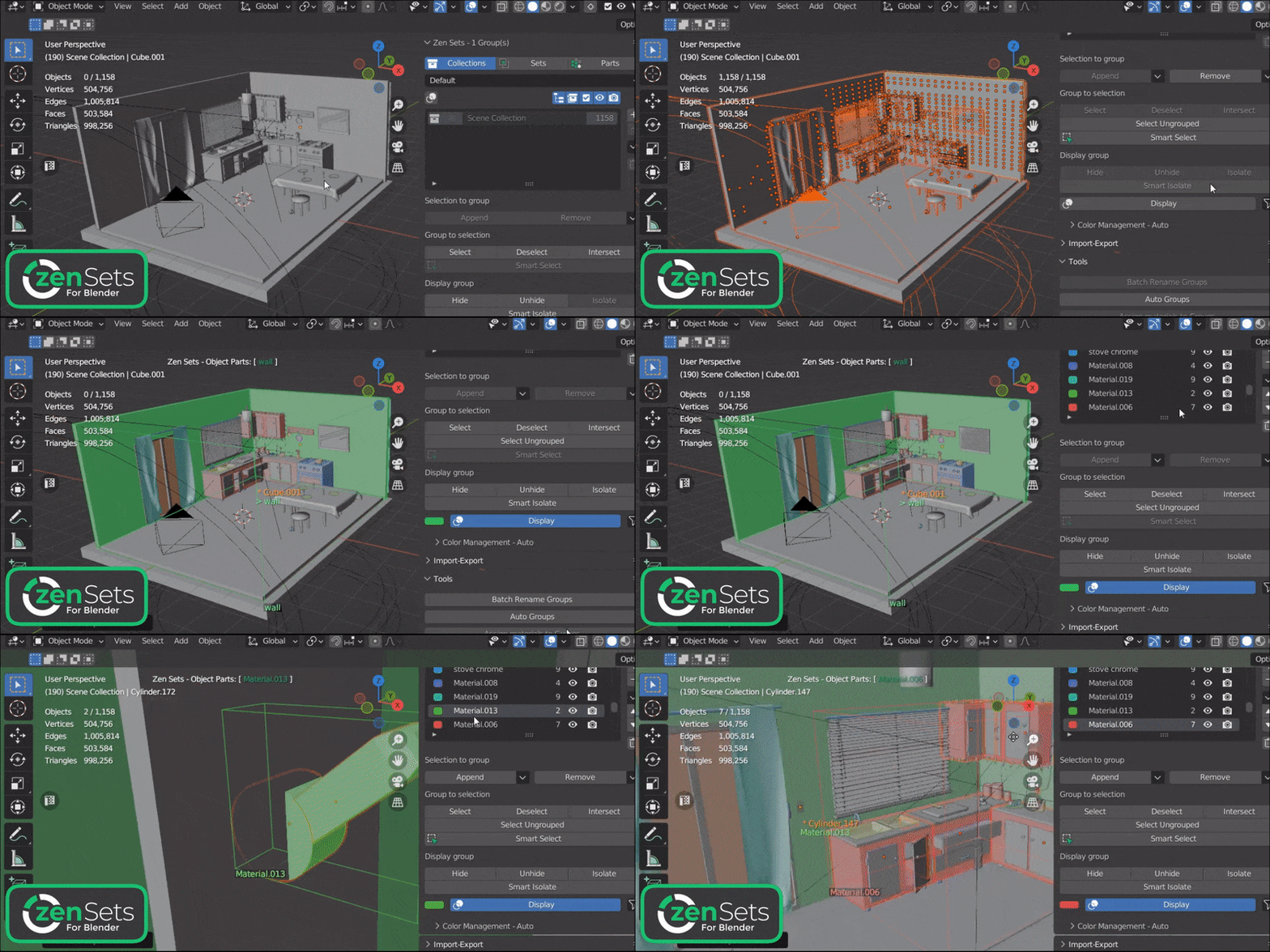
Select, hide, isolate, sort, rename, and restructure groups without fighting the Outliner.
03
Understand structure instantly
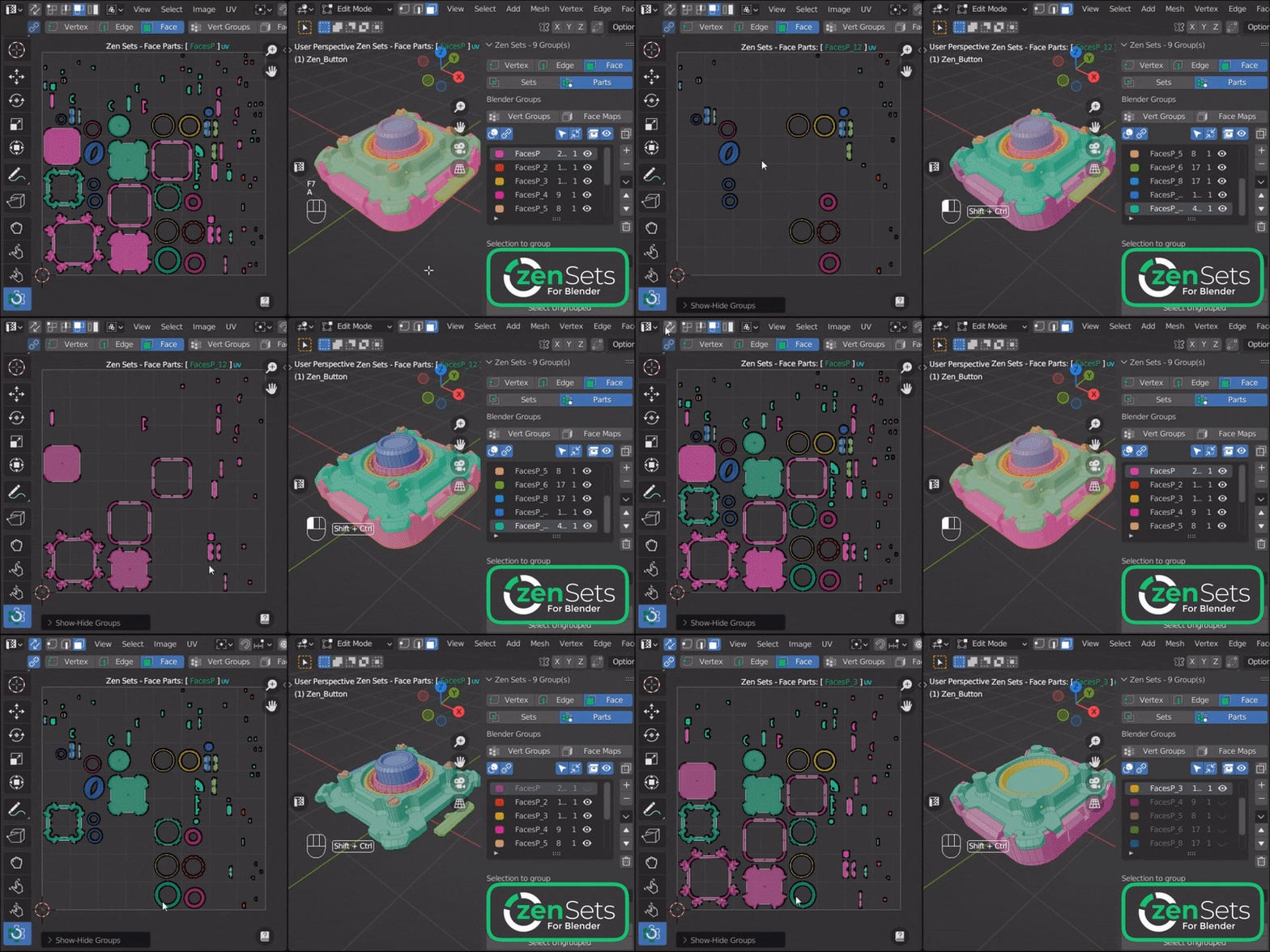
Display groups by color in the 3D Viewport and UV Editor to read complex models at a glance.
Core workflows
A complete organization toolkit
Use Zen Sets at the mesh, object, collection, and pipeline level. Feature names open the corresponding documentation.
Mesh Groups & Selection
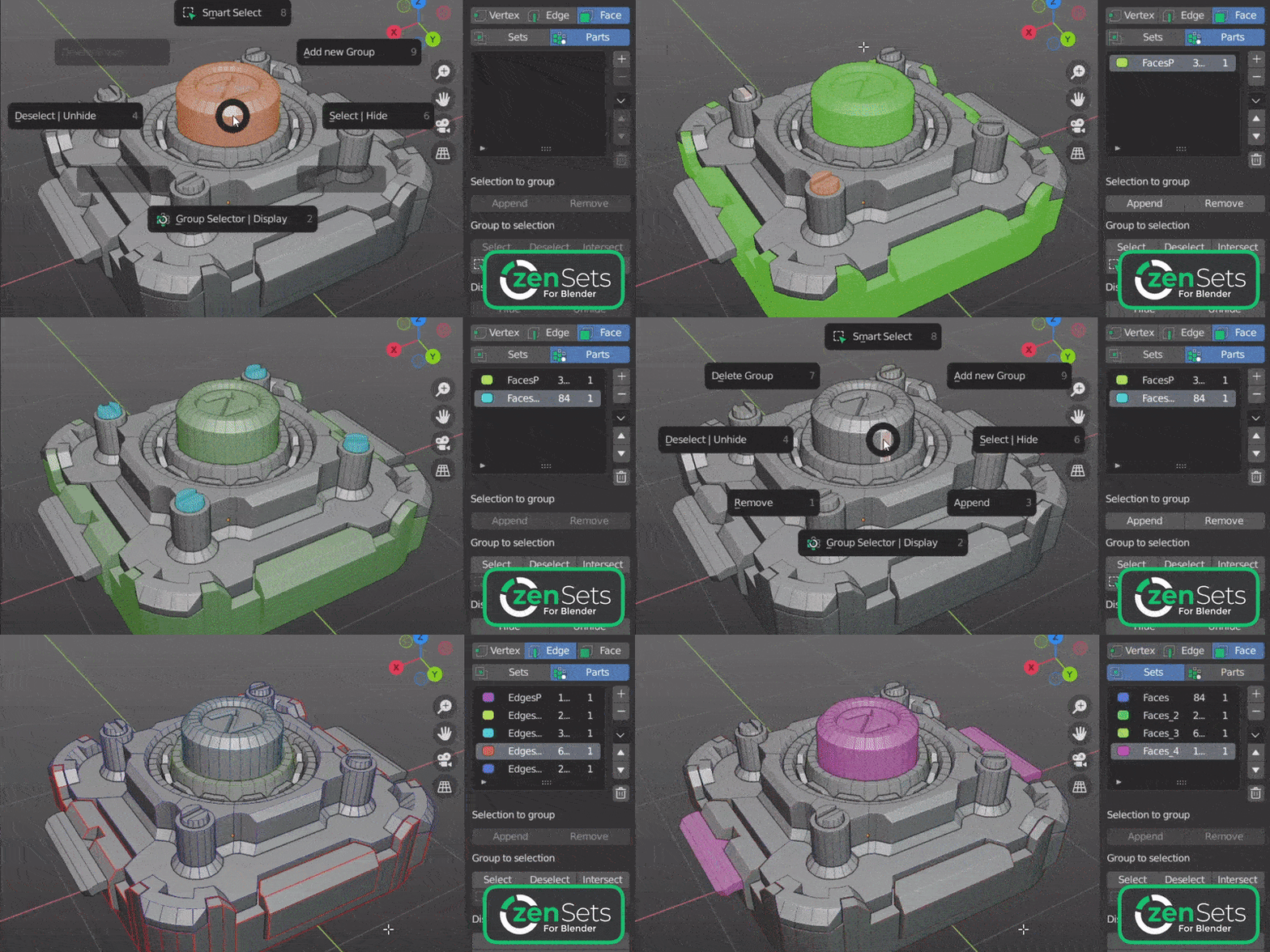
Store selections of vertices, edges, or faces and bring them back without rebuilding them.
Sets Mode · Parts Mode · Vertex / Edge / Face Groups · Vertex Groups & Face Maps · Multi-Object Editing
Objects & Collections
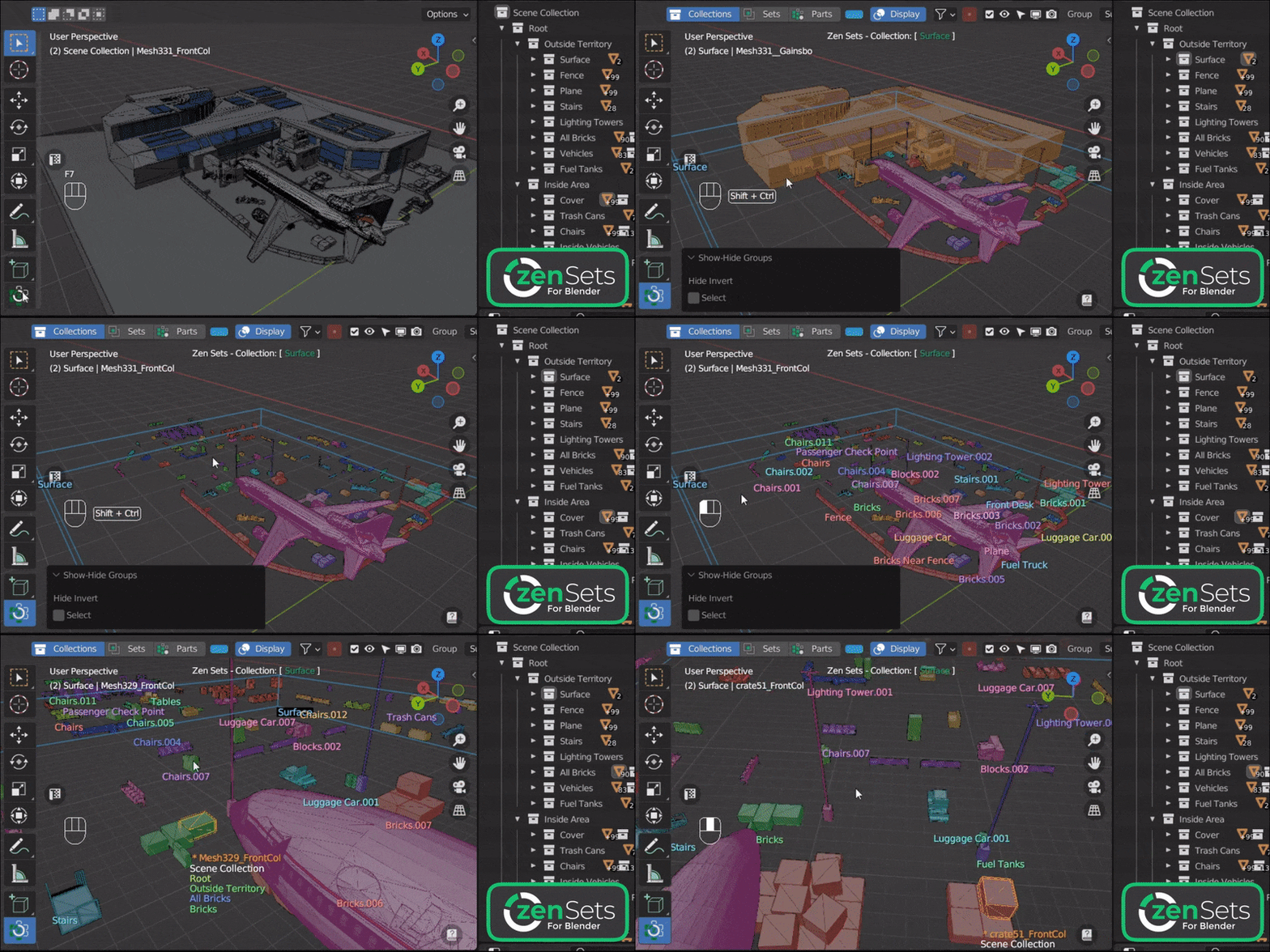
Create flexible object groups or work directly with Blender collections and their hierarchies.
Collections Mode · Object Sets · Object Parts · Objects Panel · Sort Collections · Batch Rename
Display & Interaction
Read group structure visually and work from the panel, Pie Menu, or directly on the model.
N-Panel · Workspace Tool · Group Operators · UV Editor Display · Smart Select
Automation & Conversion
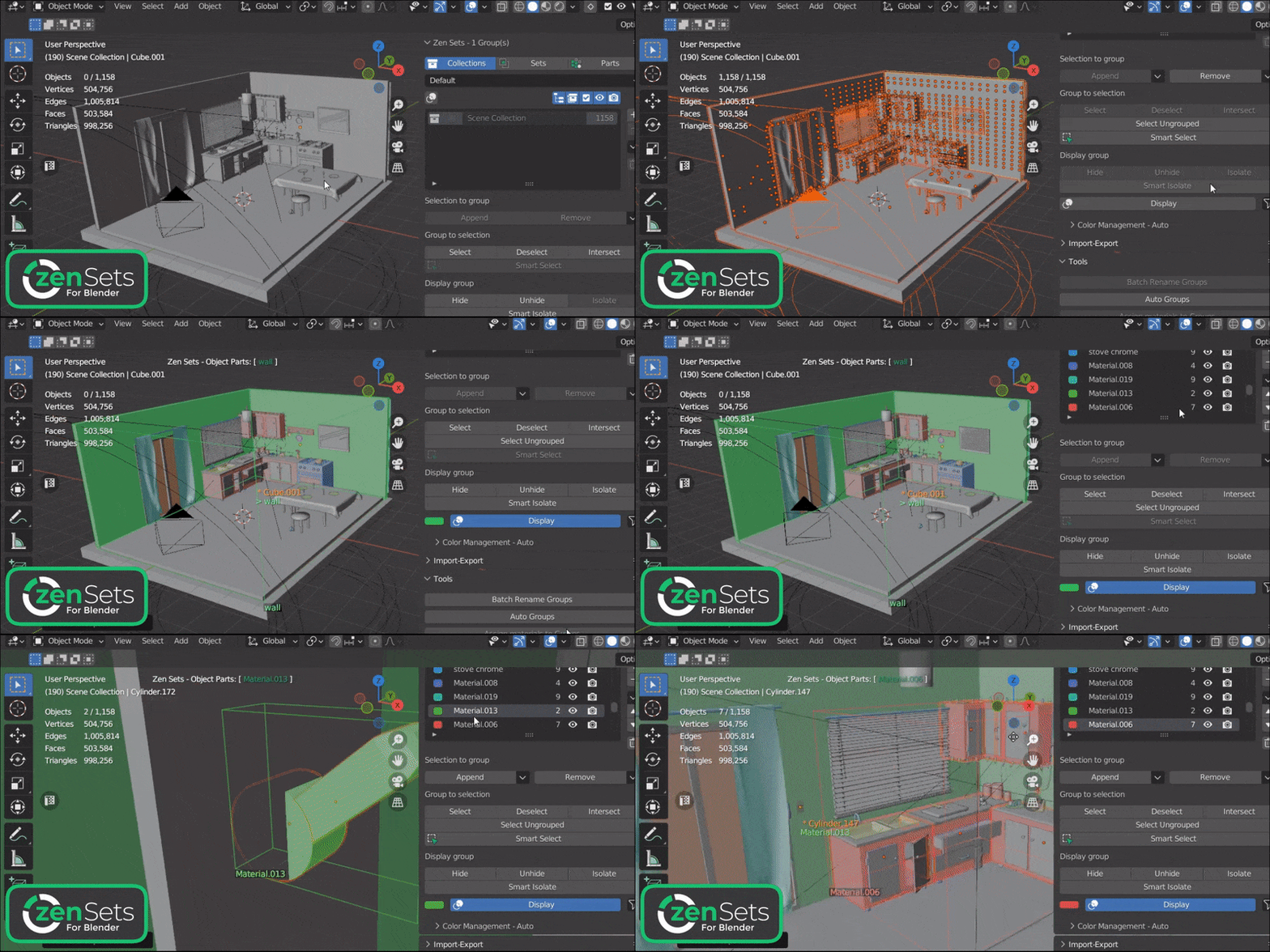
Build groups automatically, convert data between systems, and turn groups into useful scene structures.
Auto Groups · Create Objects from Groups · Assign Materials · Join Objects with Groups · Import / Export
Pipeline & Advanced Tools
Carry group data into procedural, sculpting, and custom production workflows.
Geometry Nodes · Sculpt Masks · Clipboard Transfer · Object / Collection Conversion · Zen Sets API
Latest Updates
See the Zen Sets 2.3 Geometry Nodes workflow, Blender integration, and other major improvements in action.
Help and resources
Explore tutorials and release notes, install Zen Sets, browse the complete manual, or get help from the support forum.
YouTube Playlist
Watch feature overviews, release videos, and workflow demonstrations.
Main Features Guide
Understand Sets, Parts, Collections, Object Groups, and the visual display system.
Full Changelog
Browse the complete history of new features, improvements, compatibility updates, and fixes.
Installation
Install or update Zen Sets and confirm that the add-on is ready in Blender.
Documentation
Browse every mode, operator, setting, and workflow in the Zen Sets manual.
Support
Find answers, report issues, and get help from the Zen Masters support forum.
Looking for tools that work well alongside Zen Sets? See the Zen Masters team's recommended add-ons.