 Mark Kingsnorth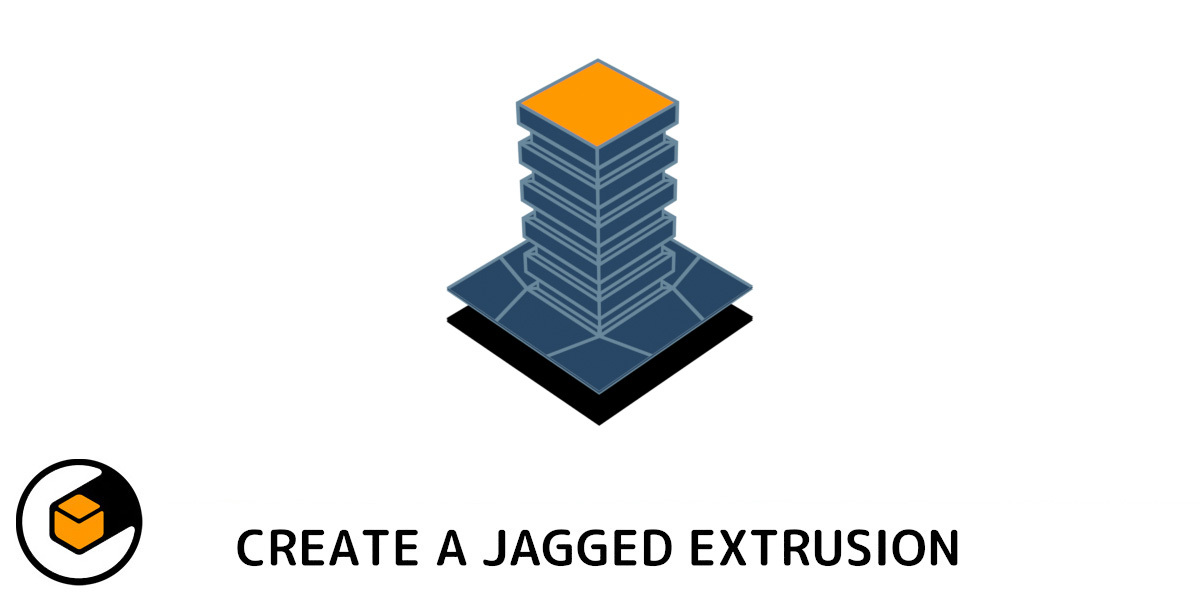

 |
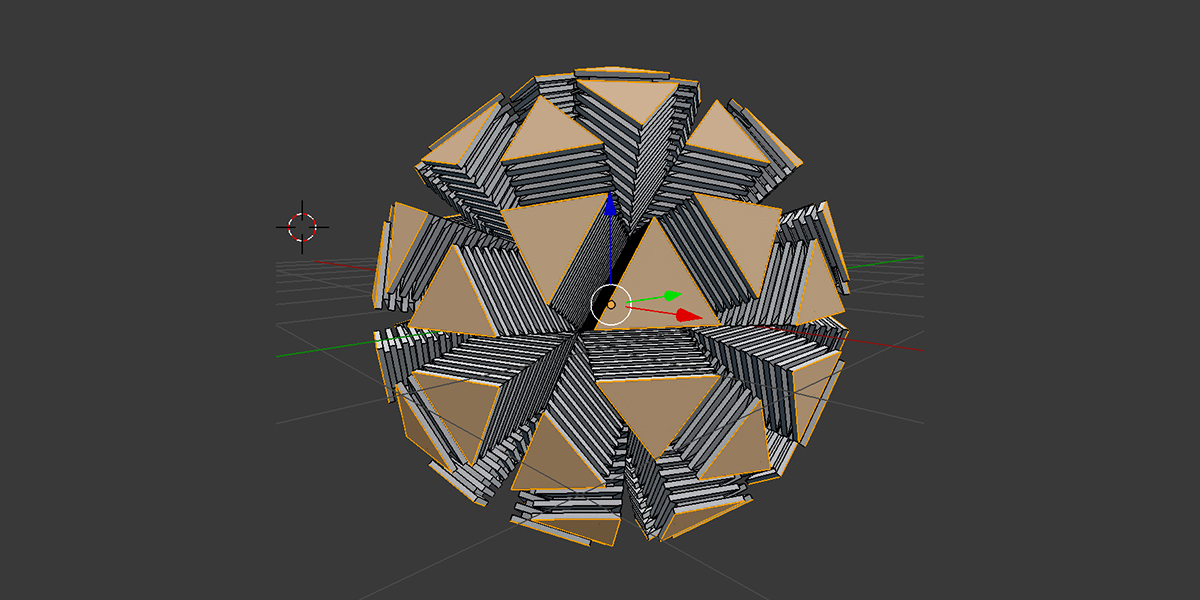
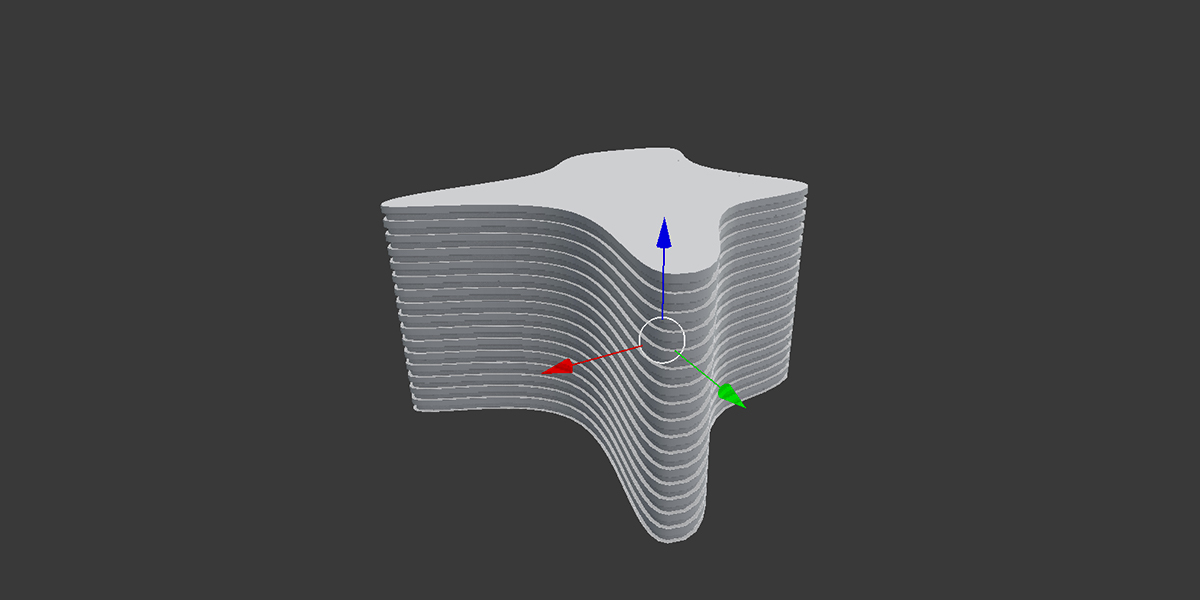
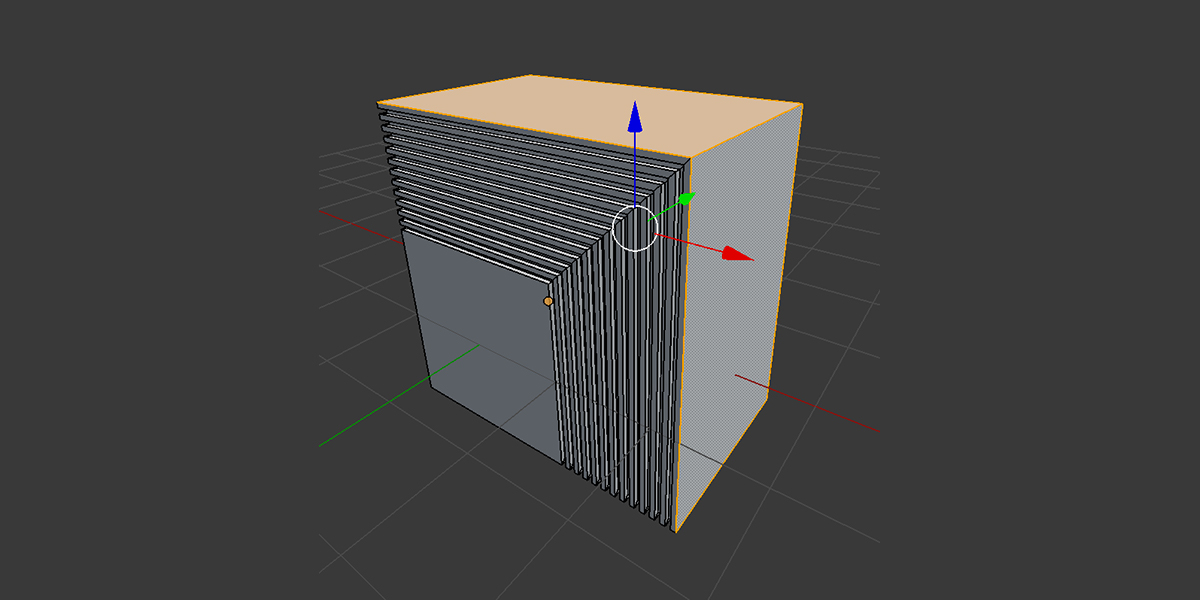
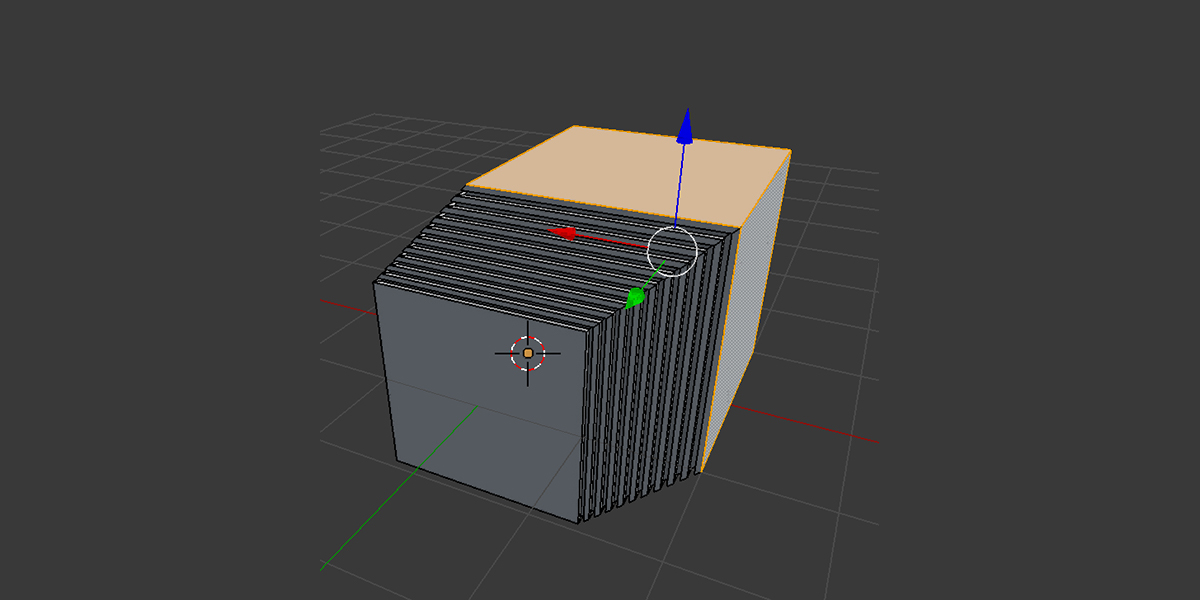
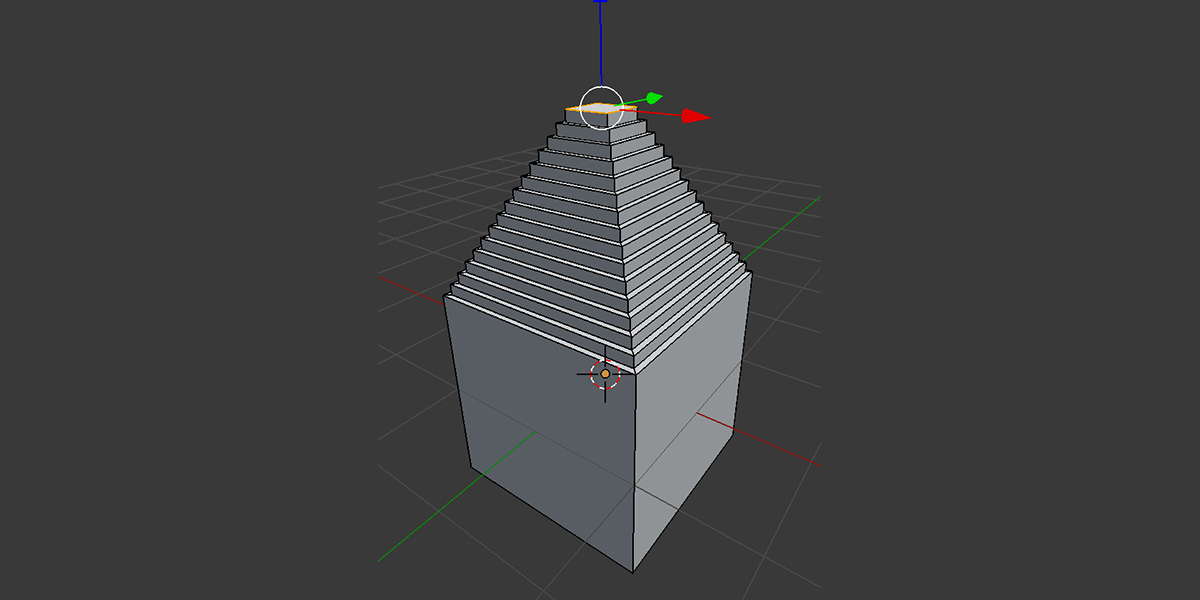
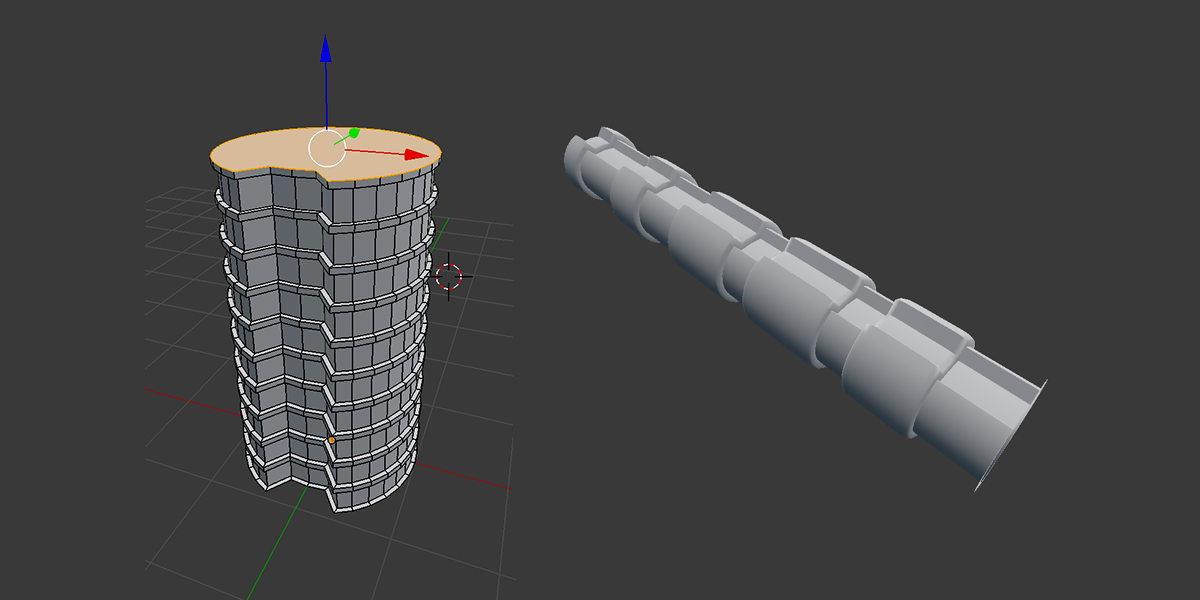
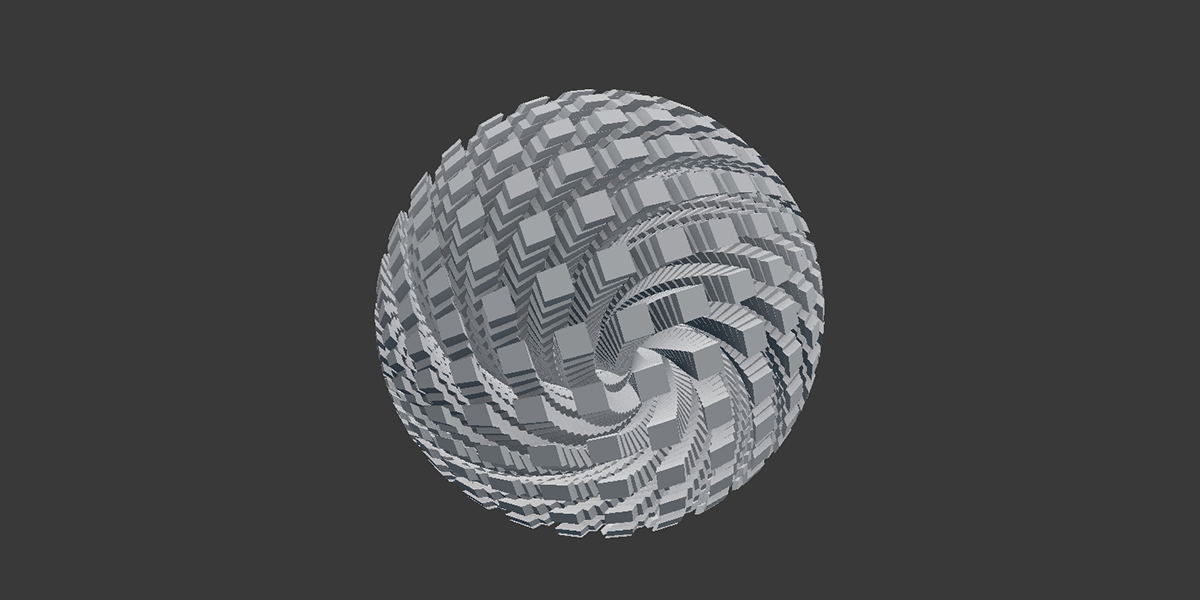
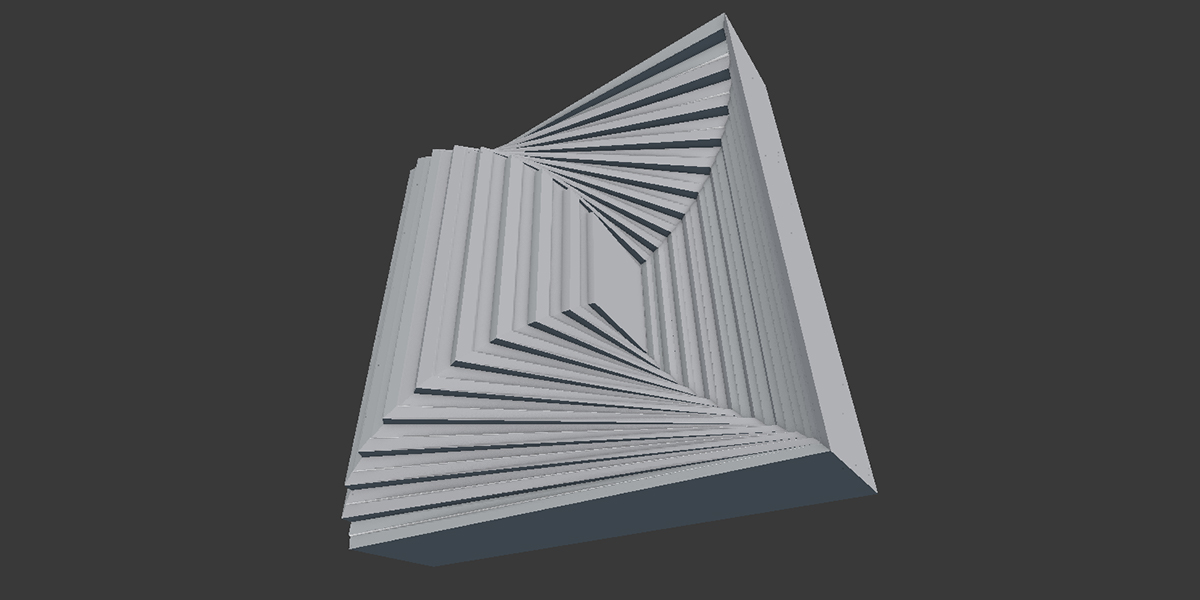
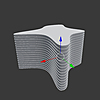
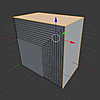
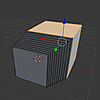
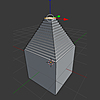
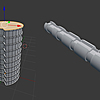
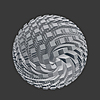
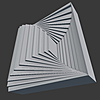
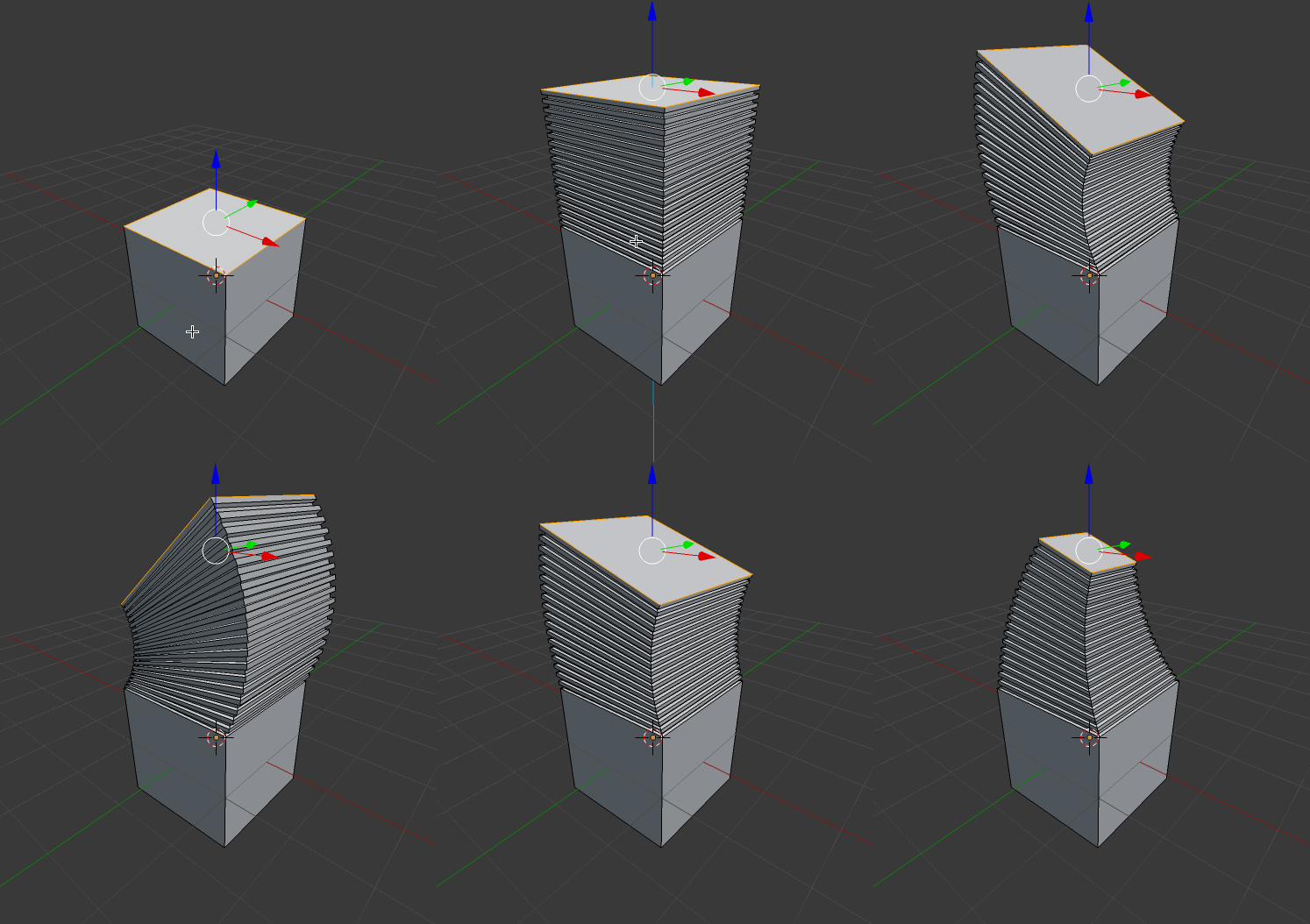
Create a jagged extrusion effect that is useful for quickly creating piping, steps, ribbed patterns or more abstract effects. You can also bend and move the extrusion.
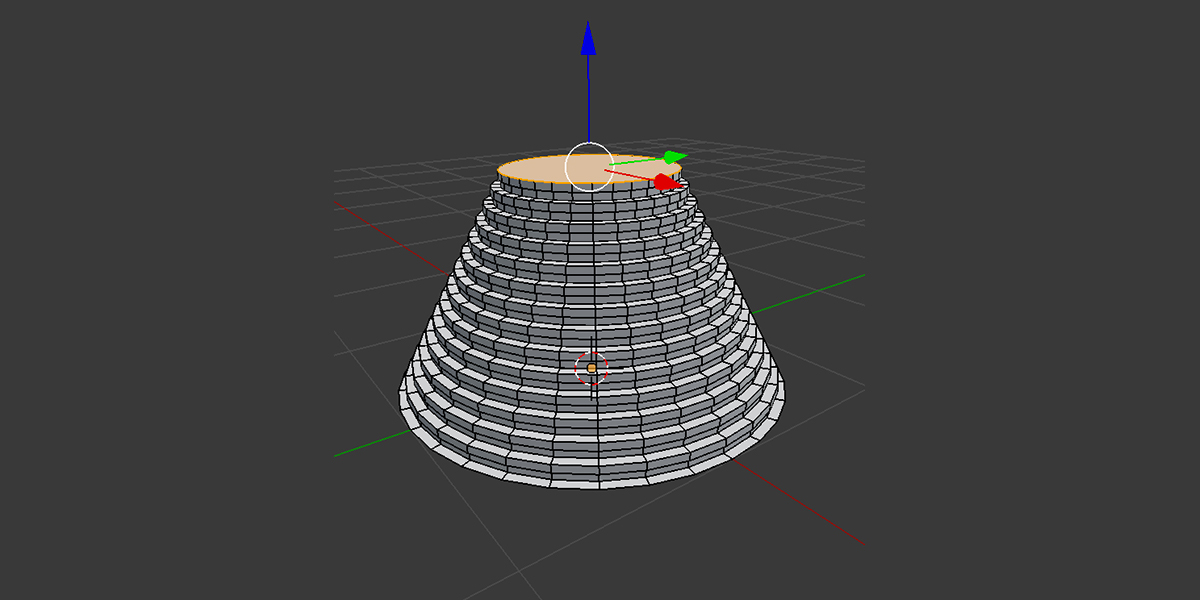
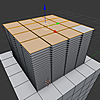
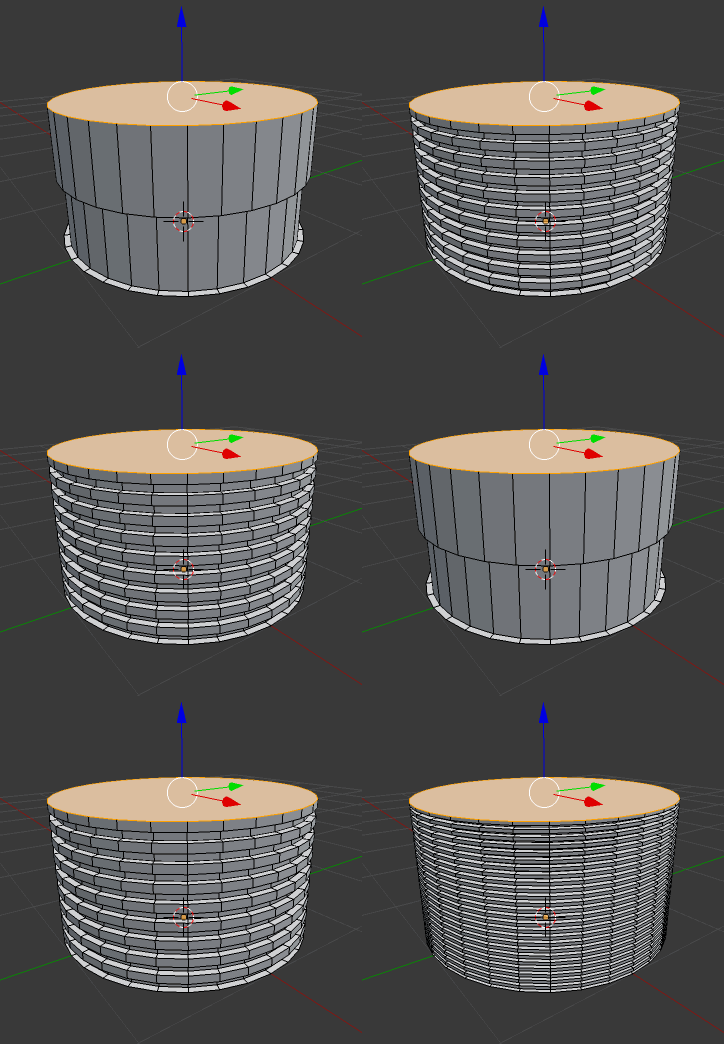
You can create pipes from different mesh shapes, e.g. circular edges:
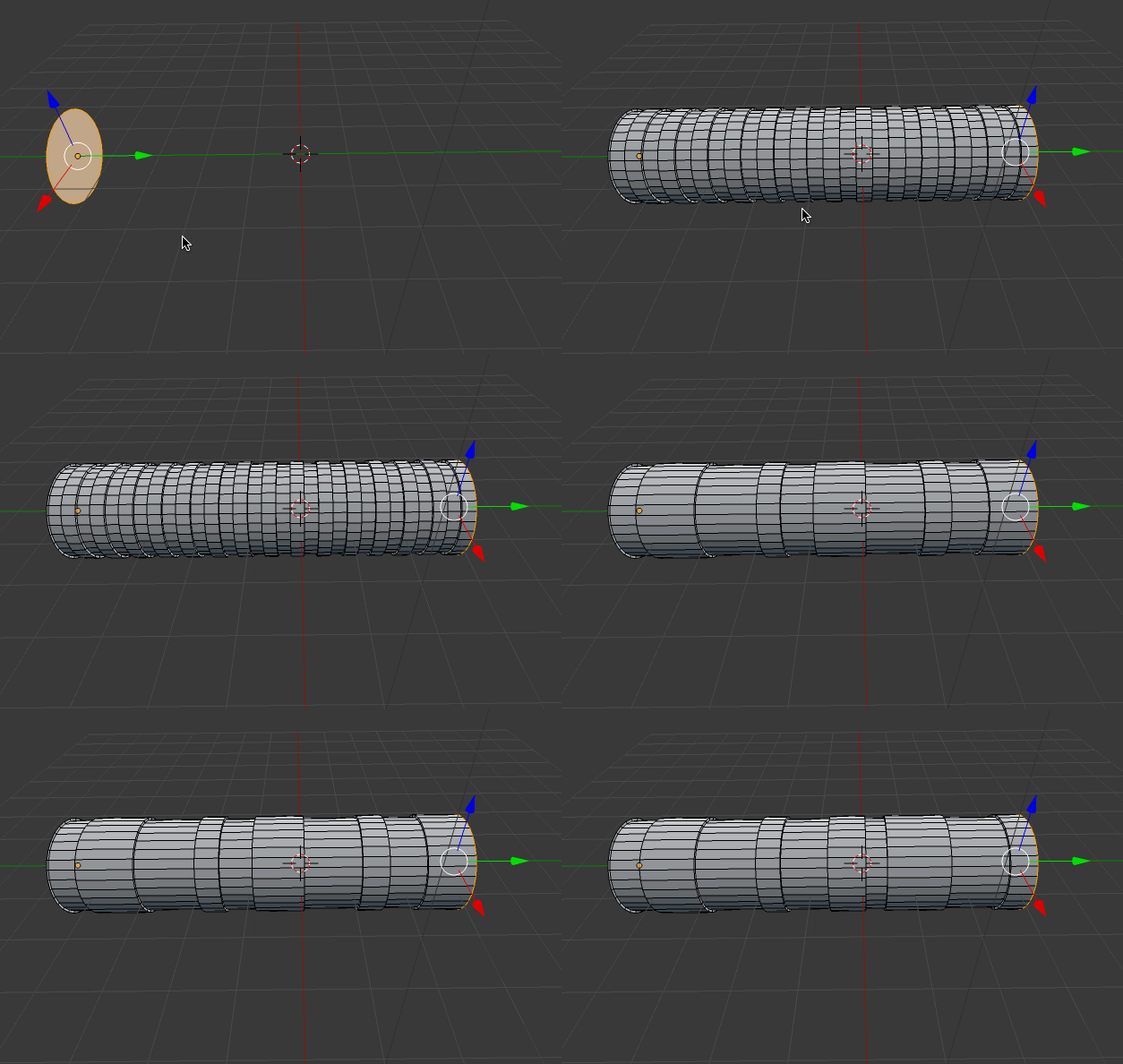
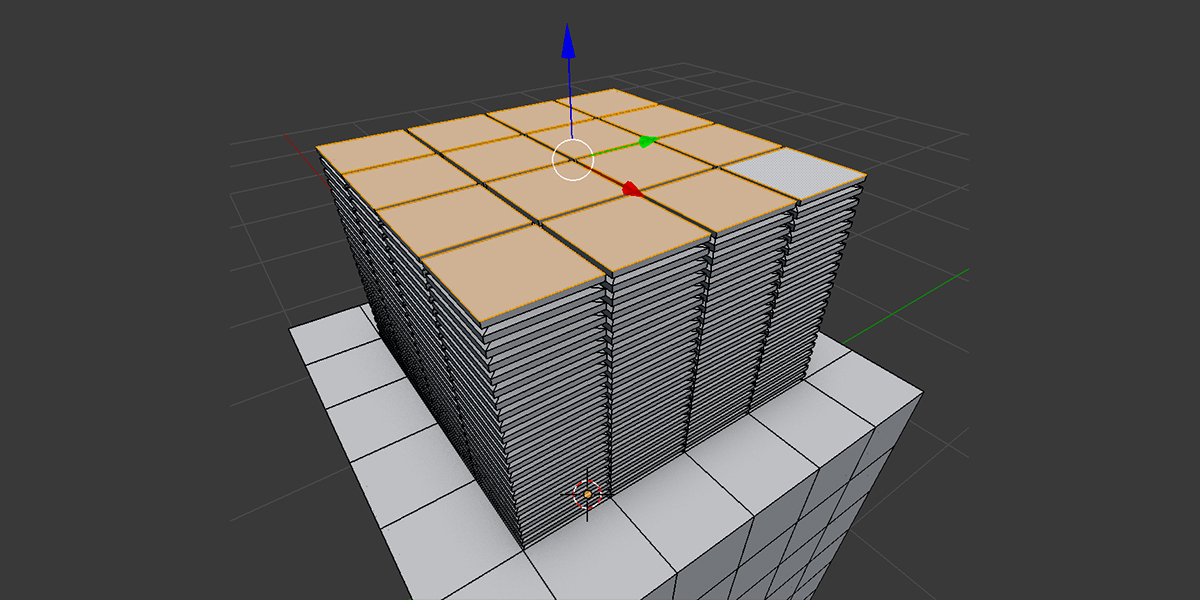
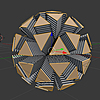
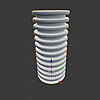
You can control the number of steps to the extrusion:
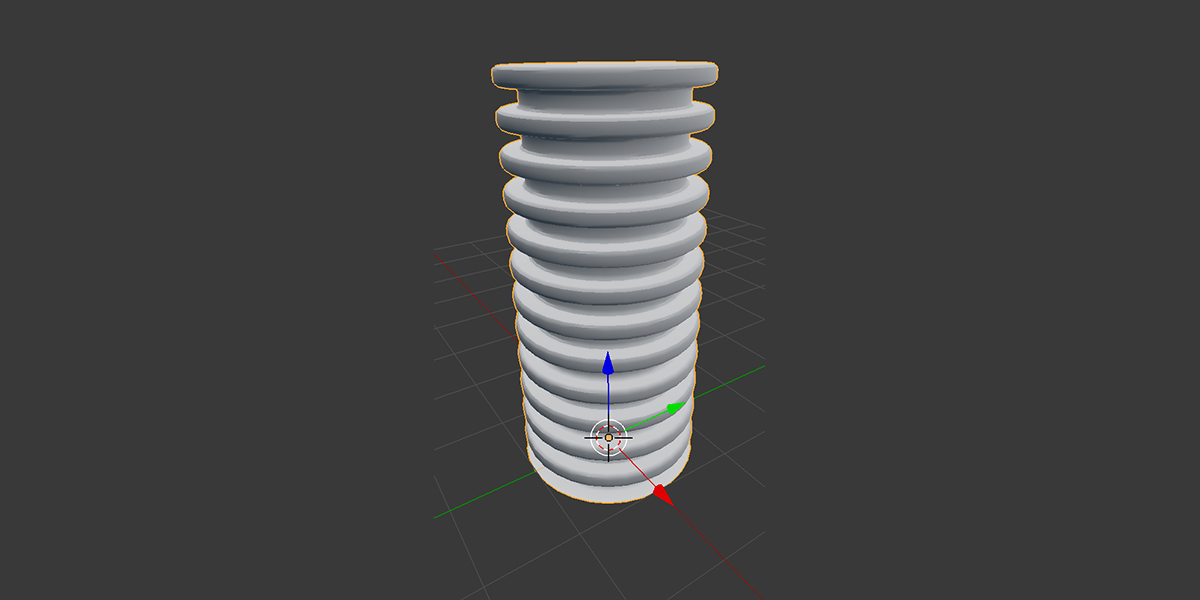
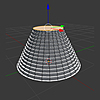
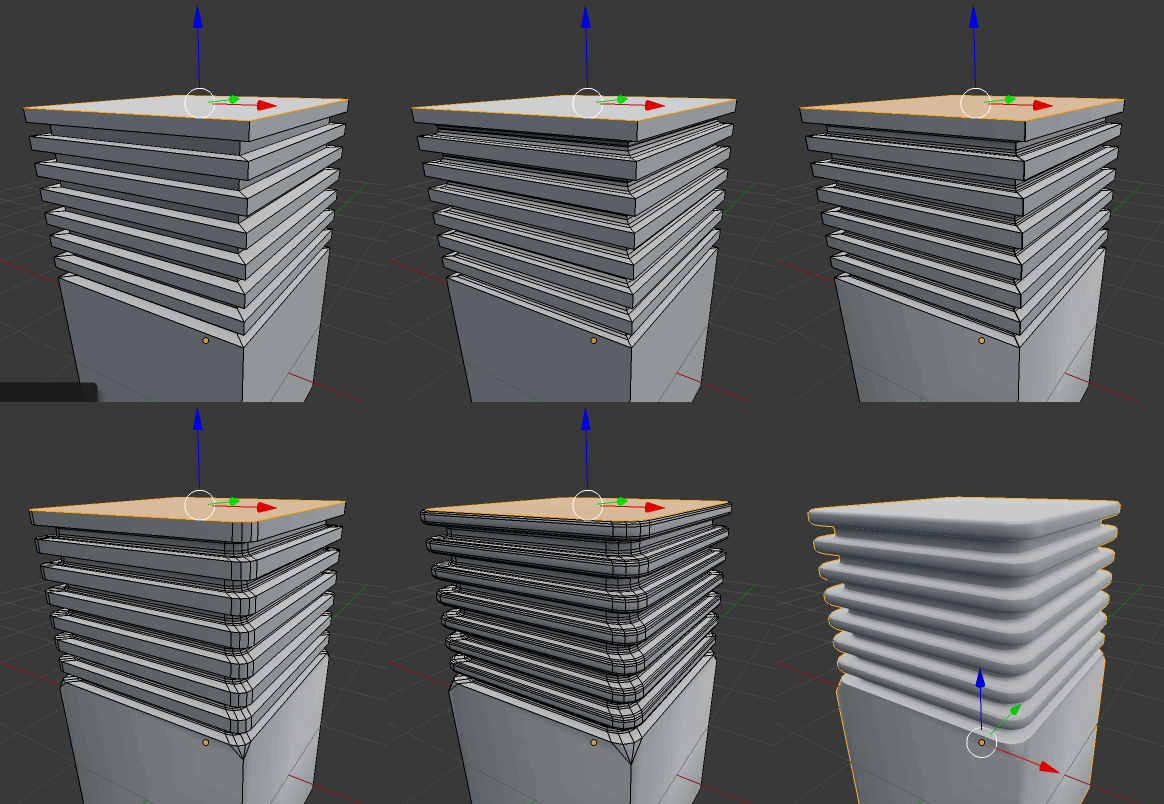
You can bevel the insides and corners of the extrusion for smoother effects:
More features:
- Works on one or more selected faces.
- Control the number of steps in the extrusion, the depth and thickness of the cuts to give you a variety of effects.
- Ability to add some randomness to the step thickness to give varied effects.
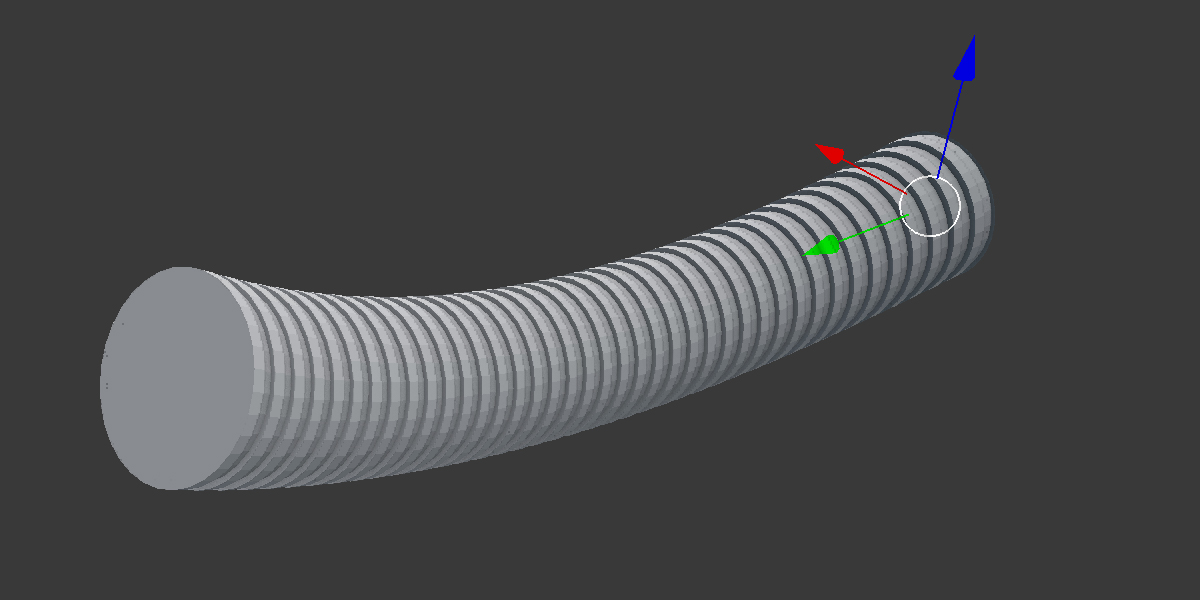
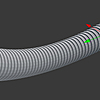
- Taper, transform or rotate the extrusion to give bendable effects - can also be used with the proportional editing tools.
- Add bevels to the steps to create smoother pipe-like shapes.
- Can be used on tris, quads or n-gon faces.
- Choose to extrude selected faces as a region or extrude each selected face individually.
- Combine with Blender's Path Deform modifier to create intricate piping.
If you have any questions or issues with the add-on, don't hesitate to contact me through Blender Market or my Twitter page @markkingsnorth.
You may also like....
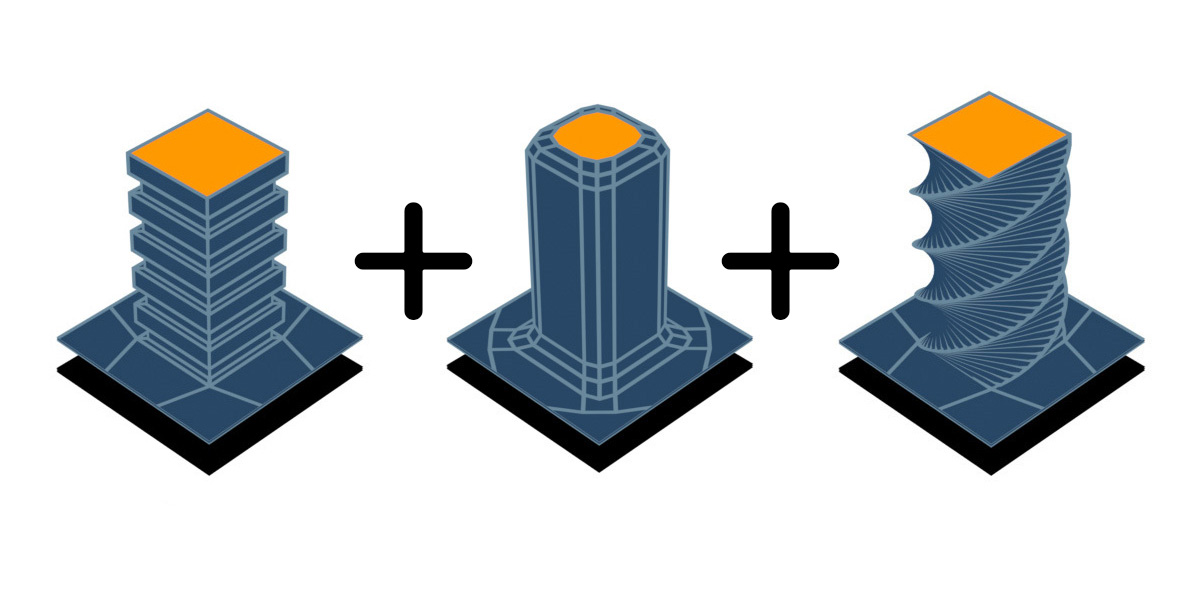
- Bevelled Extrude: Create extrusion effects that have configurable bevel effects on the base, corners and tops.
- Twisted Extrude: Create a twisted extrusion effect that is useful for quickly creating curled geometry like pipes, tendrils, or more abstract effects.