Cinematic Blender Car Studio | Studio A
 ZRA Performance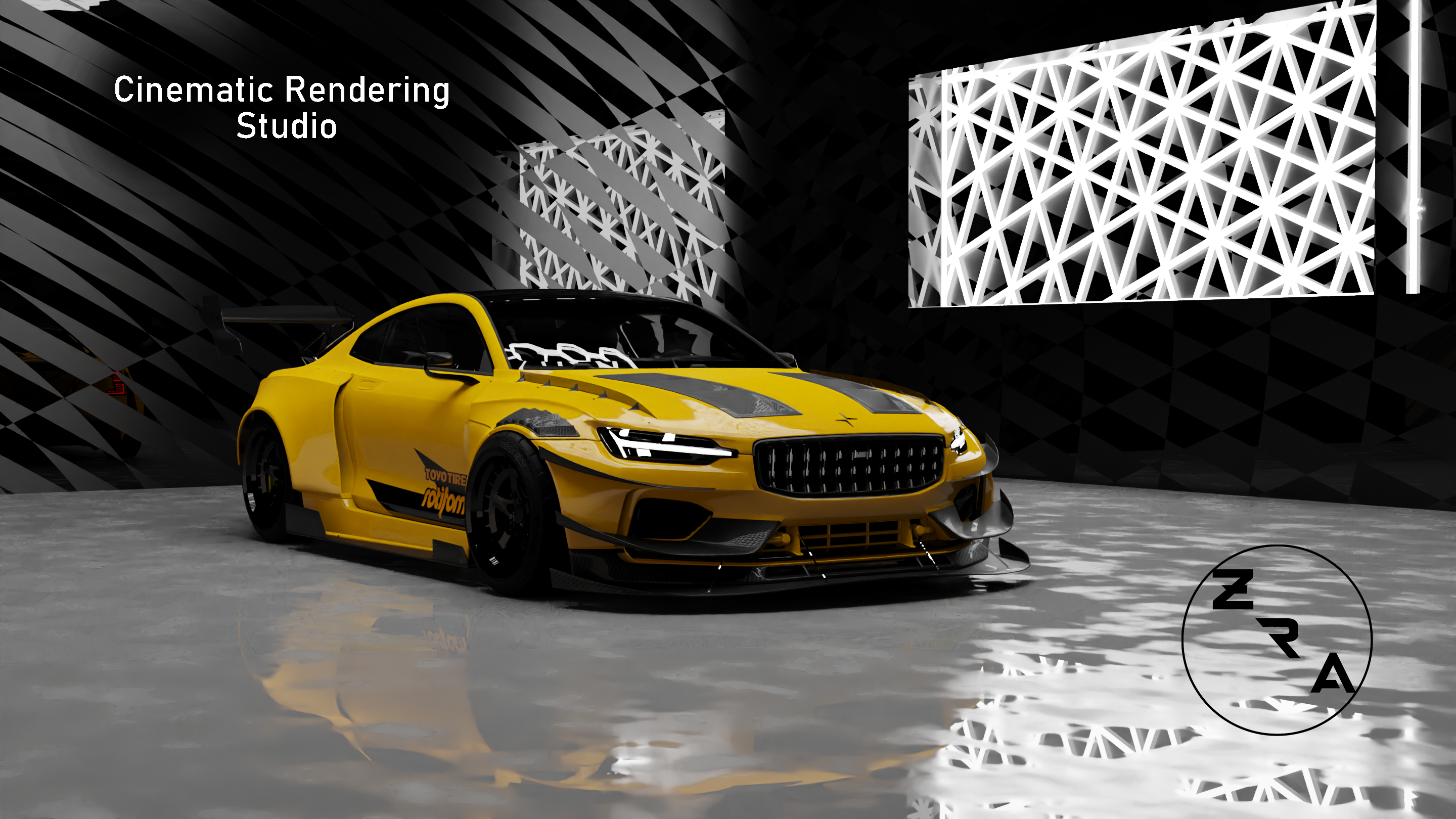
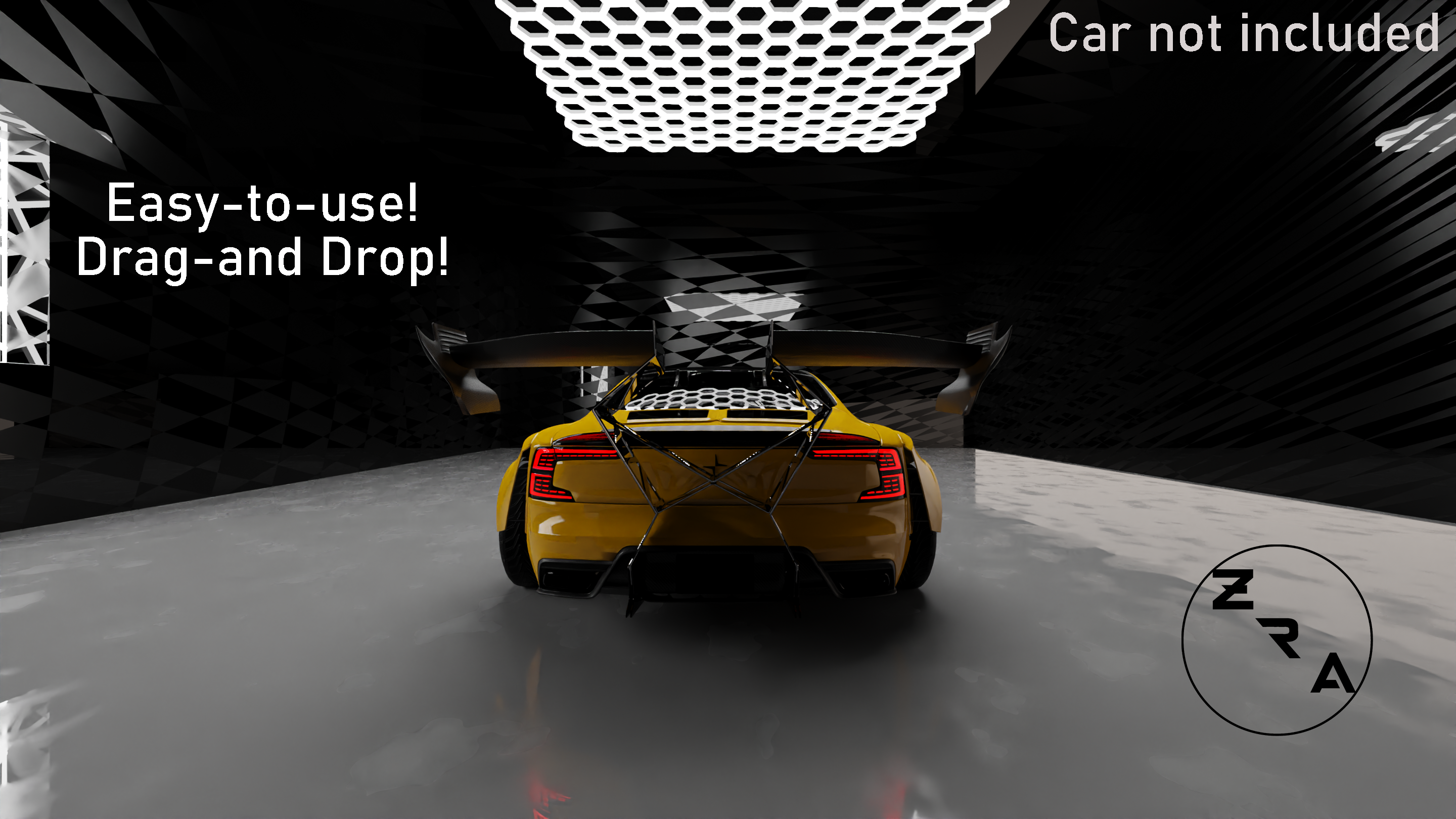
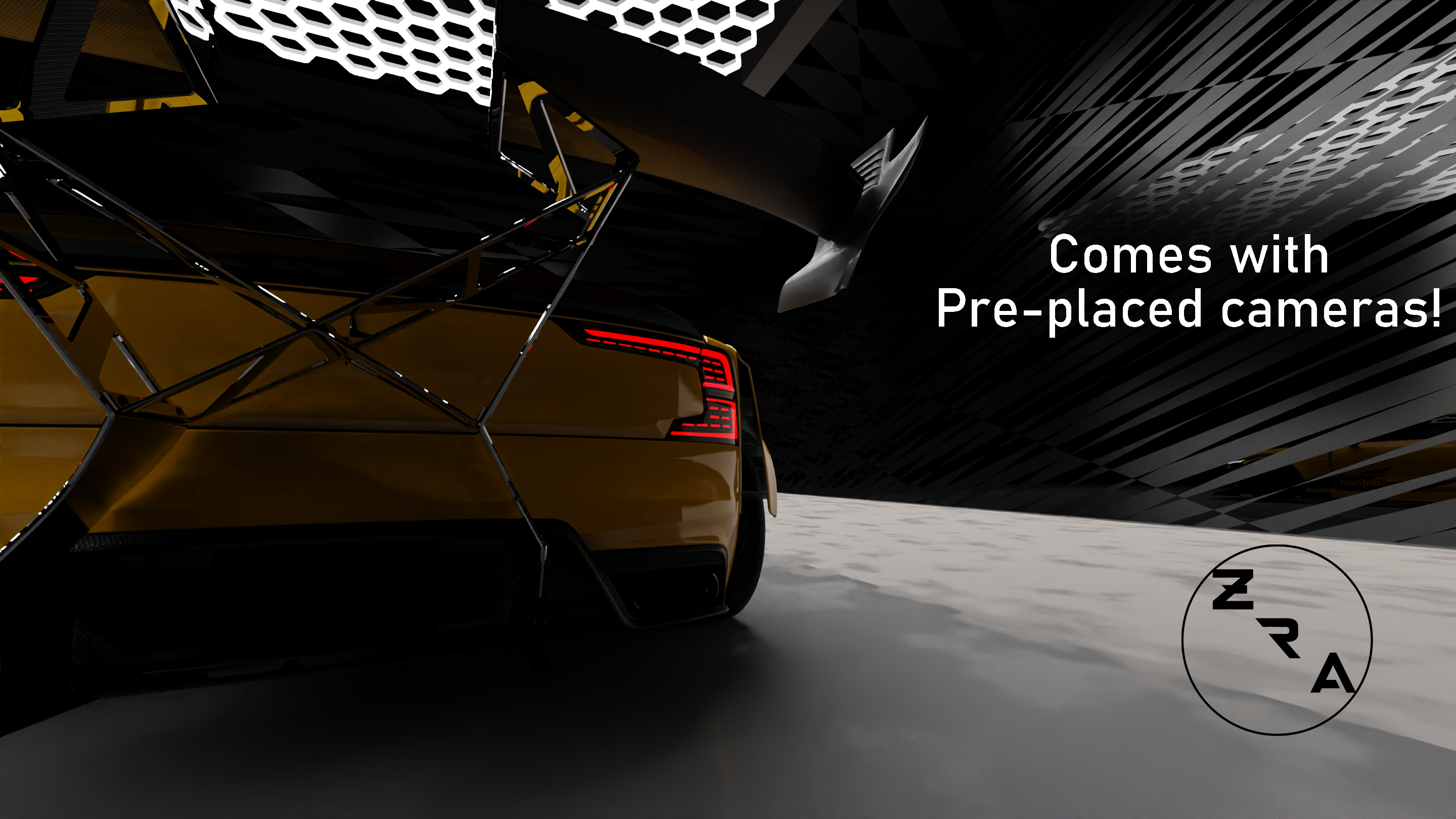
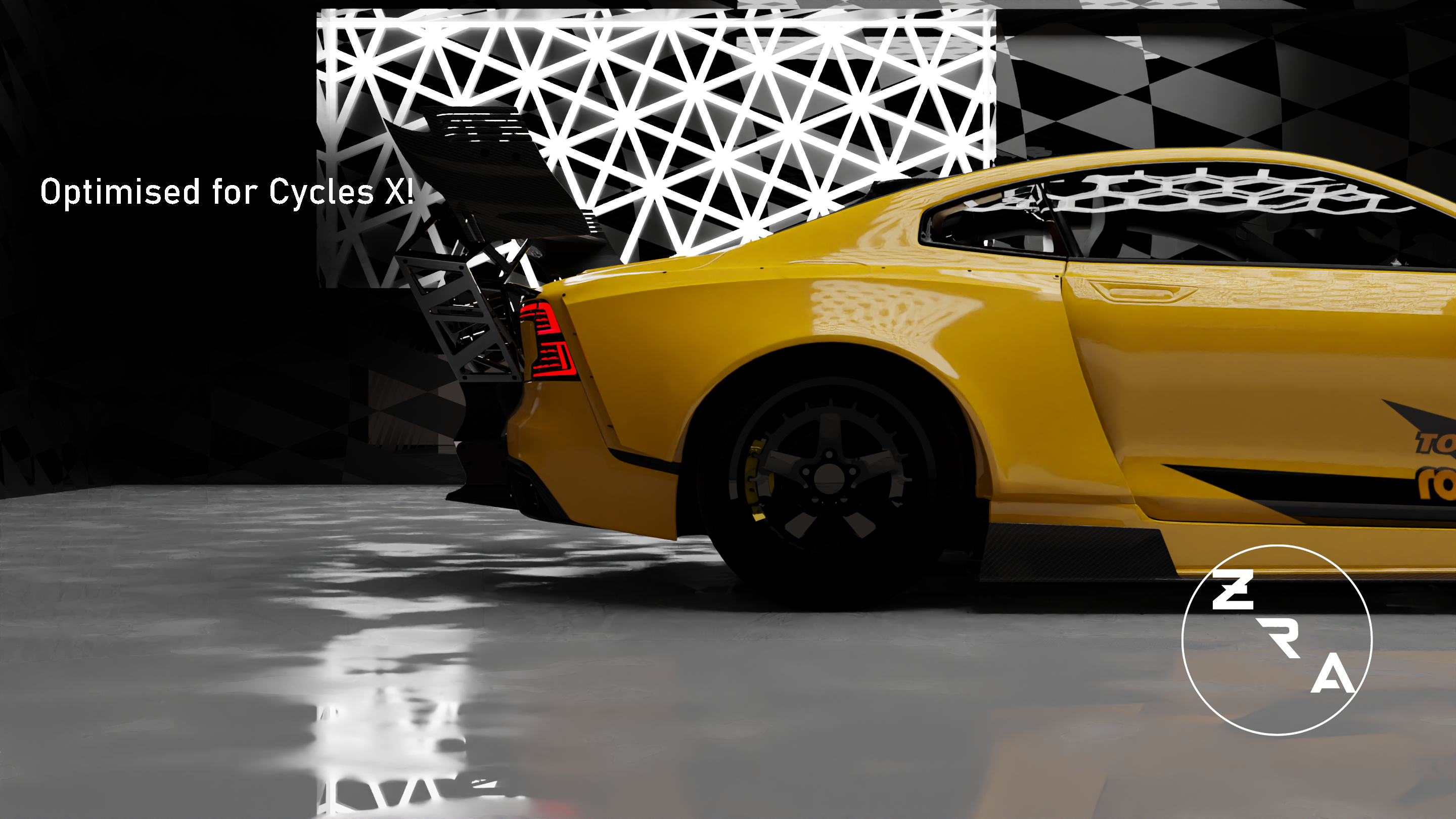
1) Load up a fresh/existing .blend file, and link or append this into your current scene! Or import the .exr file as the environment.
2) Scale your car to the boundaries using the 'S' key.
3) Click on a camera and use 'Ctrl + 0' to go to that camera's view
4) Click 'F12' to render out your image.
5) Save and enjoy! Feel free to edit and upload it!
-
$9.99
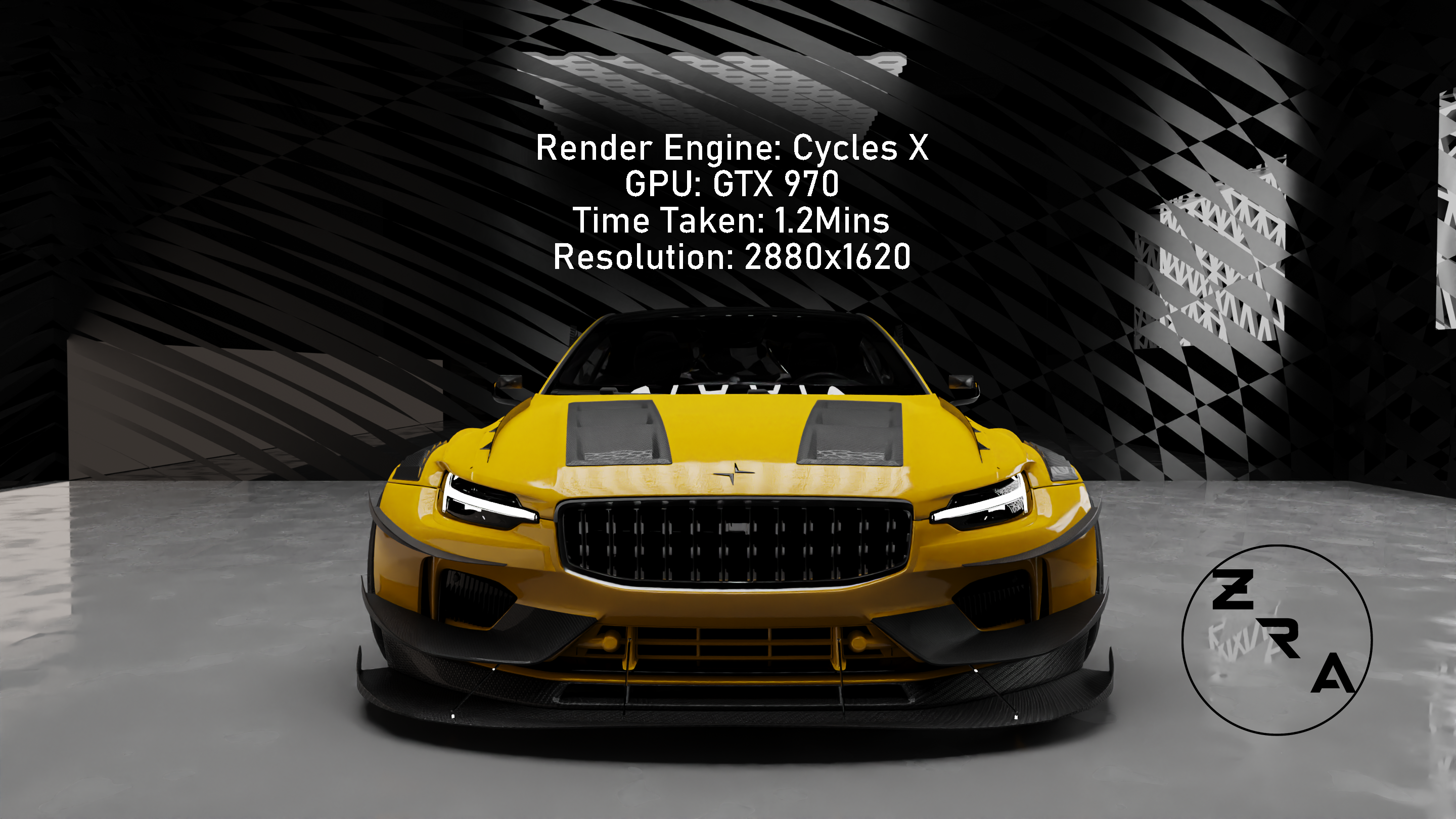
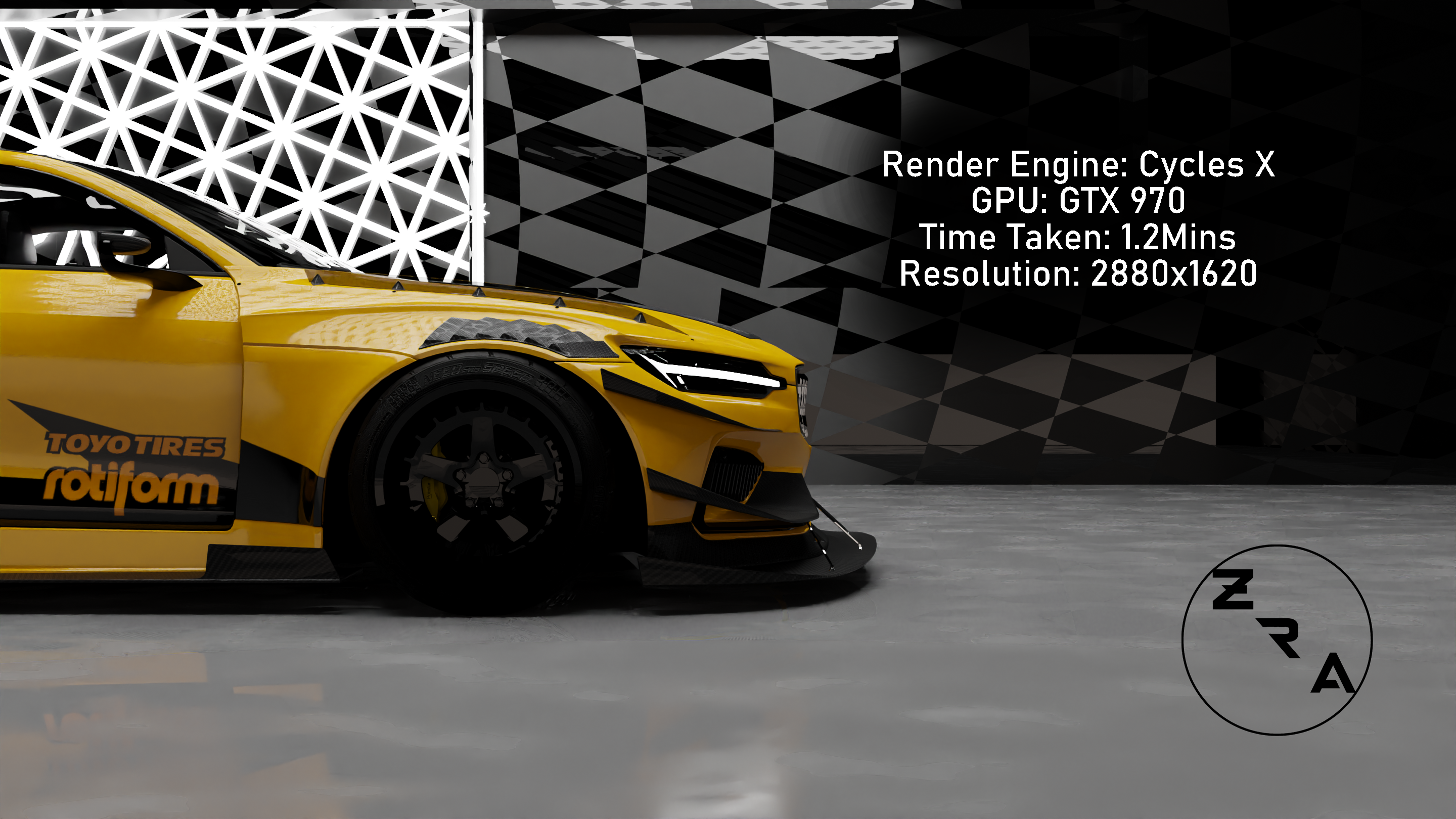
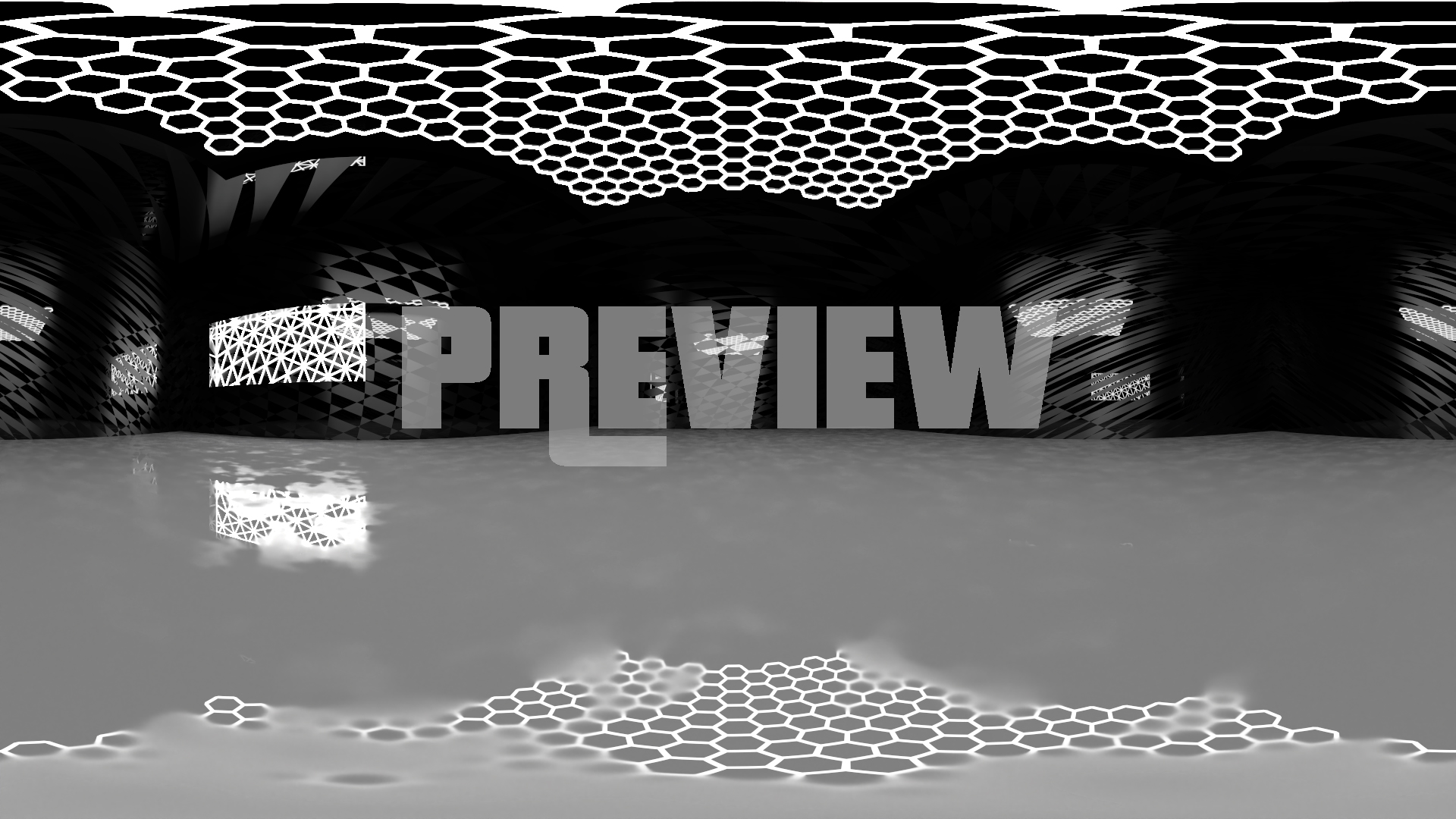
16K Res HDRi Lighting of the studio only. Also includes 8K, 4K, 2K .exr files. Gives you great lighting and works in all software.
-
$14.99
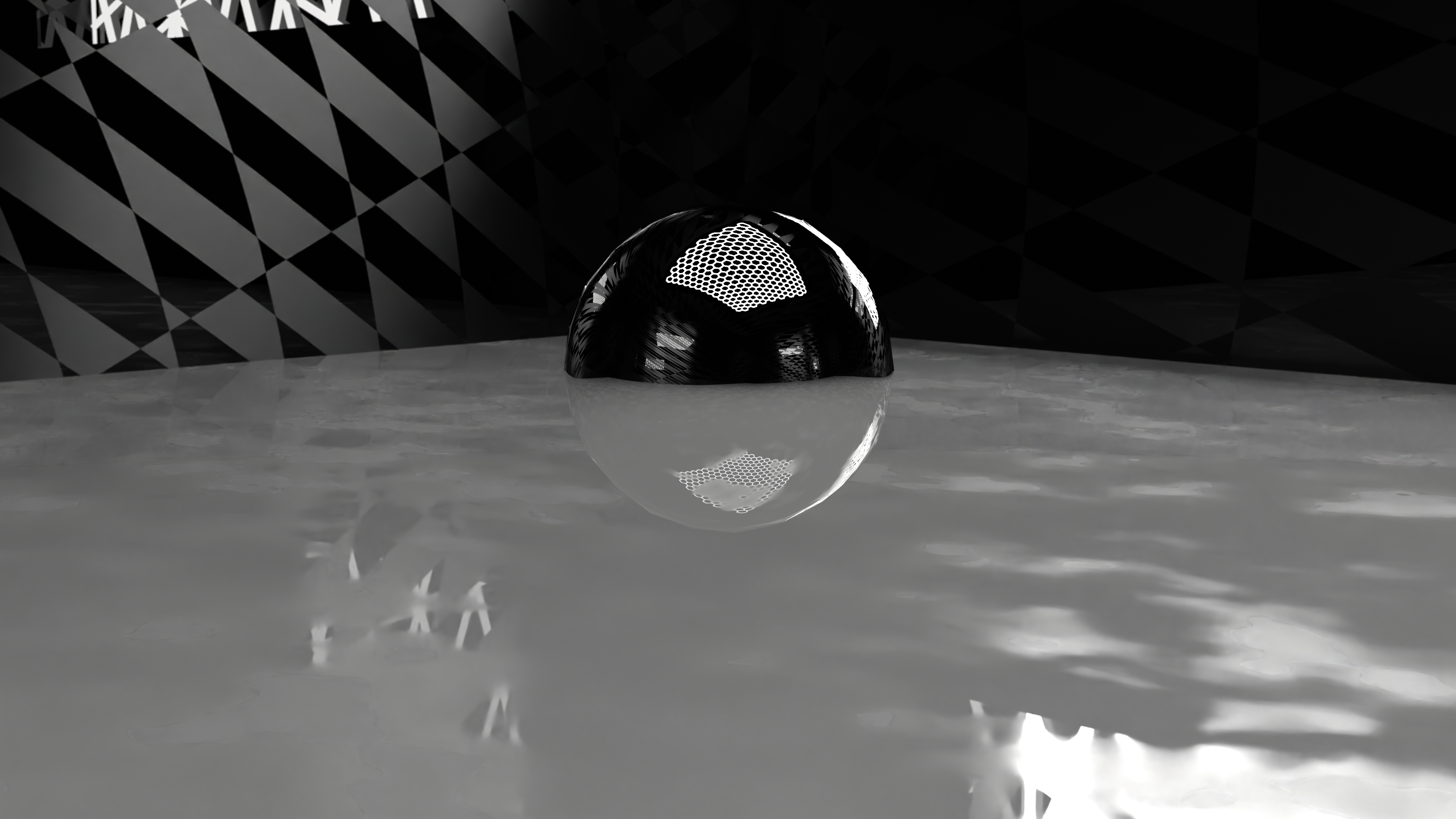
3D Model version of the studio only, made in Blender 3.0. Comes with the pre-placed cameras, procedural materials etc. Works in blender only as it has procedural materials.
-
$19.99
Contains 16K, 8K, 4K, 2K .exr files (360 HDRi set), and the 3D model as a .blend file with procedural materials and pre-placed cameras. HDRi's can be used in any 3D software, the .blend file for Blender 3.0+
Have questions about this product?
Login to message
| Published | over 3 years ago |
| Blender Version | 3.4, 3.3, 3.2, 3.1, 3.0 |
| License | Royalty Free |

Discover more products like this
automotive 3dinterior 3d-light 3drender spring24 3D Design car automotive lighting Studio best procedural 3d artistic rendering blender procedural